
 15
15presentation
UFO Day Alien Encounter Deck
Build a bold cosmic story with this UFO Day alien encounter deck, featuring surreal green-and-black layouts for PowerPoint and Google Slides events.
Google SlidesPowerPoint
presentation · English
Plan practical faculty learning with a retro STEM teacher training deck featuring colorful activity layouts for PowerPoint and Google Slides.

Design notes
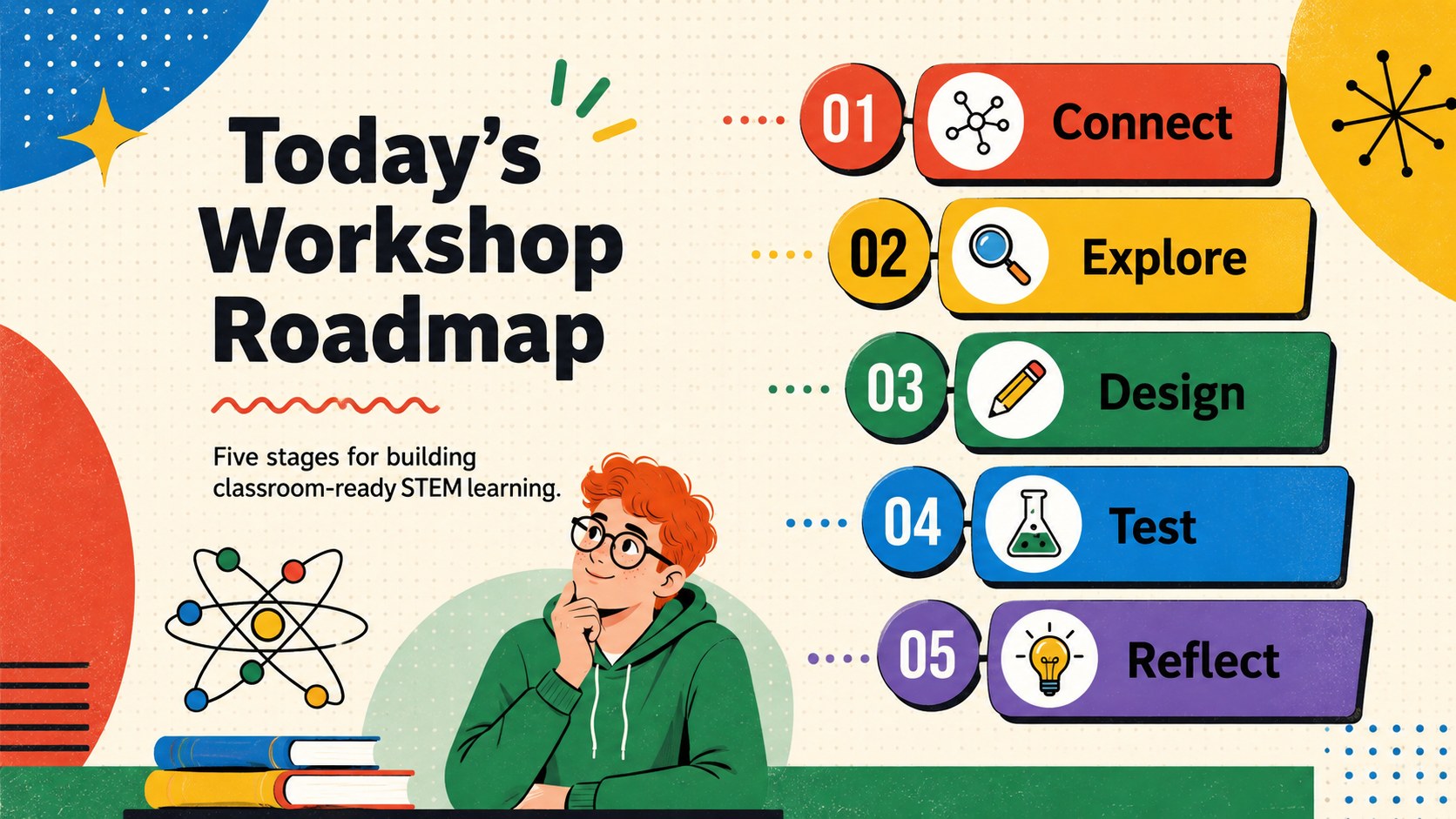
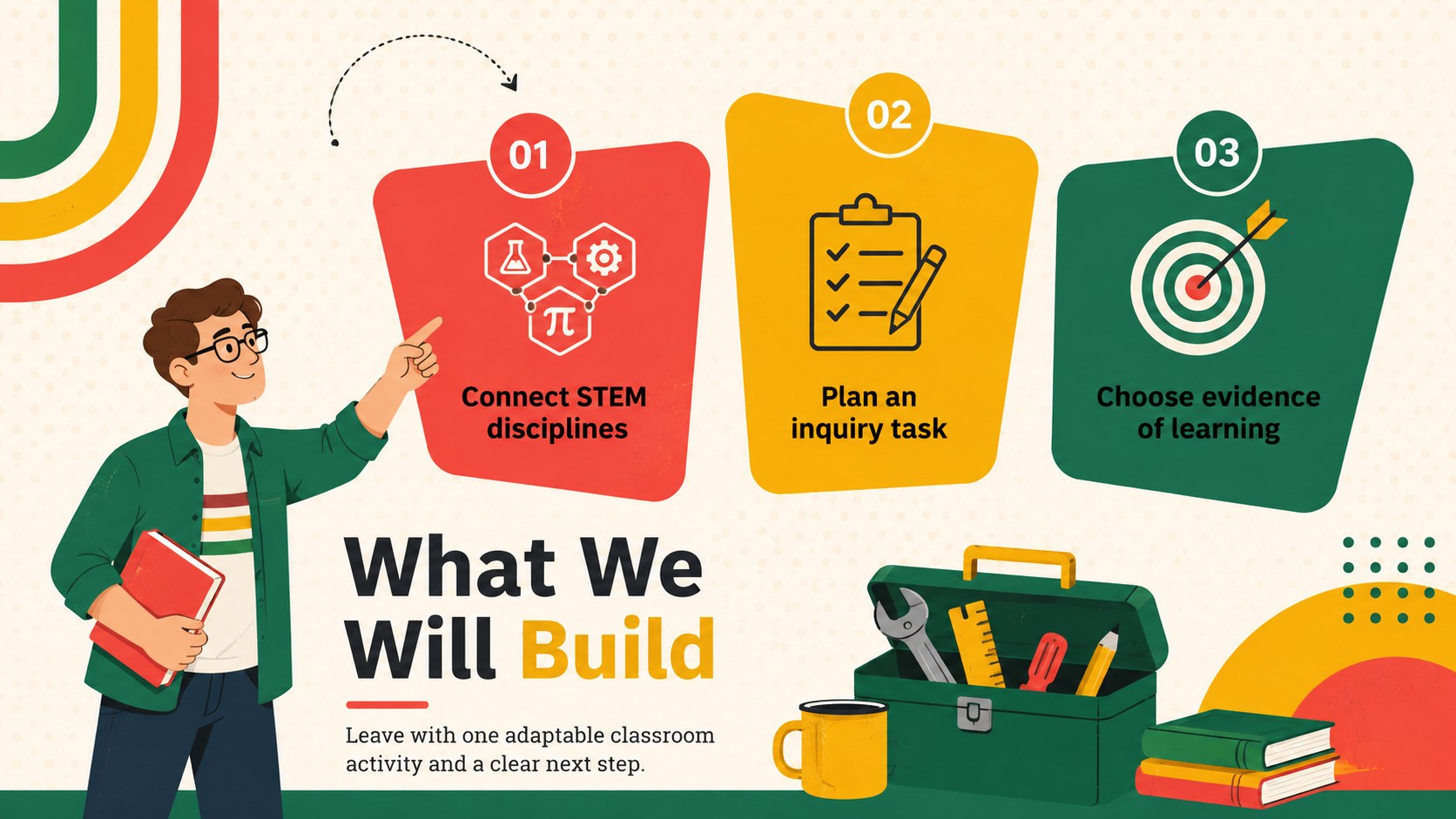
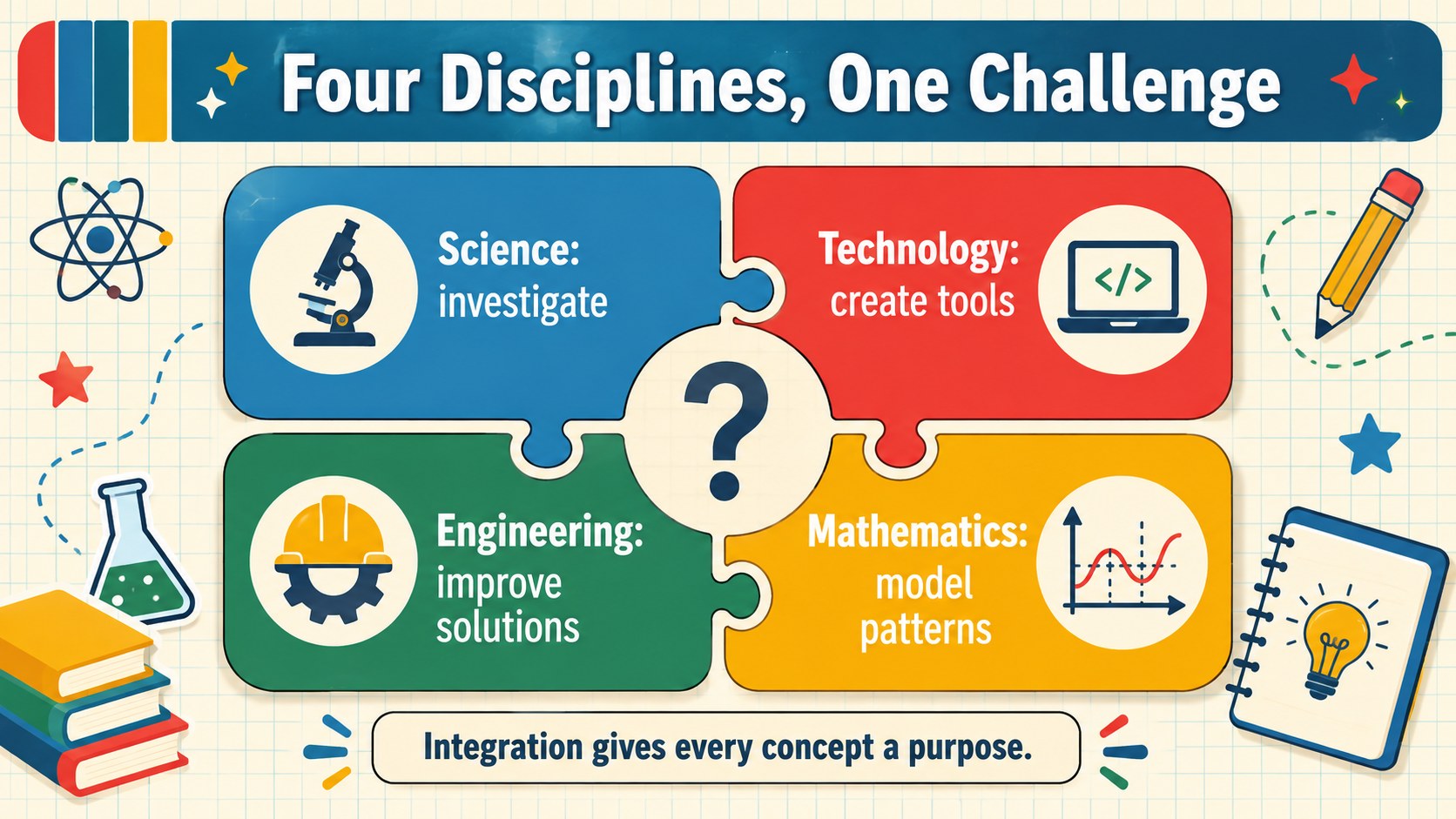
Make professional learning more practical with a retro STEM teacher training deck designed for educators who want to connect science, technology, engineering, and mathematics across the curriculum. Its lively multicolored palette and nostalgic classroom graphics create an approachable setting for collaborative faculty sessions while keeping instructions, examples, and outcomes easy to scan.
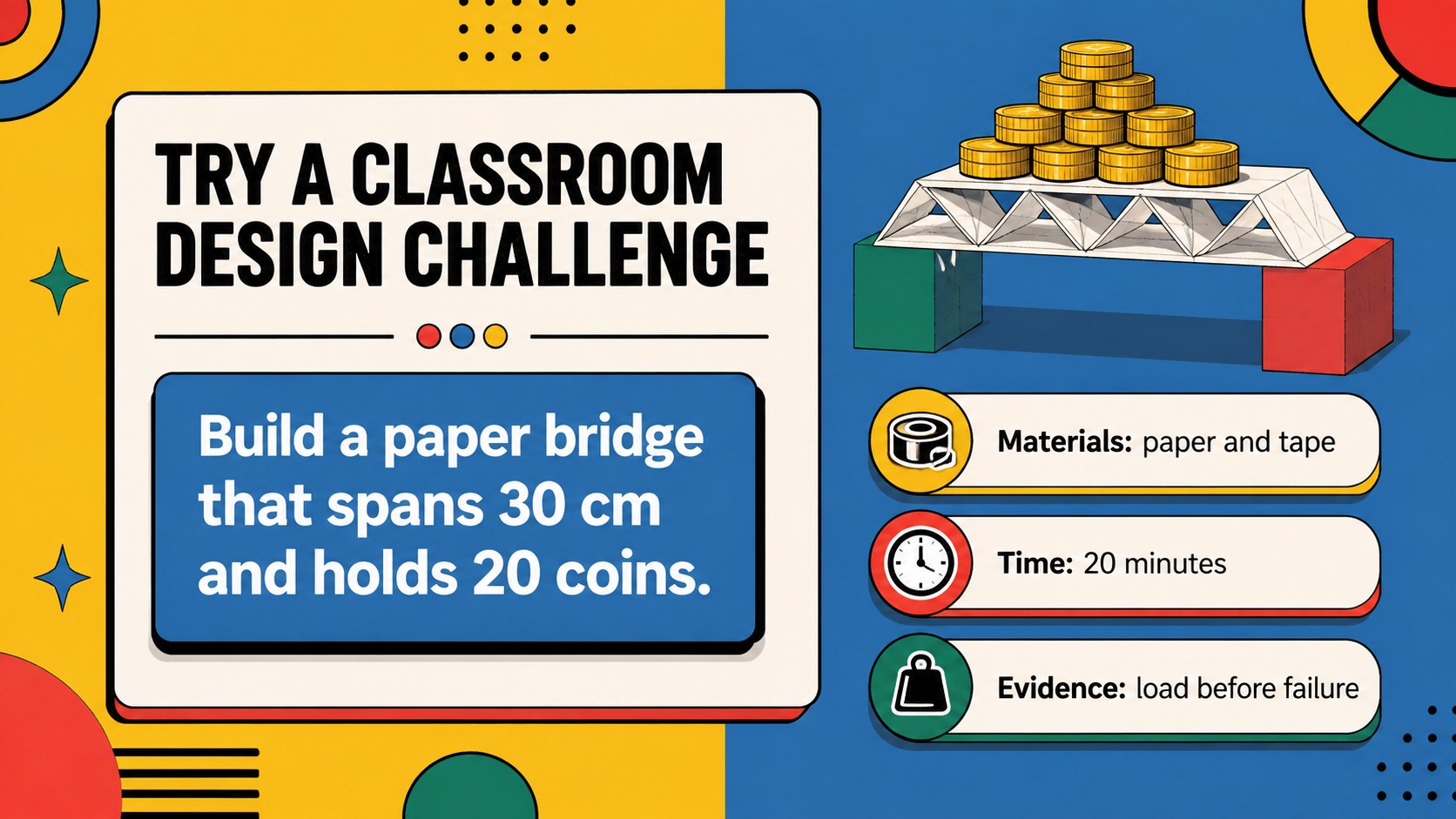
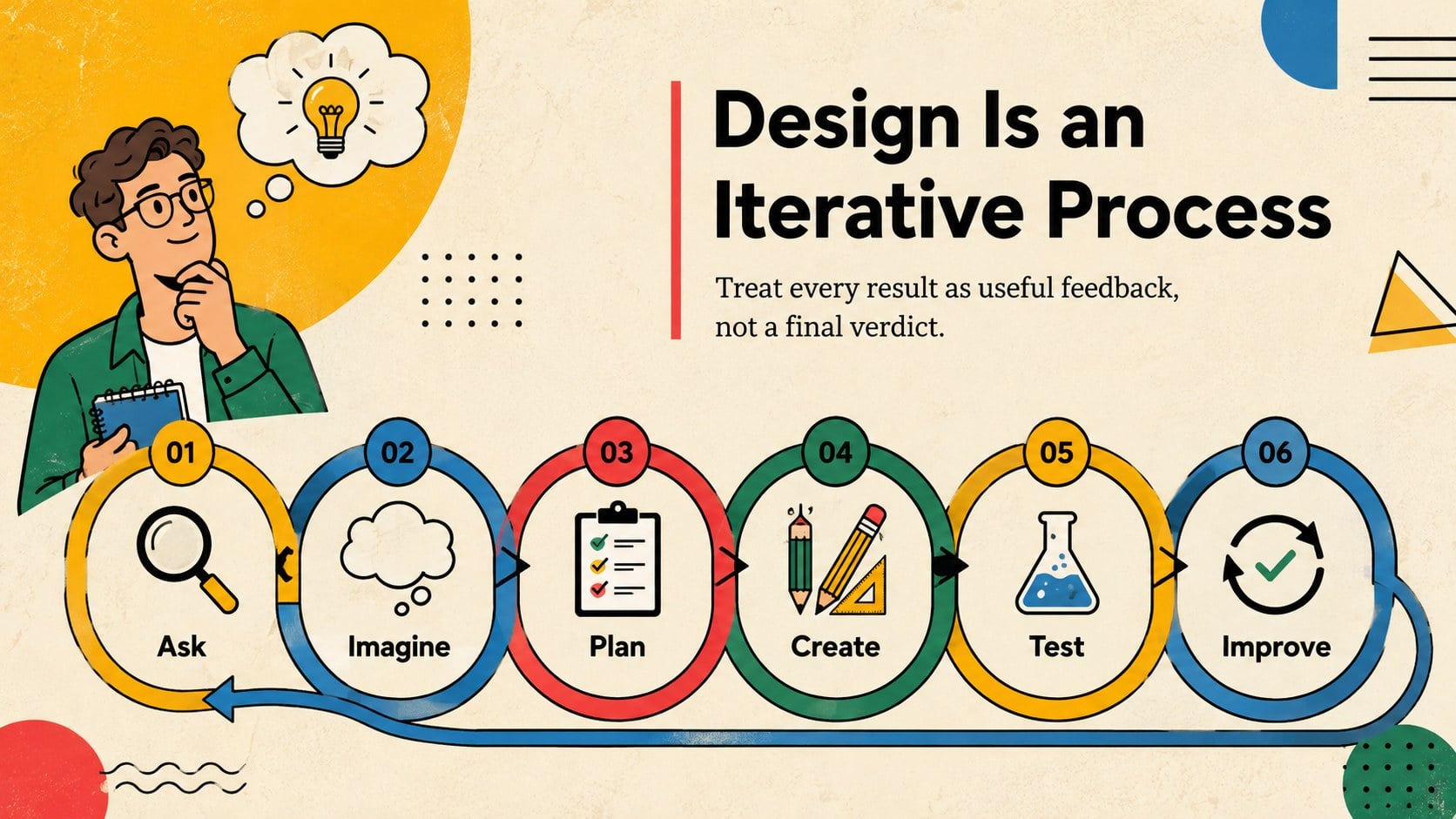
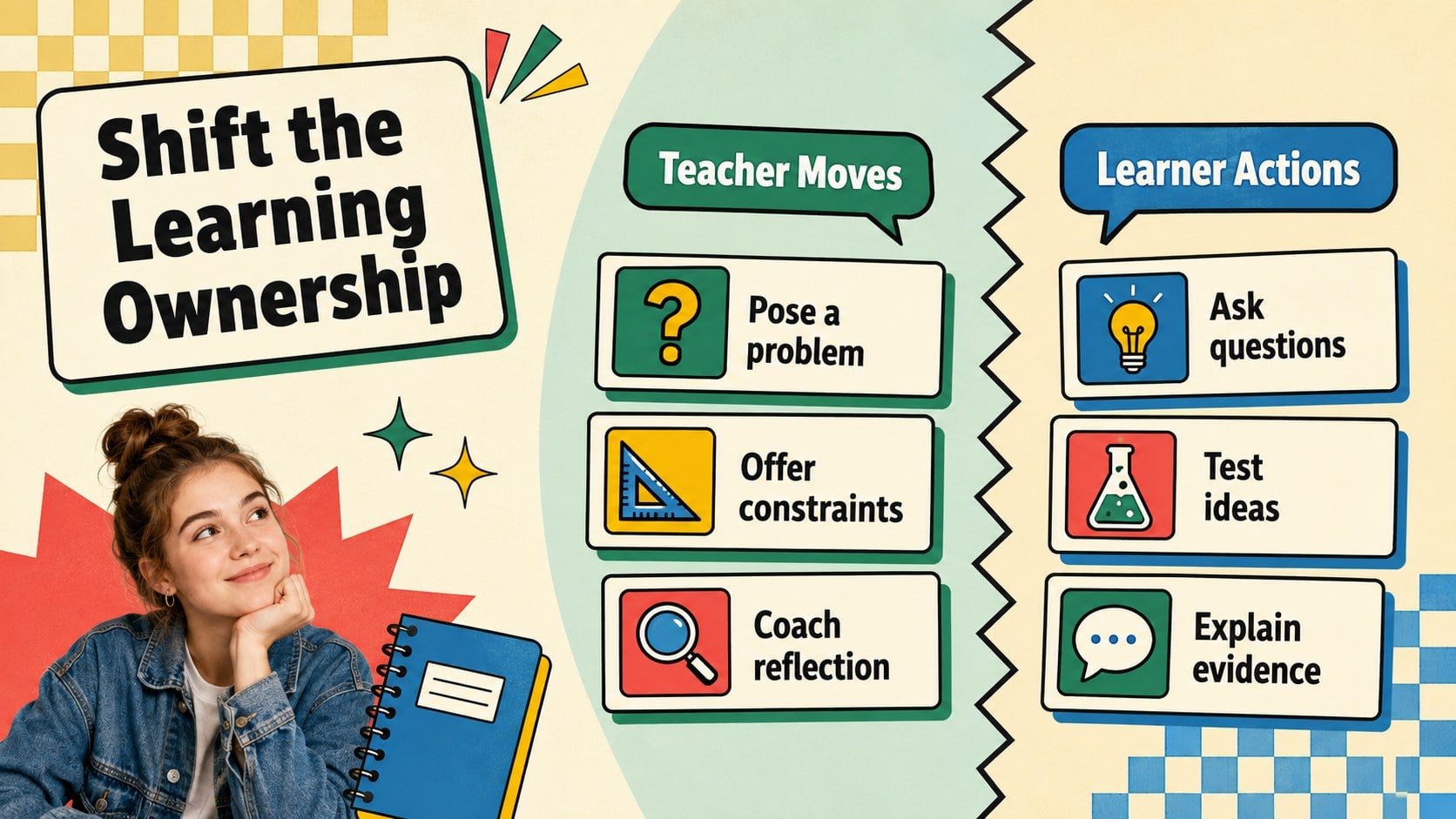
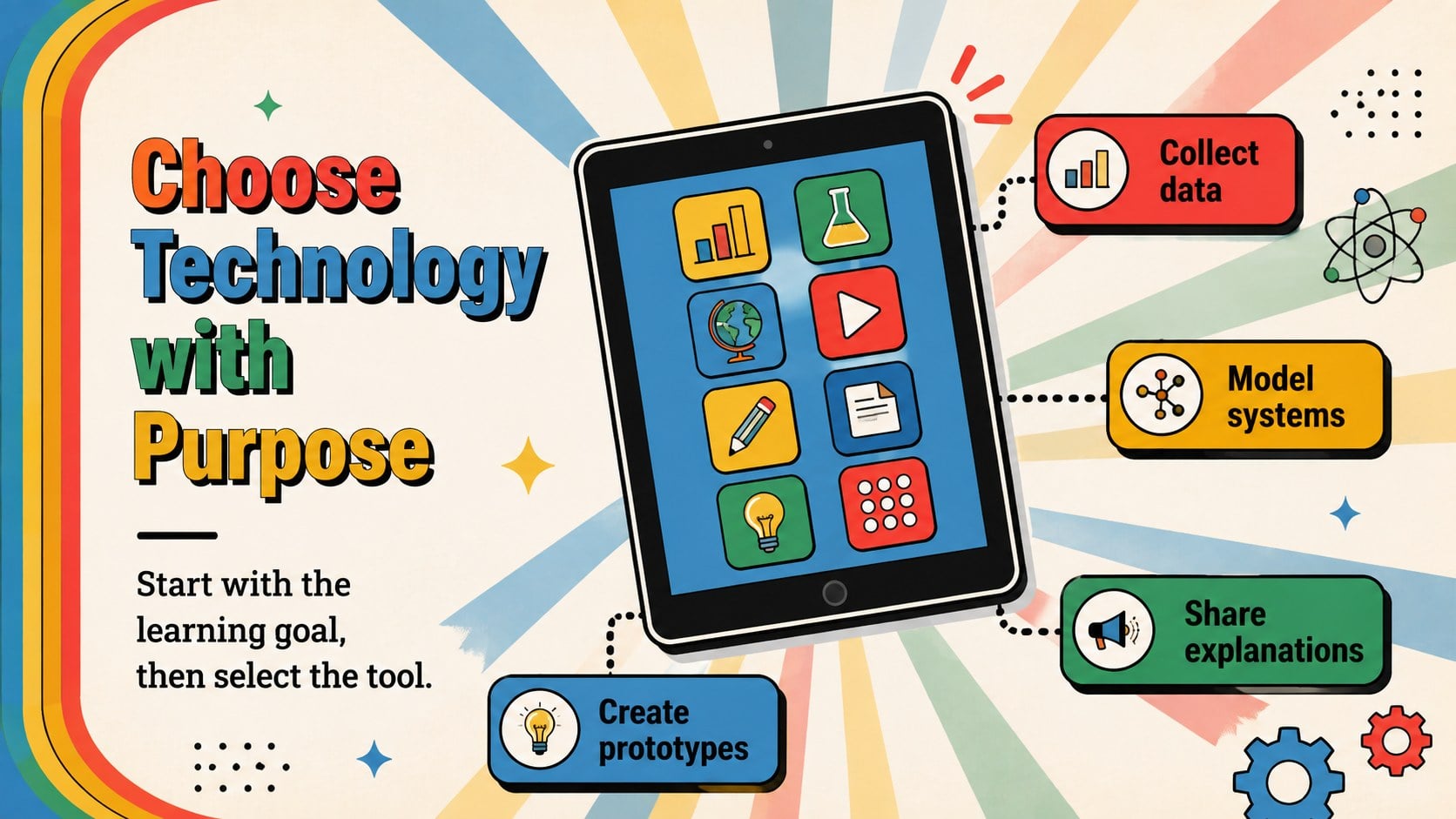
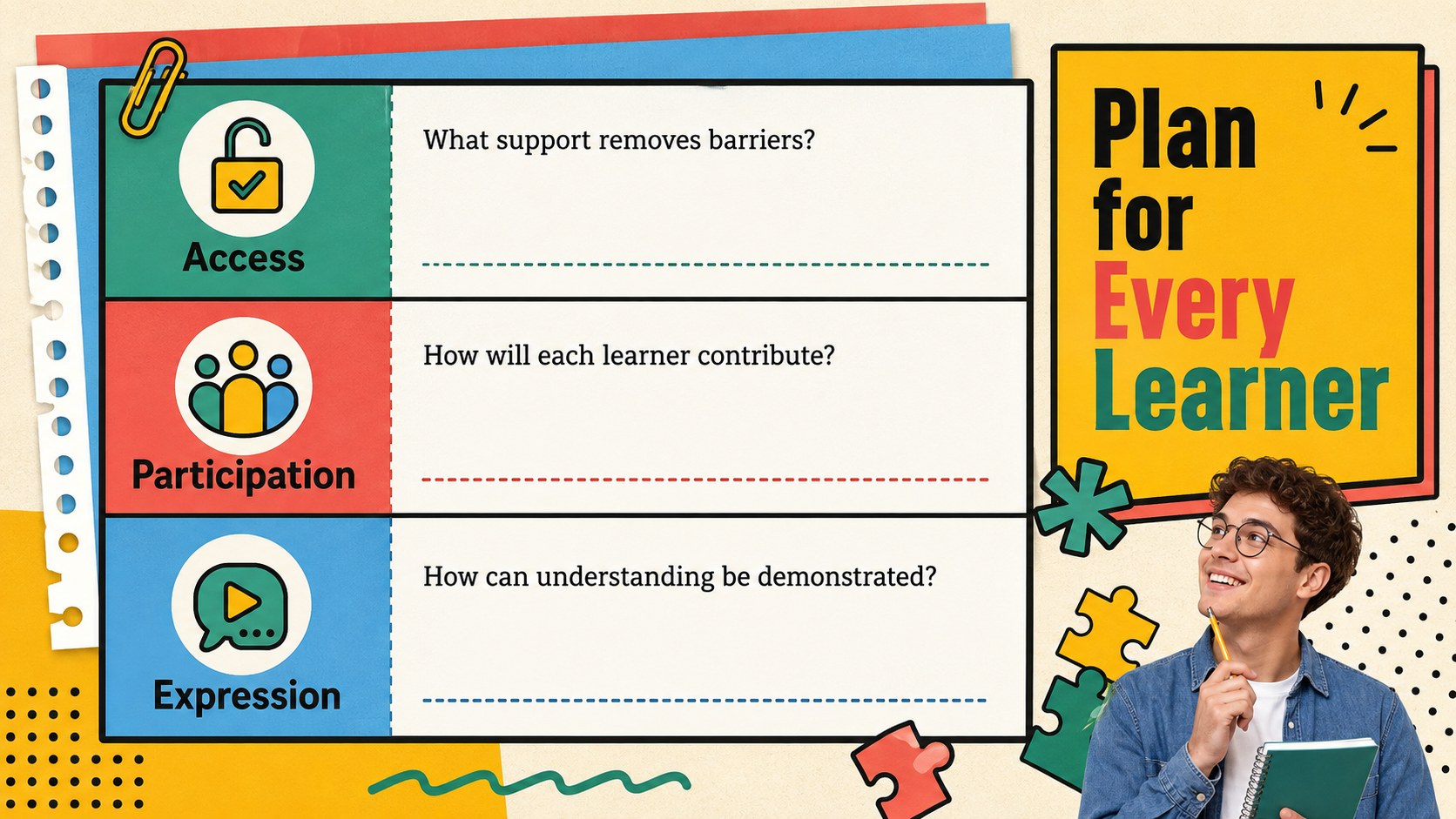
The deck includes layouts for a workshop roadmap, learning goals, STEM principles, classroom challenges, activity planning, engineering design steps, technology integration, assessment strategies, data review, resource sharing, and action commitments. Use the hands-on STEM professional development slides to guide group tasks, present research, compare teaching methods, or build a shared implementation plan. Tables, diagrams, timelines, charts, and reflection prompts offer flexible ways to organize both qualitative insights and measurable results.
Created for instructional coaches, department leaders, school administrators, curriculum specialists, and classroom teachers, this colorful science teacher workshop presentation works in PowerPoint and Google Slides. Adjust the colors, typography, icons, photographs, and activity prompts to suit a grade level or training objective. The layouts can support an engineering design challenge training deck, a district development day, a new-teacher orientation, or a focused session on interdisciplinary lesson planning.
Perfect for: district STEM development day; faculty workshop facilitation; interdisciplinary lesson planning; engineering challenge training; new science teacher orientation.
Frequently asked questions
Can I edit this deck in PowerPoint and Google Slides? Yes. All slide text, colors, shapes, diagrams, and image placeholders are designed for editing in PowerPoint and Google Slides. Minor font substitutions may occur if a typeface is unavailable on your device.
Practical details
Yes. All slide text, colors, shapes, diagrams, and image placeholders are designed for editing in PowerPoint and Google Slides. Minor font substitutions may occur if a typeface is unavailable on your device.
Replace the sample activities and reflection prompts with age-appropriate classroom examples. You can also simplify diagrams for elementary educators or add subject-specific data and terminology for secondary faculty.
Yes. Use the discussion, challenge, planning, and reflection slides as prompts for individual work or small-group collaboration. Duplicate activity layouts when multiple teams need to report their ideas.
Yes. The process diagrams, comparison layouts, timeline, tables, and charts can be updated with your own labels and values. Keep the existing color contrast when changing data series so the information remains easy to read.
Keep exploring
15Build a bold cosmic story with this UFO Day alien encounter deck, featuring surreal green-and-black layouts for PowerPoint and Google Slides events.
 16
16Use the Navy Stripe Corporate Briefing Theme to present plans, results, and proposals with credible blue-green layouts for PowerPoint and Google Slides.
 5
5Turn customer research into clear decisions with product experience mapping slides in a dark navy and green style for PowerPoint and Google Slides.
 16
16Win stakeholder approval with website launch proposal slides that organize strategy, UX, rollout, and results in editable PowerPoint and Google Slides formats.
 15
15Build clearer campaign plans with an AI marketing strategy deck featuring neon blue-green visuals, editable workflows, data slides, and practical examples.
 15
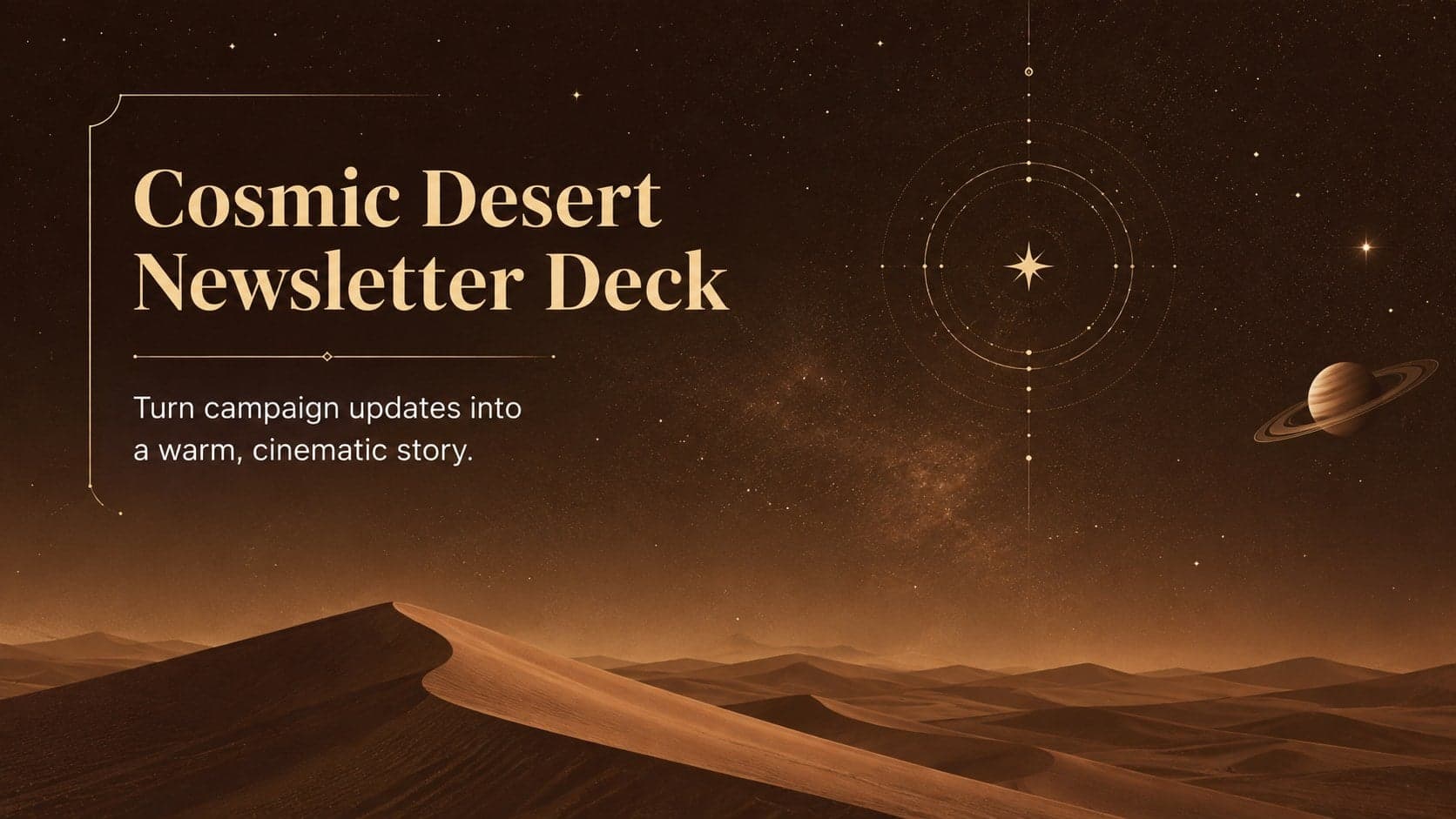
15Build memorable campaign updates with a Cosmic Desert Newsletter Deck, featuring warm beige-brown slides for PowerPoint and Google Slides teams.
 15
15Lead productive urban-tech meetings with a smart city business briefing deck in vivid violet and pink, ready to edit in PowerPoint or Google Slides.
 16
16Build a lively sales story with the Interactive Tech Product Showcase, using colorful illustrated layouts made for PowerPoint and Google Slides.