
 15
15presentation
Astrology Audience Insights Deck
Use this astrology audience insights deck to present zodiac-based segments, behaviors, and campaign findings in polished black-and-gold slides.
Google SlidesPowerPoint
spreadsheet · English
Build a retro social media content calendar with yellow-and-black Memphis graphics for campaigns, meetings, and Instagram planning. Edit it, PowerPoint, or…
Design notes
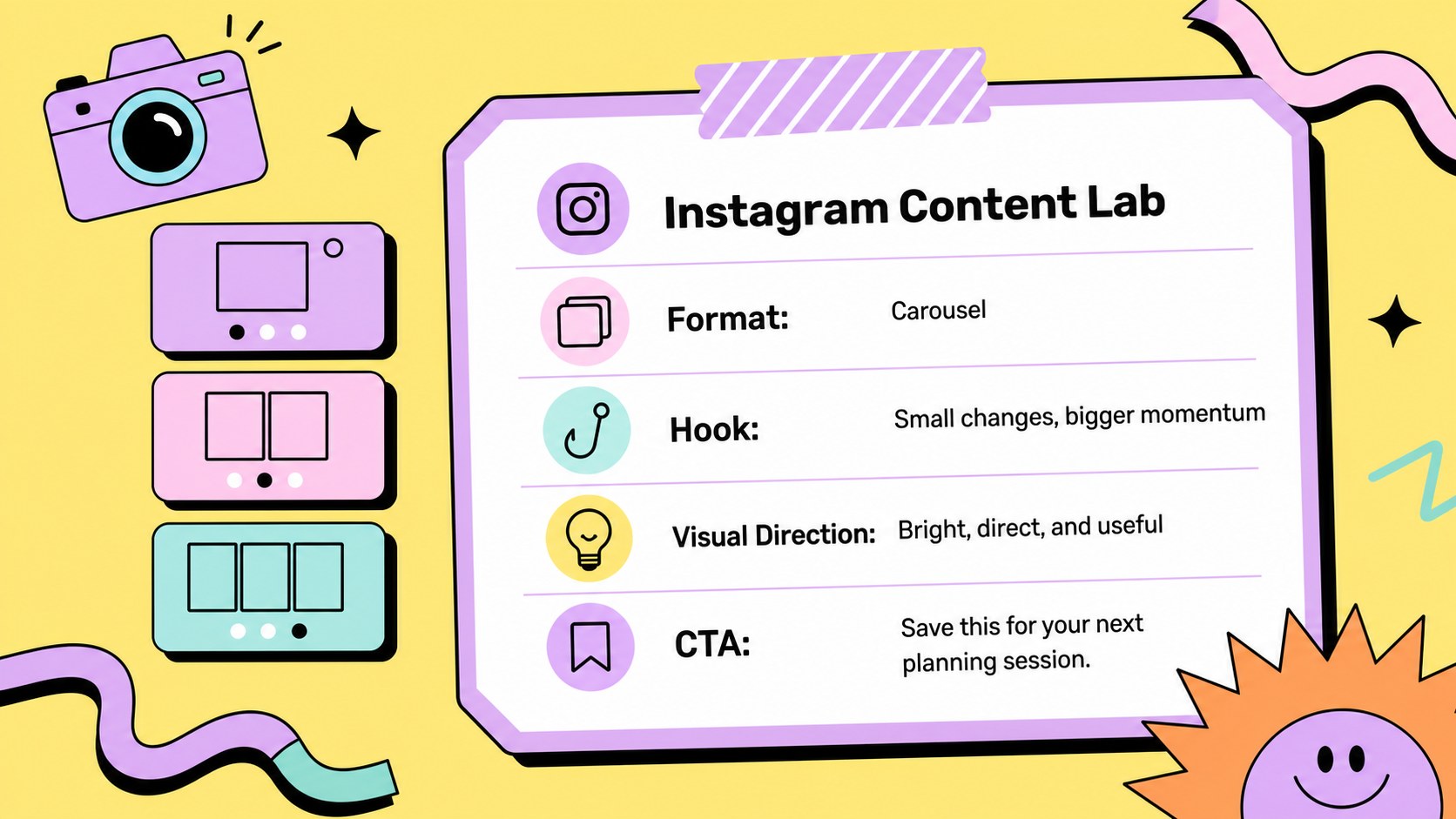
Build a retro social media content calendar for organizing campaigns, planning Instagram content, and presenting marketing ideas with a lively 90s-inspired look. Yellow, black, pastel accents, playful patterns, and Memphis-style geometry give the deck a confident creative-agency personality while keeping information easy to scan.
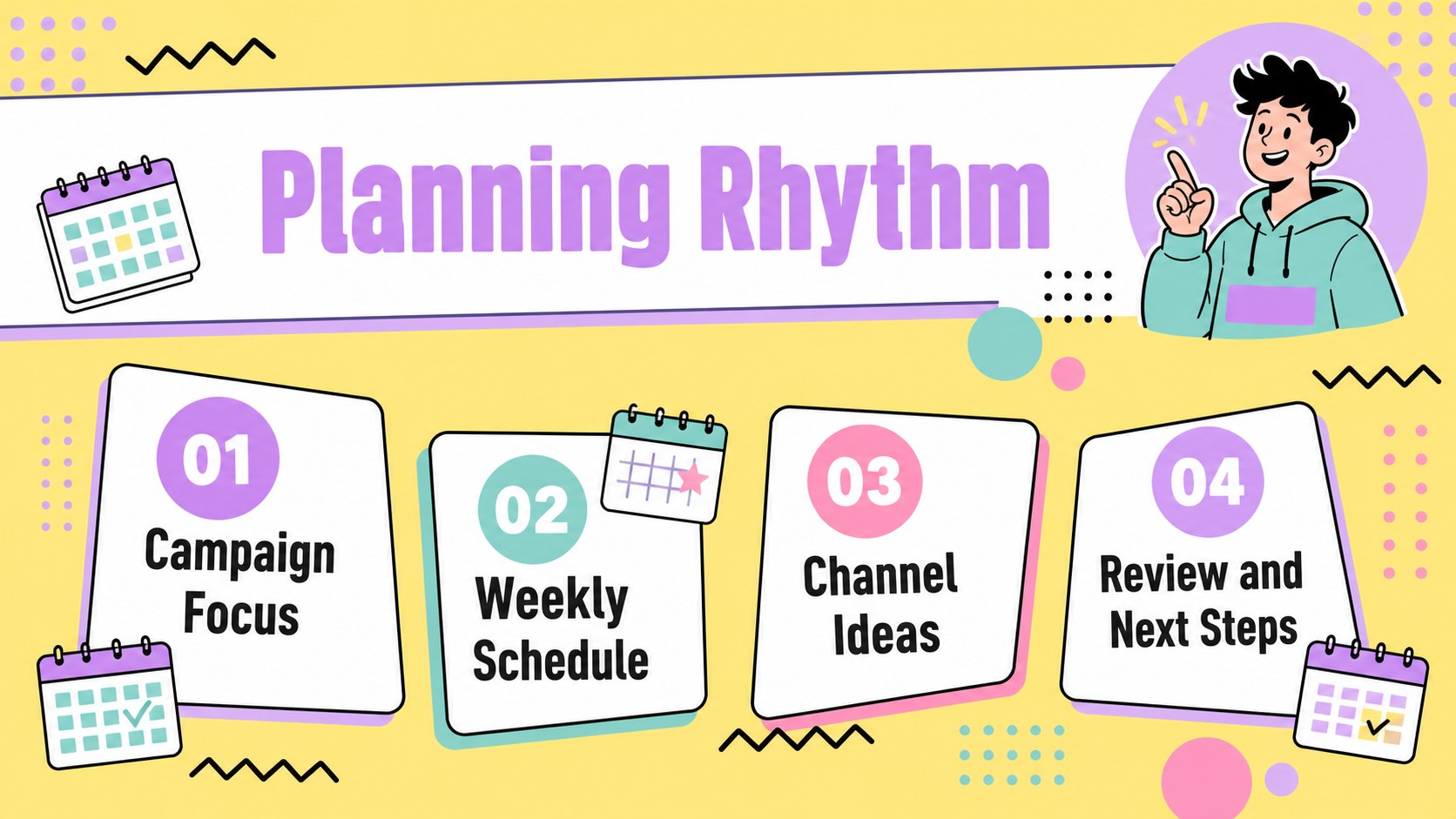
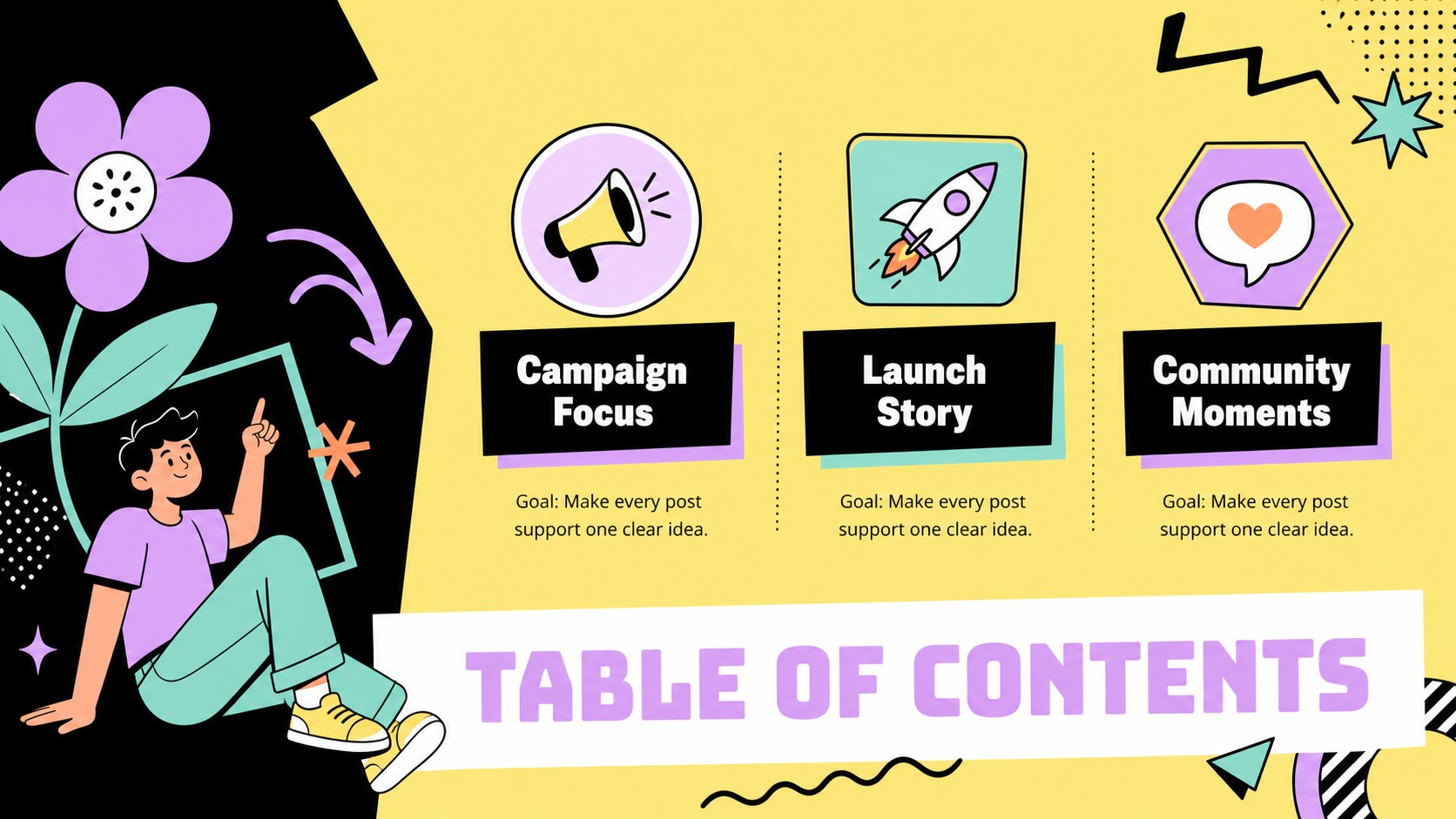
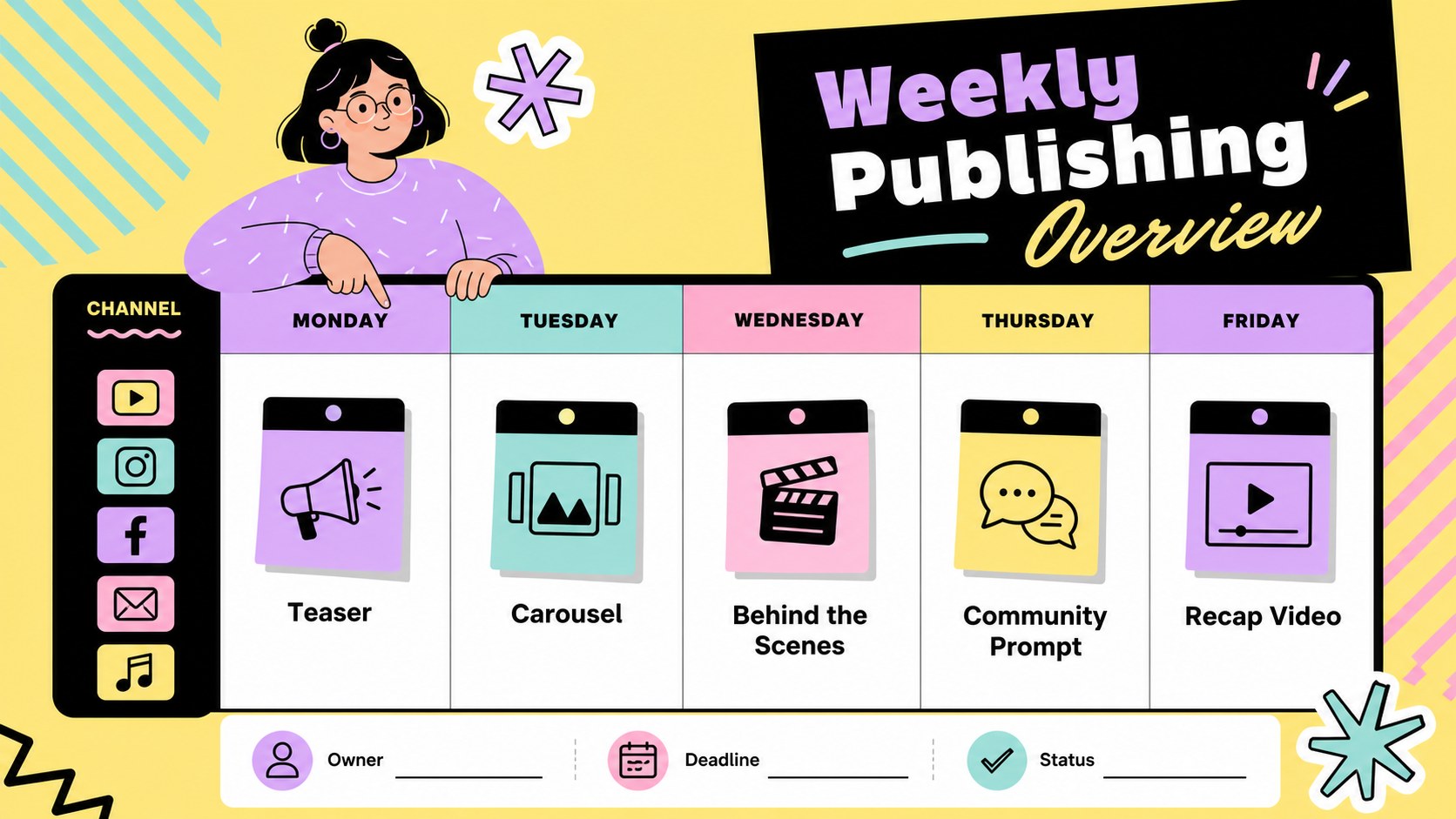
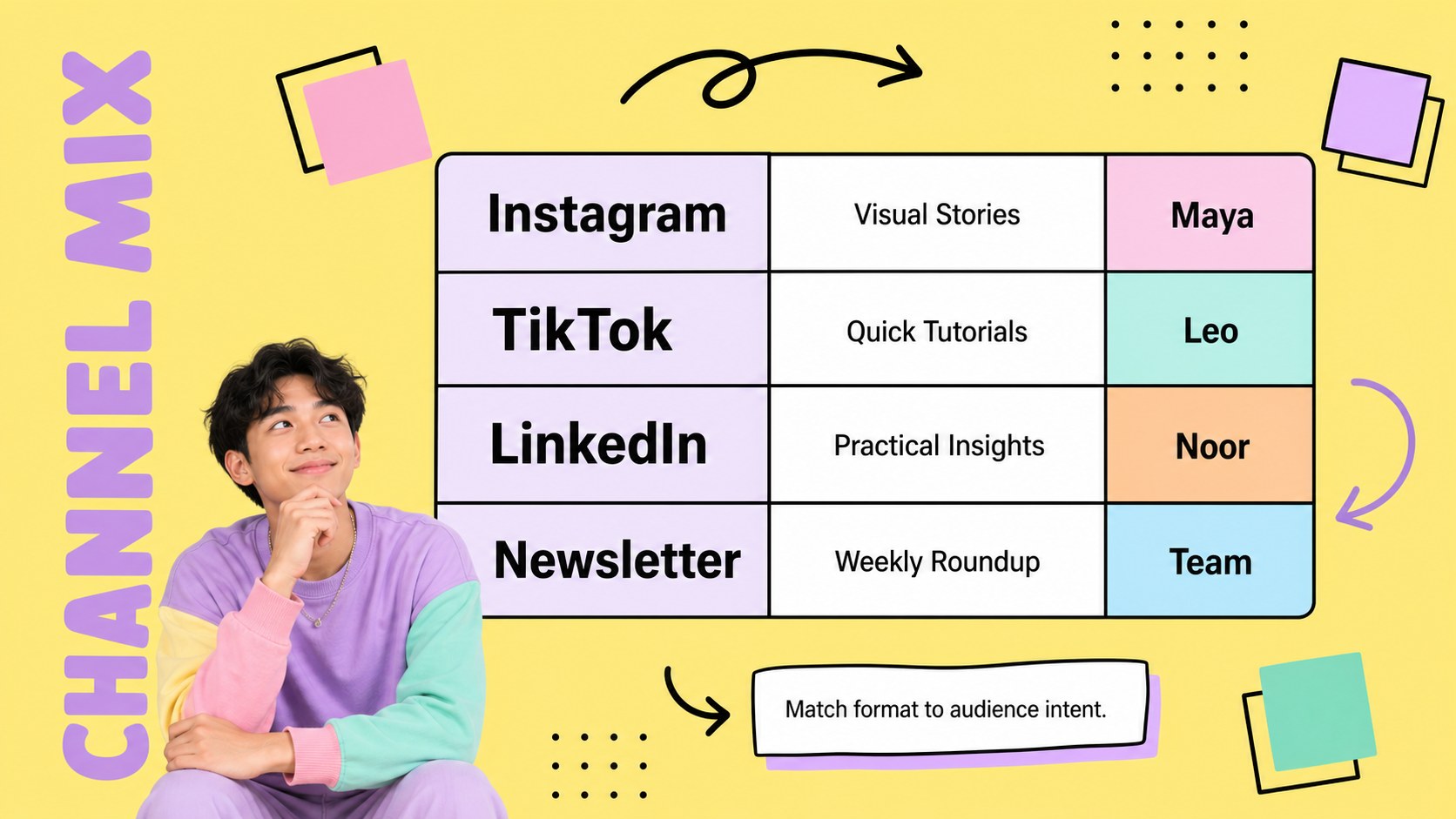
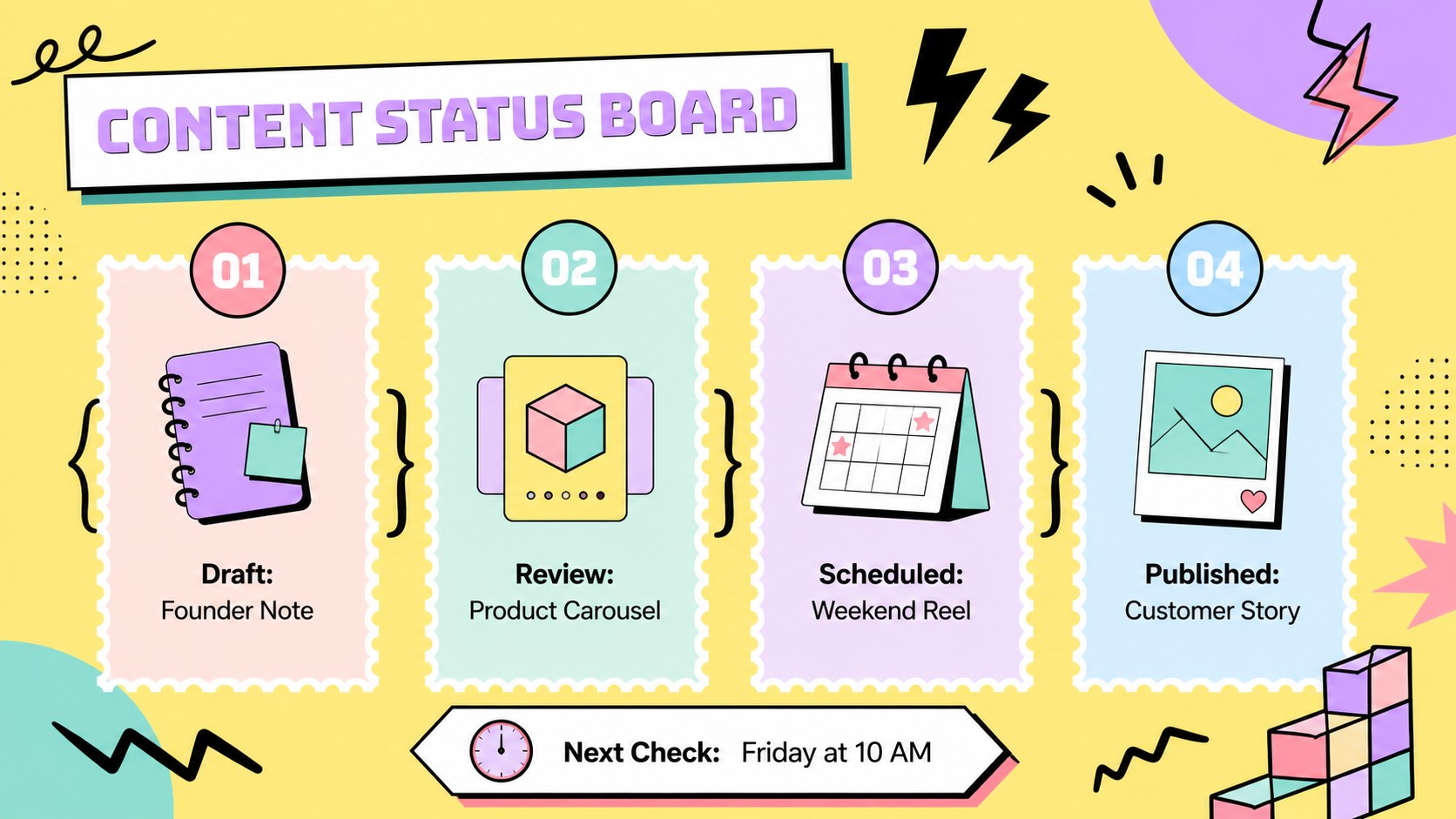
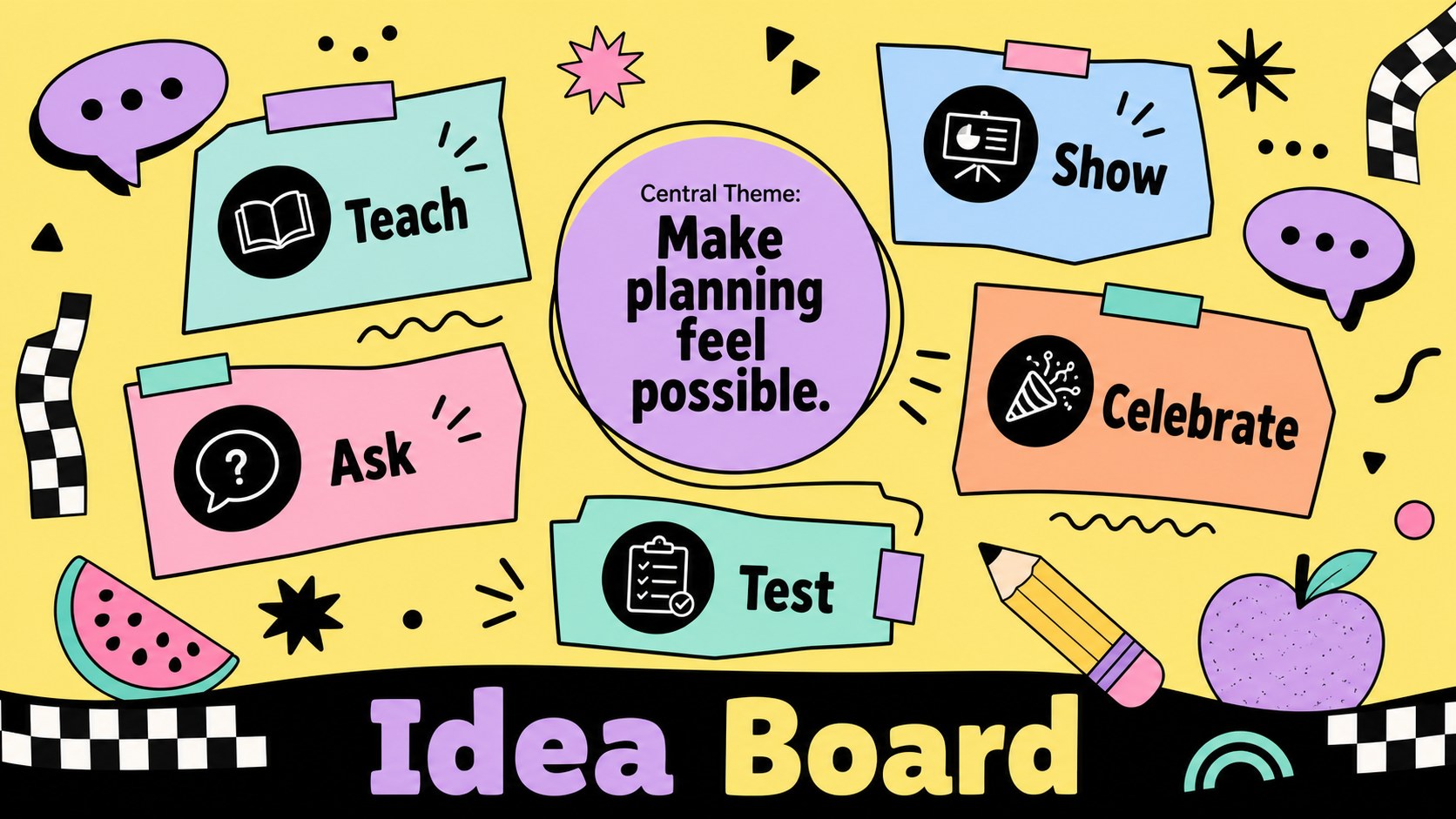
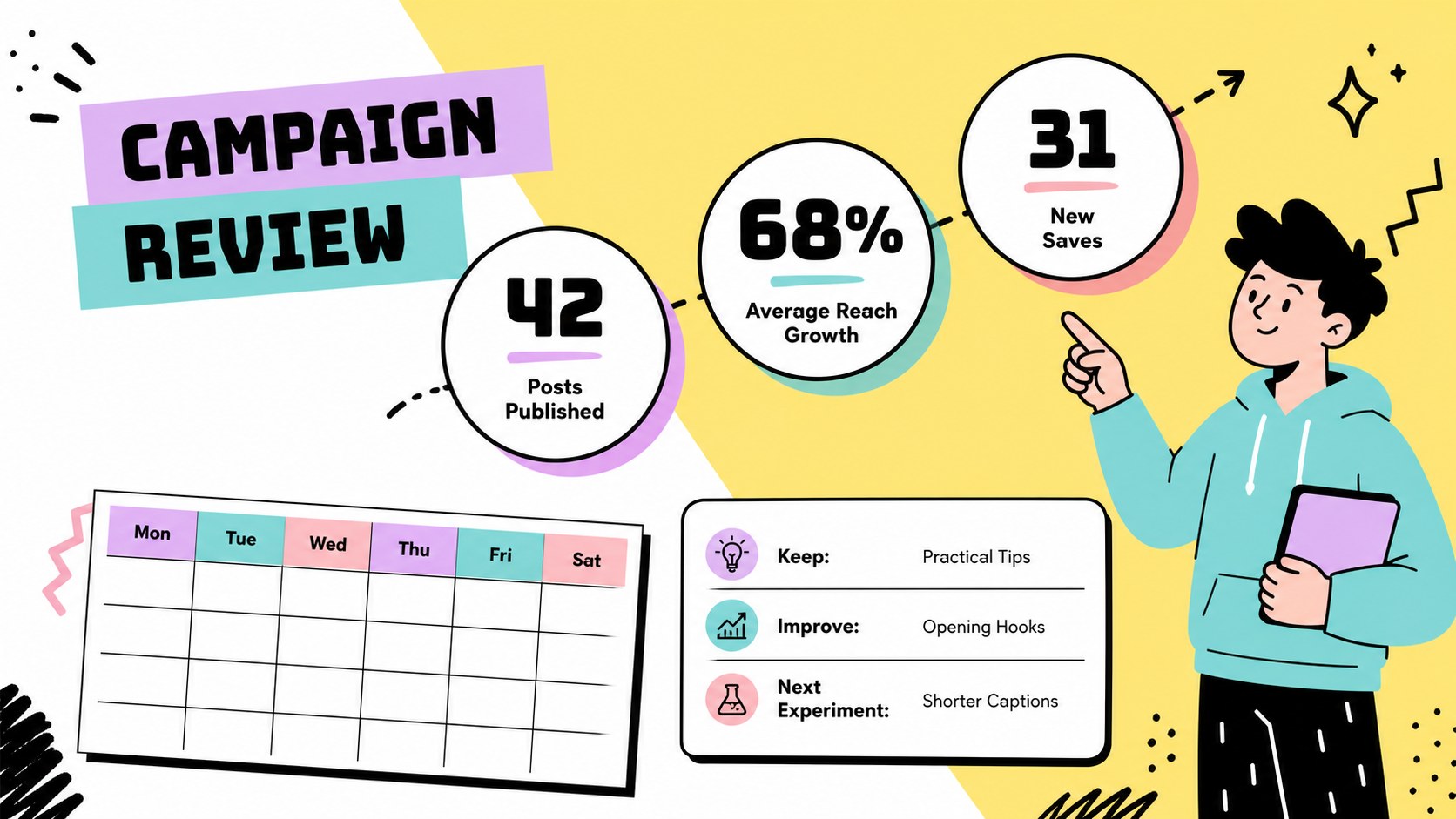
Inside, you will find a cover, planning agenda, weekly publishing overview, campaign themes, post concepts, channel assignments, content status tracking, and a closing review page. The layouts support social media campaign planning, editorial calendar management, meeting agendas, journal-style notes, and visual brainstorming. Clear sections and adaptable shapes make it simple to replace sample copy, rearrange content blocks, or add your own images and brand details.
This retro social media content calendar is designed for marketing teams, freelance creators, agencies, educators, and small businesses that want a memorable planning tool without sacrificing structure. Customize the slides, PowerPoint, or Google Slides, then share them digitally or export them for review. Use the social media posting schedule template to coordinate deadlines and the Instagram content planning deck to turn scattered ideas into a practical publishing rhythm.
Perfect for: monthly social media planning meeting; creative agency campaign briefing; Instagram launch calendar; small business editorial planning; content brainstorming workshop.
Frequently asked questions
Can I edit this deck? Yes. The layouts are designed for editing, including text, shapes, colors, and images. You can also use the same planning deck in PowerPoint or Google Slides.
Practical details
Yes. The layouts are designed for editing, including text, shapes, colors, and images. You can also use the same planning deck in PowerPoint or Google Slides.
Yes. Replace the main yellow, black, pastel accents, and decorative patterns with your own brand colors. The slide structure remains usable after the visual styling is changed.
Use it for campaign themes, publishing dates, captions, channel assignments, status updates, meeting notes, and creative concepts. The flexible layouts also work for Instagram launches and broader editorial calendars.
You can export the customized deck in common presentation and sharing formats supported by, PowerPoint, or Google Slides. This makes it suitable for team reviews, client presentations, and digital planning.
Keep exploring
15Use this astrology audience insights deck to present zodiac-based segments, behaviors, and campaign findings in polished black-and-gold slides.
 14
14Plan a memorable Lunar New Year campaign with the 2036 Dragon Year Celebration Theme, featuring bold red-and-yellow slides for lessons and events.
 15
15Build eerie lessons, campaigns, and story pitches with an undead survival scenario theme featuring editable slides for PowerPoint and Google Slides.
 15
15Build a clear breast cancer awareness bulletin with bold pink-and-red slides for campaign news, screening reminders, impact data, and community updates.
 15
15Shape your publishing concept with an indie magazine startup pitch deck featuring pastel gradients, bold collage layouts, and editable planning slides.
 15
15Build a bold retro-futurist campaign pitch deck for client meetings, with editable strategy layouts and playful pastel Y2K-inspired visuals.
 16
16Build a consistent presence with a social channel identity playbook covering voice, visuals, content formats, publishing rules, and approvals.
 15
15Celebrate online learners with webinar completion certificate slides, featuring editable violet artwork for university events in PowerPoint and Google Slides.