
 15
15presentation
Astrology Audience Insights Deck
Use this astrology audience insights deck to present zodiac-based segments, behaviors, and campaign findings in polished black-and-gold slides.
Google SlidesPowerPoint
presentation · English
Create a polished retro game UI portfolio deck for client pitches and interviews, with editable purple pixel slides for PowerPoint and Google Slides.

Design notes
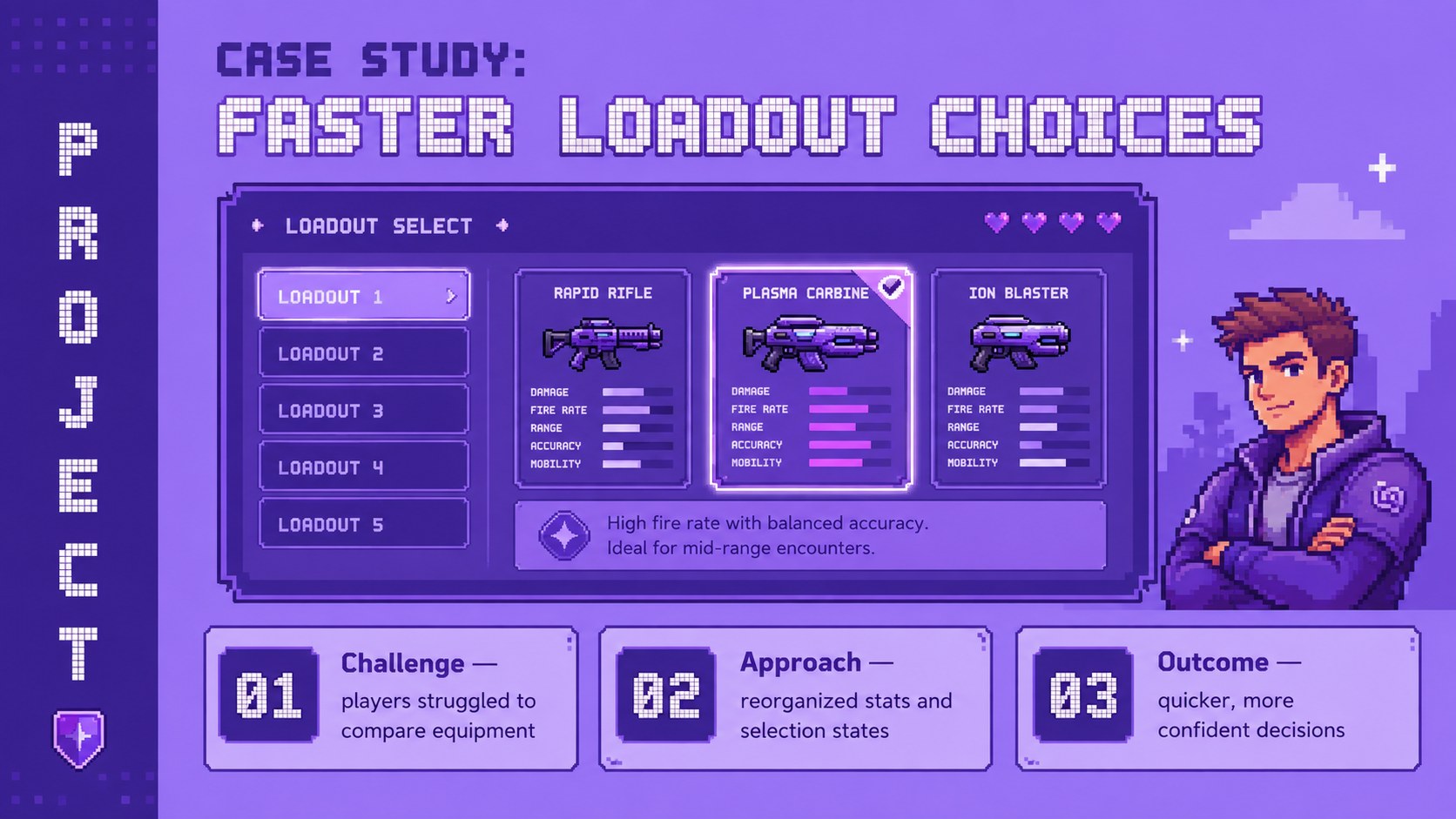
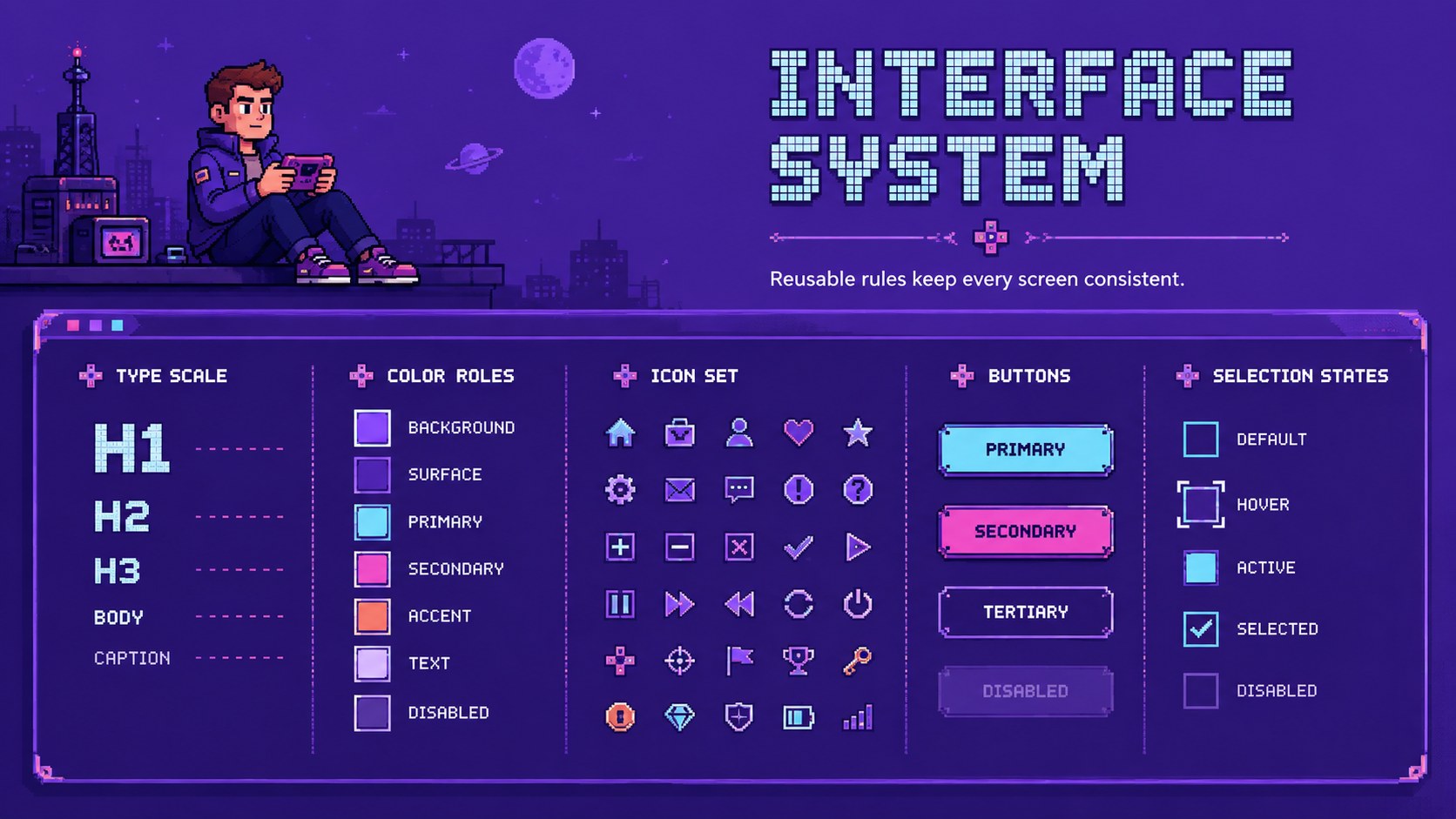
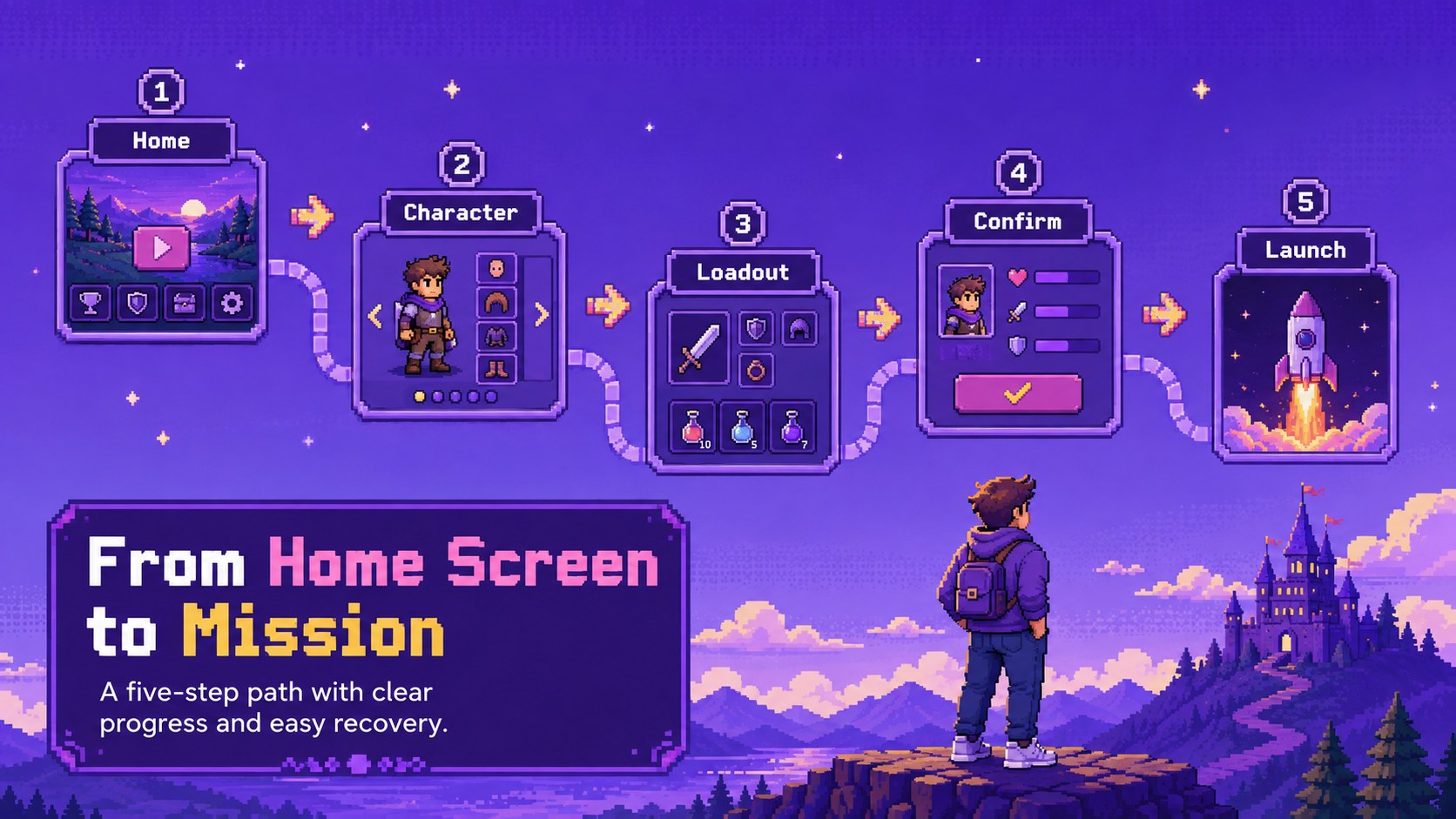
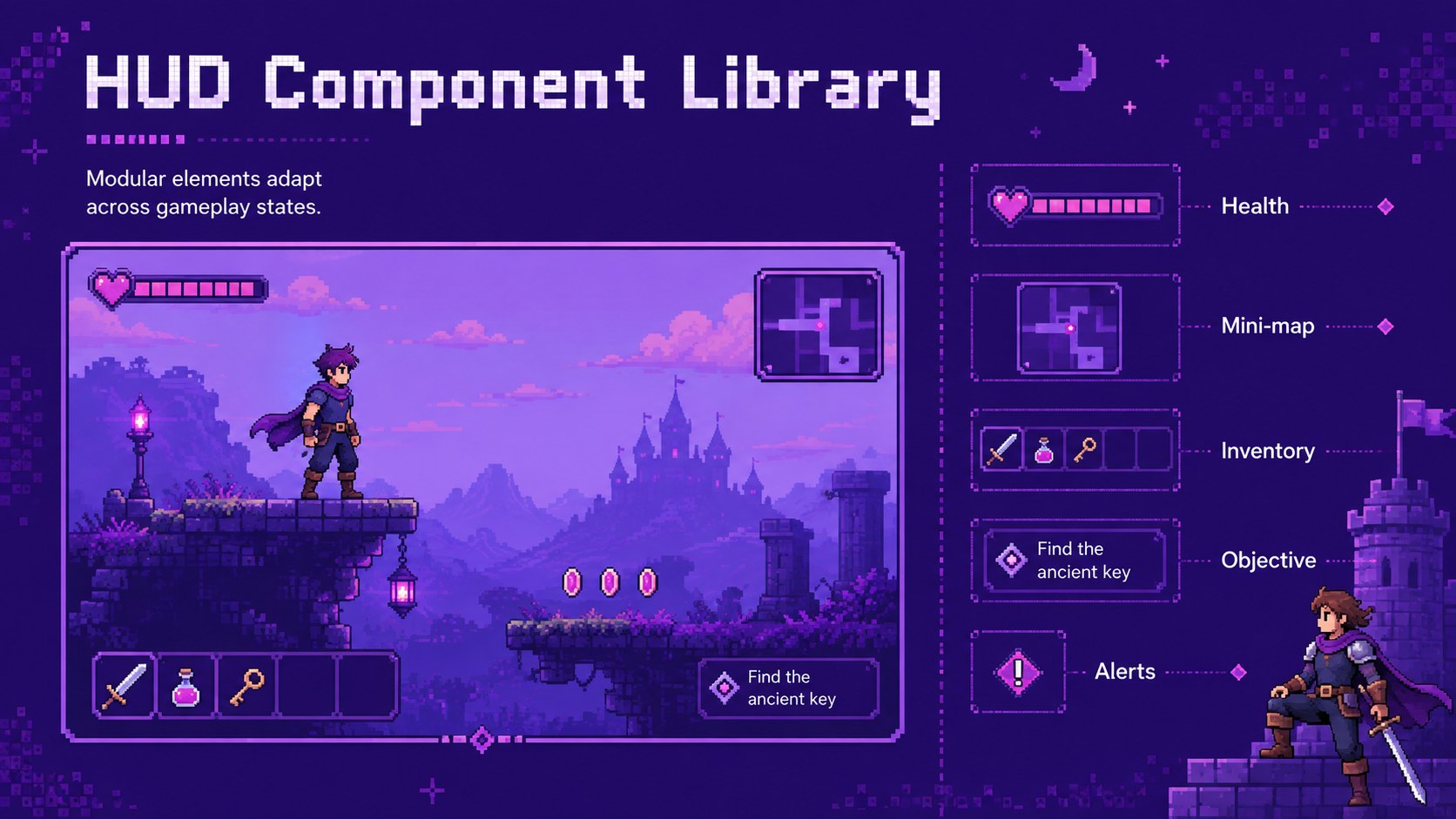
Present menus, HUD concepts, player flows, and polished interface systems with a retro game UI portfolio deck built for memorable storytelling. Its lively purple palette, pixel-inspired typography, and arcade-style details create a playful visual identity while keeping your design decisions easy to follow.
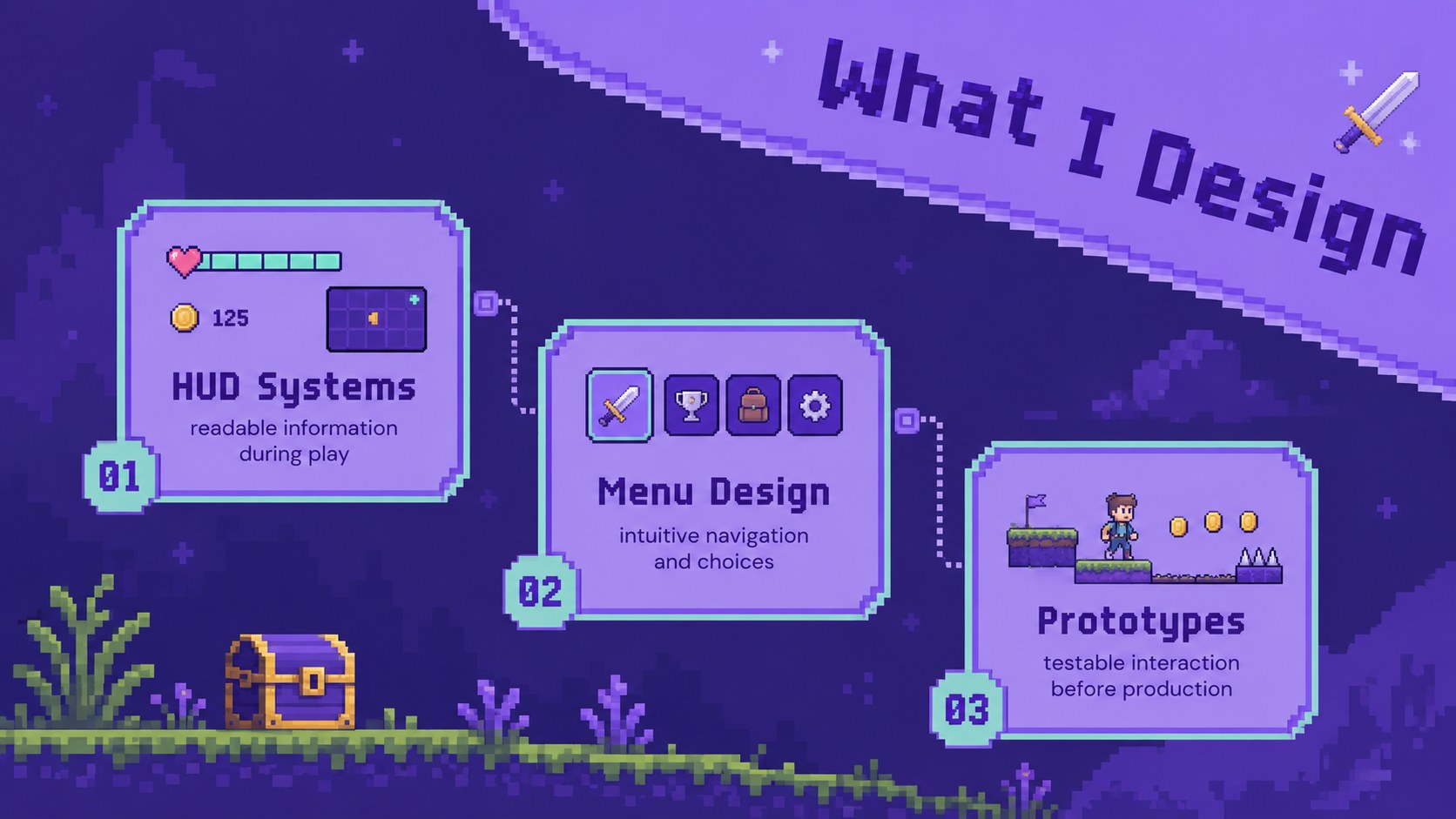
The deck includes layouts for an introduction, creative philosophy, services, workflow, case studies, interface components, player journeys, usability findings, project outcomes, testimonials, and contact details. Use the structured case study pages to explain the challenge behind each project, show iterations, and connect interface choices to measurable results. Gallery and component slides also make it easy to assemble a detailed game UI UX portfolio presentation without overcrowding the screen.
This purple pixel presentation for game designers is suited to studio applications, freelance proposals, client reviews, conference talks, and design school assessments. It can also serve as a game interface case study deck when you need to focus on a single title or feature. Every slide can be edited in PowerPoint or Google Slides, allowing you to replace the sample copy, adjust colors, add screenshots, and reorganize sections around your own experience. The result is a cohesive portfolio that communicates both visual craft and practical interface thinking.
Perfect for: game studio job interview; freelance UI design proposal; game interface case study; design school portfolio review; creative conference presentation.
Frequently asked questions
Can I edit this deck in PowerPoint and Google Slides? Yes. The layouts, text, colors, images, and interface graphics can be customized in both PowerPoint and Google Slides.
Practical details
Yes. The layouts, text, colors, images, and interface graphics can be customized in both PowerPoint and Google Slides.
Yes. Add your own screenshots, wireframes, HUD elements, menus, and project results while retaining the deck's pixel-inspired visual system.
Yes. The introduction, workflow, case study, results, and testimonial sections provide a clear narrative for studio interviews and portfolio reviews.
Yes. You can update the purple tones, accent colors, backgrounds, and typography to match a personal identity or a specific game project.
Keep exploring
15Use this astrology audience insights deck to present zodiac-based segments, behaviors, and campaign findings in polished black-and-gold slides.
 14
14Plan a memorable Lunar New Year campaign with the 2036 Dragon Year Celebration Theme, featuring bold red-and-yellow slides for lessons and events.
 15
15Build eerie lessons, campaigns, and story pitches with an undead survival scenario theme featuring editable slides for PowerPoint and Google Slides.
 15
15Build a clear breast cancer awareness bulletin with bold pink-and-red slides for campaign news, screening reminders, impact data, and community updates.
 15
15Shape your publishing concept with an indie magazine startup pitch deck featuring pastel gradients, bold collage layouts, and editable planning slides.
 15
15Build a bold retro-futurist campaign pitch deck for client meetings, with editable strategy layouts and playful pastel Y2K-inspired visuals.
 16
16Build a consistent presence with a social channel identity playbook covering voice, visuals, content formats, publishing rules, and approvals.
 15
15Celebrate online learners with webinar completion certificate slides, featuring editable violet artwork for university events in PowerPoint and Google Slides.