
 15
15presentation
Astrology Audience Insights Deck
Use this astrology audience insights deck to present zodiac-based segments, behaviors, and campaign findings in polished black-and-gold slides.
Google SlidesPowerPoint
presentation · English
Build a memorable introduction with a personal story portfolio deck for profiles, founder bios, team welcomes, and creative self-presentations. Edit free.



Design notes
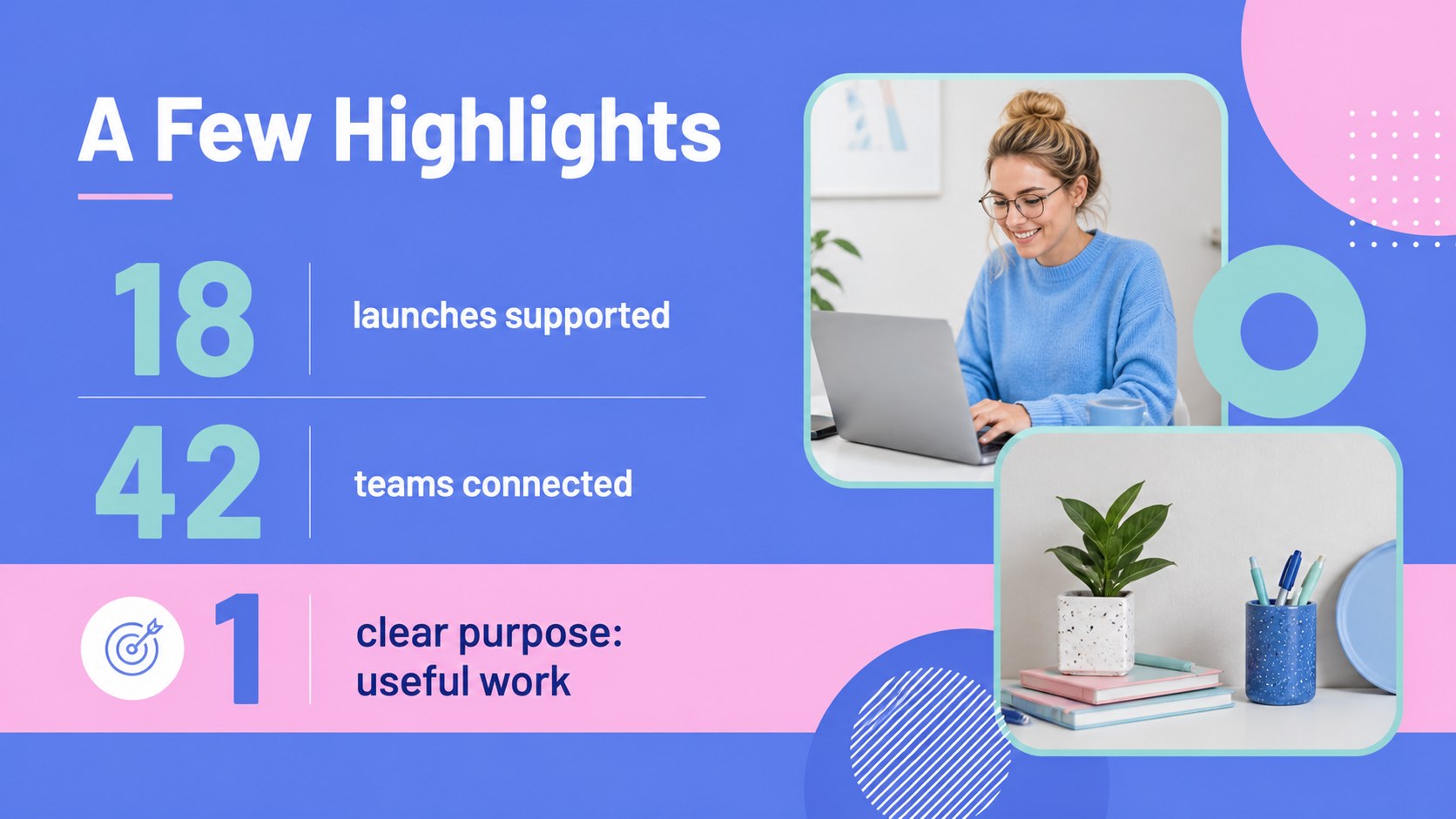
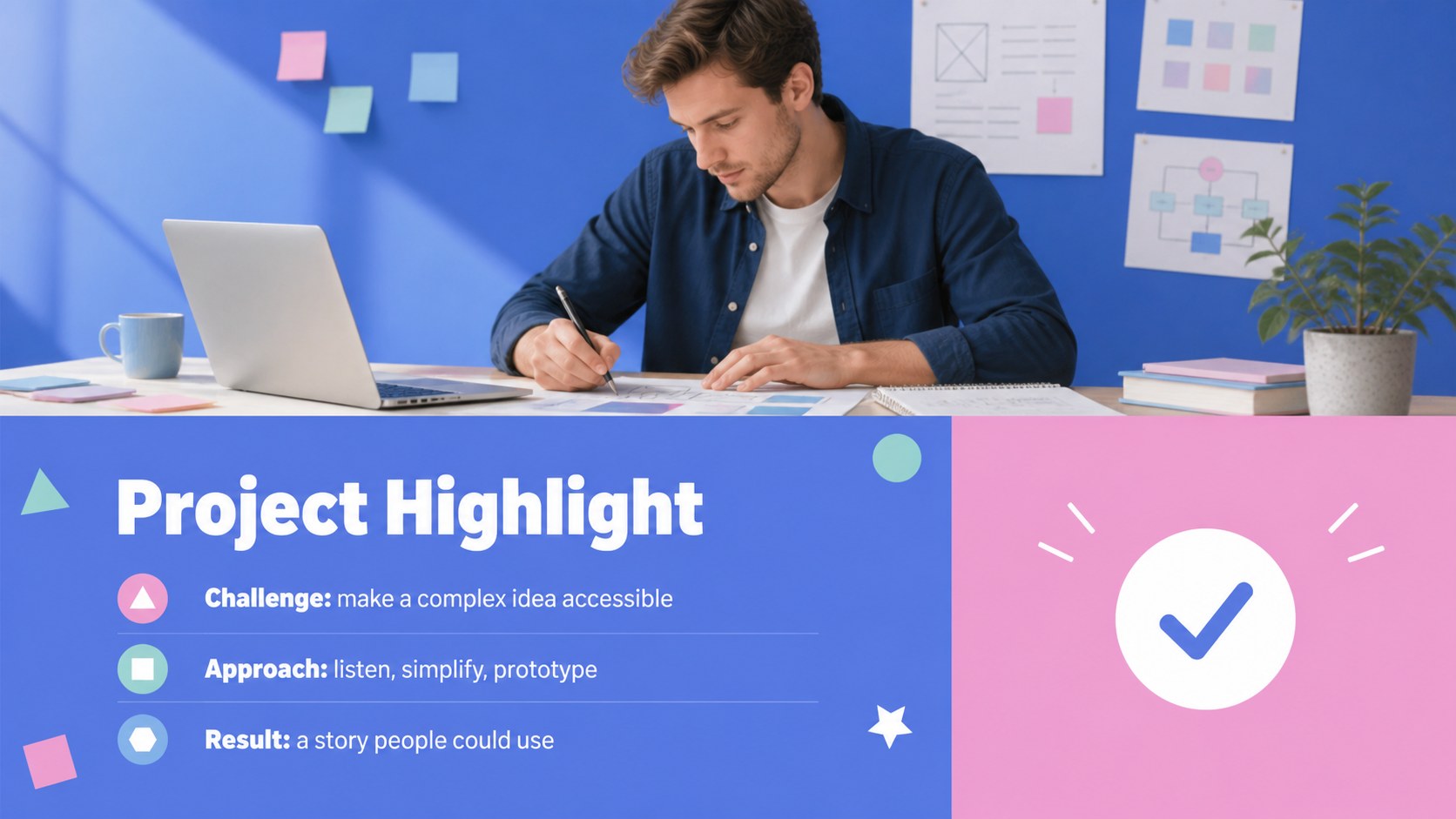
Turn a career journey, creative identity, or founder background into a clear and engaging visual narrative with this personal story portfolio deck. Its bright blue and pink palette, bold geometric accents, and friendly Barlow typography create a modern presentation style that feels energetic without becoming distracting.
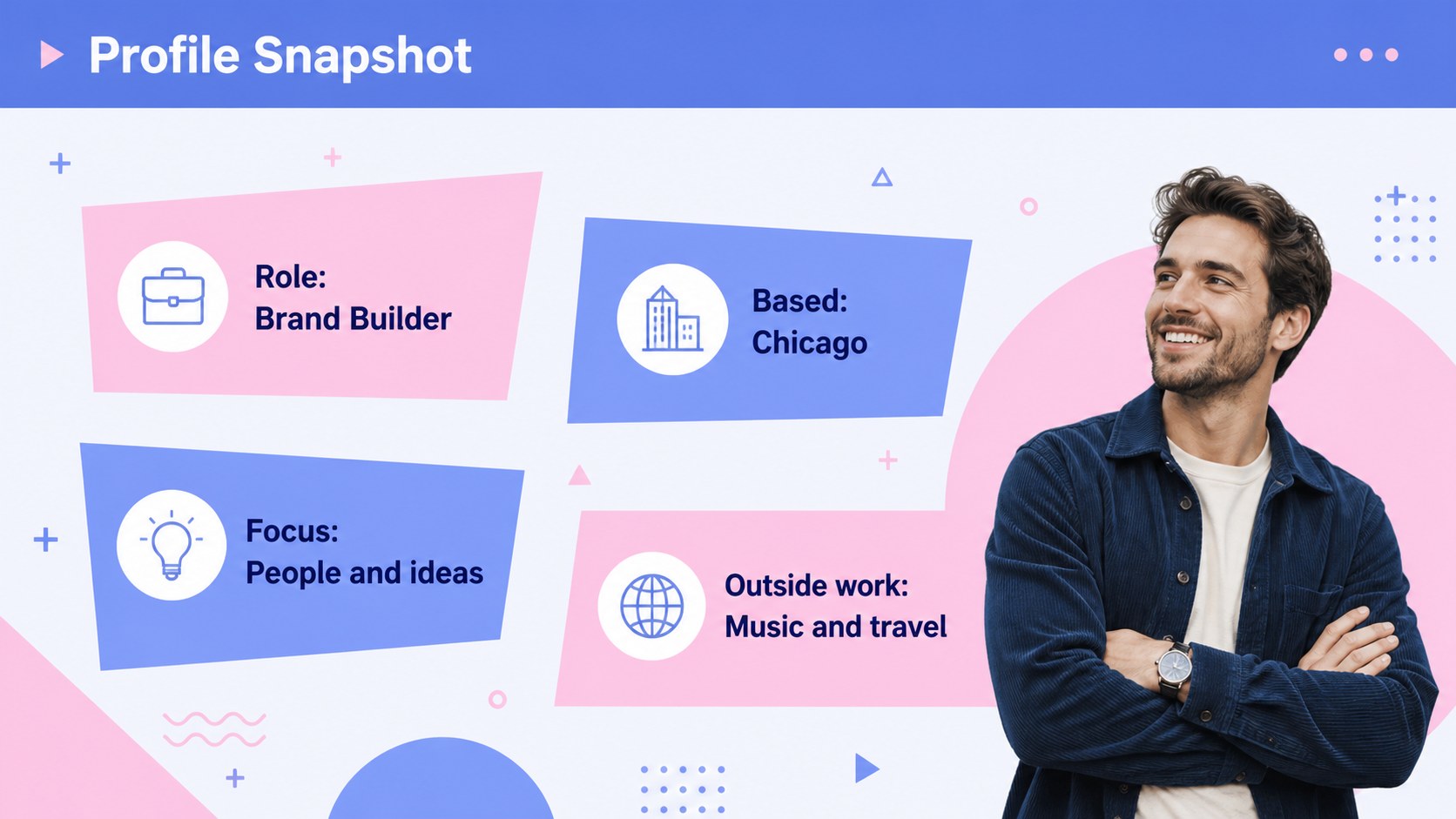
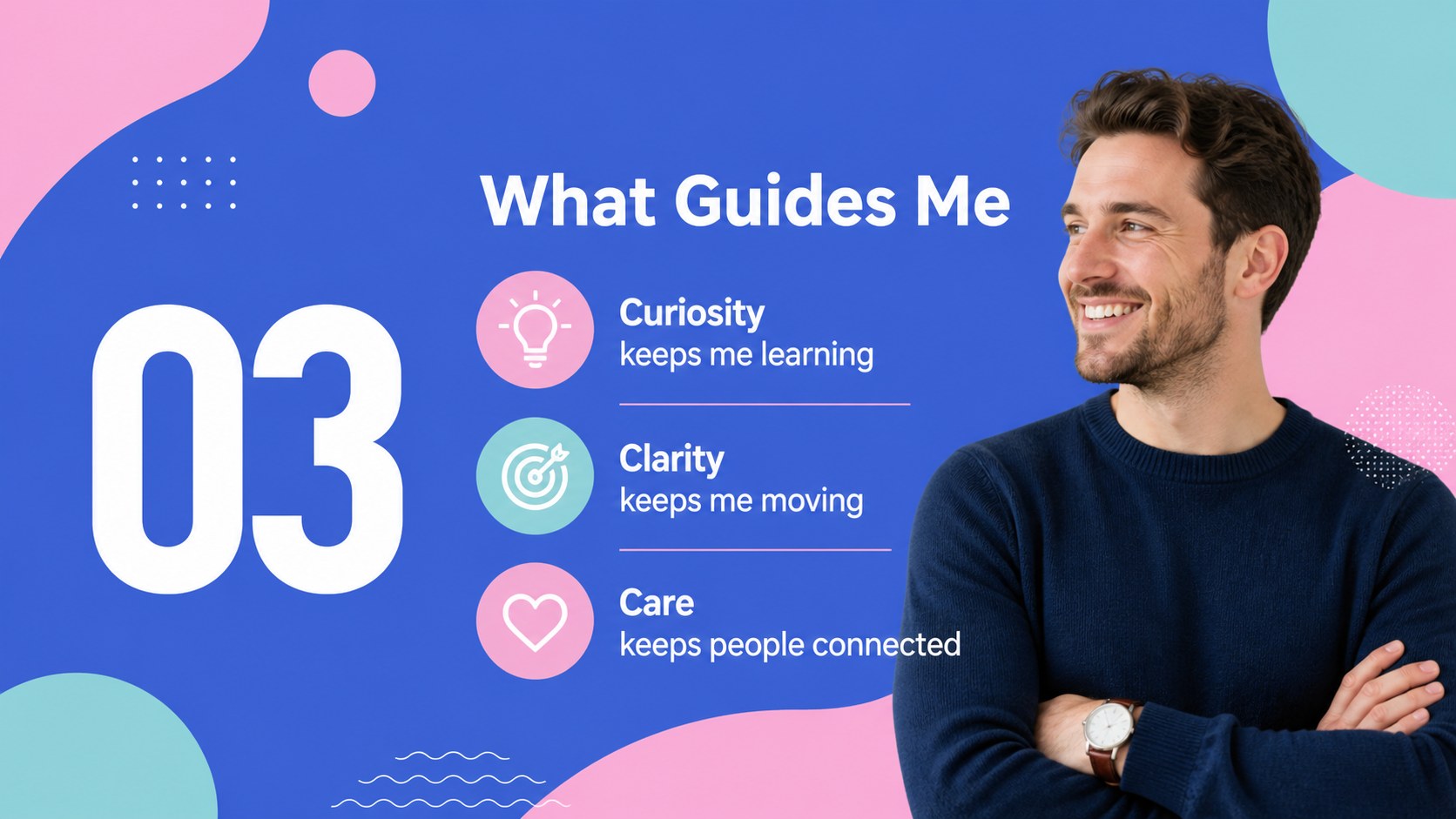
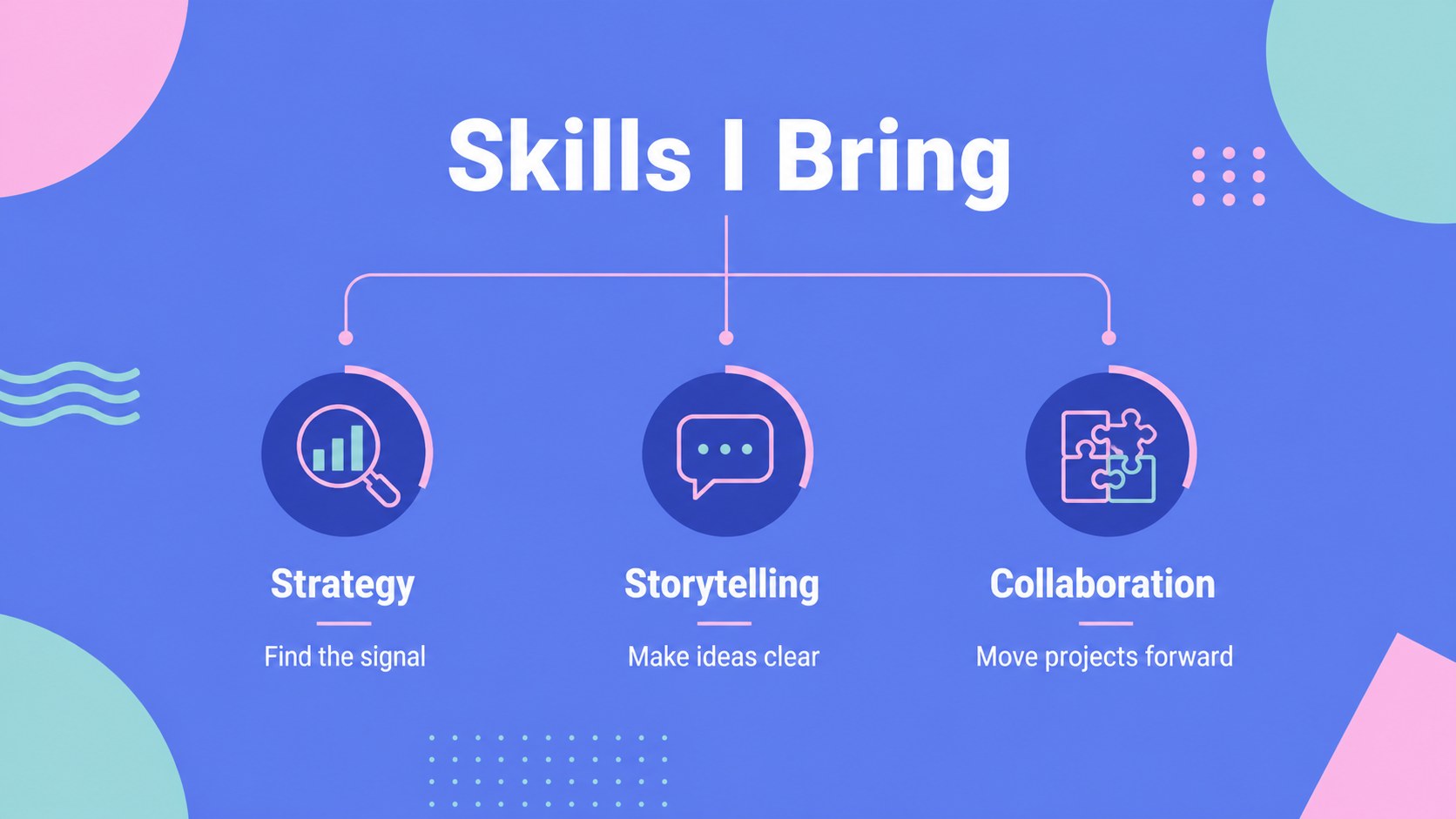
Inside, you will find flexible layouts for an opening statement, personal snapshot, milestone timeline, skills overview, values, selected achievements, team introductions, project highlights, and a closing message. Use image-led pages to show personality, comparison layouts to organize experience, and structured text slides to explain goals or next steps. Additional layouts can support schedules, guest lists, testimonials, and multimedia content such as video or audio.
This deck is designed for students introducing themselves, professionals building a visual profile, founders presenting their background, creators sharing a career journey, and teams welcoming a new member. Every element can be adapted in Google Slides or PowerPoint, including photos, copy, colors, icons, charts, and typography. Use the personal profile presentation as a starting point for interviews, networking events, portfolios, classroom introductions, onboarding sessions, or an about page presented live.
Perfect for: founder background pitch; student classroom introduction; professional networking profile; creative portfolio walkthrough; new team member welcome; job interview presentation.
Frequently asked questions
Can I edit this deck in Google Slides and PowerPoint? Yes. The template is structured for Google Slides and PowerPoint. You can revise the text, rearrange layouts, replace imagery, and adjust the visual styling in the platform you prefer.
Practical details
Yes. The template is structured for Google Slides and PowerPoint. You can revise the text, rearrange layouts, replace imagery, and adjust the visual styling in the platform you prefer.
Start with a concise introduction, then add milestones, skills, values, accomplishments, and current goals. Select only the details that support the audience and purpose of your presentation.
Yes. All colors can be replaced with your brand, school, or personal palette. Keep one accent color for highlights and a contrasting tone for headings so the deck remains easy to scan.
It works well for a professional portfolio, founder bio, interview presentation, or networking introduction. Replace the sample content with measurable achievements, project examples, and links or contact details where appropriate.
Keep exploring
15Use this astrology audience insights deck to present zodiac-based segments, behaviors, and campaign findings in polished black-and-gold slides.
 14
14Plan a memorable Lunar New Year campaign with the 2036 Dragon Year Celebration Theme, featuring bold red-and-yellow slides for lessons and events.
 15
15Build eerie lessons, campaigns, and story pitches with an undead survival scenario theme featuring editable slides for PowerPoint and Google Slides.
 15
15Build a clear breast cancer awareness bulletin with bold pink-and-red slides for campaign news, screening reminders, impact data, and community updates.
 15
15Shape your publishing concept with an indie magazine startup pitch deck featuring pastel gradients, bold collage layouts, and editable planning slides.
 15
15Build a bold retro-futurist campaign pitch deck for client meetings, with editable strategy layouts and playful pastel Y2K-inspired visuals.
 16
16Build a consistent presence with a social channel identity playbook covering voice, visuals, content formats, publishing rules, and approvals.
 15
15Celebrate online learners with webinar completion certificate slides, featuring editable violet artwork for university events in PowerPoint and Google Slides.