
 15
15presentation
Astrology Audience Insights Deck
Use this astrology audience insights deck to present zodiac-based segments, behaviors, and campaign findings in polished black-and-gold slides.
Google SlidesPowerPoint
presentation · English
Build a polished campaign story with this pastel marketing strategy deck, featuring audience insights, funnel planning, competitor research, and social…


Design notes
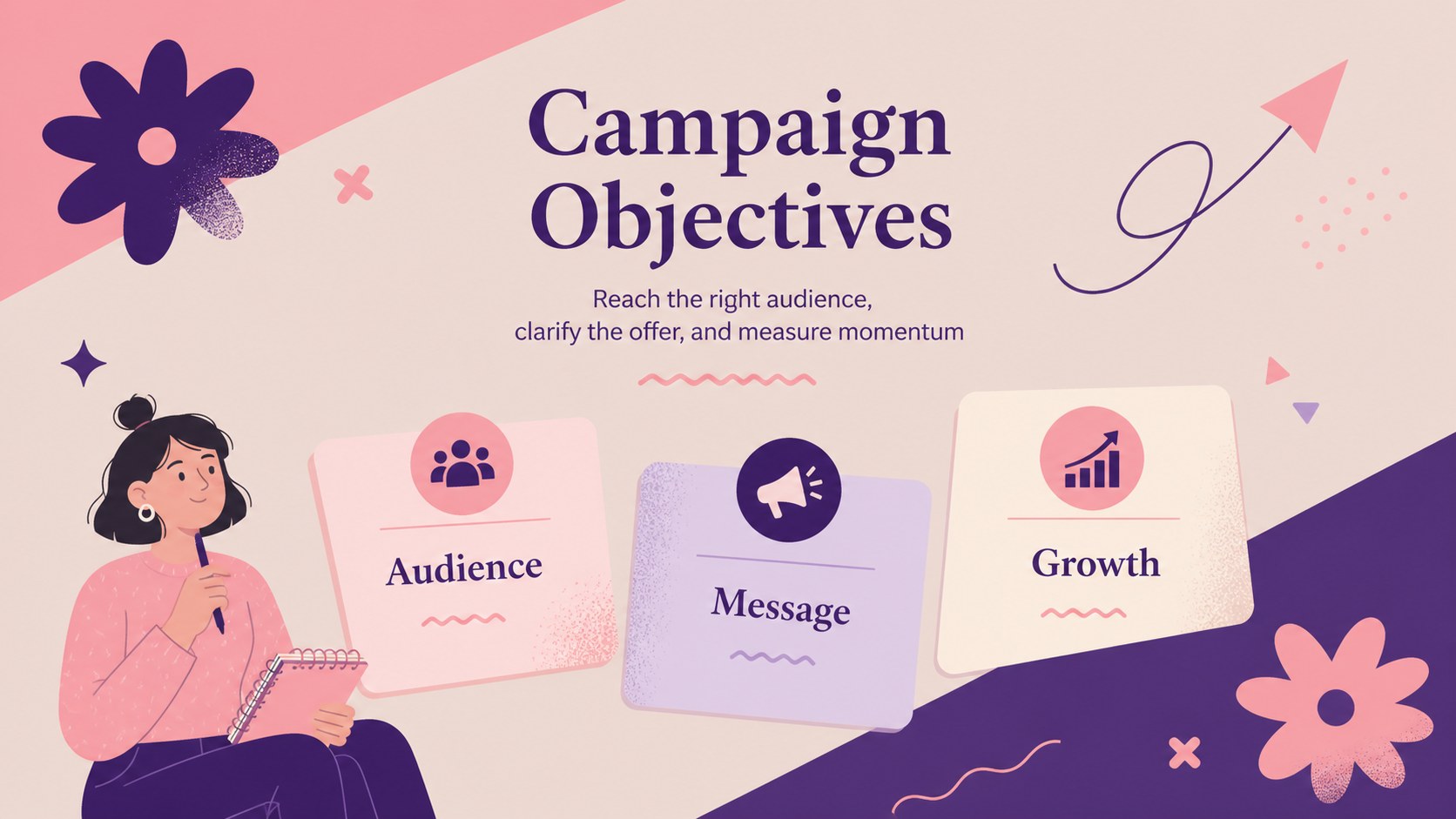
Turn campaign thinking into a clear visual story with this pastel marketing strategy deck for creative teams, brand planners, and growing businesses. Its soft pink palette, expressive Memphis-inspired shapes, and editorial typography give strategic content a distinctive look while keeping each message easy to scan.
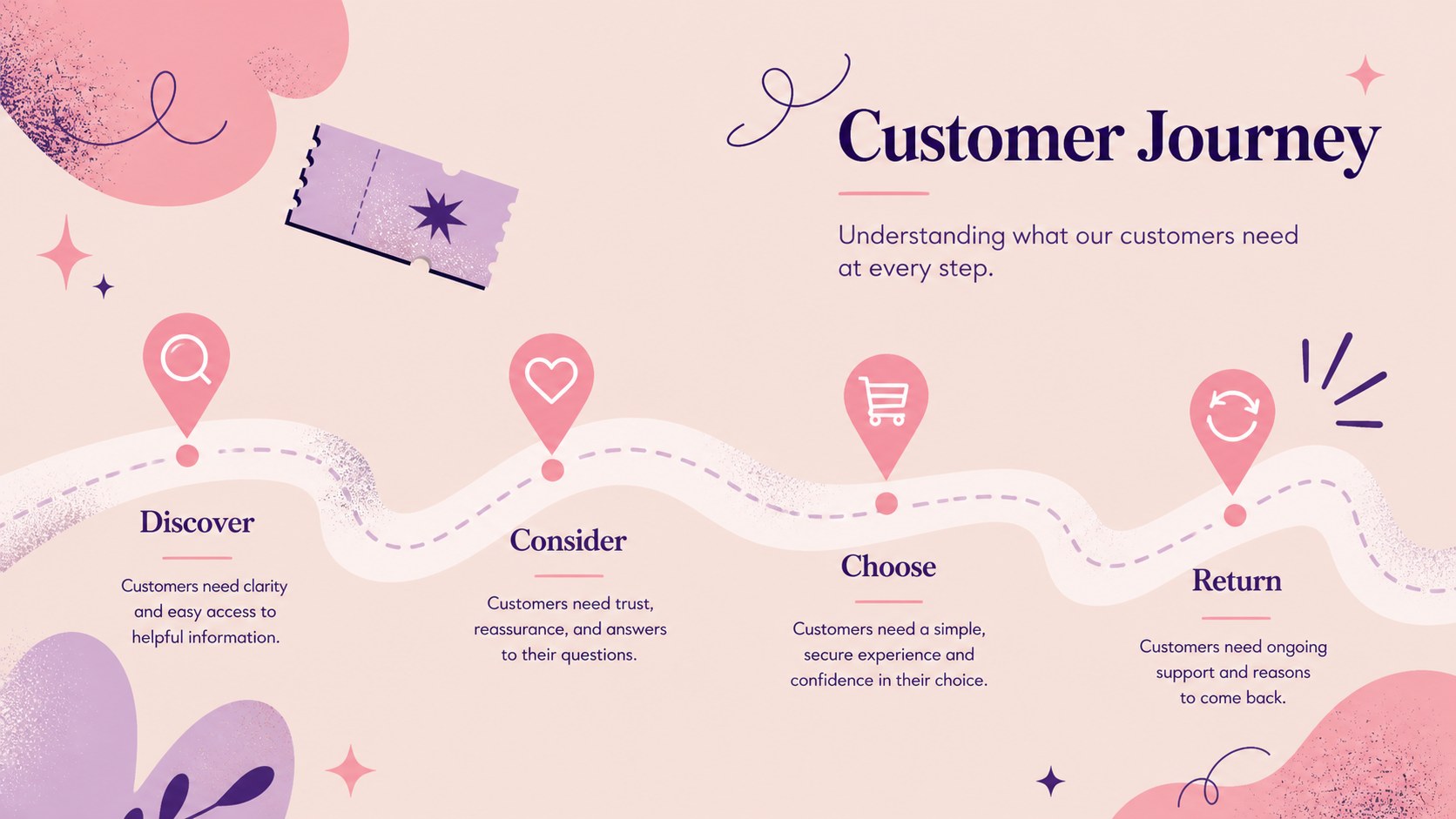
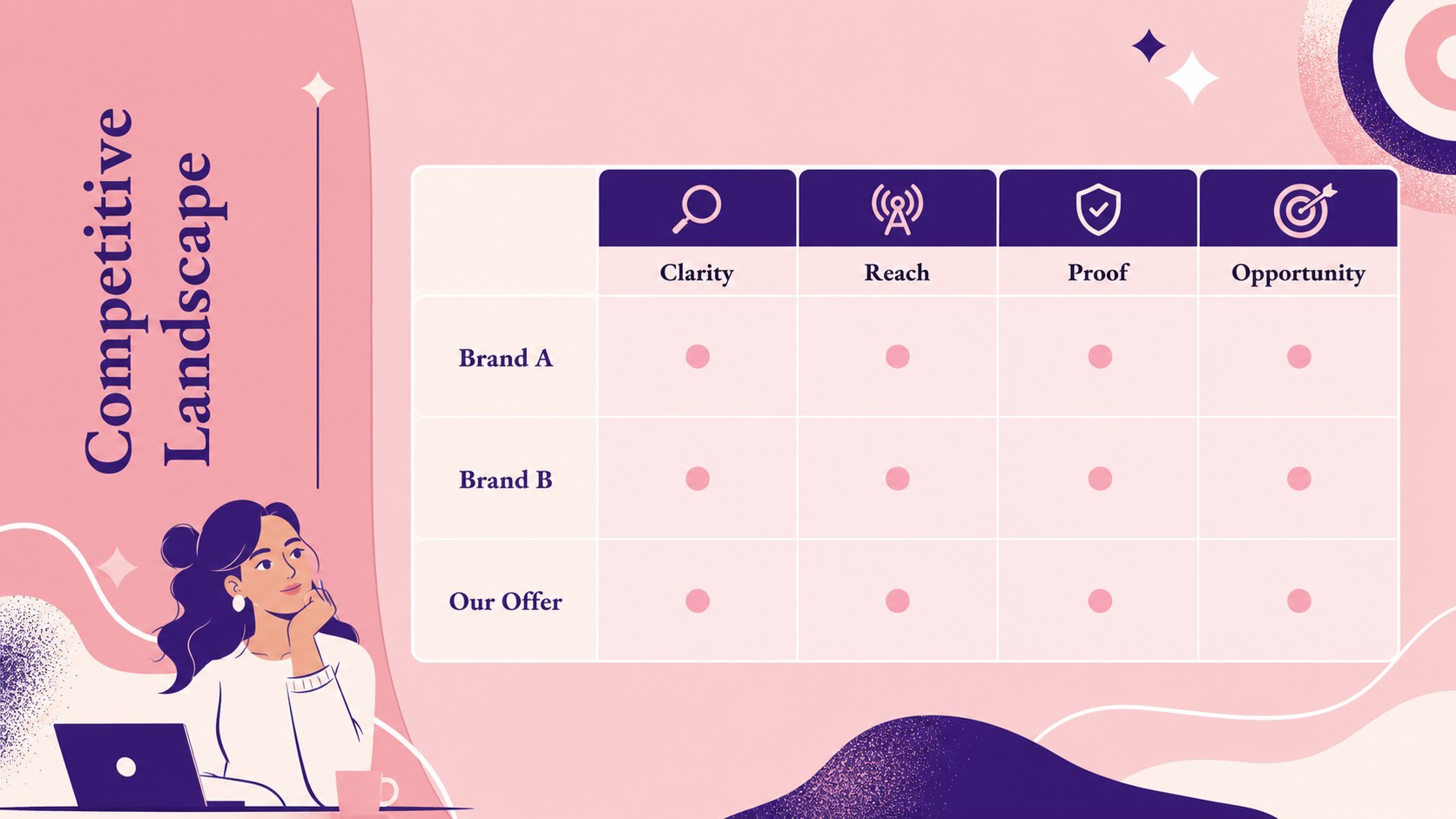
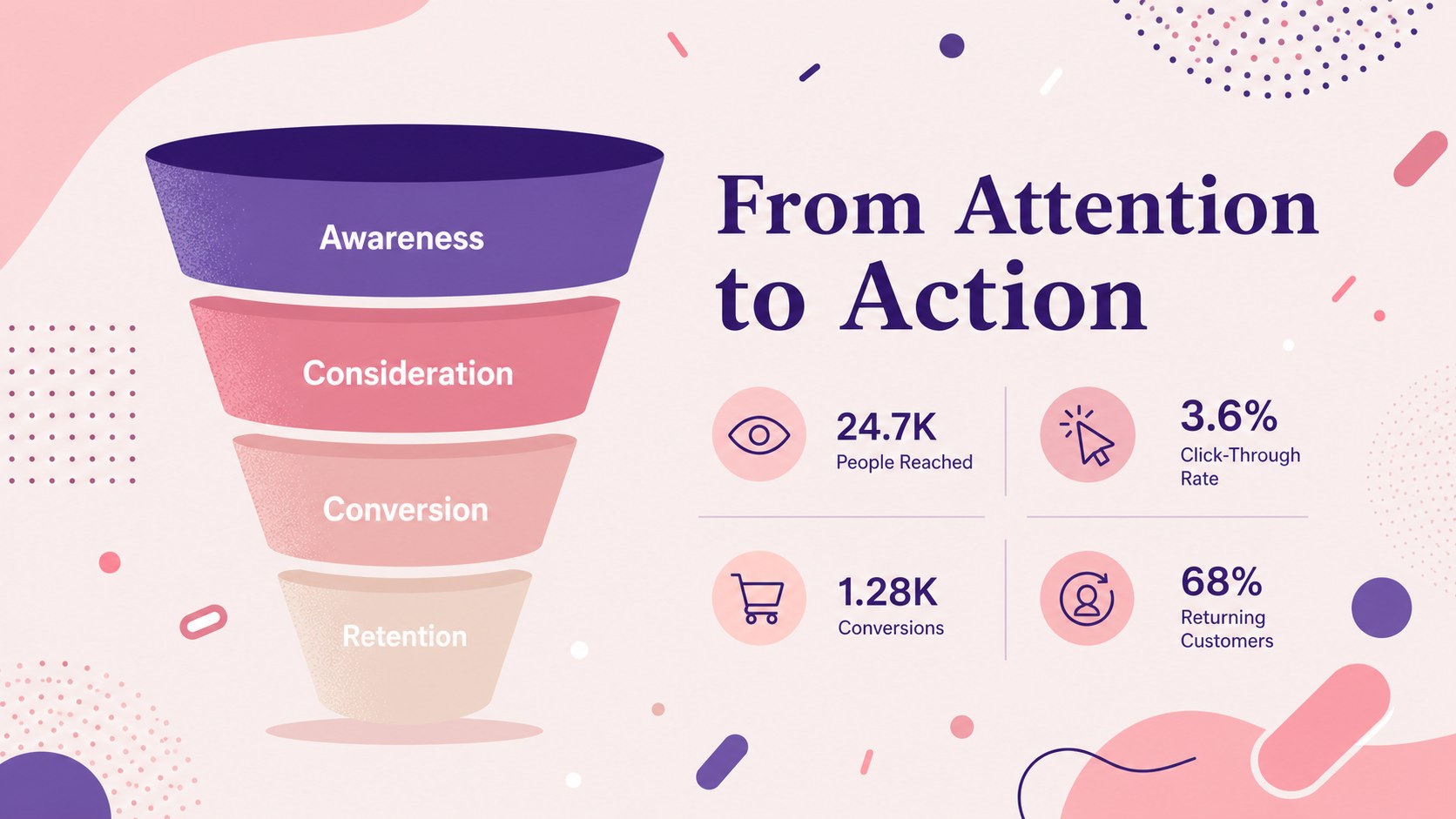
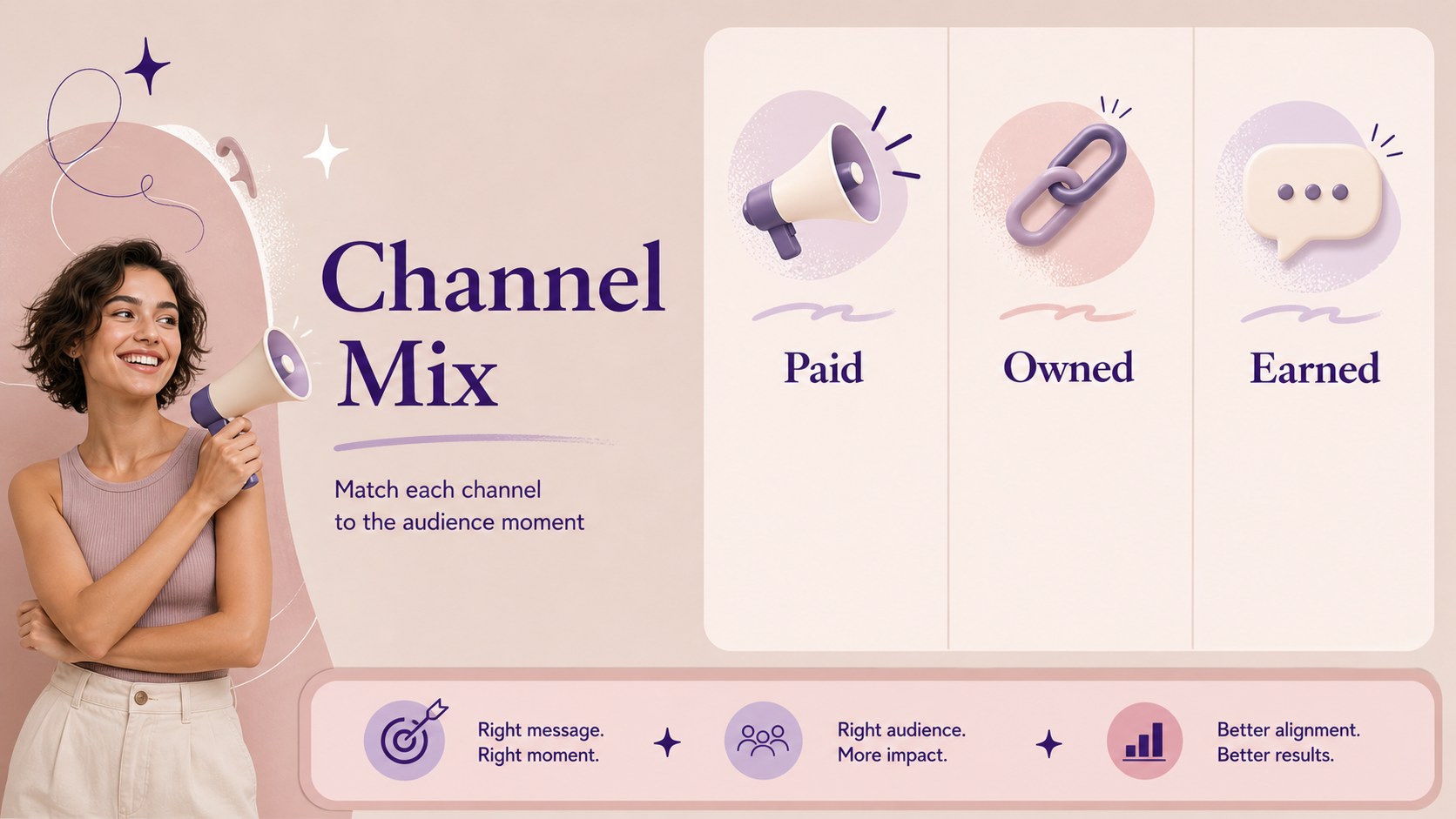
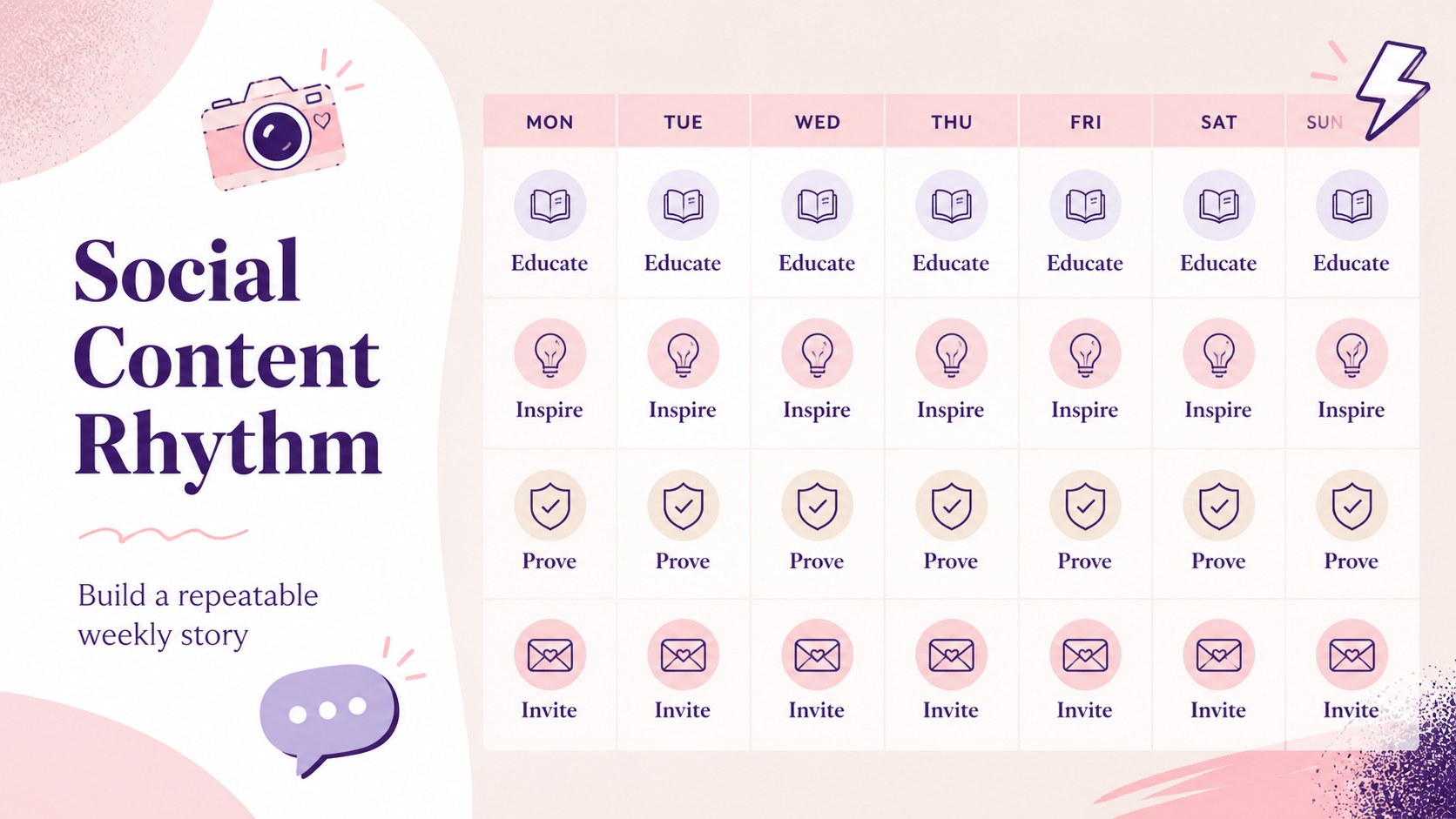
Inside, you will find layouts for campaign goals, audience personas, customer journeys, market positioning, competitor comparisons, sales funnels, channel planning, social media direction, and performance tracking. A resource page adds flexible icons, frames, charts, and decorative elements for quick customization. Use the deck to shape a quarterly campaign proposal, organize a brand launch, or align stakeholders around a practical marketing roadmap.
The presentation works well for agency pitches, internal planning sessions, product marketing workshops, and small-business growth reviews. Edit the slides, then export the finished campaign story to PowerPoint or Google Slides when needed. This pastel marketing strategy deck also includes a helpful opening guide and adaptable layouts, so teams can adjust the structure without losing the cohesive visual system.
Perfect for: agency campaign proposal; product launch planning; quarterly marketing review; brand positioning workshop; social media strategy meeting.
Frequently asked questions
Can I edit this deck? Yes. The template is designed for editing, where you can replace text, adjust colors, add images, and rearrange layouts. You can export the completed presentation as a PowerPoint file or save it to Google Drive.
Practical details
Yes. The template is designed for editing, where you can replace text, adjust colors, add images, and rearrange layouts. You can export the completed presentation as a PowerPoint file or save it to Google Drive.
The deck can be exported from to PowerPoint or transferred to Google Slides. Some -specific animations, fonts, and effects may change slightly after export, so check the final file before presenting.
The layouts cover campaign goals, personas, customer journeys, positioning, competitor research, sales funnels, channel planning, social media, and performance tracking. You can remove or duplicate slides to fit a shorter pitch or a longer planning workshop.
Yes. 's color controls let you replace the pink and pastel accents while preserving the overall layout. For the most cohesive result, apply a small set of brand colors consistently across charts, shapes, and headings.
Keep exploring
15Use this astrology audience insights deck to present zodiac-based segments, behaviors, and campaign findings in polished black-and-gold slides.
 14
14Plan a memorable Lunar New Year campaign with the 2036 Dragon Year Celebration Theme, featuring bold red-and-yellow slides for lessons and events.
 15
15Build eerie lessons, campaigns, and story pitches with an undead survival scenario theme featuring editable slides for PowerPoint and Google Slides.
 15
15Build a clear breast cancer awareness bulletin with bold pink-and-red slides for campaign news, screening reminders, impact data, and community updates.
 15
15Shape your publishing concept with an indie magazine startup pitch deck featuring pastel gradients, bold collage layouts, and editable planning slides.
 15
15Build a bold retro-futurist campaign pitch deck for client meetings, with editable strategy layouts and playful pastel Y2K-inspired visuals.
 16
16Build a consistent presence with a social channel identity playbook covering voice, visuals, content formats, publishing rules, and approvals.
 15
15Celebrate online learners with webinar completion certificate slides, featuring editable violet artwork for university events in PowerPoint and Google Slides.