
 15
15presentation
Astrology Audience Insights Deck
Use this astrology audience insights deck to present zodiac-based segments, behaviors, and campaign findings in polished black-and-gold slides.
Google SlidesPowerPoint
presentation · English
Build polished school updates with this newspaper newsletter presentation kit, using clean white editorial layouts for PowerPoint and Google Slides.
Design notes
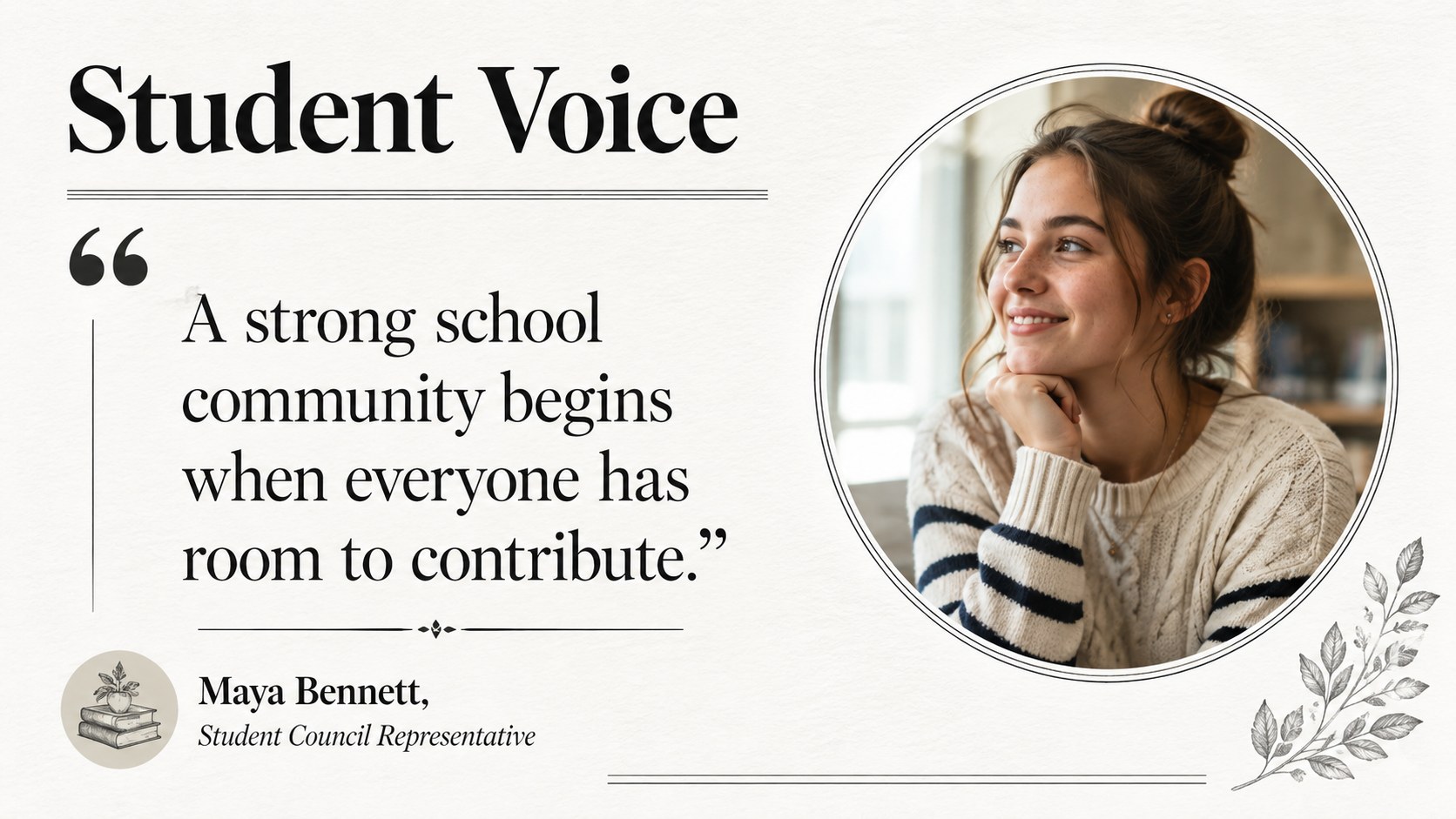
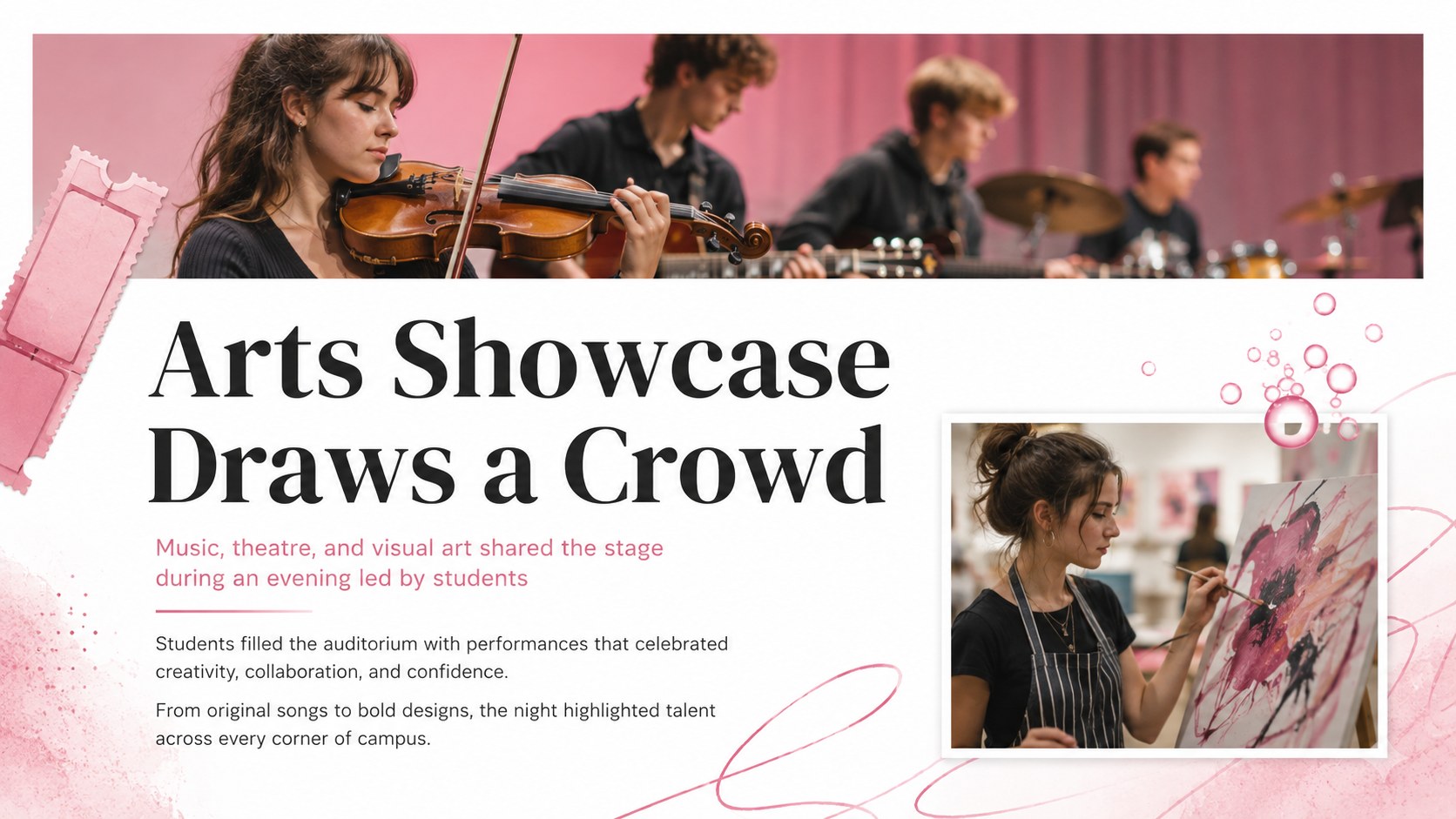
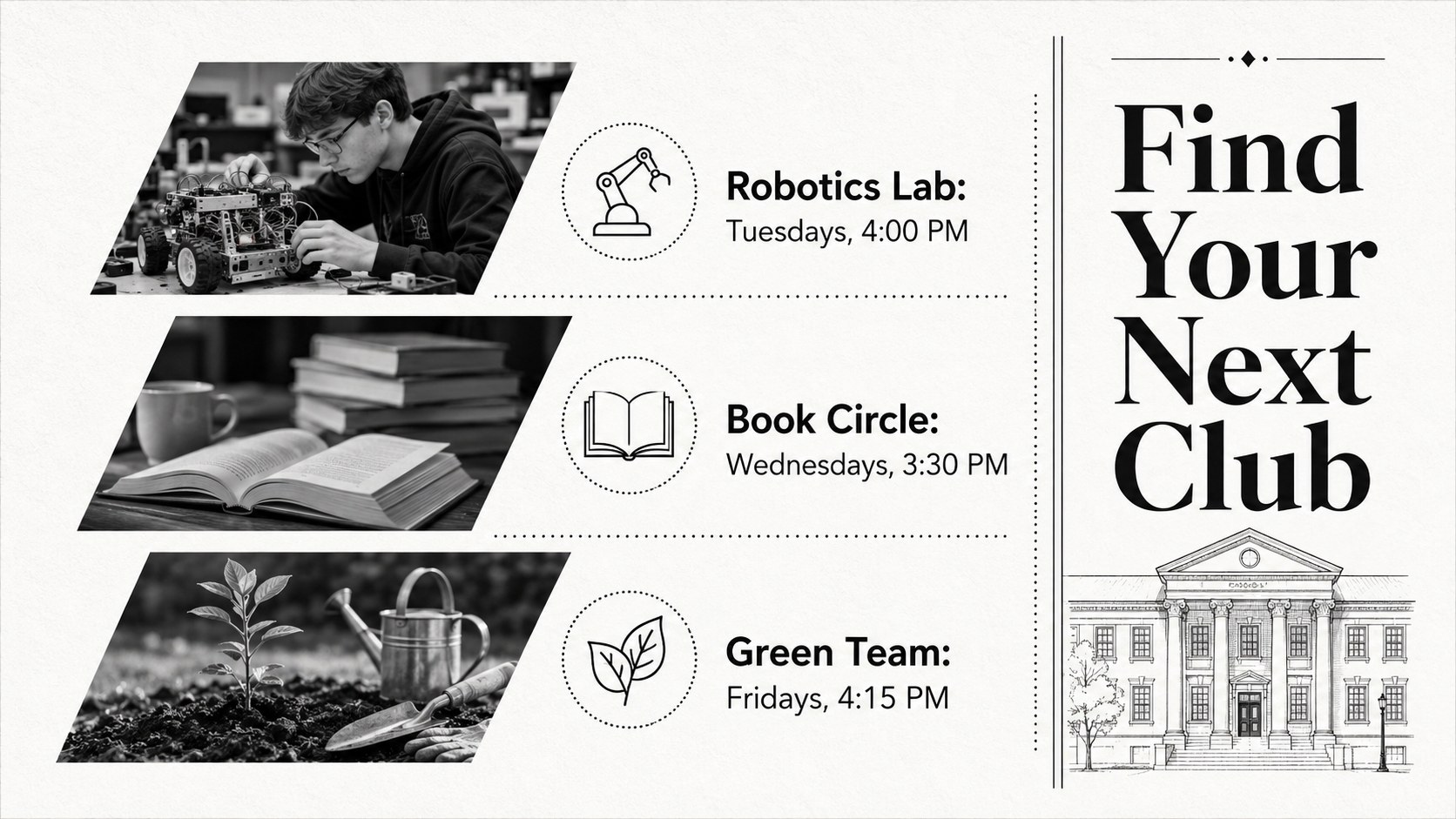
Turn everyday school news into a polished publication with this newspaper newsletter presentation kit. Its spacious white canvas, bold serif headlines, and orderly editorial structure give announcements the authority of a printed paper without making the slides feel crowded. Use it to organize timely stories, classroom notices, research summaries, and student achievements in a format that is clear at a glance.
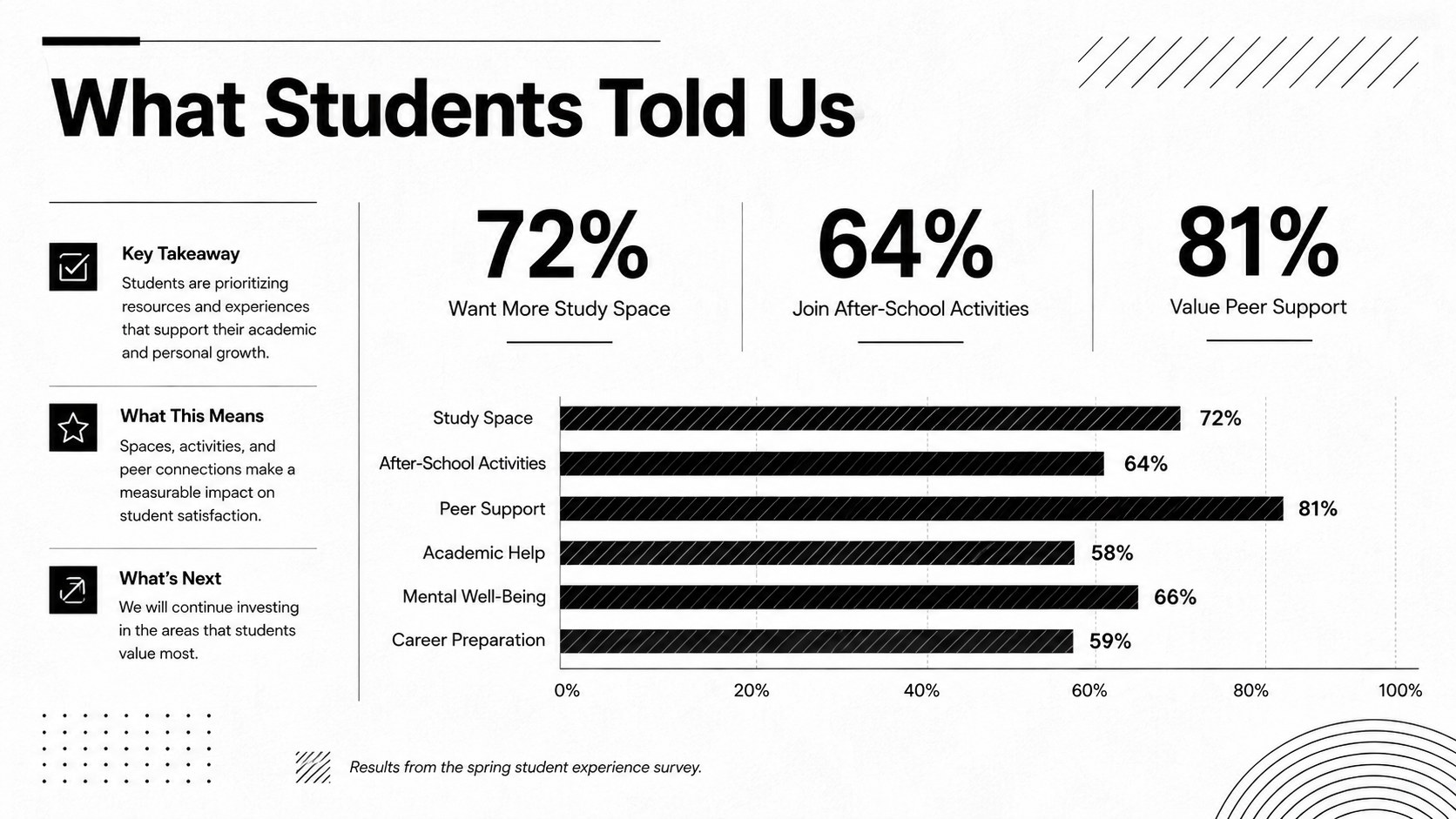
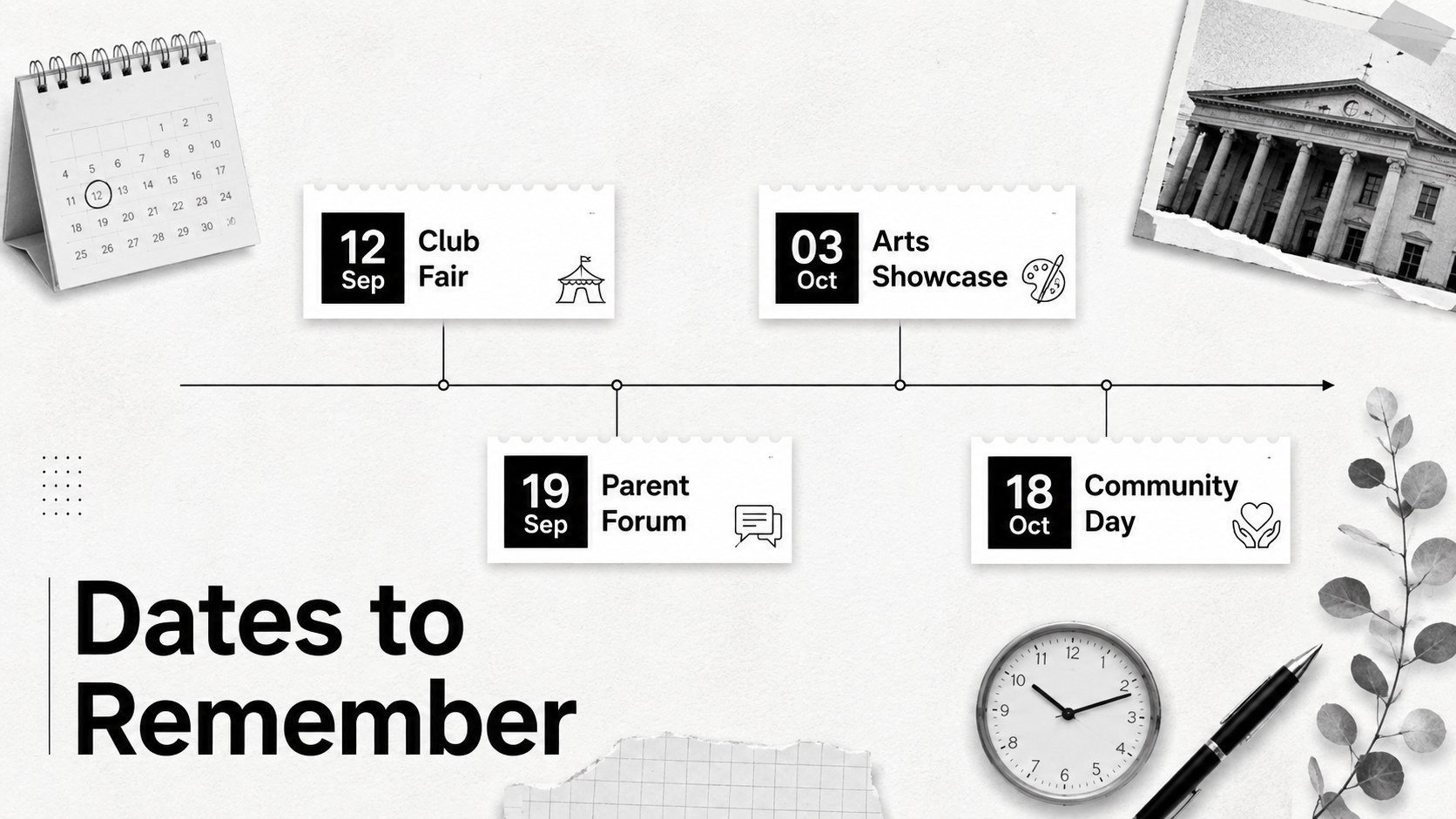
The deck includes 22 customizable widescreen layouts for cover stories, contents pages, short articles, interviews, quotations, charts, timelines, photo features, and closing notes. Adapt it as a school newspaper newsletter template, assemble class bulletin presentation slides, or build an academic news report template for a major project. Editable text, image frames, shapes, tables, and data graphics help every issue maintain a consistent visual hierarchy.
Designed for students, teachers, school clubs, and academic teams, the newspaper newsletter presentation kit works in both PowerPoint and Google Slides. DM Serif Display supplies the publication-style headlines, while DM Sans keeps captions and body copy readable. Replace the sample reporting with your own material, adjust the section order, and add photographs or charts to create a focused newsletter for class, campus, or departmental communication.
Perfect for: monthly classroom bulletin; student newspaper issue; campus activity roundup; academic project report; school club newsletter.
Frequently asked questions
Can I edit this newspaper newsletter presentation kit? Yes. Headlines, article text, photographs, charts, colors, and section labels can all be replaced or rearranged to suit your publication.
Practical details
Yes. Headlines, article text, photographs, charts, colors, and section labels can all be replaced or rearranged to suit your publication.
The template is designed for Microsoft PowerPoint and Google Slides. Upload or open the appropriate file, then edit the layouts with the platform's standard presentation tools.
Replace the sample stories with campus news, assign consistent section names, and add student photography to the image frames. Keep the serif headlines and clean column structure to preserve the editorial character.
Yes. The deck includes editable data and chronology layouts that can be adapted for survey results, research findings, event schedules, or project milestones.
Keep exploring
15Use this astrology audience insights deck to present zodiac-based segments, behaviors, and campaign findings in polished black-and-gold slides.
 14
14Plan a memorable Lunar New Year campaign with the 2036 Dragon Year Celebration Theme, featuring bold red-and-yellow slides for lessons and events.
 15
15Build eerie lessons, campaigns, and story pitches with an undead survival scenario theme featuring editable slides for PowerPoint and Google Slides.
 15
15Build a clear breast cancer awareness bulletin with bold pink-and-red slides for campaign news, screening reminders, impact data, and community updates.
 15
15Shape your publishing concept with an indie magazine startup pitch deck featuring pastel gradients, bold collage layouts, and editable planning slides.
 15
15Build a bold retro-futurist campaign pitch deck for client meetings, with editable strategy layouts and playful pastel Y2K-inspired visuals.
 16
16Build a consistent presence with a social channel identity playbook covering voice, visuals, content formats, publishing rules, and approvals.
 15
15Celebrate online learners with webinar completion certificate slides, featuring editable violet artwork for university events in PowerPoint and Google Slides.