
 15
15presentation
Astrology Audience Insights Deck
Use this astrology audience insights deck to present zodiac-based segments, behaviors, and campaign findings in polished black-and-gold slides.
Google SlidesPowerPoint
presentation · English
Plan polished year-end campaigns with a New Year marketing strategy presentation in black and gold, ready to edit in PowerPoint or Google Slides.
Design notes
This New Year marketing strategy presentation helps teams turn a festive concept into a credible, structured campaign plan. Its elegant black background, gold accents, subtle glitter, and refined typography create a celebratory look without losing professional clarity. Use it as a luxury holiday brand activation deck for agencies, in-house marketing departments, small businesses, event organizers, or consultants preparing an end-of-year initiative.
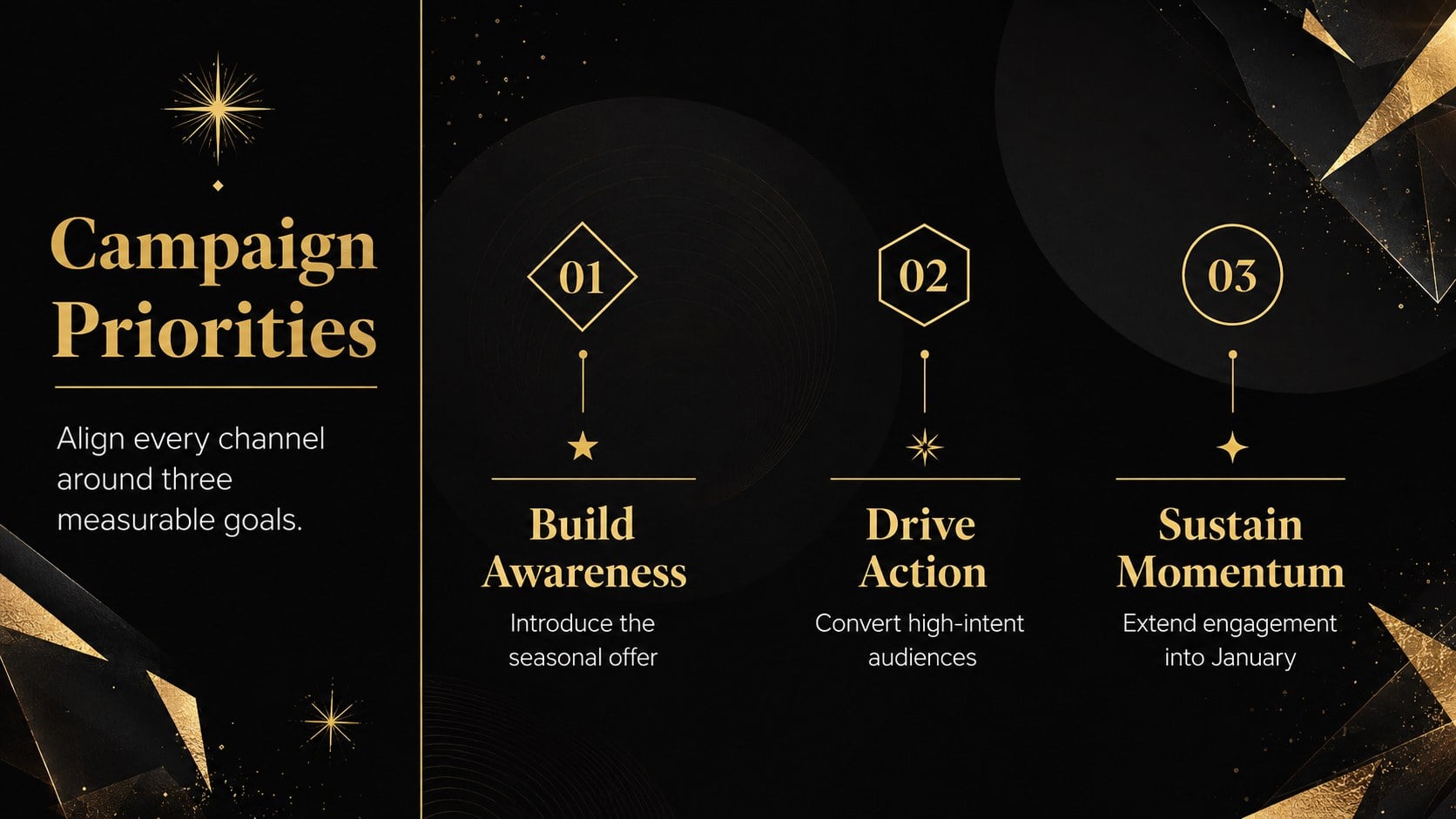
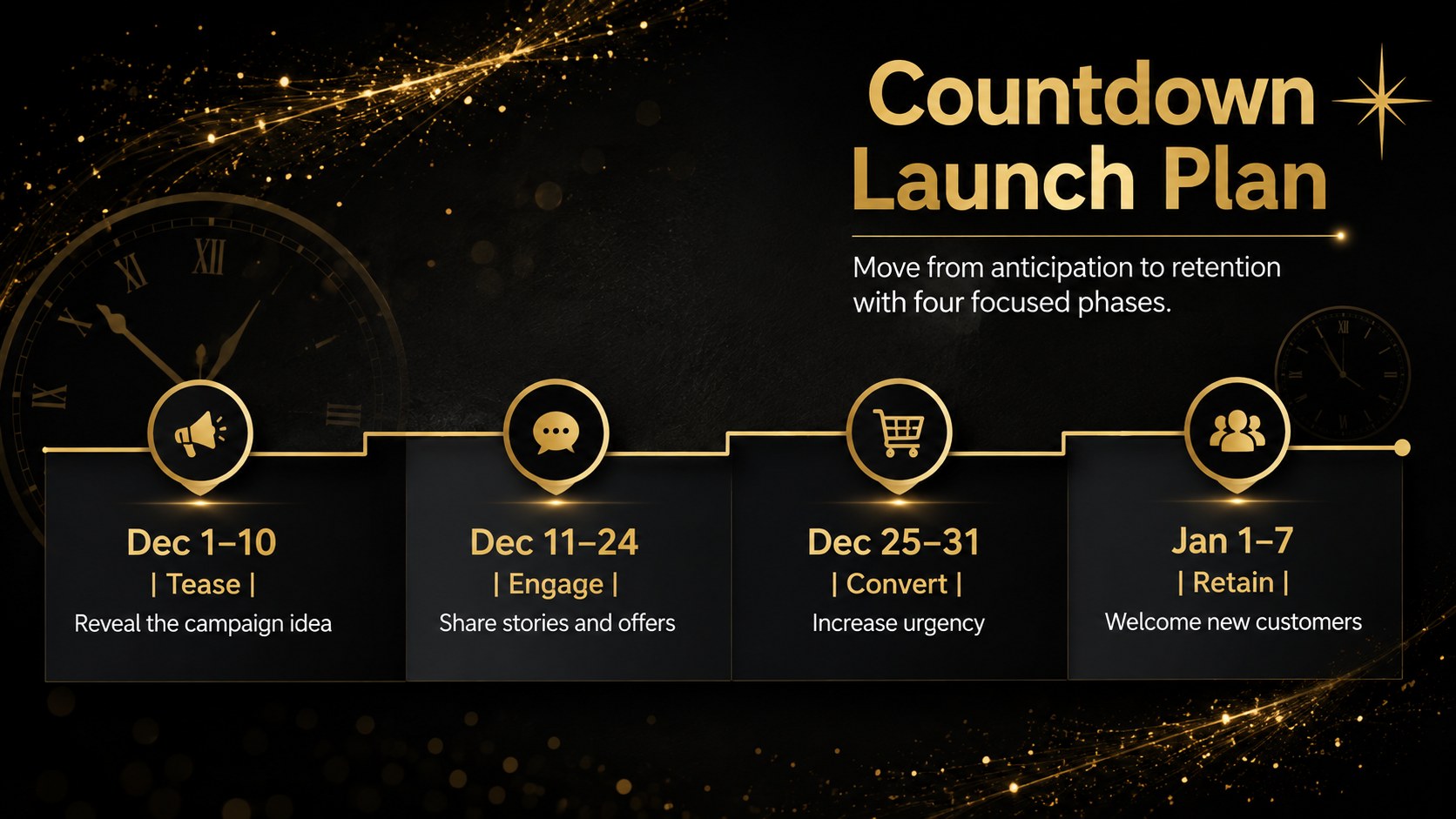
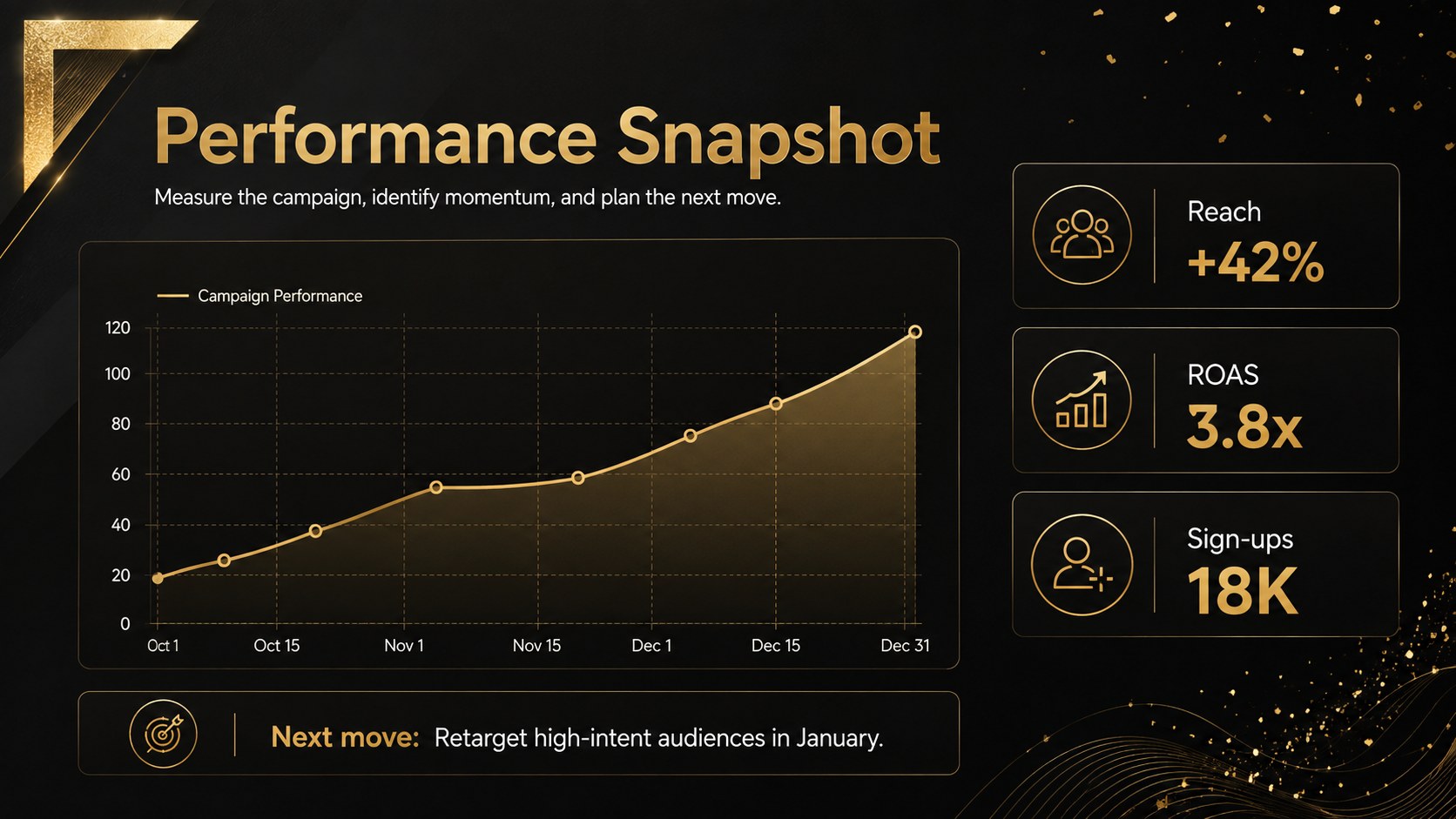
The presentation includes layouts for campaign objectives, audience insights, channel priorities, launch phases, promotional offers, budgets, and performance indicators. A countdown timeline organizes activity from early December through the first week of January, while focused data pages make results easy to scan. Adapt the black gold social media strategy slides for paid media, email, partnerships, retail promotions, or community engagement. The same visual system can also support a New Year's Eve event sponsorship presentation with space for packages, reach estimates, and partner benefits.
Every slide can be customized in PowerPoint or Google Slides. Replace sample copy, update charts, add campaign photography, adjust the gold and black palette, and apply your own logo and type choices. The layouts are suitable for client pitches, internal planning sessions, stakeholder reviews, virtual meetings, and post-campaign reporting. Clear hierarchy, restrained decoration, and practical content areas keep the story polished from the opening concept through the final performance summary.
Perfect for: year-end campaign pitch; New Year's Eve event sponsorship; January product launch plan; holiday social media strategy; annual marketing performance review.
Frequently asked questions
Can I edit this presentation in PowerPoint and Google Slides? Yes. The layouts, text, colors, charts, and image areas can be customized in either PowerPoint or Google Slides. Font availability may vary slightly between the two platforms.
Practical details
Yes. The layouts, text, colors, charts, and image areas can be customized in either PowerPoint or Google Slides. Font availability may vary slightly between the two platforms.
Replace the sample logo area, apply your brand fonts, and adjust the gold accent to match your visual identity. You can also swap the campaign imagery and update each chart with your own data.
Yes. Convert the campaign priority and KPI layouts into sponsorship tiers, audience reach, promotional benefits, and partner deliverables. The countdown timeline also works well for event milestones.
No. All sample dates, percentages, and performance figures are placeholders intended to demonstrate the layouts. Replace them with verified campaign information before presenting.
Keep exploring
15Use this astrology audience insights deck to present zodiac-based segments, behaviors, and campaign findings in polished black-and-gold slides.
 14
14Plan a memorable Lunar New Year campaign with the 2036 Dragon Year Celebration Theme, featuring bold red-and-yellow slides for lessons and events.
 15
15Build eerie lessons, campaigns, and story pitches with an undead survival scenario theme featuring editable slides for PowerPoint and Google Slides.
 15
15Build a clear breast cancer awareness bulletin with bold pink-and-red slides for campaign news, screening reminders, impact data, and community updates.
 15
15Shape your publishing concept with an indie magazine startup pitch deck featuring pastel gradients, bold collage layouts, and editable planning slides.
 15
15Build a bold retro-futurist campaign pitch deck for client meetings, with editable strategy layouts and playful pastel Y2K-inspired visuals.
 16
16Build a consistent presence with a social channel identity playbook covering voice, visuals, content formats, publishing rules, and approvals.
 15
15Celebrate online learners with webinar completion certificate slides, featuring editable violet artwork for university events in PowerPoint and Google Slides.