
 15
15presentation
UFO Day Alien Encounter Deck
Build a bold cosmic story with this UFO Day alien encounter deck, featuring surreal green-and-black layouts for PowerPoint and Google Slides events.
Google SlidesPowerPoint
presentation · English
Lead practical cyber lessons with a Network Defense Training Deck featuring 15 editable black, white, and green slides for PowerPoint and Google Slides.
Design notes
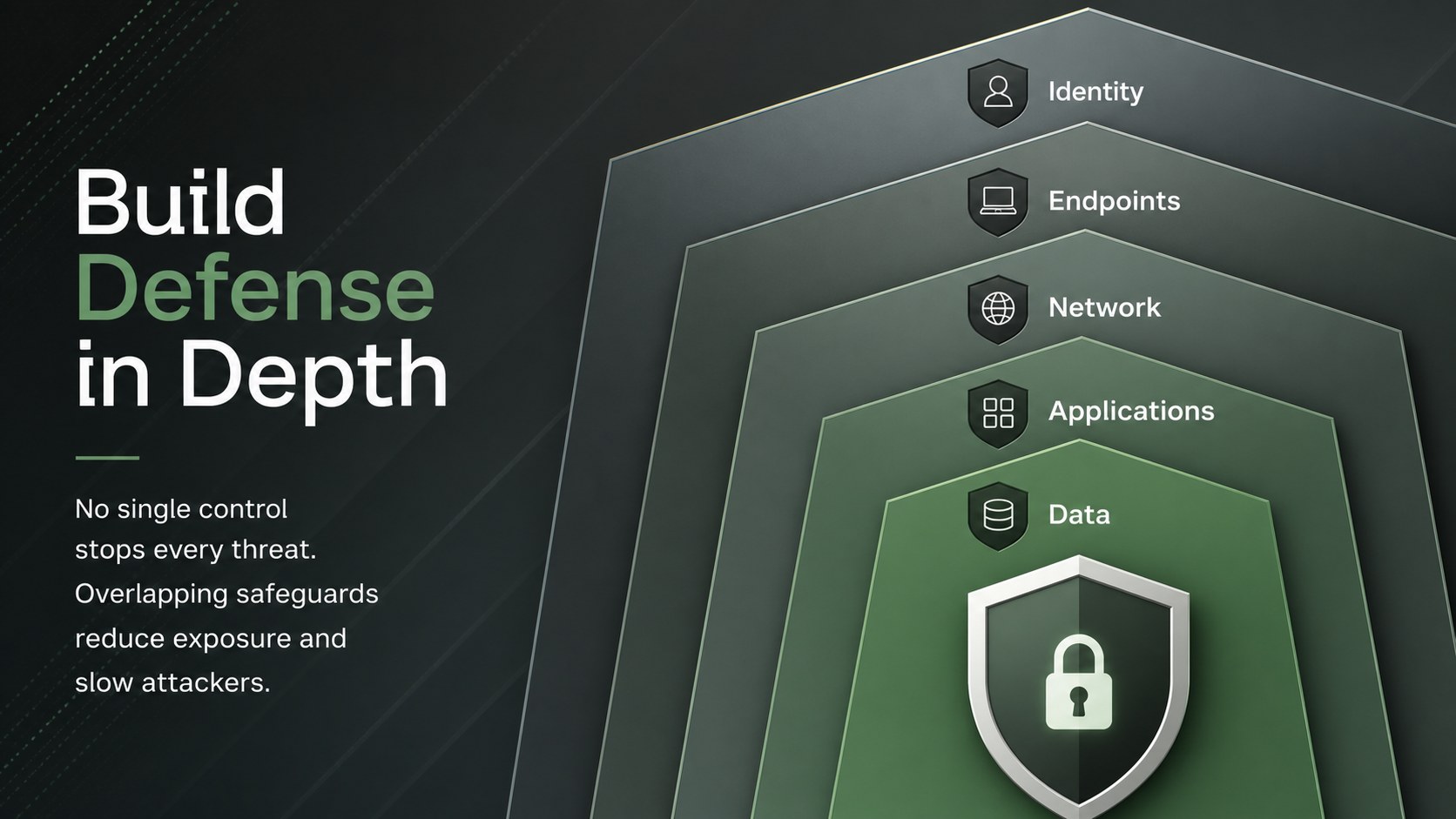
The Network Defense Training Deck gives instructors a focused visual framework for explaining how digital attacks develop, where systems become vulnerable, and which safeguards reduce risk. Its bold black, white, and green palette creates a technical, modern atmosphere while keeping diagrams, definitions, and teaching points easy to scan.
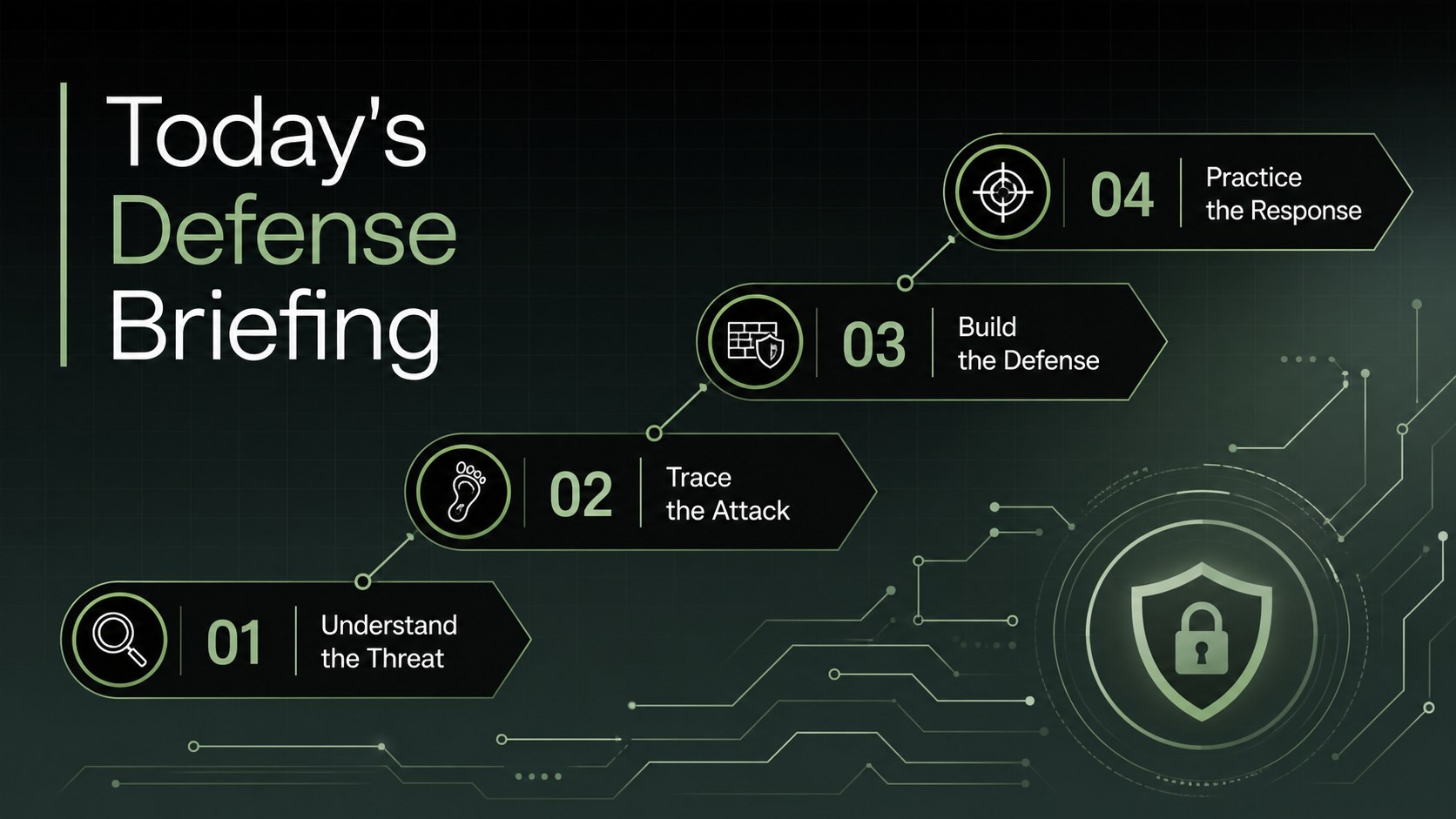
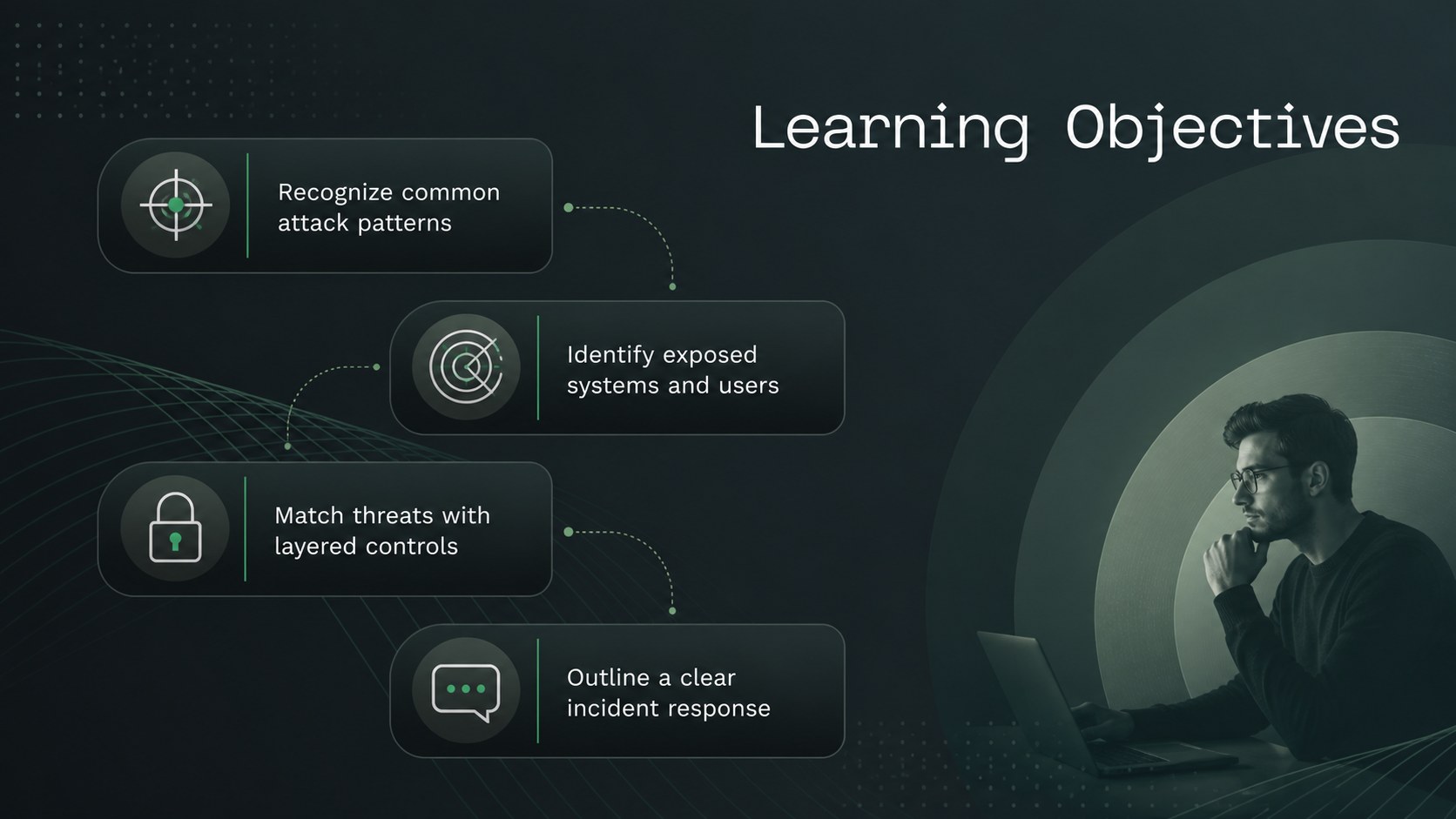
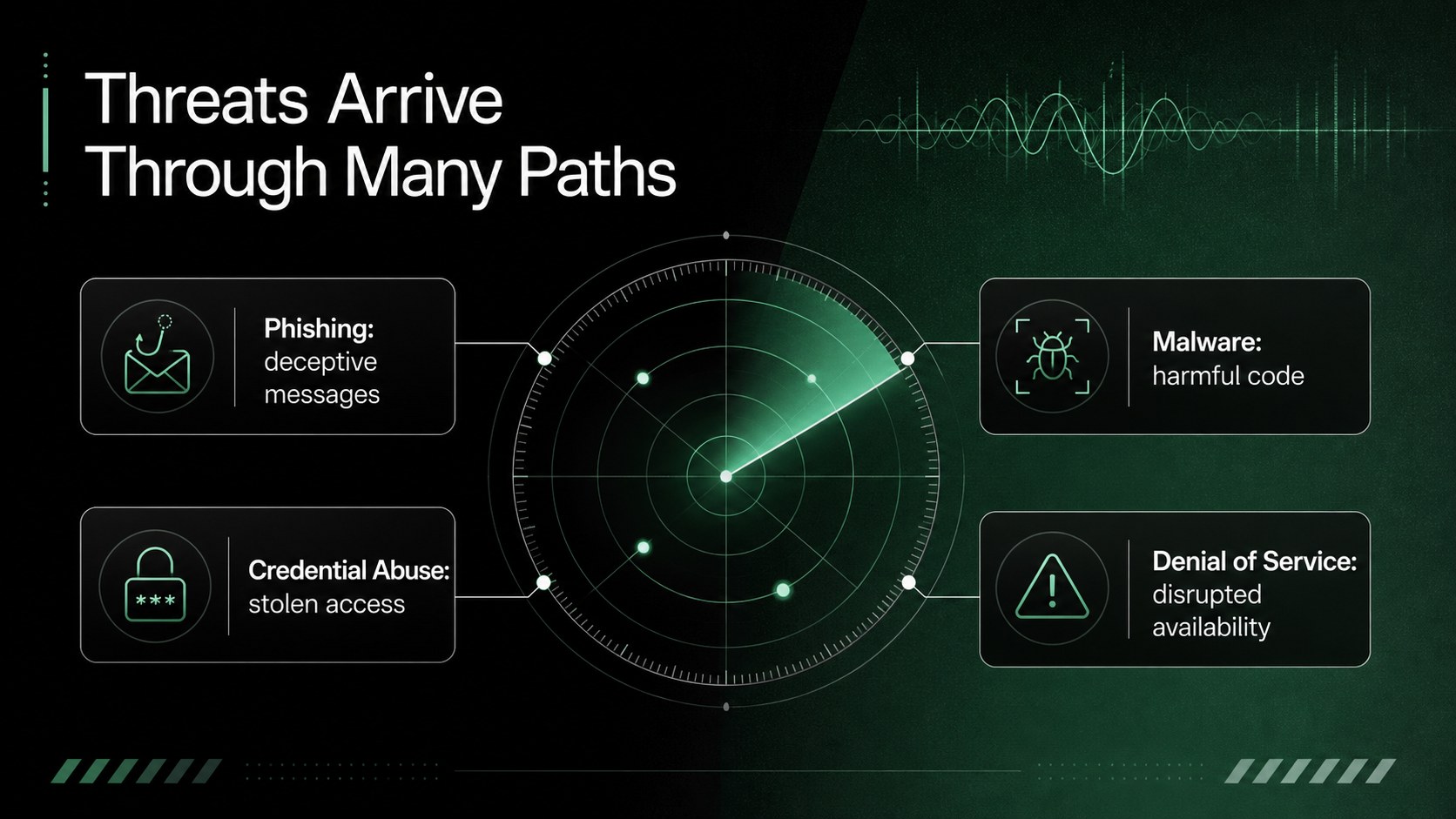
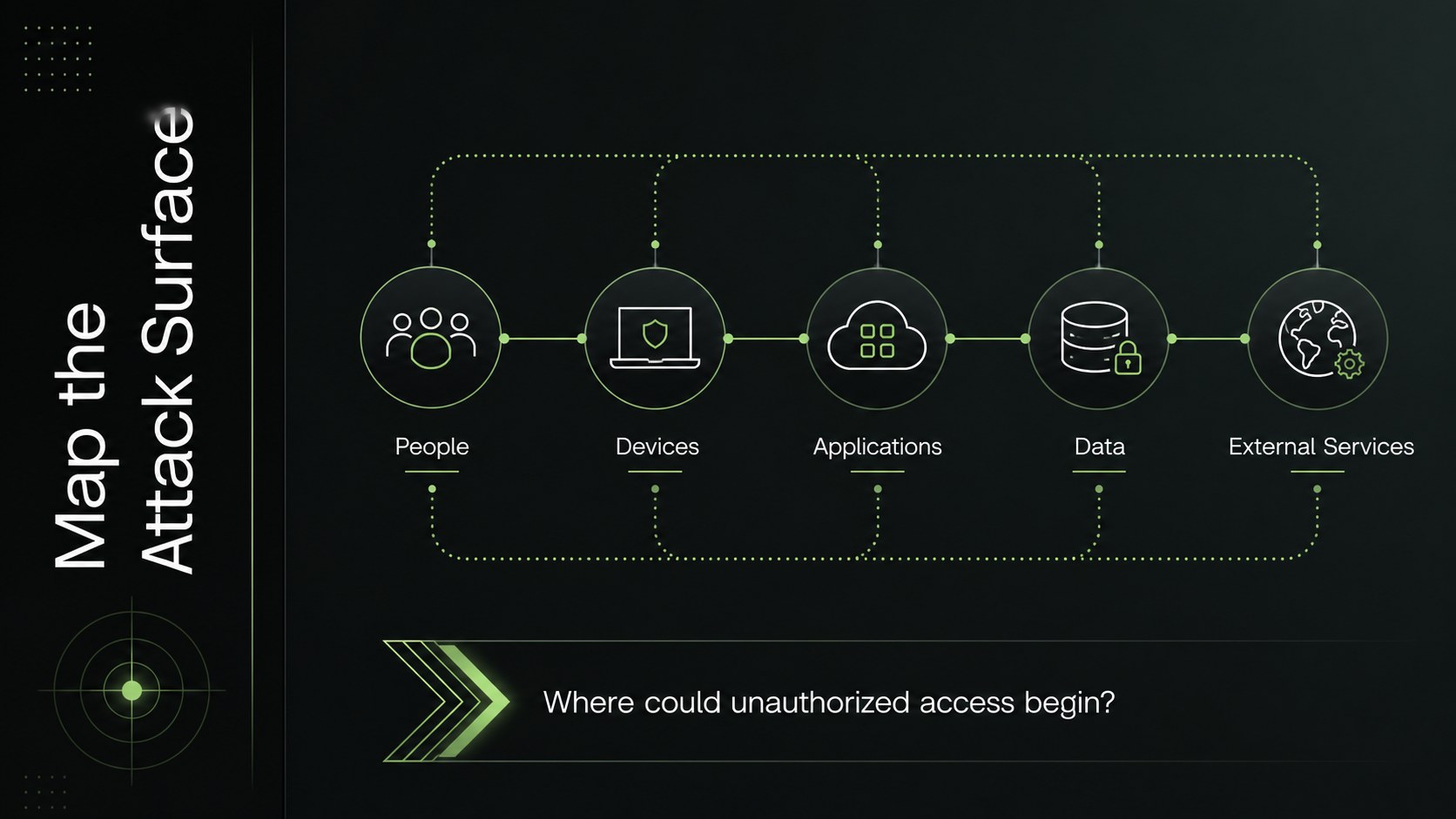
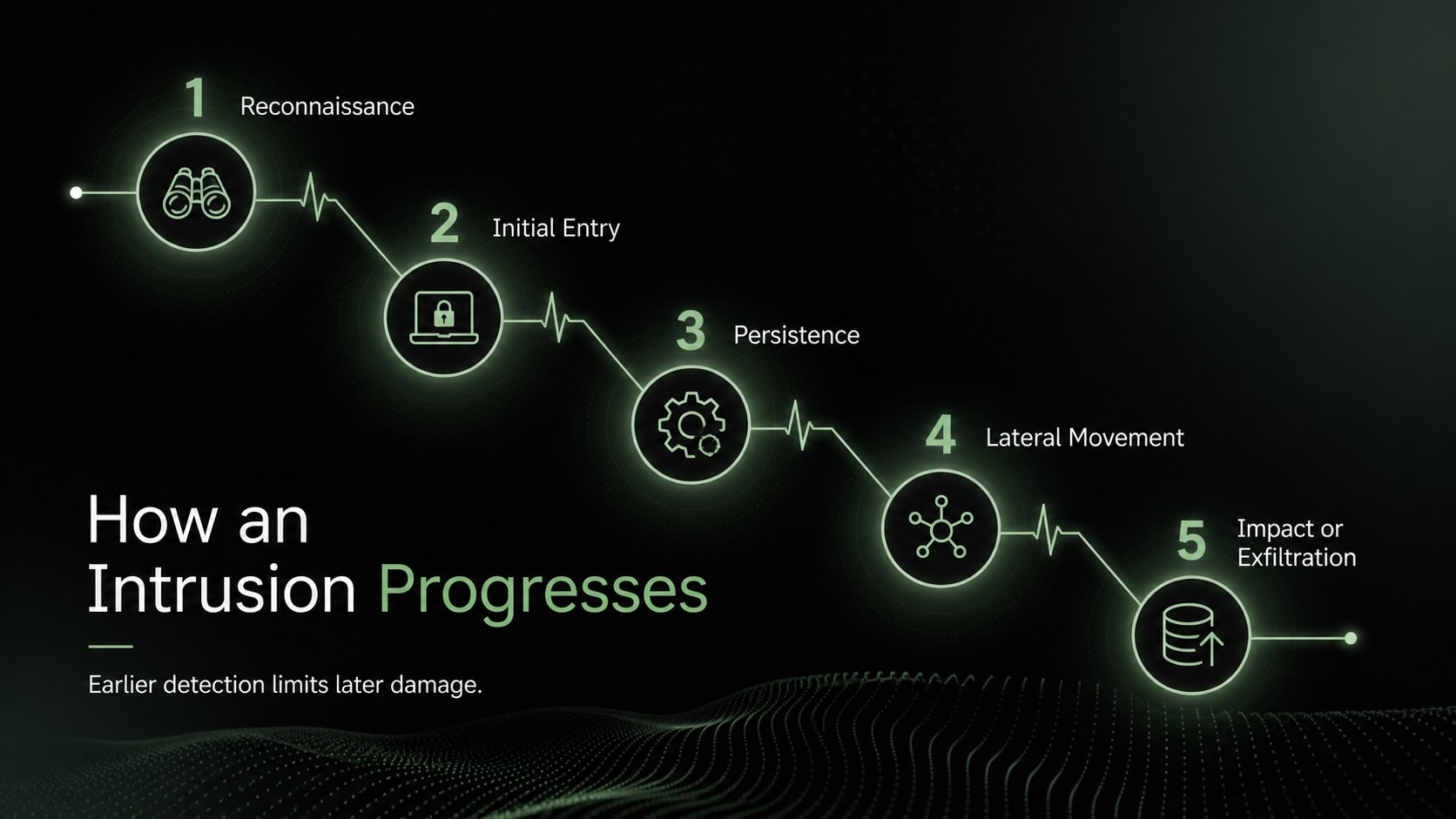
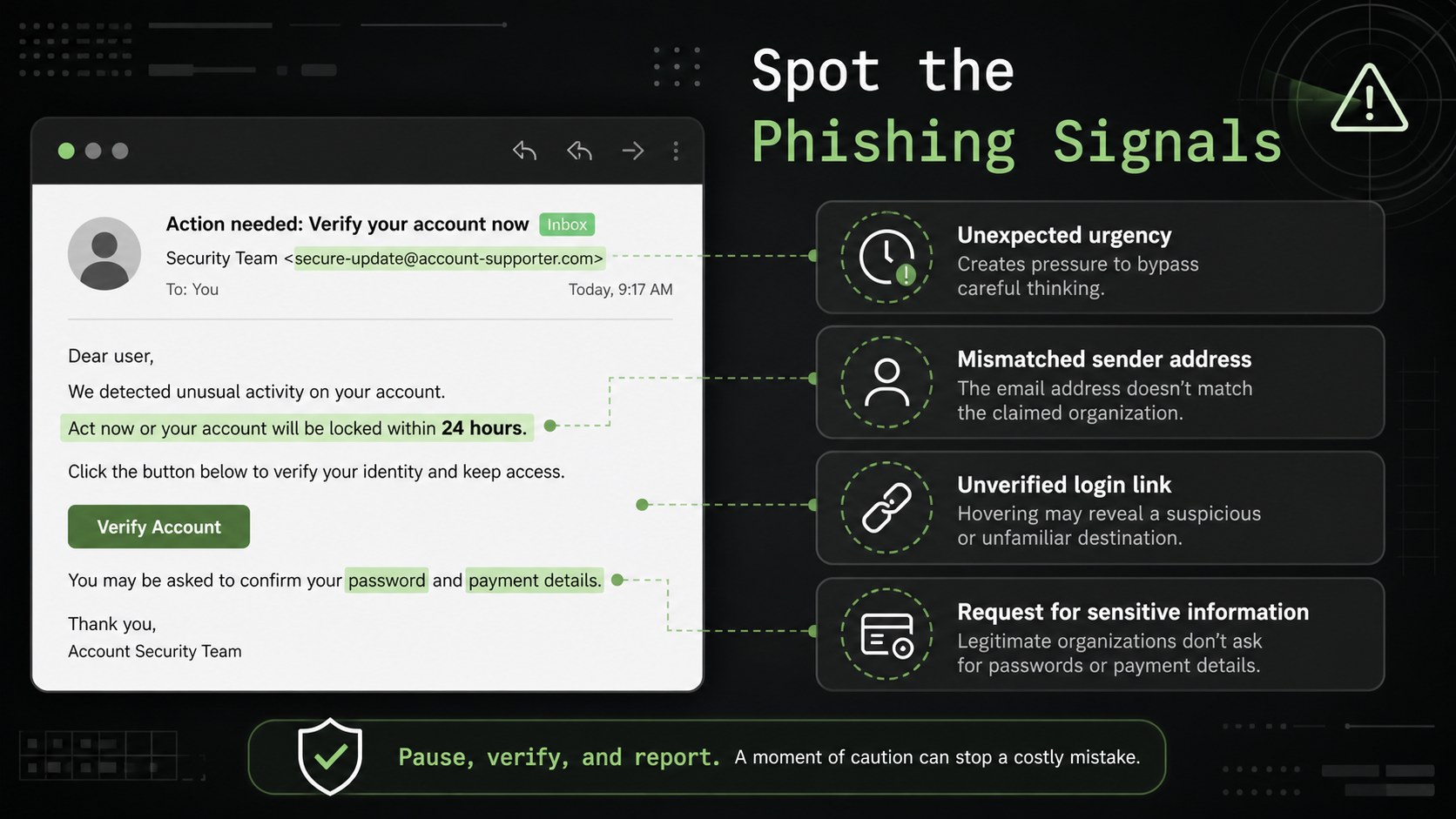
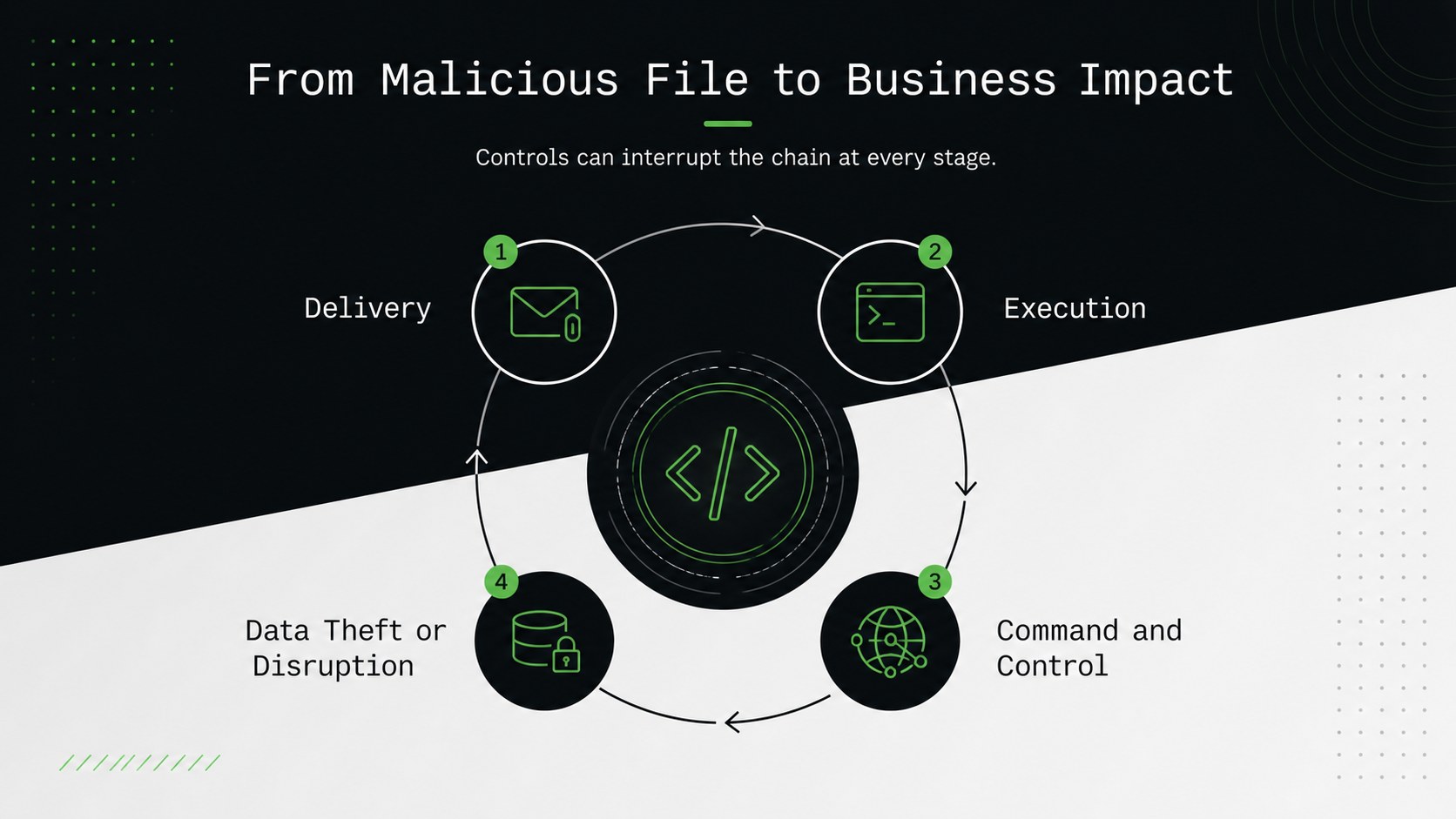
The 15-slide cybersecurity workshop presentation includes an opening overview, learning objectives, threat categories, attack-surface analysis, an intrusion lifecycle, phishing and malware examples, layered security controls, incident response steps, and a practical risk scenario. Editable diagrams, timelines, comparison layouts, and discussion prompts help presenters move from foundational concepts to applied analysis without building every visual from scratch. The deck also works as a network security awareness training resource for explaining authentication, access control, monitoring, backups, and user behavior.
Designed for university lecturers, IT trainers, security consultants, and workplace learning teams, this material can support a classroom seminar, professional development session, or internal digital safety workshop. Use it as a cyber attack prevention lesson, adapt the examples to a specific organization, or add local policies and case evidence. Every slide can be customized in PowerPoint or Google Slides, including colors, typography, diagrams, and speaker notes, so the presentation can match different course levels, session lengths, and technical audiences.
Perfect for: university cybersecurity lecture; employee security awareness workshop; IT team defense training; cyber threat prevention seminar; incident response orientation.
Frequently asked questions
Can I edit the diagrams and lesson content? Yes. The text, diagrams, colors, icons, and layout elements can be adjusted to fit your curriculum or organization. You can also replace the example threats with relevant incidents, policies, or technical controls.
Practical details
Yes. The text, diagrams, colors, icons, and layout elements can be adjusted to fit your curriculum or organization. You can also replace the example threats with relevant incidents, policies, or technical controls.
The deck is designed for PowerPoint and Google Slides. Some fonts, transitions, or spacing may vary slightly between platforms, so review the final presentation before delivering it.
Yes. Simplify the terminology, shorten the attack lifecycle, and emphasize everyday topics such as phishing, passwords, software updates, and reporting suspicious activity. The visual structure supports both introductory and advanced sessions.
Replace the green accent and gradient settings through the theme or master-slide controls in your chosen platform. Maintain strong contrast between the black background, white text, and accent colors to preserve readability.
Keep exploring
15Build a bold cosmic story with this UFO Day alien encounter deck, featuring surreal green-and-black layouts for PowerPoint and Google Slides events.
 16
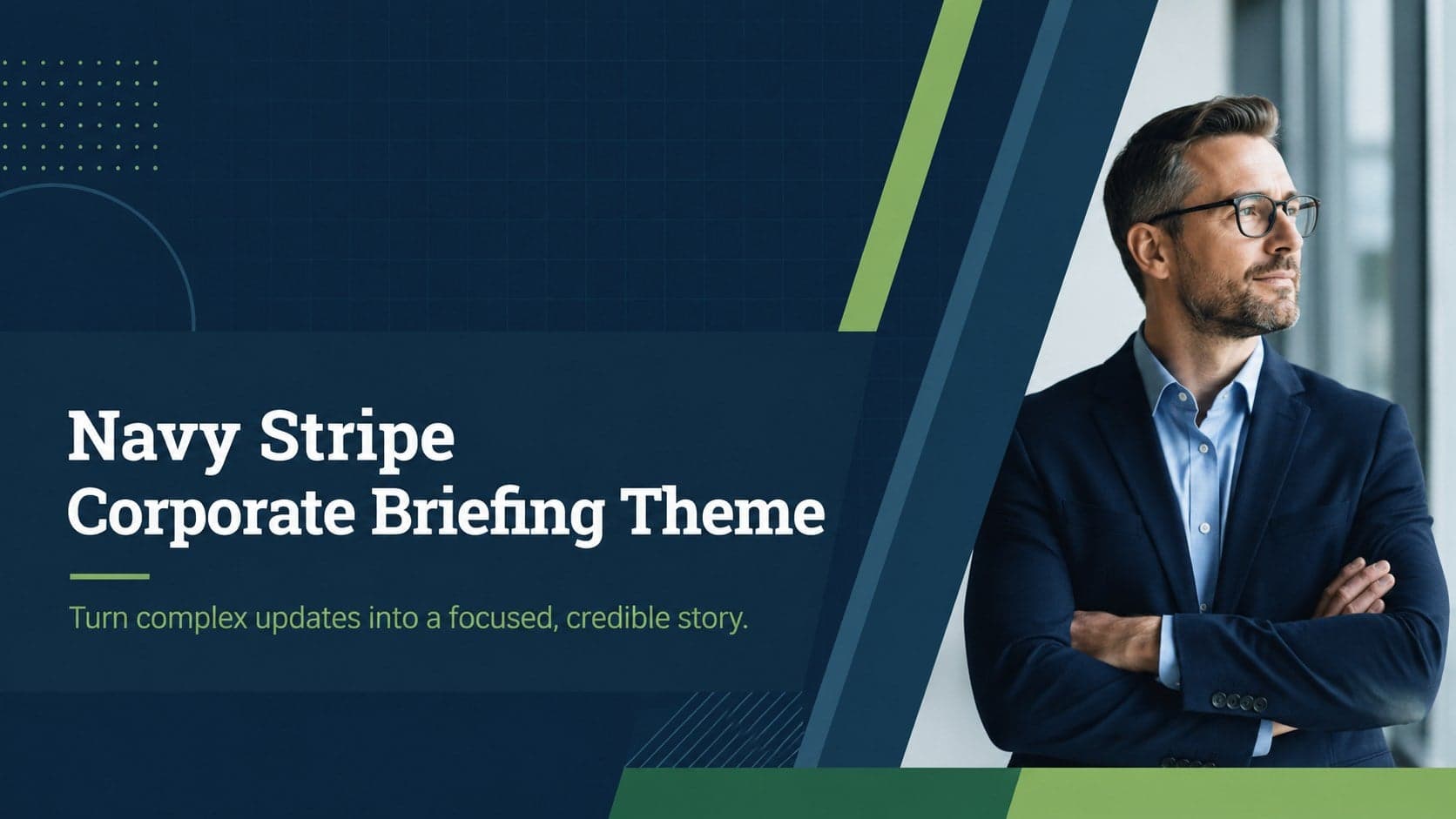
16Use the Navy Stripe Corporate Briefing Theme to present plans, results, and proposals with credible blue-green layouts for PowerPoint and Google Slides.
 5
5Turn customer research into clear decisions with product experience mapping slides in a dark navy and green style for PowerPoint and Google Slides.
 16
16Win stakeholder approval with website launch proposal slides that organize strategy, UX, rollout, and results in editable PowerPoint and Google Slides formats.
 15
15Build clearer campaign plans with an AI marketing strategy deck featuring neon blue-green visuals, editable workflows, data slides, and practical examples.
 15
15Build memorable campaign updates with a Cosmic Desert Newsletter Deck, featuring warm beige-brown slides for PowerPoint and Google Slides teams.
 15
15Lead productive urban-tech meetings with a smart city business briefing deck in vivid violet and pink, ready to edit in PowerPoint or Google Slides.
 16
16Build a lively sales story with the Interactive Tech Product Showcase, using colorful illustrated layouts made for PowerPoint and Google Slides.