
 15
15presentation
Astrology Audience Insights Deck
Use this astrology audience insights deck to present zodiac-based segments, behaviors, and campaign findings in polished black-and-gold slides.
Google SlidesPowerPoint
presentation · English
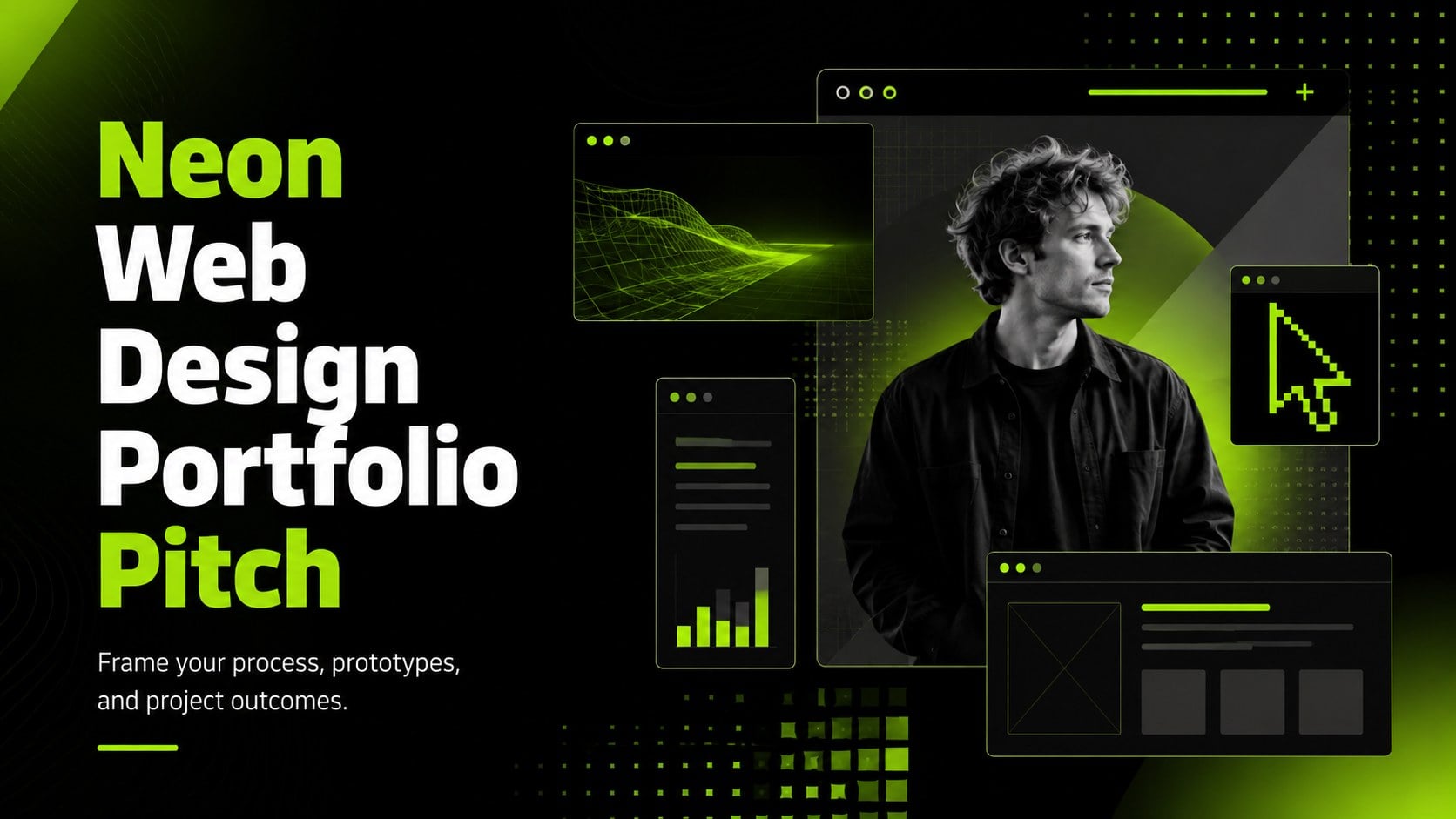
Turn interface work into a compelling neon web design portfolio pitch for client reviews, job interviews, team meetings, PowerPoint, and Google Slides.
Design notes
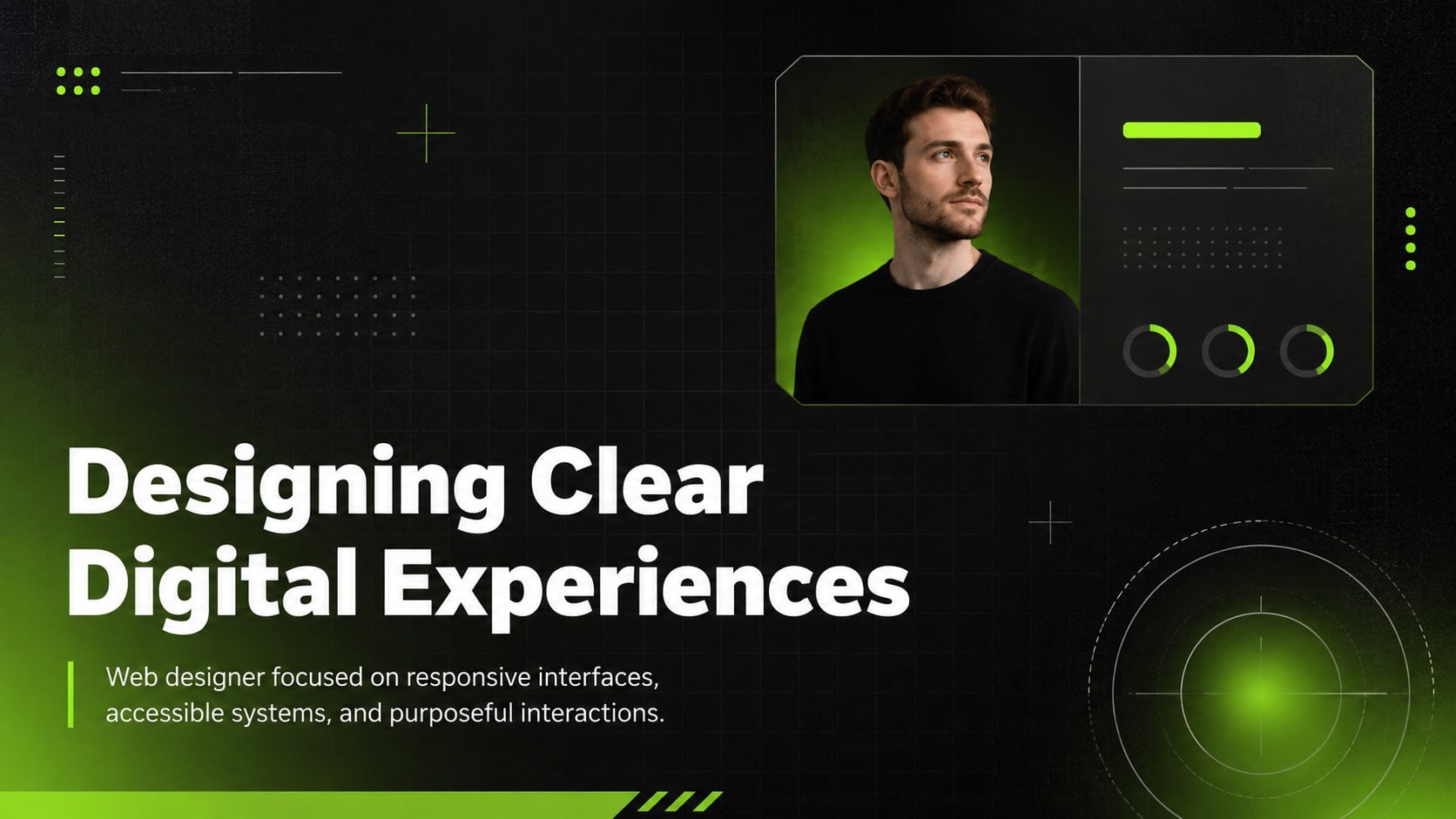
The neon web design portfolio pitch turns interface projects into a focused visual story that is easy for clients, recruiters, and collaborators to follow. Its deep black canvas, electric green accents, bold typography, translucent panels, and digital grid details create a confident technical look without distracting from your work.
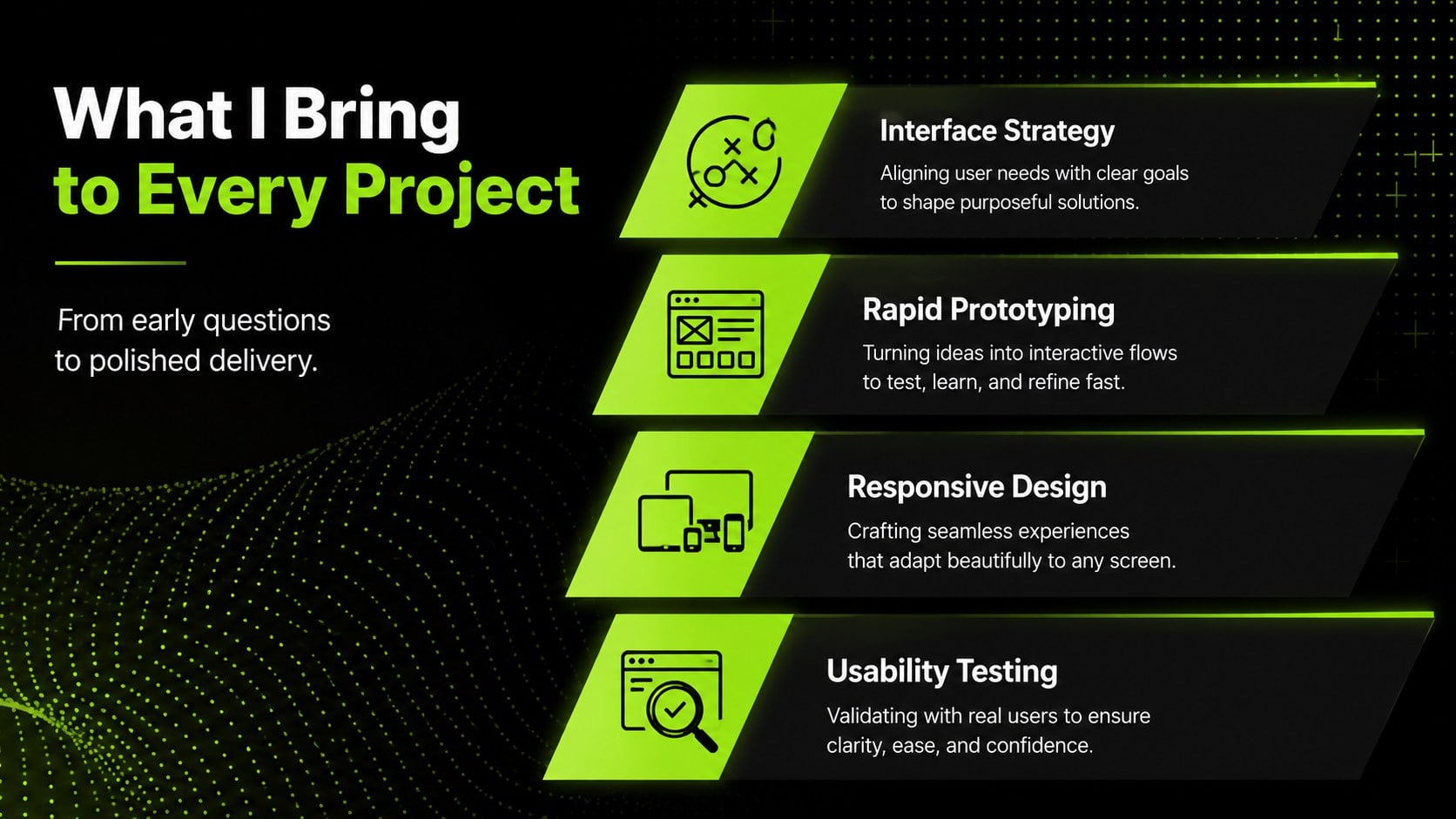
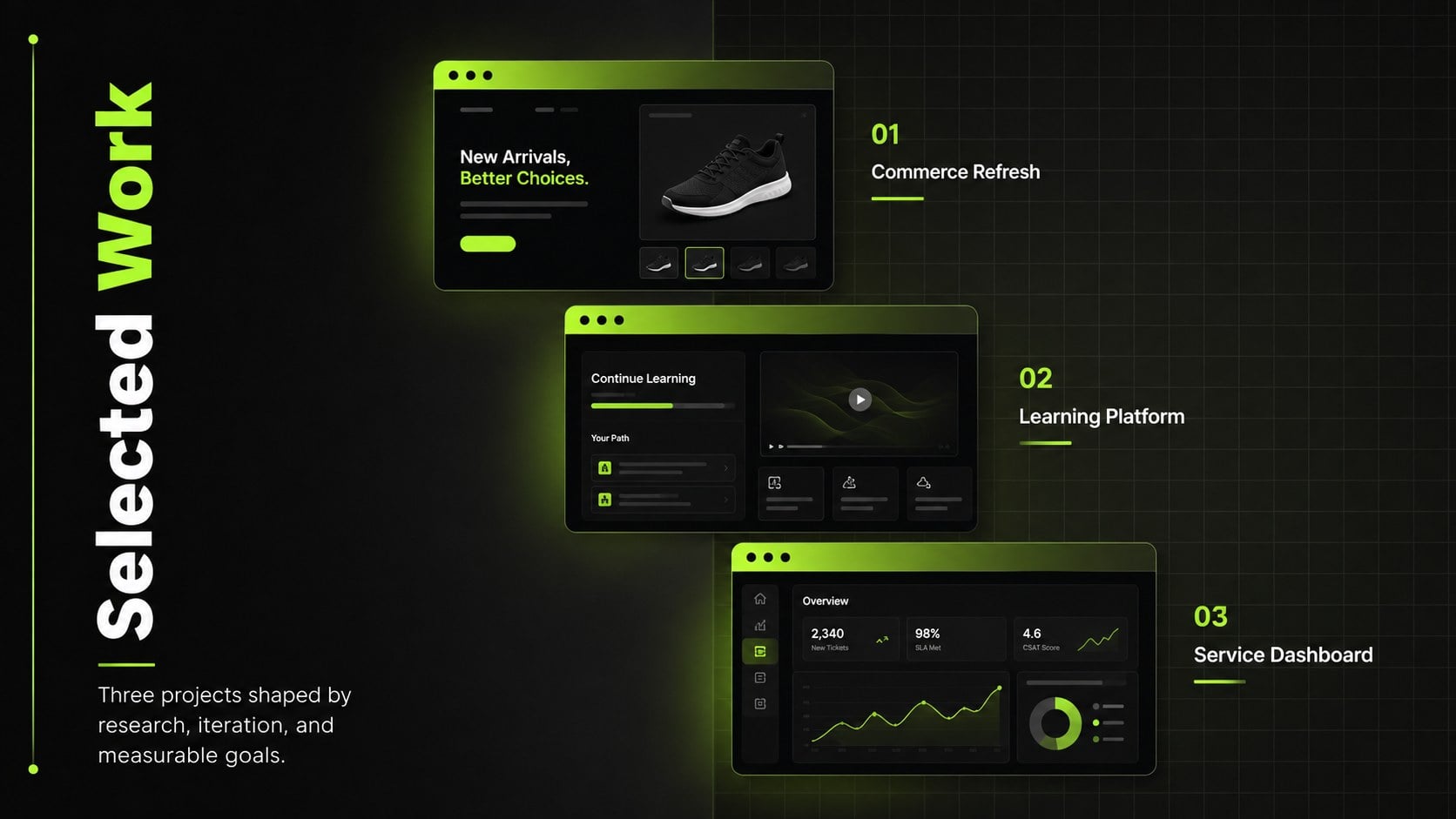
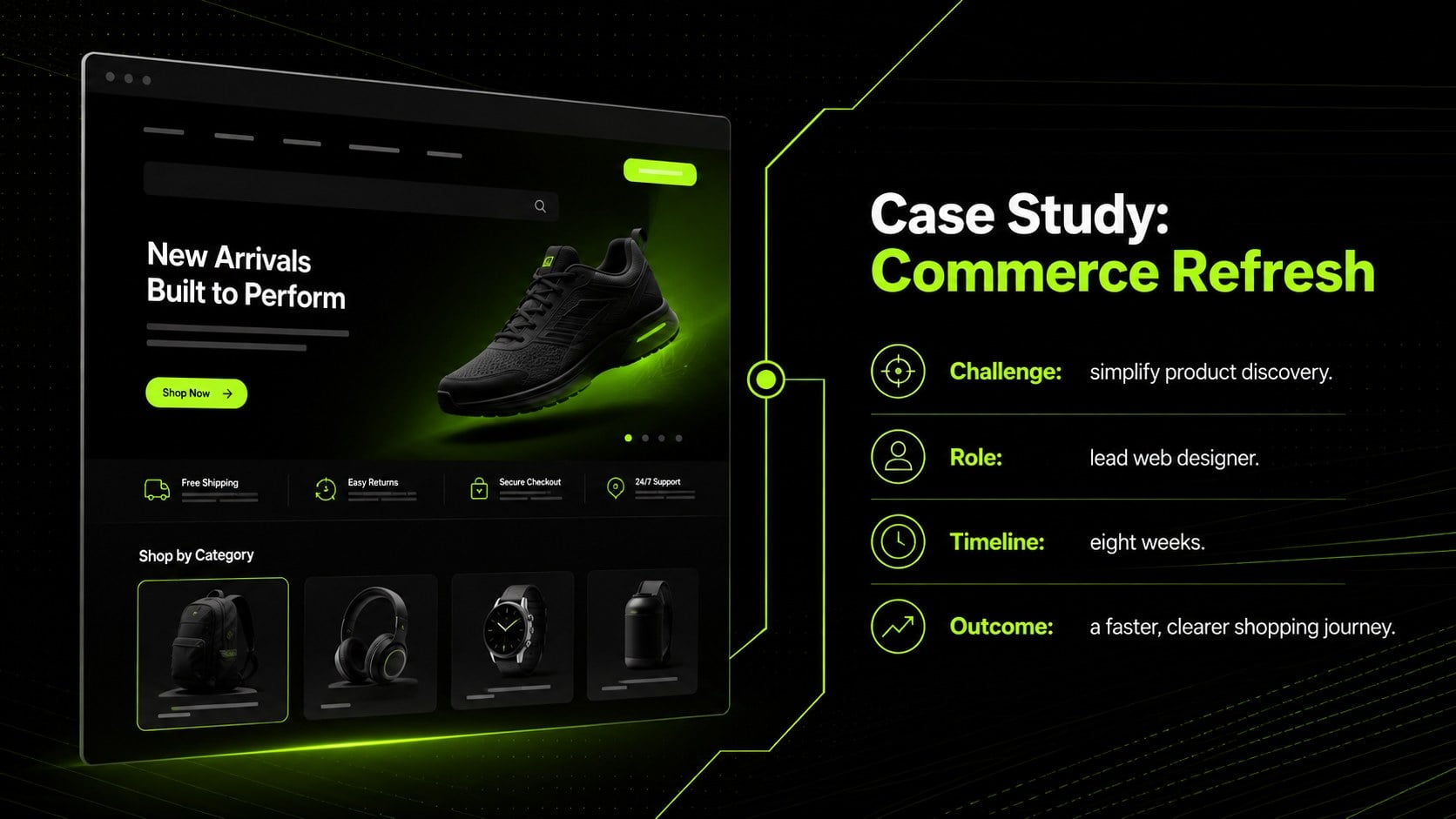
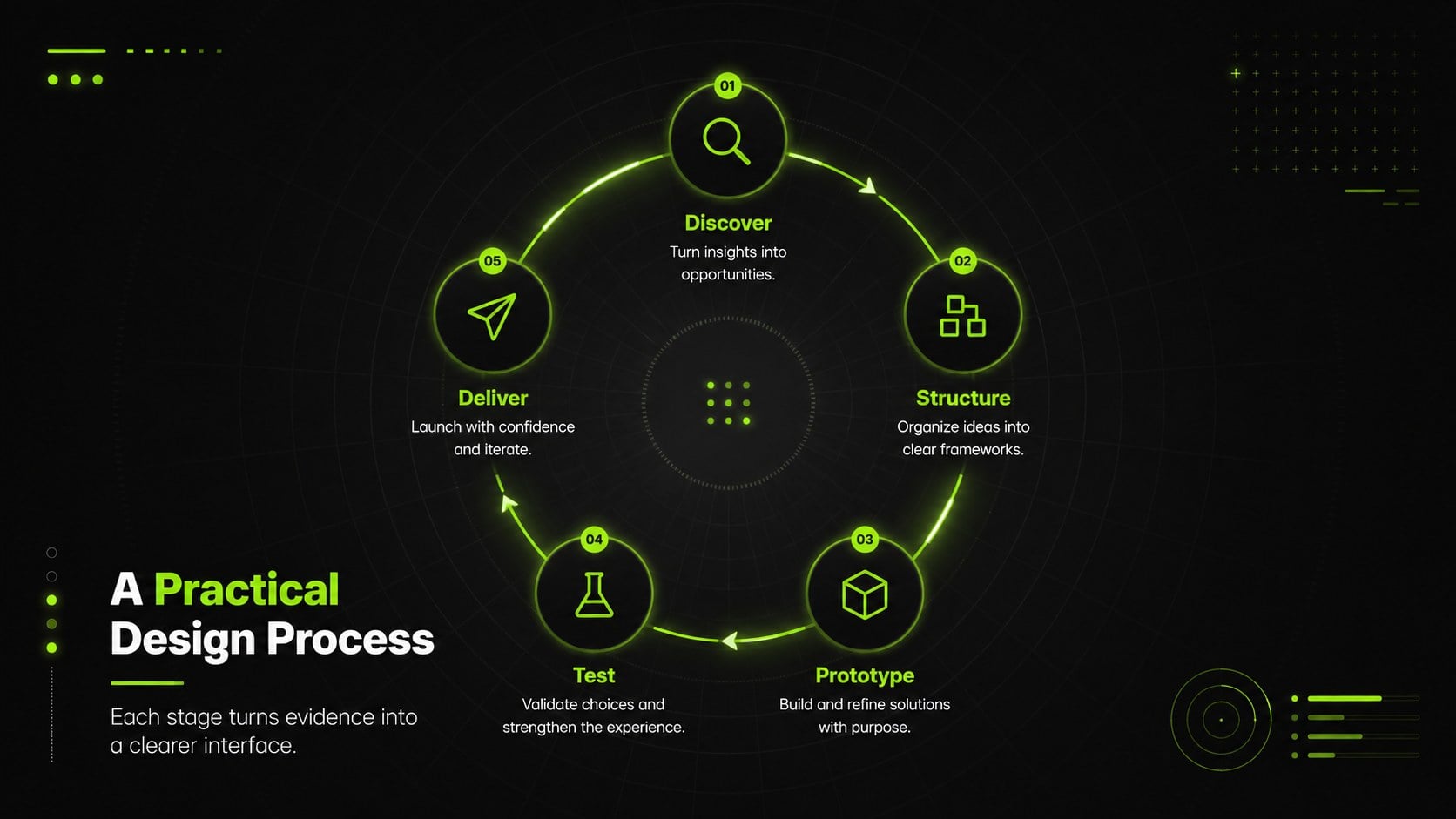
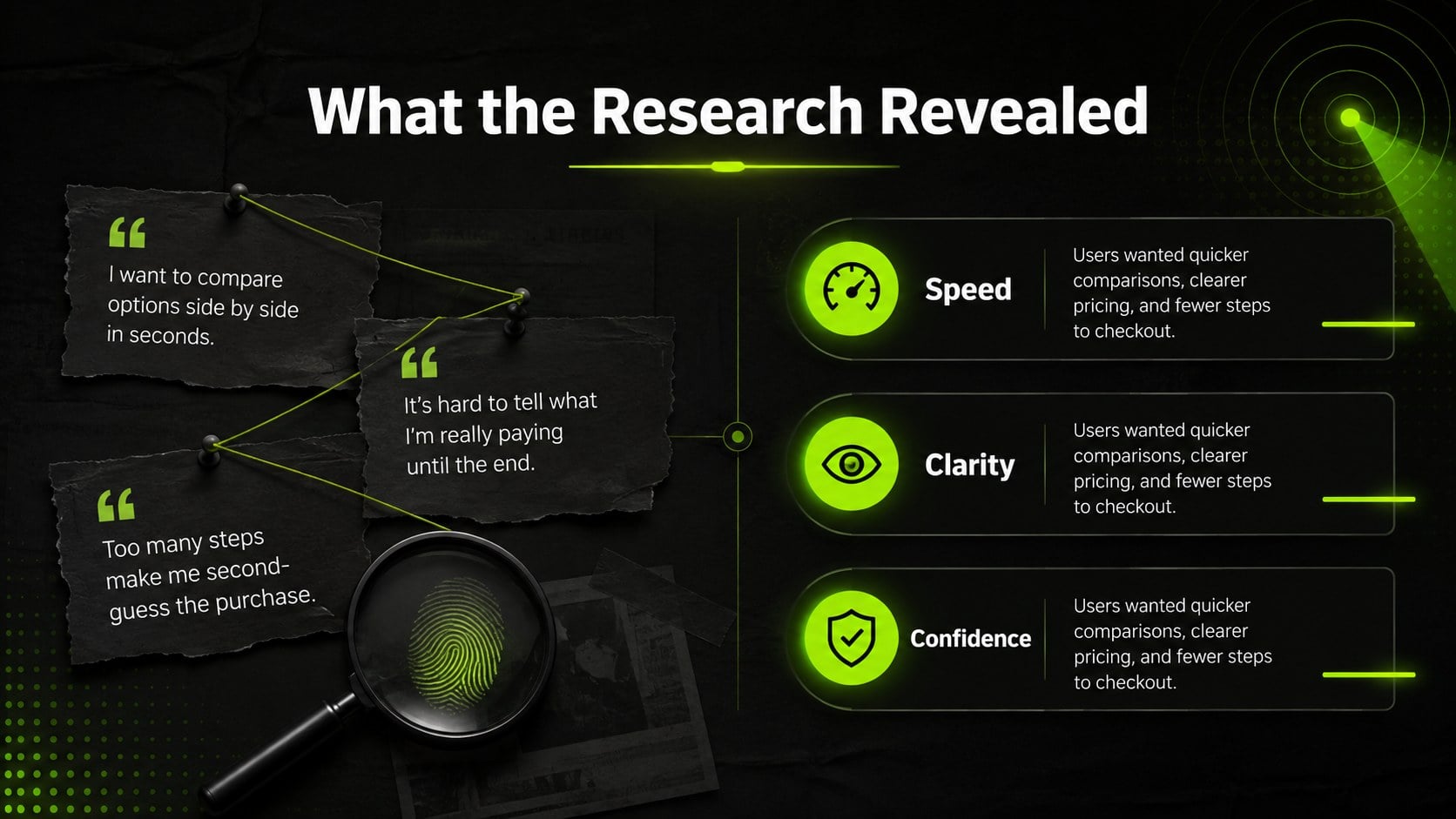
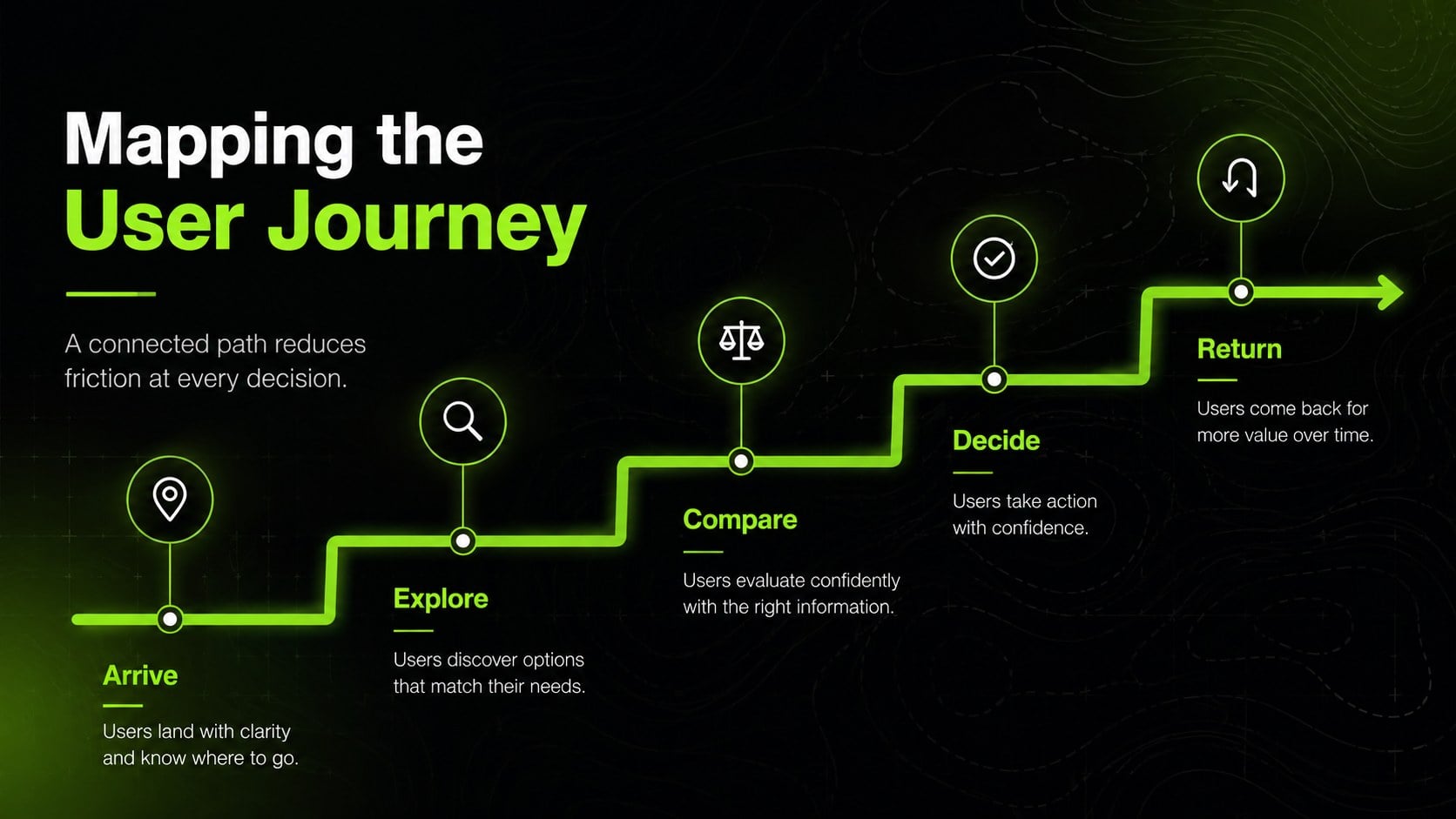
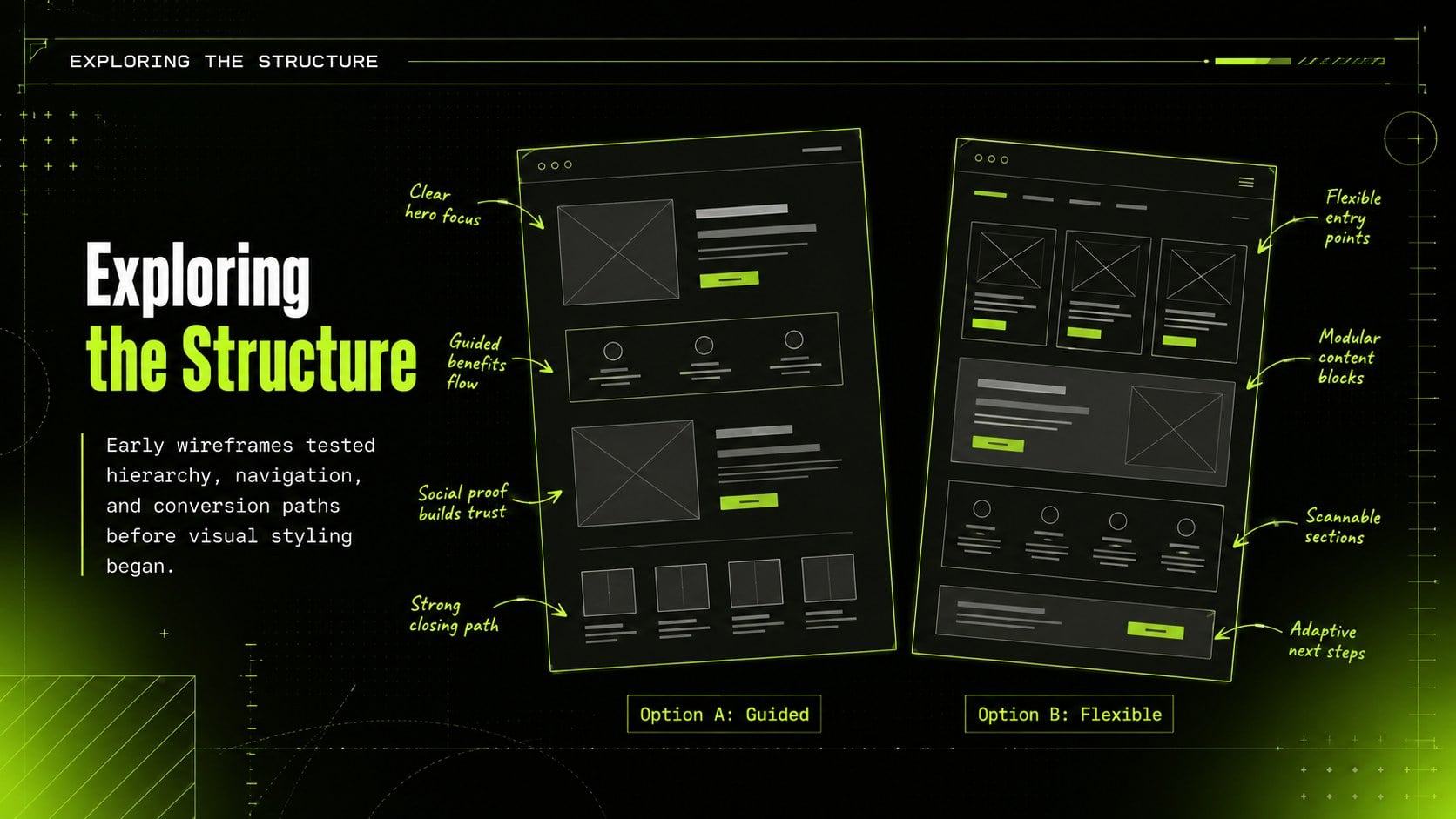
Use the flexible layouts to introduce yourself, outline your design approach, present research findings, map user journeys, compare wireframes, and display responsive screens. Dedicated sections for project challenges, creative decisions, measurable results, testimonials, services, and contact details help you build a complete UX UI case study presentation. Image frames, device mockups, charts, timelines, and process diagrams can all be adapted to suit your own website redesign portfolio template.
This deck works especially well for freelance designers preparing a freelance web designer pitch deck, agency teams leading project reviews, students assembling graduation portfolios, and creative developers documenting digital products. Every slide can be edited in PowerPoint or Google Slides, including colors, fonts, text, imagery, and layout elements. Keep the black-and-green palette for its high-energy character, or replace the accent color to align the presentation with your personal identity. The result is a polished, practical showcase that gives both the visual craft and strategic thinking behind each project room to stand out.
Perfect for: web designer job interview; freelance client pitch; agency project review; UX portfolio presentation; design school assessment; website redesign case study.
Frequently asked questions
Can I edit this portfolio deck in PowerPoint and Google Slides? Yes. The text, colors, images, charts, and layout elements are editable in both PowerPoint and Google Slides. Some font substitutions may occur if a typeface is not installed on your device.
Practical details
Yes. The text, colors, images, charts, and layout elements are editable in both PowerPoint and Google Slides. Some font substitutions may occur if a typeface is not installed on your device.
Replace the sample screens with screenshots, mockups, or exported interface images from your own projects. Use the case study layouts to explain the brief, process, design decisions, and final outcome.
Yes. Keep the dark background for contrast and replace the green accent with a color associated with your personal or studio identity. Check text contrast after editing so every slide remains easy to read.
Choose a small set of strong projects and show the problem, your role, the process, key screens, and measurable results for each one. Finish with your services, relevant experience, and clear contact information.
Keep exploring
15Use this astrology audience insights deck to present zodiac-based segments, behaviors, and campaign findings in polished black-and-gold slides.
 14
14Plan a memorable Lunar New Year campaign with the 2036 Dragon Year Celebration Theme, featuring bold red-and-yellow slides for lessons and events.
 15
15Build eerie lessons, campaigns, and story pitches with an undead survival scenario theme featuring editable slides for PowerPoint and Google Slides.
 15
15Build a clear breast cancer awareness bulletin with bold pink-and-red slides for campaign news, screening reminders, impact data, and community updates.
 15
15Shape your publishing concept with an indie magazine startup pitch deck featuring pastel gradients, bold collage layouts, and editable planning slides.
 15
15Build a bold retro-futurist campaign pitch deck for client meetings, with editable strategy layouts and playful pastel Y2K-inspired visuals.
 16
16Build a consistent presence with a social channel identity playbook covering voice, visuals, content formats, publishing rules, and approvals.
 15
15Celebrate online learners with webinar completion certificate slides, featuring editable violet artwork for university events in PowerPoint and Google Slides.