
 15
15presentation
Astrology Audience Insights Deck
Use this astrology audience insights deck to present zodiac-based segments, behaviors, and campaign findings in polished black-and-gold slides.
Google SlidesPowerPoint
presentation · English
Share AI trends, immersive tech news, and digital economy updates with the Neon Virtual Worlds Bulletin for PowerPoint and Google Slides.


Design notes
The Neon Virtual Worlds Bulletin helps marketing teams, technology analysts, and startup leaders turn emerging digital trends into a focused visual update. Designed as a virtual worlds newsletter template, it combines electric purple and yellow accents with dark backgrounds, geometric forms, dimensional graphics, and modern editorial typography. Every layout is editable in PowerPoint and Google Slides.
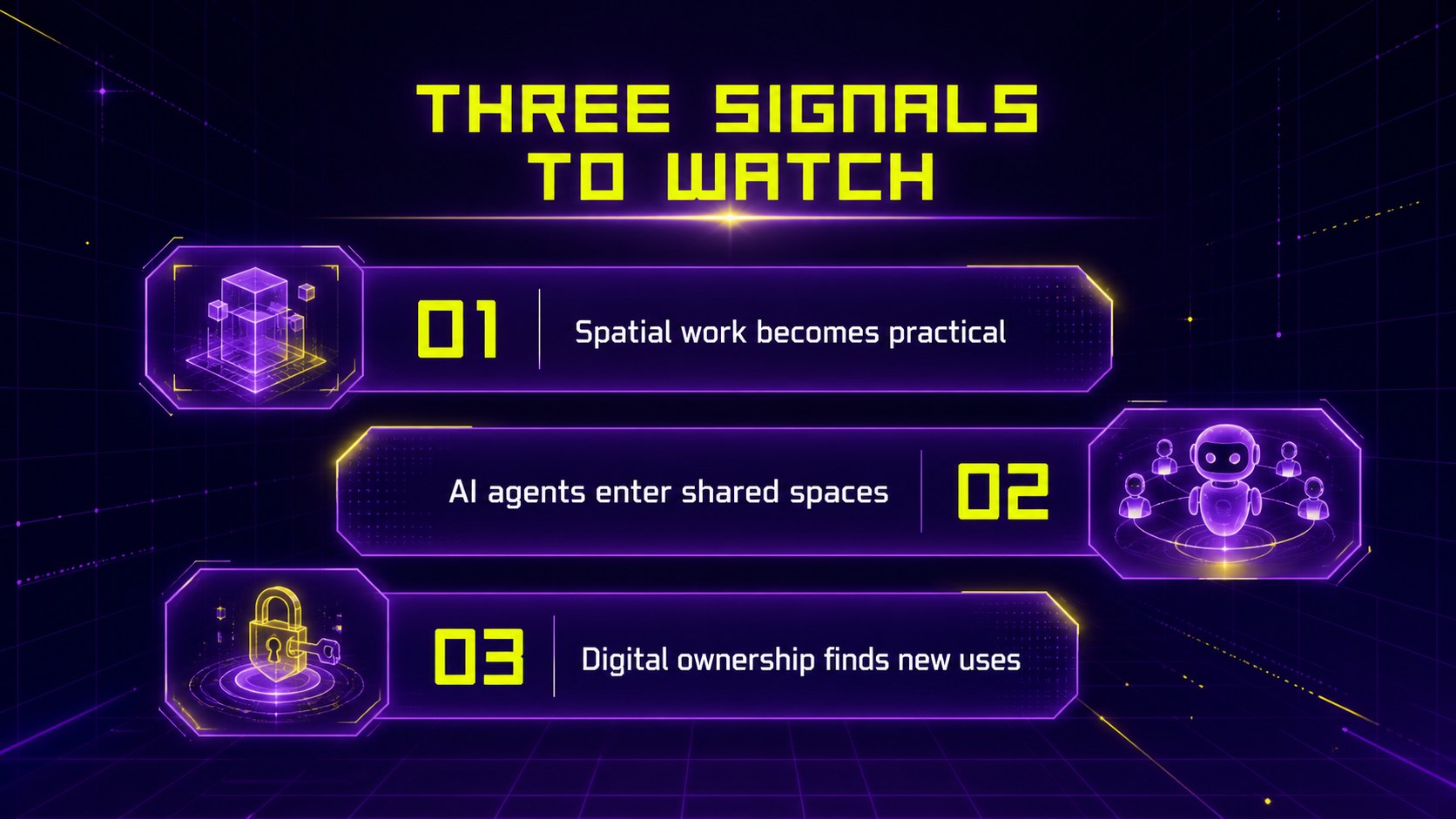
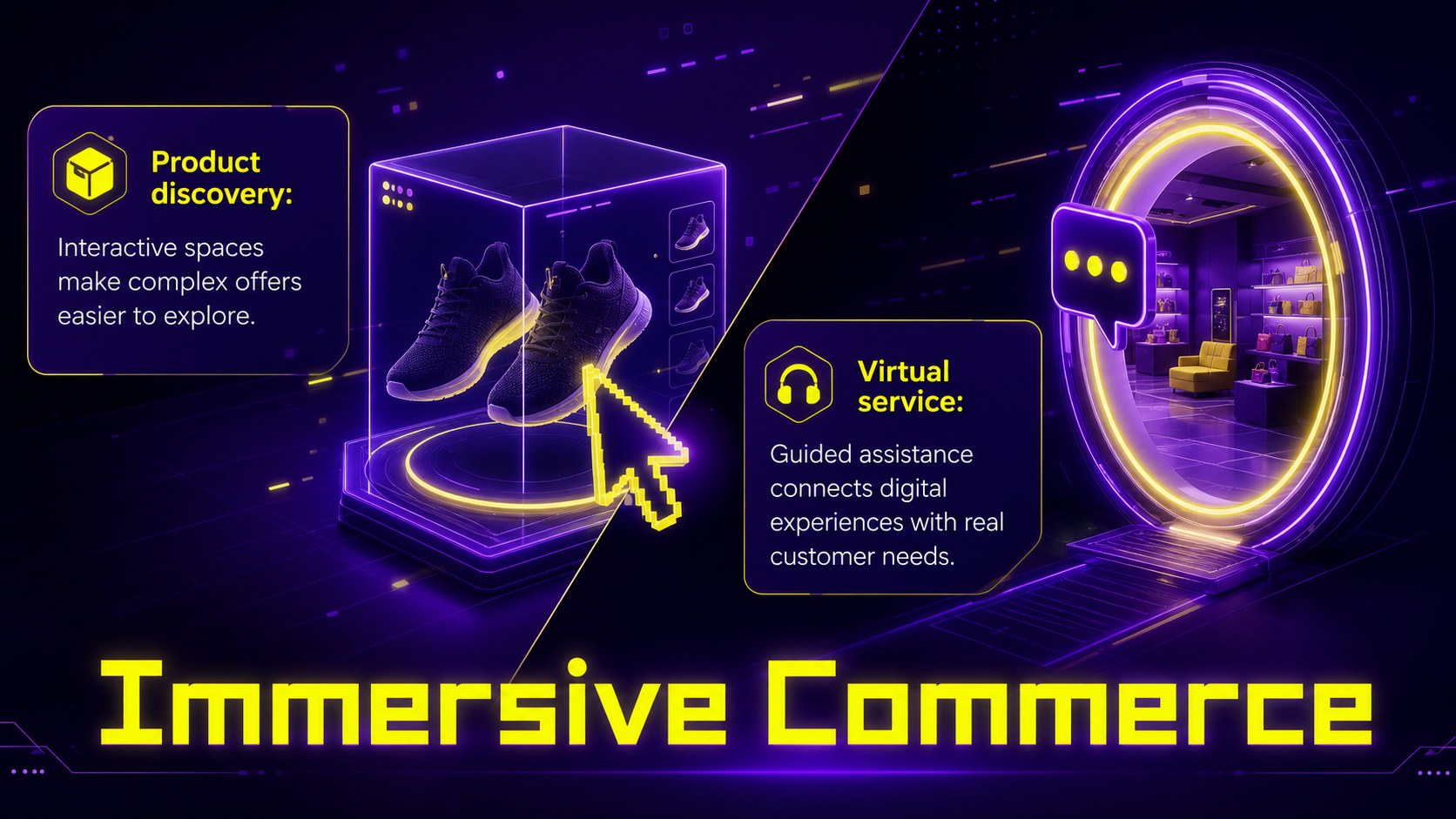
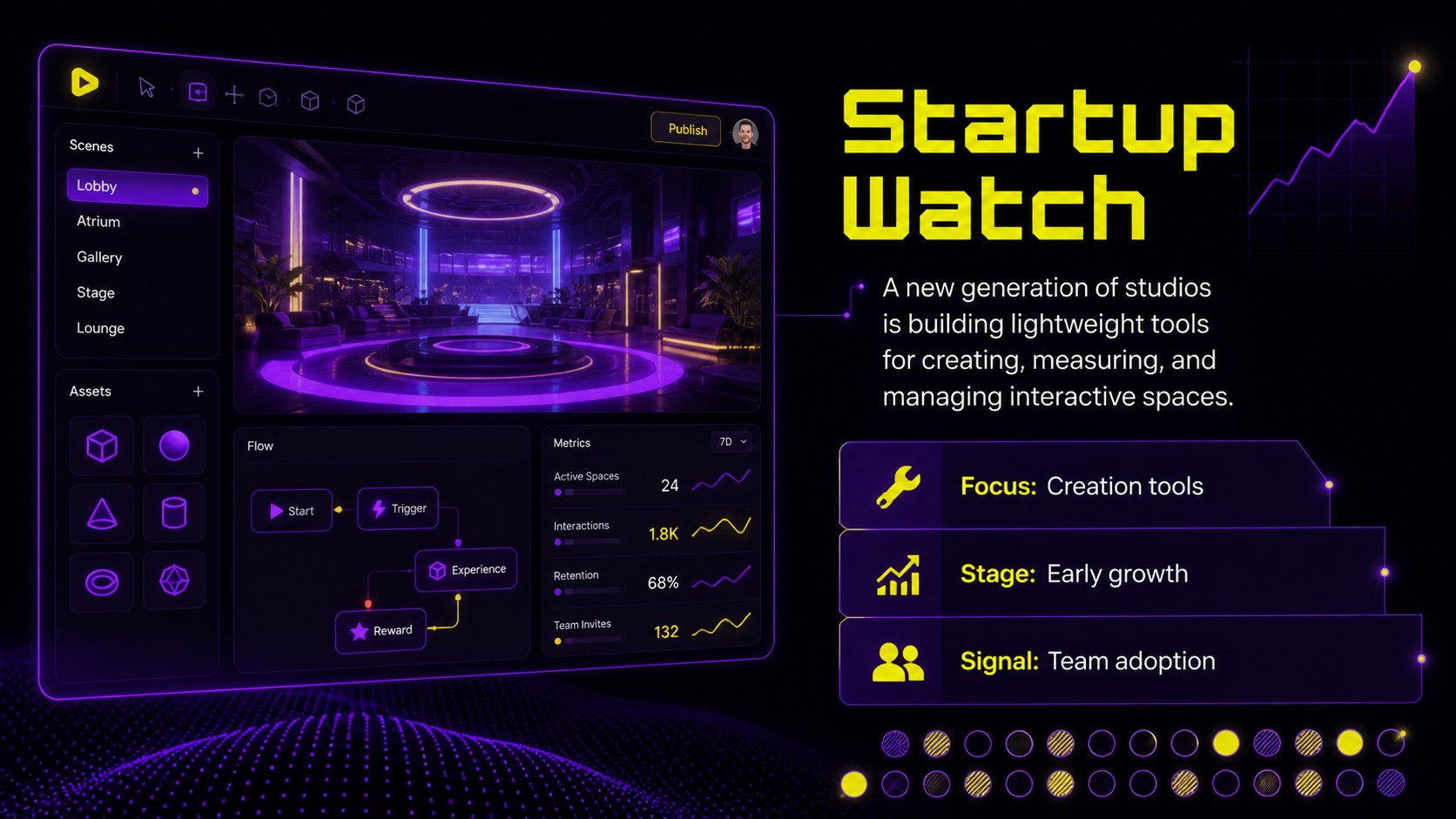
Build a complete issue with an opening message, key signals, AI spotlight, immersive commerce update, market statistics, trend chart, startup watch, expert quote, event timeline, and resource list. The varied layouts support concise headlines, short summaries, data points, images, and calls to action without losing the energetic neon aesthetic. Use the deck as metaverse industry update slides for a recurring internal newsletter or adapt it into an immersive technology report presentation for clients and partners.
This template suits innovation briefings, Web3 community updates, product marketing reports, digital economy roundups, and conference recaps. Replace the sample copy, adjust charts, insert your own screenshots or photography, and apply transitions to create a polished publication. The strong contrast and modular slide system make complex ideas easier to scan while keeping every issue visually consistent.
Perfect for: monthly metaverse industry update; Web3 community newsletter; immersive technology briefing; digital economy trend report; innovation conference recap.
Frequently asked questions
Can I edit this bulletin in PowerPoint and Google Slides? Yes. All text, colors, images, shapes, and data layouts can be edited in PowerPoint or Google Slides. Some font spacing or transitions may need minor adjustment when moving between platforms.
Practical details
Yes. All text, colors, images, shapes, and data layouts can be edited in PowerPoint or Google Slides. Some font spacing or transitions may need minor adjustment when moving between platforms.
Duplicate the layouts you need, replace the sample headlines and summaries, and add your own charts or images. Keep the purple and yellow style for consistency, or update the theme colors to match your organization.
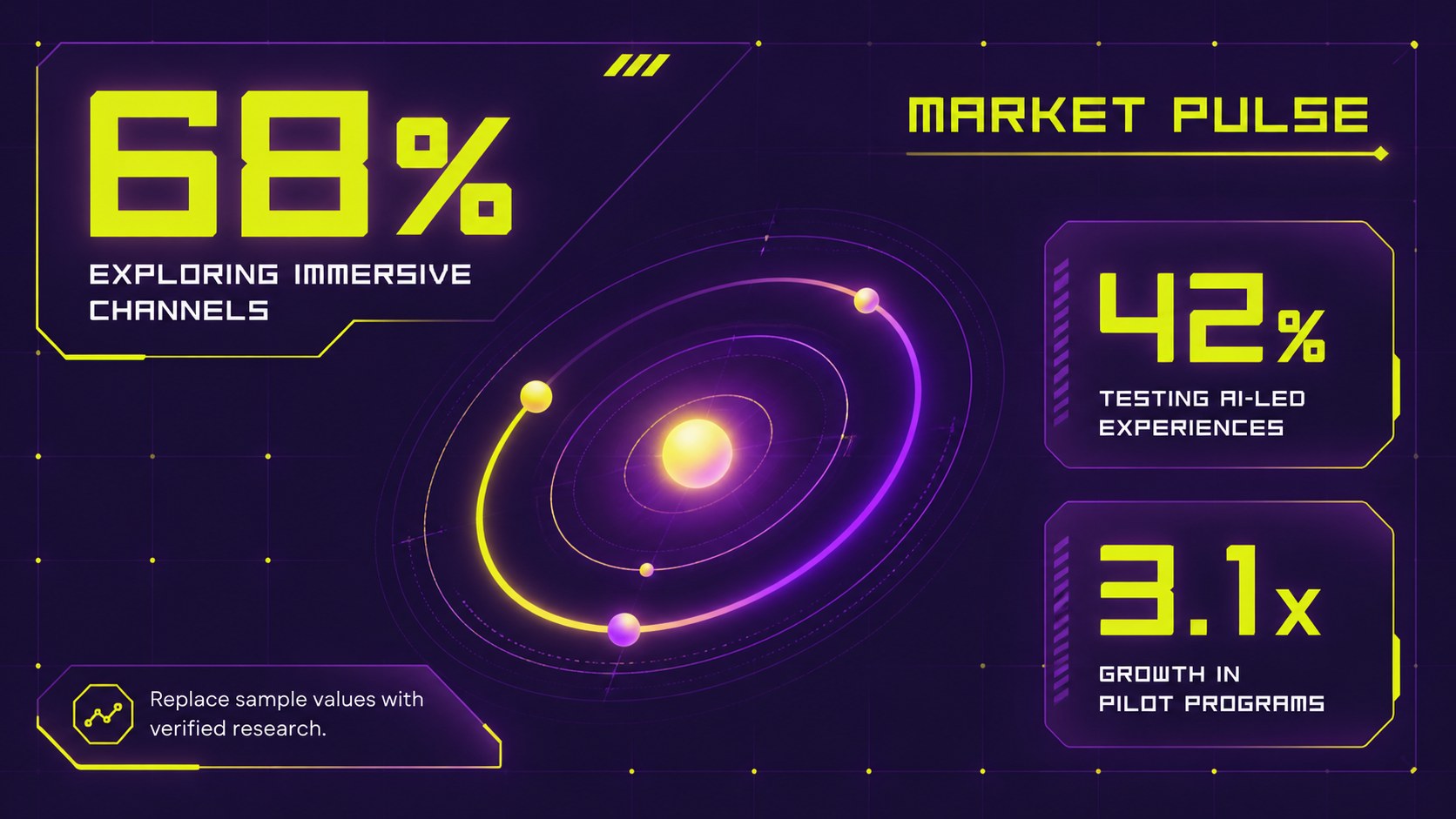
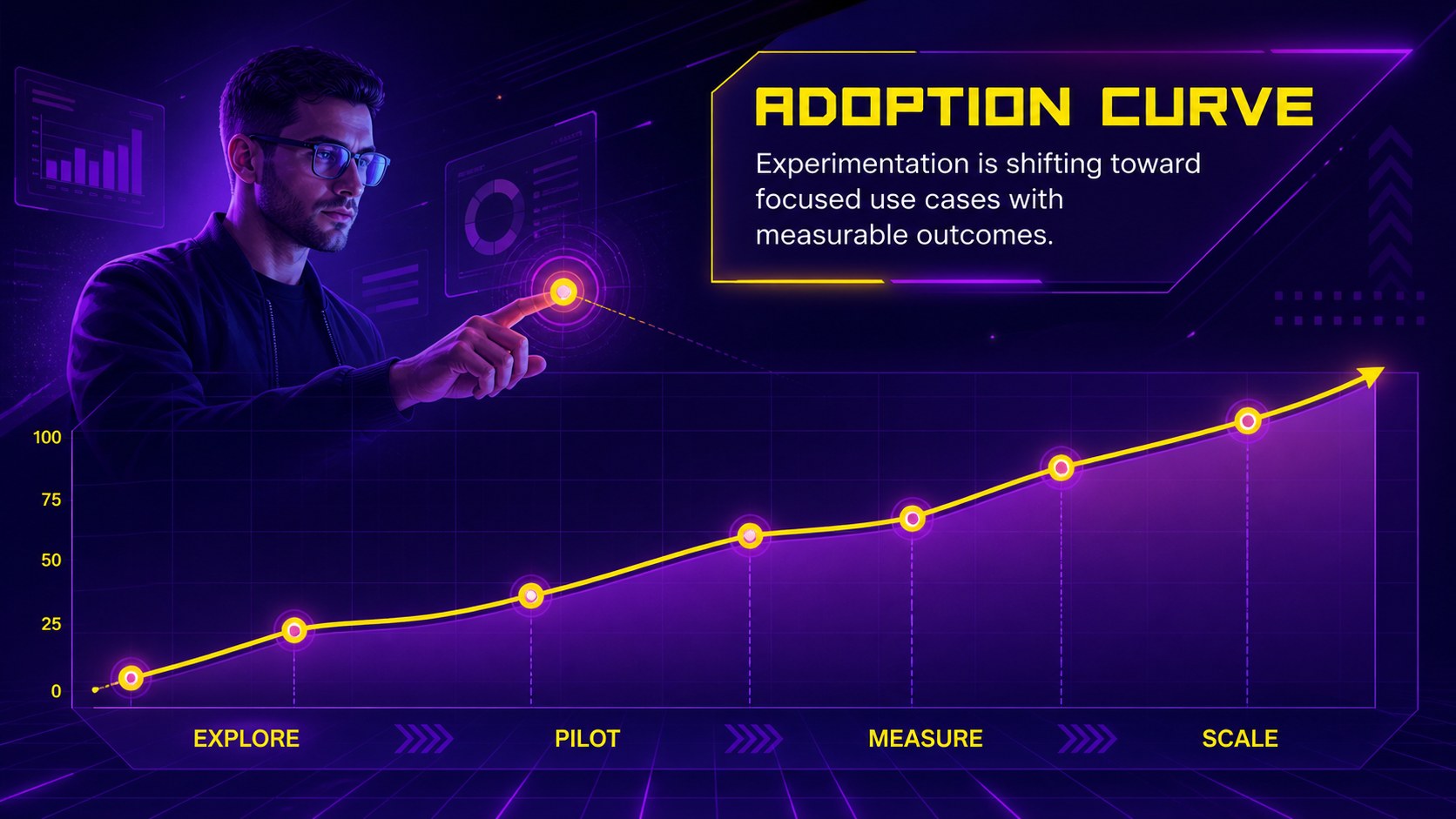
Yes. The slide set includes KPI summaries, a trend chart, a market pulse layout, a timeline, and structured editorial pages. The sample values are placeholders and should be replaced with verified data.
Yes. The modular layouts also work for AI news, extended reality updates, digital economy reports, and emerging technology briefings. Replace the topic-specific copy while retaining the visual system.
Keep exploring
15Use this astrology audience insights deck to present zodiac-based segments, behaviors, and campaign findings in polished black-and-gold slides.
 14
14Plan a memorable Lunar New Year campaign with the 2036 Dragon Year Celebration Theme, featuring bold red-and-yellow slides for lessons and events.
 15
15Build eerie lessons, campaigns, and story pitches with an undead survival scenario theme featuring editable slides for PowerPoint and Google Slides.
 15
15Build a clear breast cancer awareness bulletin with bold pink-and-red slides for campaign news, screening reminders, impact data, and community updates.
 15
15Shape your publishing concept with an indie magazine startup pitch deck featuring pastel gradients, bold collage layouts, and editable planning slides.
 15
15Build a bold retro-futurist campaign pitch deck for client meetings, with editable strategy layouts and playful pastel Y2K-inspired visuals.
 16
16Build a consistent presence with a social channel identity playbook covering voice, visuals, content formats, publishing rules, and approvals.
 15
15Celebrate online learners with webinar completion certificate slides, featuring editable violet artwork for university events in PowerPoint and Google Slides.