
 15
15presentation
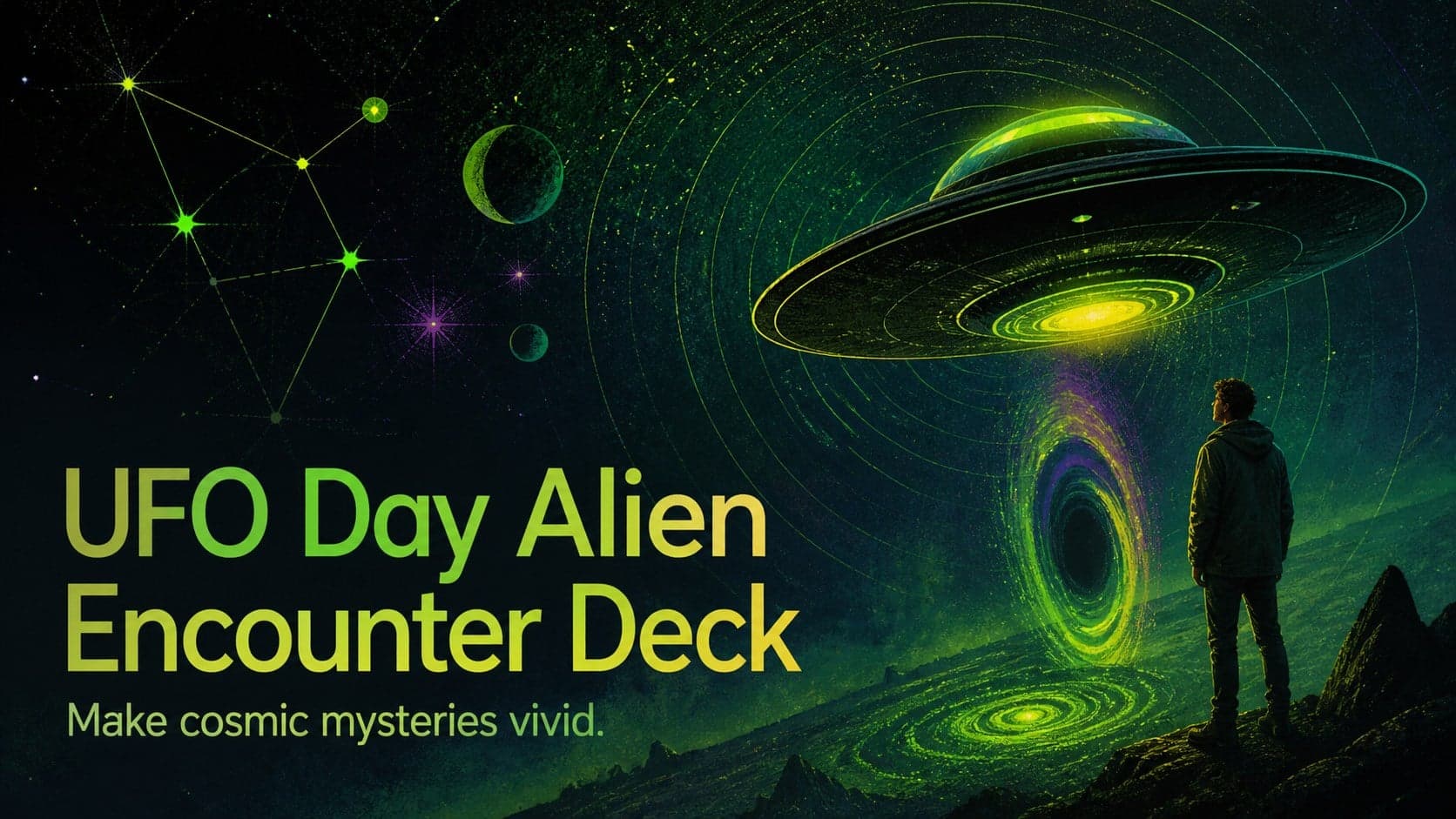
UFO Day Alien Encounter Deck
Build a bold cosmic story with this UFO Day alien encounter deck, featuring surreal green-and-black layouts for PowerPoint and Google Slides events.
Google SlidesPowerPoint
presentation · English
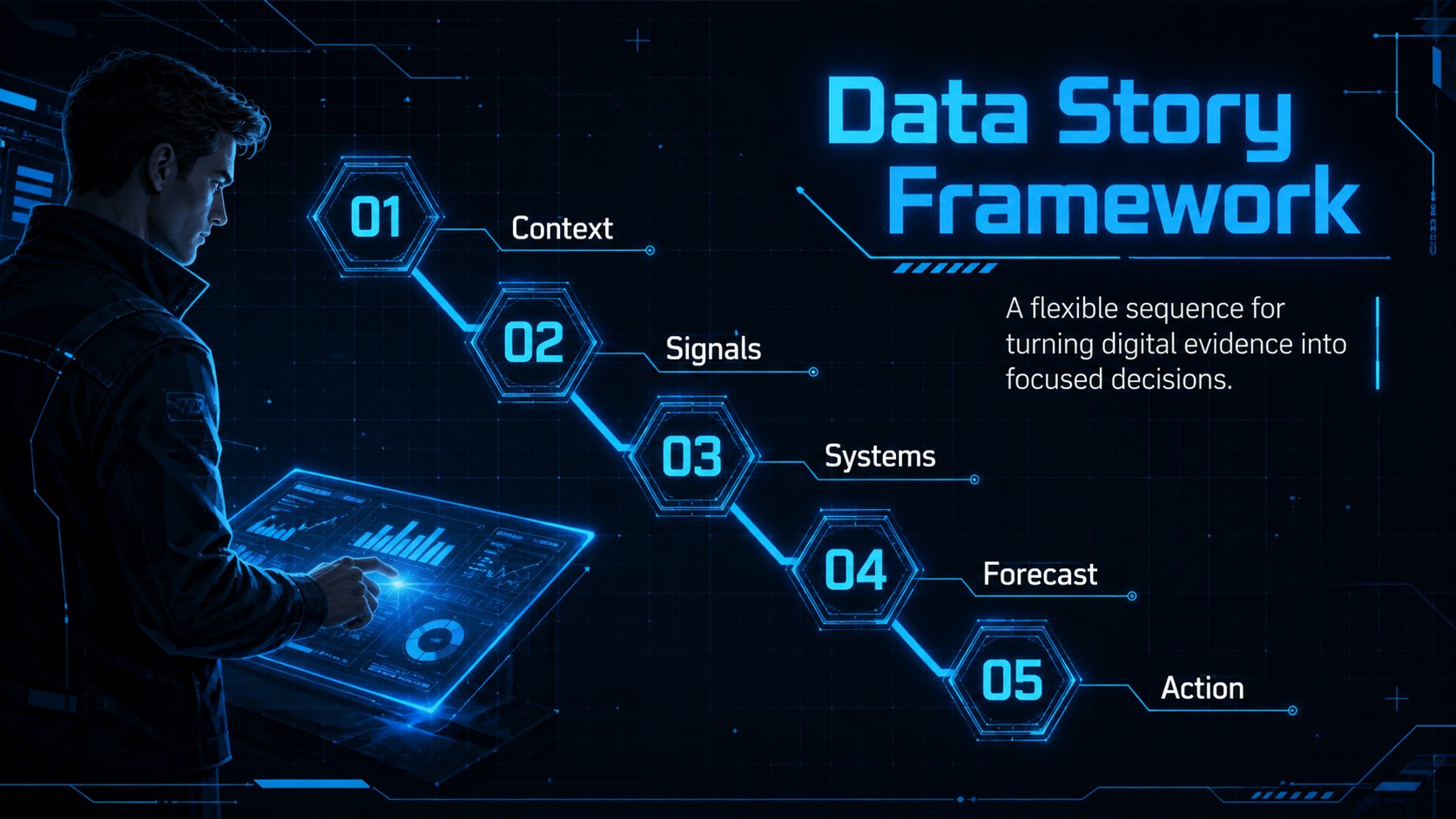
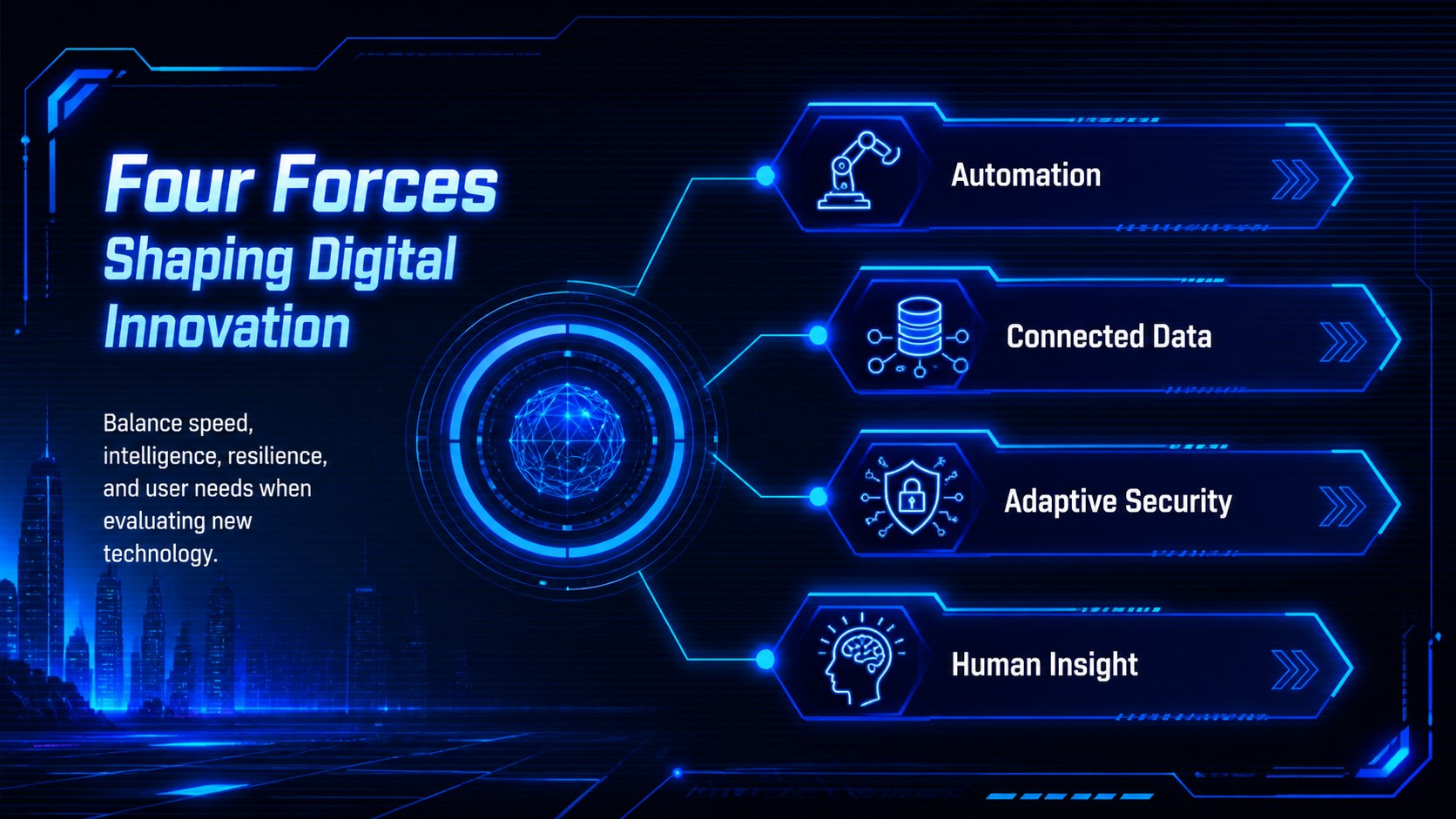
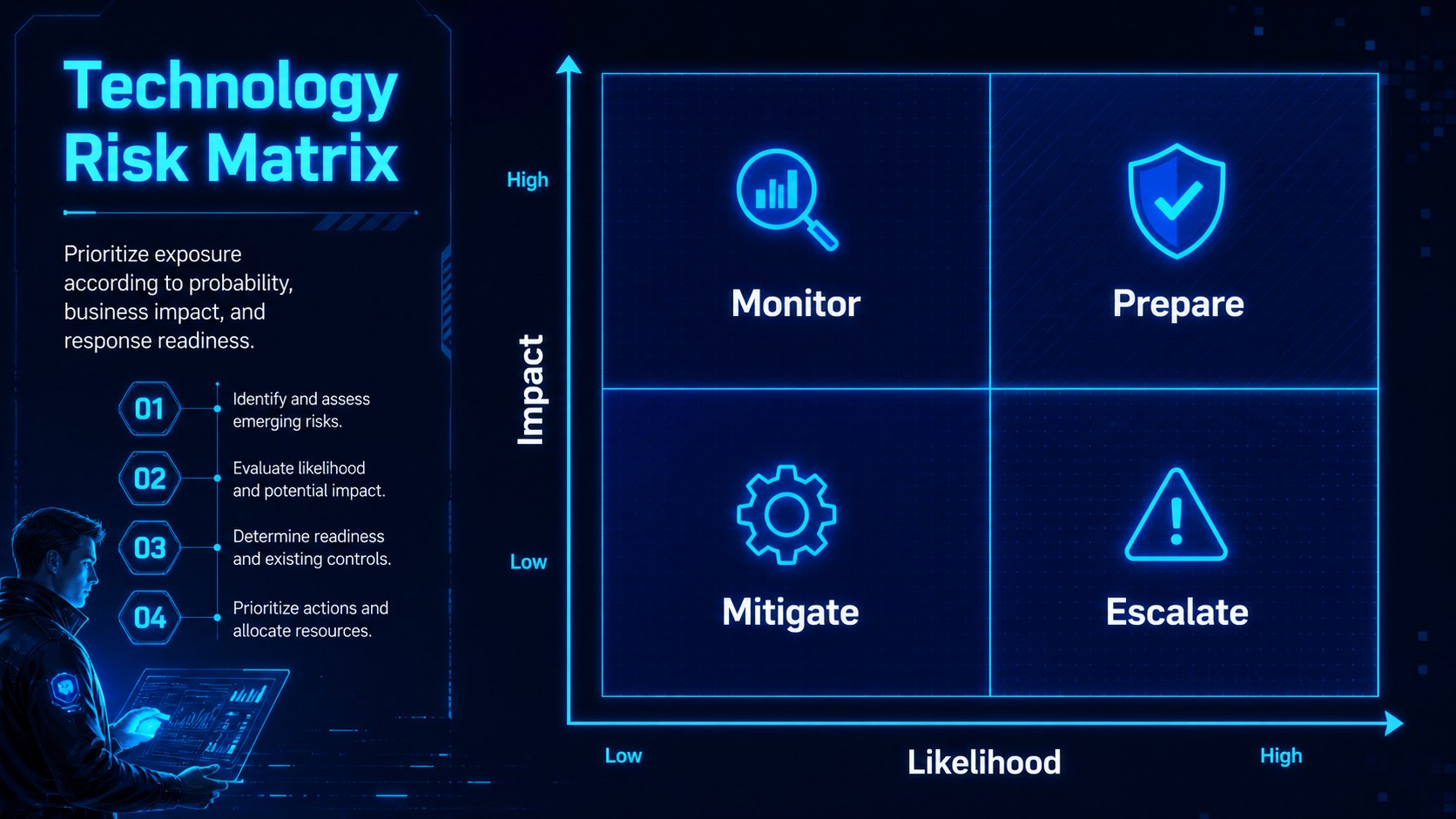
Build sharper digital stories with the neon tech data visualization deck, featuring editable blue cyberpunk infographics for PowerPoint and Google Slides.






Design notes
Turn dense information into a clear visual narrative with the neon tech data visualization deck. Its electric blue palette, high-contrast typography, luminous interface details, and futuristic grid styling create a confident setting for presenting technology research, digital strategy, and emerging trends.
The collection includes comparison layouts, process diagrams, timelines, percentage graphics, data dashboards, hierarchy maps, charts, and summary pages. These blue cyberpunk infographic slides make it easier to organize statistics, explain connected systems, and highlight key findings without crowding the screen. Every layout can be adapted with your own figures, labels, icons, and brand messaging in PowerPoint or Google Slides. Use the editable tech charts for PowerPoint to build a complete report, or select individual pages to strengthen an existing presentation.
Designed for startup teams, IT professionals, educators, analysts, product marketers, and innovation consultants, this futuristic technology presentation deck supports conference talks, classroom lessons, trend reports, product roadmaps, and internal planning sessions. The visual system feels energetic and forward-looking while keeping information readable for a Western business or academic audience. Adjust the blue tones, simplify the decorative elements, or expand the diagrams to match the depth of your subject.
Perfect for: technology trend report; startup analytics briefing; digital innovation forecast; IT strategy presentation; classroom technology lesson; product performance review.
Frequently asked questions
Can I edit every infographic and chart? Yes. Text, colors, icons, shapes, and data labels can be adjusted to fit your project. Chart values can also be replaced with your own figures.
Practical details
Yes. Text, colors, icons, shapes, and data labels can be adjusted to fit your project. Chart values can also be replaced with your own figures.
The deck is designed for PowerPoint and Google Slides. Minor spacing or font adjustments may be needed when moving a file between platforms.
Yes. Replace the blue accents through the theme colors or by editing individual objects. Keep strong contrast between the background, text, and data graphics to preserve readability.
Yes. Copy the layouts you need into an existing deck and update their fonts and colors to match. Check grouped objects after pasting so each infographic remains aligned.
Keep exploring
15Build a bold cosmic story with this UFO Day alien encounter deck, featuring surreal green-and-black layouts for PowerPoint and Google Slides events.
 16
16Use the Navy Stripe Corporate Briefing Theme to present plans, results, and proposals with credible blue-green layouts for PowerPoint and Google Slides.
 5
5Turn customer research into clear decisions with product experience mapping slides in a dark navy and green style for PowerPoint and Google Slides.
 16
16Win stakeholder approval with website launch proposal slides that organize strategy, UX, rollout, and results in editable PowerPoint and Google Slides formats.
 15
15Build clearer campaign plans with an AI marketing strategy deck featuring neon blue-green visuals, editable workflows, data slides, and practical examples.
 15
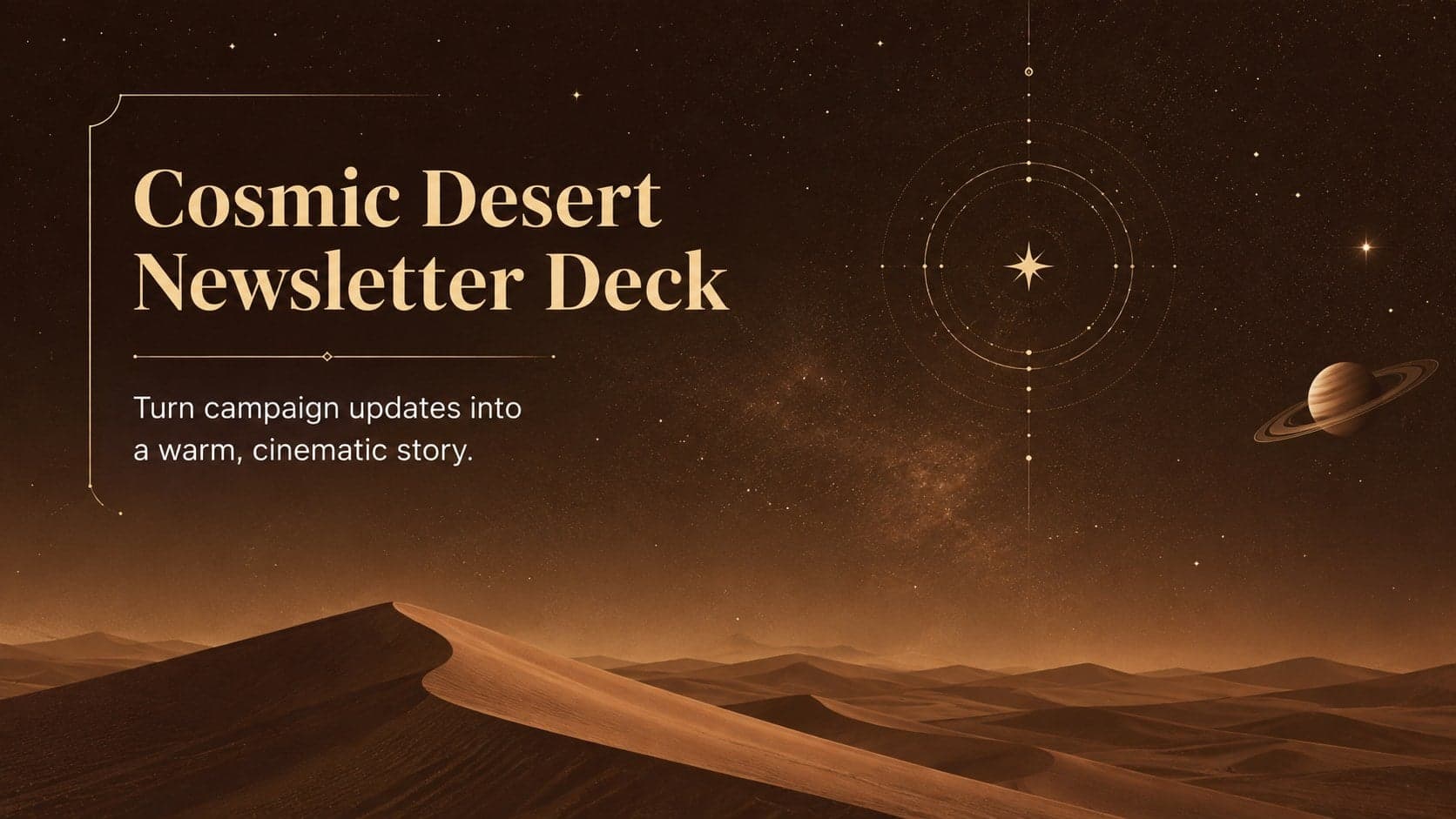
15Build memorable campaign updates with a Cosmic Desert Newsletter Deck, featuring warm beige-brown slides for PowerPoint and Google Slides teams.
 15
15Lead productive urban-tech meetings with a smart city business briefing deck in vivid violet and pink, ready to edit in PowerPoint or Google Slides.
 16
16Build a lively sales story with the Interactive Tech Product Showcase, using colorful illustrated layouts made for PowerPoint and Google Slides.