
 15
15presentation
Astrology Audience Insights Deck
Use this astrology audience insights deck to present zodiac-based segments, behaviors, and campaign findings in polished black-and-gold slides.
Google SlidesPowerPoint
presentation · English
Turn annual planning into a vivid action plan with this neon new year marketing goals deck, editable in PowerPoint and Google Slides for campaign teams.


Design notes
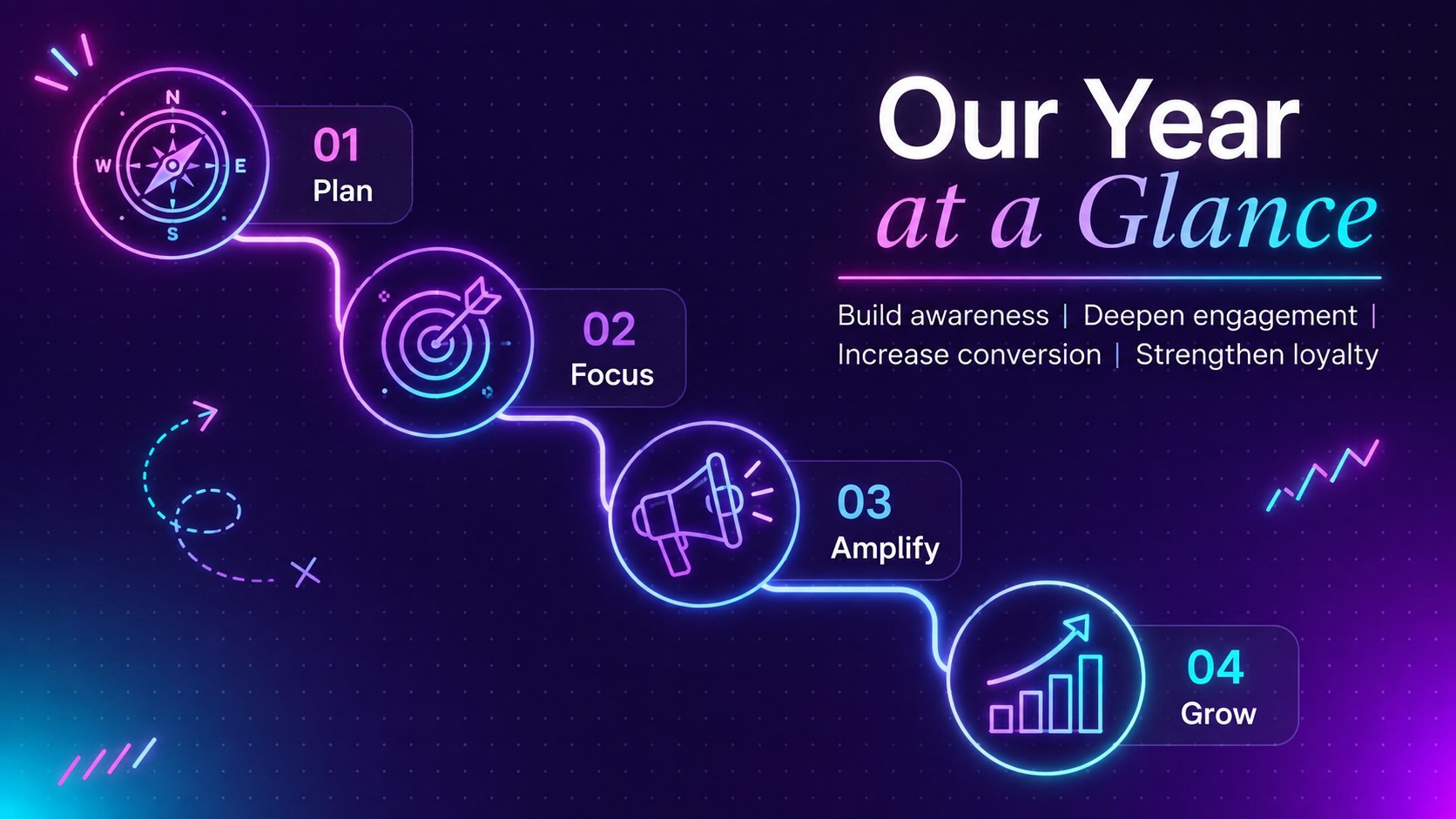
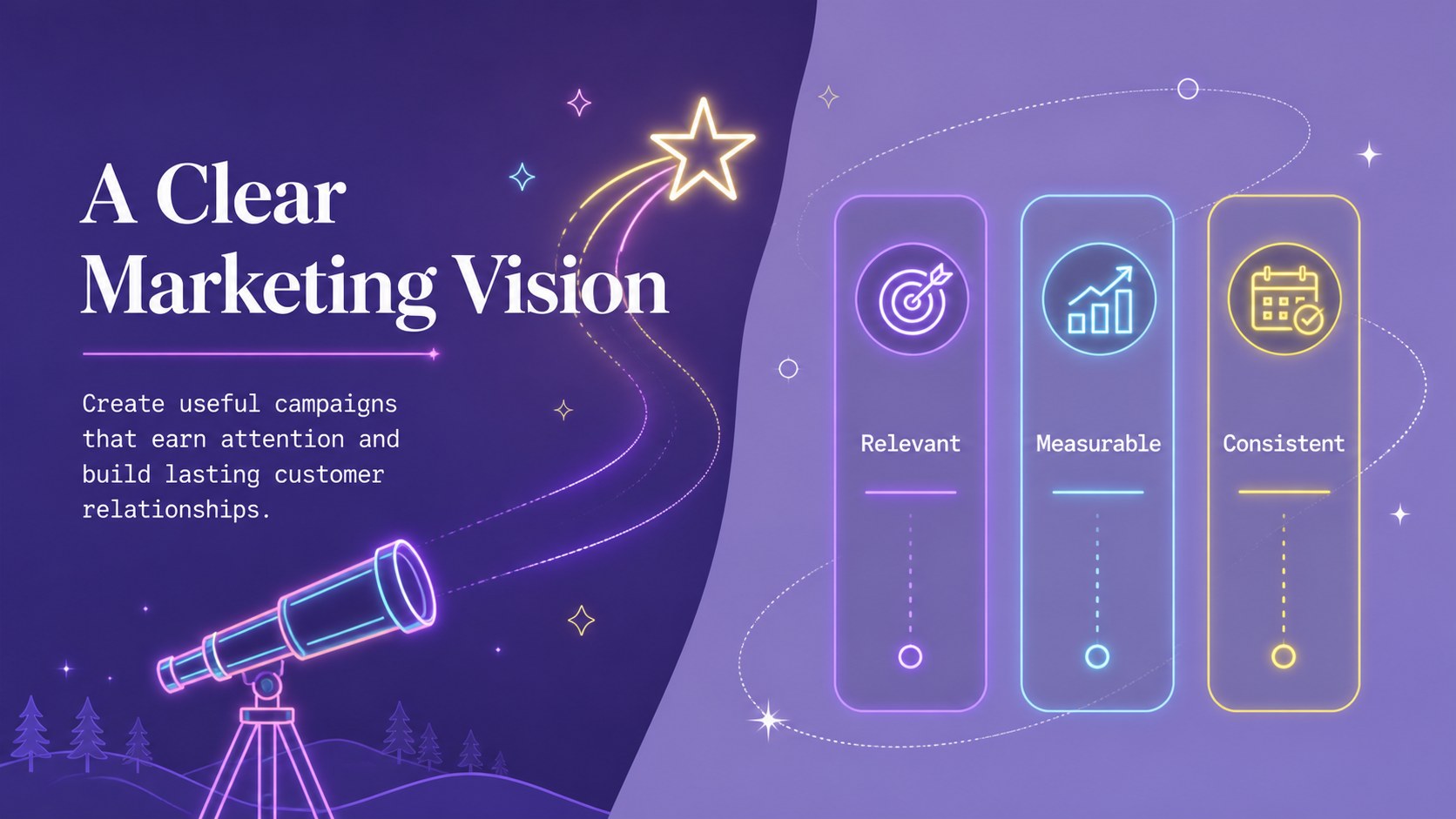
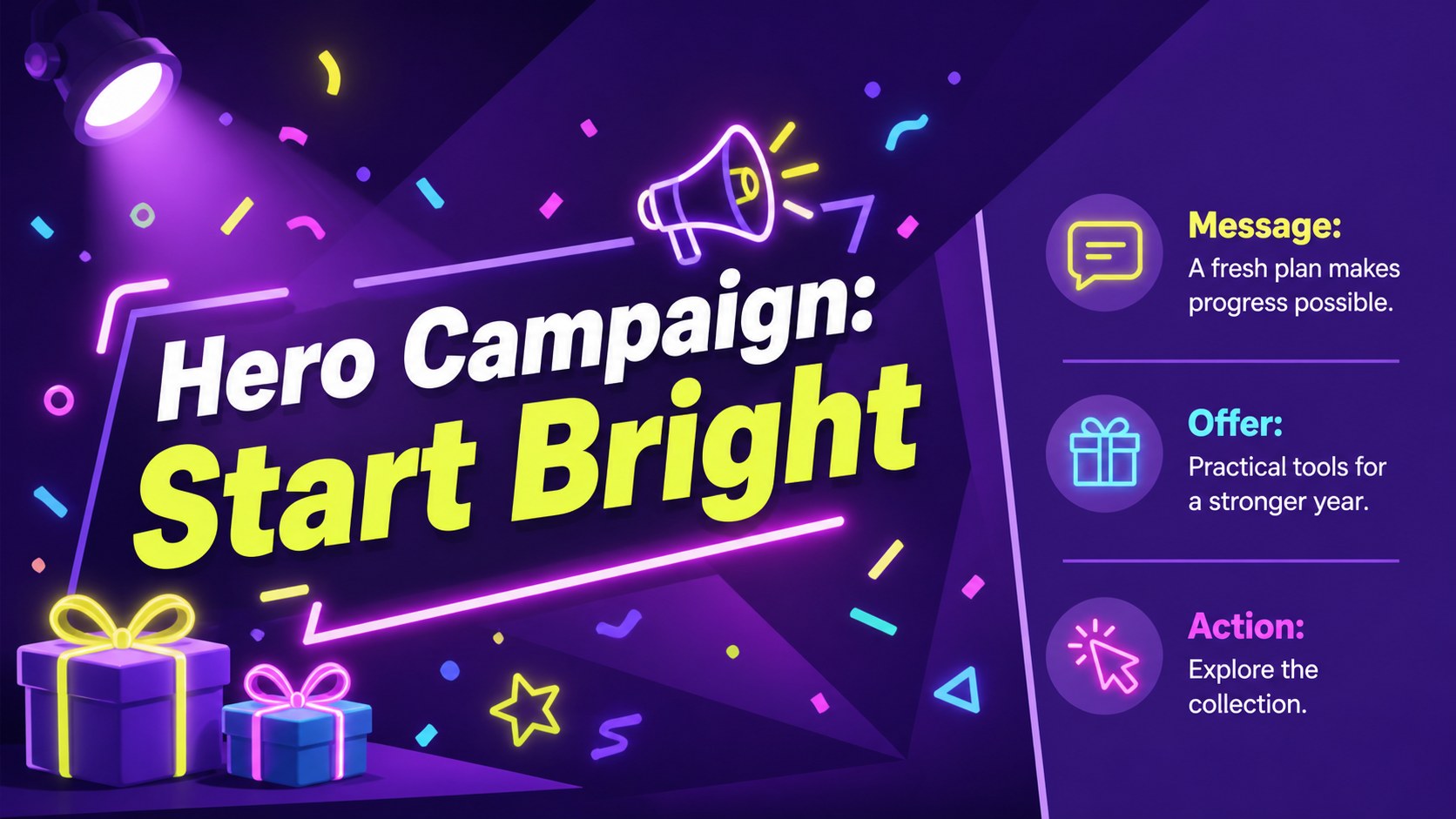
Bring focus and energy to annual planning with the neon new year marketing goals deck. Designed for marketing professionals, creative teams, and growing businesses, this vibrant presentation combines a violet base with multicolored neon accents, playful doodles, and clean modern typography. Use it to turn broad ambitions into a clear, memorable plan for the months ahead.
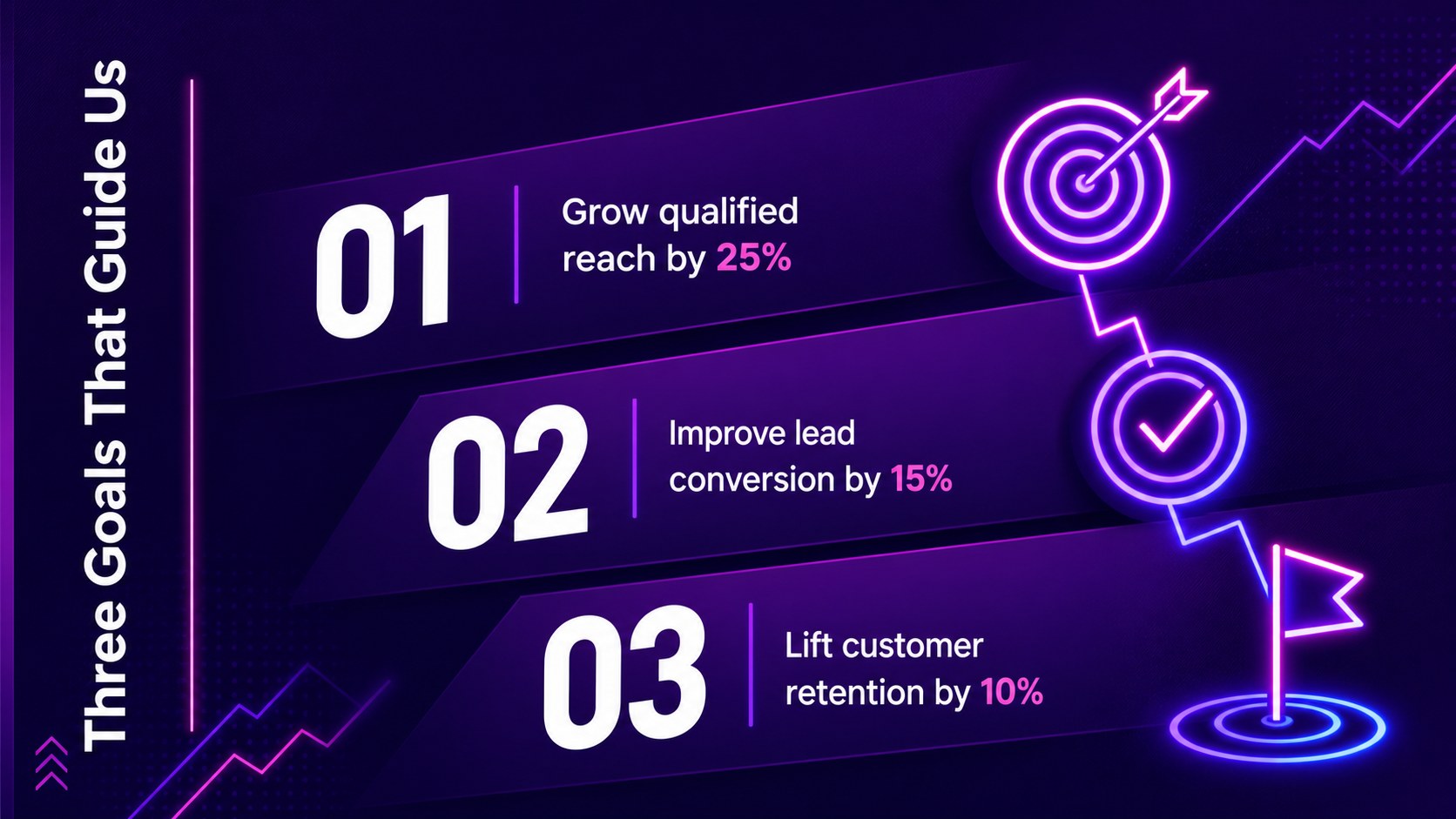
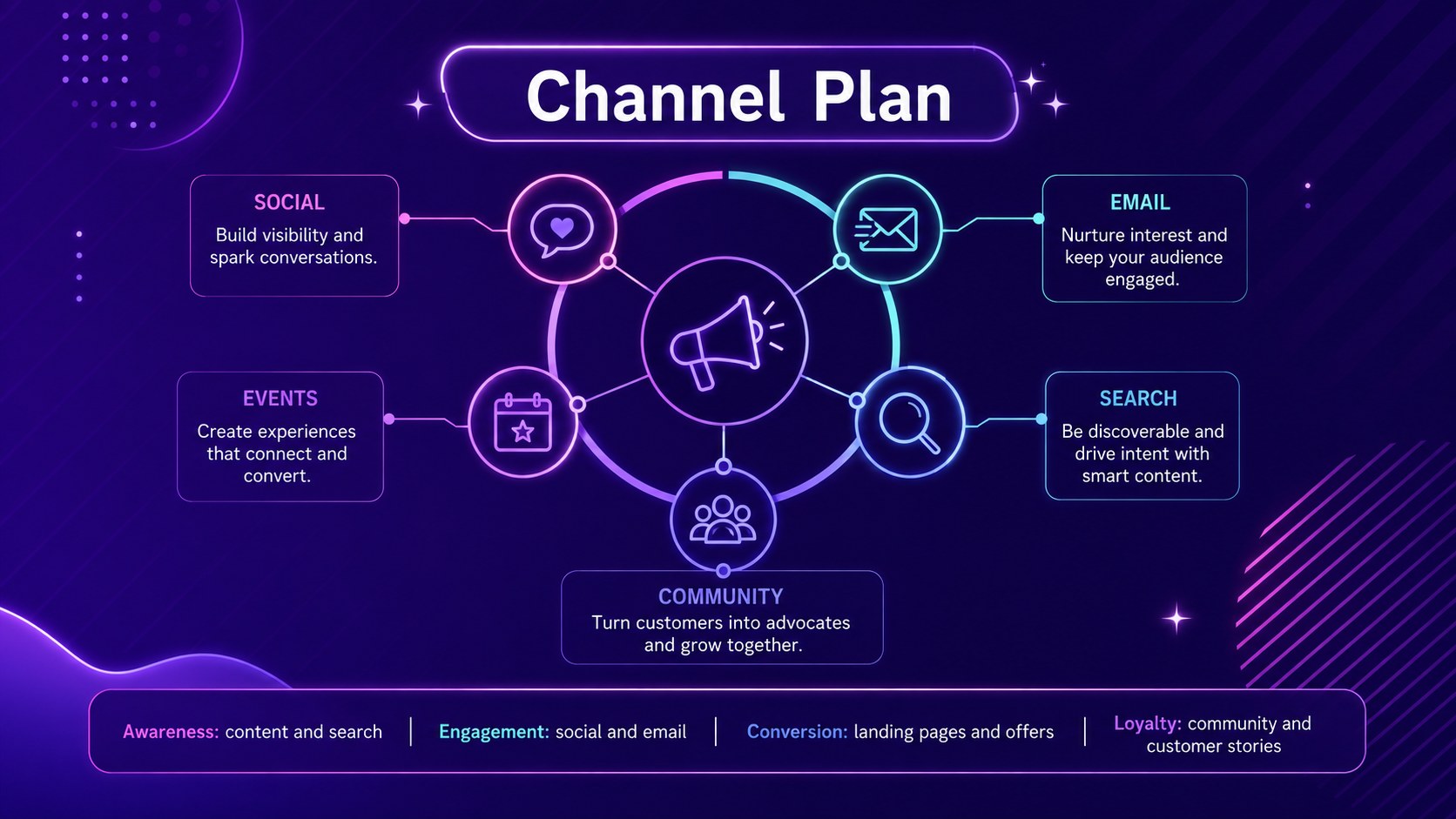
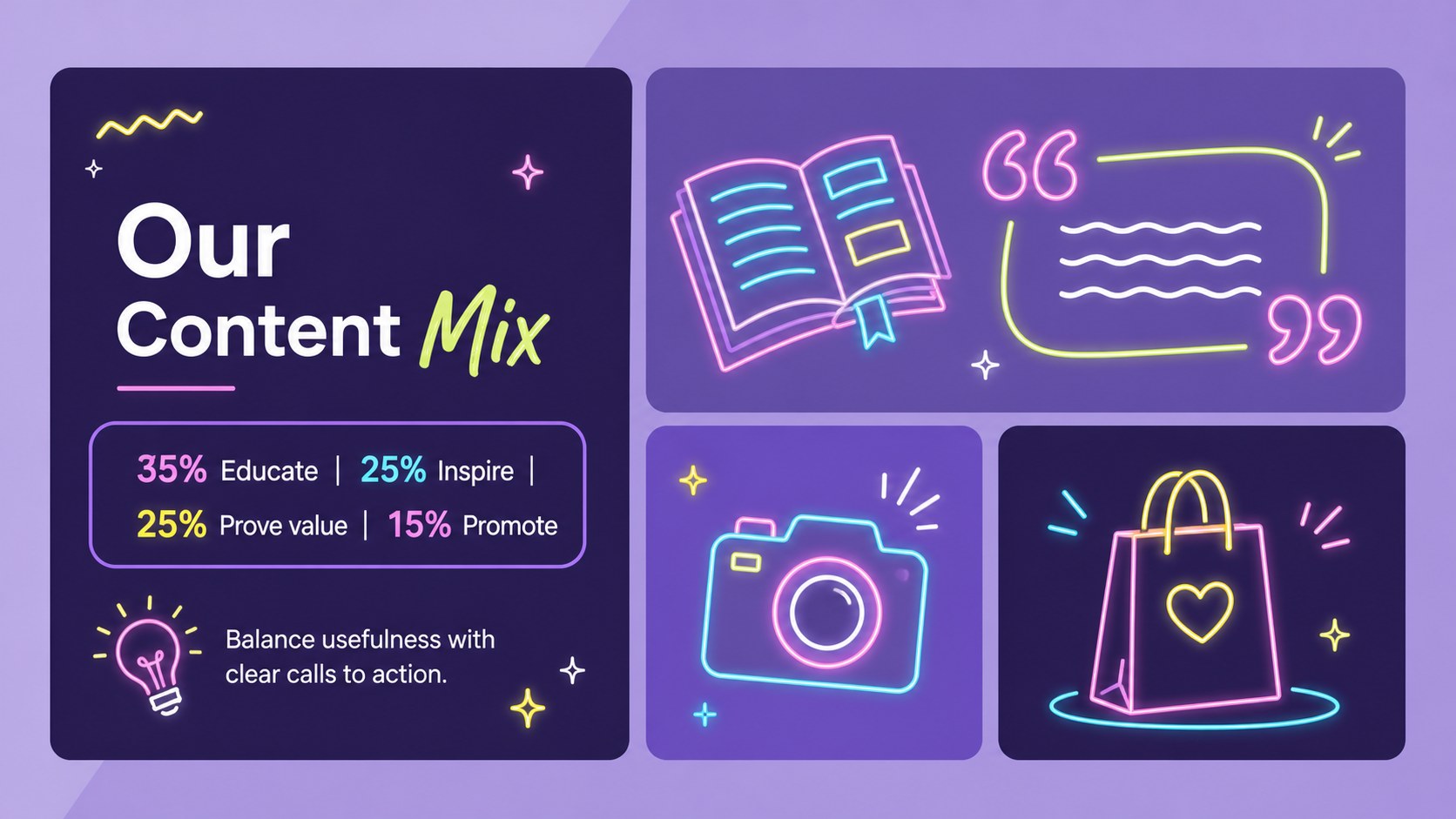
The deck includes layouts for annual objectives, campaign priorities, audience insights, channel plans, performance targets, quarterly milestones, budgets, team responsibilities, and next steps. Flexible charts, timelines, tables, and KPI summaries make it useful as an annual marketing goals slide template, while visual prompts support brainstorming and collaborative planning. Every layout can be edited in PowerPoint or Google Slides, allowing you to adjust colors, text, graphics, and data for your organization.
Use this new year campaign planning presentation during strategy workshops, kickoff meetings, client reviews, or leadership briefings. It also works as a neon goal setting presentation for agencies, social media teams, brand managers, and small-business owners who want an upbeat alternative to a conventional corporate deck. The bold design keeps strategic information easy to scan without losing the celebratory spirit of a fresh start.
Perfect for: annual marketing kickoff; campaign strategy workshop; quarterly goals review; client planning presentation; brand team alignment.
Frequently asked questions
Can I edit this deck in PowerPoint and Google Slides? Yes. The layouts are designed for editing in both PowerPoint and Google Slides. You can replace the sample wording, update charts, move graphics, and adapt the plan to your campaigns.
Practical details
Yes. The layouts are designed for editing in both PowerPoint and Google Slides. You can replace the sample wording, update charts, move graphics, and adapt the plan to your campaigns.
Change the violet backgrounds and accent colors through the theme or master-slide controls in your chosen platform. For a consistent result, keep one dark base color and assign bright accent colors to goals, channels, or campaign phases.
The deck supports objectives, audience insights, channel priorities, campaign schedules, budgets, KPIs, responsibilities, and quarterly milestones. Its modular layouts also work for client proposals and internal planning sessions.
Yes. Select only the layouts needed for your meeting and remove the rest without disrupting the visual system. A concise version can combine the overview, goals, roadmap, KPI dashboard, and next steps.
Keep exploring
15Use this astrology audience insights deck to present zodiac-based segments, behaviors, and campaign findings in polished black-and-gold slides.
 14
14Plan a memorable Lunar New Year campaign with the 2036 Dragon Year Celebration Theme, featuring bold red-and-yellow slides for lessons and events.
 15
15Build eerie lessons, campaigns, and story pitches with an undead survival scenario theme featuring editable slides for PowerPoint and Google Slides.
 15
15Build a clear breast cancer awareness bulletin with bold pink-and-red slides for campaign news, screening reminders, impact data, and community updates.
 15
15Shape your publishing concept with an indie magazine startup pitch deck featuring pastel gradients, bold collage layouts, and editable planning slides.
 15
15Build a bold retro-futurist campaign pitch deck for client meetings, with editable strategy layouts and playful pastel Y2K-inspired visuals.
 16
16Build a consistent presence with a social channel identity playbook covering voice, visuals, content formats, publishing rules, and approvals.
 15
15Celebrate online learners with webinar completion certificate slides, featuring editable violet artwork for university events in PowerPoint and Google Slides.