
 15
15presentation
UFO Day Alien Encounter Deck
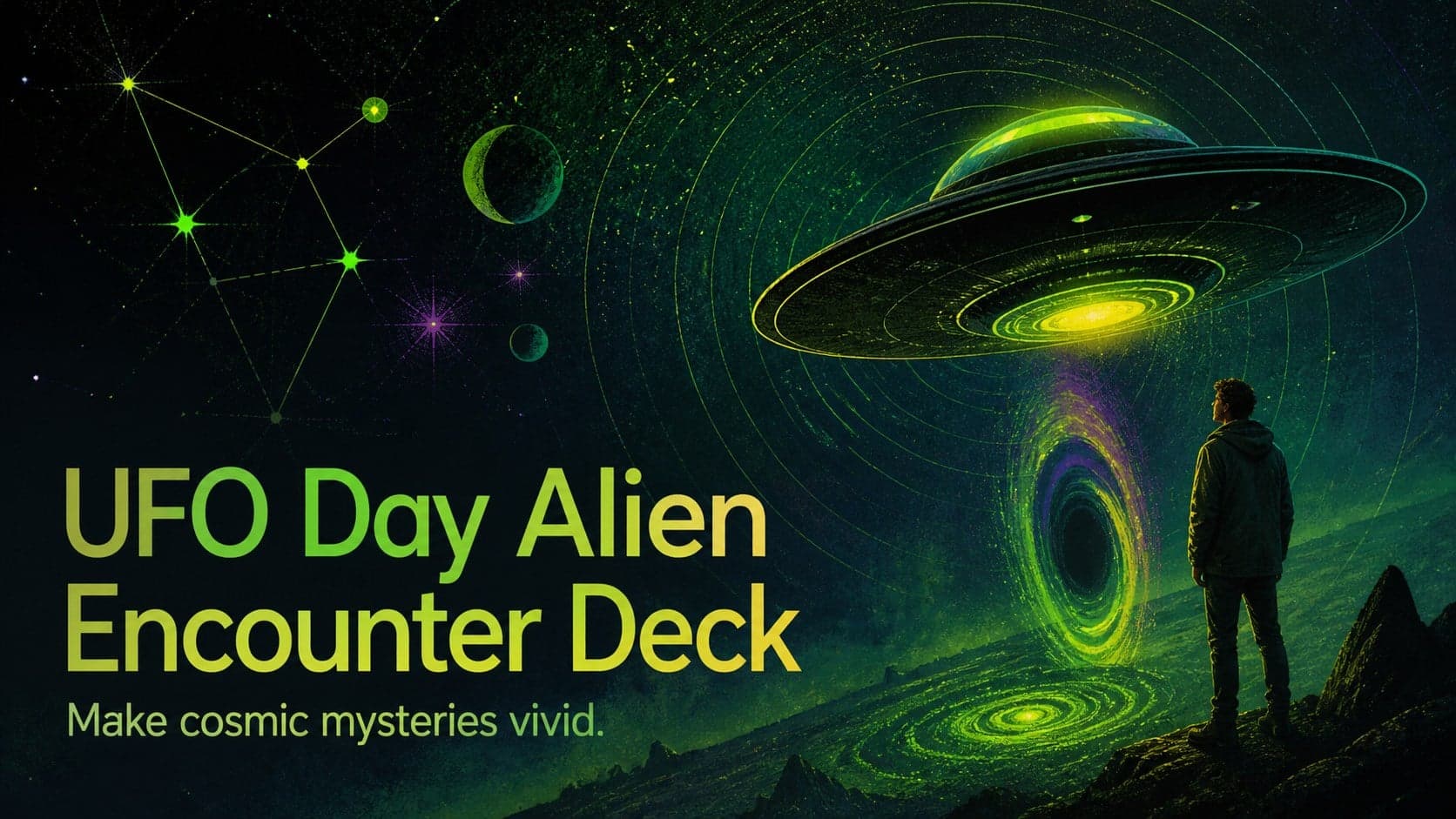
Build a bold cosmic story with this UFO Day alien encounter deck, featuring surreal green-and-black layouts for PowerPoint and Google Slides events.
Google SlidesPowerPoint
presentation · English
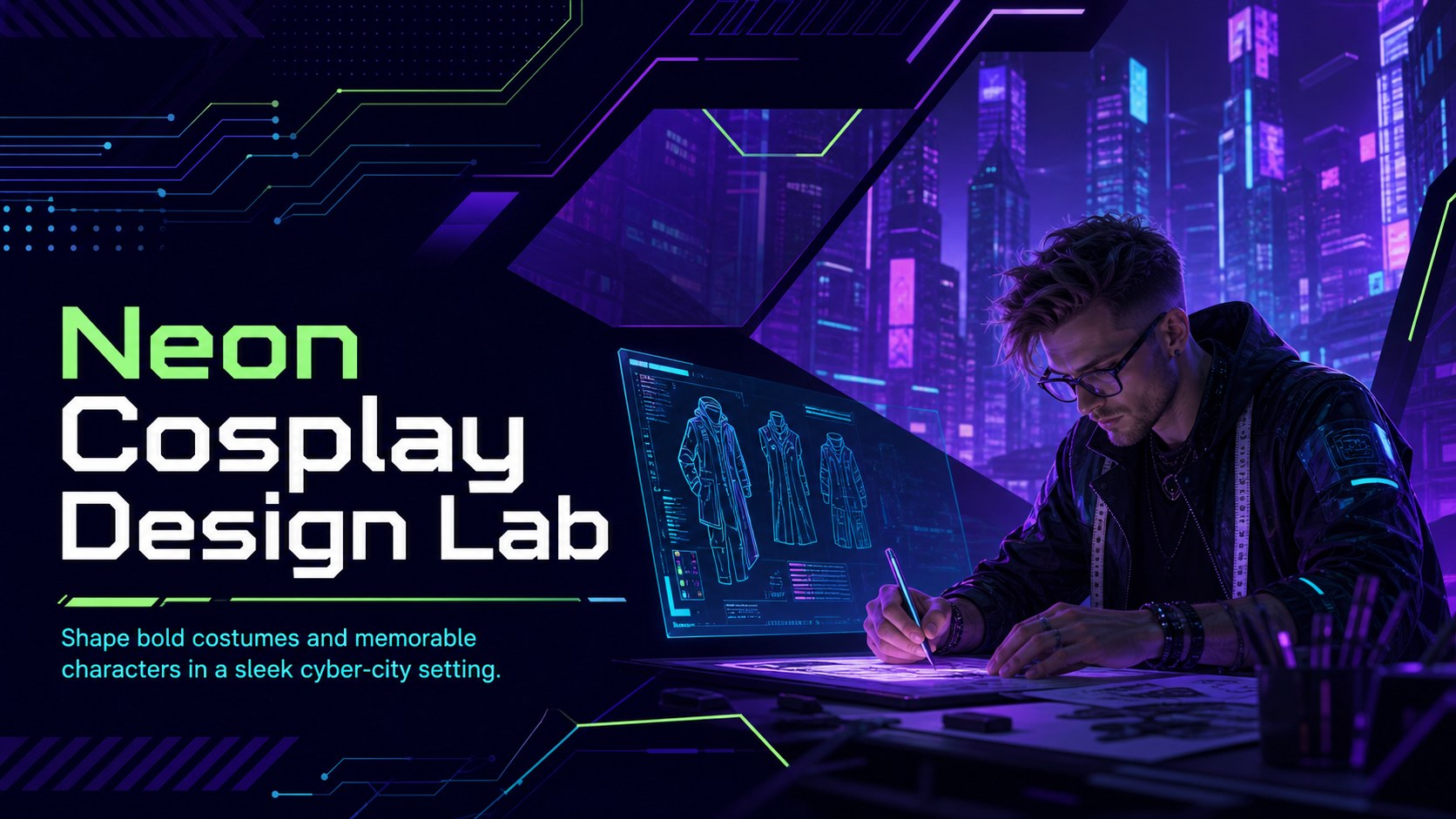
Build costumes, character concepts, and event plans with the Neon Cosplay Design Lab for PowerPoint and Google Slides in vivid cyber-city colors.

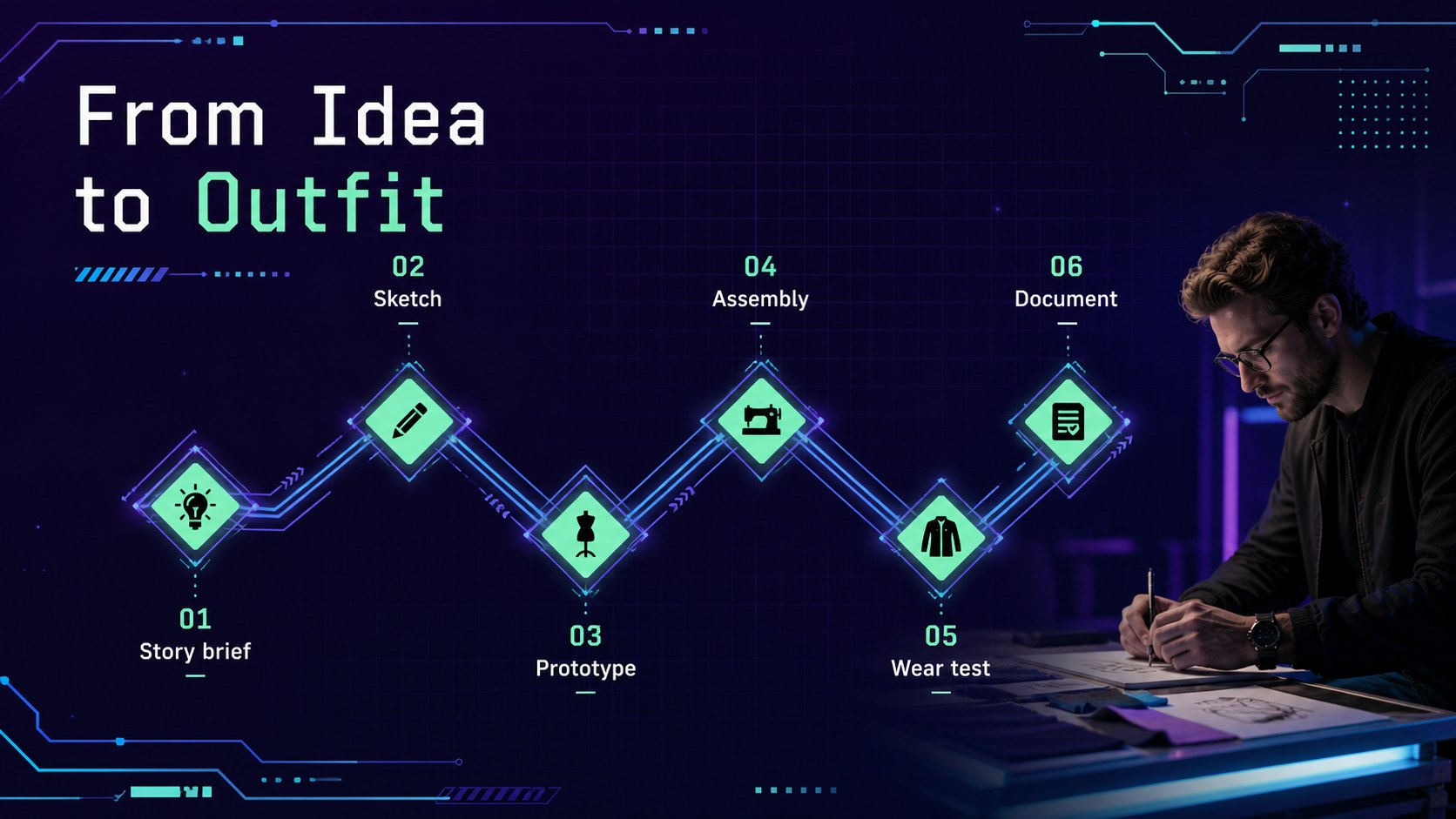
Design notes
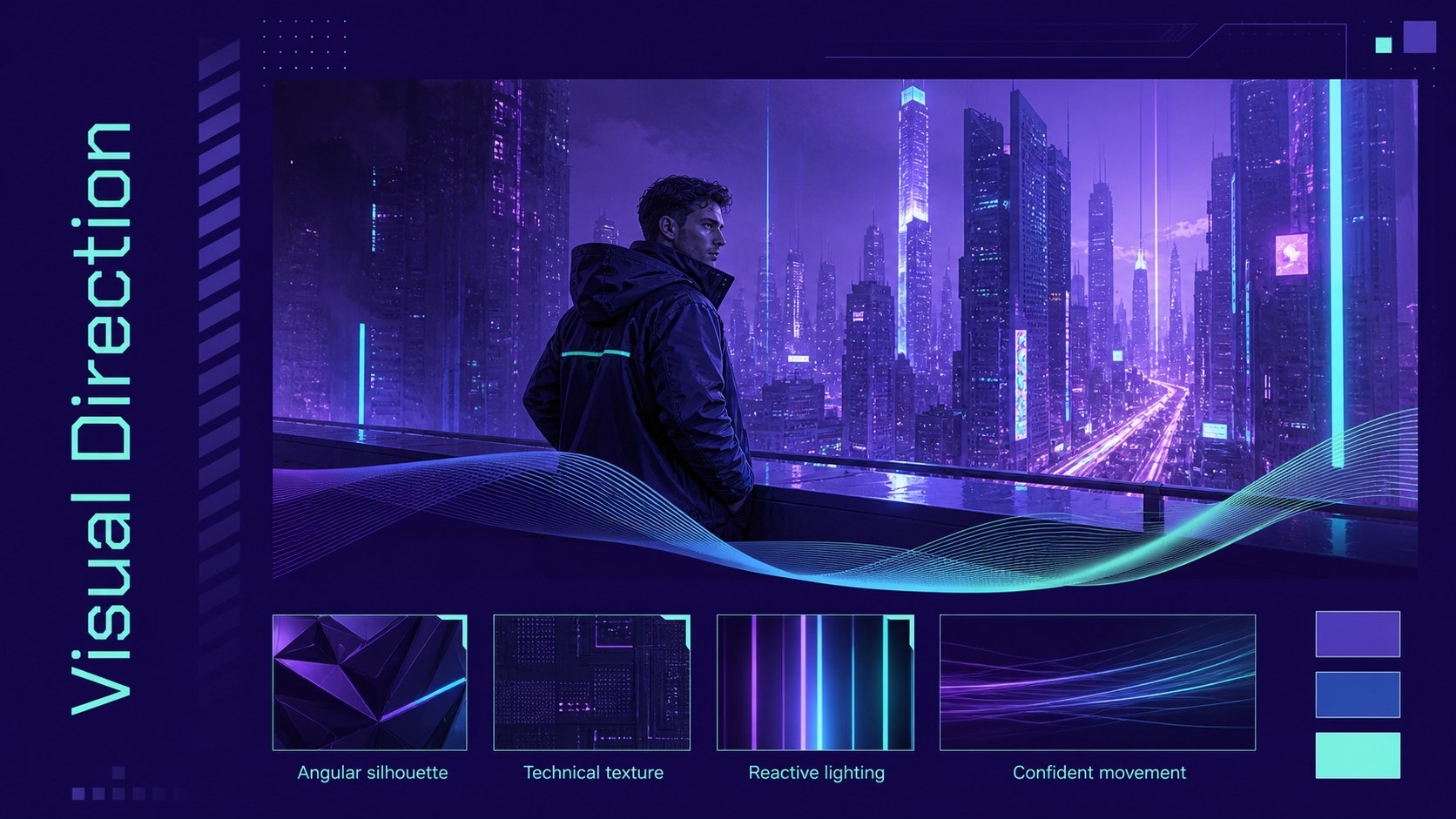
Turn imaginative character ideas into presentation-ready concepts with the Neon Cosplay Design Lab. Designed in violet, electric blue, and light green, this minimal cyber-city deck gives costume makers, educators, event teams, and creative marketers a polished framework for developing futuristic looks. Edit every slide in PowerPoint or Google Slides to match your project, class, or convention.
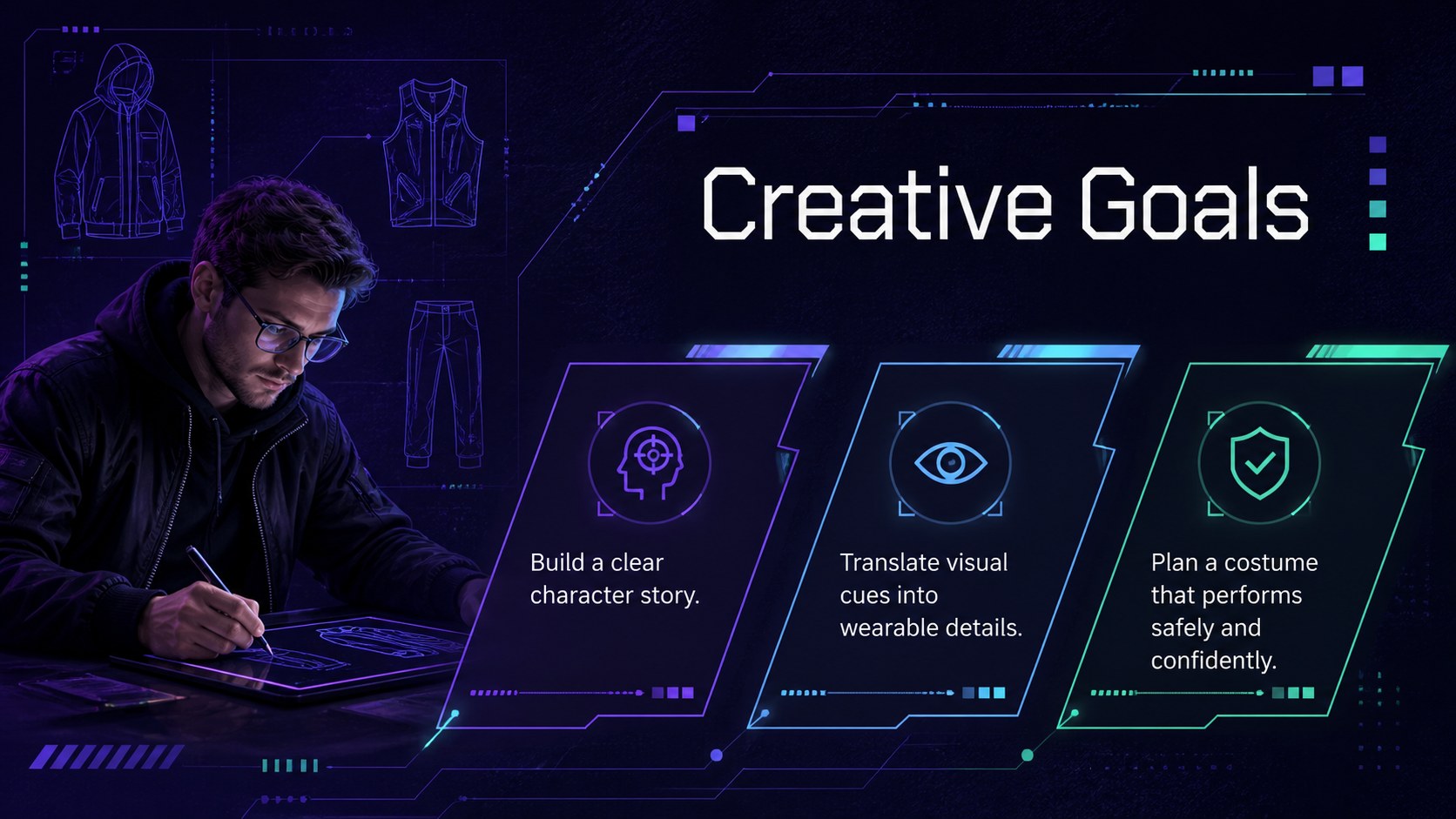
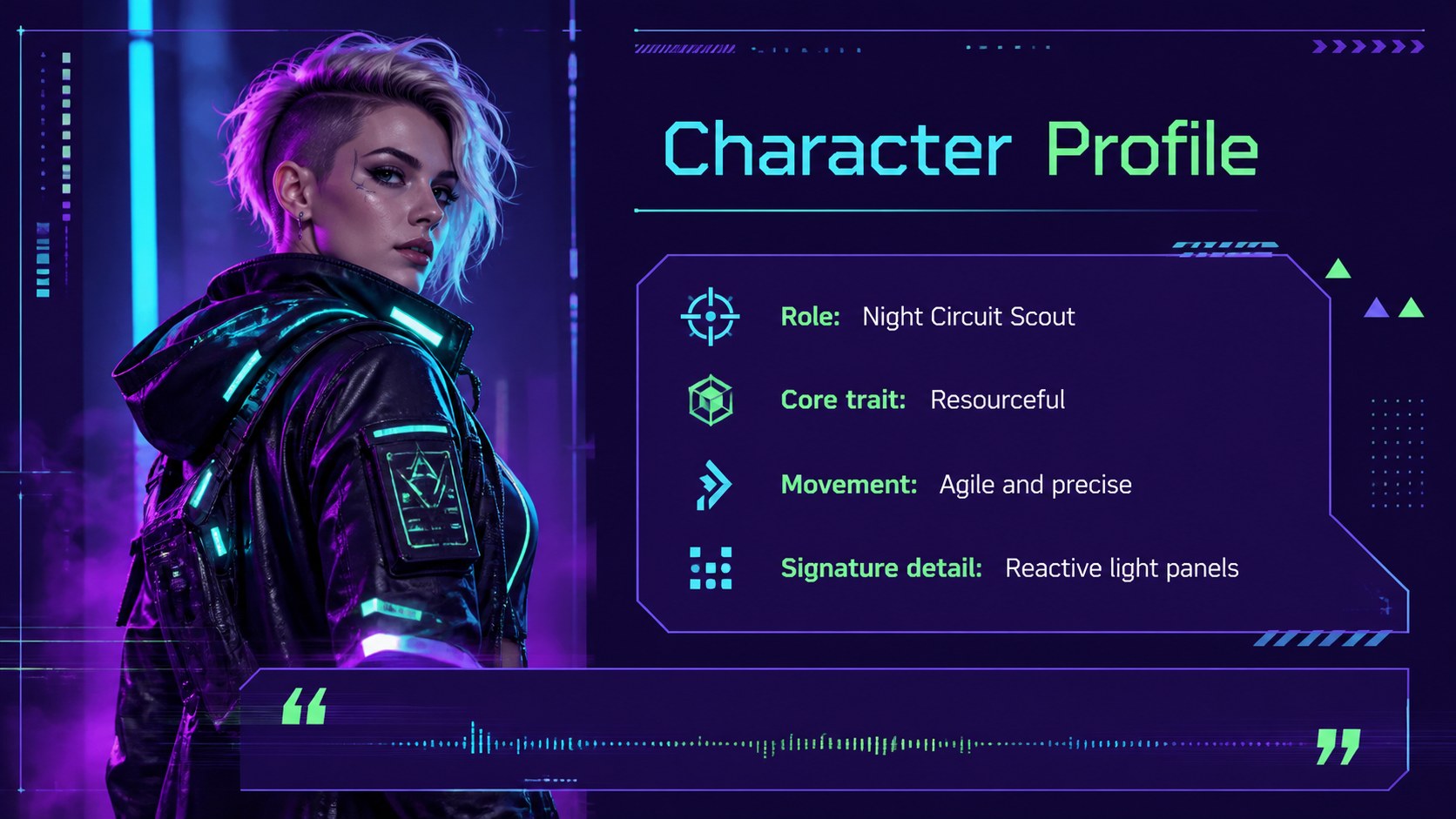
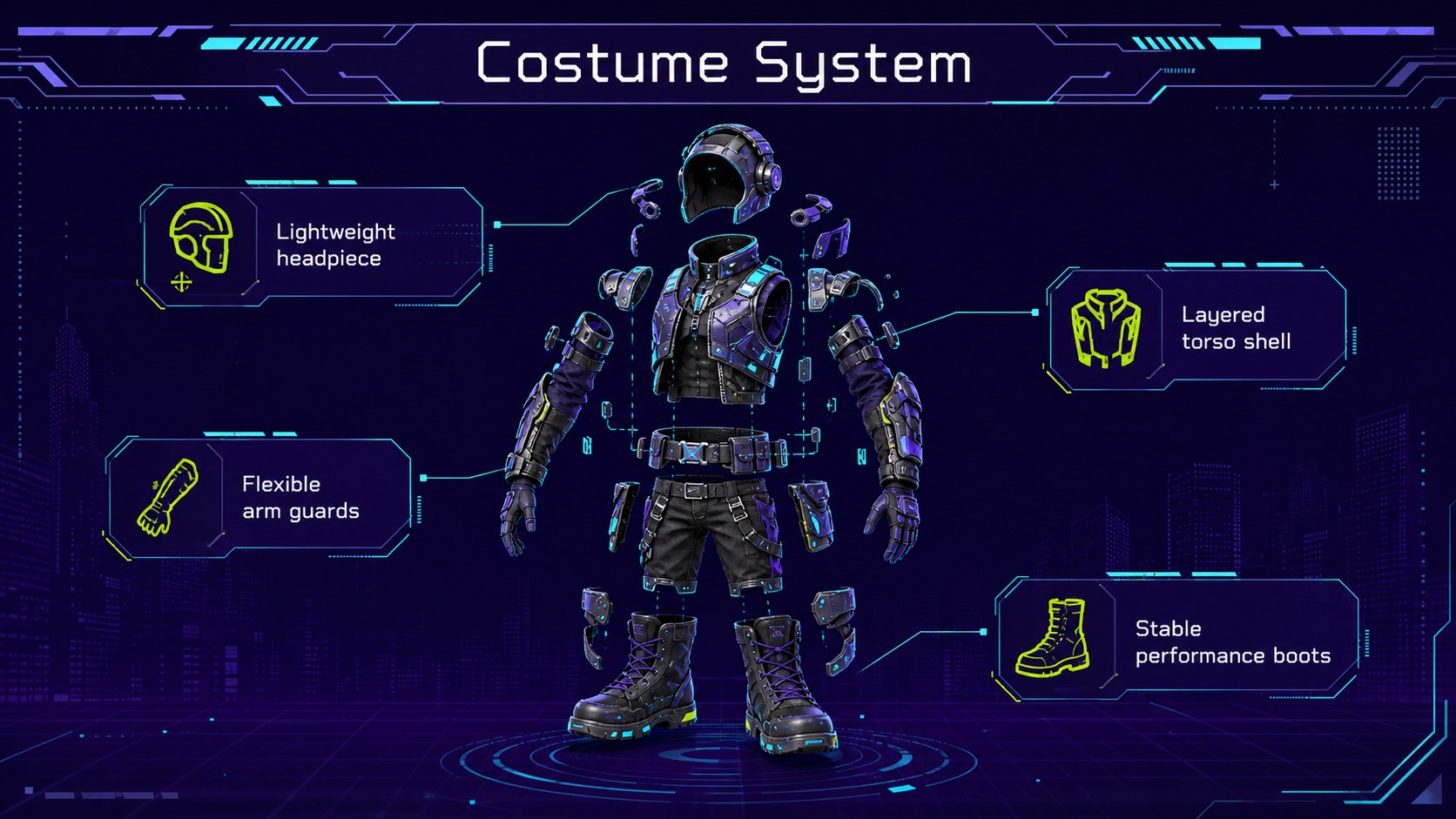
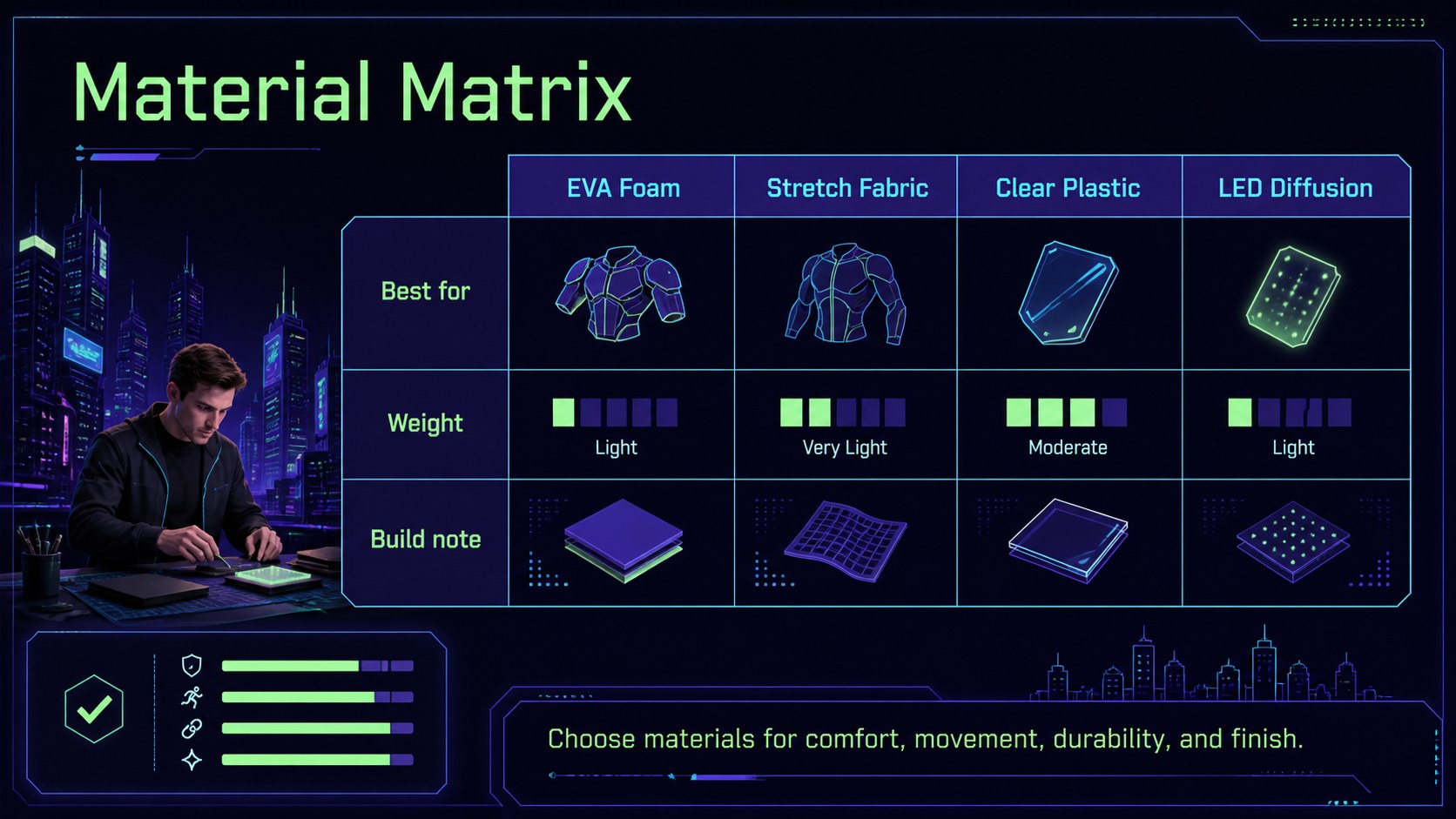
The deck includes layouts for workshop goals, visual references, character profiles, costume components, material choices, build schedules, safety notes, promotional plans, and final showcases. Use it as a futuristic costume workshop presentation, a cyberpunk cosplay planning deck, or a structured guide for a team costume design session. Clear typography, luminous accents, geometric interfaces, and illustrated technology details keep complex information easy to scan without losing the theatrical mood.
This template works well for cosplay instructors, fashion students, makerspaces, convention organizers, creative agencies, and independent costume artists. Present a new character direction, teach fabrication methods, coordinate a group build, outline an event session, or prepare a portfolio review. Charts, timelines, image placeholders, and modular content blocks can be recolored, resized, or rearranged. The widescreen format is ready for classroom screens, online sessions, planning meetings, and stage presentations.
Perfect for: cosplay design workshop; costume fabrication lesson; convention session planning; character concept presentation; group costume build; creative portfolio review.
Frequently asked questions
Can I edit this template in PowerPoint and Google Slides? Yes. All text, colors, shapes, image placeholders, and layout elements are designed for editing in PowerPoint and Google Slides. Some transitions or fonts may vary slightly between platforms.
Practical details
Yes. All text, colors, shapes, image placeholders, and layout elements are designed for editing in PowerPoint and Google Slides. Some transitions or fonts may vary slightly between platforms.
Replace the sample character details with your own concept, references, materials, and build stages. You can also adjust the violet, blue, and light green accents while preserving the futuristic visual system.
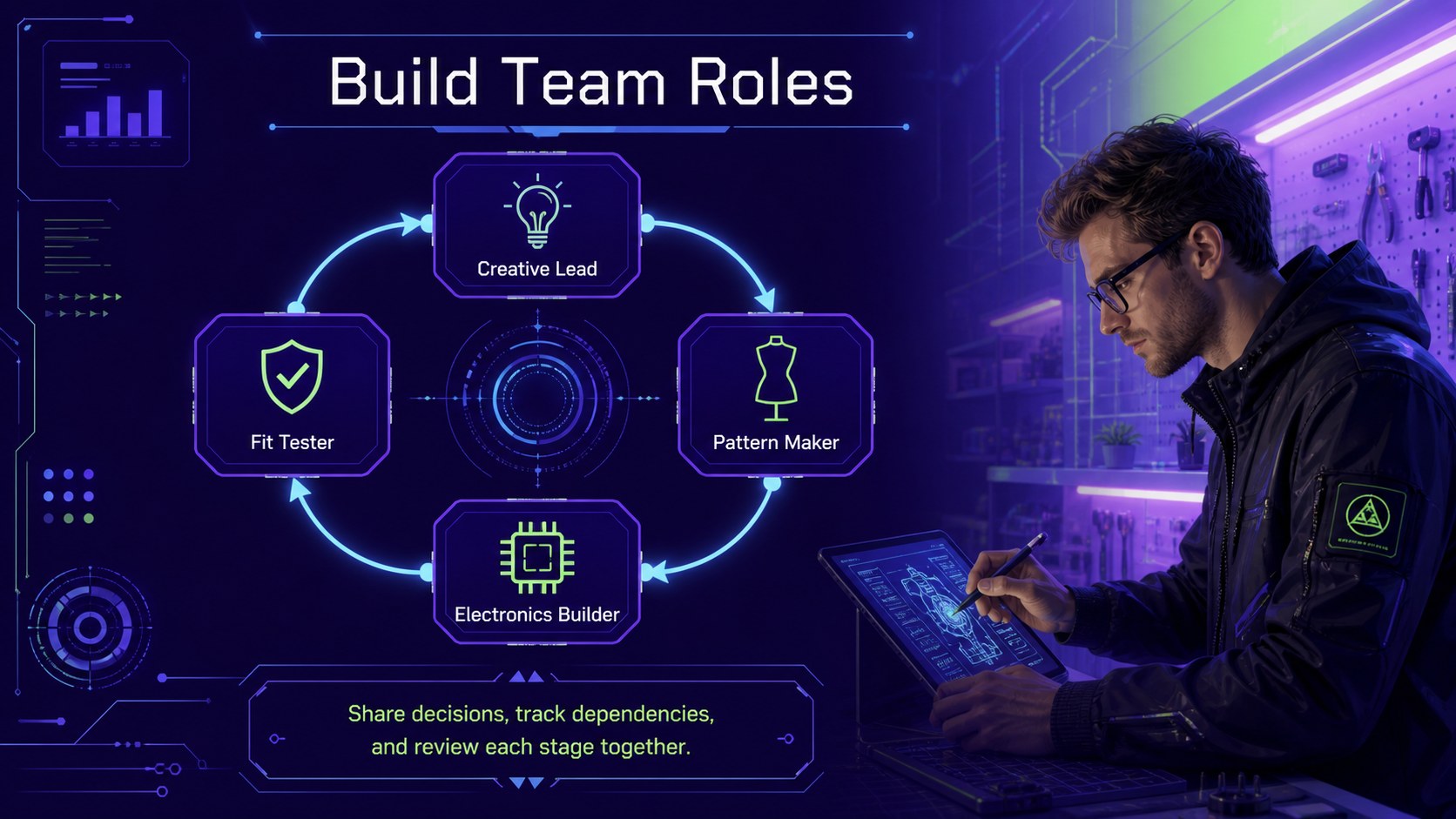
Yes. The layouts cover objectives, activities, schedules, safety guidance, team roles, and showcase plans. They can support a single class, a multi-session build, or a convention workshop.
Yes. Replace the image placeholders with costume photography, fabric swatches, technical drawings, or character sketches. Crop and resize each visual directly within PowerPoint or Google Slides.
Keep exploring
15Build a bold cosmic story with this UFO Day alien encounter deck, featuring surreal green-and-black layouts for PowerPoint and Google Slides events.
 16
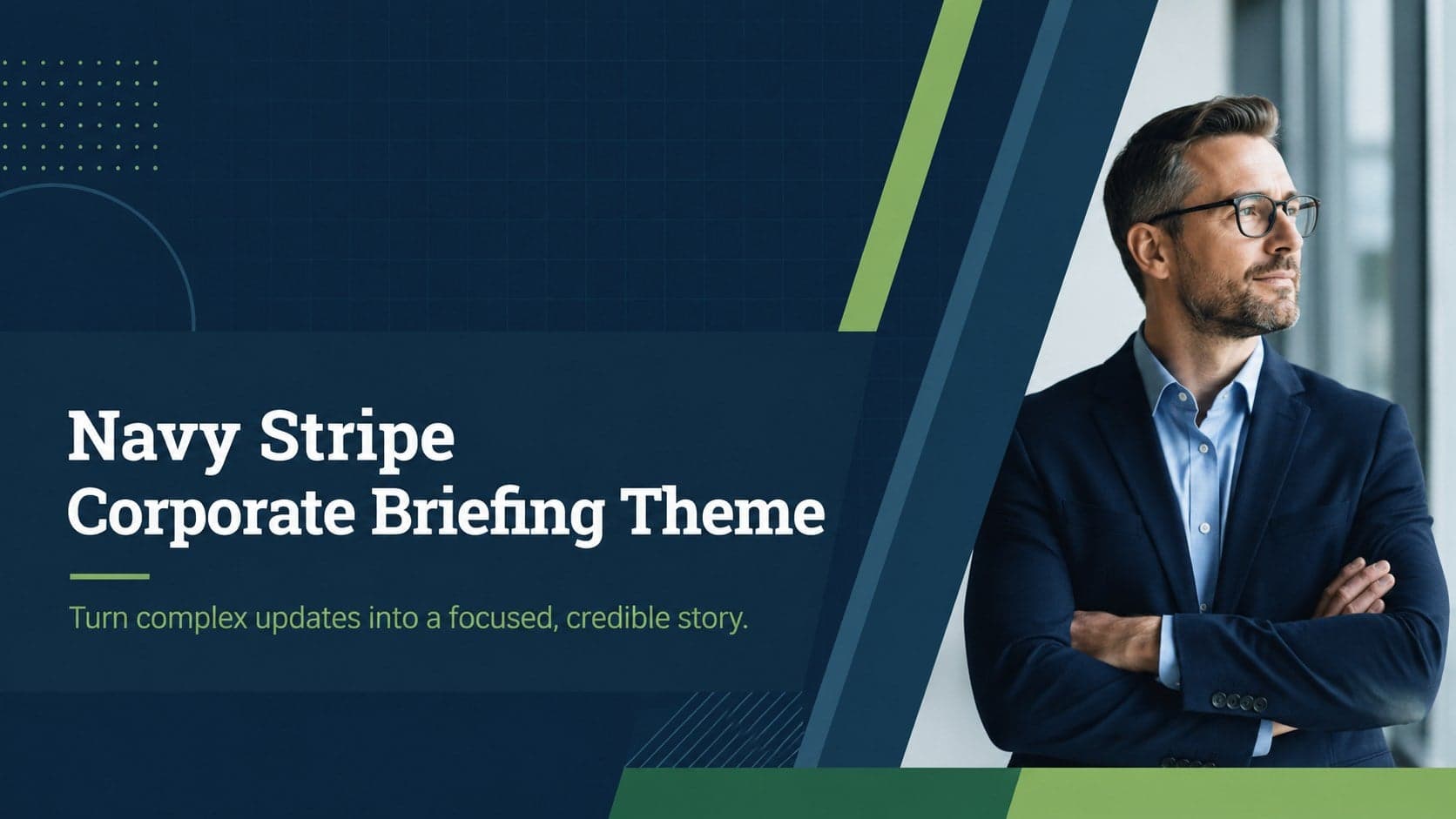
16Use the Navy Stripe Corporate Briefing Theme to present plans, results, and proposals with credible blue-green layouts for PowerPoint and Google Slides.
 5
5Turn customer research into clear decisions with product experience mapping slides in a dark navy and green style for PowerPoint and Google Slides.
 16
16Win stakeholder approval with website launch proposal slides that organize strategy, UX, rollout, and results in editable PowerPoint and Google Slides formats.
 15
15Build clearer campaign plans with an AI marketing strategy deck featuring neon blue-green visuals, editable workflows, data slides, and practical examples.
 15
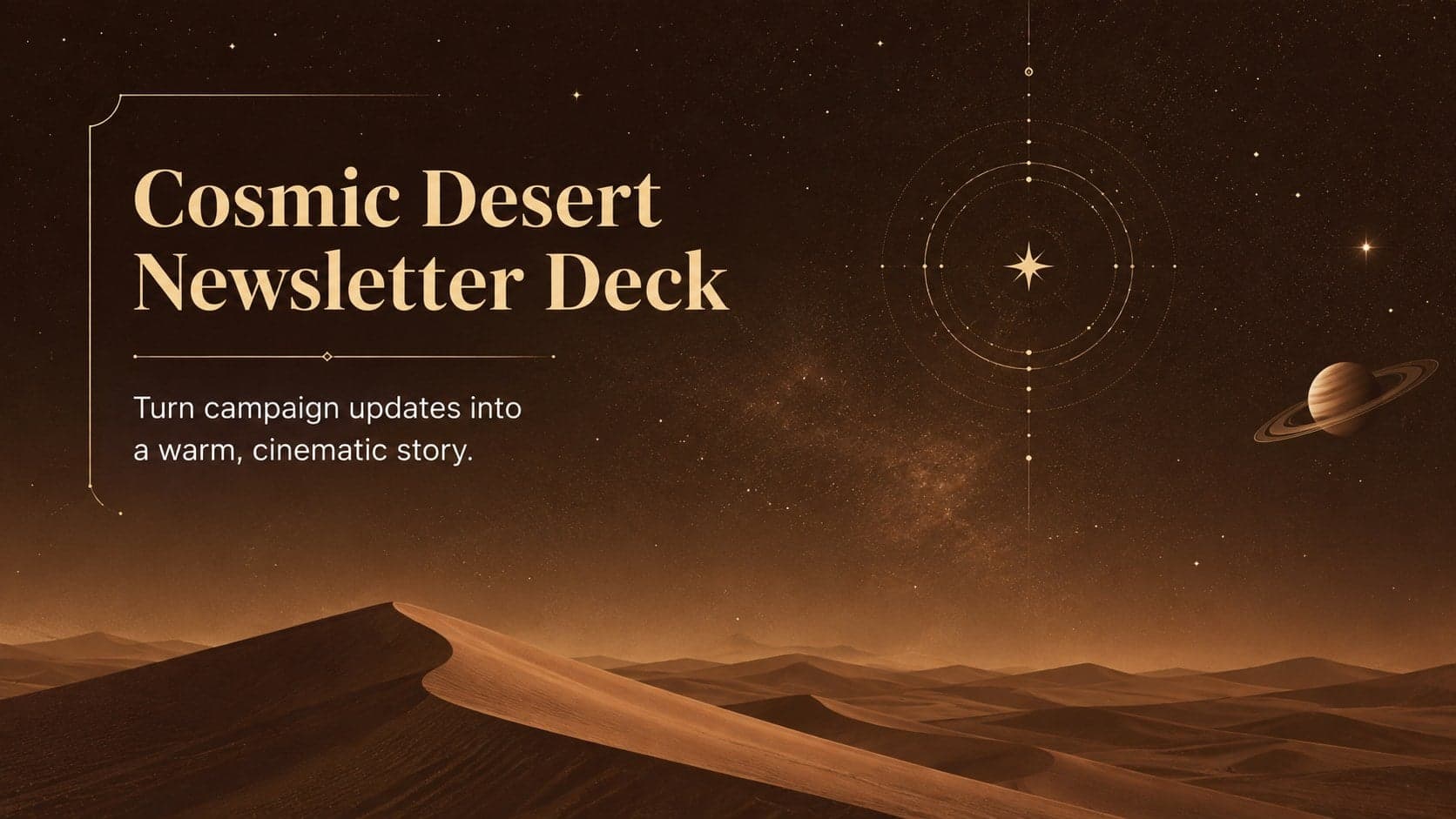
15Build memorable campaign updates with a Cosmic Desert Newsletter Deck, featuring warm beige-brown slides for PowerPoint and Google Slides teams.
 15
15Lead productive urban-tech meetings with a smart city business briefing deck in vivid violet and pink, ready to edit in PowerPoint or Google Slides.
 16
16Build a lively sales story with the Interactive Tech Product Showcase, using colorful illustrated layouts made for PowerPoint and Google Slides.