
 15
15presentation
Astrology Audience Insights Deck
Use this astrology audience insights deck to present zodiac-based segments, behaviors, and campaign findings in polished black-and-gold slides.
Google SlidesPowerPoint
presentation · English
Turn company updates into a vivid campaign with a neon business newsletter deck featuring purple and blue sign graphics for PowerPoint and Google Slides.
Design notes
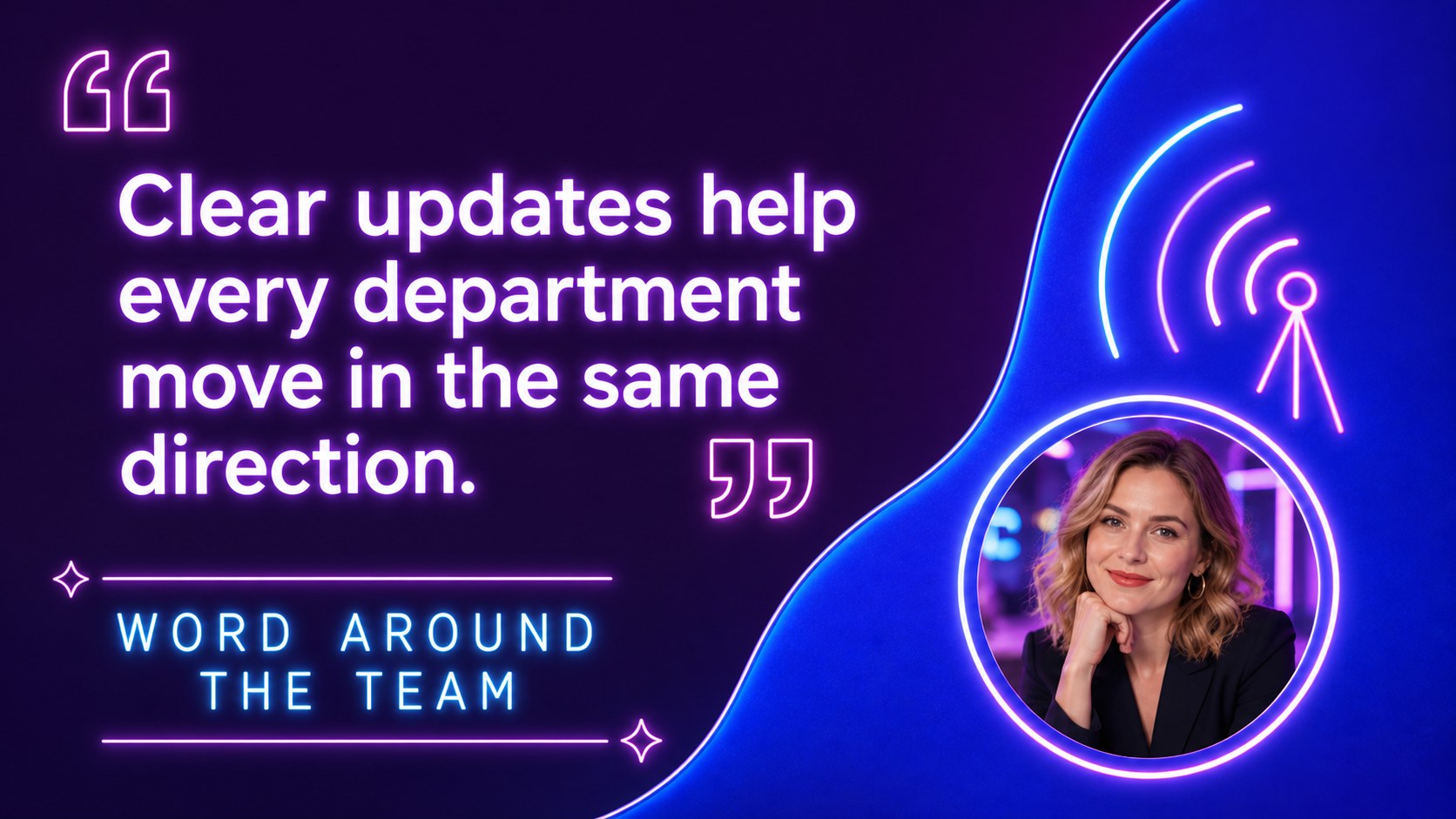
Bring routine announcements to life with the Neon Business Newsletter Deck, a lively presentation template inspired by illuminated storefront signs, hand-drawn graphics, and late-night city color. Its purple and blue palette gives company news a confident, upbeat identity without sacrificing readability. Use this retro neon company update presentation to package important information into a story colleagues, customers, or community members will want to follow.
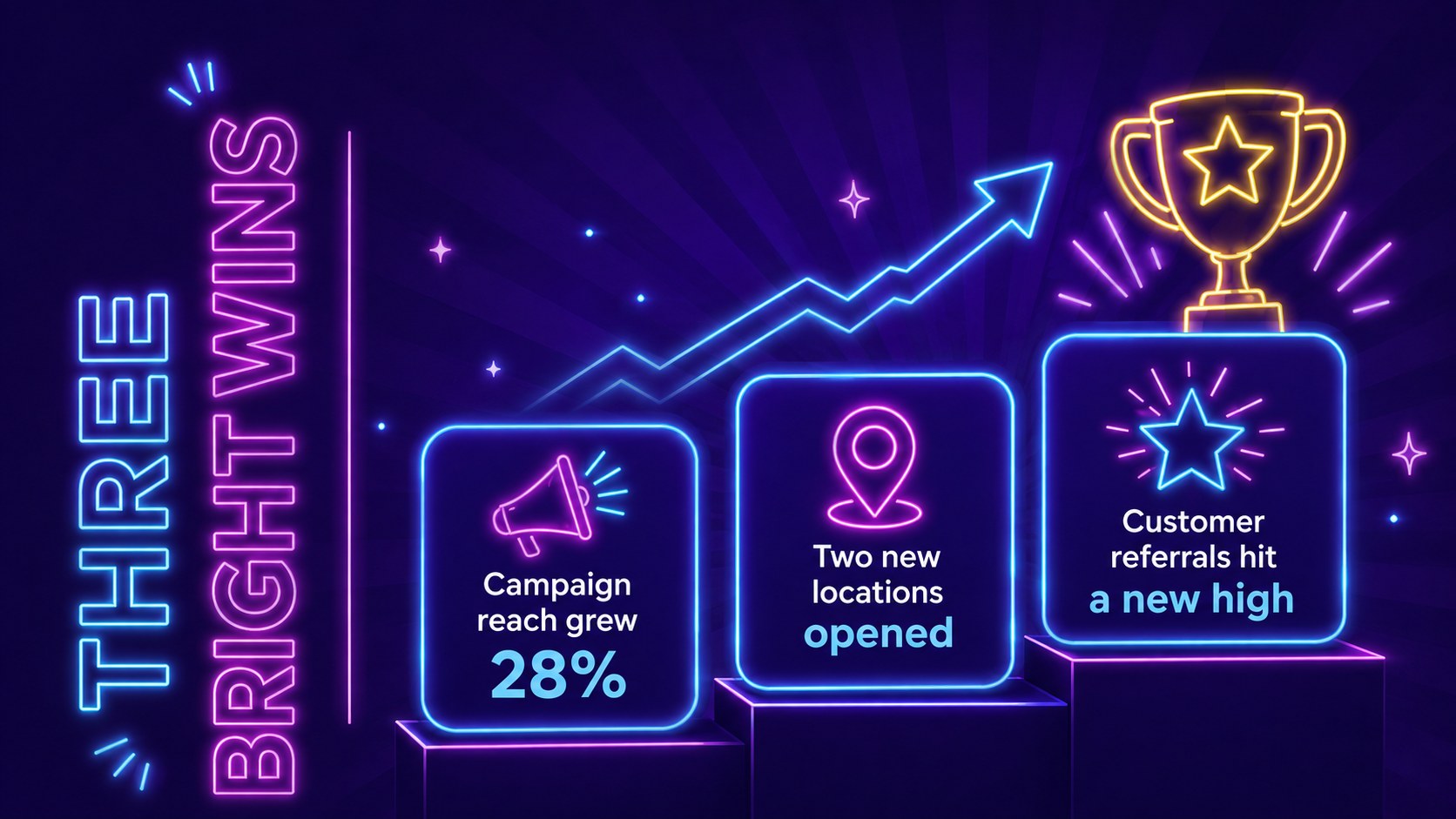
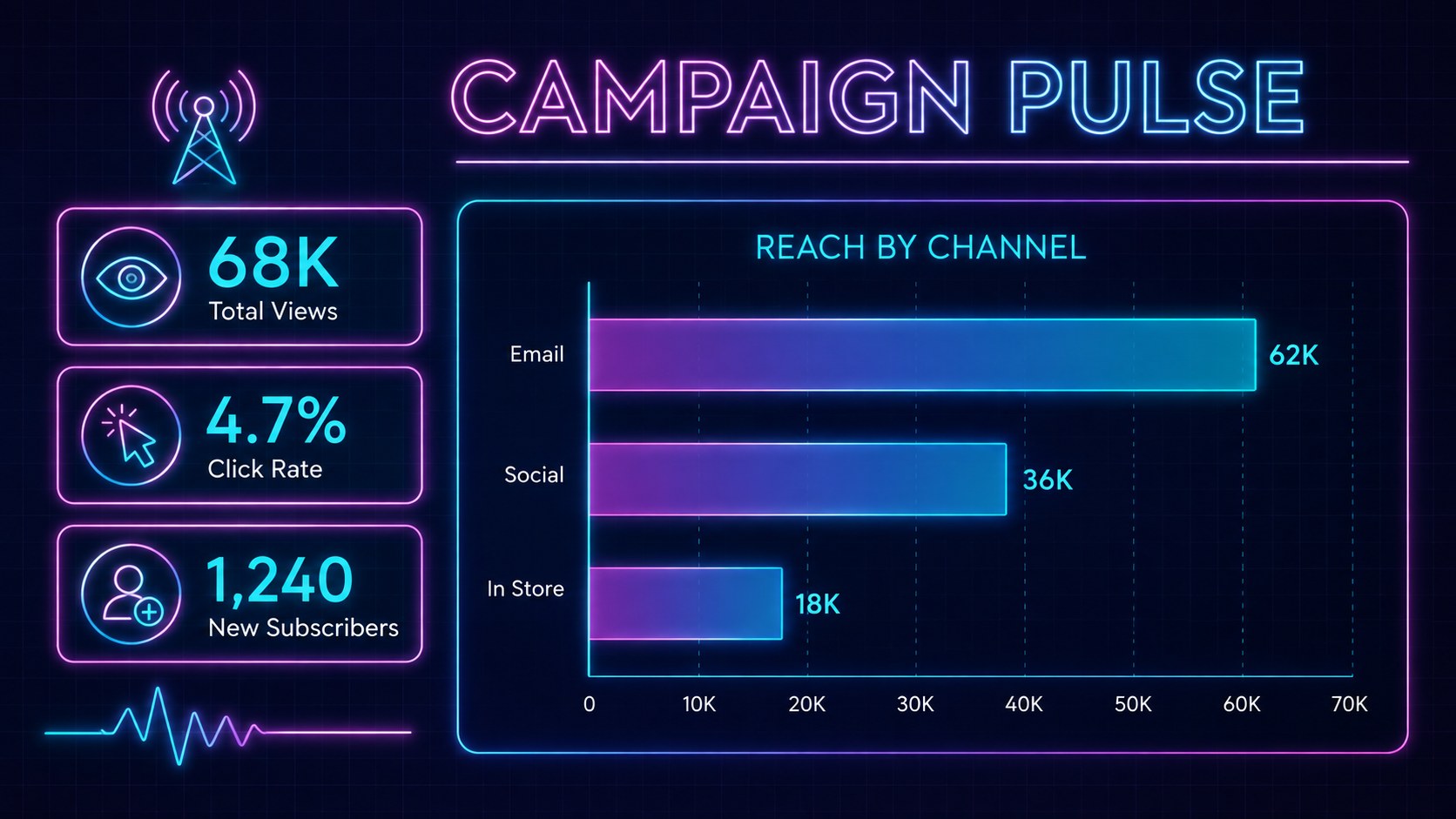
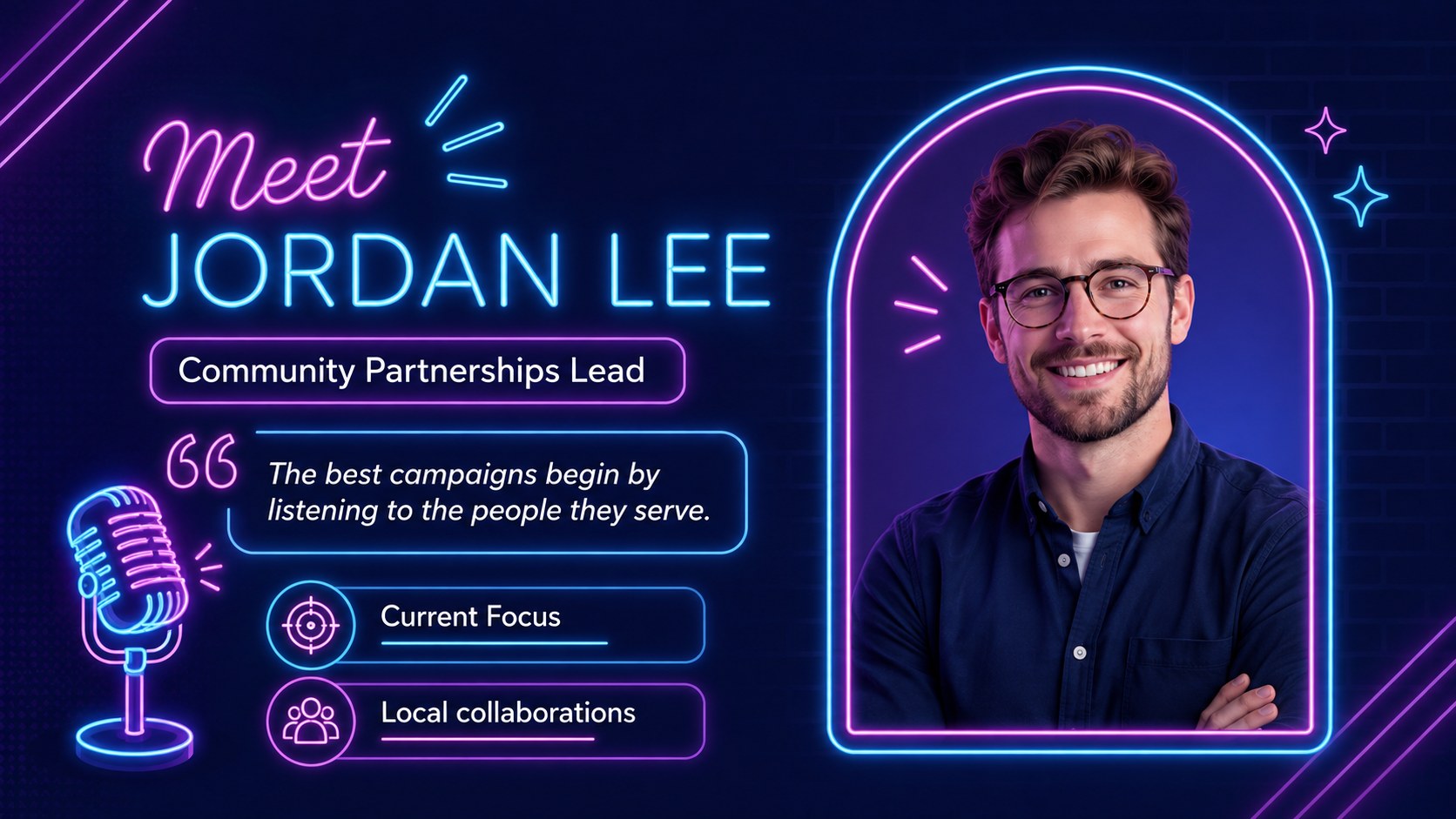
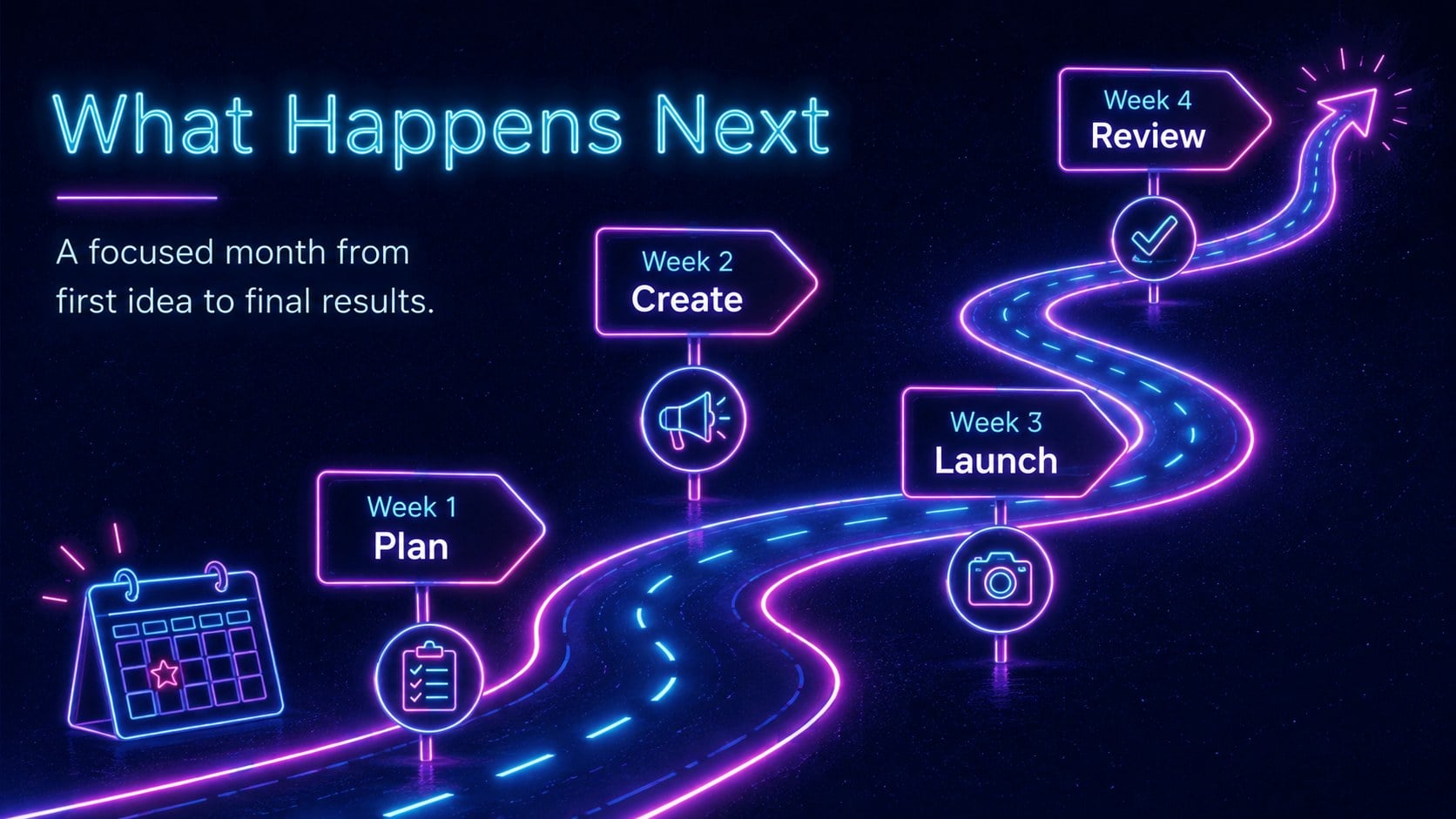
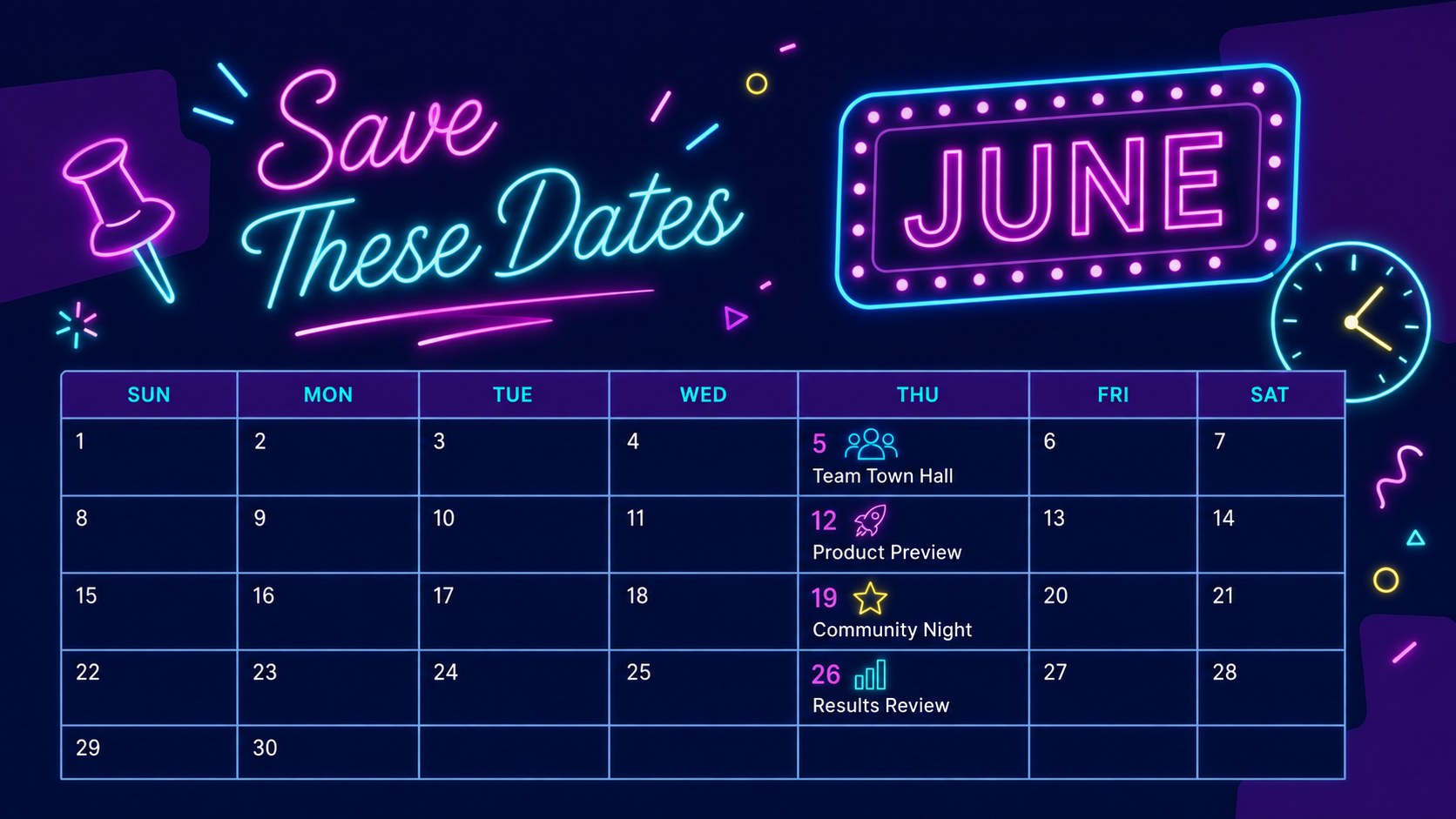
The deck includes more than 25 editable layouts for opening messages, recent highlights, product launches, team introductions, performance snapshots, event notices, timelines, calendars, quotes, and calls to action. Charts, frames, icons, image placeholders, and decorative sign elements can be adjusted to suit your content. The purple blue marketing newsletter slides also support animation and transitions, helping presenters reveal updates at a comfortable pace.
This illustrated business announcement template is designed for marketing teams, independent restaurants, creative studios, entertainment venues, retailers, and internal communications leads. Customize the Nunito and Parisienne typography, replace sample images, adjust colors, and reorganize sections in PowerPoint or Google Slides. Whether you are presenting a monthly campaign recap, promoting a seasonal menu, or introducing a new initiative, the flexible layouts make polished visual communication faster to produce.
Perfect for: monthly company update; seasonal restaurant promotion; product launch announcement; marketing campaign recap; creative agency newsletter; venue event bulletin.
Frequently asked questions
Can I edit this newsletter deck in PowerPoint and Google Slides? Yes. Every slide is designed for editing in PowerPoint and Google Slides, including text, colors, images, charts, and layout elements. Some font rendering or animation timing may vary slightly between the two platforms.
Practical details
Yes. Every slide is designed for editing in PowerPoint and Google Slides, including text, colors, images, charts, and layout elements. Some font rendering or animation timing may vary slightly between the two platforms.
Select the purple, blue, or accent elements and replace their fill, outline, or glow colors with your brand colors. Keep strong contrast between the background and body text so announcements remain easy to read.
Yes. The deck includes formats suitable for team news, milestones, staff introductions, performance summaries, calendars, and upcoming priorities. You can remove promotional sections and reorder the remaining slides for an internal briefing.
Yes. The illuminated signage style works particularly well for menus, event announcements, opening hours, artist lineups, promotions, and seasonal campaigns. Replace the sample copy and photos with venue-specific details.
Keep exploring
15Use this astrology audience insights deck to present zodiac-based segments, behaviors, and campaign findings in polished black-and-gold slides.
 14
14Plan a memorable Lunar New Year campaign with the 2036 Dragon Year Celebration Theme, featuring bold red-and-yellow slides for lessons and events.
 15
15Build eerie lessons, campaigns, and story pitches with an undead survival scenario theme featuring editable slides for PowerPoint and Google Slides.
 15
15Build a clear breast cancer awareness bulletin with bold pink-and-red slides for campaign news, screening reminders, impact data, and community updates.
 15
15Shape your publishing concept with an indie magazine startup pitch deck featuring pastel gradients, bold collage layouts, and editable planning slides.
 15
15Build a bold retro-futurist campaign pitch deck for client meetings, with editable strategy layouts and playful pastel Y2K-inspired visuals.
 16
16Build a consistent presence with a social channel identity playbook covering voice, visuals, content formats, publishing rules, and approvals.
 15
15Celebrate online learners with webinar completion certificate slides, featuring editable violet artwork for university events in PowerPoint and Google Slides.