
 15
15presentation
Astrology Audience Insights Deck
Use this astrology audience insights deck to present zodiac-based segments, behaviors, and campaign findings in polished black-and-gold slides.
Google SlidesPowerPoint
presentation · English
Build a polished monochrome architecture portfolio deck for interviews, grants, or client reviews, with editable slides for projects, plans, and case studies.

Design notes
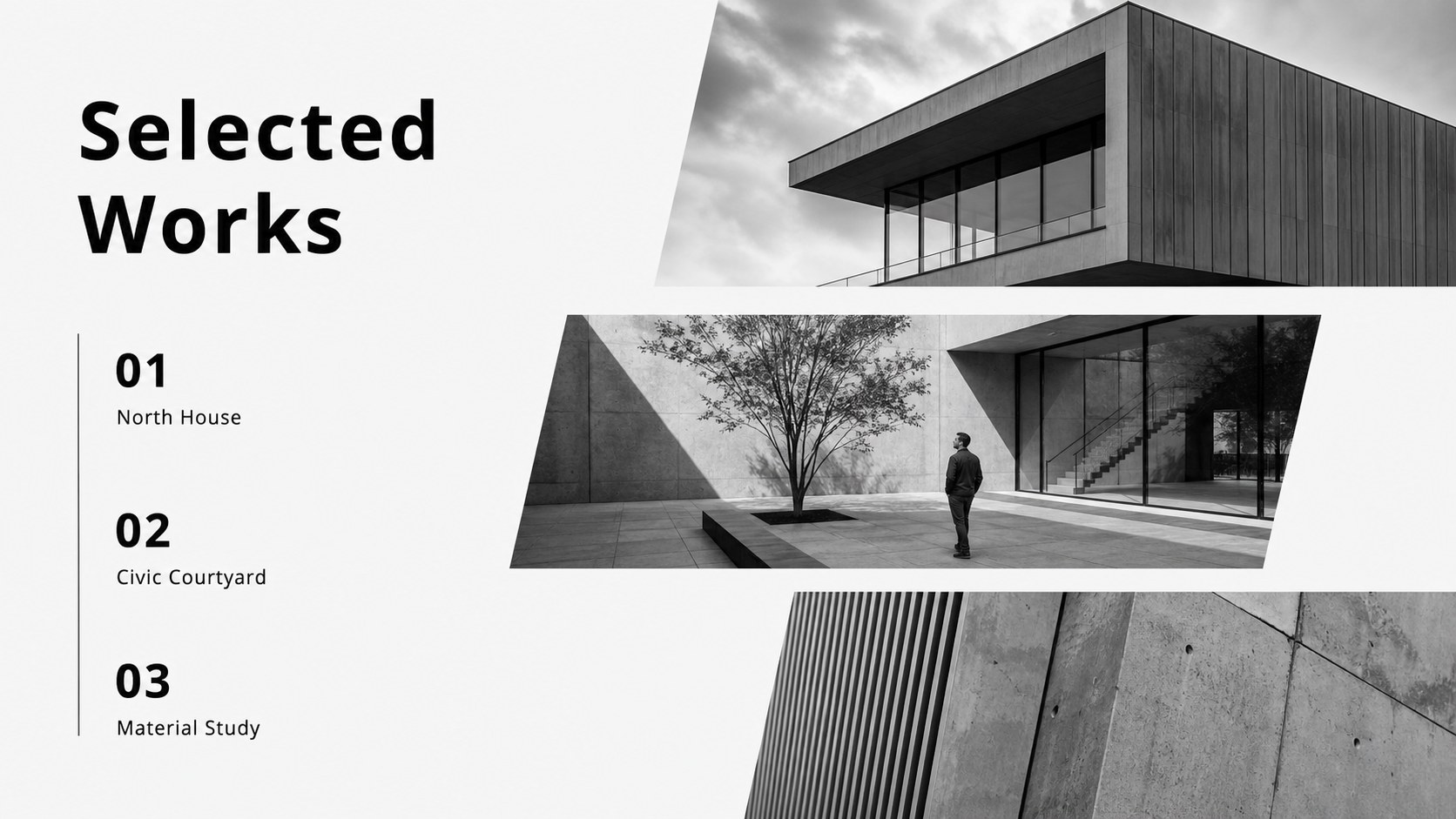
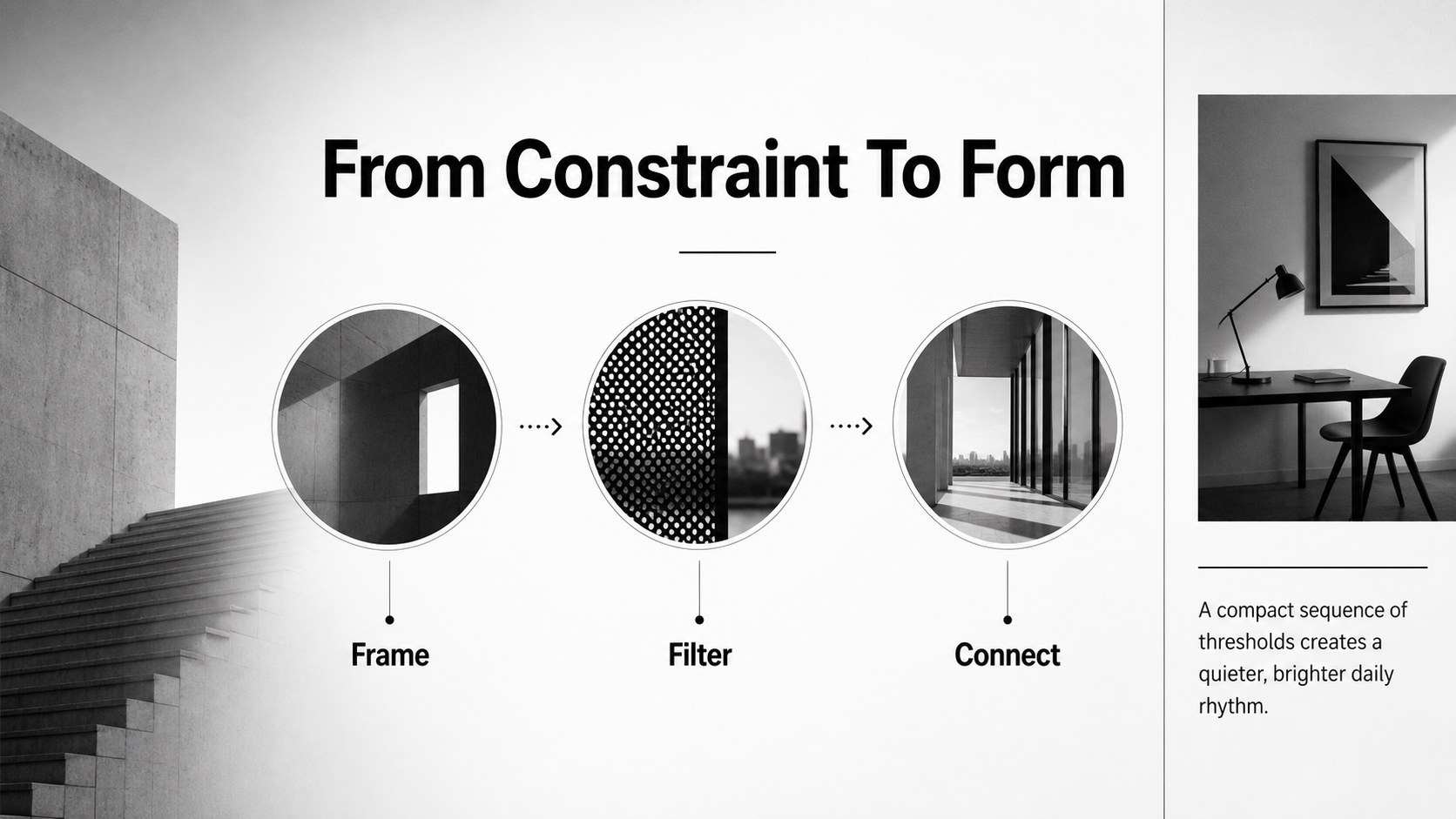
Present your design work with a refined monochrome architecture portfolio deck made for architects, studios, students, and independent creatives. The restrained black-and-white palette gives project photography, drawings, floor plans, and captions room to speak while keeping the overall presentation confident and professional. Use it to shape a portfolio for a job interview, competition entry, grant application, or client review.
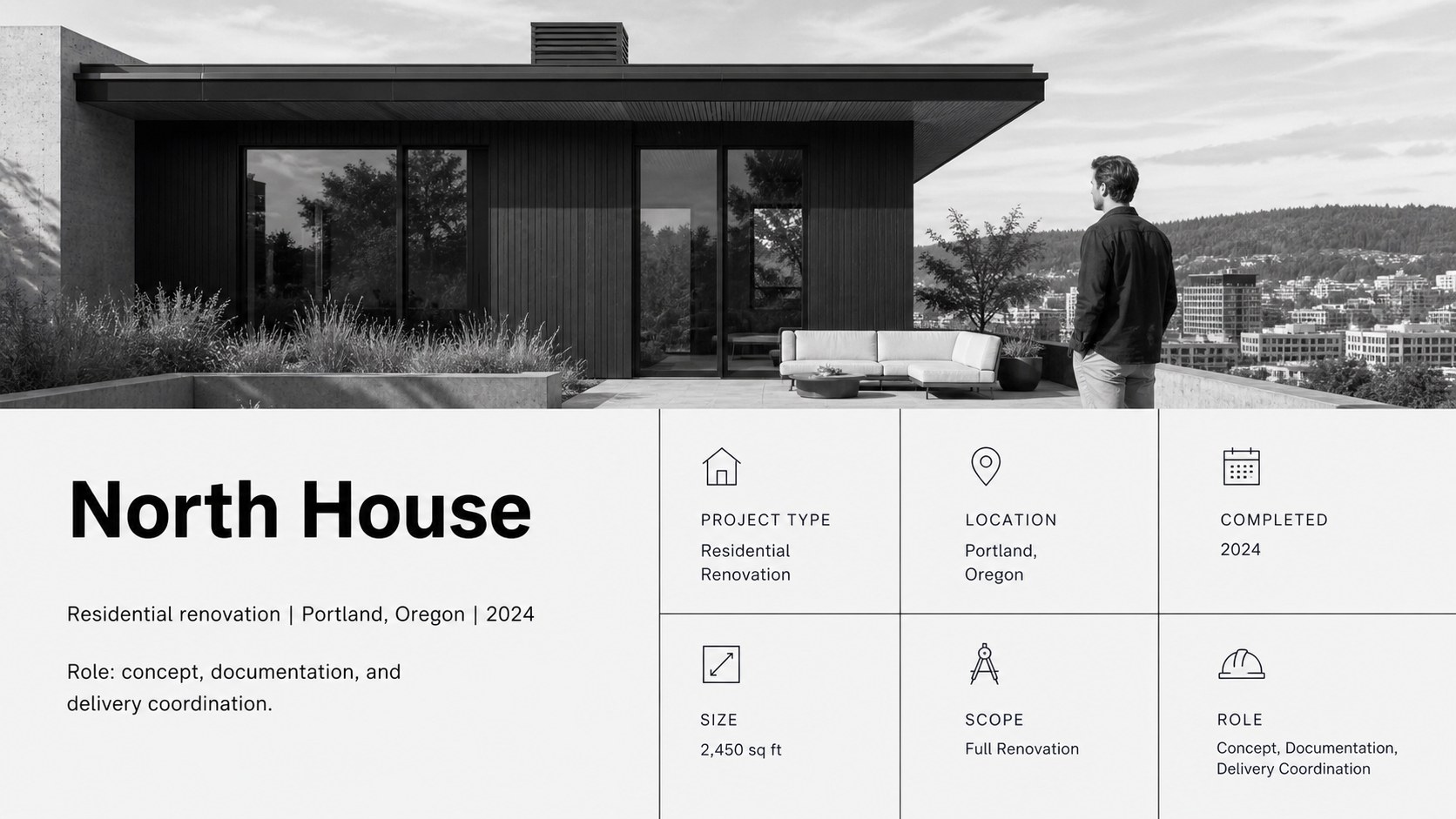
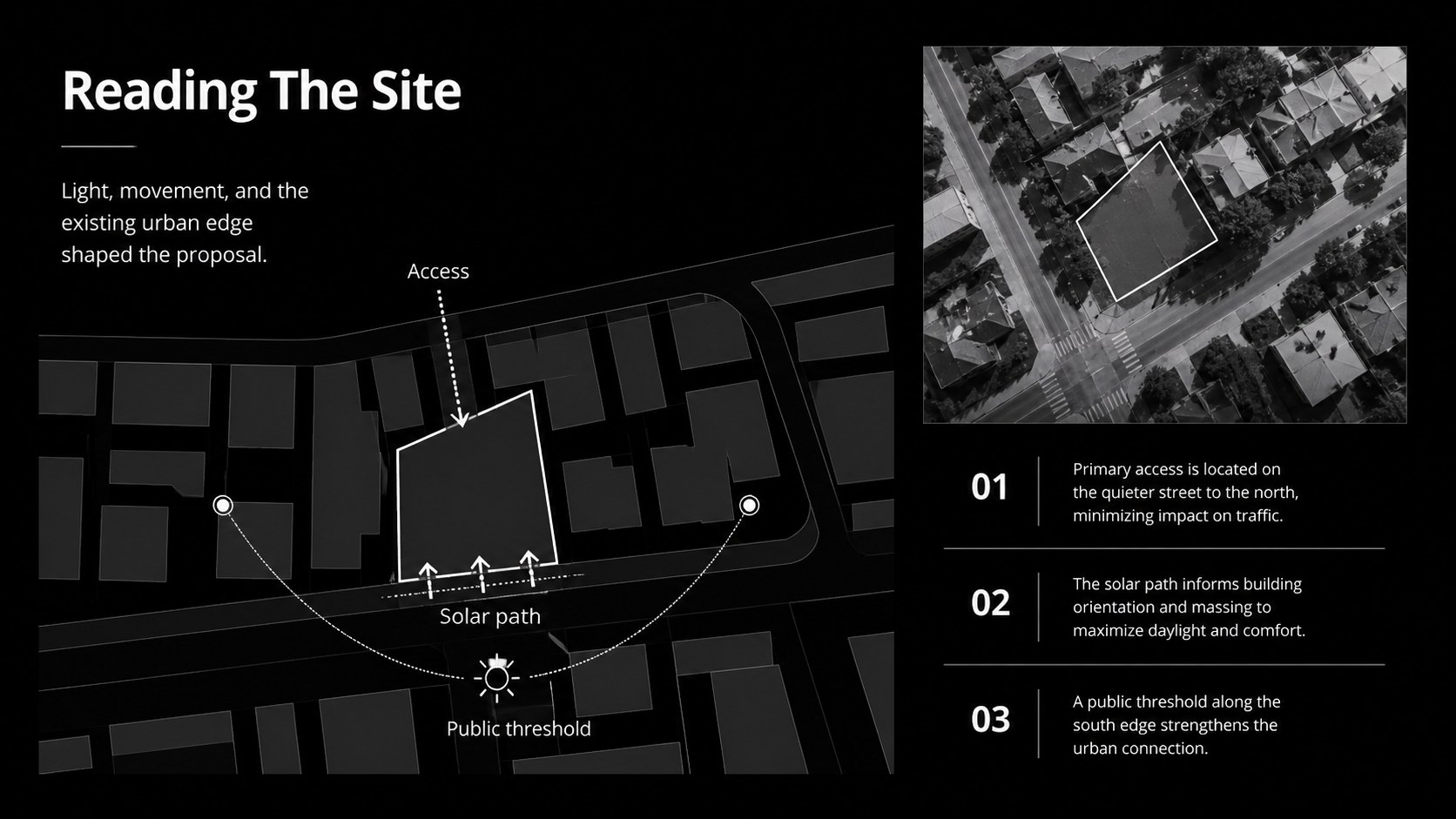
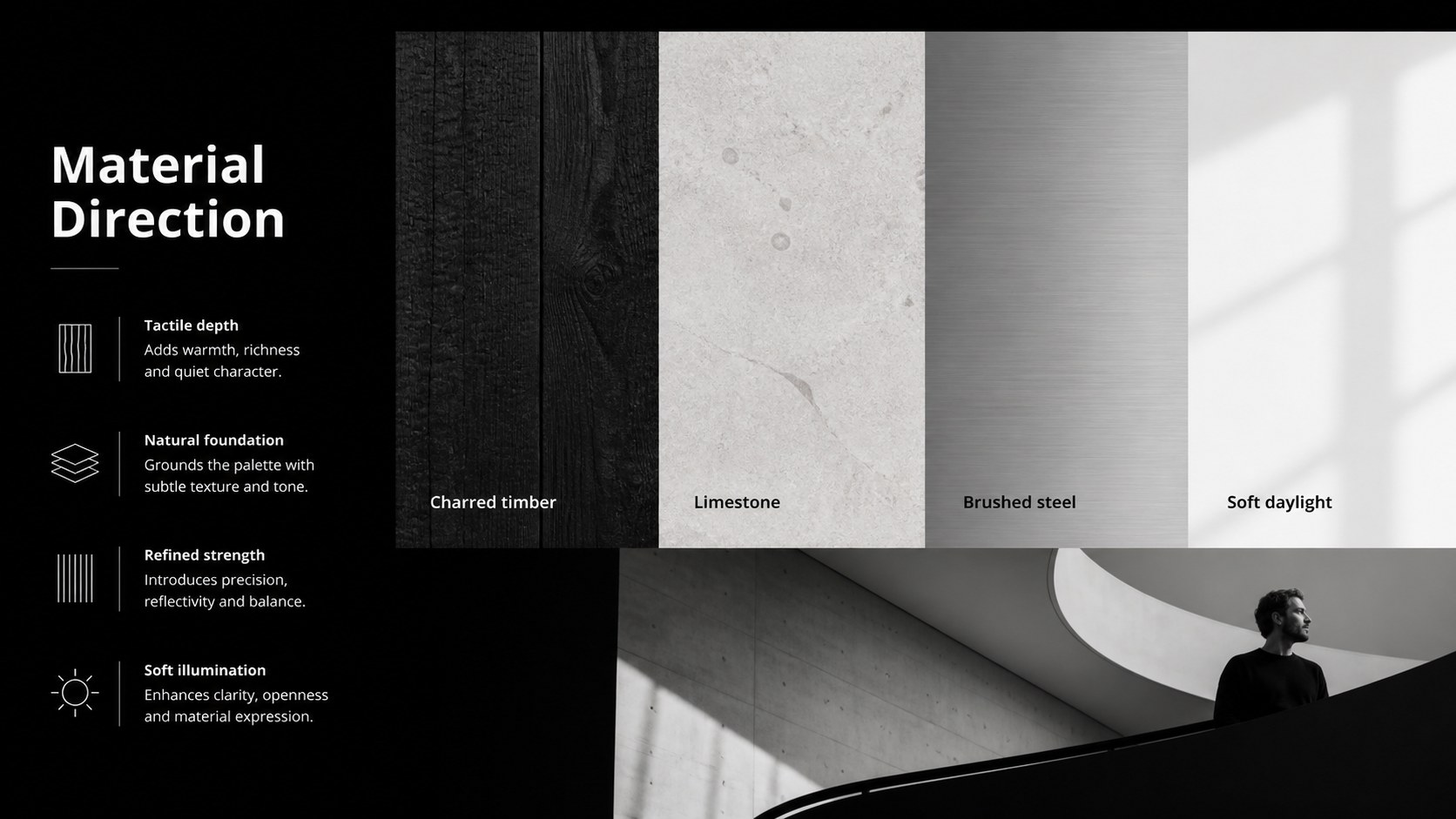
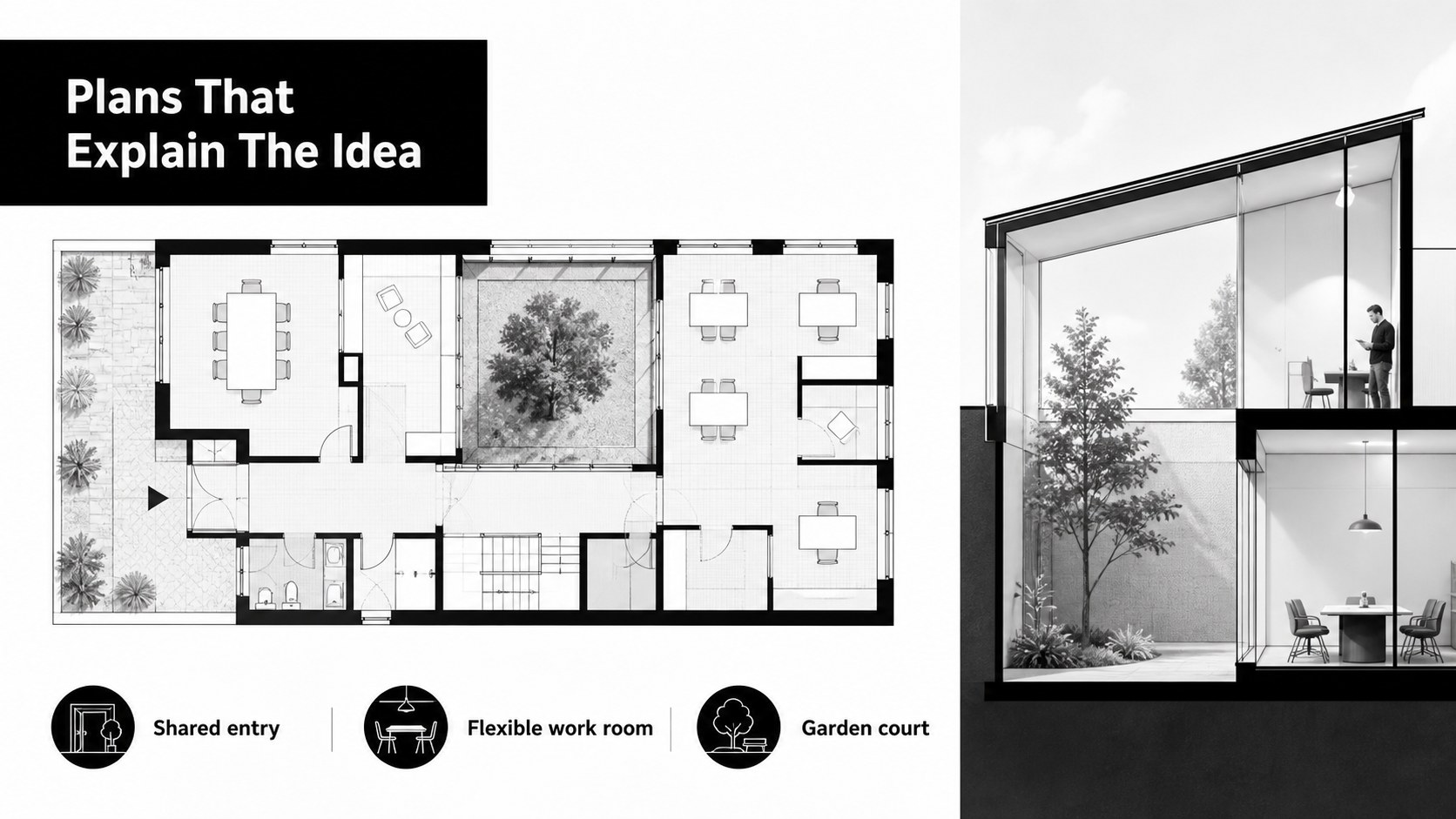
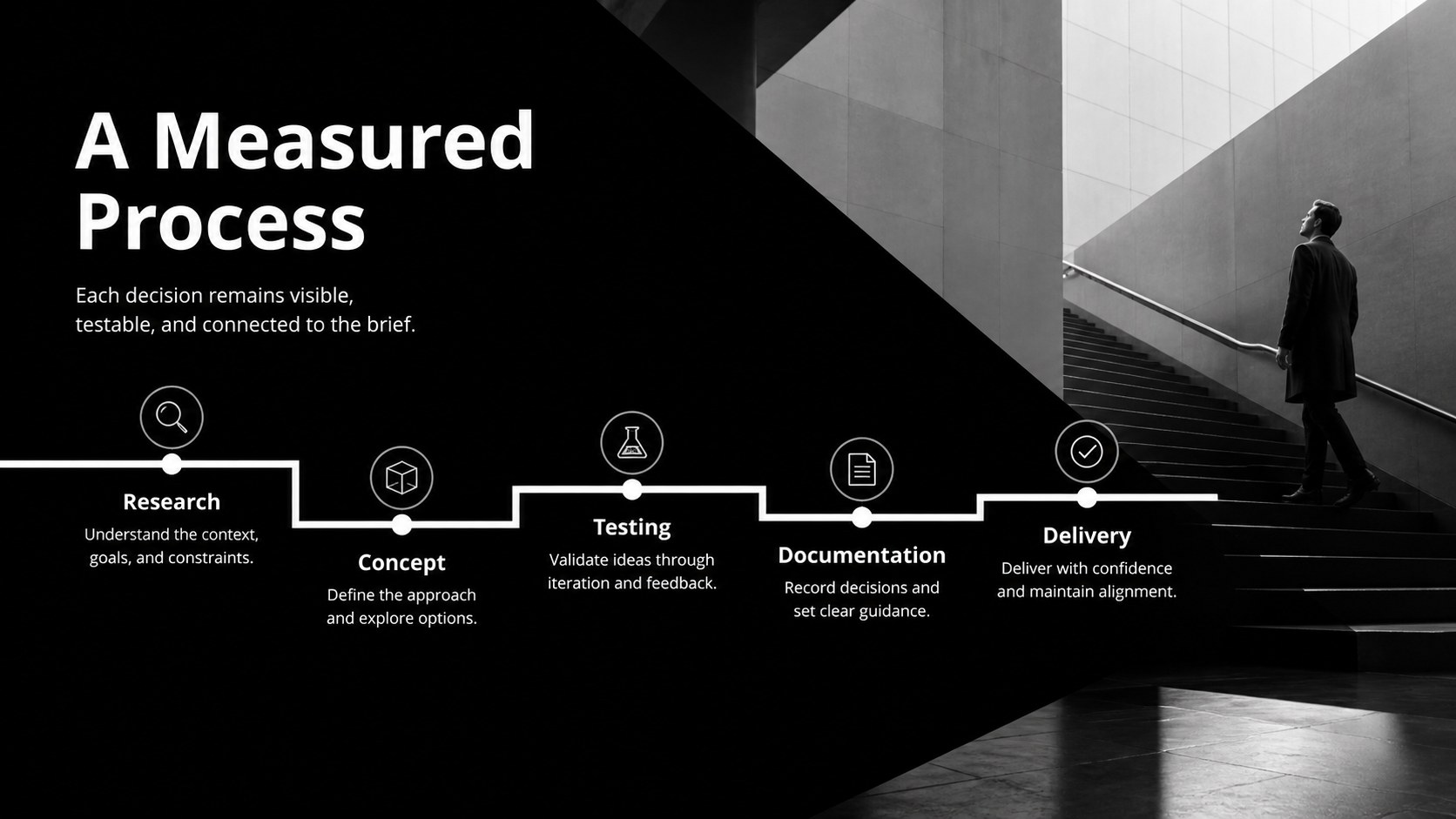
Inside, you will find layouts for an introduction, selected works, project briefs, site context, concept development, material studies, plans, timelines, outcomes, and a closing profile. Add your own images, diagrams, figures, and project data using editable frames, charts, lines, and shapes. The deck also includes animation and transition options for a more dynamic presentation flow.
Customize the file in Google Slides, PowerPoint,, or Keynote, then adjust the typography, spacing, imagery, and project labels to fit your practice. It is especially useful for an architecture student portfolio presentation, a design studio capabilities review, or a residential project case study deck. A built-in guidance slide helps you begin quickly, while reusable layouts make it simple to expand the story with additional work.
Perfect for: architecture job interview; student portfolio review; design studio capabilities presentation; architecture grant application; client project case study; architectural competition entry.
Frequently asked questions
Can I edit this architecture portfolio deck in Google Slides? Yes. The layouts are designed for editing in Google Slides, with replaceable image areas and editable text, shapes, and charts. You can also export the finished deck for sharing or presenting.
Practical details
Yes. The layouts are designed for editing in Google Slides, with replaceable image areas and editable text, shapes, and charts. You can also export the finished deck for sharing or presenting.
Yes, the deck can be customized in PowerPoint as well as Google Slides and Keynote. Some animation or font behavior may vary slightly between platforms.
You can replace the black and white palette with your studio colors or keep it monochrome for a more editorial result. Update the theme colors, typography, image treatments, and accent elements to match your practice.
The layouts support residential, commercial, interior, landscape, academic, and conceptual work. Combine project images with plans, diagrams, materials, timelines, and short outcome statements to build a focused case study.
Keep exploring
15Use this astrology audience insights deck to present zodiac-based segments, behaviors, and campaign findings in polished black-and-gold slides.
 14
14Plan a memorable Lunar New Year campaign with the 2036 Dragon Year Celebration Theme, featuring bold red-and-yellow slides for lessons and events.
 15
15Build eerie lessons, campaigns, and story pitches with an undead survival scenario theme featuring editable slides for PowerPoint and Google Slides.
 15
15Build a clear breast cancer awareness bulletin with bold pink-and-red slides for campaign news, screening reminders, impact data, and community updates.
 15
15Shape your publishing concept with an indie magazine startup pitch deck featuring pastel gradients, bold collage layouts, and editable planning slides.
 15
15Build a bold retro-futurist campaign pitch deck for client meetings, with editable strategy layouts and playful pastel Y2K-inspired visuals.
 16
16Build a consistent presence with a social channel identity playbook covering voice, visuals, content formats, publishing rules, and approvals.
 15
15Celebrate online learners with webinar completion certificate slides, featuring editable violet artwork for university events in PowerPoint and Google Slides.