
 15
15presentation
Astrology Audience Insights Deck
Use this astrology audience insights deck to present zodiac-based segments, behaviors, and campaign findings in polished black-and-gold slides.
Google SlidesPowerPoint
presentation · English
Build a polished job-search presentation with a modern gray resume portfolio deck for PowerPoint and Google Slides, featuring editable layouts and pink…


Design notes
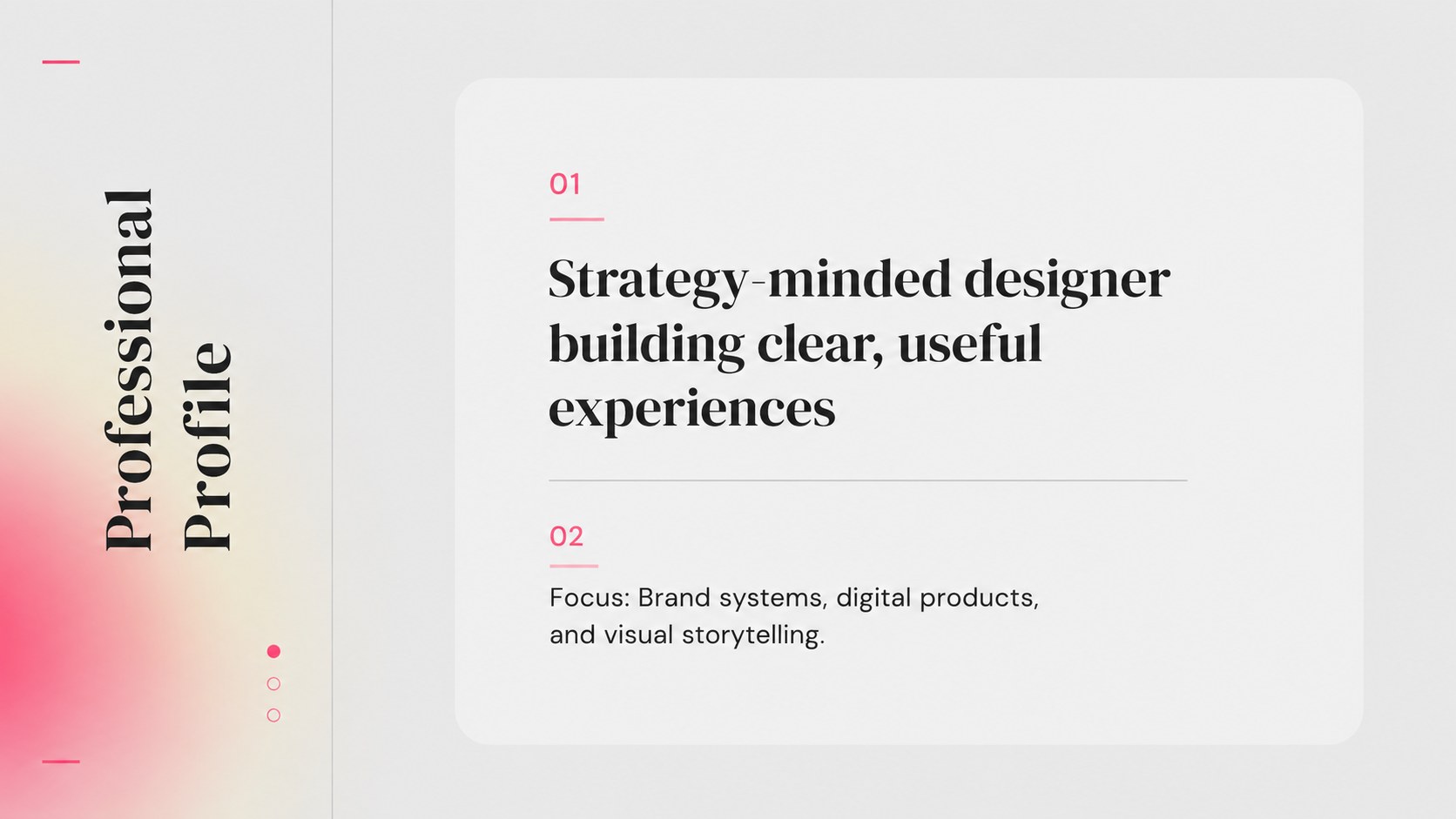
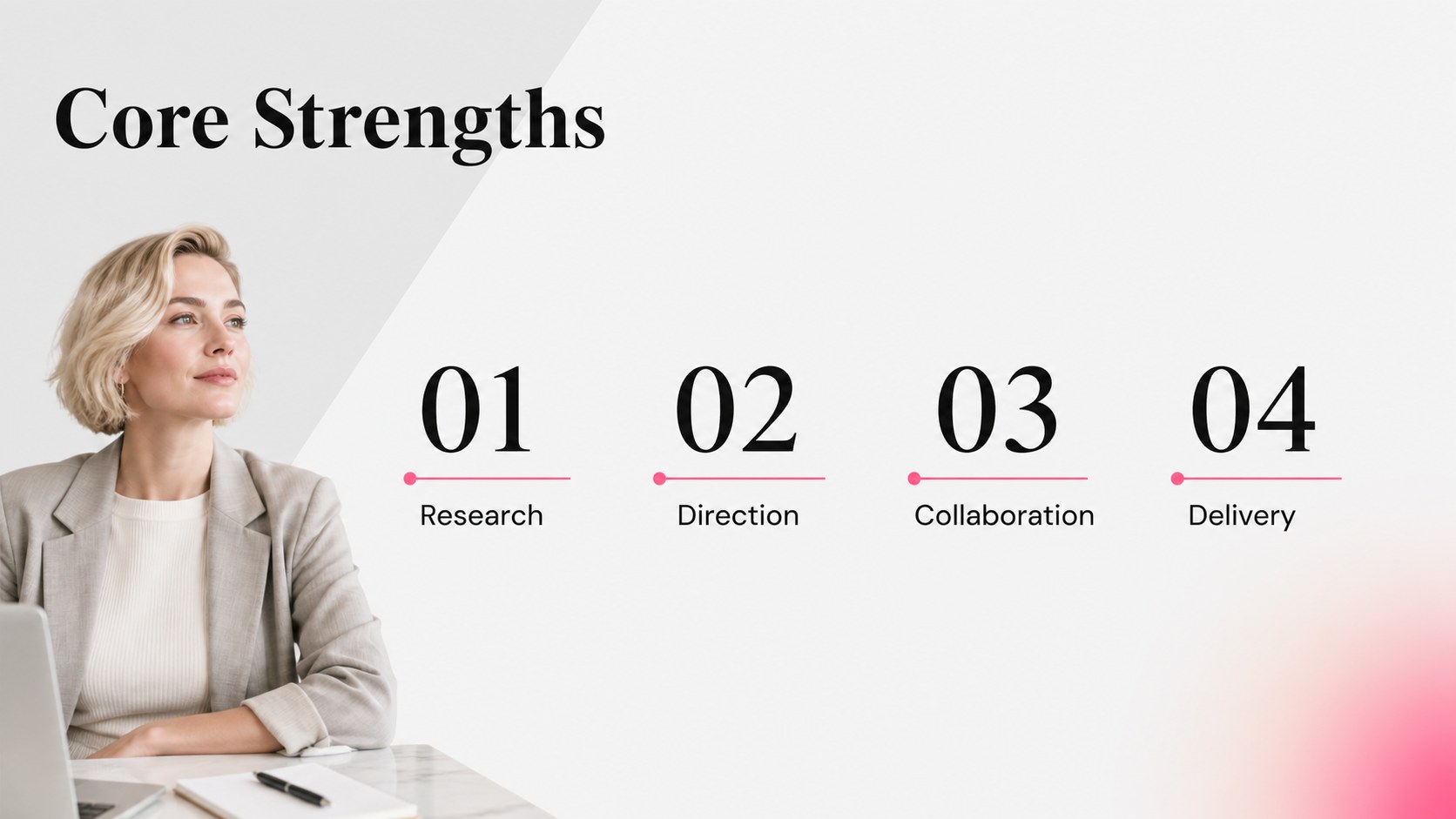
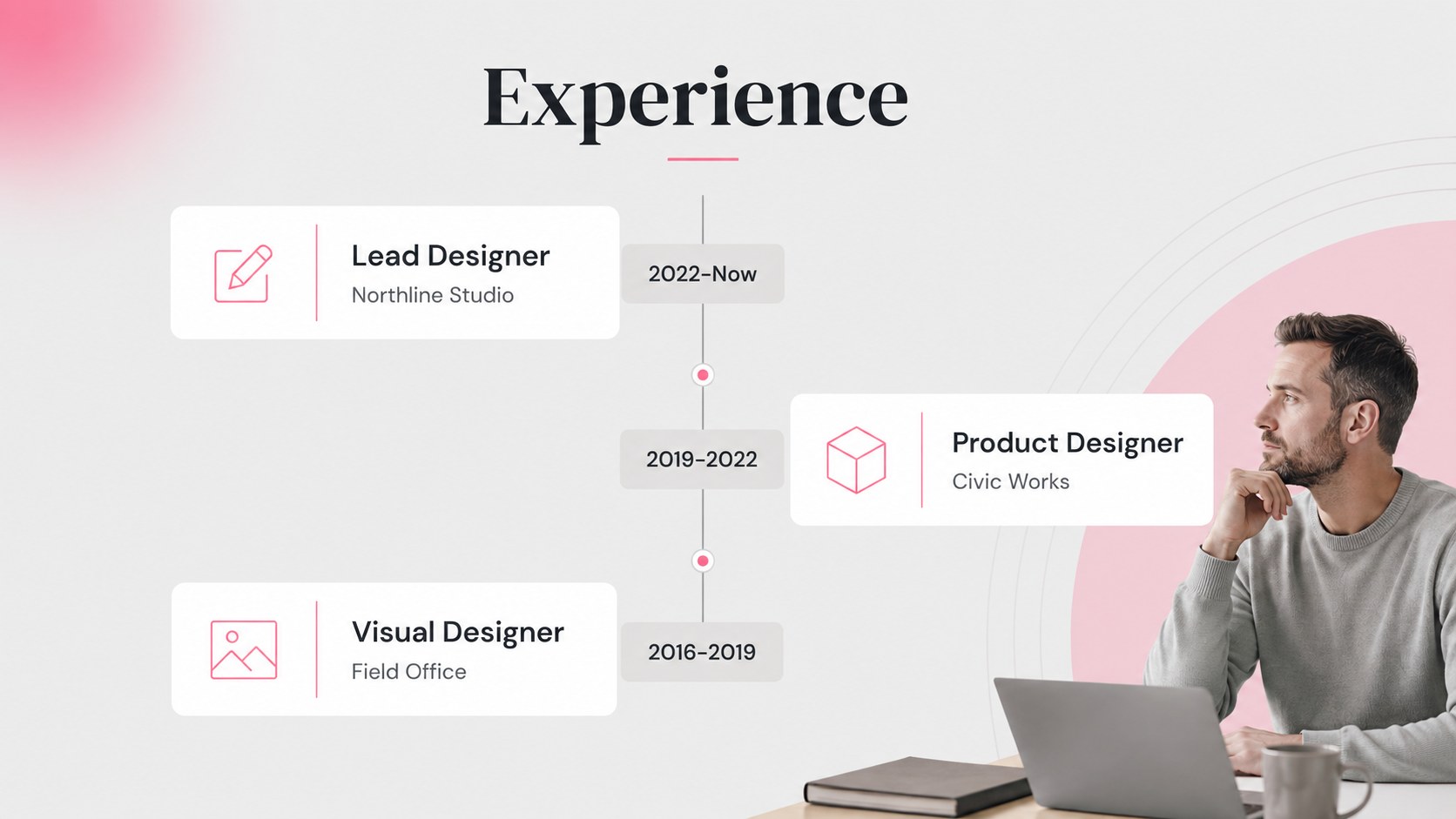
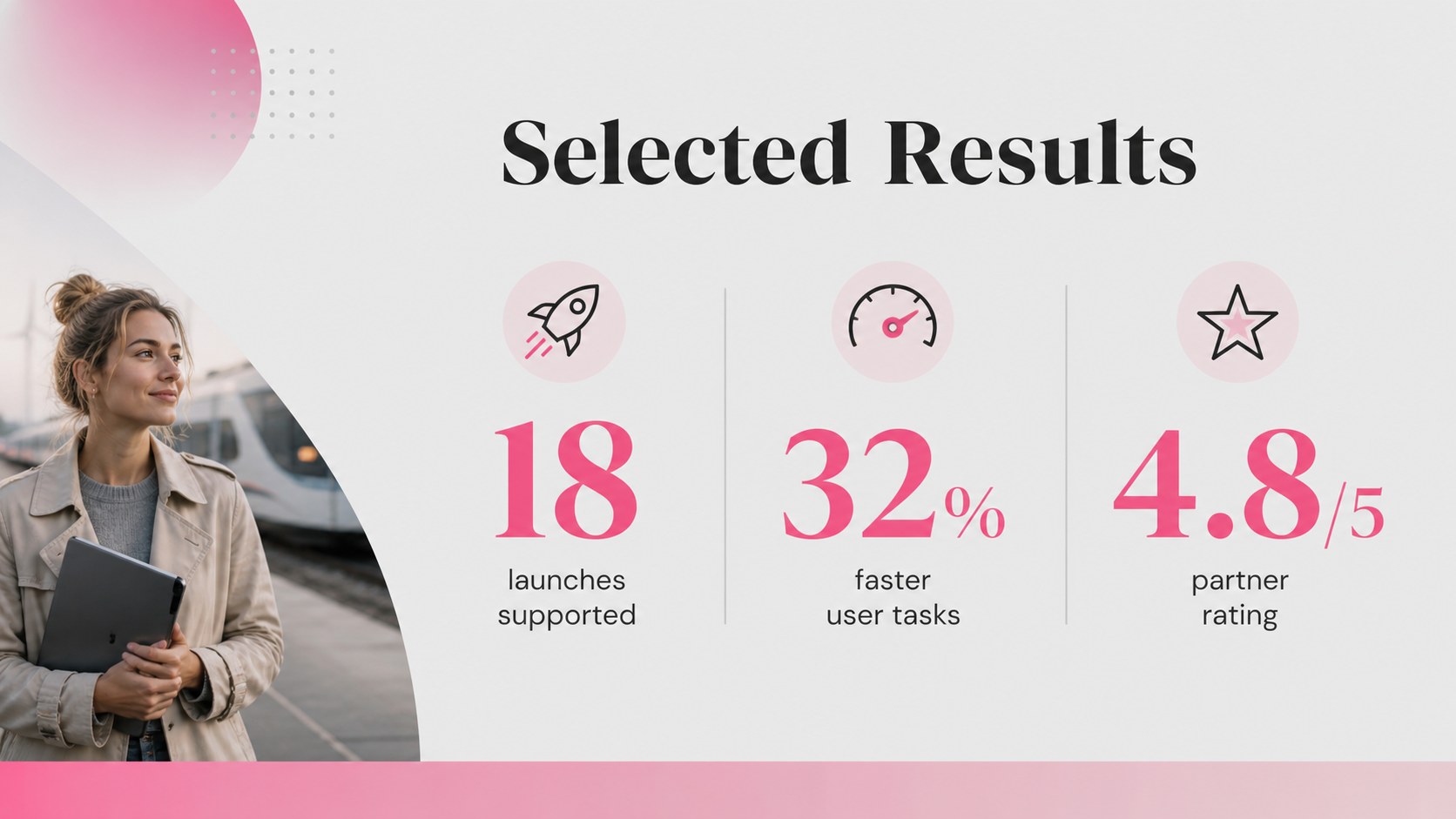
Turn your experience into a focused visual narrative with this modern gray resume portfolio deck. Designed for professionals, graduates, freelancers, and career changers, it combines a restrained gray background with understated pink accents and elegant typography. The layout gives achievements, skills, and project outcomes enough room to be scanned quickly without feeling crowded.
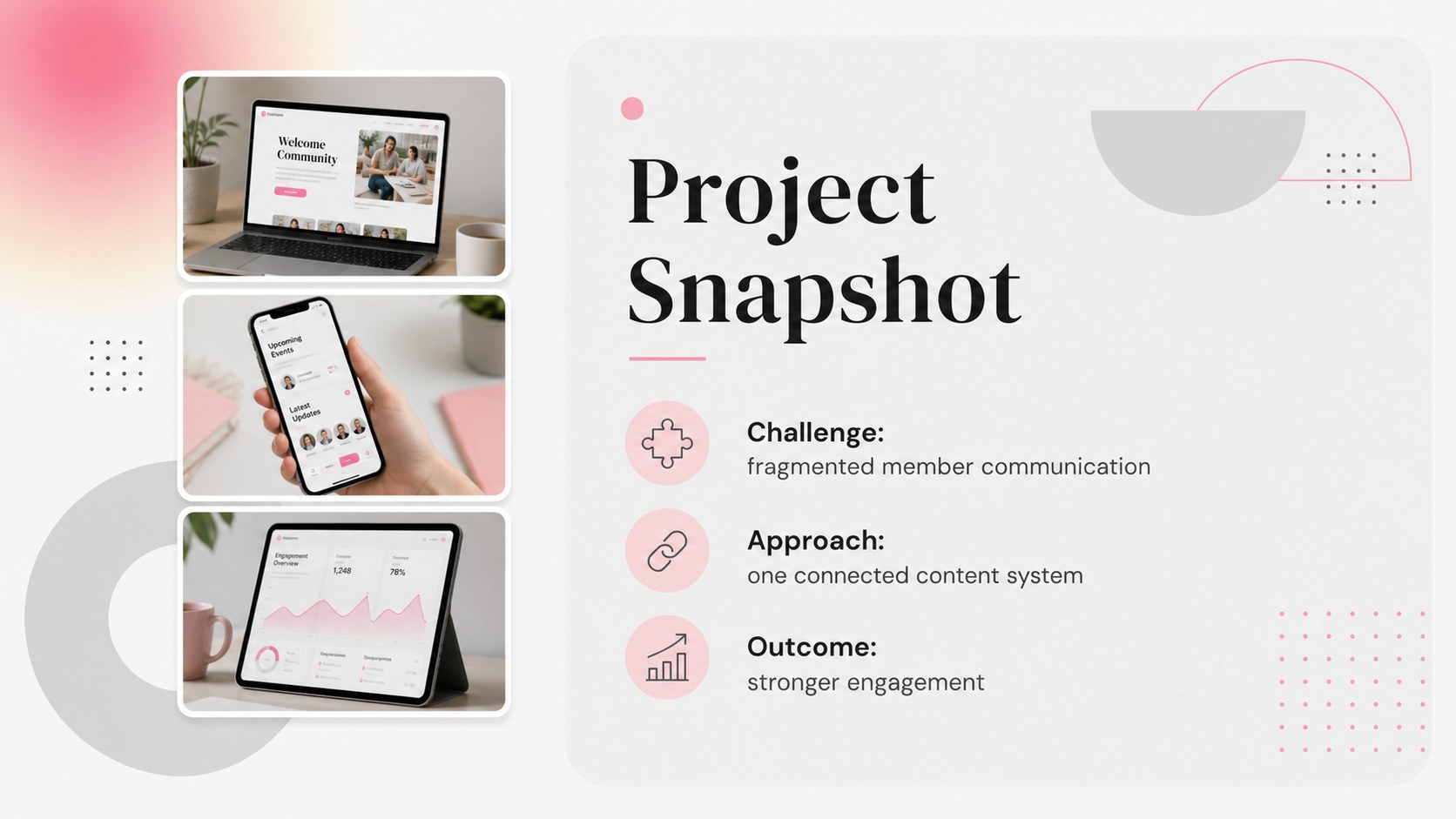
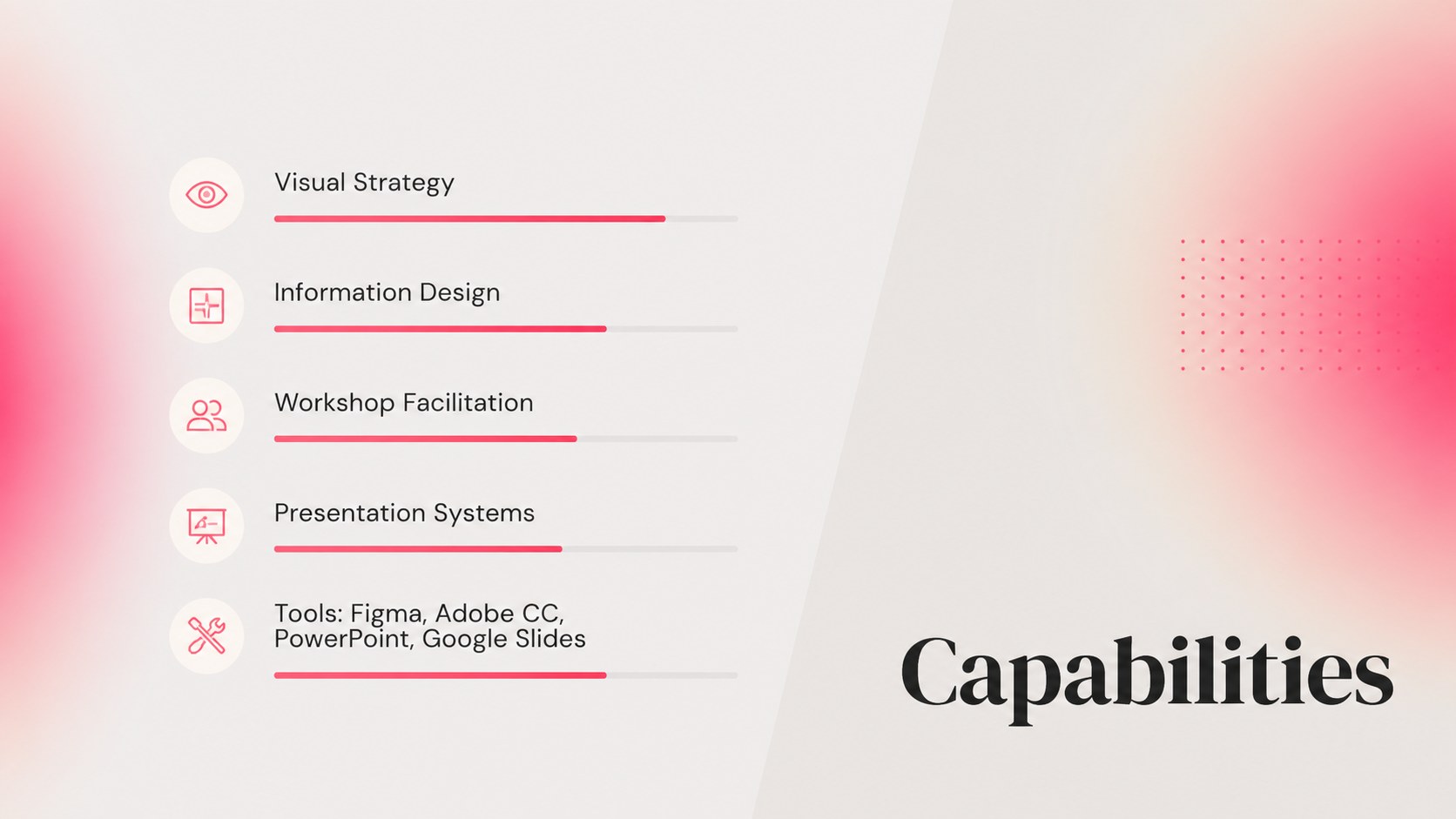
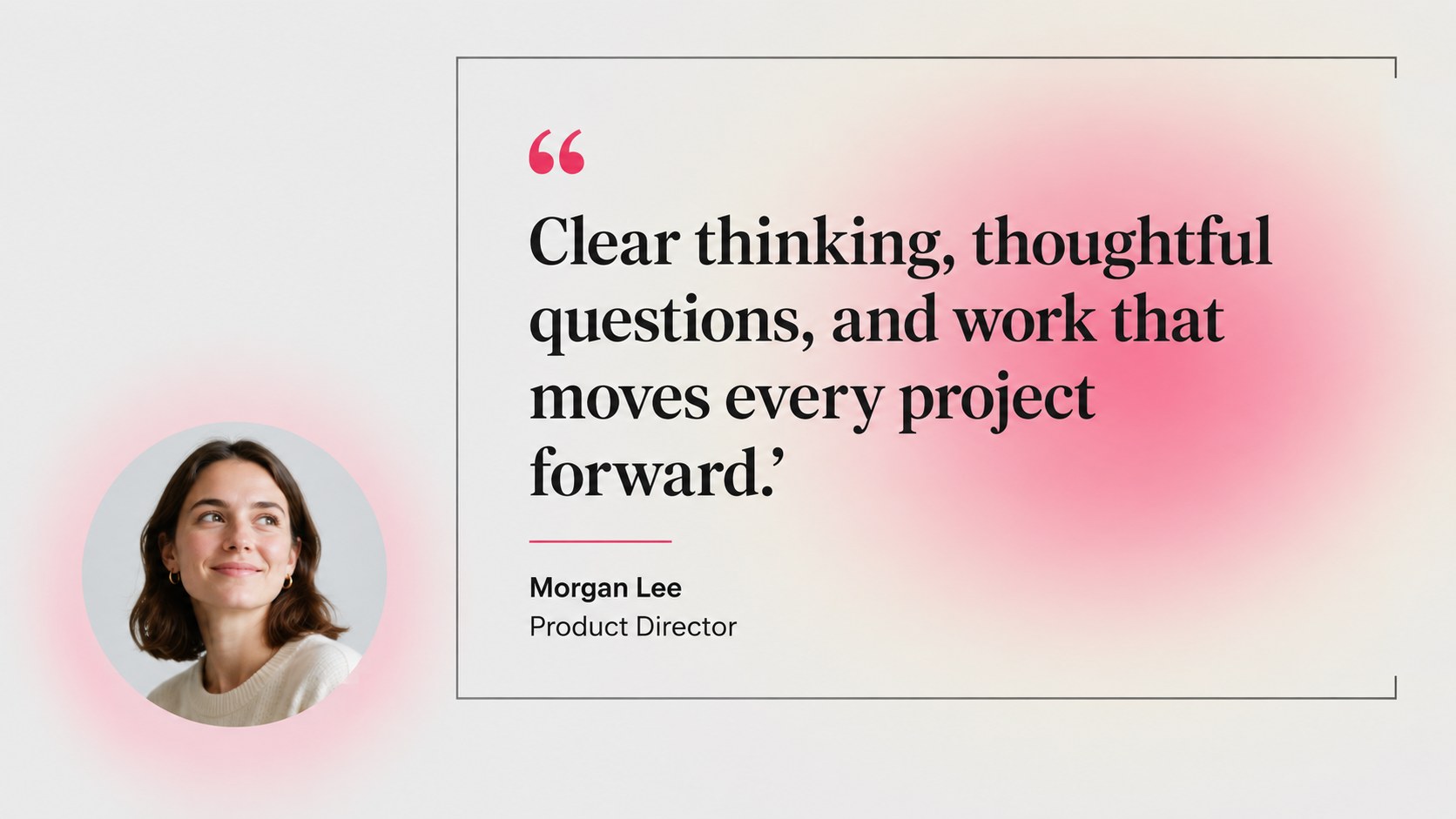
Inside, you will find 12 widescreen slides for an introduction, career summary, selected projects, capabilities, work history, education, testimonials, and contact details. The deck is useful as a job application presentation, interview leave-behind, or personal branding portfolio. Its modular structure also works well for a freelance service profile or a concise consulting credentials deck. Edit the content in PowerPoint or Google Slides, then adjust fonts, colors, charts, icons, and image areas to match your professional identity.
Use the modern gray resume portfolio deck to turn a conventional CV into a presentation that feels deliberate and memorable. The clean grid, subtle contrast, and flexible content blocks support both detailed career stories and quick executive summaries while keeping your information easy to navigate.
Perfect for: job interview presentation; freelance project portfolio; career change introduction; consulting credentials deck; graduate application presentation.
Frequently asked questions
Can I edit this deck in PowerPoint and Google Slides? Yes. The presentation is designed for both PowerPoint and Google Slides. You can replace text, images, charts, icons, and colors directly in either platform.
Practical details
Yes. The presentation is designed for both PowerPoint and Google Slides. You can replace text, images, charts, icons, and colors directly in either platform.
Yes. Use the introduction, career summary, selected projects, and achievements slides to support a concise interview presentation. Rearrange or remove sections to match the role and time available.
Yes. All major color elements can be adjusted to match your personal brand or a prospective employer's visual identity. Keep the contrast between the neutral base and accent color for a similarly polished result.
Yes. Replace the employment history section with client work, services, results, and testimonials. The project layouts are well suited to showing a brief, outcome-focused case study.
Keep exploring
15Use this astrology audience insights deck to present zodiac-based segments, behaviors, and campaign findings in polished black-and-gold slides.
 14
14Plan a memorable Lunar New Year campaign with the 2036 Dragon Year Celebration Theme, featuring bold red-and-yellow slides for lessons and events.
 15
15Build eerie lessons, campaigns, and story pitches with an undead survival scenario theme featuring editable slides for PowerPoint and Google Slides.
 15
15Build a clear breast cancer awareness bulletin with bold pink-and-red slides for campaign news, screening reminders, impact data, and community updates.
 15
15Shape your publishing concept with an indie magazine startup pitch deck featuring pastel gradients, bold collage layouts, and editable planning slides.
 15
15Build a bold retro-futurist campaign pitch deck for client meetings, with editable strategy layouts and playful pastel Y2K-inspired visuals.
 16
16Build a consistent presence with a social channel identity playbook covering voice, visuals, content formats, publishing rules, and approvals.
 15
15Celebrate online learners with webinar completion certificate slides, featuring editable violet artwork for university events in PowerPoint and Google Slides.