
 15
15presentation
UFO Day Alien Encounter Deck
Build a bold cosmic story with this UFO Day alien encounter deck, featuring surreal green-and-black layouts for PowerPoint and Google Slides events.
Google SlidesPowerPoint
presentation · English
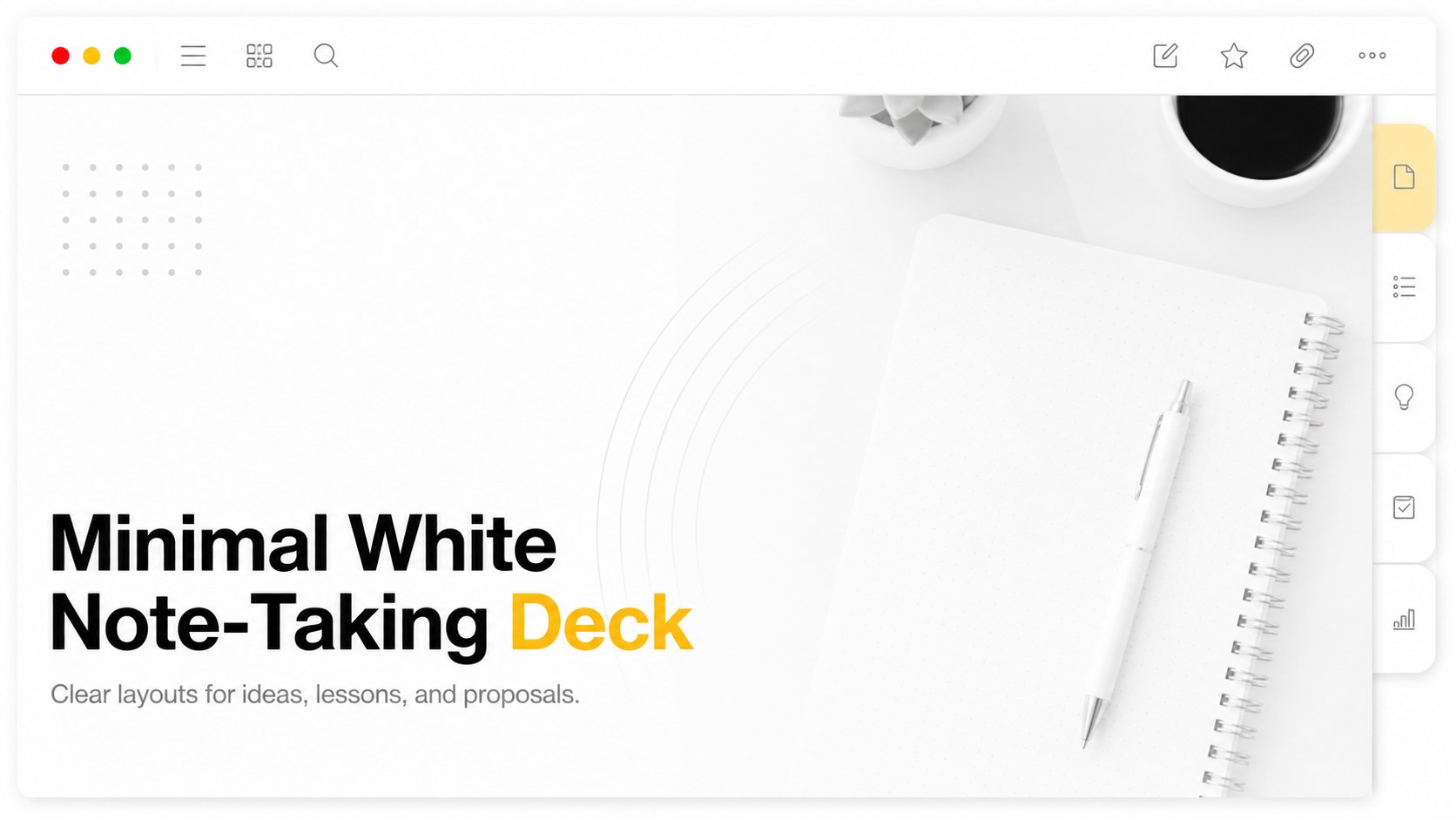
Build a minimal white note-taking deck for lectures, proposals, and portfolios, with crisp Apple-style UI layouts that keep every idea easy to scan.
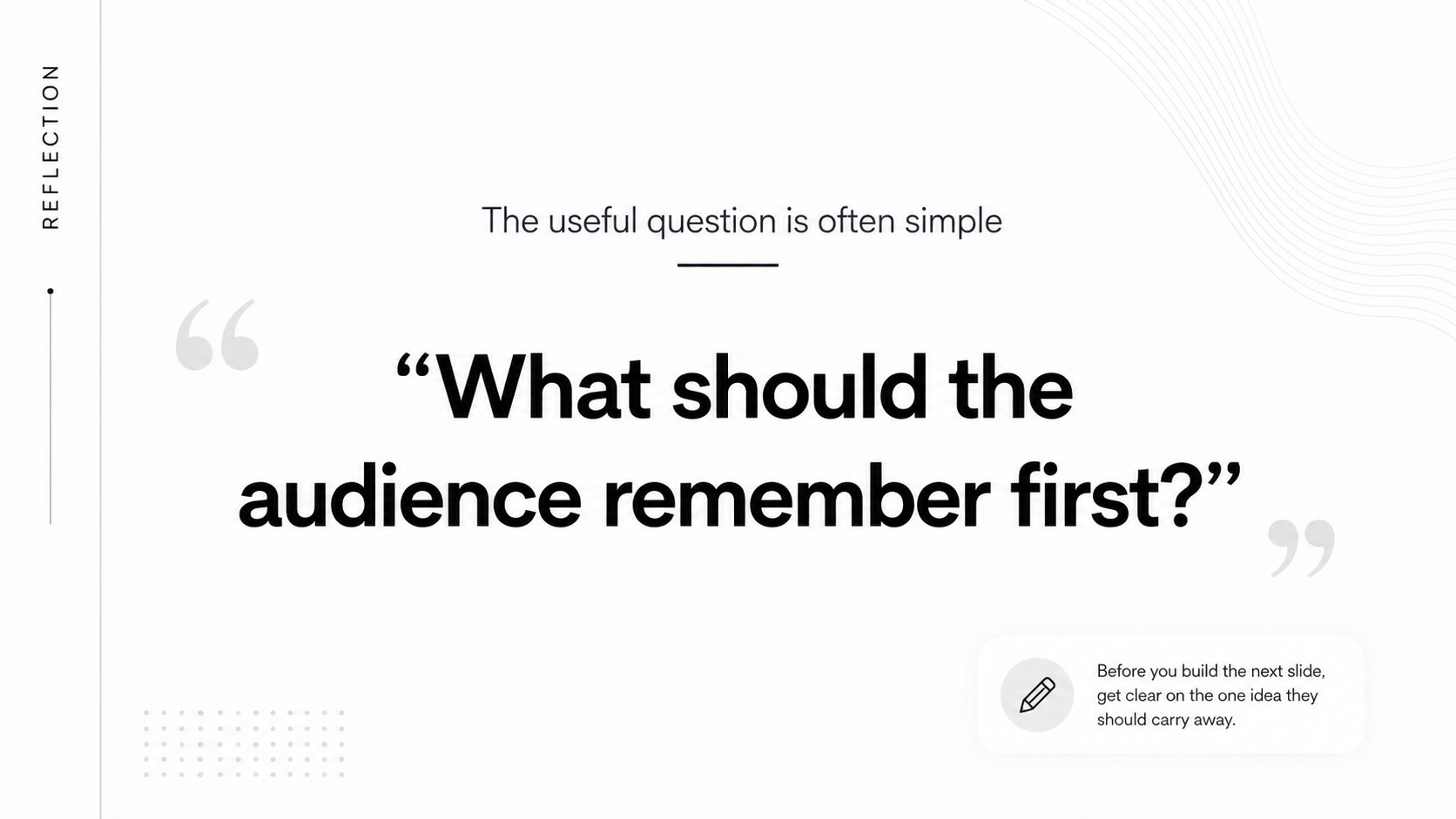
Design notes
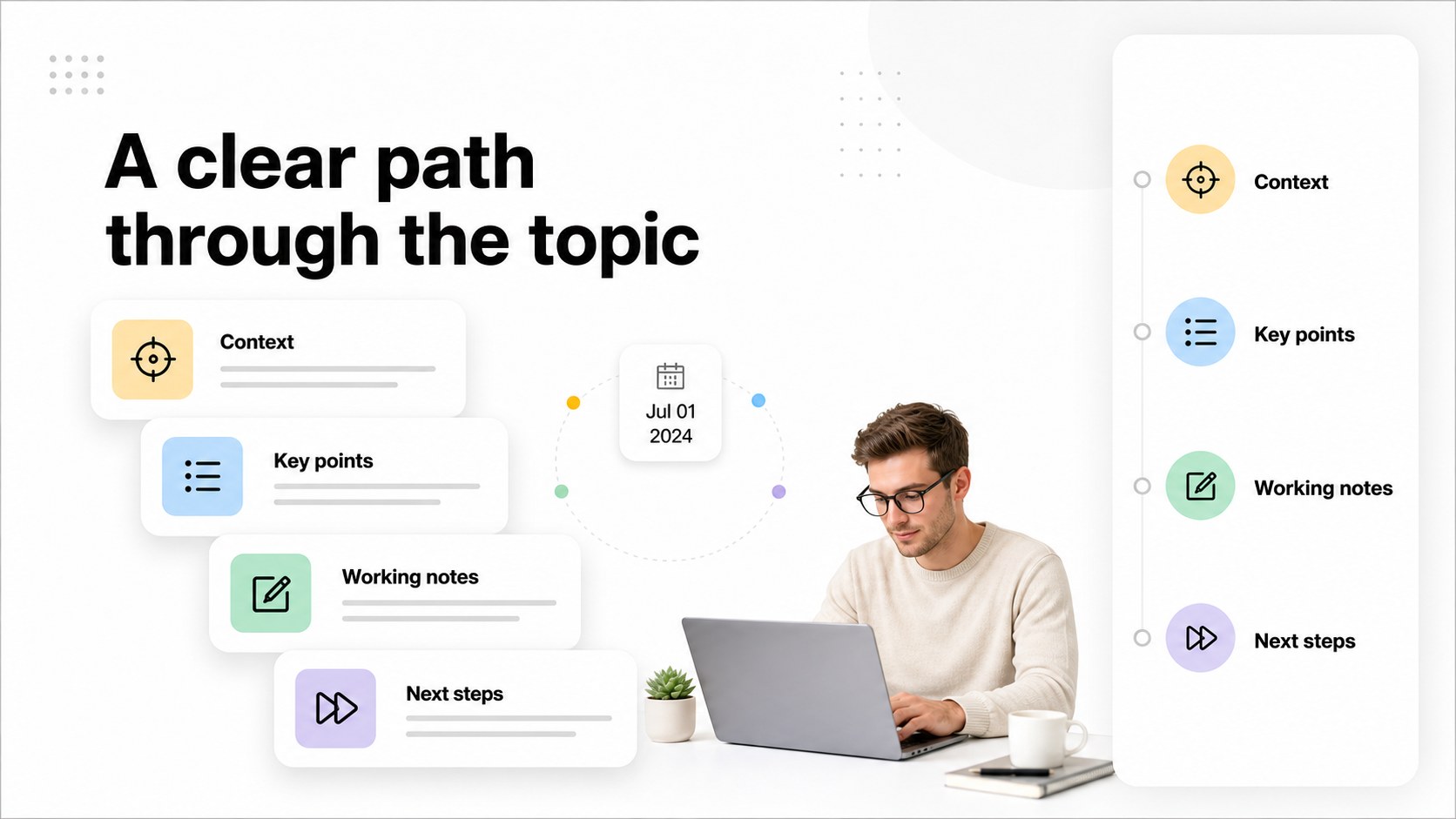
Bring structure to your next presentation with a minimal white note-taking deck designed around clarity, focus, and quick scanning. Its bright interface, generous spacing, and understated digital workspace details create a polished setting for information-heavy content without competing with your message. Use the layout system for lessons, planning sessions, project updates, or visual storytelling.
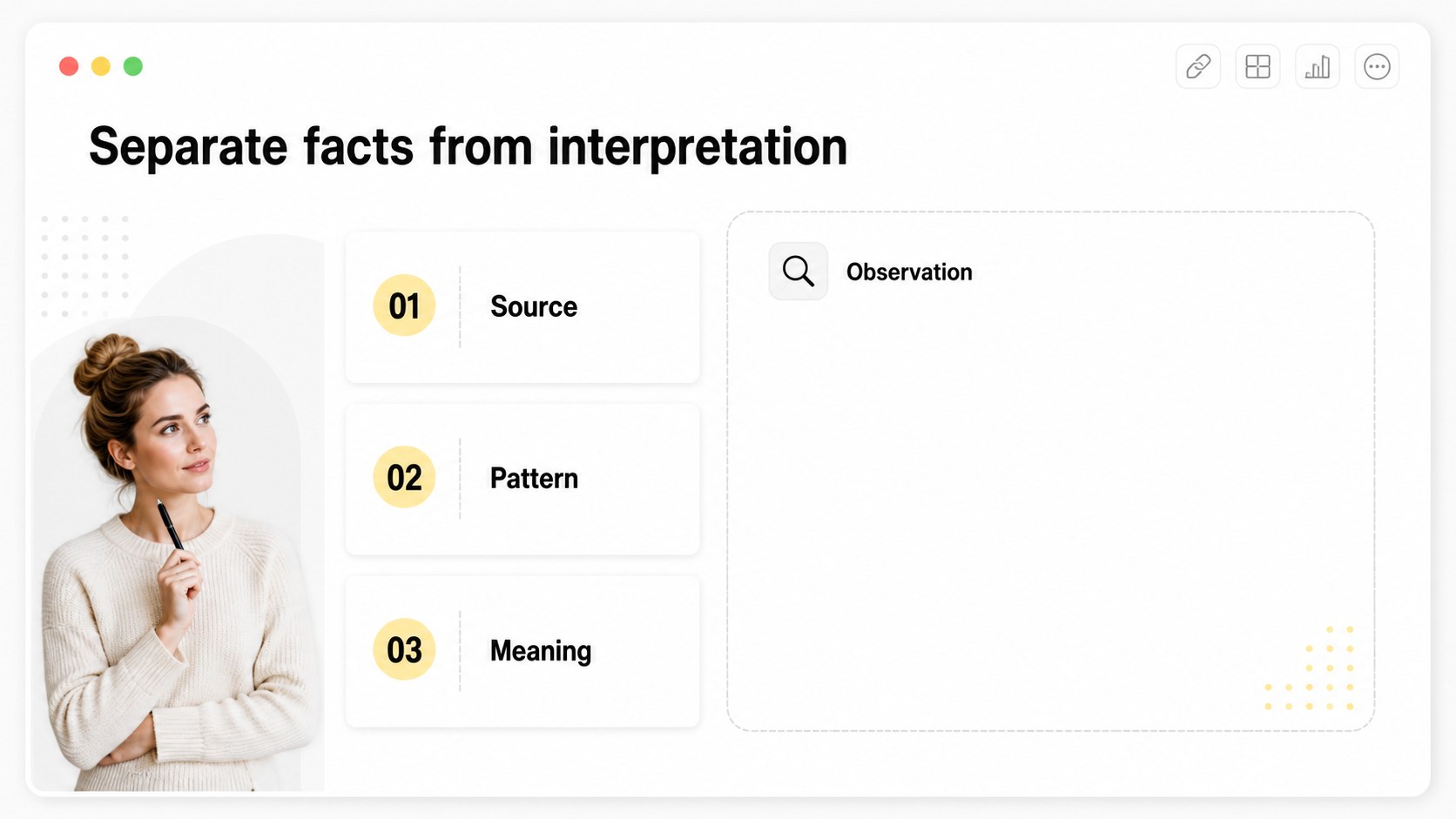
Inside, you will find 20 editable 16:9 slides with title pages, section dividers, text notes, image frames, comparison layouts, charts, process diagrams, and closing pages. The deck works especially well for digital notebook presentation slides, clean lecture materials, and minimalist project proposal slides. Adjust typography, icons, colors, diagrams, and imagery to match your subject or organization. tools make it easy to rearrange blocks, add animations, collaborate with others, and export to PowerPoint, Google Slides, PDF, or image formats.
This template suits university students, teachers, startup teams, consultants, researchers, and independent designers who need a professional presentation with a calm white interface. It is also useful for portfolio reviews, client briefings, workshop recaps, and product concept documentation. The restrained palette keeps attention on the content while the modular layouts make repeated edits fast and consistent.
Perfect for: university lecture; startup project proposal; consulting workshop recap; creative portfolio review; product concept documentation.
Frequently asked questions
Can I edit this presentation? Yes. Open the template to change text, fonts, images, diagrams, and page arrangements with its drag-and-drop editor. You can also collaborate with classmates or coworkers in the same design.
Practical details
Yes. Open the template to change text, fonts, images, diagrams, and page arrangements with its drag-and-drop editor. You can also collaborate with classmates or coworkers in the same design.
Yes. lets you export an editable copy as a PPTX file or send the presentation to Google Drive for use in Google Slides. PDF and image exports are also available for sharing or printing.
The restrained white UI and modular layouts work well for proposals, project updates, consulting sessions, and internal reports. Replace the sample labels and graphics with your brand assets while keeping the spacious visual system.
Yes. Every text block, shape, chart, frame, and color can be adjusted. You can preserve the bright interface or introduce restrained accent colors for emphasis.
Keep exploring
15Build a bold cosmic story with this UFO Day alien encounter deck, featuring surreal green-and-black layouts for PowerPoint and Google Slides events.
 16
16Use the Navy Stripe Corporate Briefing Theme to present plans, results, and proposals with credible blue-green layouts for PowerPoint and Google Slides.
 5
5Turn customer research into clear decisions with product experience mapping slides in a dark navy and green style for PowerPoint and Google Slides.
 16
16Win stakeholder approval with website launch proposal slides that organize strategy, UX, rollout, and results in editable PowerPoint and Google Slides formats.
 15
15Build clearer campaign plans with an AI marketing strategy deck featuring neon blue-green visuals, editable workflows, data slides, and practical examples.
 15
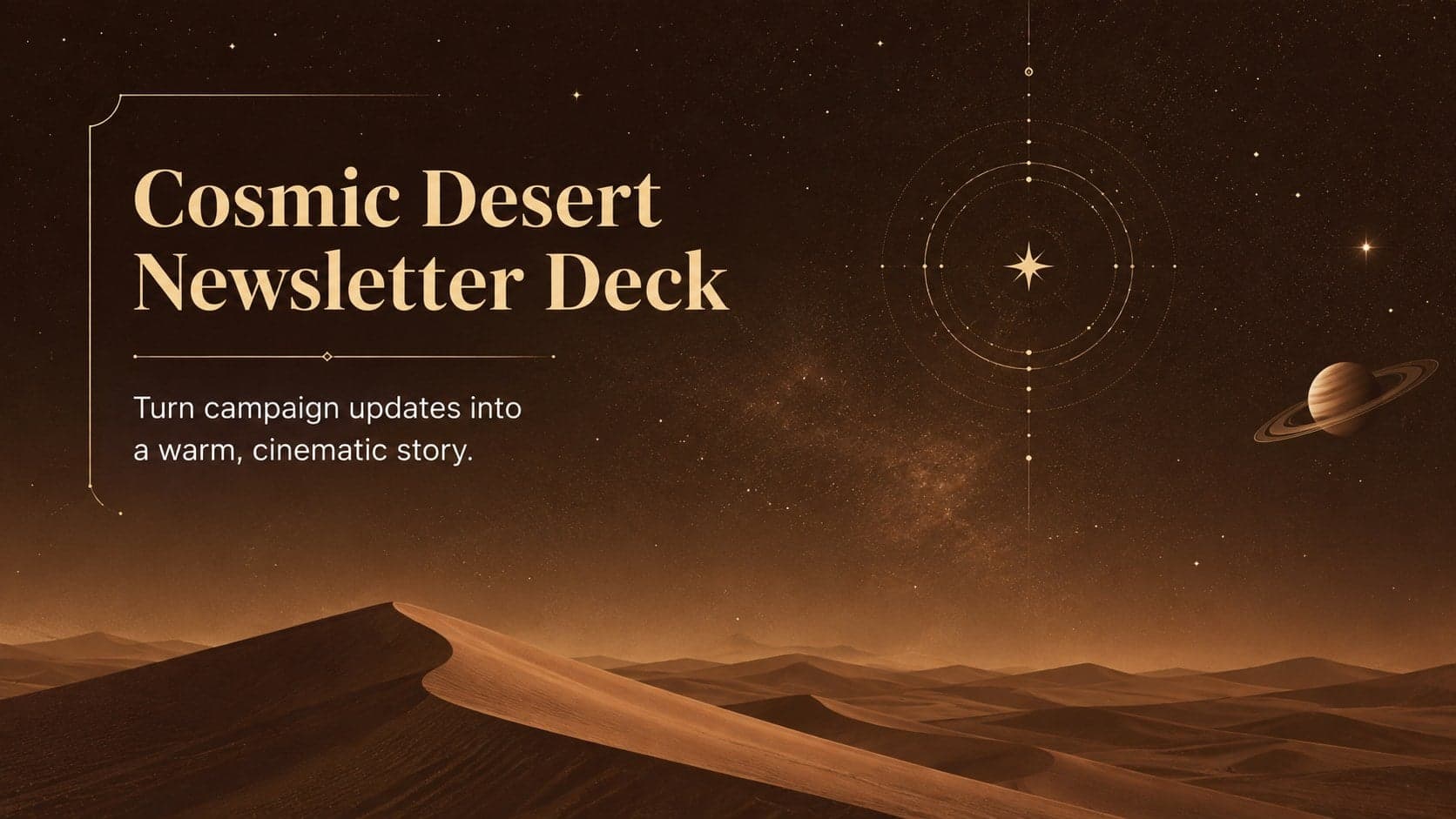
15Build memorable campaign updates with a Cosmic Desert Newsletter Deck, featuring warm beige-brown slides for PowerPoint and Google Slides teams.
 15
15Lead productive urban-tech meetings with a smart city business briefing deck in vivid violet and pink, ready to edit in PowerPoint or Google Slides.
 16
16Build a lively sales story with the Interactive Tech Product Showcase, using colorful illustrated layouts made for PowerPoint and Google Slides.