
 15
15presentation
UFO Day Alien Encounter Deck
Build a bold cosmic story with this UFO Day alien encounter deck, featuring surreal green-and-black layouts for PowerPoint and Google Slides events.
Google SlidesPowerPoint
presentation · English
Build a metaverse innovation pitch deck with neon cyberpunk visuals for AI concepts, virtual products, investor meetings, and technology strategy.

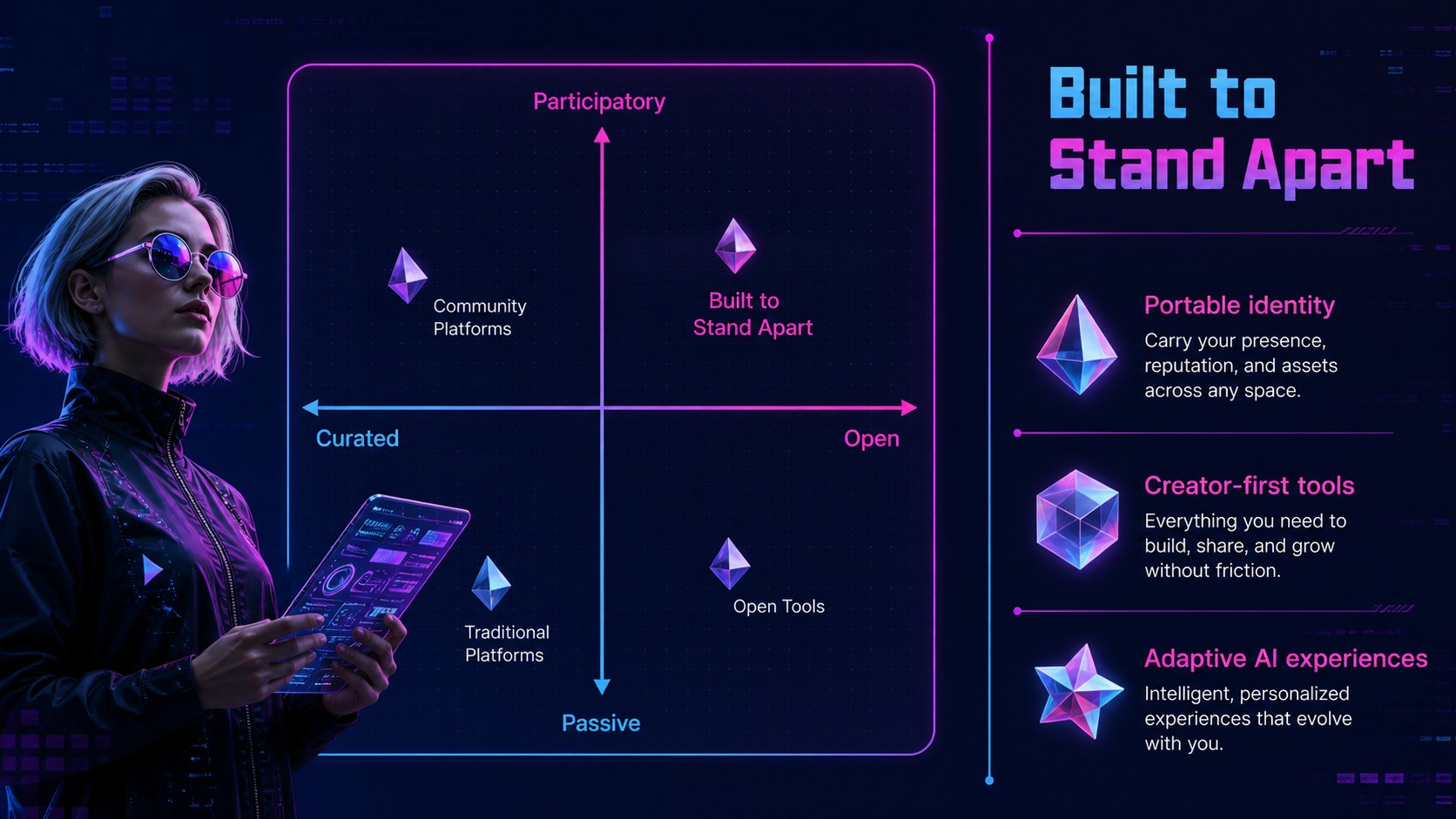
Design notes
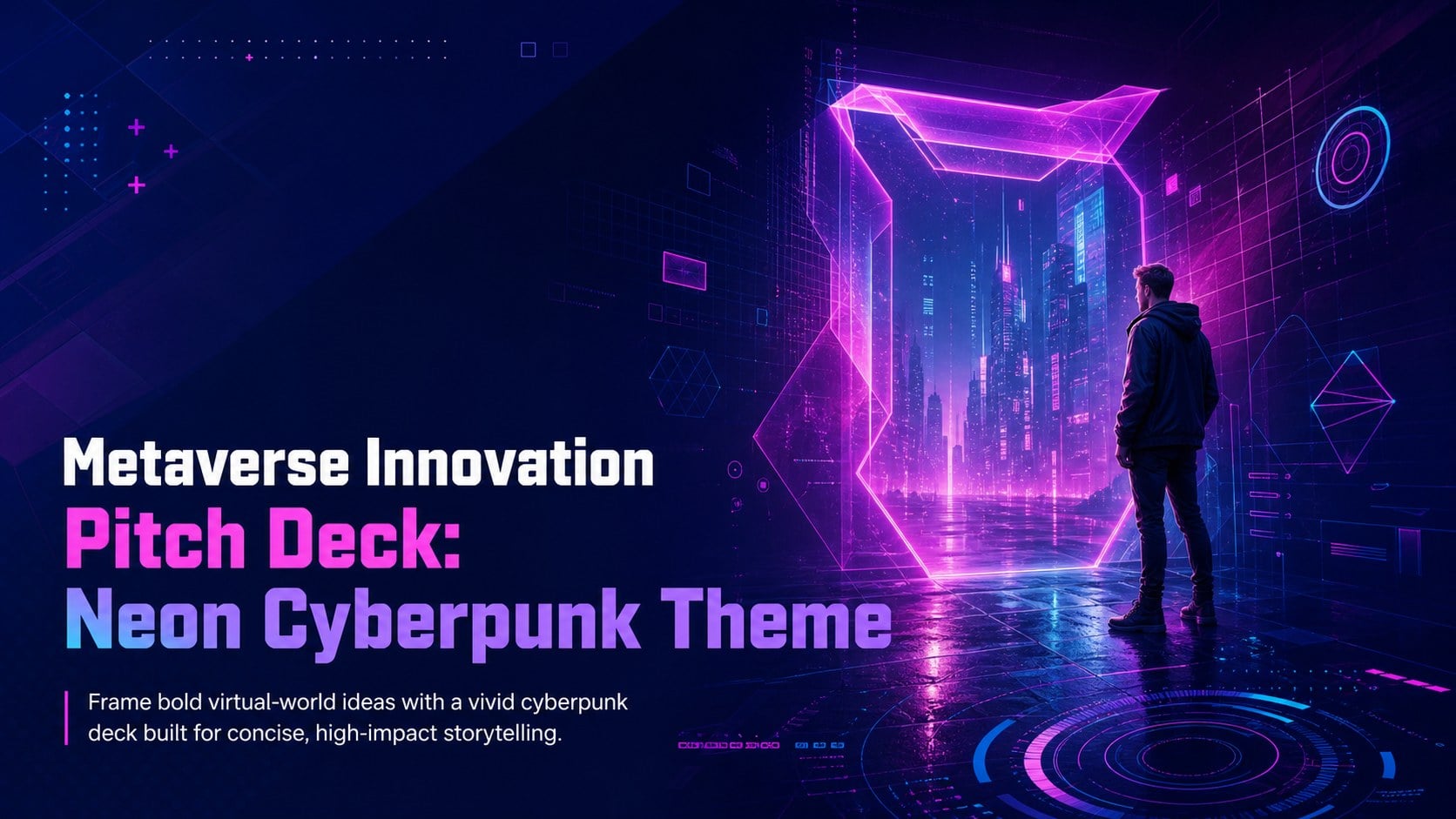
Turn complex virtual-world concepts into a focused story with this Metaverse Innovation Pitch Deck. Its minimal cyberpunk design combines electric violet, vivid pink, and deep blue with geometric interfaces, dimensional objects, and crisp typography. The result is a futuristic metaverse presentation for startups that feels immersive without distracting from your message.
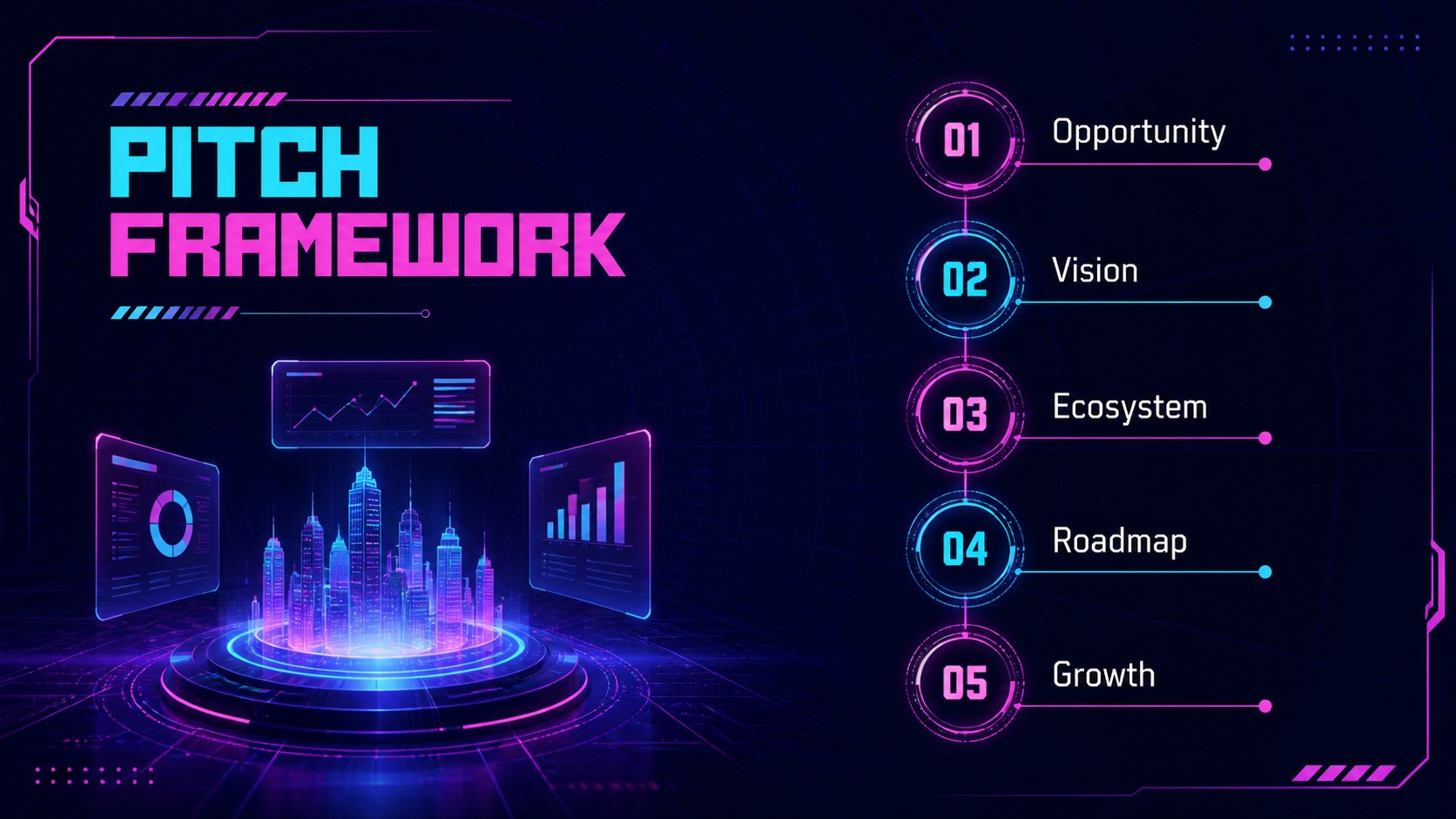
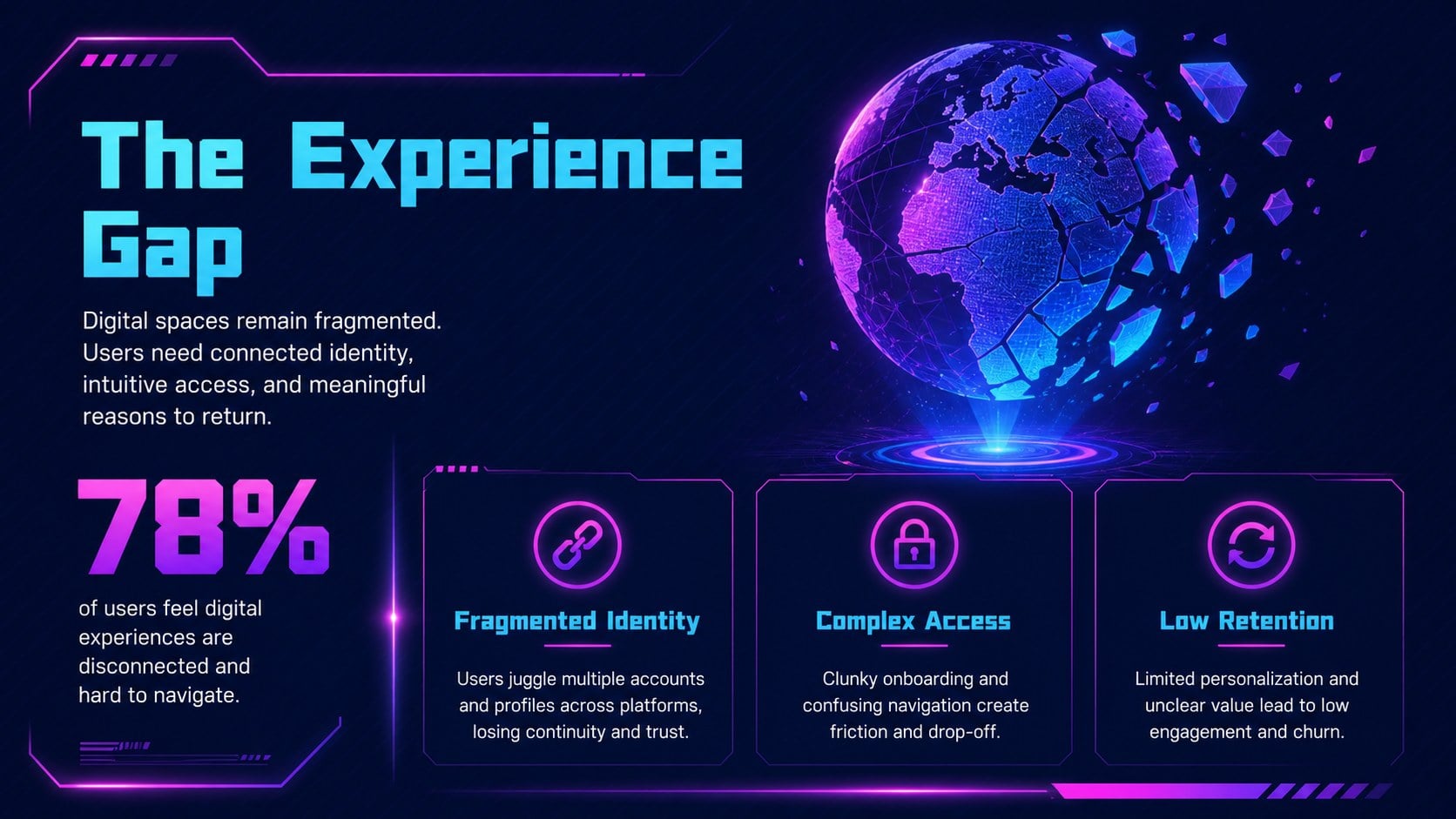
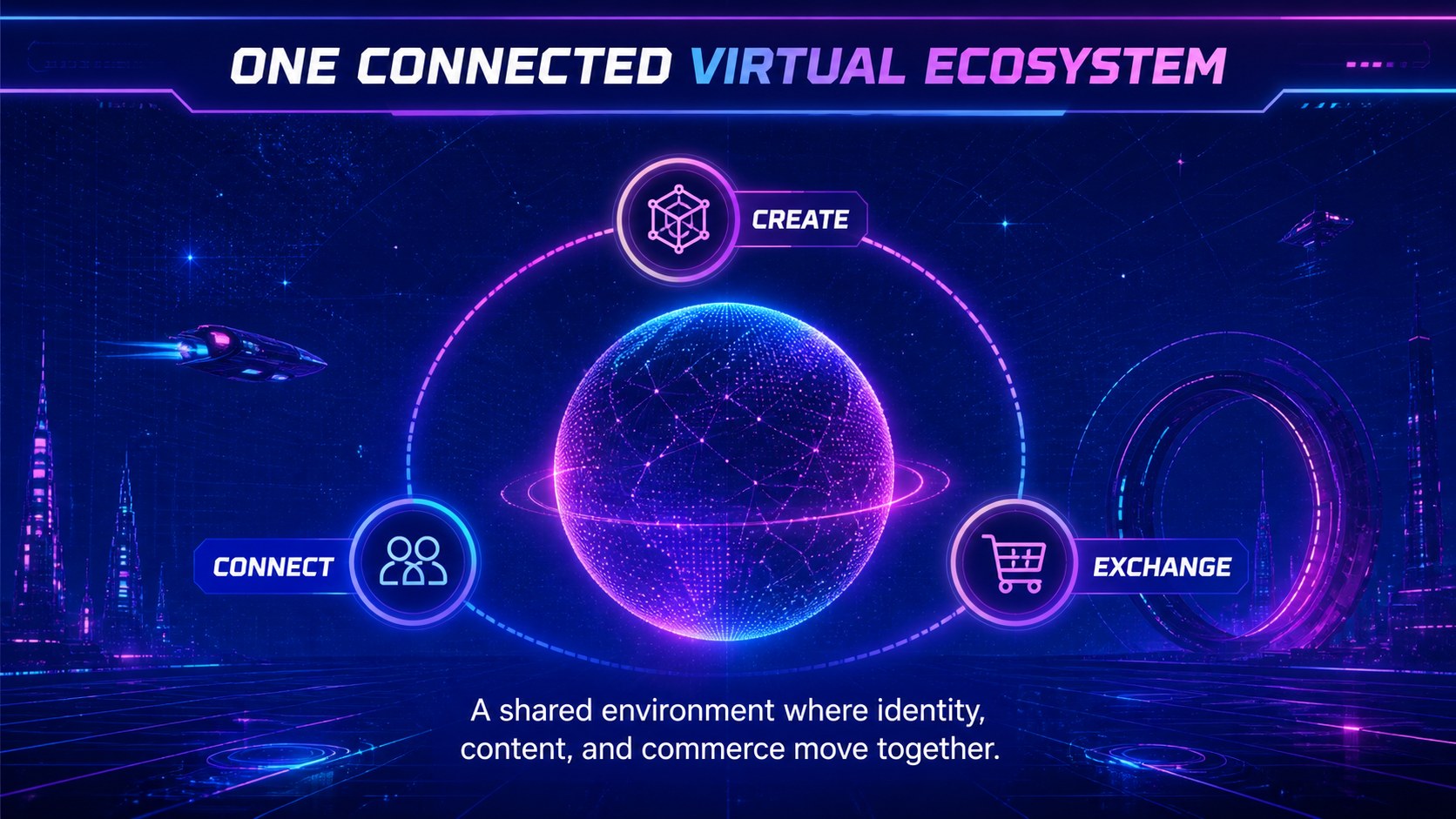
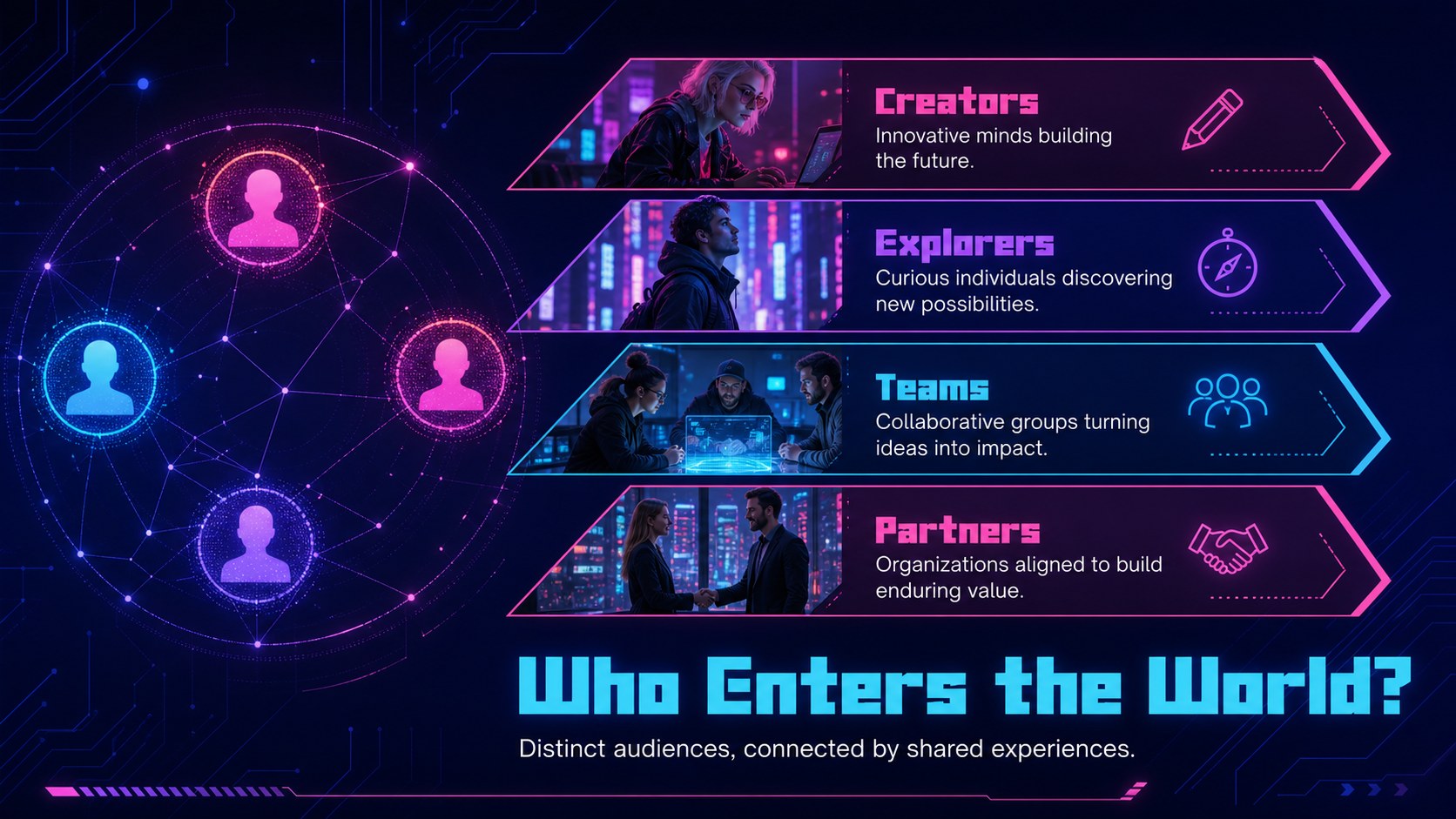
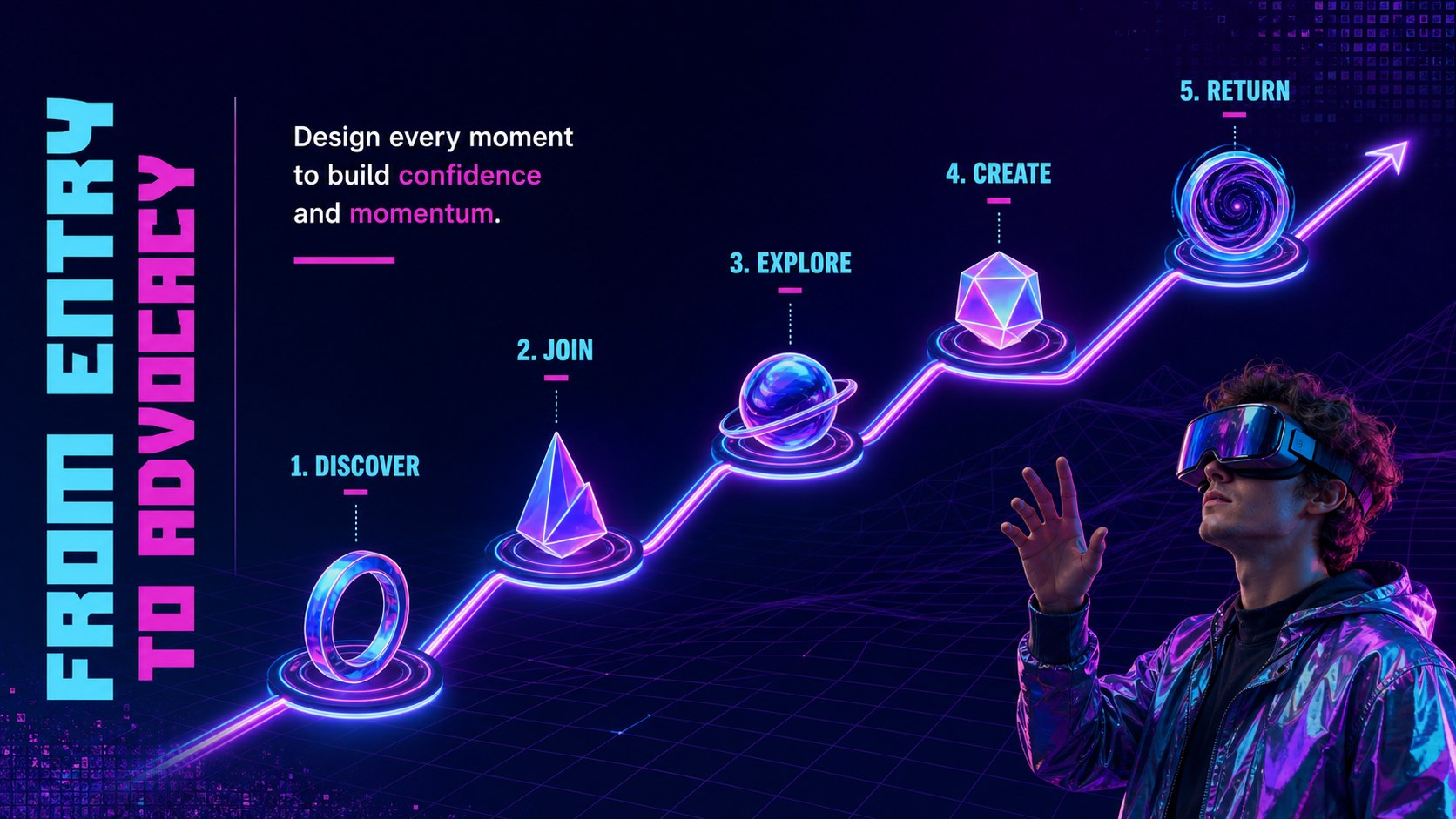
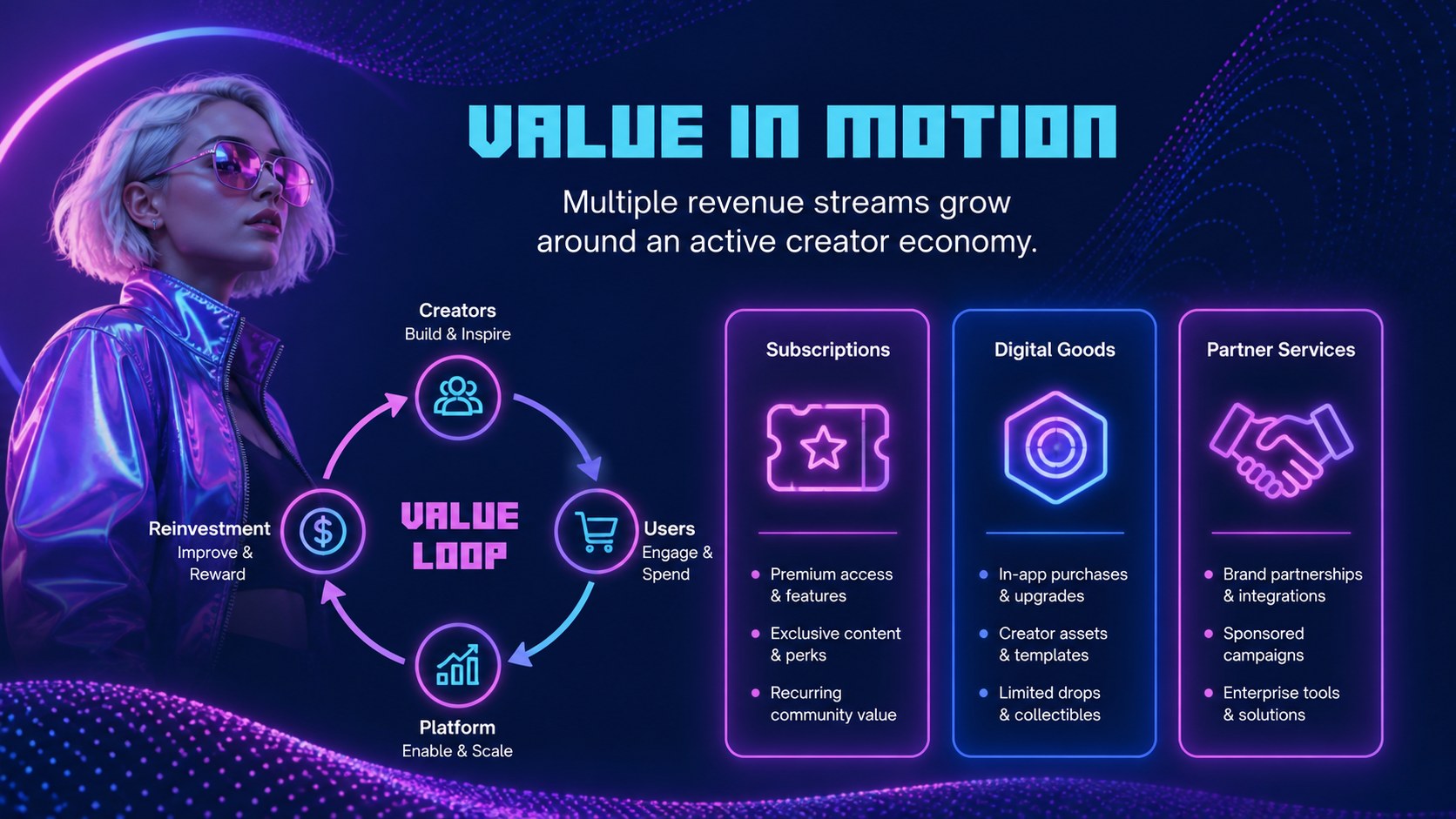
The deck includes layouts for an opening statement, market challenge, product vision, virtual ecosystem, audience segments, experience journey, technology stack, launch roadmap, performance metrics, and closing call to action. Charts, diagrams, image frames, and modular content blocks help you explain AI-powered environments, extended reality services, digital identity, and connected communities. Use it as a neon AI technology pitch deck or adapt it into a virtual reality business proposal for partners and stakeholders.
Designed for founders, product teams, innovation consultants, marketers, educators, and technology strategists, the slides work in both PowerPoint and Google Slides. Replace sample copy, adjust colors, add your own images, and reorganize sections to match a short pitch or detailed presentation. The strong contrast supports clear viewing in meeting rooms, online calls, classrooms, and conference settings while preserving the energetic blue, pink, and violet visual direction.
Perfect for: metaverse startup investor pitch; virtual product launch; AI innovation briefing; extended reality strategy workshop; digital ecosystem proposal.
Frequently asked questions
Can I edit this deck in PowerPoint and Google Slides? Yes. Every slide is designed for editing in PowerPoint and Google Slides, including text, colors, shapes, charts, and image placeholders. Some fonts or effects may vary slightly between the two platforms.
Practical details
Yes. Every slide is designed for editing in PowerPoint and Google Slides, including text, colors, shapes, charts, and image placeholders. Some fonts or effects may vary slightly between the two platforms.
Use the theme color controls to replace the violet, pink, and blue accents across the deck. Keep strong contrast between backgrounds and text so charts, labels, and key statements remain readable.
Yes. Select the cover, problem, vision, ecosystem, roadmap, metrics, and closing layouts for a concise presentation. The remaining slides can support a longer product demo, strategy review, or investor discussion.
Choose sharp visuals of virtual environments, immersive interfaces, AI systems, or extended reality products. Images with blue, violet, or magenta lighting will integrate naturally with the deck's neon design.
Keep exploring
15Build a bold cosmic story with this UFO Day alien encounter deck, featuring surreal green-and-black layouts for PowerPoint and Google Slides events.
 16
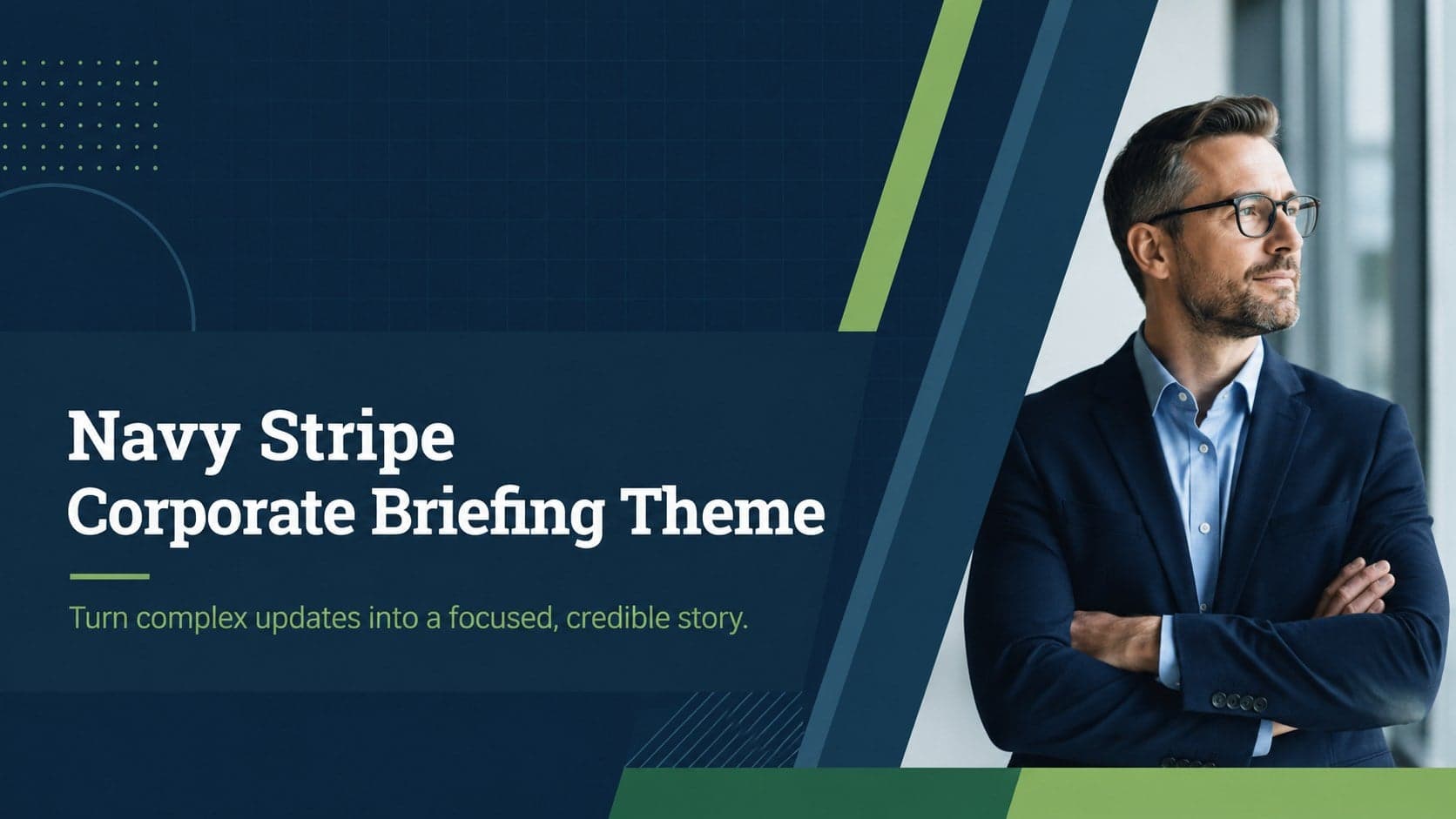
16Use the Navy Stripe Corporate Briefing Theme to present plans, results, and proposals with credible blue-green layouts for PowerPoint and Google Slides.
 5
5Turn customer research into clear decisions with product experience mapping slides in a dark navy and green style for PowerPoint and Google Slides.
 16
16Win stakeholder approval with website launch proposal slides that organize strategy, UX, rollout, and results in editable PowerPoint and Google Slides formats.
 15
15Build clearer campaign plans with an AI marketing strategy deck featuring neon blue-green visuals, editable workflows, data slides, and practical examples.
 15
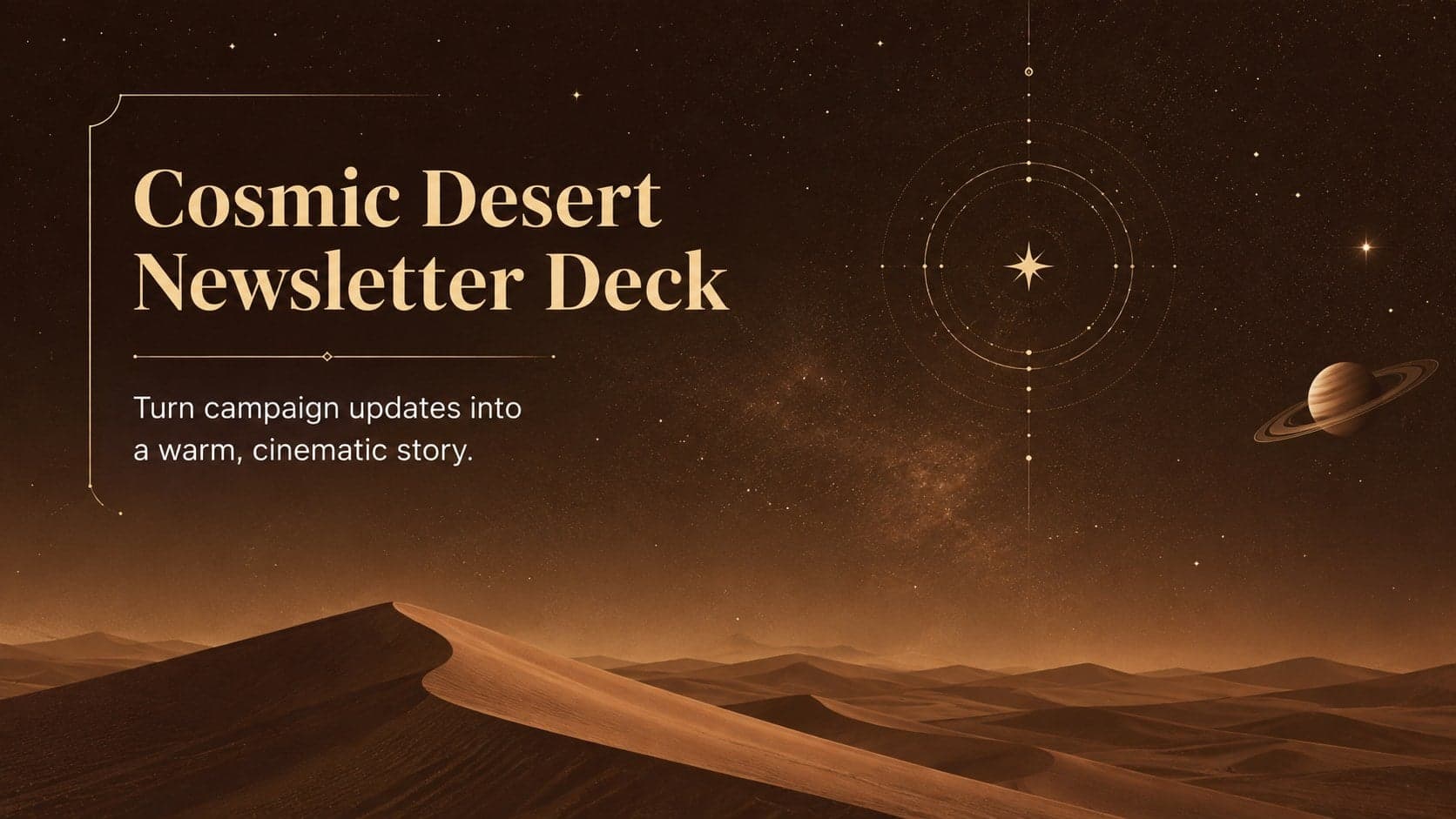
15Build memorable campaign updates with a Cosmic Desert Newsletter Deck, featuring warm beige-brown slides for PowerPoint and Google Slides teams.
 15
15Lead productive urban-tech meetings with a smart city business briefing deck in vivid violet and pink, ready to edit in PowerPoint or Google Slides.
 16
16Build a lively sales story with the Interactive Tech Product Showcase, using colorful illustrated layouts made for PowerPoint and Google Slides.