
 15
15presentation
Astrology Audience Insights Deck
Use this astrology audience insights deck to present zodiac-based segments, behaviors, and campaign findings in polished black-and-gold slides.
Google SlidesPowerPoint
presentation · English
Build a sharper channel strategy with a media campaign planning deck featuring modern purple-and-yellow 3D layouts for PowerPoint and Google Slides.






Design notes
Turn campaign ideas into an organized, persuasive story with this Media Campaign Planning Deck. Designed in a vivid purple and yellow palette, the presentation combines modern typography, geometric shapes, and floating 3D elements to make complex channel decisions easier to understand. Its polished visual system works equally well for internal planning sessions and client-facing recommendations.
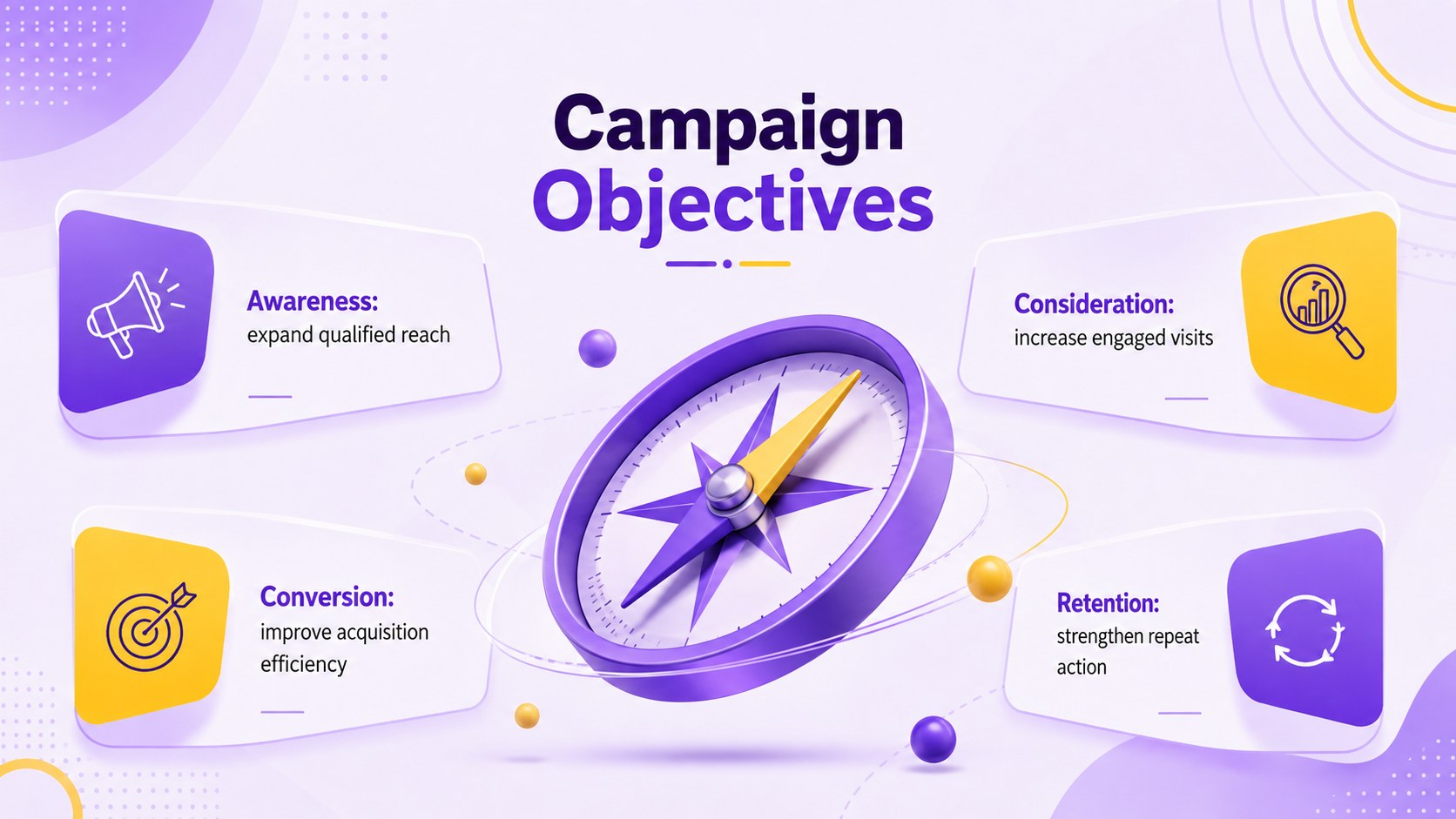
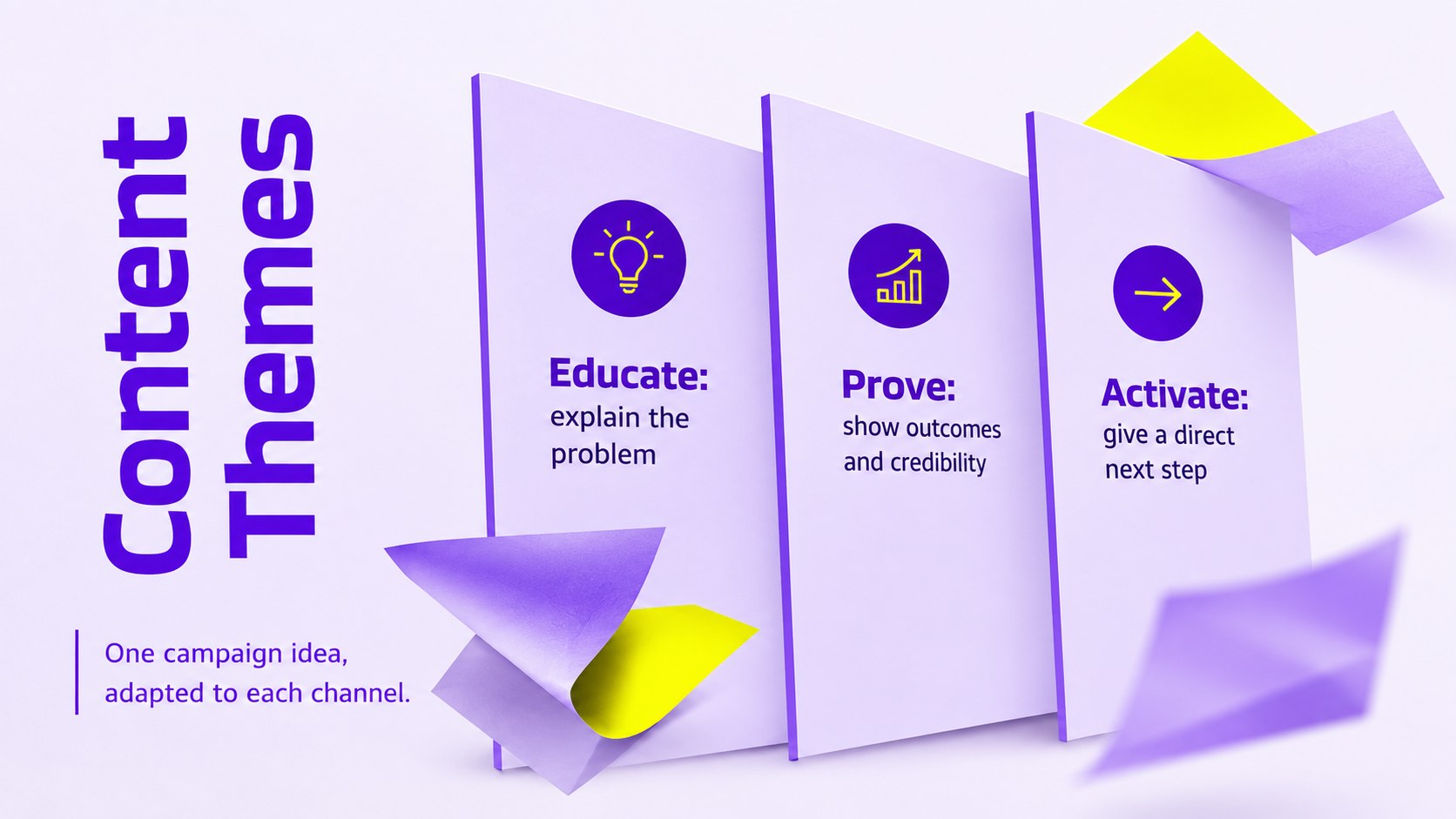
The deck includes 15 customizable 16:9 layouts covering objectives, audience insights, channel roles, content themes, paid media budget allocation slides, campaign phases, performance indicators, and optimization priorities. Flexible charts, comparison layouts, timelines, and summary pages help teams connect research to practical execution without overcrowding the message. Each design can be edited in PowerPoint or Google Slides, including colors, type, graphics, data, and section order.
This media campaign planning presentation template is built for marketing managers, media planners, agency strategists, brand teams, consultants, and startup growth leads. Use it to prepare an integrated media strategy deck, explain spending decisions, align stakeholders around a launch, or report how channels contribute across the customer journey. The energetic abstract style keeps the presentation creative and contemporary while preserving the clarity expected in a professional strategy meeting.
Perfect for: integrated campaign kickoff; agency media recommendation; paid media budget review; digital channel planning; quarterly campaign optimization.
Frequently asked questions
Can I edit every part of this media planning deck? Yes. Text, colors, charts, shapes, images, and section order can all be customized to match your campaign, audience, and brand guidelines.
Practical details
Yes. Text, colors, charts, shapes, images, and section order can all be customized to match your campaign, audience, and brand guidelines.
The template is designed for PowerPoint and Google Slides. Some transitions or font rendering may vary slightly between the two platforms.
Yes. Update the sample figures, chart labels, channel names, budgets, and performance indicators with your own data while retaining the existing visual structure.
Use the theme color controls in PowerPoint or Google Slides to replace the core palette. For a consistent result, apply your primary color to large surfaces and reserve one contrasting accent for metrics and highlights.
Keep exploring
15Use this astrology audience insights deck to present zodiac-based segments, behaviors, and campaign findings in polished black-and-gold slides.
 14
14Plan a memorable Lunar New Year campaign with the 2036 Dragon Year Celebration Theme, featuring bold red-and-yellow slides for lessons and events.
 15
15Build eerie lessons, campaigns, and story pitches with an undead survival scenario theme featuring editable slides for PowerPoint and Google Slides.
 15
15Build a clear breast cancer awareness bulletin with bold pink-and-red slides for campaign news, screening reminders, impact data, and community updates.
 15
15Shape your publishing concept with an indie magazine startup pitch deck featuring pastel gradients, bold collage layouts, and editable planning slides.
 15
15Build a bold retro-futurist campaign pitch deck for client meetings, with editable strategy layouts and playful pastel Y2K-inspired visuals.
 16
16Build a consistent presence with a social channel identity playbook covering voice, visuals, content formats, publishing rules, and approvals.
 15
15Celebrate online learners with webinar completion certificate slides, featuring editable violet artwork for university events in PowerPoint and Google Slides.