
 15
15presentation
Astrology Audience Insights Deck
Use this astrology audience insights deck to present zodiac-based segments, behaviors, and campaign findings in polished black-and-gold slides.
Google SlidesPowerPoint
spreadsheet · English
Coordinate every channel with a marketing content schedule built for clear deadlines, ownership, and publishing workflows in Excel or Google Sheets.
Design notes
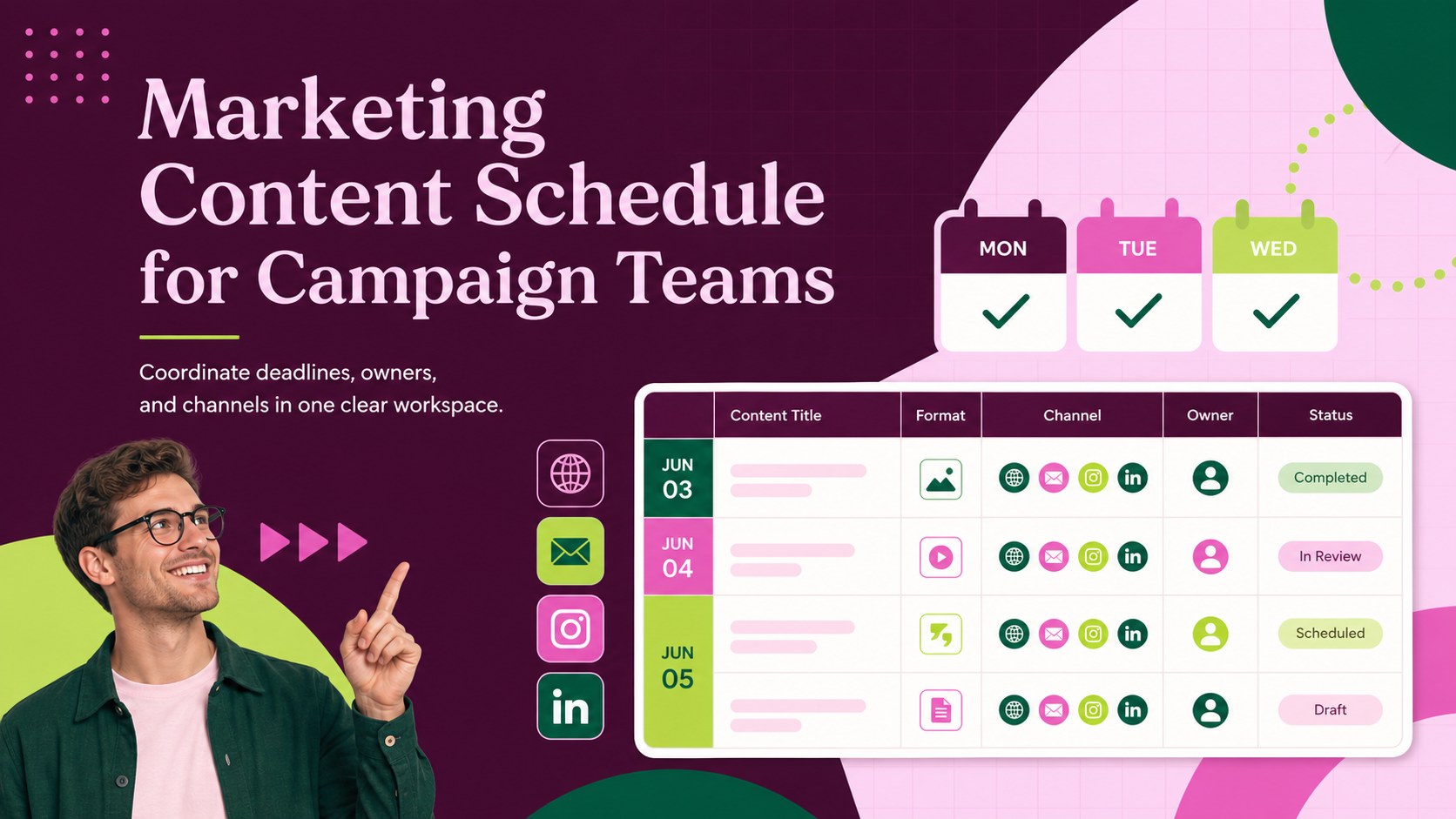
Bring campaigns, deadlines, and responsibilities together with a marketing content schedule designed for busy creative and communications teams. Its bold purple, pink, and green styling makes priorities easy to scan while maintaining a polished, modern look. Use it to replace scattered notes with a dependable publishing workflow that everyone can follow.
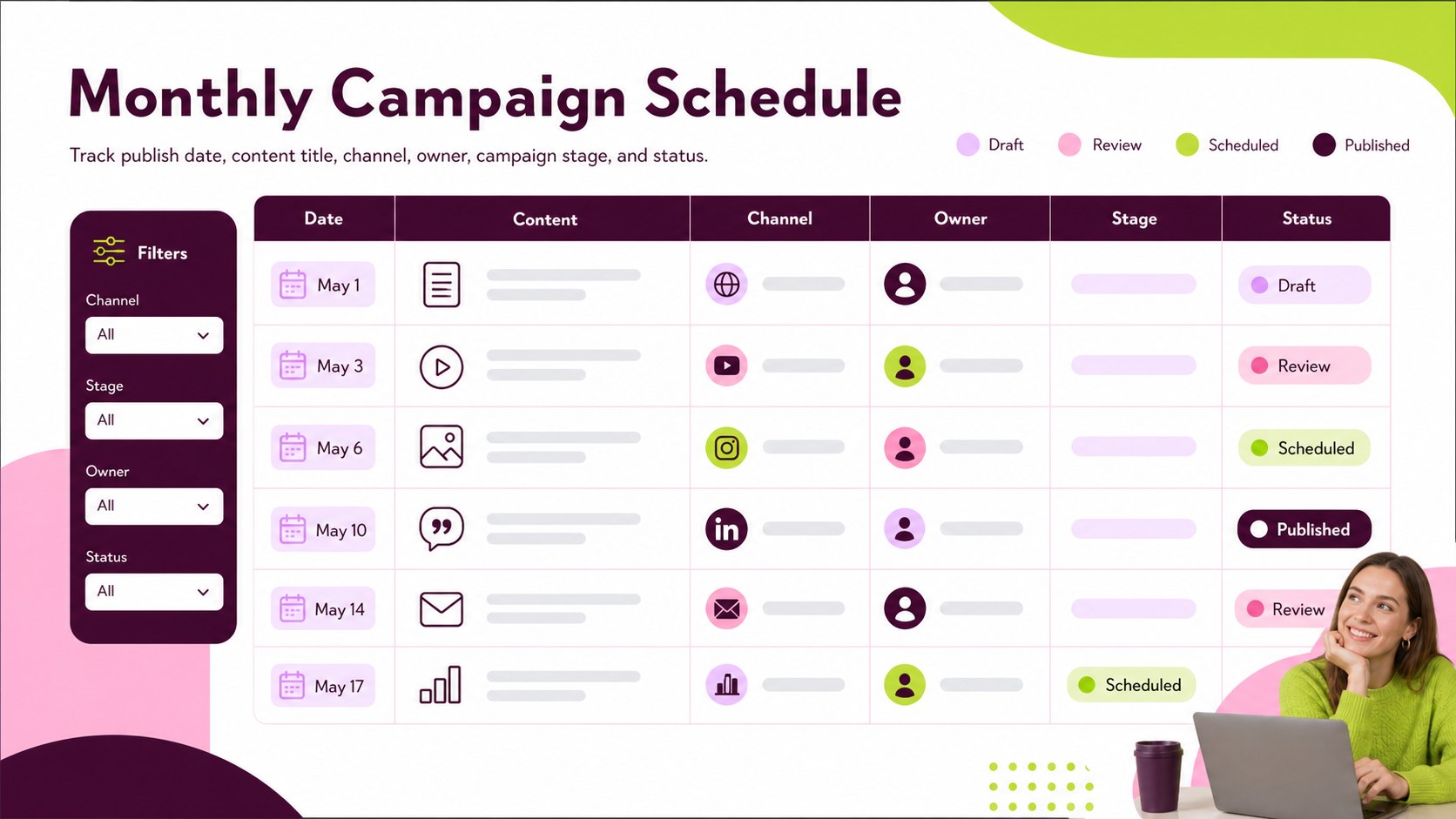
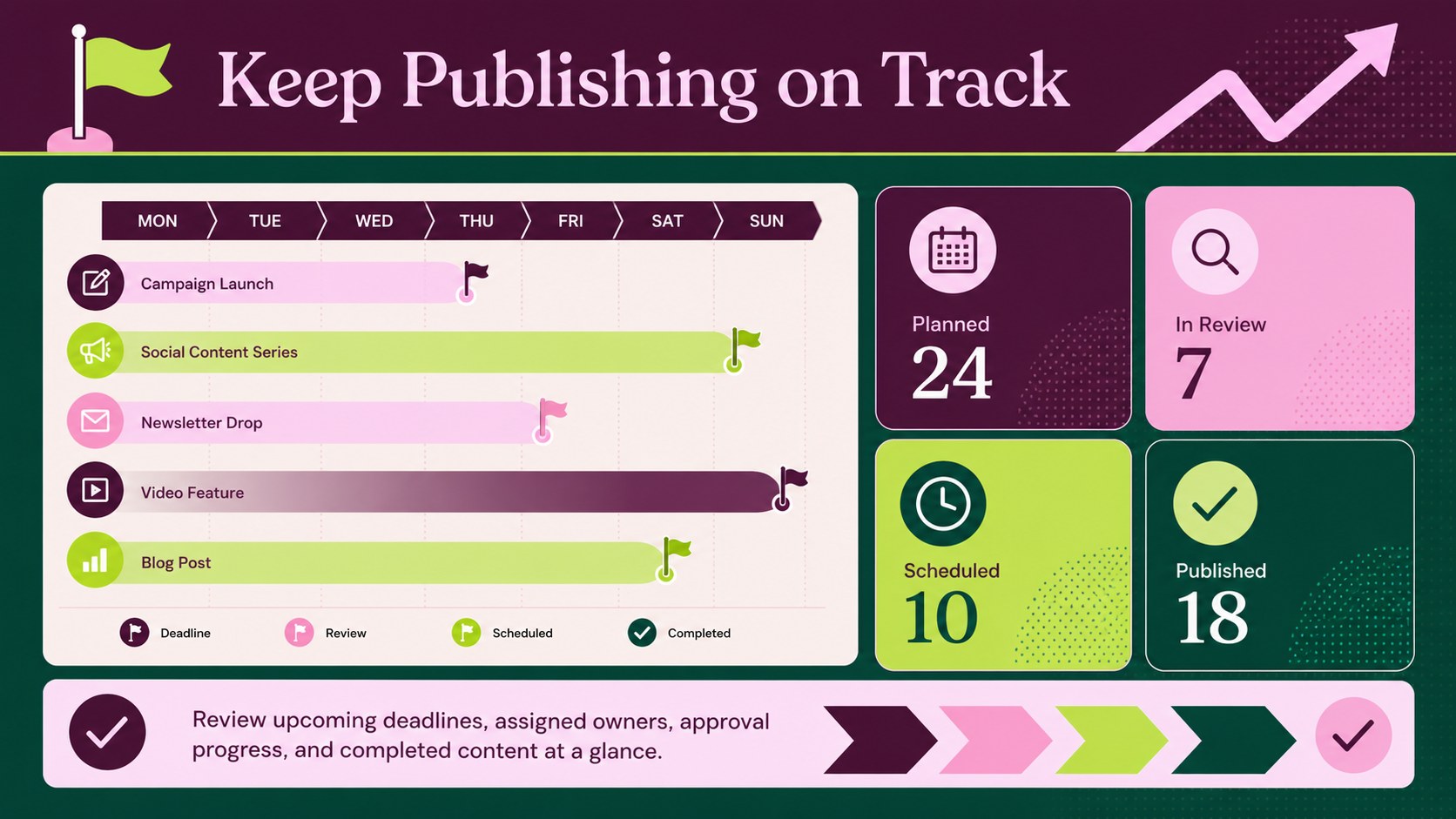
Inside, you will find structured areas for publication dates, content titles, channels, formats, owners, campaign stages, and status updates. The layout works as a multichannel editorial planning spreadsheet for coordinating social posts, newsletters, articles, videos, promotions, and product announcements. Color-coded fields help teams distinguish work in progress from approved, scheduled, and published items. Filters and editable labels also make the file suitable as a campaign publishing schedule template for monthly or quarterly planning.
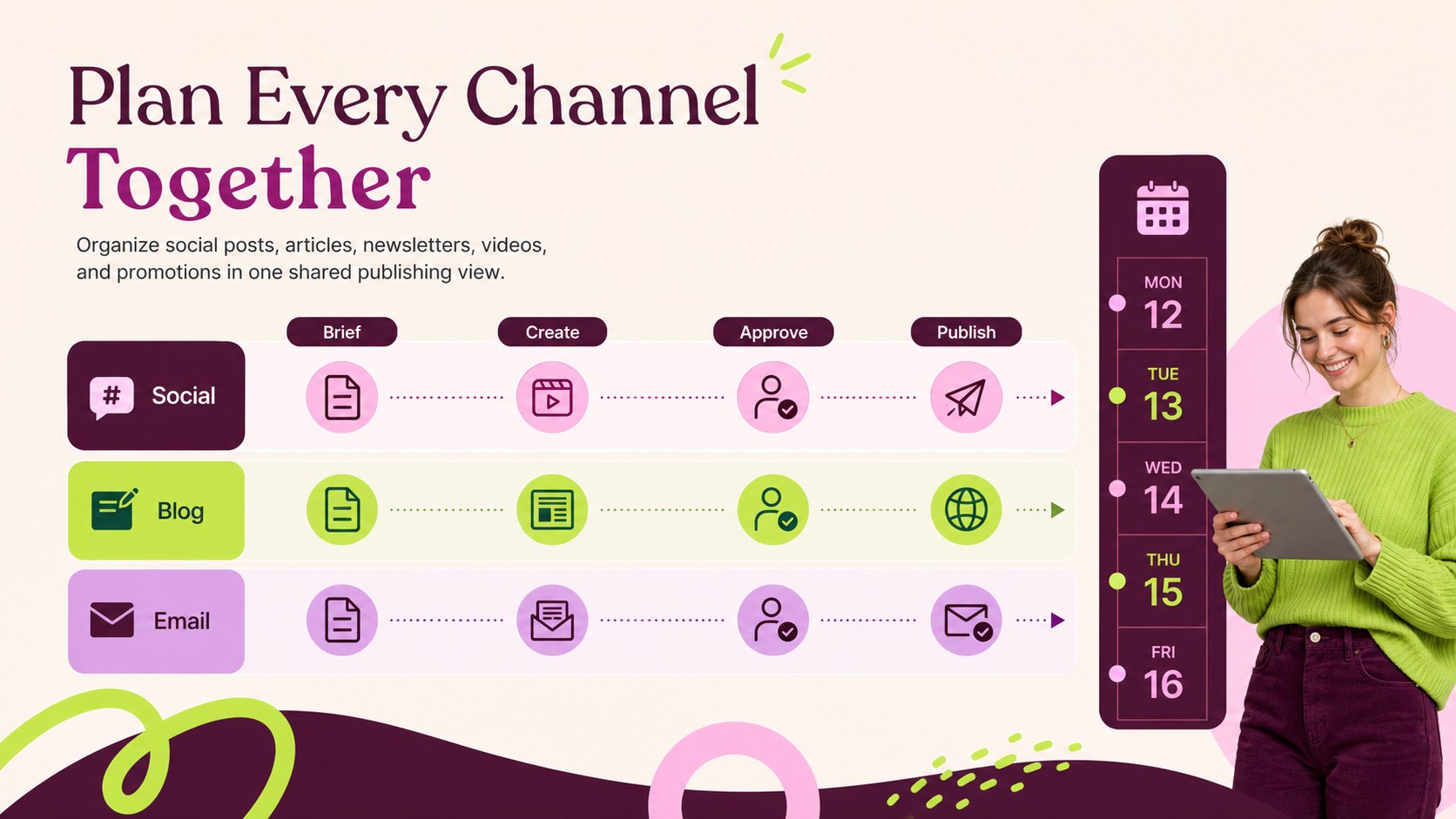
This social media and blog planner is useful for marketing departments, agencies, small businesses, nonprofit communications teams, and independent creators. Customize the columns, categories, colors, and date ranges in Microsoft Excel or Google Sheets, then duplicate planning sections as your publishing volume grows. Whether you are preparing a product launch, managing client campaigns, or organizing an editorial cycle, the template provides a practical overview of what is going live, where it will appear, and who is responsible for the next step.
Perfect for: monthly editorial planning; product launch coordination; agency client campaigns; social media scheduling; blog production tracking; newsletter publishing workflow.
Frequently asked questions
Which spreadsheet platforms support this template? The template is designed for Microsoft Excel and Google Sheets. Upload the workbook to Google Drive to edit it collaboratively in Google Sheets.
Practical details
The template is designed for Microsoft Excel and Google Sheets. Upload the workbook to Google Drive to edit it collaboratively in Google Sheets.
Yes. Rename status labels, channel categories, owners, and content formats to match your workflow, then adjust the purple, pink, and green accents as needed.
Yes. Google Sheets supports shared editing, comments, and version history, while Excel supports collaboration when the workbook is stored in OneDrive or SharePoint.
Yes. The editable structure can track social posts, blog articles, newsletters, videos, advertisements, and campaign assets in the same planning view.
Keep exploring
15Use this astrology audience insights deck to present zodiac-based segments, behaviors, and campaign findings in polished black-and-gold slides.
 14
14Plan a memorable Lunar New Year campaign with the 2036 Dragon Year Celebration Theme, featuring bold red-and-yellow slides for lessons and events.
 15
15Build eerie lessons, campaigns, and story pitches with an undead survival scenario theme featuring editable slides for PowerPoint and Google Slides.
 15
15Build a clear breast cancer awareness bulletin with bold pink-and-red slides for campaign news, screening reminders, impact data, and community updates.
 15
15Shape your publishing concept with an indie magazine startup pitch deck featuring pastel gradients, bold collage layouts, and editable planning slides.
 15
15Build a bold retro-futurist campaign pitch deck for client meetings, with editable strategy layouts and playful pastel Y2K-inspired visuals.
 16
16Build a consistent presence with a social channel identity playbook covering voice, visuals, content formats, publishing rules, and approvals.
 15
15Celebrate online learners with webinar completion certificate slides, featuring editable violet artwork for university events in PowerPoint and Google Slides.