
 15
15presentation
Flying Saucer History Lesson Deck
Build an engaging World UFO Day session with this flying saucer history lesson deck, featuring retro green-and-brown slides for PowerPoint and Google Slides.
Google SlidesPowerPoint
presentation · English
Plan goals, appointments, and important dates with a free January 2027 planning board for PowerPoint and Google Slides, designed for calm organization.
Design notes
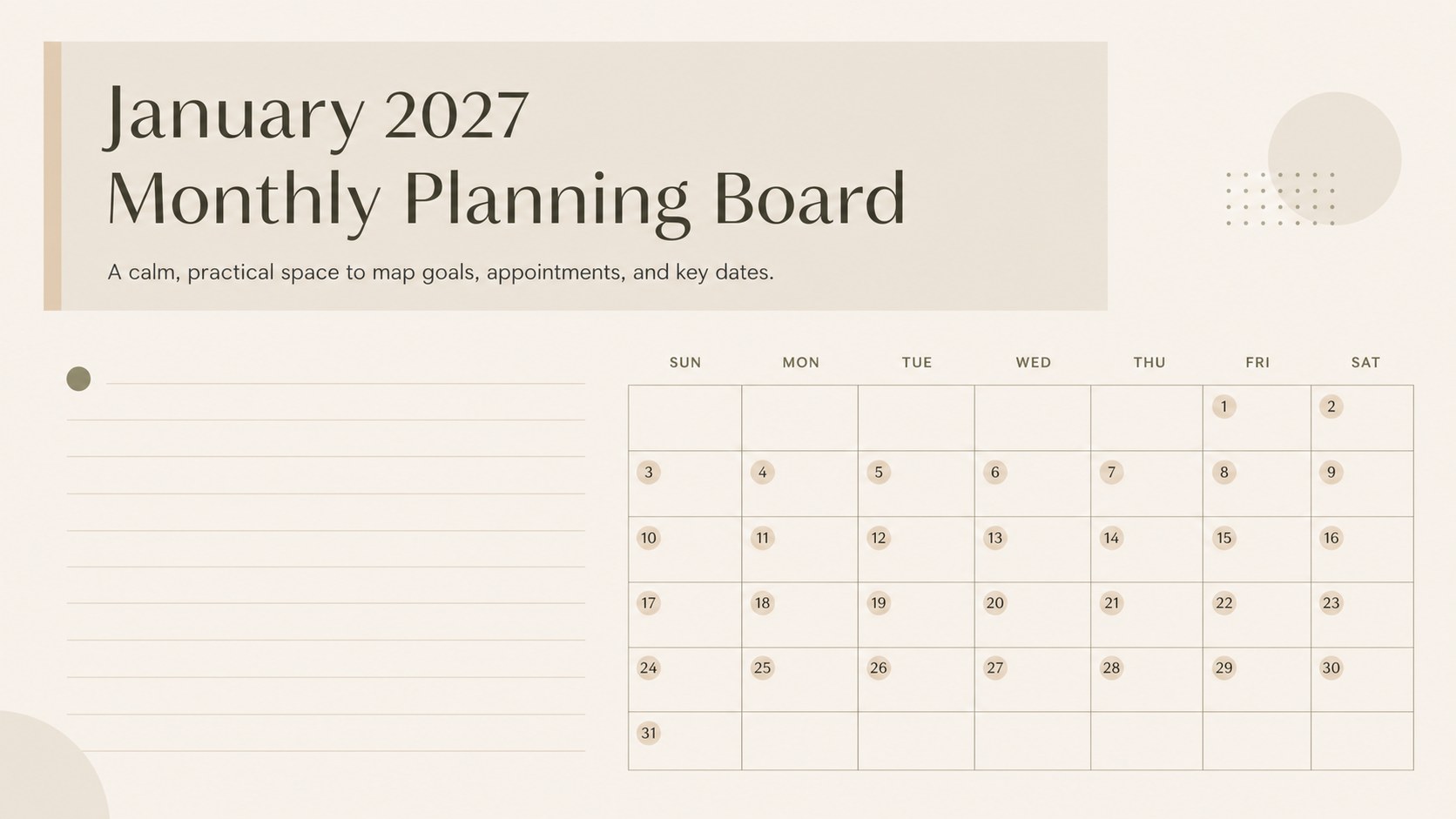
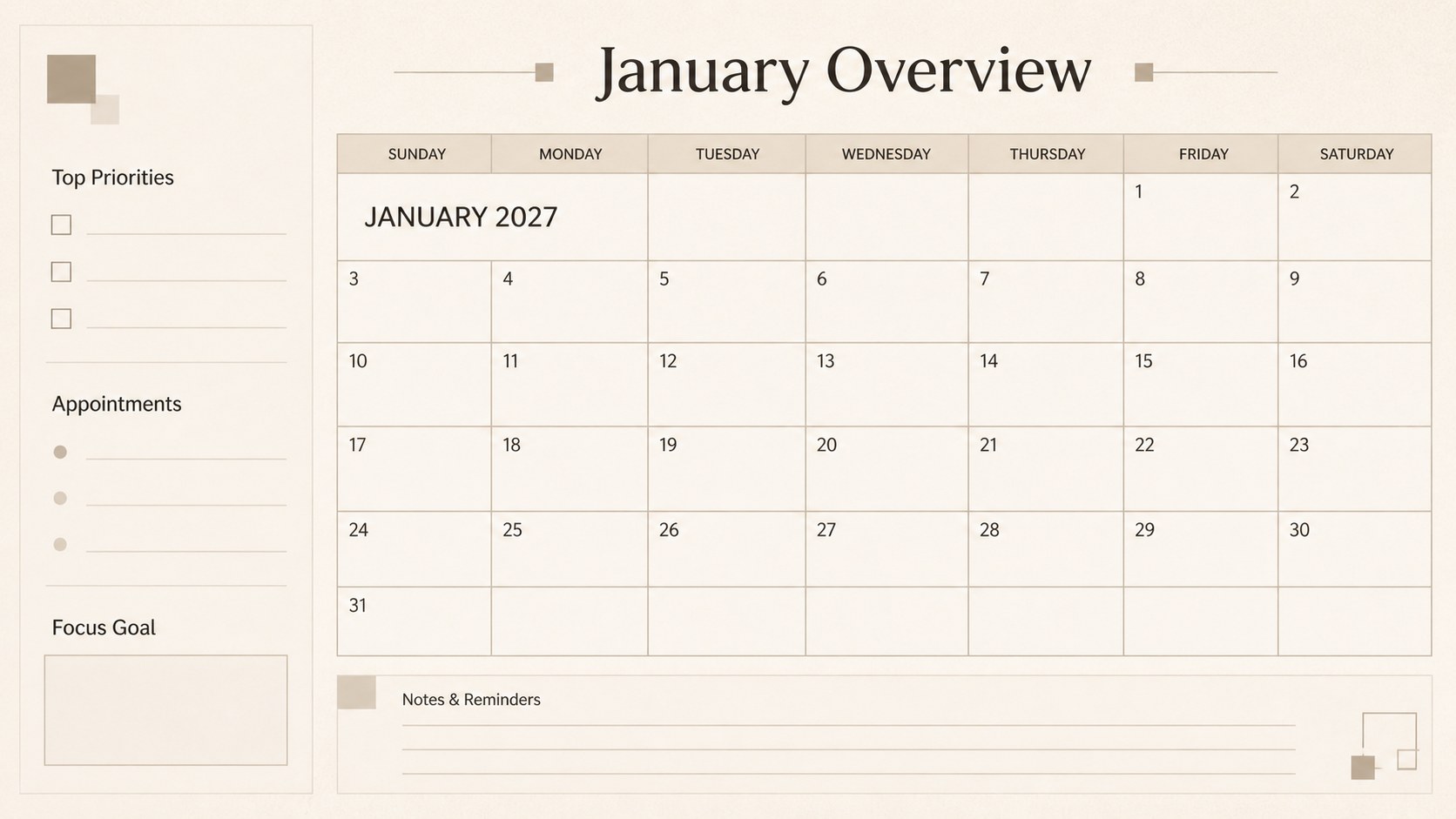
January 2027 Monthly Planning Board is a clean, flexible presentation template for turning a busy month into a visible, manageable plan. The structured layout helps you place appointments, deadlines, routines, personal goals, and memorable dates in one focused view without overwhelming the page. Its soft beige palette and minimalist styling suit both personal planning and professional scheduling.
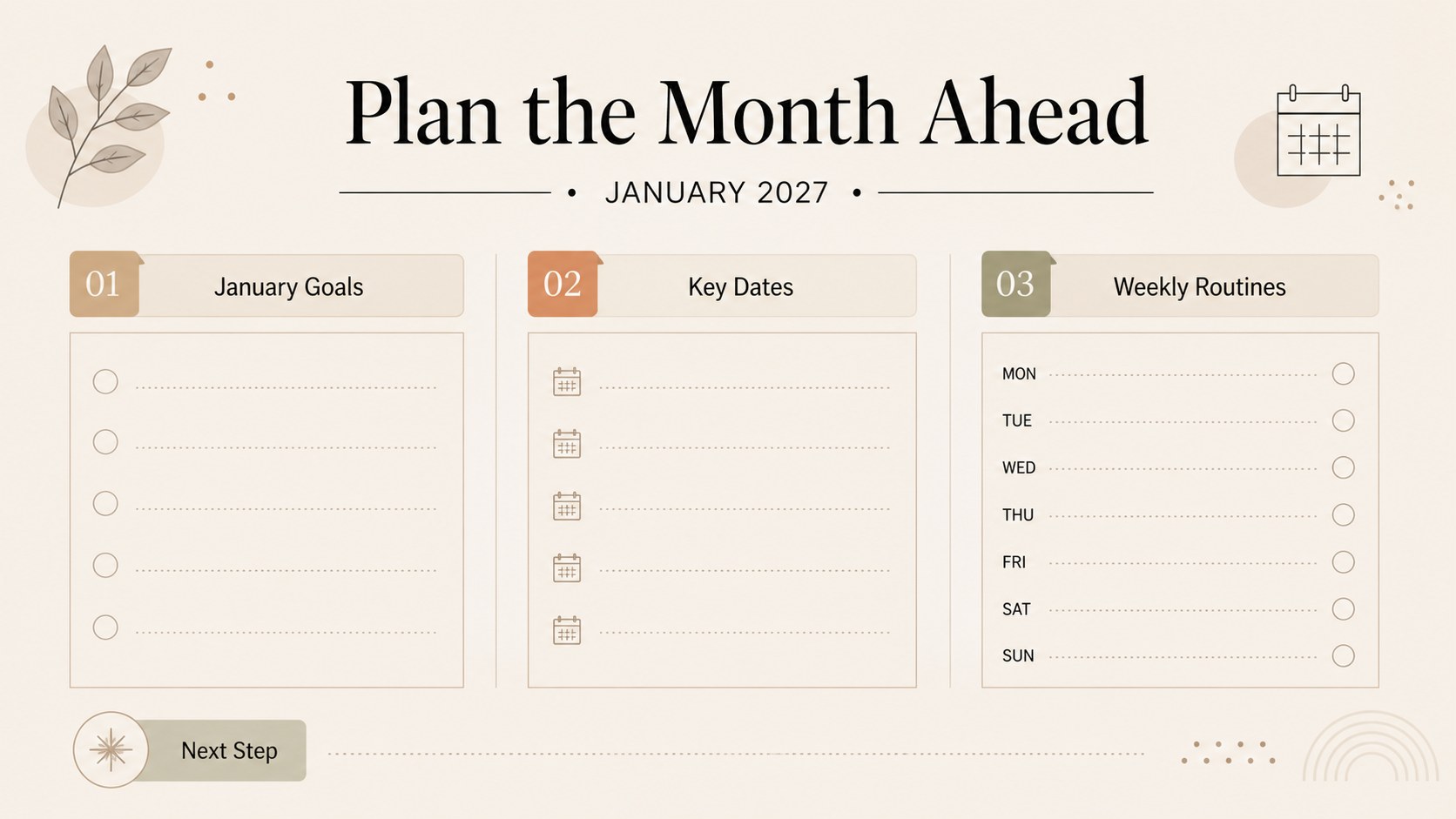
Inside, you will find an editable monthly overview, dedicated areas for priorities and notes, and clear spaces for organizing events by date. Use the January 2027 planning board to prepare a study schedule, coordinate household activities, map a work calendar, or set realistic goals for the first month of the year. The deck is easy to adjust in PowerPoint and Google Slides, with editable text, shapes, colors, and typography. It can also be exported for printing or shared digitally as a simple monthly reference.
This template is designed for students, office teams, freelancers, families, coaches, and anyone who benefits from a straightforward visual planning system. Add color-coded categories, move sections around, or duplicate planning elements to create a workflow that matches your routine.
Perfect for: personal monthly goal setting; student study schedule; family activity coordination; team deadline planning; freelance project organization.
Frequently asked questions
Can I edit this planning board in PowerPoint? Yes. The template is designed for PowerPoint and includes editable text, shapes, colors, and layout elements. You can adjust the calendar to match your schedule and planning style.
Practical details
Yes. The template is designed for PowerPoint and includes editable text, shapes, colors, and layout elements. You can adjust the calendar to match your schedule and planning style.
Yes, you can use it in Google Slides and customize the main planning areas directly in the browser. Review fonts and spacing after importing to ensure the layout matches your preferred presentation settings.
Yes. Replace the beige accents with your own brand, school, team, or personal colors while keeping the minimalist structure intact. You can also add color-coded labels for appointments, deadlines, and goals.
The layout is prepared as a presentation slide and can be exported as a PDF or image for printing. Check your printer settings and page scaling before producing a physical planner.
Keep exploring
15Build an engaging World UFO Day session with this flying saucer history lesson deck, featuring retro green-and-brown slides for PowerPoint and Google Slides.
 15
15Plan a lively animal-learning journey with this jungle zoo adventure lesson deck, ready to customize in PowerPoint and Google Slides for young learners.
 16
16Turn environmental research into a clear story with a Watercolor Ecology Presentation Theme for PowerPoint and Google Slides in calming green and blue.
 16
16Build focused fashion, literature, and humanities presentations with the Red Triangle Editorial Theme, editable in PowerPoint and Google Slides.
