
 15
15presentation
UFO Day Alien Encounter Deck
Build a bold cosmic story with this UFO Day alien encounter deck, featuring surreal green-and-black layouts for PowerPoint and Google Slides events.
Google SlidesPowerPoint
presentation · English
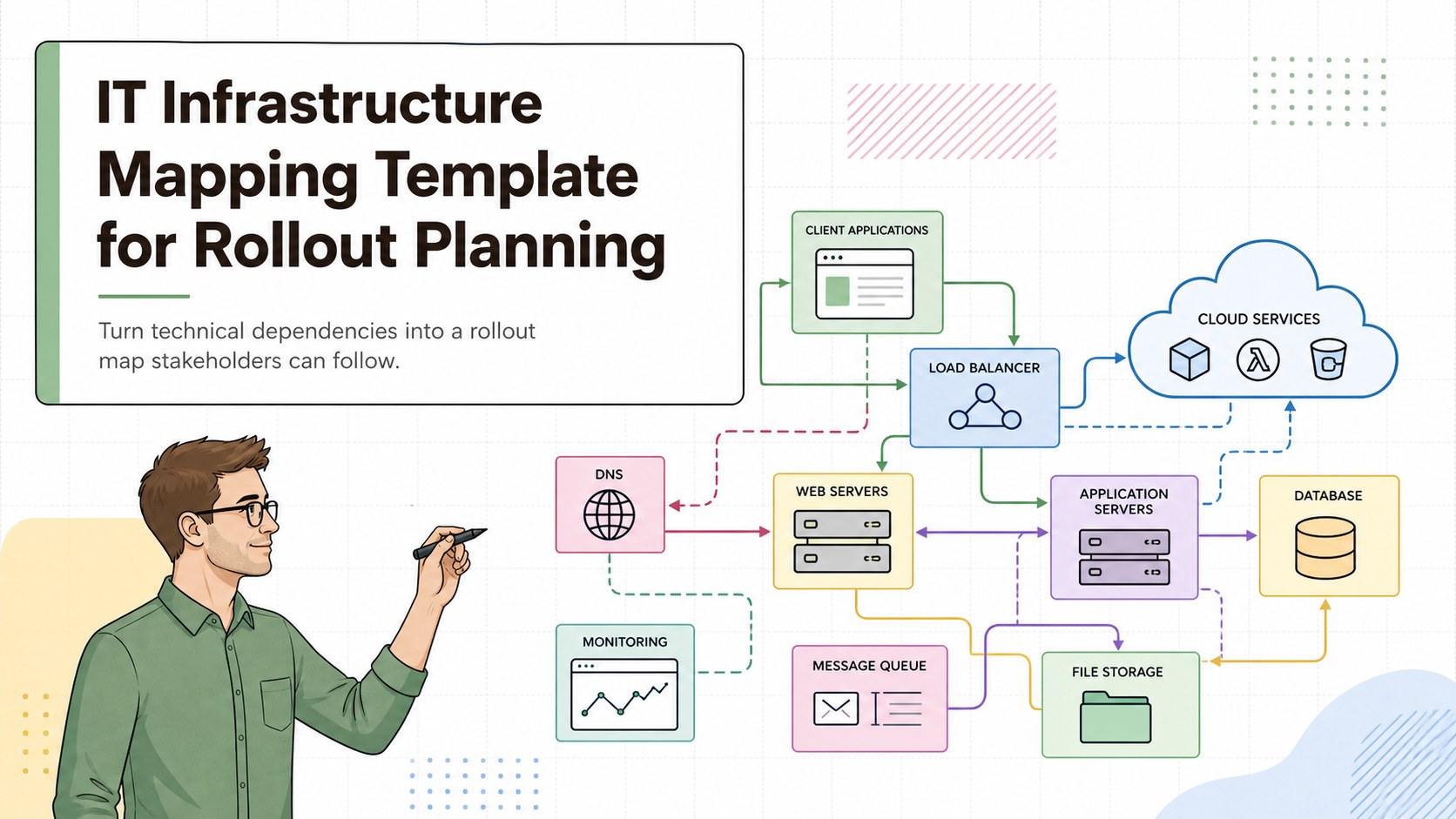
Plan complex rollouts with an IT infrastructure mapping template built for clear dependencies, team alignment, and editable PowerPoint or Google Slides.
Design notes
Bring structure to complex technology projects with this IT infrastructure mapping template. Its clean, professional whiteboard style helps teams translate servers, applications, data flows, responsibilities, and rollout stages into a visual plan that technical and nontechnical stakeholders can understand. The colorful accents clarify relationships without distracting from the core information.
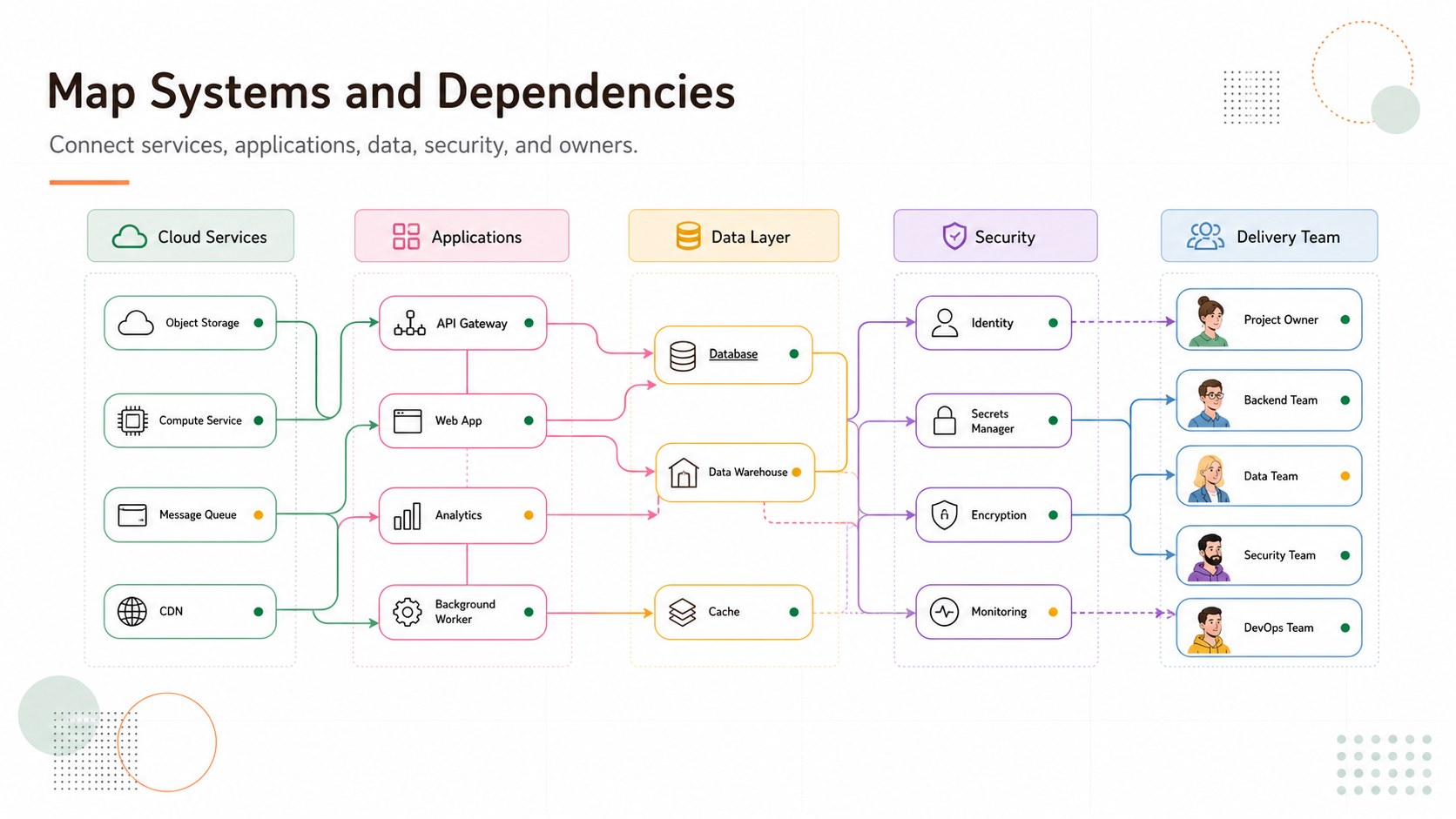
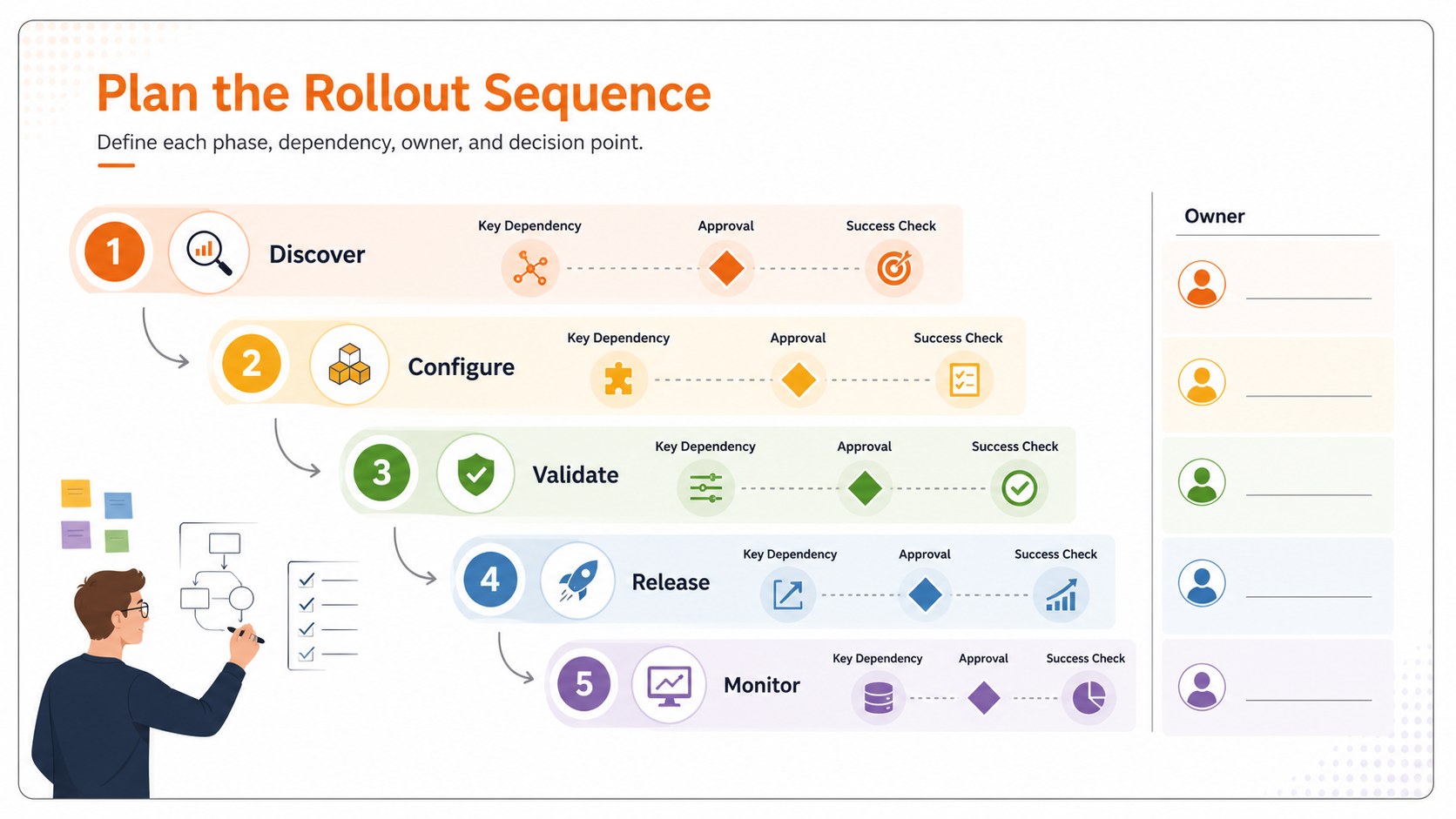
Inside are three coordinated 16:9 layouts: a concise project cover, an editable infrastructure dependency map, and a phased deployment workflow. Use the modular nodes, connectors, labels, status markers, and responsibility fields to document current architecture or propose a future-state environment. These technology rollout planning slides can be customized in PowerPoint or Google Slides, making it easy to change colors, reorganize components, add team notes, and tailor terminology to your organization.
The template is designed for IT managers, systems architects, implementation consultants, project leads, and operations teams. It works well for cloud migrations, software launches, network upgrades, integration planning, and security reviews. Build a server migration workflow presentation, facilitate a technical discovery session, or align decision-makers before deployment begins. The flexible visual system supports both high-level briefings and detailed working sessions while keeping dependencies, ownership, and next steps visible.
Perfect for: cloud migration planning; enterprise software rollout; network upgrade workshop; system integration review; deployment stakeholder briefing.
Frequently asked questions
Can I edit every part of the infrastructure map? Yes. Nodes, connectors, labels, colors, status markers, and text fields can be adjusted to match your environment. You can also duplicate or remove components as the project scope changes.
Practical details
Yes. Nodes, connectors, labels, colors, status markers, and text fields can be adjusted to match your environment. You can also duplicate or remove components as the project scope changes.
The template is designed for Microsoft PowerPoint and Google Slides. Layouts use standard presentation elements so teams can edit and present them without specialized diagramming software.
Yes. Rename the component groups to distinguish cloud services, data centers, applications, security layers, or third-party integrations. Connector labels can document protocols, dependencies, ownership, or migration order.
Assign each phase a color or status marker, then arrange components by sequence, workstream, or release window. Add owner names and milestone dates to make responsibilities and handoffs clear.
Keep exploring
15Build a bold cosmic story with this UFO Day alien encounter deck, featuring surreal green-and-black layouts for PowerPoint and Google Slides events.
 16
16Use the Navy Stripe Corporate Briefing Theme to present plans, results, and proposals with credible blue-green layouts for PowerPoint and Google Slides.
 5
5Turn customer research into clear decisions with product experience mapping slides in a dark navy and green style for PowerPoint and Google Slides.
 16
16Win stakeholder approval with website launch proposal slides that organize strategy, UX, rollout, and results in editable PowerPoint and Google Slides formats.
 15
15Build clearer campaign plans with an AI marketing strategy deck featuring neon blue-green visuals, editable workflows, data slides, and practical examples.
 15
15Build memorable campaign updates with a Cosmic Desert Newsletter Deck, featuring warm beige-brown slides for PowerPoint and Google Slides teams.
 15
15Lead productive urban-tech meetings with a smart city business briefing deck in vivid violet and pink, ready to edit in PowerPoint or Google Slides.
 16
16Build a lively sales story with the Interactive Tech Product Showcase, using colorful illustrated layouts made for PowerPoint and Google Slides.