
 15
15presentation
Astrology Audience Insights Deck
Use this astrology audience insights deck to present zodiac-based segments, behaviors, and campaign findings in polished black-and-gold slides.
Google SlidesPowerPoint
presentation · English
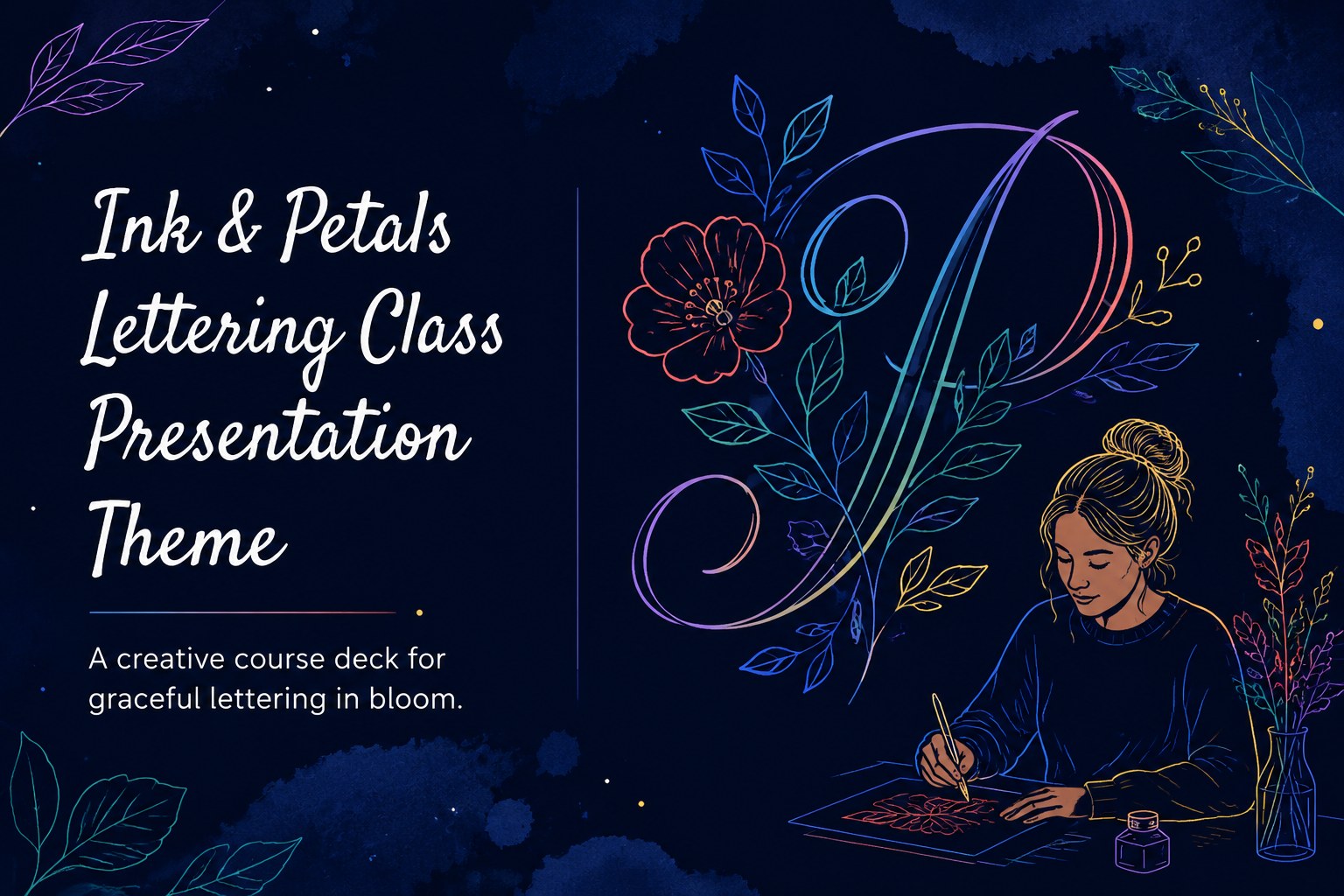
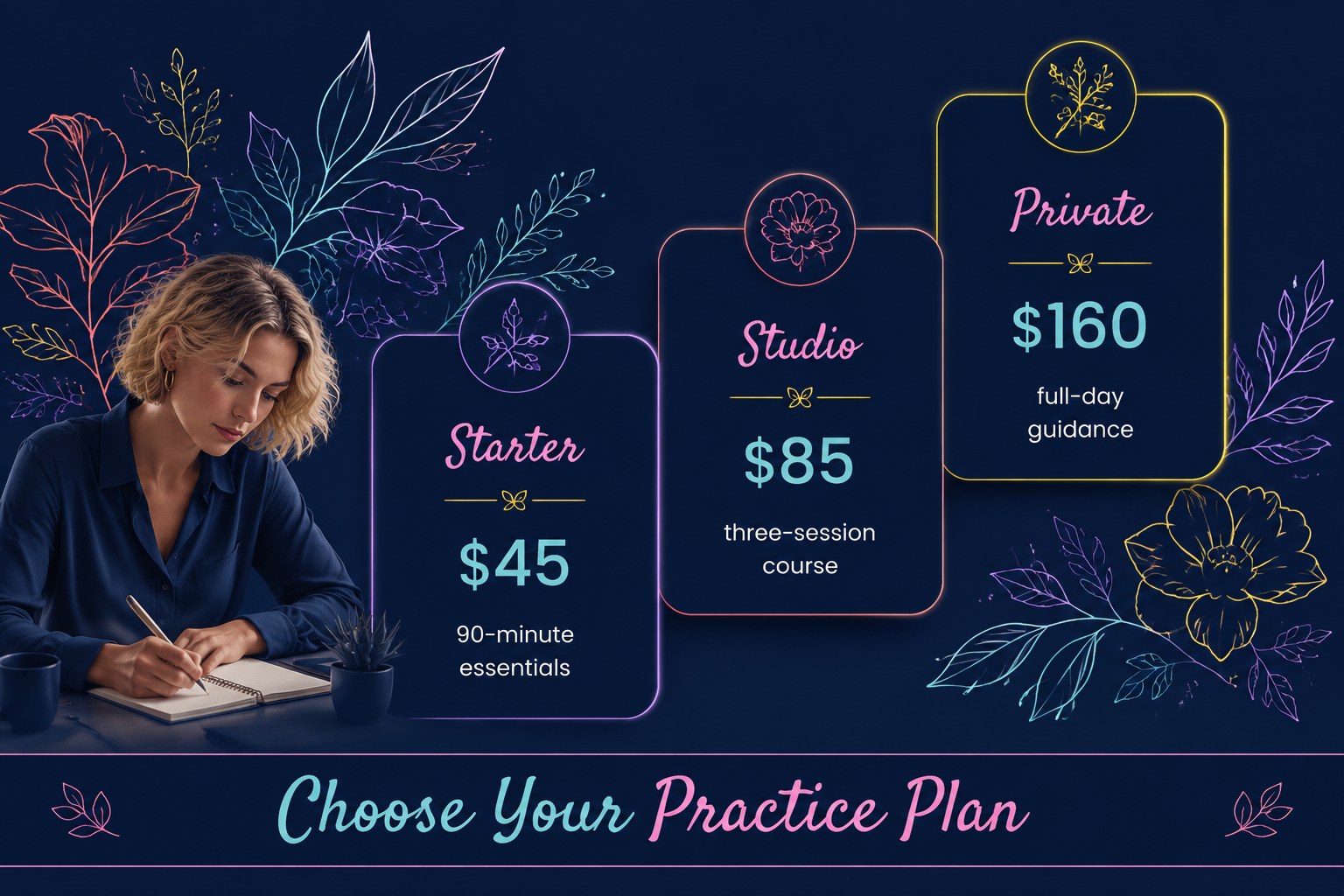
Build interest in your lettering class presentation theme with navy, neon, and botanical slides for schedules, pricing, portfolios, and workshop promotion.
Design notes
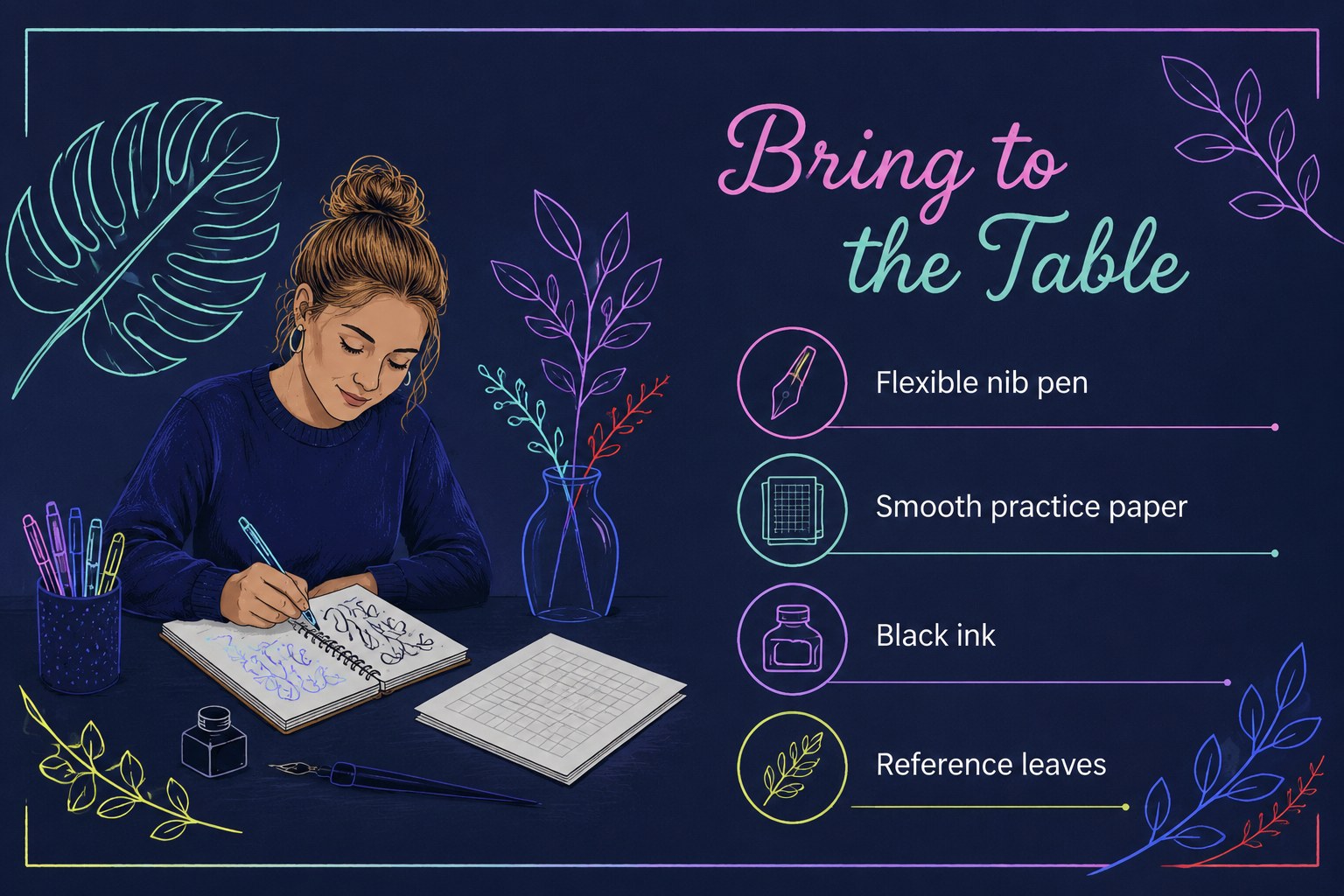
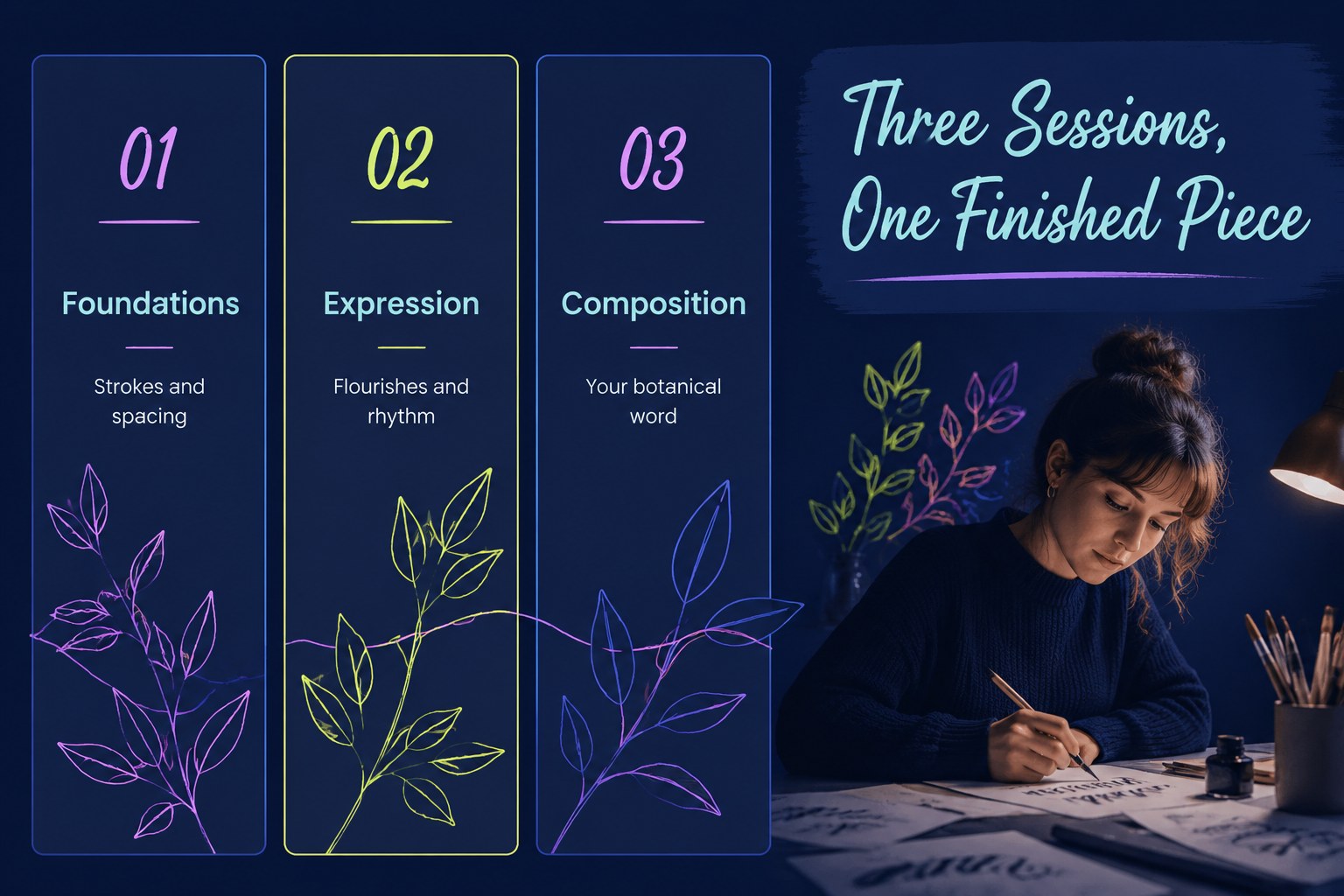
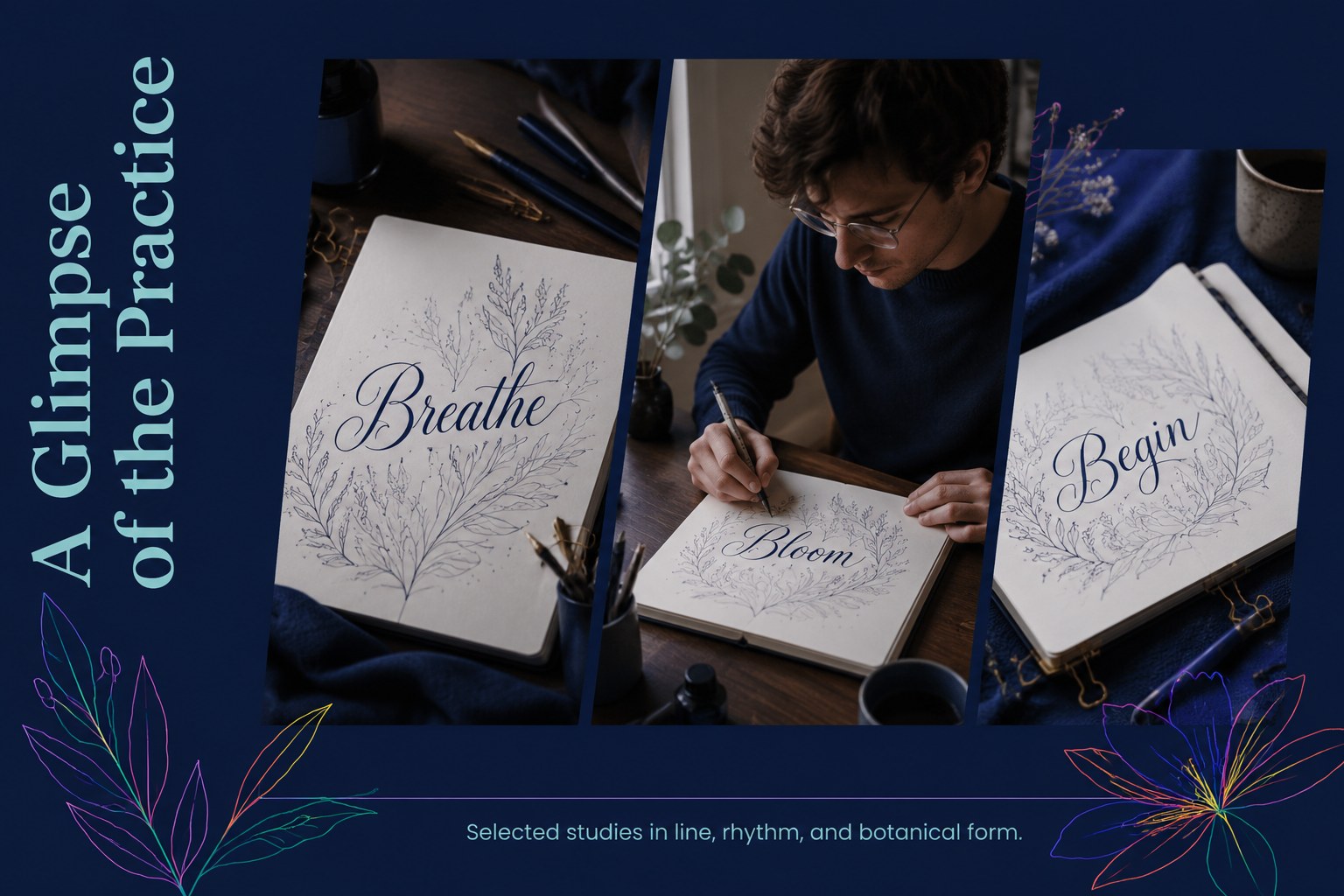
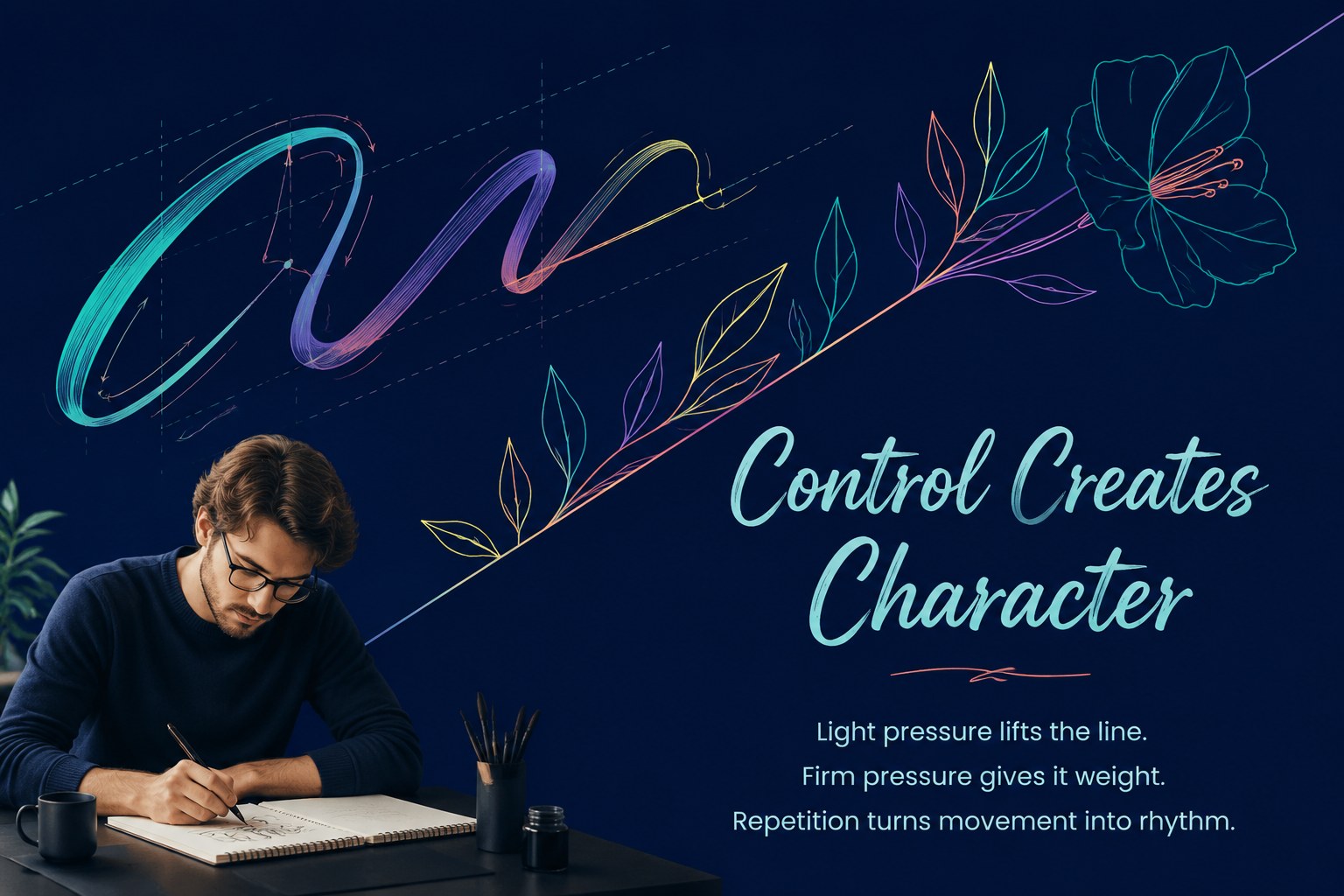
Make your next creative course feel memorable with this lettering class presentation theme. Its deep navy foundation, electric neon accents, and botanical floral details create a refined but energetic setting for showing how your lettering practice becomes an engaging learning experience.
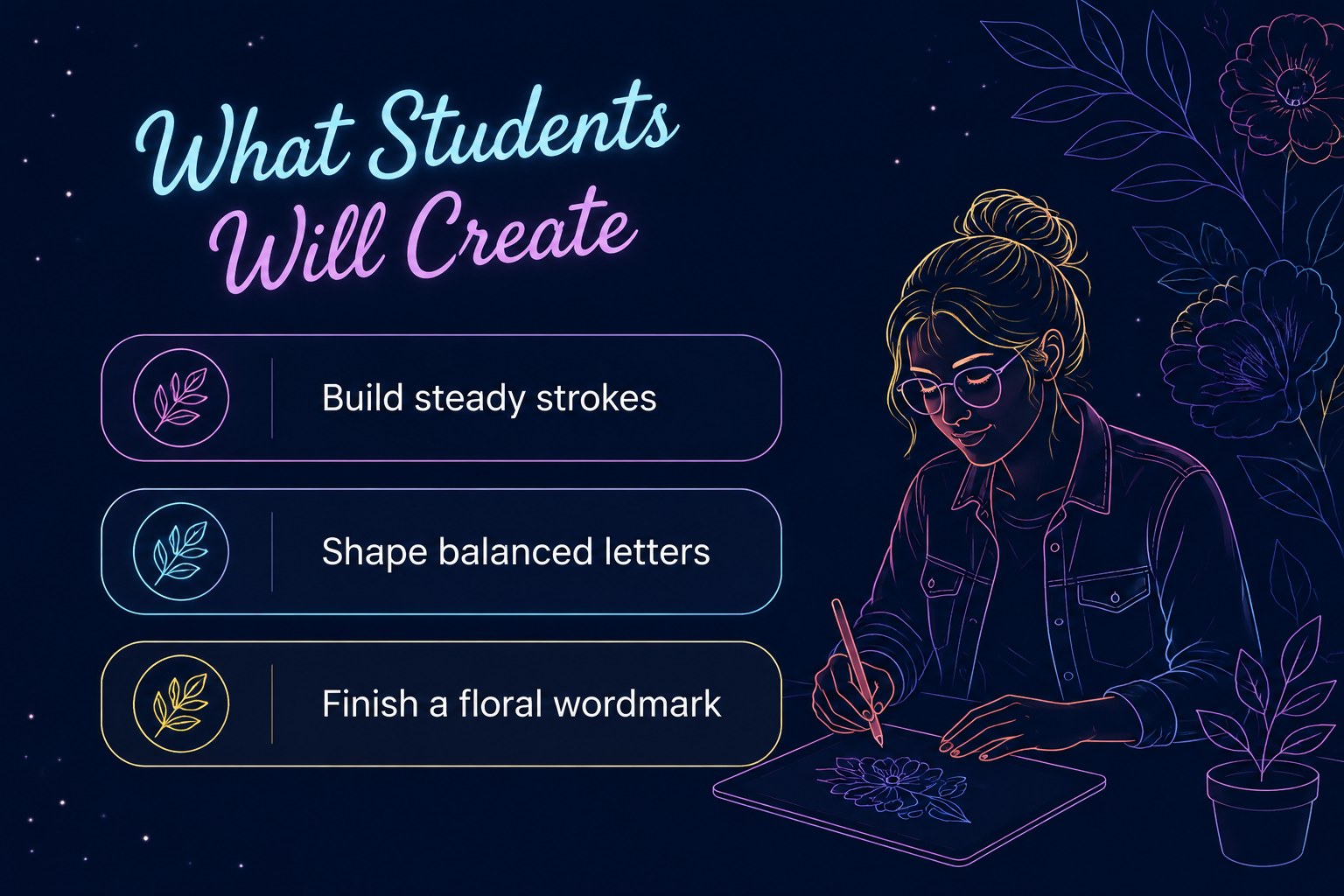
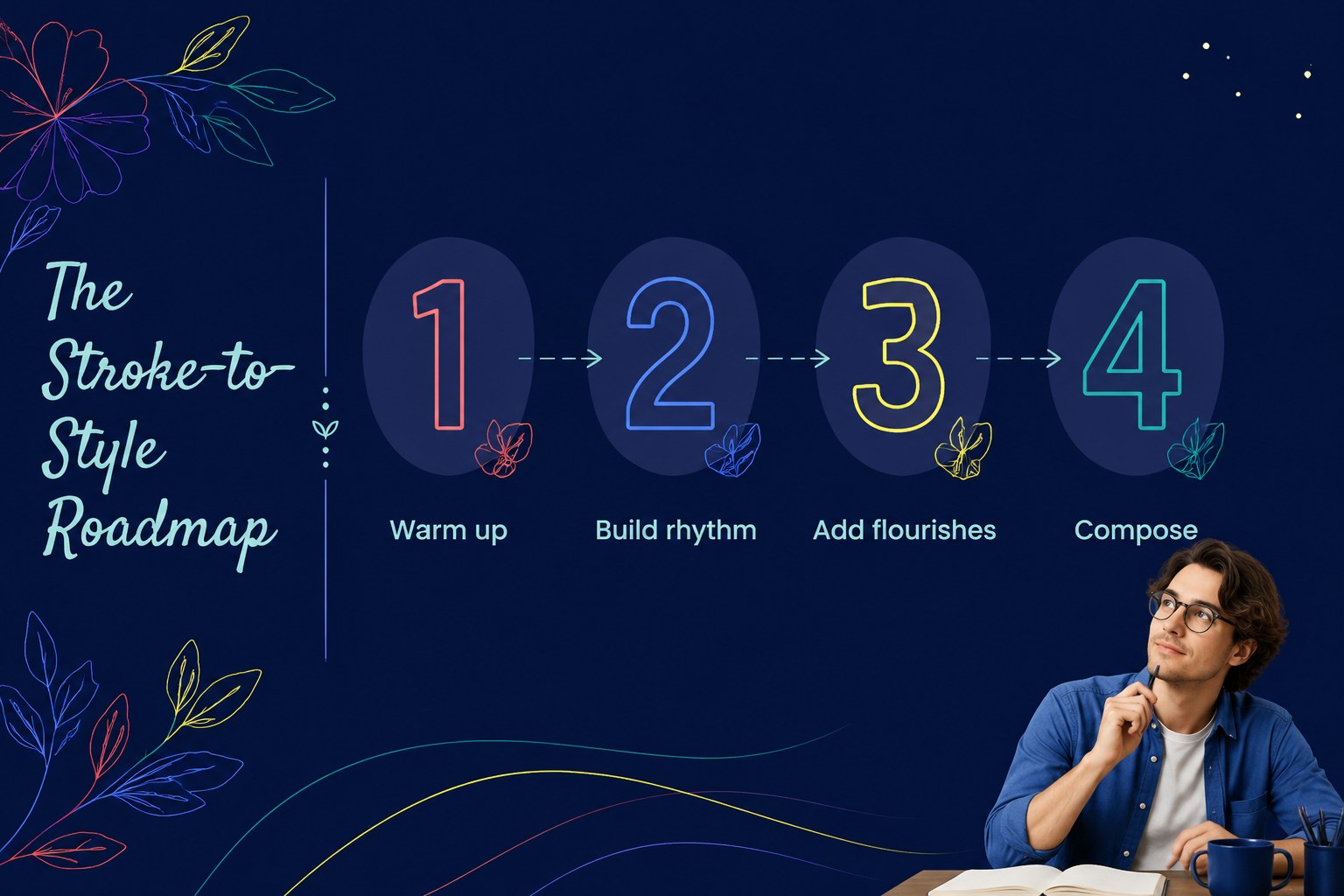
The deck includes layouts for an instructor introduction, class objectives, lesson sequence, materials list, workshop schedule, pricing options, portfolio highlights, testimonials, and registration details. Use the spacious compositions to feature finished lettering, close-up process photos, sample alphabets, or floral reference images. A built-in closing slide gives prospective students a clear next step.
This botanical calligraphy lesson deck suits independent lettering artists, art teachers, creative studios, community programs, and makers planning a short course or live event. It can also support a brand partnership, product launch, or service introduction when you want the visual language of a creative workshop pitch slides deck without losing a professional structure. Edit the layouts in PowerPoint or Google Slides, replace the sample copy and imagery, and adjust the navy and neon balance to match your identity. The included fonts are Poppins and Satisfy.
Perfect for: independent lettering class launch; calligraphy studio course proposal; community art workshop promotion; creative teacher portfolio review; brand-sponsored lettering event.
Frequently asked questions
Can I edit this deck in PowerPoint? Yes. The layouts are designed for PowerPoint editing, including text, colors, images, and shapes. You can replace the sample lettering work with your own portfolio.
Practical details
Yes. The layouts are designed for PowerPoint editing, including text, colors, images, and shapes. You can replace the sample lettering work with your own portfolio.
Yes, you can open and customize the presentation in Google Slides. Check the font availability after importing and substitute a similar font if needed.
Useful sections include learning goals, supplies, dates, duration, pricing, skill level, instructor background, and registration instructions. Portfolio examples and testimonials can help students understand the experience.
Yes. Update the theme colors to coordinate with your studio identity while keeping the botanical details as a visual anchor. High-contrast accent colors work best for headings, highlights, and calls to action.
Keep exploring
15Use this astrology audience insights deck to present zodiac-based segments, behaviors, and campaign findings in polished black-and-gold slides.
 14
14Plan a memorable Lunar New Year campaign with the 2036 Dragon Year Celebration Theme, featuring bold red-and-yellow slides for lessons and events.
 15
15Build eerie lessons, campaigns, and story pitches with an undead survival scenario theme featuring editable slides for PowerPoint and Google Slides.
 15
15Build a clear breast cancer awareness bulletin with bold pink-and-red slides for campaign news, screening reminders, impact data, and community updates.
 15
15Shape your publishing concept with an indie magazine startup pitch deck featuring pastel gradients, bold collage layouts, and editable planning slides.
 15
15Build a bold retro-futurist campaign pitch deck for client meetings, with editable strategy layouts and playful pastel Y2K-inspired visuals.
 16
16Build a consistent presence with a social channel identity playbook covering voice, visuals, content formats, publishing rules, and approvals.
 15
15Celebrate online learners with webinar completion certificate slides, featuring editable violet artwork for university events in PowerPoint and Google Slides.