
 15
15presentation
Astrology Audience Insights Deck
Use this astrology audience insights deck to present zodiac-based segments, behaviors, and campaign findings in polished black-and-gold slides.
Google SlidesPowerPoint
presentation · English
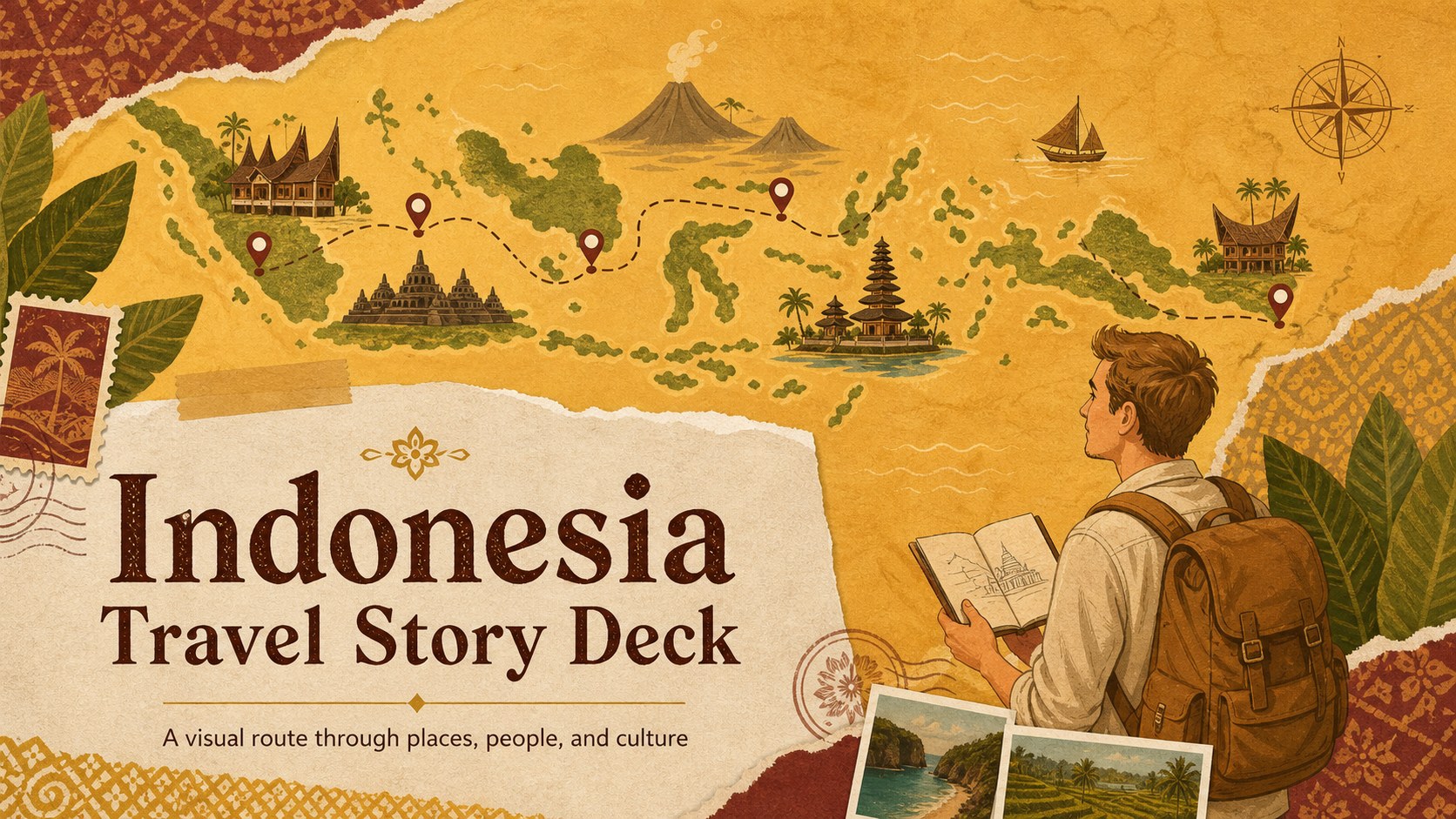
Build an Indonesia travel story deck for itineraries, tourism campaigns, and cultural highlights with warm gold illustrations, editable layouts, and 16:9…
Design notes
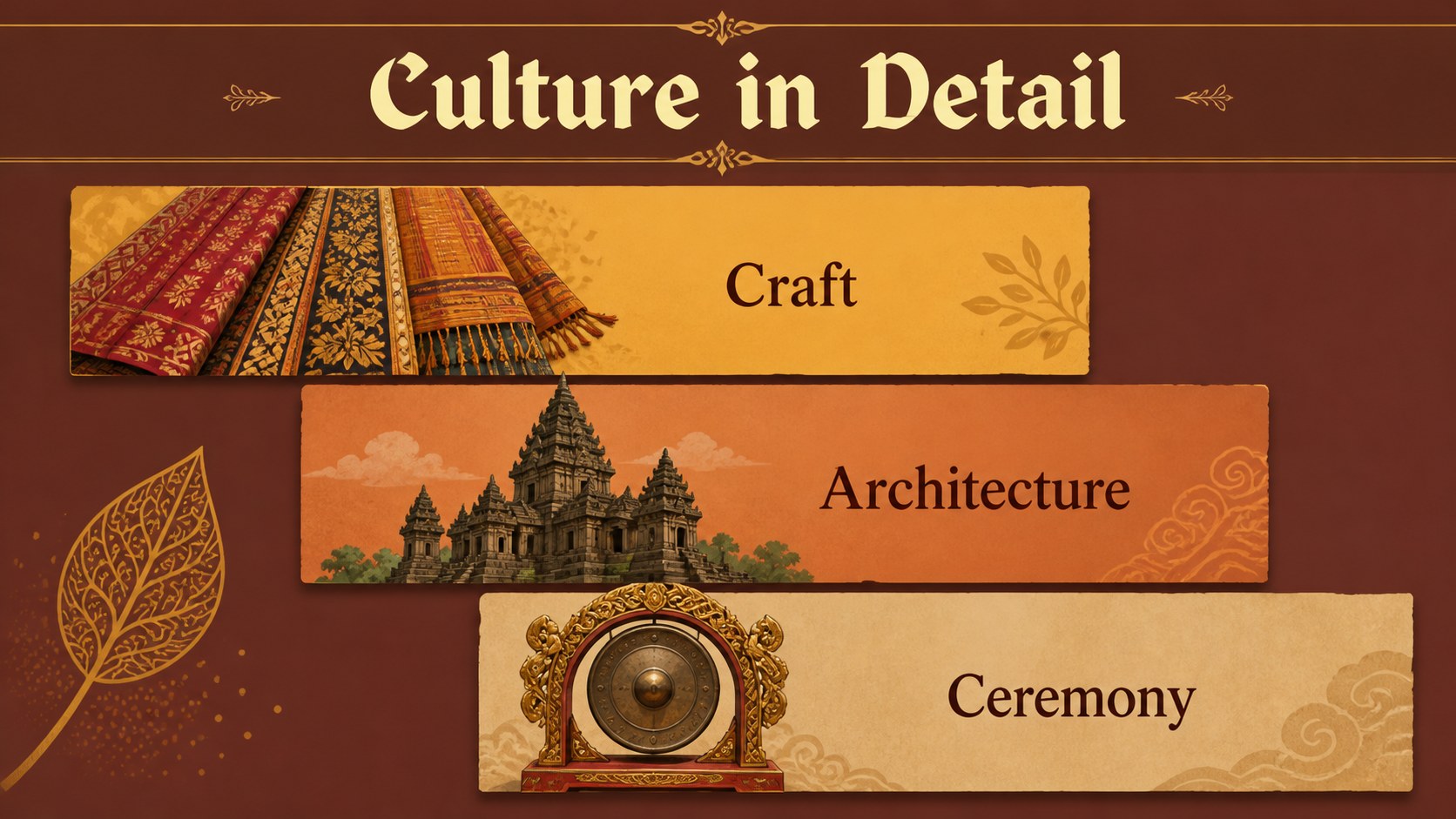
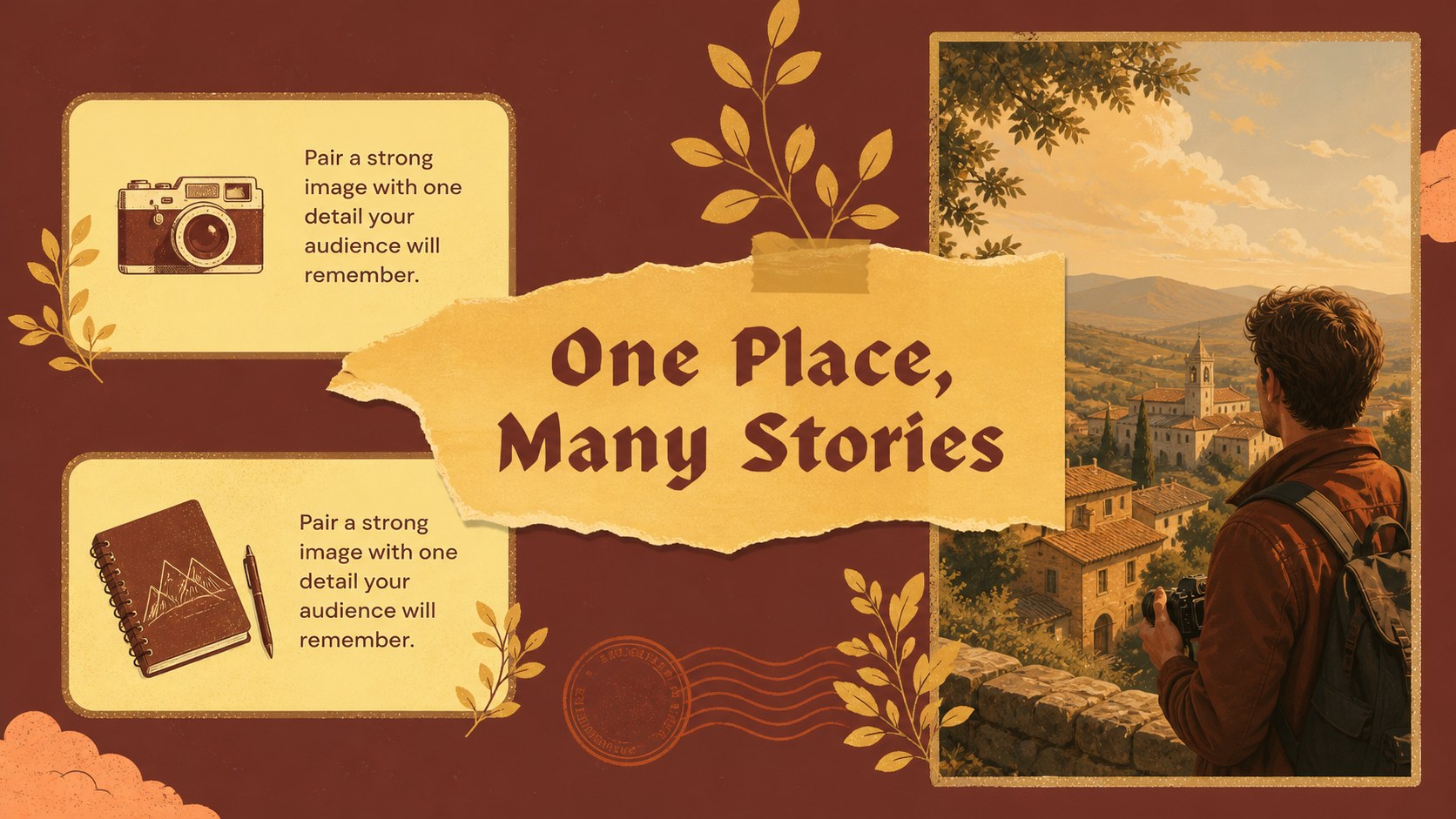
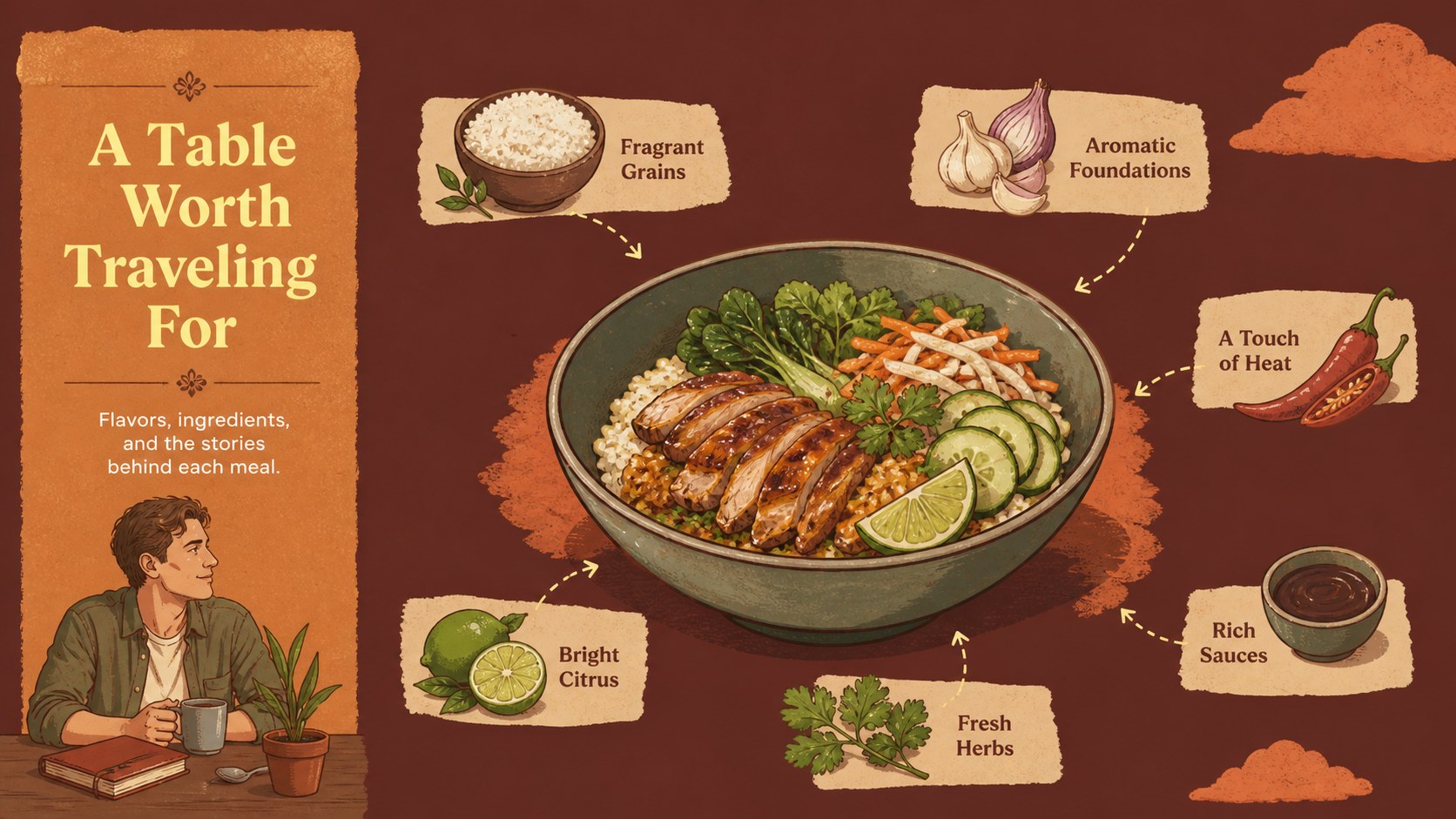
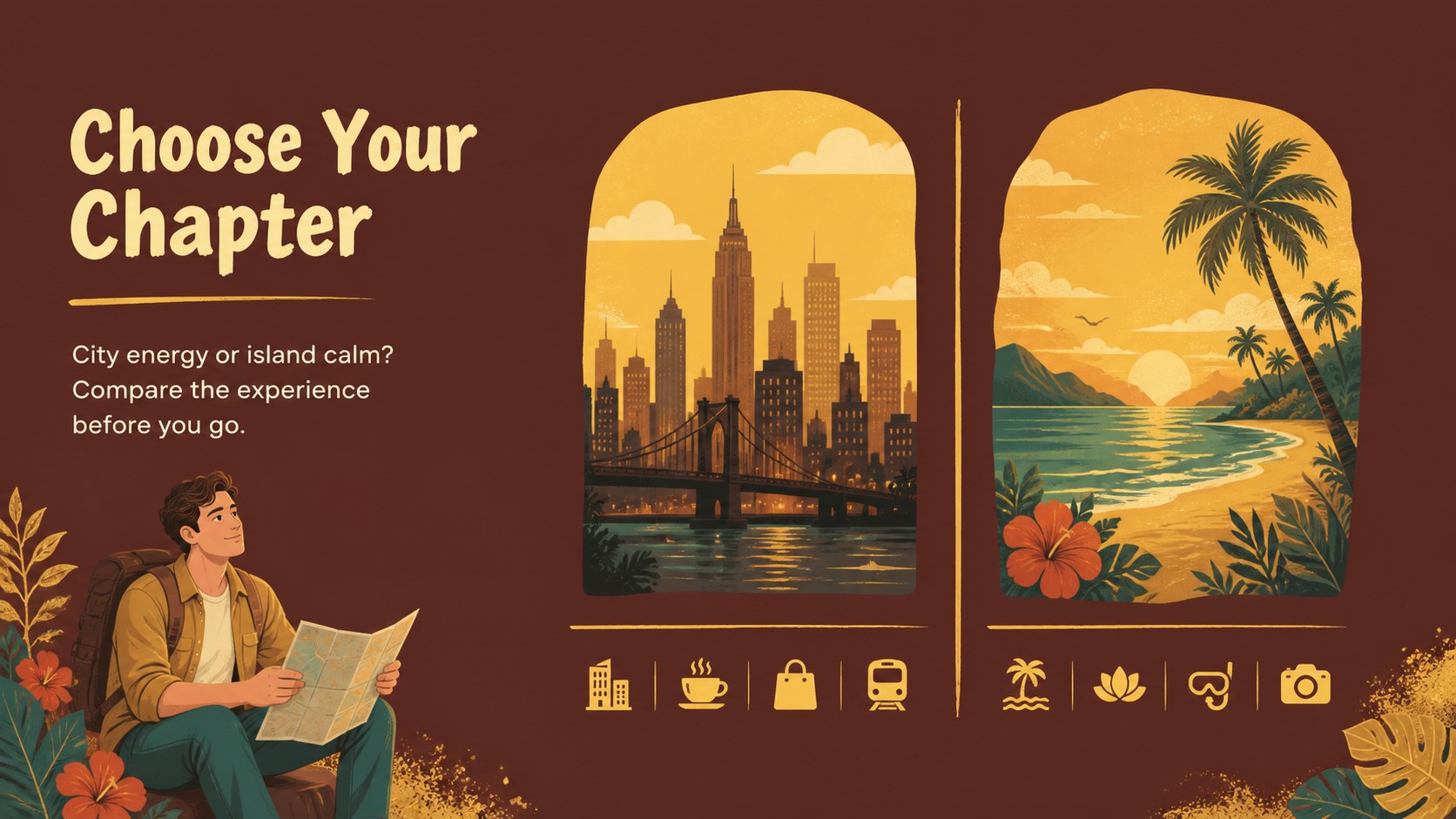
Turn destination research, trip memories, and cultural discoveries into a polished Indonesia travel story deck. Warm gold accents, illustrated textures, and scrapbook-inspired composition give every page the feel of a collected travel journal while keeping the information easy to follow. Use the deck to introduce a destination, organize an itinerary, or tell a visual story about Indonesia’s landscapes, cities, food, and traditions.
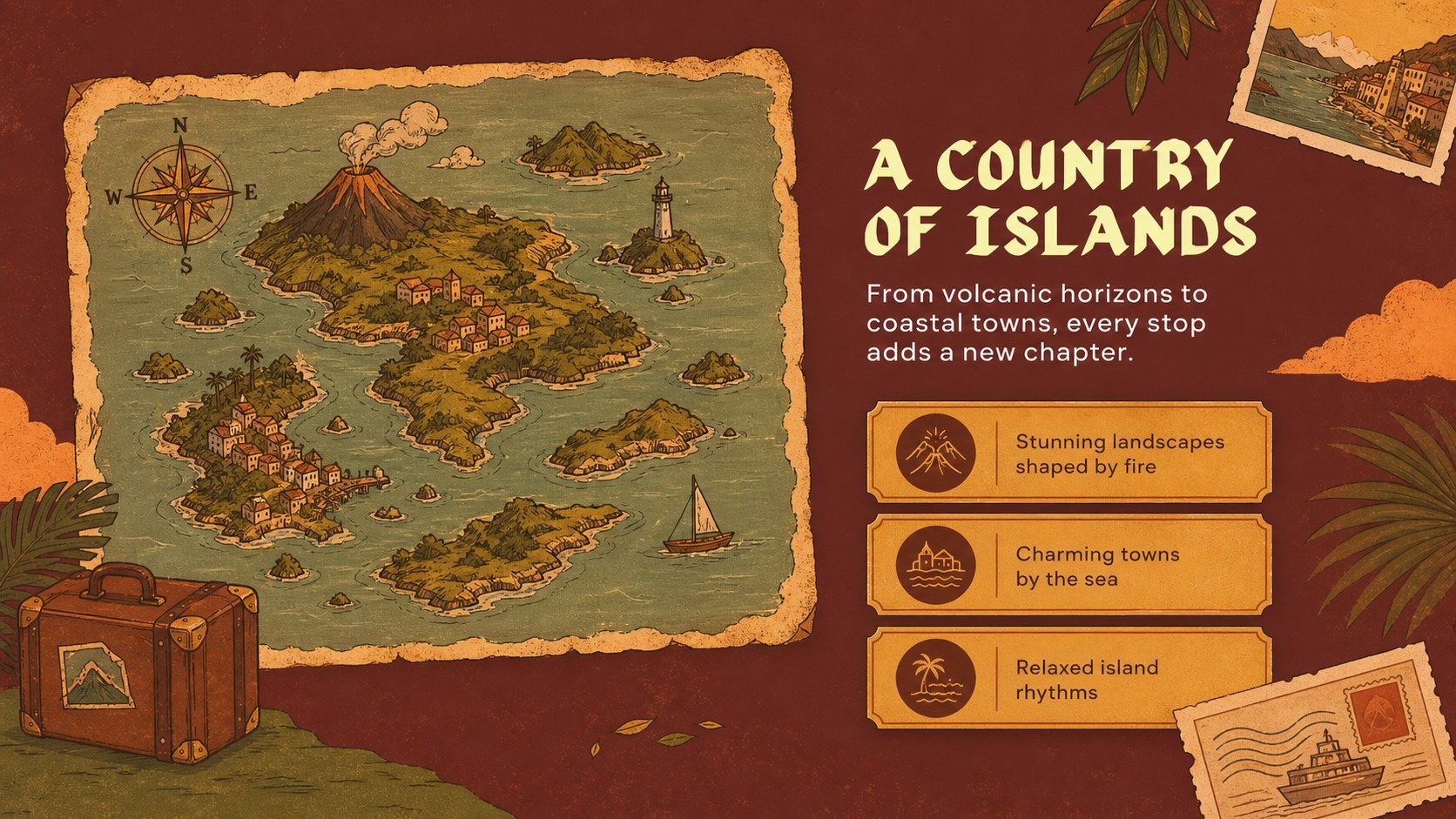
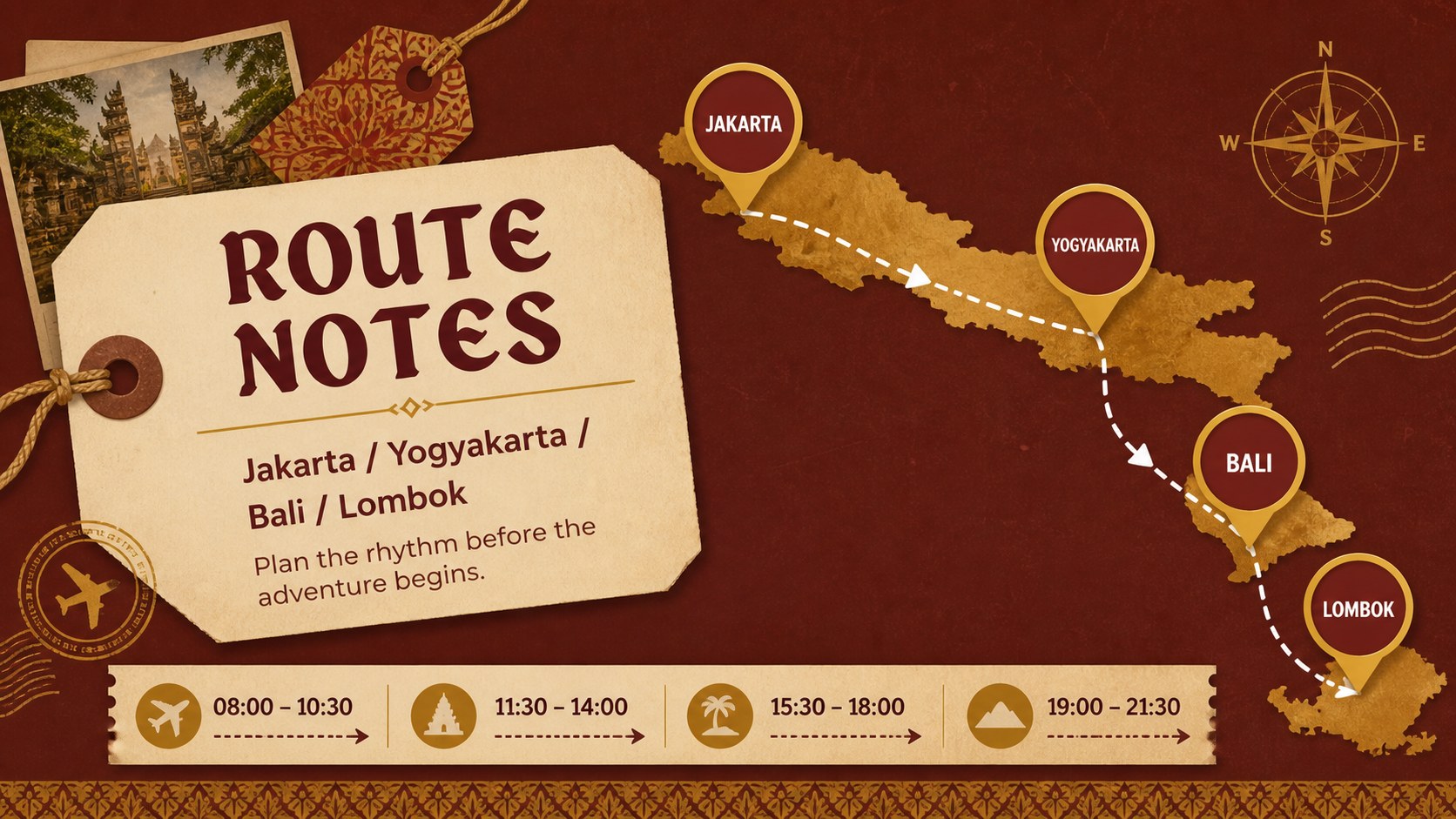
Inside are 15 editable 16:9 slides for a cover, destination overview, route planning, cultural highlights, photo-led storytelling, itinerary details, comparison layouts, and a closing summary. The flexible structure works well for an Indonesia travel presentation template, a tourism campaign presentation, or an editable destination story deck. Rework the text, images, charts, maps, and decorative elements to suit a classroom project, agency pitch, family travel newsletter presentation, or visitor guide.
The template is designed for travel marketers, educators, tourism teams, storytellers, and families sharing an upcoming adventure. It supports PowerPoint and Google Slides, so you can adjust layouts, replace imagery, add speaker notes, and present from the platform that fits your workflow. The gold palette remains the visual anchor while the modular pages help you balance atmosphere with useful trip information.
Perfect for: tourism campaign pitch; Indonesia itinerary briefing; classroom culture project; family travel newsletter; destination marketing story.
Frequently asked questions
Can I edit this template in PowerPoint? Yes. The slides are structured for PowerPoint editing, including text, colors, images, shapes, and layout elements. Replace the sample content with your own itinerary, destination details, or campaign messaging.
Practical details
Yes. The slides are structured for PowerPoint editing, including text, colors, images, shapes, and layout elements. Replace the sample content with your own itinerary, destination details, or campaign messaging.
Yes, you can open and customize the presentation in Google Slides. Check each imported page after editing to confirm that fonts, image crops, and decorative elements remain aligned.
Yes. The destination overview, route planning, highlight, and comparison layouts can support tourism campaigns, visitor guides, and travel agency pitches. Add your own photography, audience data, branding, and call to action.
Keep the gold accents and illustrated textures as a visual foundation, then replace the sample photos, captions, maps, and headlines. You can also simplify decorative elements when presenting detailed itinerary or research content.
Keep exploring
15Use this astrology audience insights deck to present zodiac-based segments, behaviors, and campaign findings in polished black-and-gold slides.
 14
14Plan a memorable Lunar New Year campaign with the 2036 Dragon Year Celebration Theme, featuring bold red-and-yellow slides for lessons and events.
 15
15Build eerie lessons, campaigns, and story pitches with an undead survival scenario theme featuring editable slides for PowerPoint and Google Slides.
 15
15Build a clear breast cancer awareness bulletin with bold pink-and-red slides for campaign news, screening reminders, impact data, and community updates.
 15
15Shape your publishing concept with an indie magazine startup pitch deck featuring pastel gradients, bold collage layouts, and editable planning slides.
 15
15Build a bold retro-futurist campaign pitch deck for client meetings, with editable strategy layouts and playful pastel Y2K-inspired visuals.
 16
16Build a consistent presence with a social channel identity playbook covering voice, visuals, content formats, publishing rules, and approvals.
 15
15Celebrate online learners with webinar completion certificate slides, featuring editable violet artwork for university events in PowerPoint and Google Slides.