
 15
15presentation
UFO Day Alien Encounter Deck
Build a bold cosmic story with this UFO Day alien encounter deck, featuring surreal green-and-black layouts for PowerPoint and Google Slides events.
Google SlidesPowerPoint
presentation · English
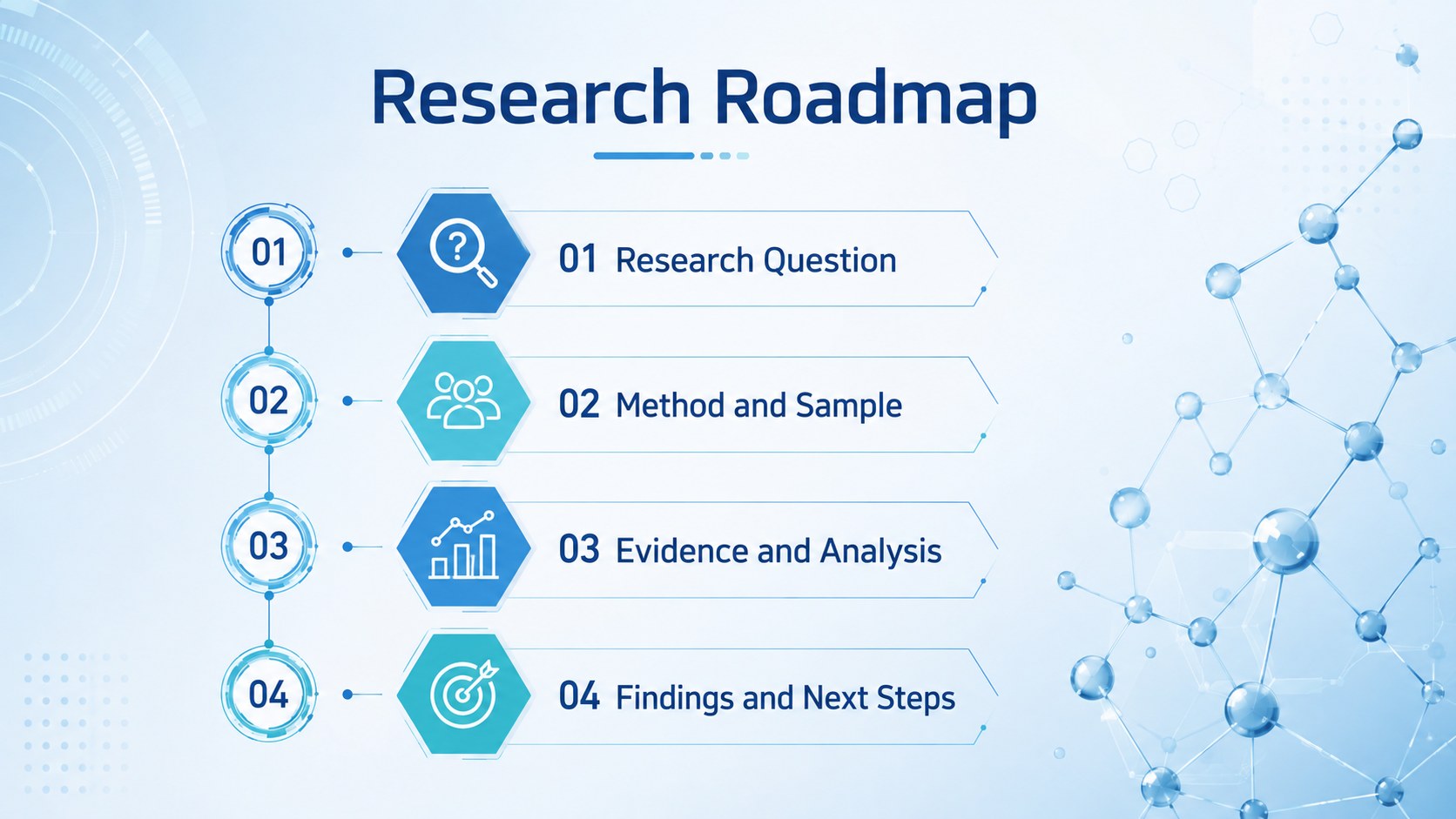
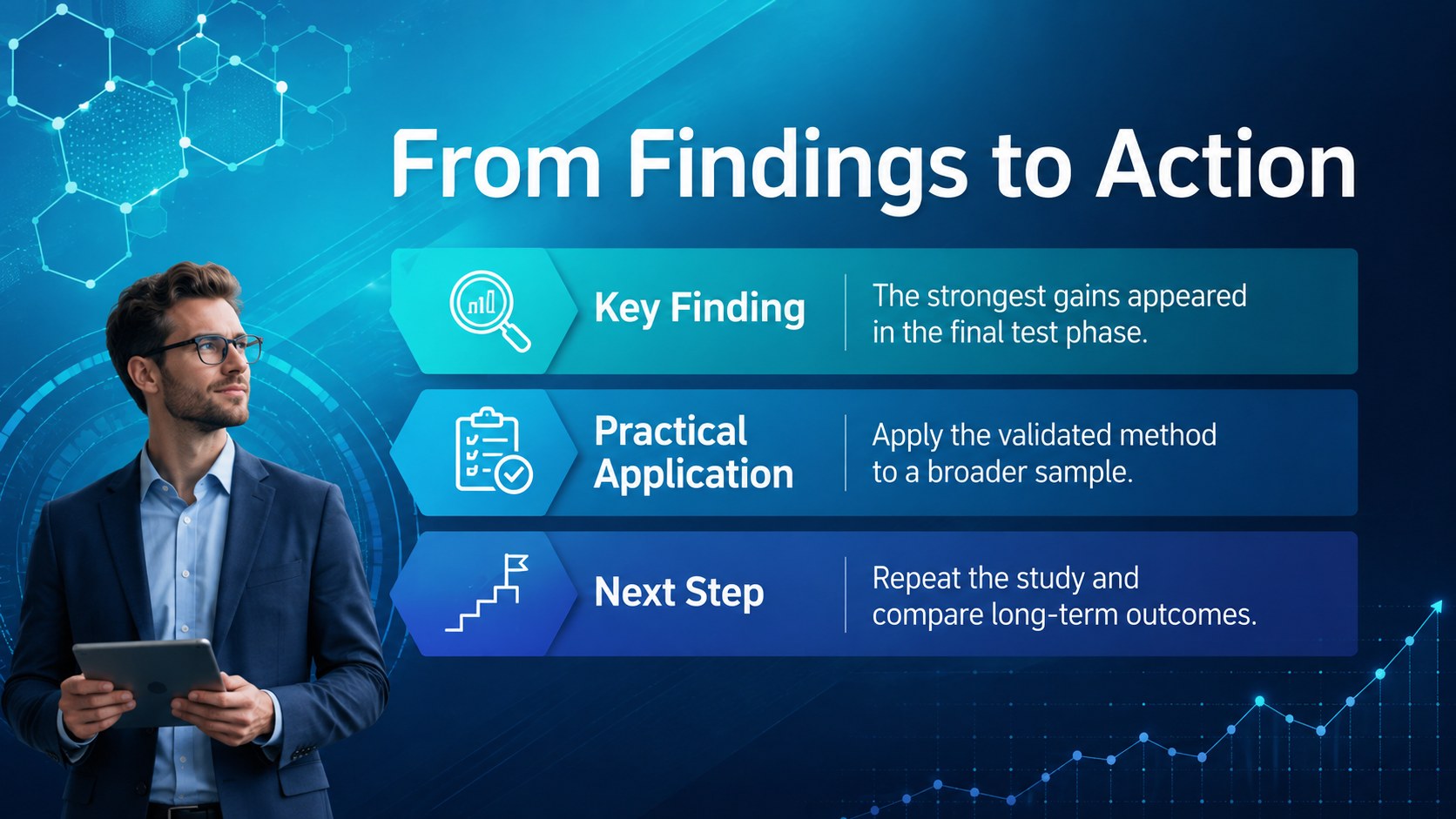
Turn complex findings into clear visuals with this Hexagon STEM Research Slides Deck, featuring editable blue layouts for PowerPoint and Google Slides.


Design notes
The Hexagon STEM Research Slides Deck turns technical information into a clear visual story using cool blue gradients, crisp white typography, and futuristic geometric accents. Its interconnected hexagon motif suits presentations about experimentation, innovation, engineering, computing, chemistry, and emerging technology. Use this blue hexagon research presentation to give detailed findings a modern structure without distracting from the evidence.
Inside are 25 editable slide layouts for introductions, research questions, methods, results, comparisons, timelines, team profiles, and conclusions. Charts, tables, diagrams, a world map, and 80 customizable icons help explain numbers and processes at a glance. Every color, text block, image, and graphic can be adjusted in PowerPoint or Google Slides. The widescreen 16:9 format works well in classrooms, lecture halls, laboratories, meeting rooms, and online sessions.
This STEM thesis defense slide template is designed for students, teachers, university researchers, laboratory teams, engineers, and technology professionals. It can support a science fair report, engineering capstone presentation deck, academic defense, product research briefing, conference session, or STEM workshop. Replace the sample content, apply your preferred data, and rearrange the modular layouts to match a short classroom update or a detailed technical presentation.
Perfect for: STEM thesis defense; science fair project report; engineering capstone presentation; laboratory findings review; technology conference talk; research methods workshop.
Frequently asked questions
Can I edit every part of the slide deck? Yes. You can change the text, colors, images, charts, icons, and layout elements to fit your subject and institution.
Practical details
Yes. You can change the text, colors, images, charts, icons, and layout elements to fit your subject and institution.
The deck is designed for Microsoft PowerPoint and Google Slides. Both platforms support the widescreen layouts and standard editable elements.
Yes. Adjust the background and accent colors while keeping strong contrast between the typography, charts, and geometric shapes.
Yes. It includes editable charts, tables, diagrams, timelines, icons, and comparison layouts for organizing quantitative and qualitative findings.
Keep exploring
15Build a bold cosmic story with this UFO Day alien encounter deck, featuring surreal green-and-black layouts for PowerPoint and Google Slides events.
 16
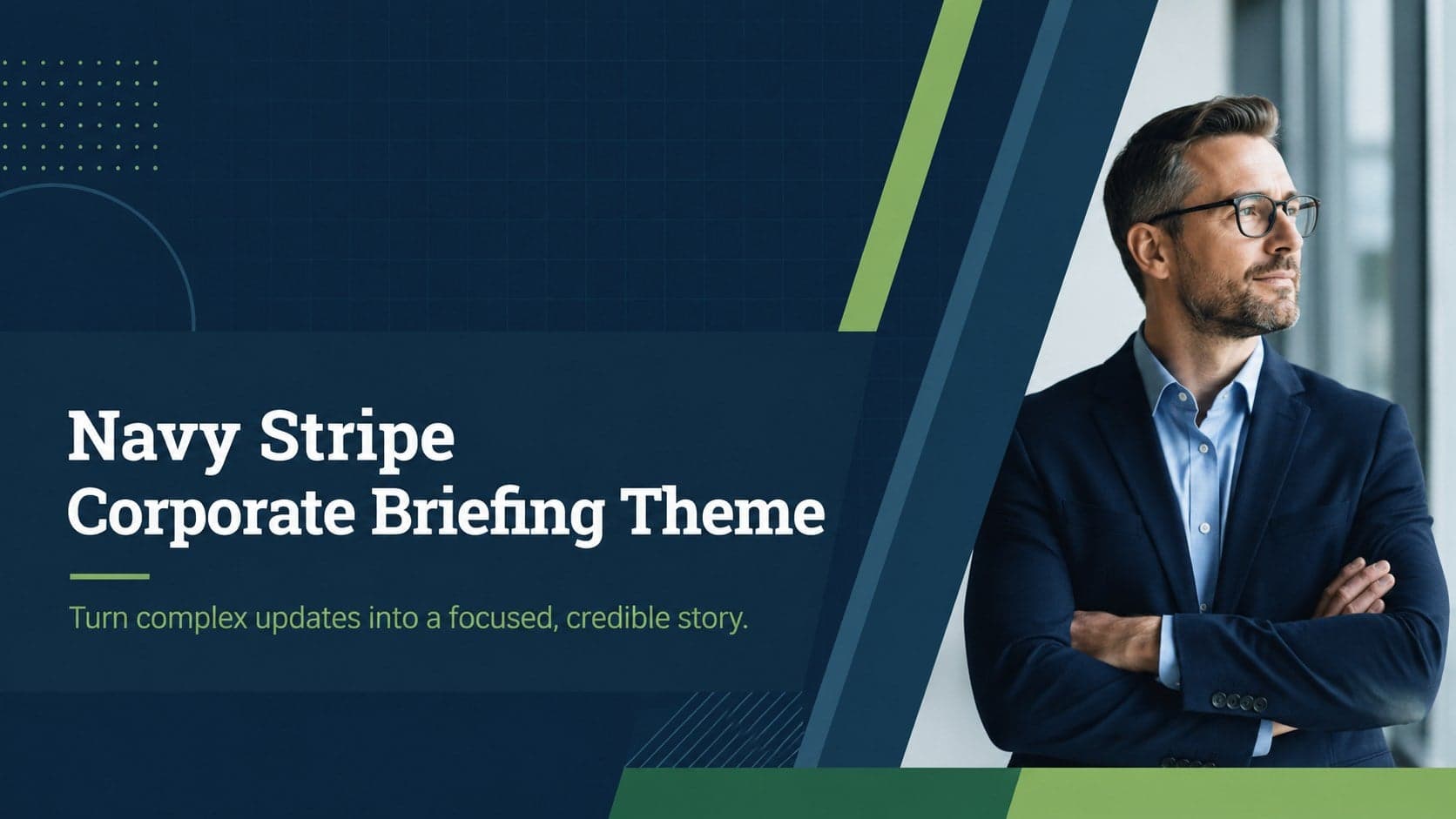
16Use the Navy Stripe Corporate Briefing Theme to present plans, results, and proposals with credible blue-green layouts for PowerPoint and Google Slides.
 5
5Turn customer research into clear decisions with product experience mapping slides in a dark navy and green style for PowerPoint and Google Slides.
 16
16Win stakeholder approval with website launch proposal slides that organize strategy, UX, rollout, and results in editable PowerPoint and Google Slides formats.
 15
15Build clearer campaign plans with an AI marketing strategy deck featuring neon blue-green visuals, editable workflows, data slides, and practical examples.
 15
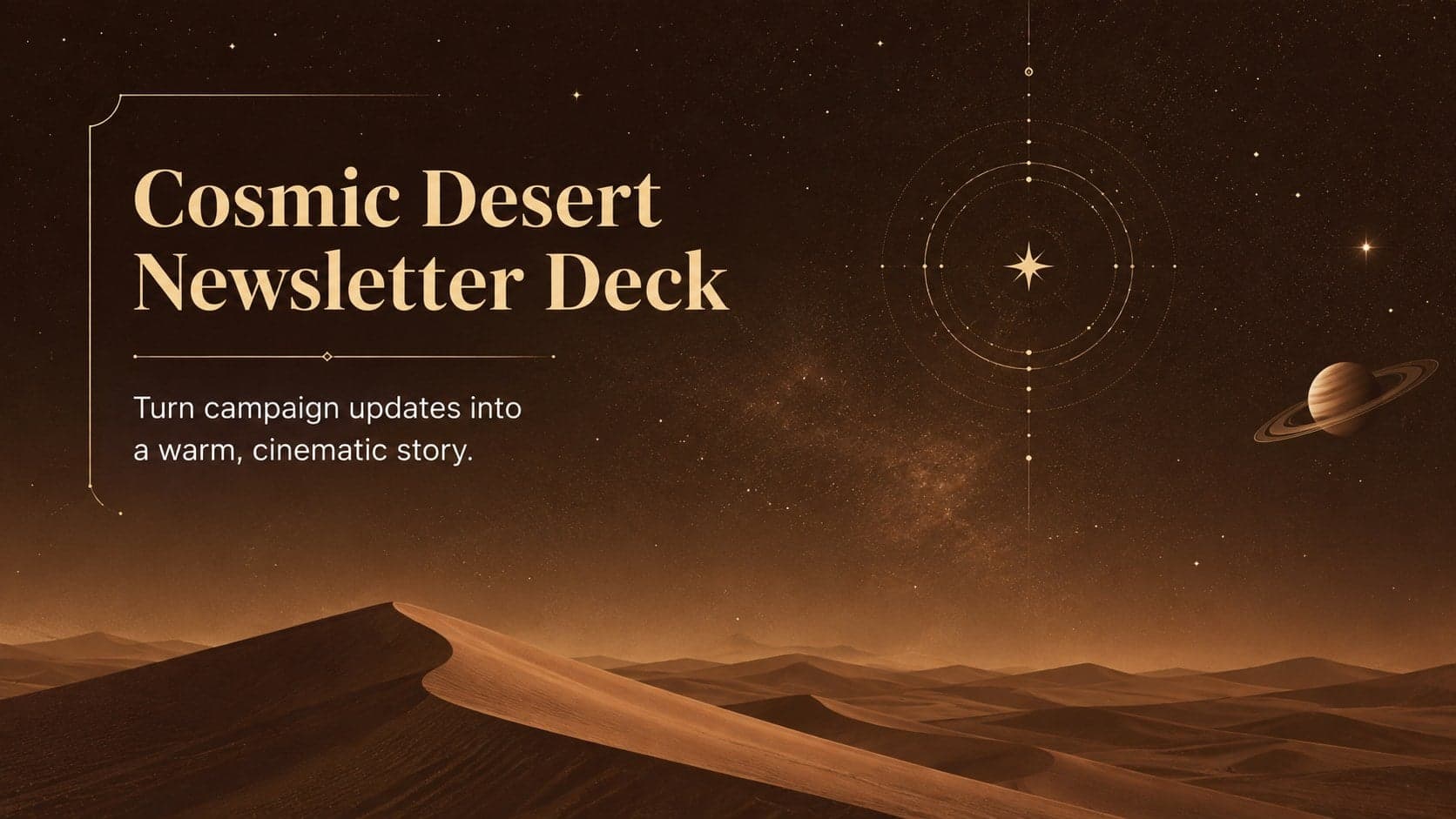
15Build memorable campaign updates with a Cosmic Desert Newsletter Deck, featuring warm beige-brown slides for PowerPoint and Google Slides teams.
 15
15Lead productive urban-tech meetings with a smart city business briefing deck in vivid violet and pink, ready to edit in PowerPoint or Google Slides.
 16
16Build a lively sales story with the Interactive Tech Product Showcase, using colorful illustrated layouts made for PowerPoint and Google Slides.