
 15
15presentation
Astrology Audience Insights Deck
Use this astrology audience insights deck to present zodiac-based segments, behaviors, and campaign findings in polished black-and-gold slides.
Google SlidesPowerPoint
presentation · English
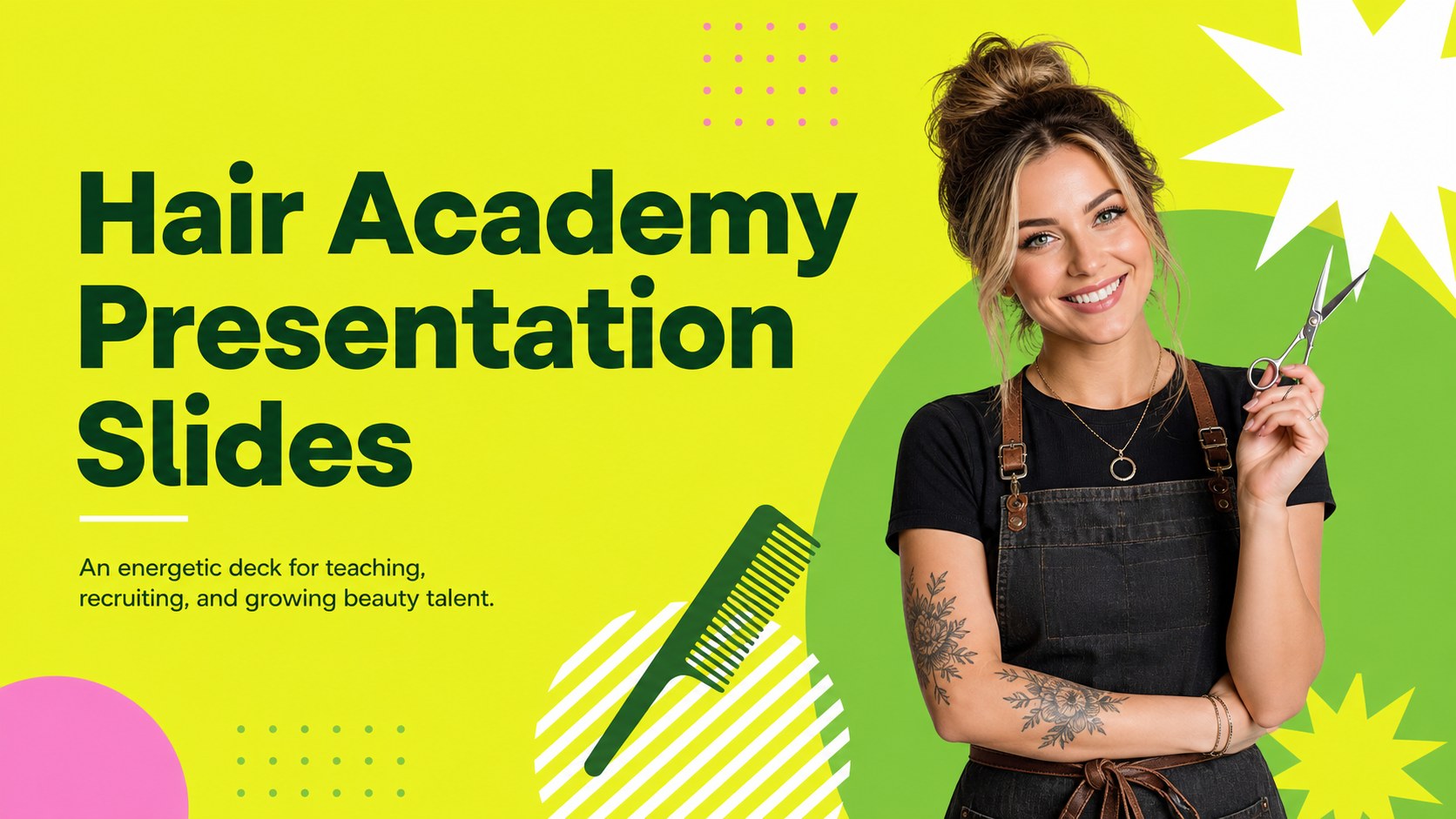
Present your hair academy with bright yellow and green slides for courses, schedules, team introductions, enrollment campaigns, and salon education plans.

Design notes
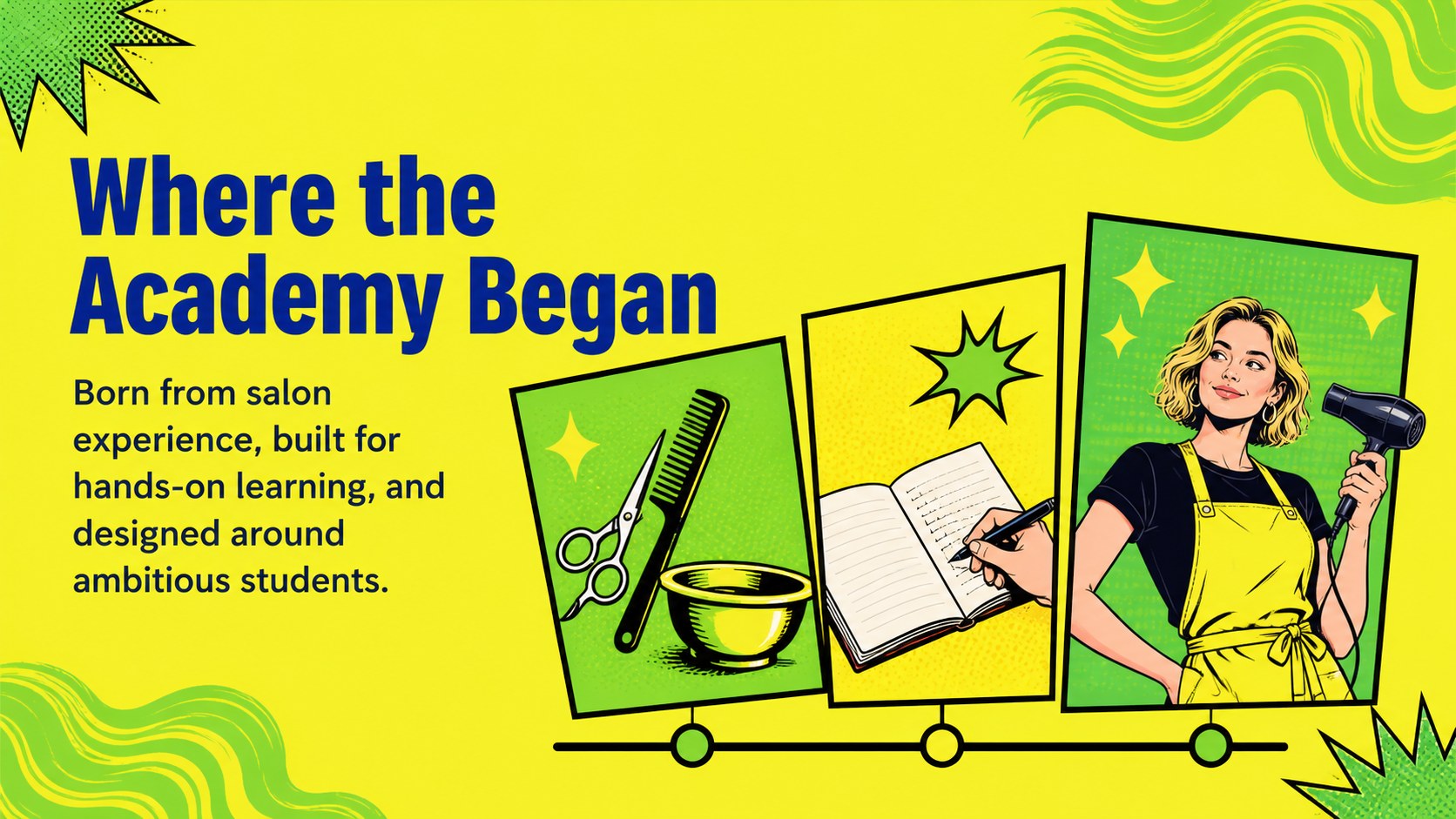
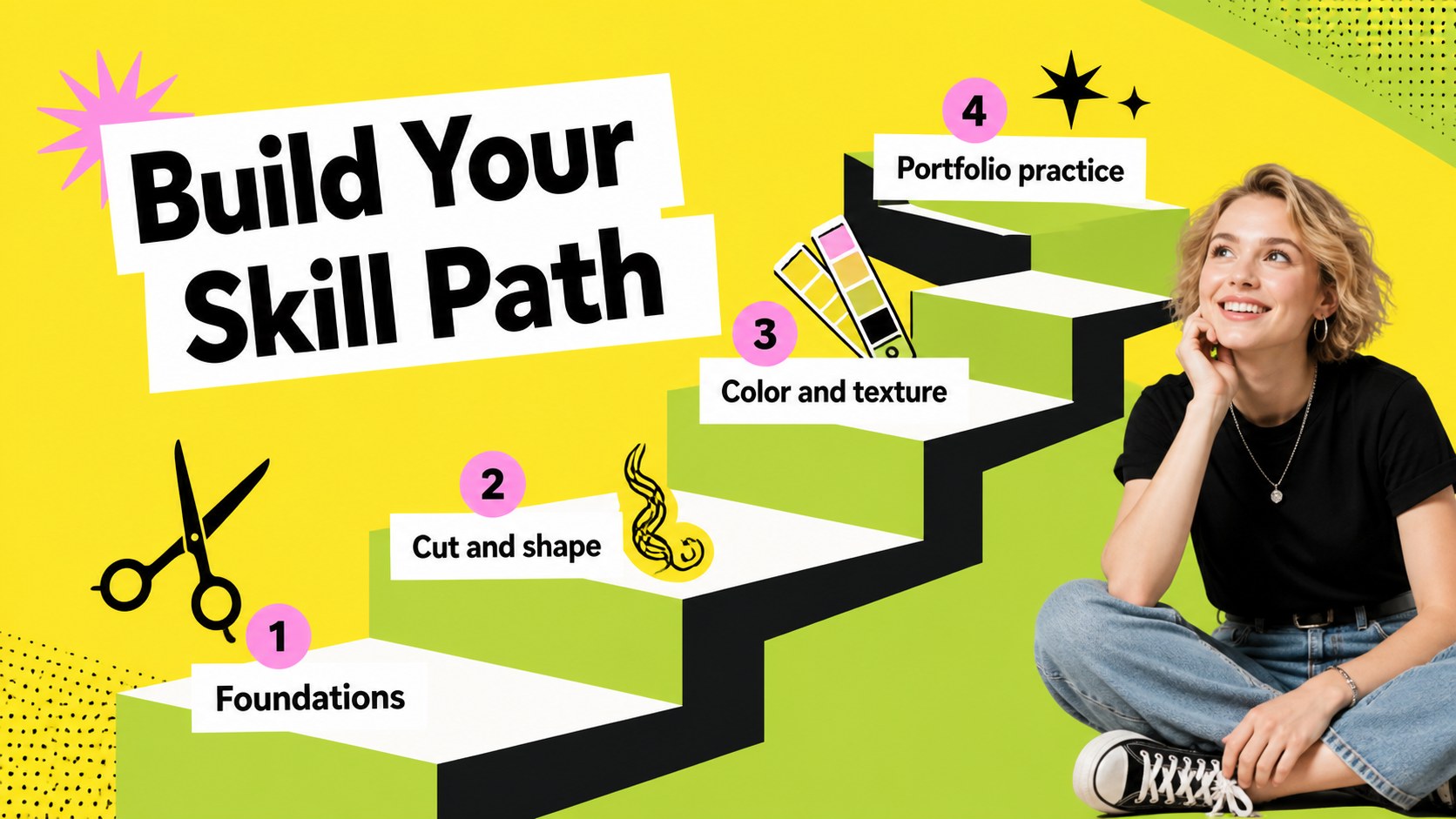
Hair Academy Presentation Slides gives beauty educators and salon founders a lively way to introduce a training program, explain its approach, and invite new students to enroll. The sunny yellow and fresh green palette, pop-art accents, and illustrated visual language create an upbeat learning atmosphere while keeping the information easy to scan.
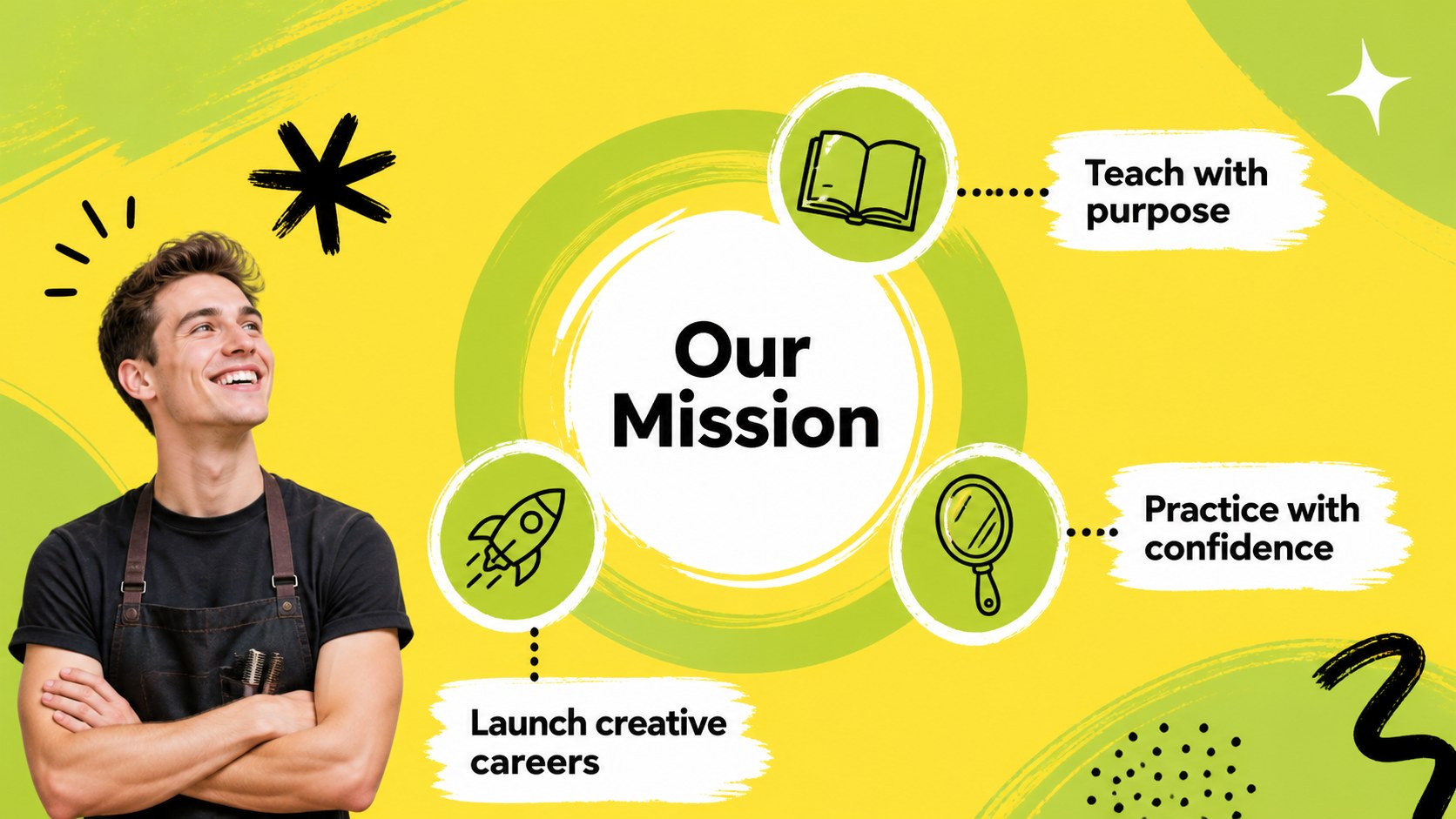
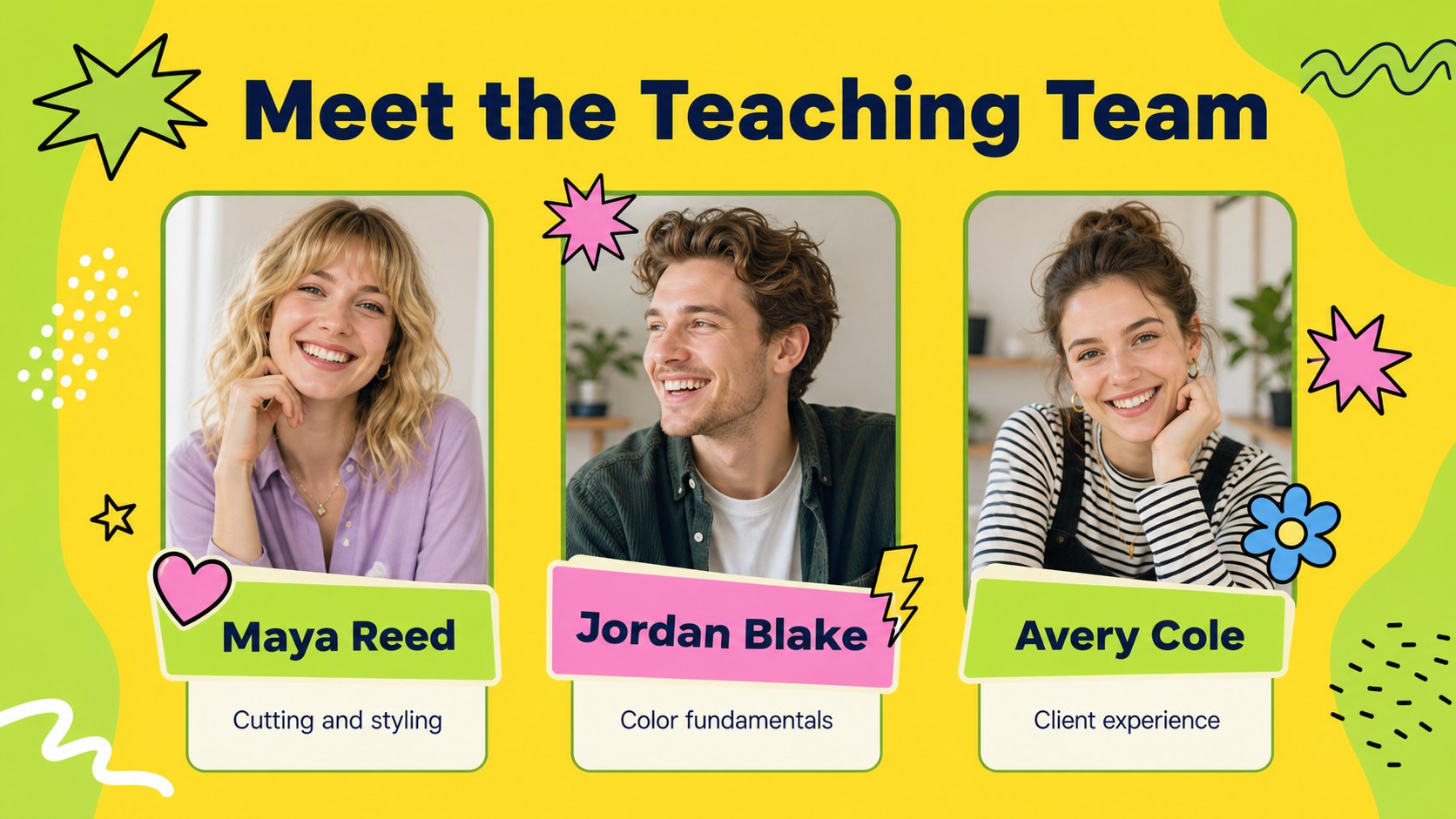
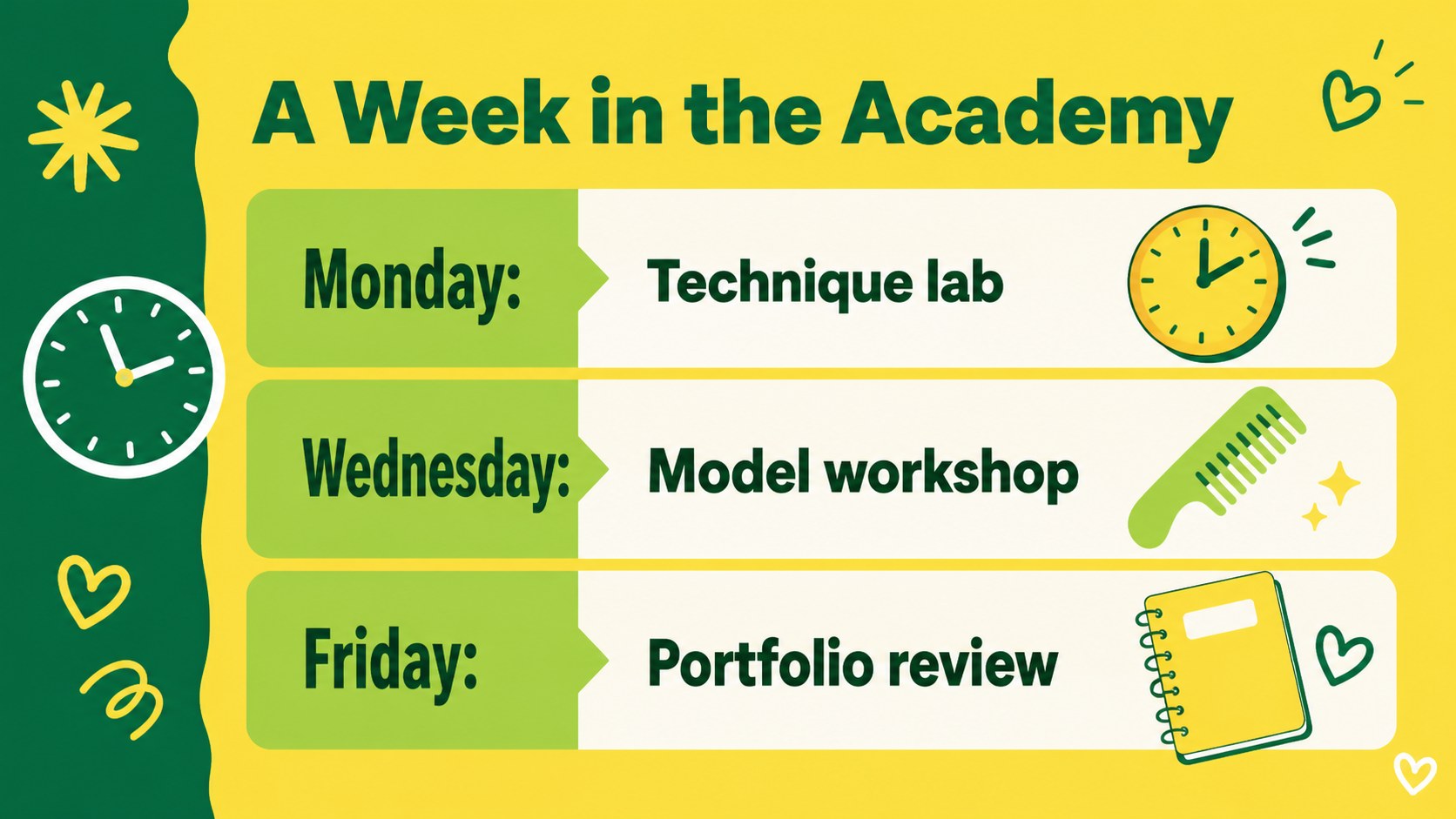
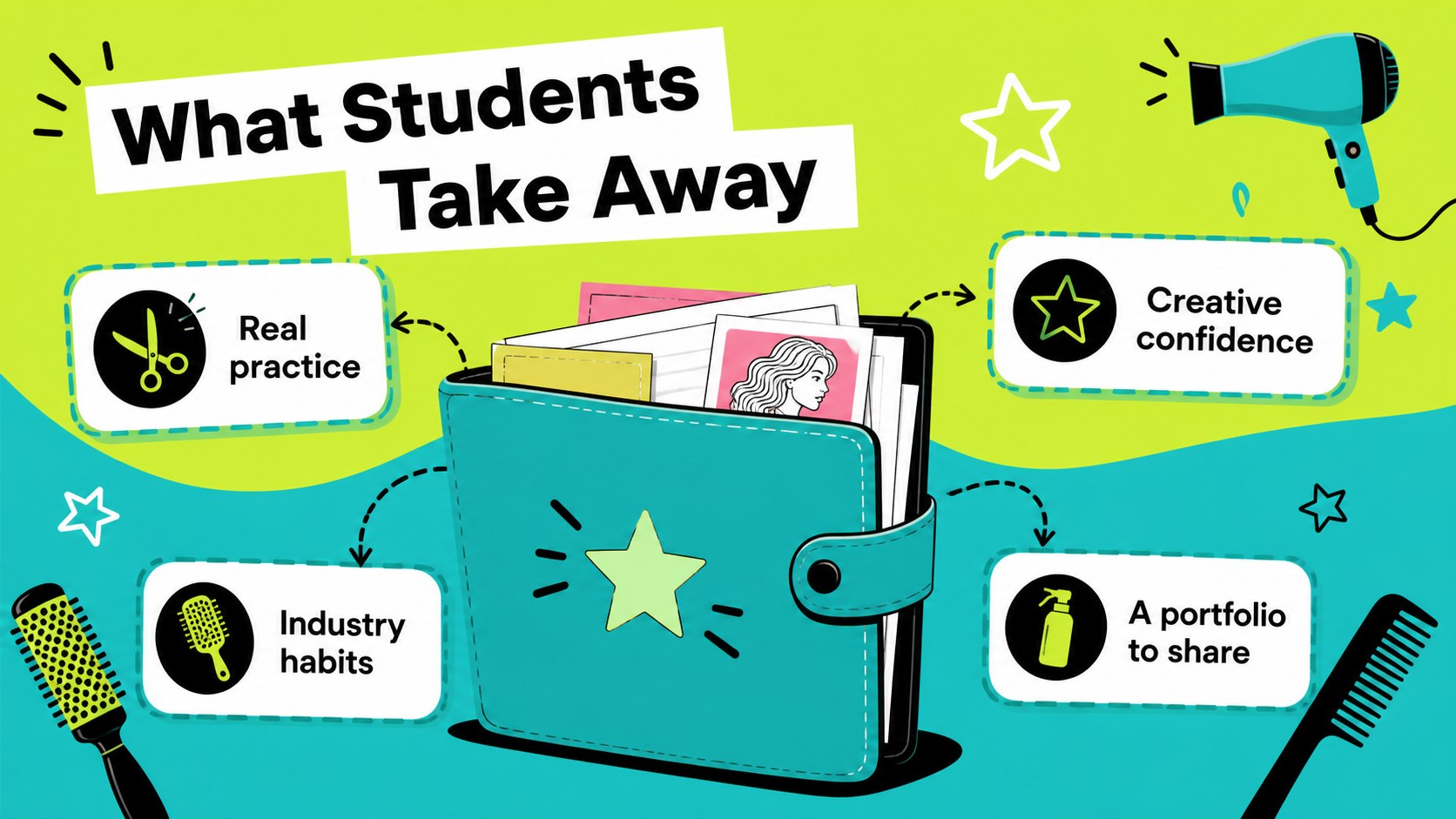
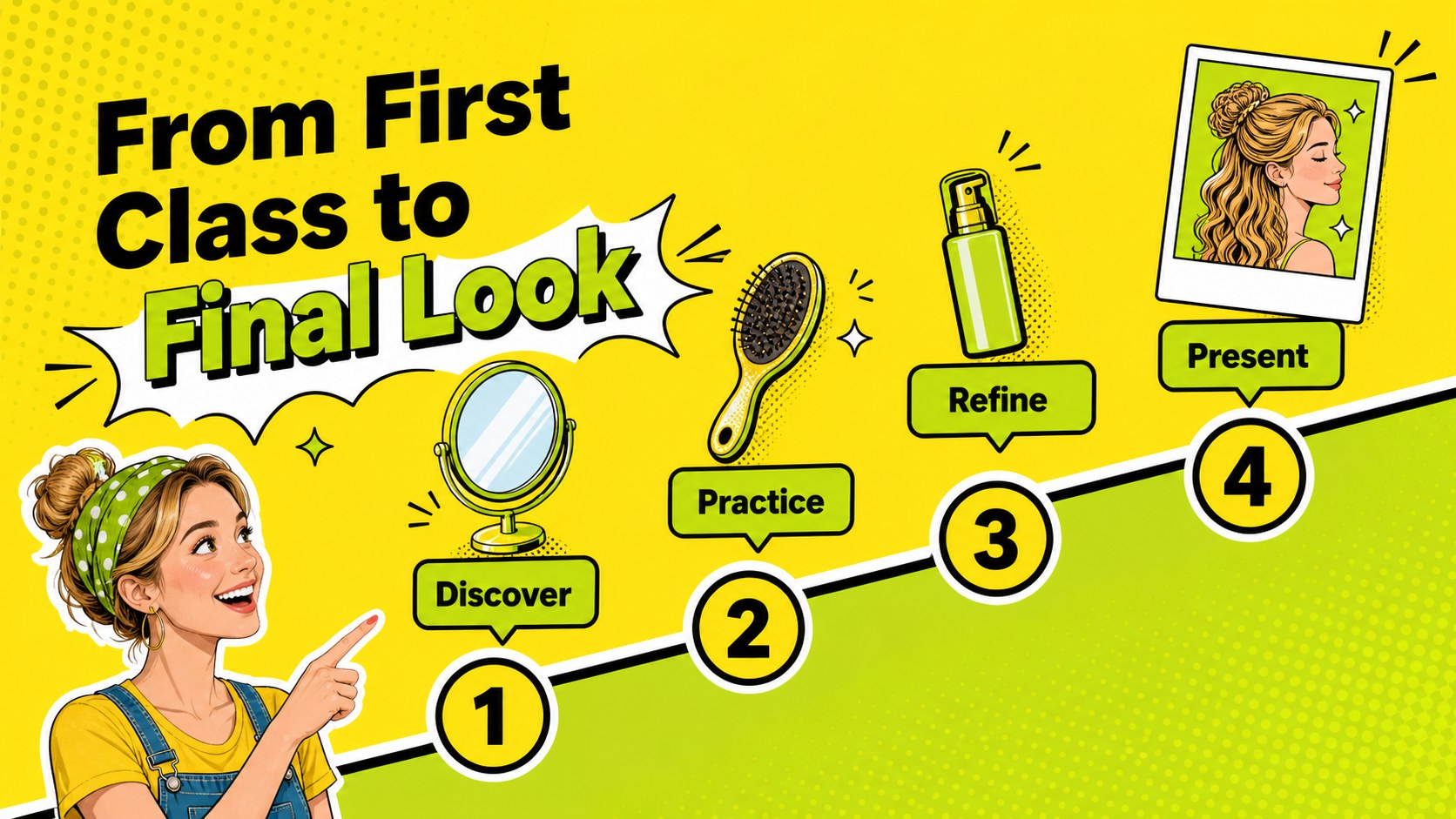
Inside, you will find layouts for an academy introduction, origin story, mission, instructor profiles, course pathways, class schedules, student benefits, enrollment steps, contact details, and a closing call to action. Use the deck to shape a hairdressing course presentation, outline a salon training program, or share a new beauty school concept with partners and prospective learners. It also works well as a hair education marketing deck for open days, recruitment events, and social media planning sessions.
The 25+ editable layouts are designed for PowerPoint and Google Slides. Replace text, adjust colors, add photography or illustrations, and reorganize sections to match your academy. A quick-start slide helps you begin customizing the presentation for a polished and memorable pitch.
Perfect for: beauty school enrollment campaign; salon training program launch; hairdressing course open day; academy partner presentation; cosmetology instructor introduction.
Frequently asked questions
Can I edit these hair academy presentation slides? Yes. The text, colors, images, fonts, and slide order can be customized in PowerPoint or Google Slides. Duplicate layouts when you need extra course or instructor sections.
Practical details
Yes. The text, colors, images, fonts, and slide order can be customized in PowerPoint or Google Slides. Duplicate layouts when you need extra course or instructor sections.
The template is designed for PowerPoint and Google Slides. Use the platform that best fits your teaching team, admissions workflow, or presentation setup.
You can present your academy story, mission, instructors, course pathways, schedules, student benefits, enrollment process, and contact information. The layouts also support partner pitches and promotional events.
Yes. Update the accent colors to match your academy branding while preserving the bold illustrated style. You can also combine the layouts with your own salon photography and classroom images.
Keep exploring
15Use this astrology audience insights deck to present zodiac-based segments, behaviors, and campaign findings in polished black-and-gold slides.
 14
14Plan a memorable Lunar New Year campaign with the 2036 Dragon Year Celebration Theme, featuring bold red-and-yellow slides for lessons and events.
 15
15Build eerie lessons, campaigns, and story pitches with an undead survival scenario theme featuring editable slides for PowerPoint and Google Slides.
 15
15Build a clear breast cancer awareness bulletin with bold pink-and-red slides for campaign news, screening reminders, impact data, and community updates.
 15
15Shape your publishing concept with an indie magazine startup pitch deck featuring pastel gradients, bold collage layouts, and editable planning slides.
 15
15Build a bold retro-futurist campaign pitch deck for client meetings, with editable strategy layouts and playful pastel Y2K-inspired visuals.
 16
16Build a consistent presence with a social channel identity playbook covering voice, visuals, content formats, publishing rules, and approvals.
 15
15Celebrate online learners with webinar completion certificate slides, featuring editable violet artwork for university events in PowerPoint and Google Slides.