
 15
15presentation
Astrology Audience Insights Deck
Use this astrology audience insights deck to present zodiac-based segments, behaviors, and campaign findings in polished black-and-gold slides.
Google SlidesPowerPoint
presentation · English
Build a polished posting workflow with this green social media content planner, featuring campaign calendars, content pillars, metrics, and scheduling slides.

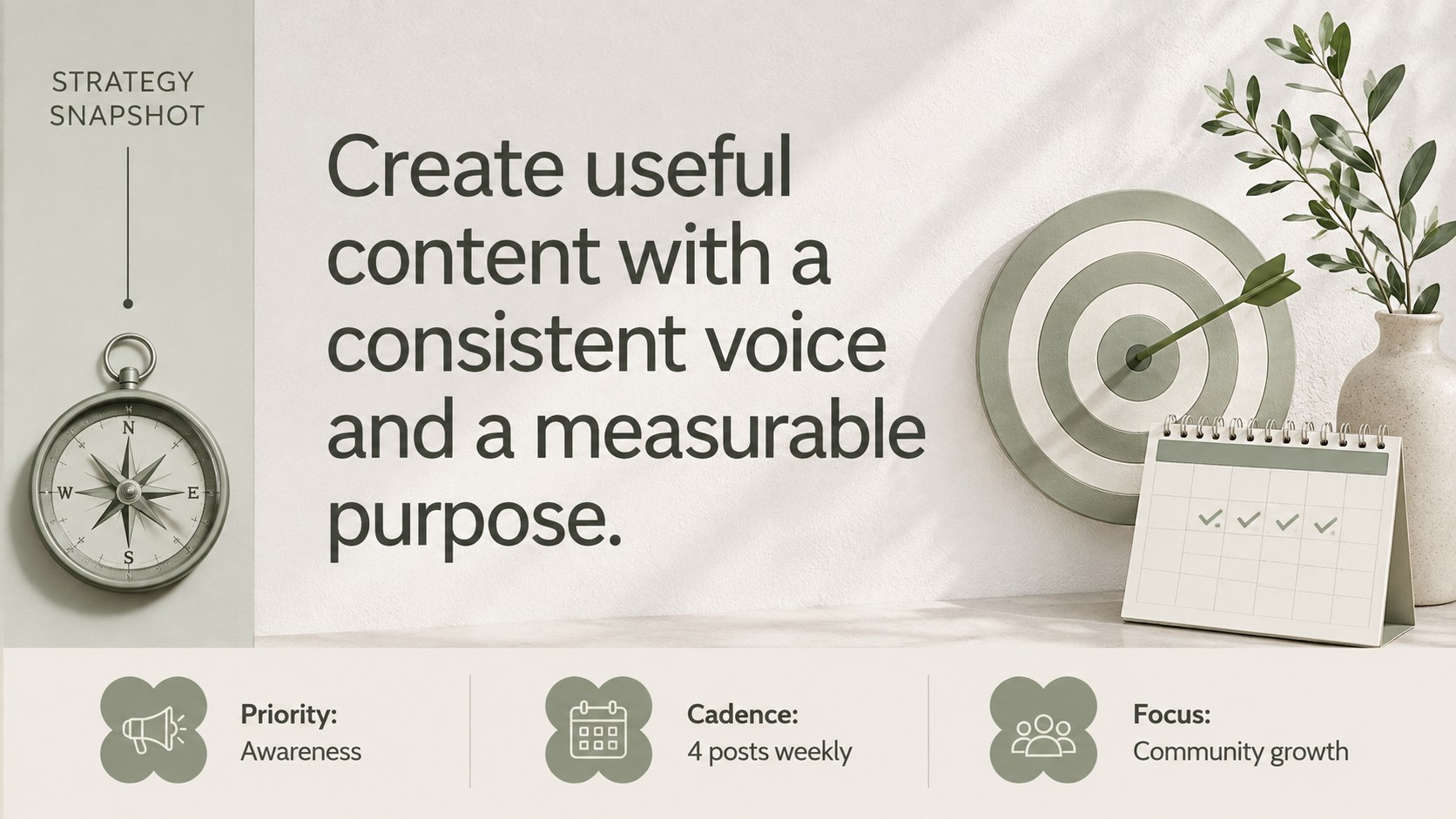
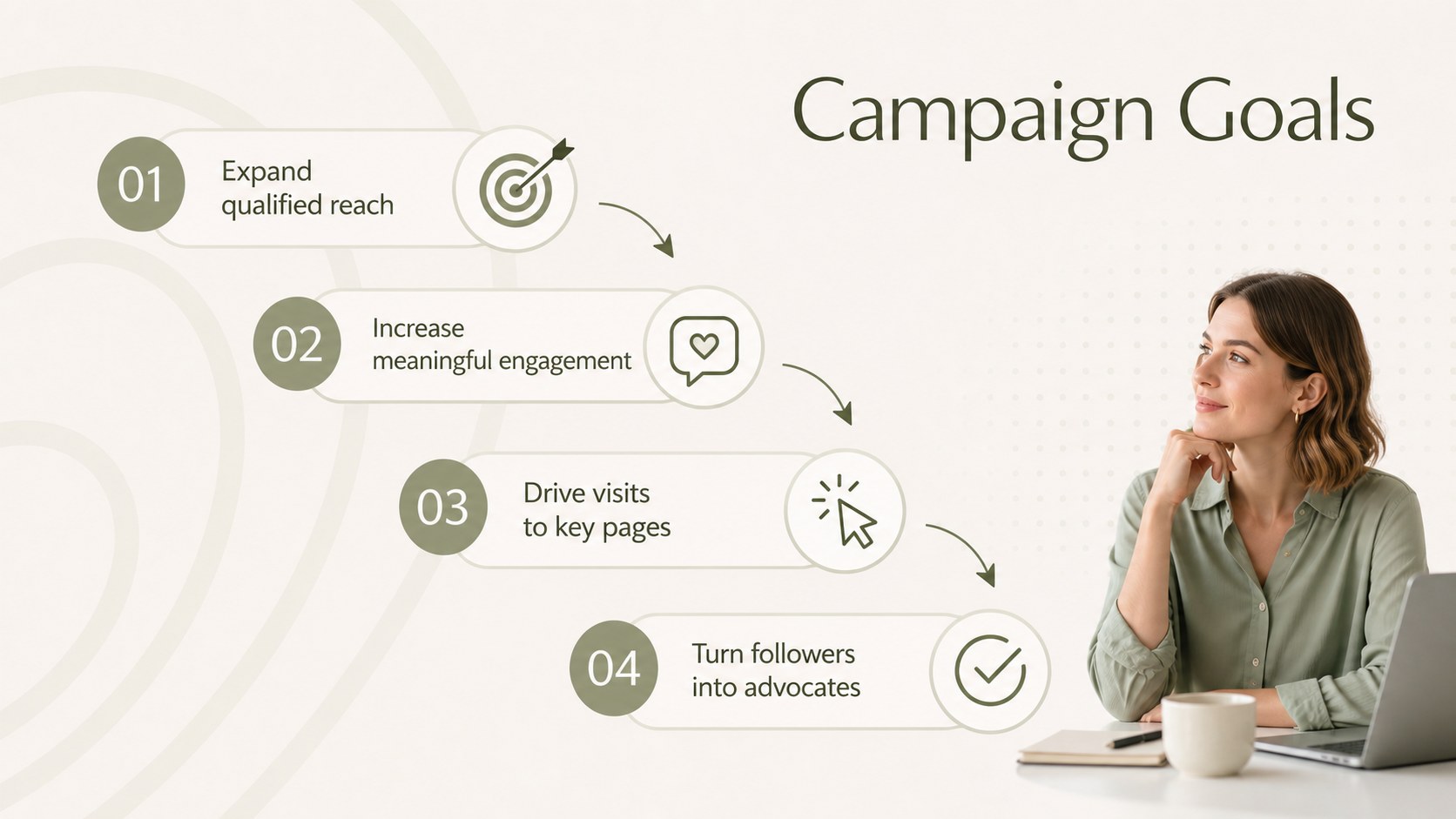
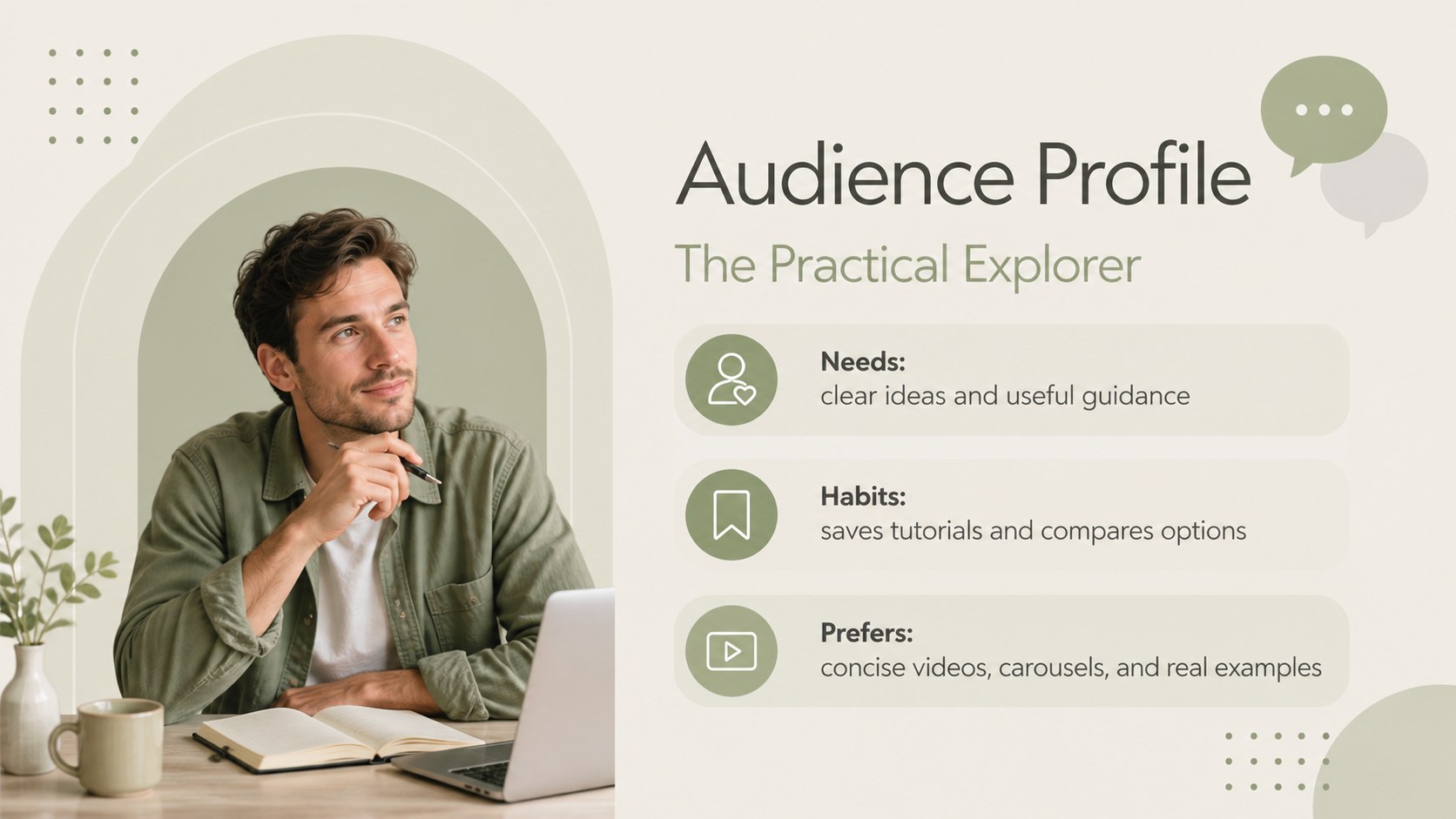
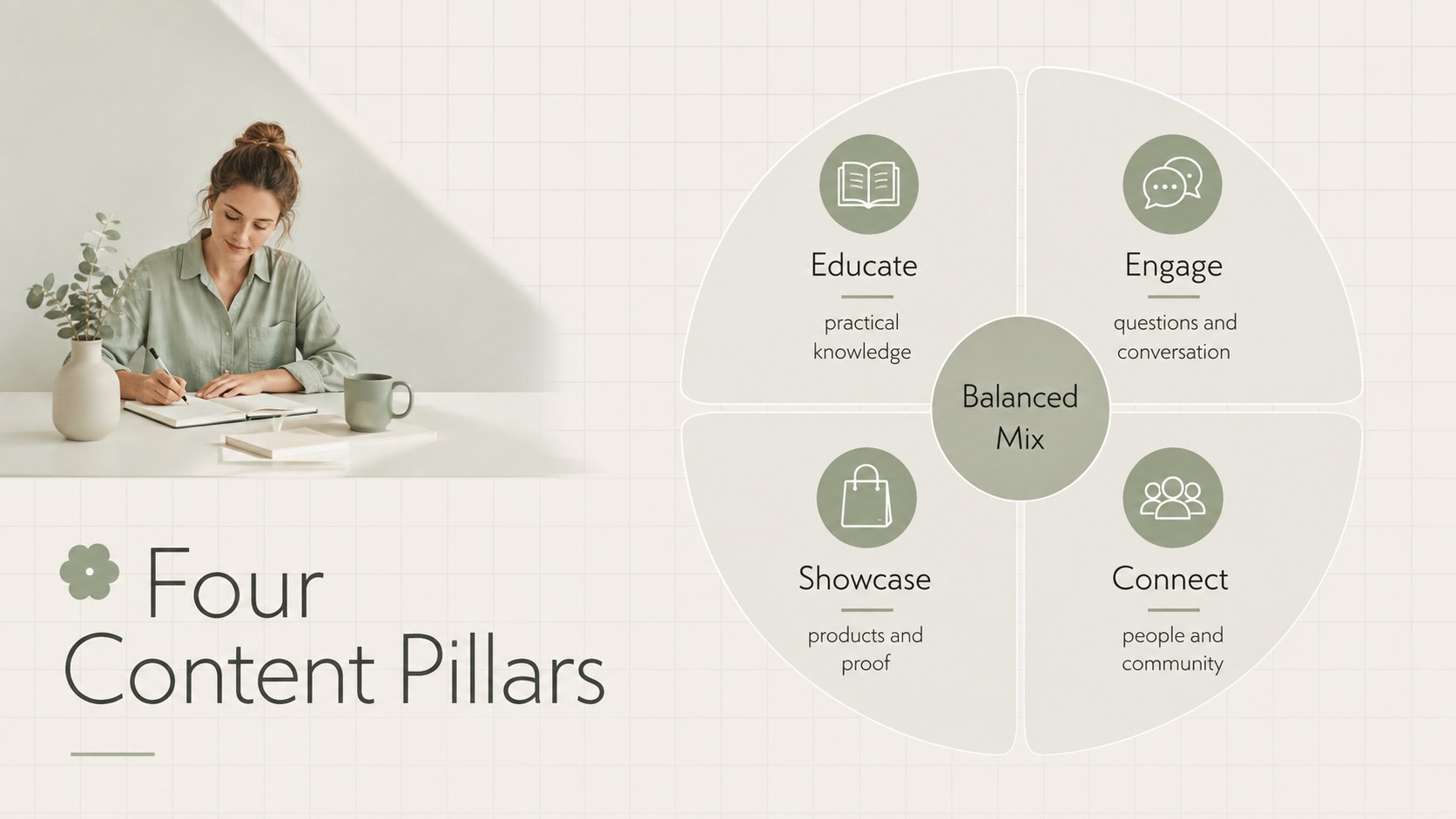
Design notes
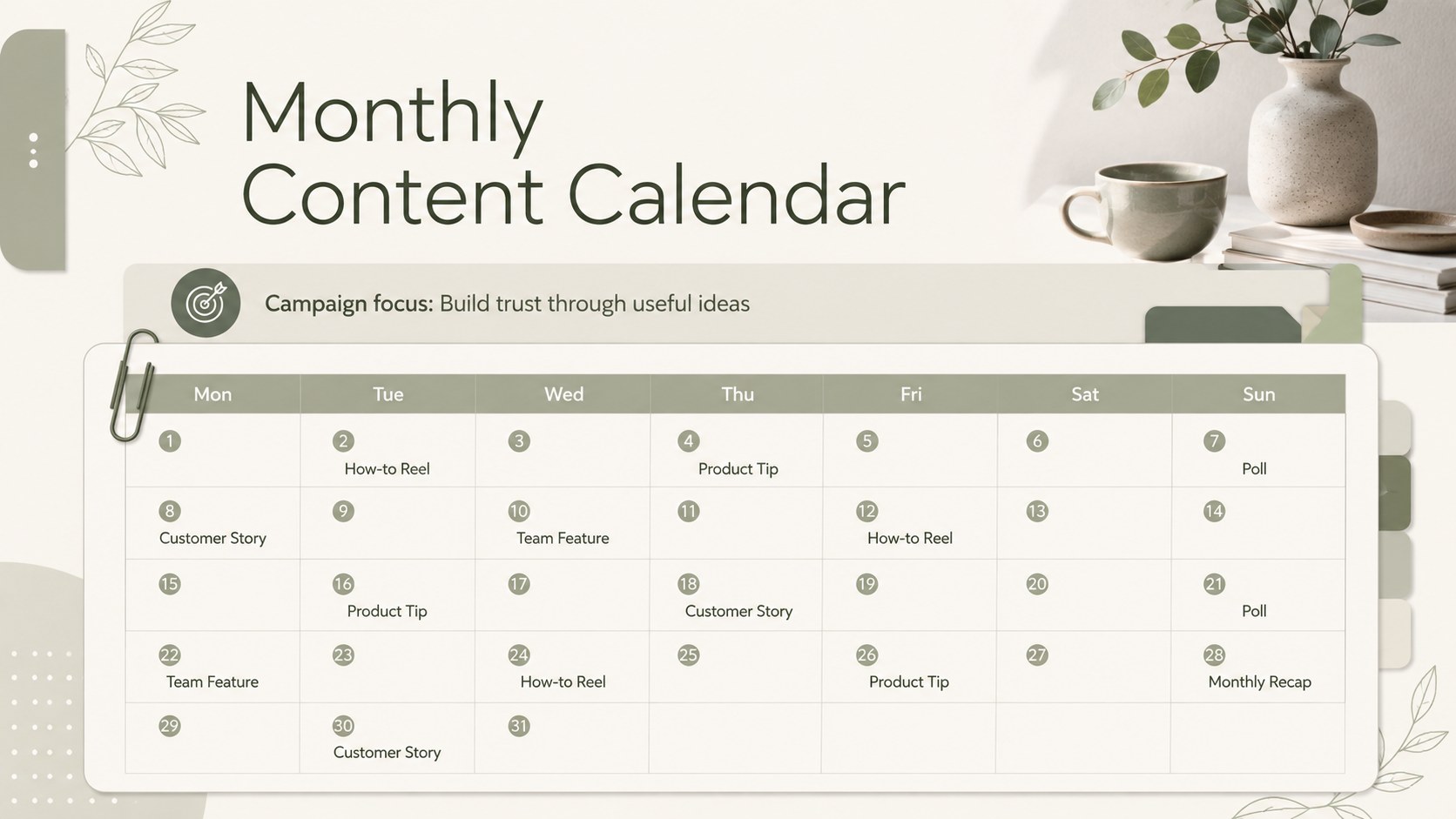
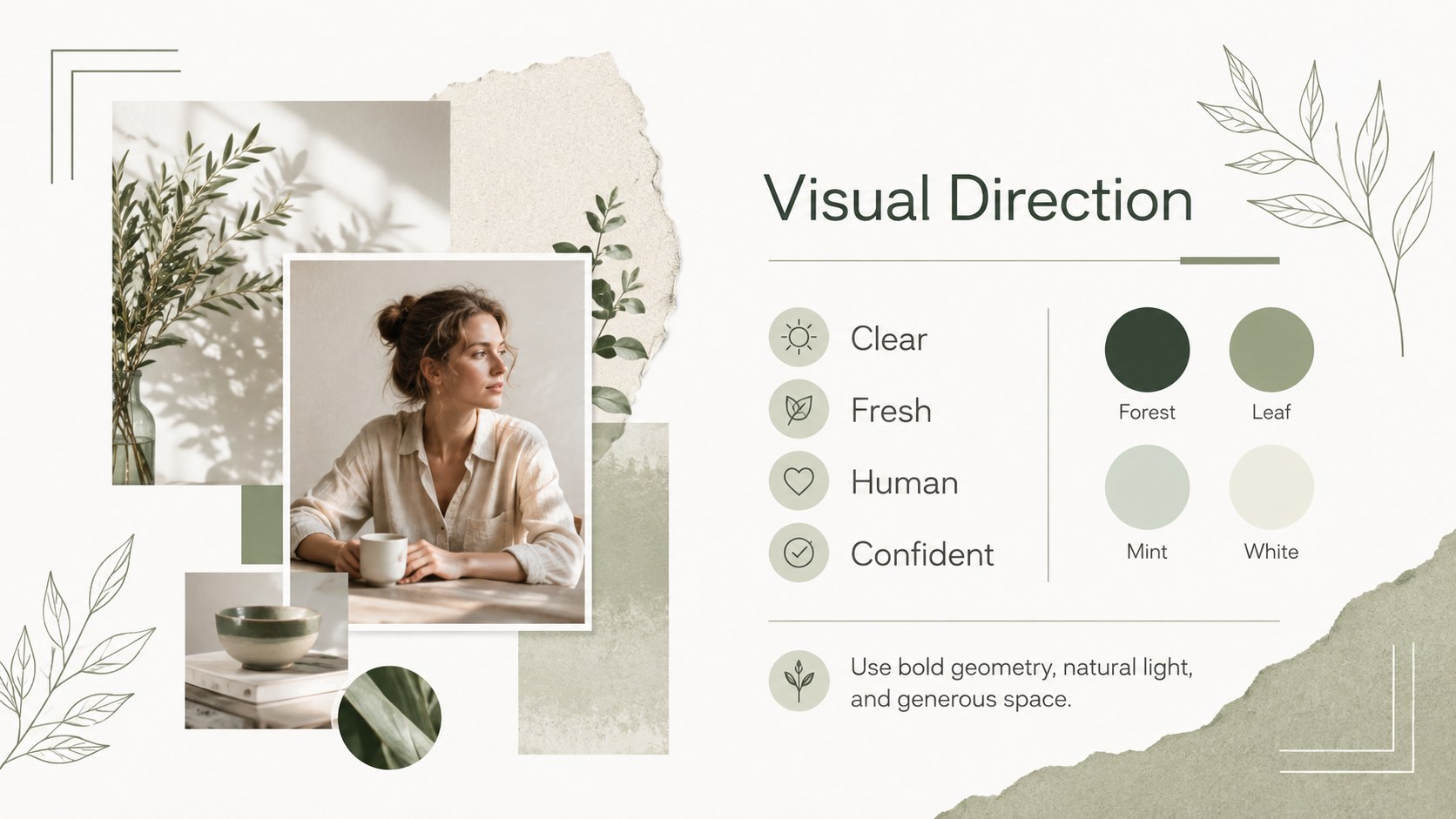
The Green Social Media Content Planner gives marketers a clear workspace for shaping campaigns, organizing ideas, and coordinating daily publishing. Its minimalist geometric layouts and fresh green palette keep complex plans easy to scan while maintaining a polished, contemporary look. Use it as a green geometric social media calendar for client presentations, internal planning sessions, or recurring editorial meetings.
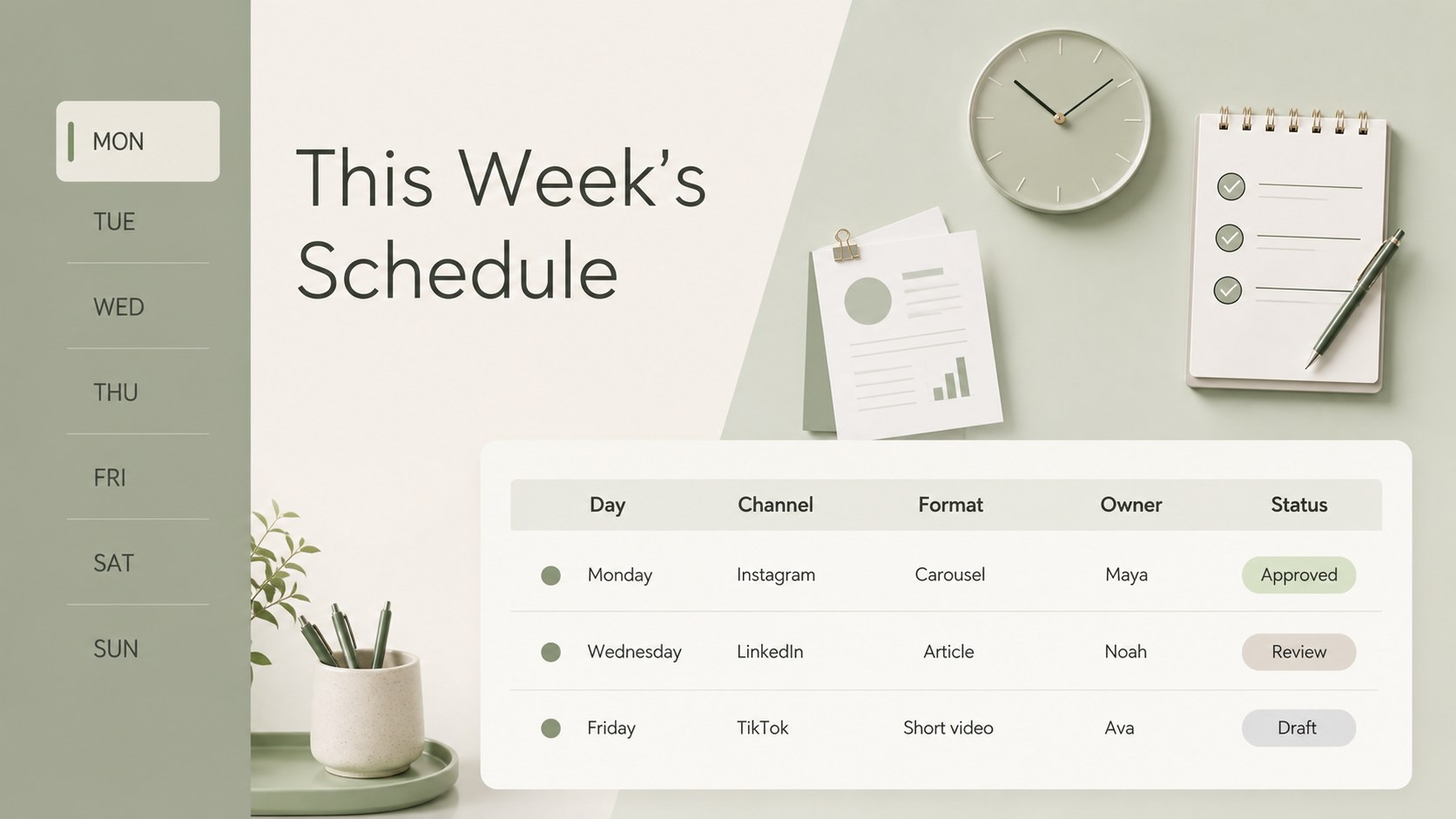
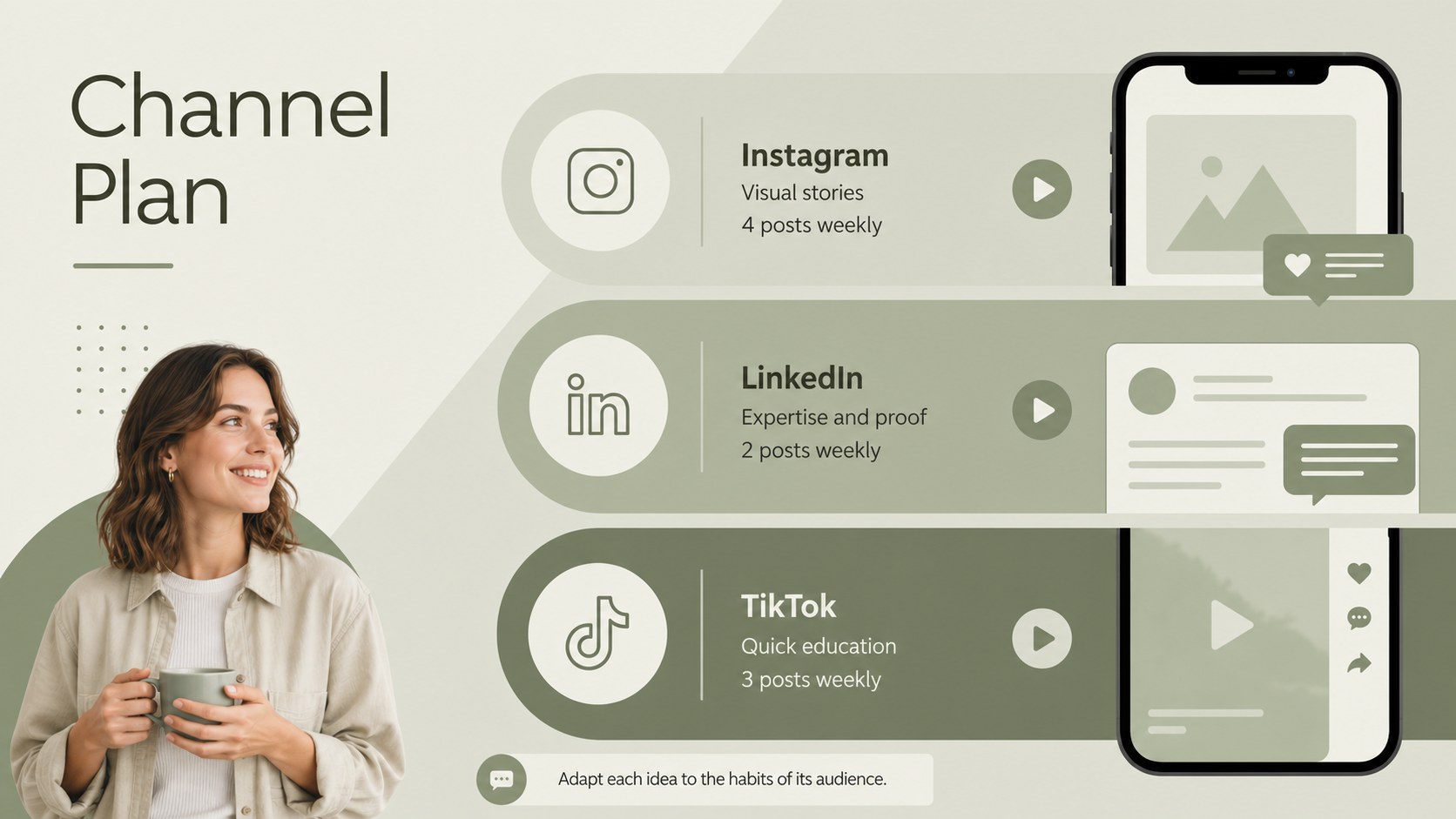
Inside the deck, you will find layouts for campaign objectives, audience profiles, content pillars, monthly calendars, weekly schedules, platform priorities, post briefs, approval workflows, timelines, and performance metrics. A dedicated idea backlog and KPI dashboard help teams connect creative concepts with measurable results. Every slide is editable in PowerPoint and Google Slides, allowing you to adjust colors, typography, shapes, charts, and placeholders for your brand or campaign.
This minimalist Instagram content planning deck is designed for social media managers, marketing teams, freelancers, creators, agencies, and small business owners who need a repeatable planning system. It also works as a weekly post scheduling presentation when stakeholders need a concise view of upcoming content, responsibilities, deadlines, and campaign progress. Whether you are preparing a product launch, coordinating an influencer partnership, or building an evergreen posting rhythm, the deck keeps strategy and execution in one coherent presentation.
Perfect for: monthly content calendar review; product launch campaign planning; influencer collaboration workflow; weekly social media scheduling; client content strategy presentation; campaign performance reporting.
Frequently asked questions
Can I edit every part of this content planner? Yes. Text, colors, shapes, charts, image placeholders, and calendar entries can be customized to fit your campaign and visual identity.
Practical details
Yes. Text, colors, shapes, charts, image placeholders, and calendar entries can be customized to fit your campaign and visual identity.
The template is designed for PowerPoint and Google Slides. Some fonts or transition effects may vary slightly between the two platforms.
Yes. Duplicate, remove, or rearrange schedule rows and day blocks to support daily, weekly, or campaign-based publishing.
Replace the theme colors with your brand palette and update the font styles through the presentation theme controls. The geometric accents can also be recolored, resized, or removed without changing the planning structure.
Keep exploring
15Use this astrology audience insights deck to present zodiac-based segments, behaviors, and campaign findings in polished black-and-gold slides.
 14
14Plan a memorable Lunar New Year campaign with the 2036 Dragon Year Celebration Theme, featuring bold red-and-yellow slides for lessons and events.
 15
15Build eerie lessons, campaigns, and story pitches with an undead survival scenario theme featuring editable slides for PowerPoint and Google Slides.
 15
15Build a clear breast cancer awareness bulletin with bold pink-and-red slides for campaign news, screening reminders, impact data, and community updates.
 15
15Shape your publishing concept with an indie magazine startup pitch deck featuring pastel gradients, bold collage layouts, and editable planning slides.
 15
15Build a bold retro-futurist campaign pitch deck for client meetings, with editable strategy layouts and playful pastel Y2K-inspired visuals.
 16
16Build a consistent presence with a social channel identity playbook covering voice, visuals, content formats, publishing rules, and approvals.
 15
15Celebrate online learners with webinar completion certificate slides, featuring editable violet artwork for university events in PowerPoint and Google Slides.