
 15
15presentation
Flying Saucer History Lesson Deck
Build an engaging World UFO Day session with this flying saucer history lesson deck, featuring retro green-and-brown slides for PowerPoint and Google Slides.
Google SlidesPowerPoint
presentation · English
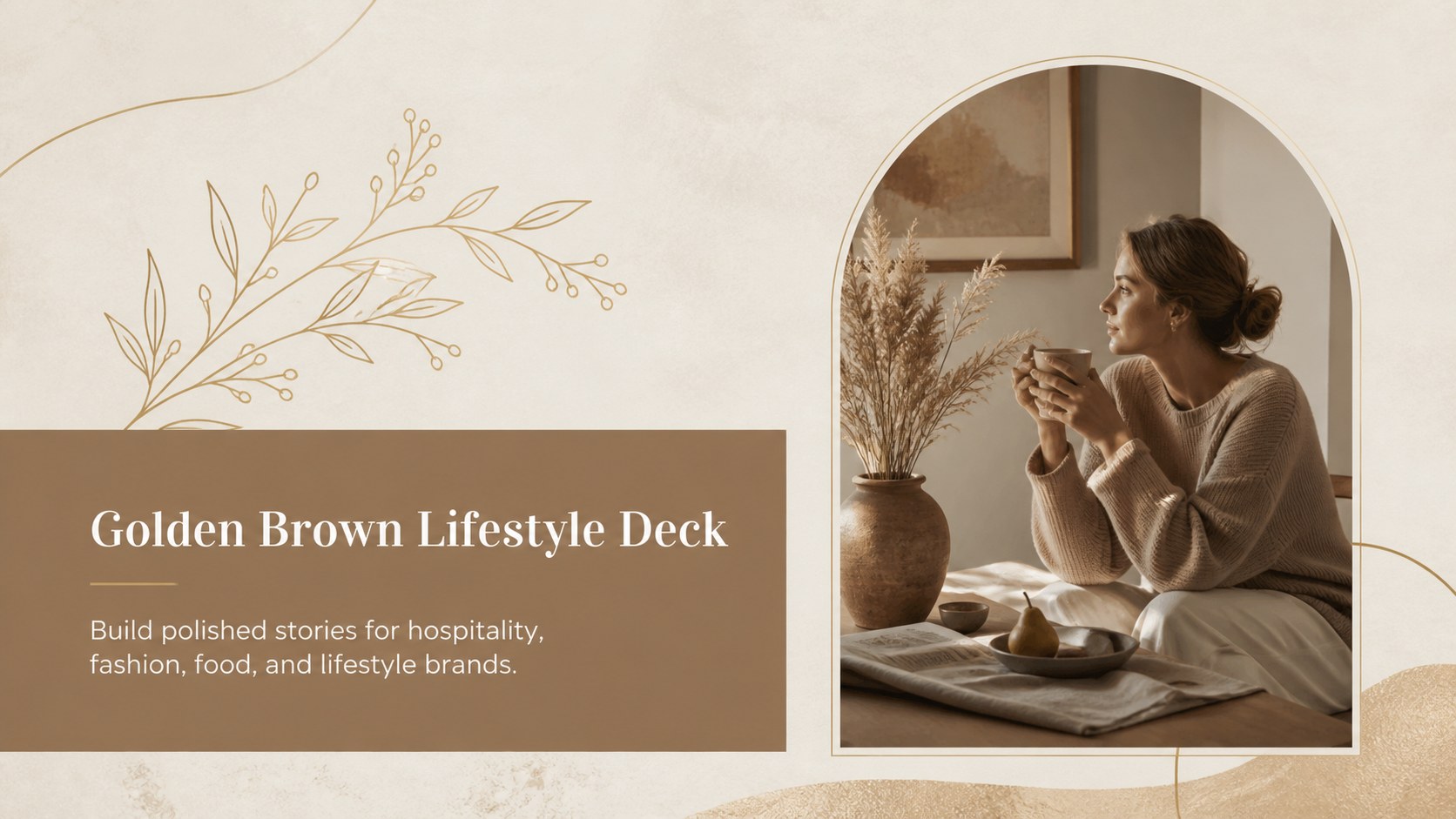
Shape polished brand stories with the Golden Brown Lifestyle Deck, an editable PowerPoint and Google Slides template for hospitality, food, and fashion.
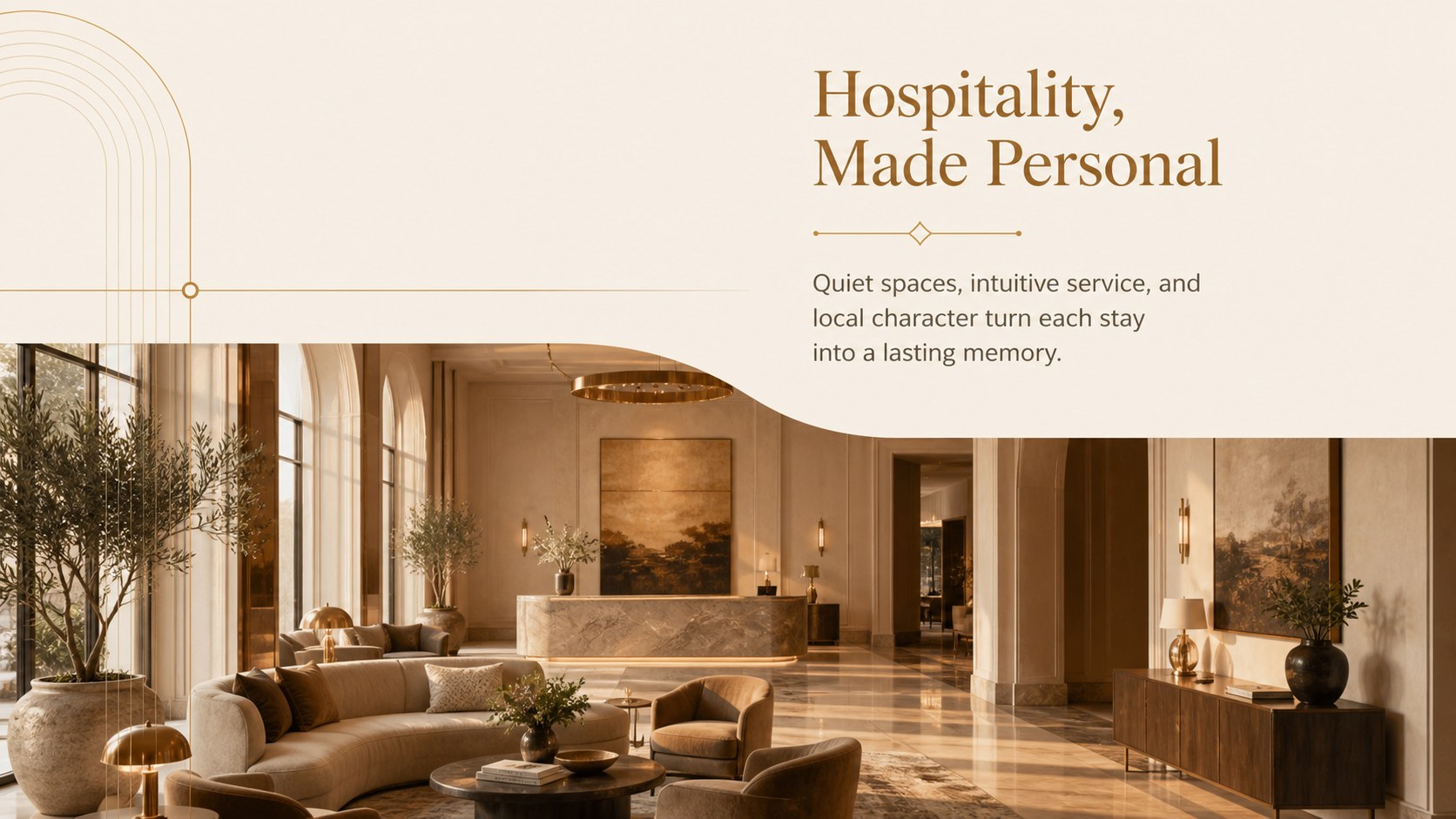
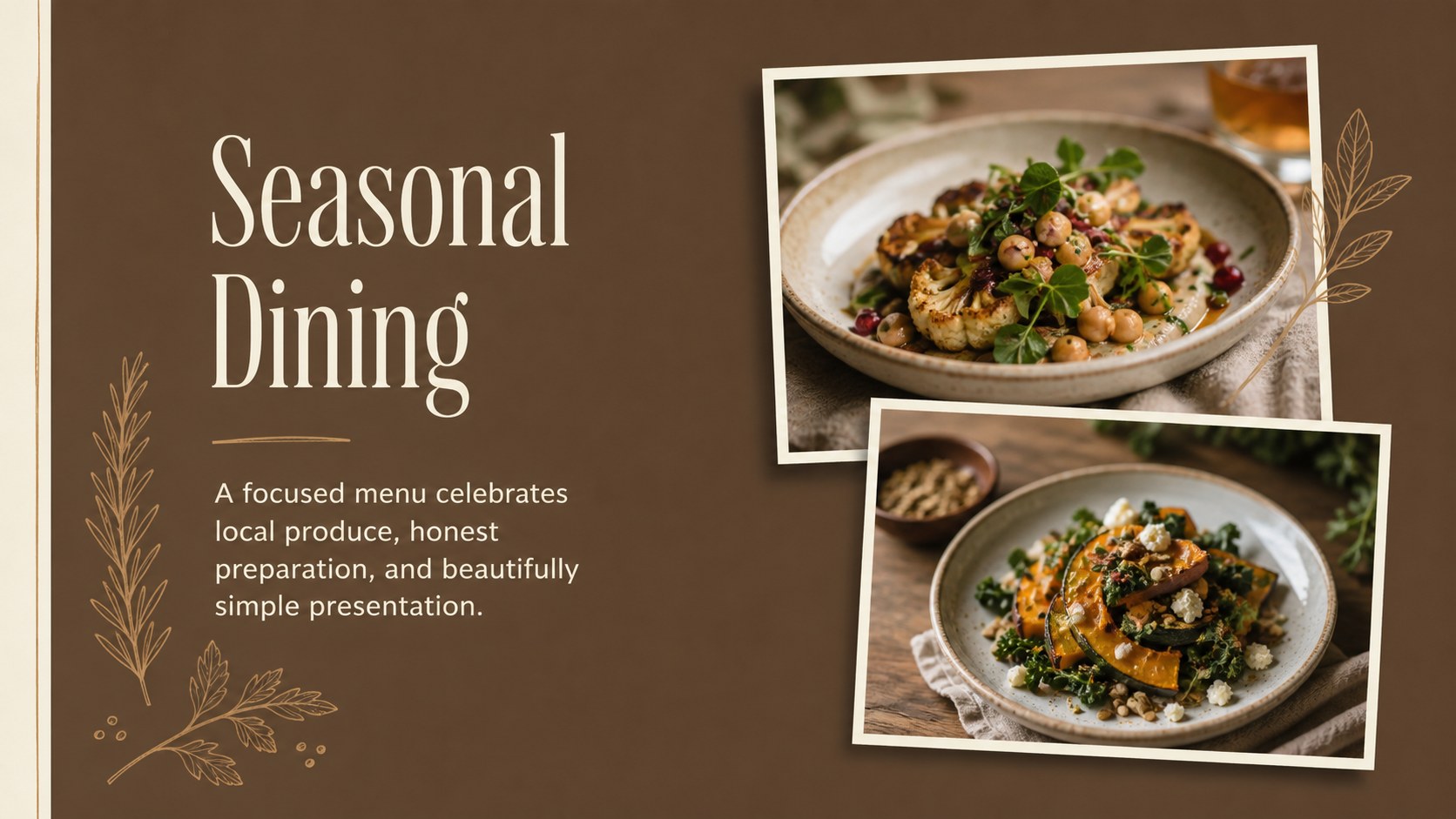
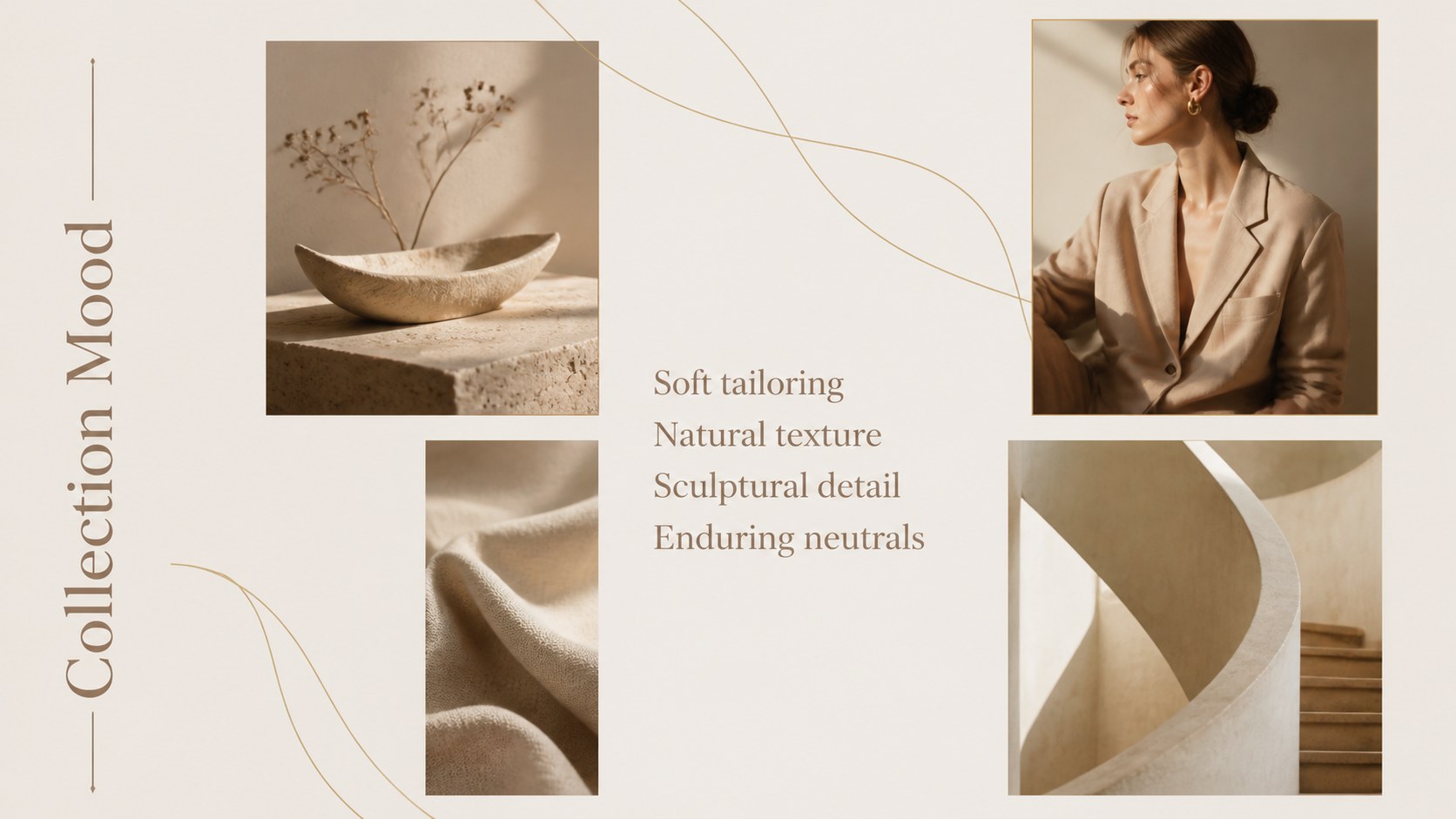
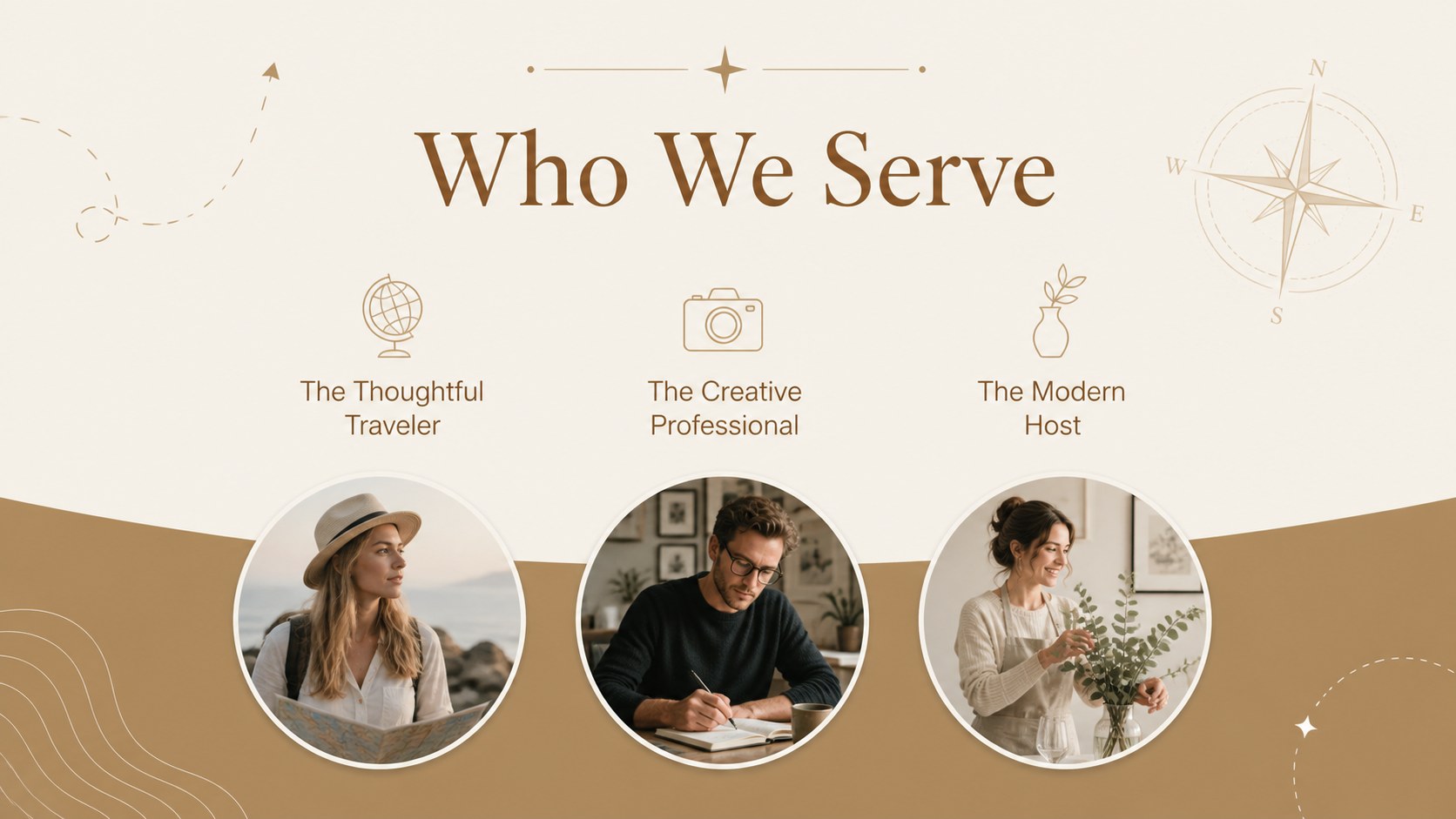
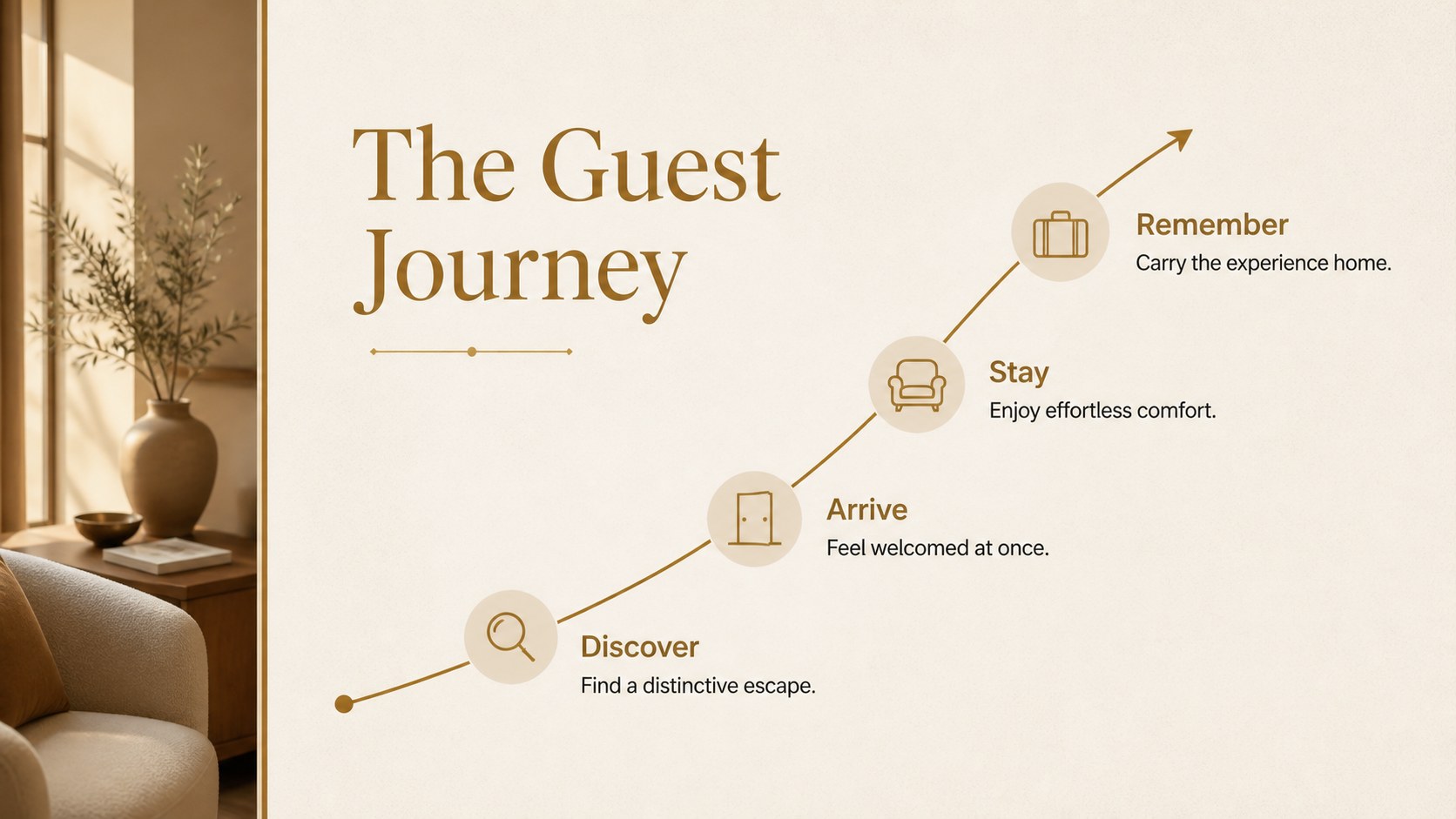
Design notes
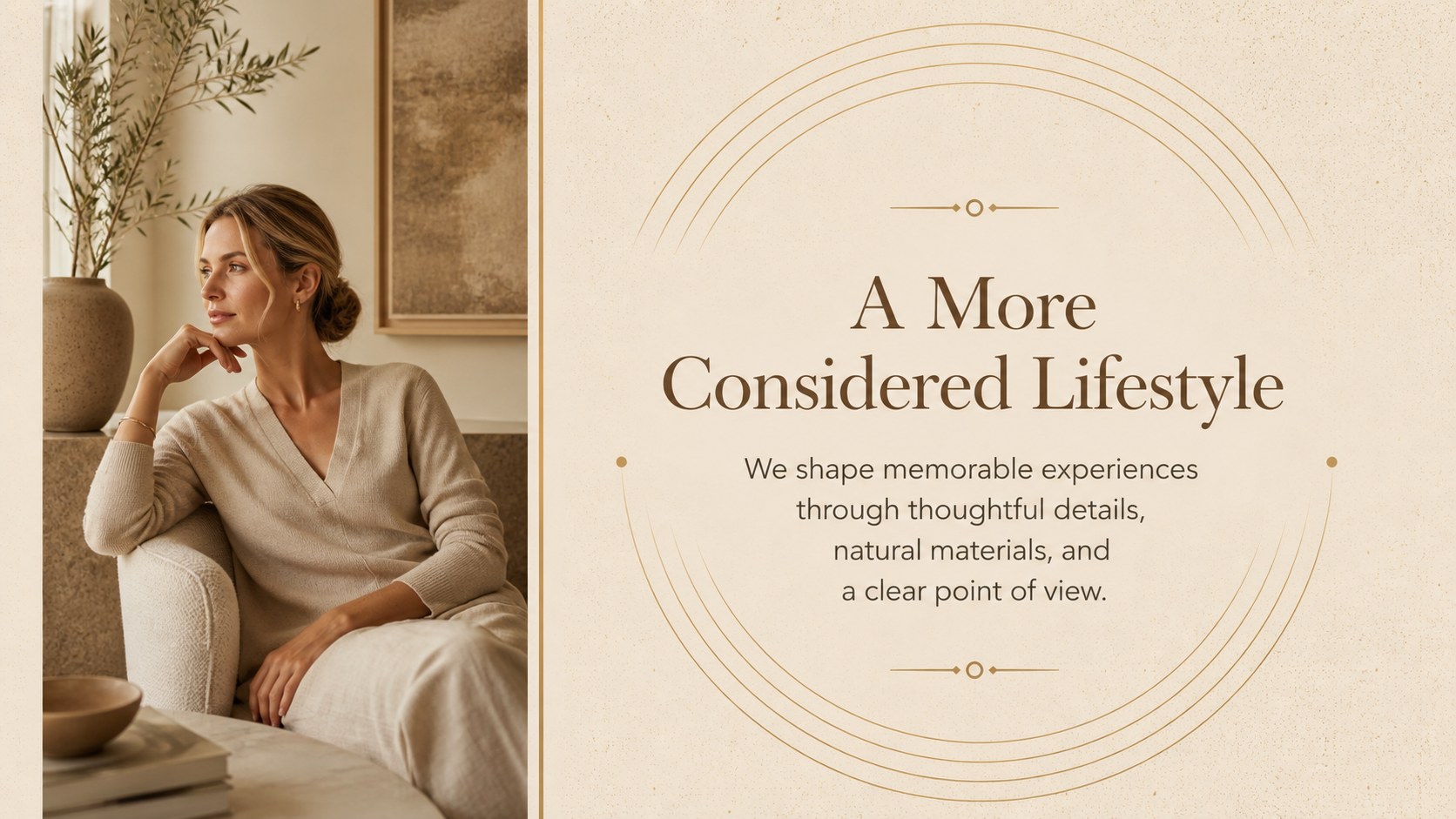
The Golden Brown Lifestyle Deck gives visual stories a warm, sophisticated setting without making the content feel heavy. Its golden brown palette, restrained typography, and editorial spacing create a versatile foundation for hospitality, culinary, fashion, travel, beauty, and creative business presentations. Use it when you need warm neutral brand slides that look considered from the first page to the final message.
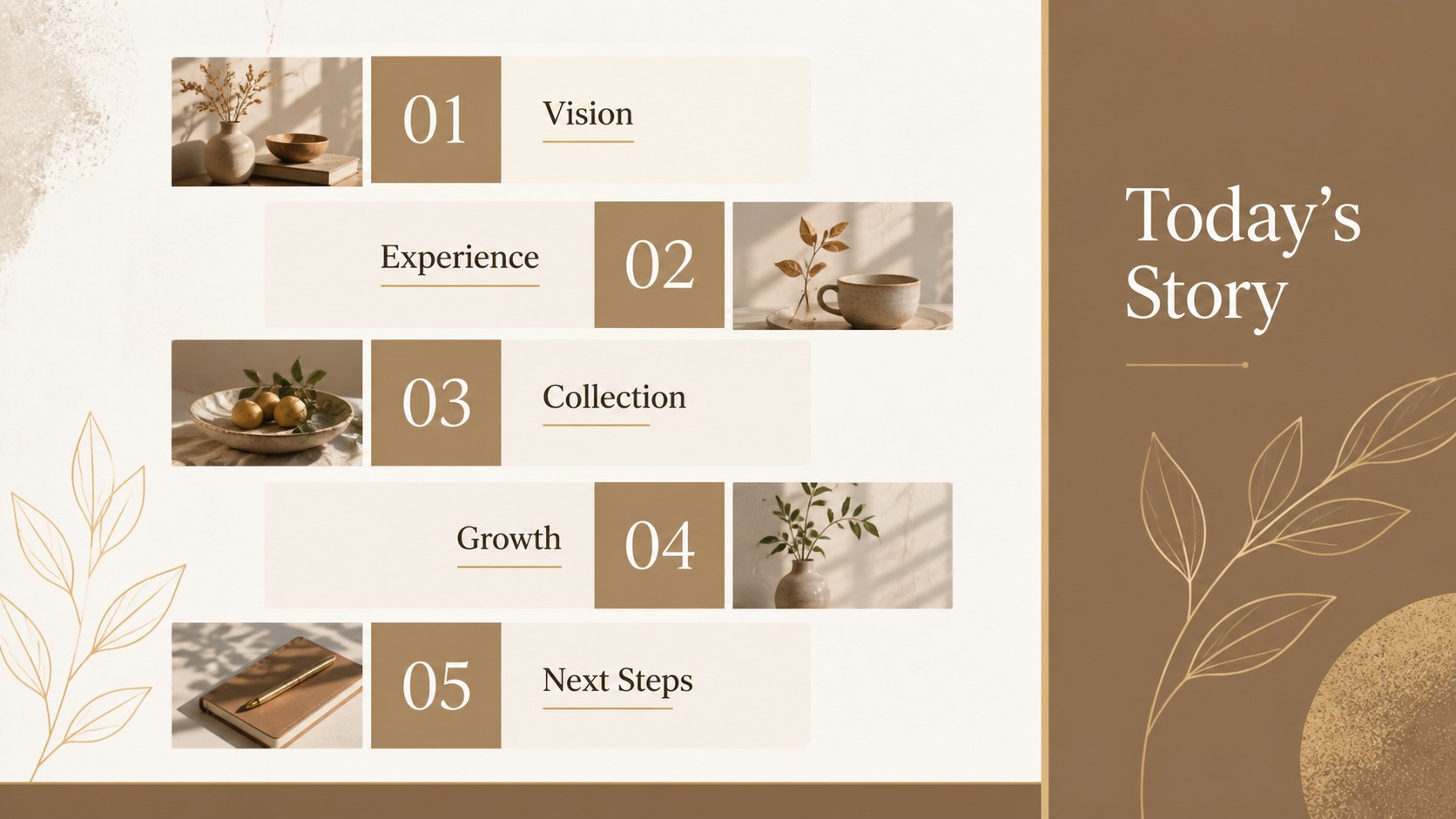
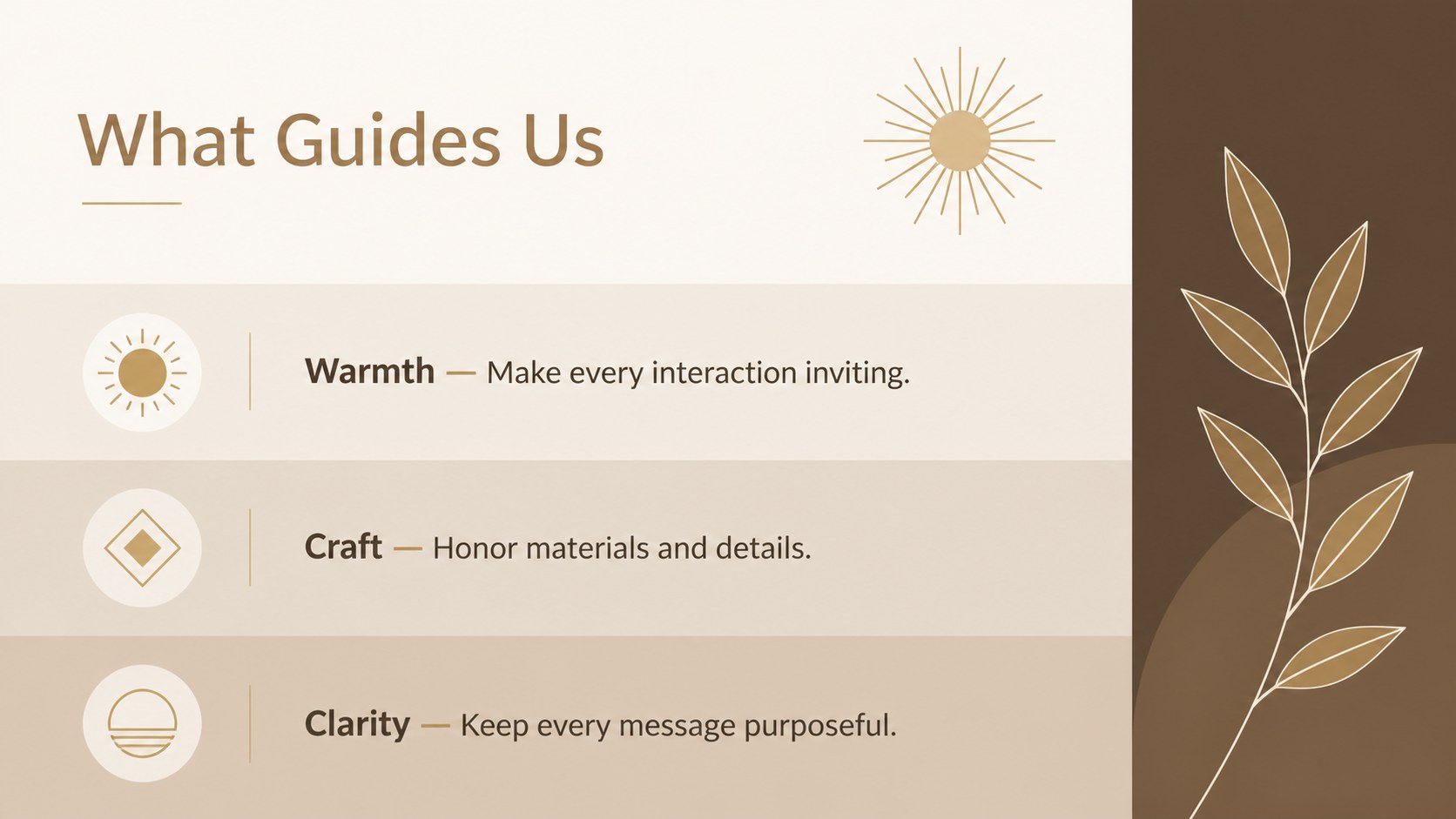
Inside are 25 editable layouts for introductions, visual narratives, services, portfolios, timelines, quotations, image galleries, comparisons, charts, tables, maps, and closing pages. Photography can take center stage, while balanced text areas keep supporting details easy to scan. Colors, fonts, icons, images, and page order can be adjusted in PowerPoint or Google Slides. The widescreen format is designed for modern displays, meetings, and online sharing.
This deck works especially well as a luxury hospitality presentation template, an editorial lifestyle pitch deck, or a refined showcase for recipes, destinations, collections, and event concepts. Brand teams can adapt it to campaign proposals, boutique hotel profiles, seasonal lookbooks, or client presentations. Event planners can also transform the layouts into elegant invitations or photo-led celebration stories. The mix of formal structure and inviting color makes it useful for professionals who want a graceful presentation that remains practical, readable, and easy to personalize.
Perfect for: boutique hotel profile; restaurant concept proposal; fashion collection lookbook; travel brand presentation; beauty campaign pitch; elegant event invitation.
Frequently asked questions
Can I edit this deck in PowerPoint and Google Slides? Yes. The layouts, text, colors, photographs, and graphic elements can be edited in both PowerPoint and Google Slides. Minor font or spacing adjustments may be needed when moving between platforms.
Practical details
Yes. The layouts, text, colors, photographs, and graphic elements can be edited in both PowerPoint and Google Slides. Minor font or spacing adjustments may be needed when moving between platforms.
Replace the sample photography, apply your brand colors, and update the font styles through the theme controls. You can also recolor icons and rearrange or remove layouts without changing the overall visual rhythm.
The deck is suited to hospitality, food, fashion, travel, beauty, events, and other image-led subjects. Its structured layouts also work for polished company profiles and client proposals.
Yes. It includes formats for charts, tables, comparisons, maps, timelines, galleries, quotations, and full-page photography. Choose only the pages relevant to your story and reorder them as needed.
Keep exploring
15Build an engaging World UFO Day session with this flying saucer history lesson deck, featuring retro green-and-brown slides for PowerPoint and Google Slides.
 15
15Plan a lively animal-learning journey with this jungle zoo adventure lesson deck, ready to customize in PowerPoint and Google Slides for young learners.
 16
16Turn environmental research into a clear story with a Watercolor Ecology Presentation Theme for PowerPoint and Google Slides in calming green and blue.
 16
16Build focused fashion, literature, and humanities presentations with the Red Triangle Editorial Theme, editable in PowerPoint and Google Slides.