
 15
15presentation
Astrology Audience Insights Deck
Use this astrology audience insights deck to present zodiac-based segments, behaviors, and campaign findings in polished black-and-gold slides.
Google SlidesPowerPoint
presentation · English
Build a polished course with this fashion photography masterclass deck, featuring editable lighting, styling, and portfolio layouts for PowerPoint and…


Design notes
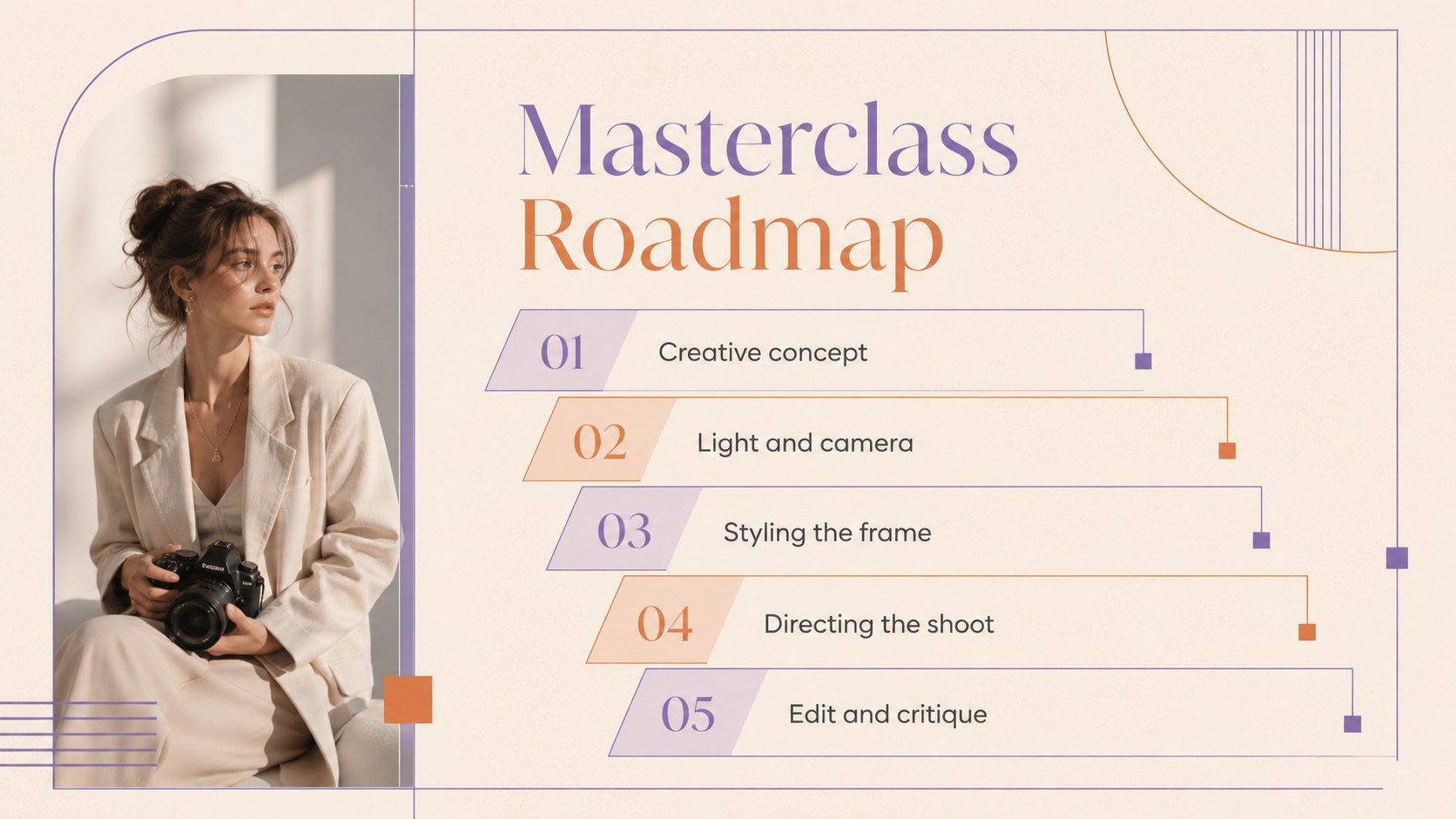
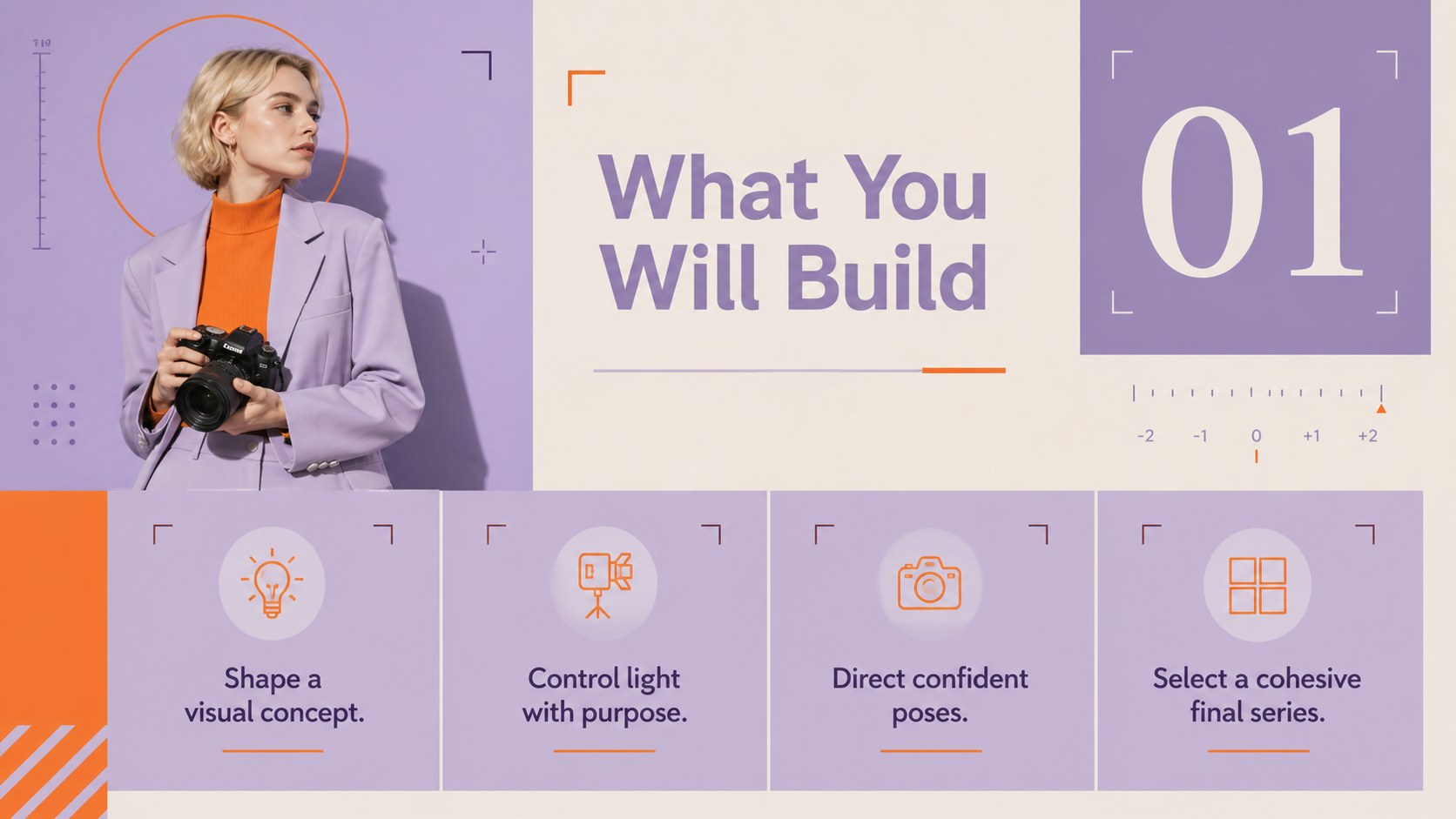
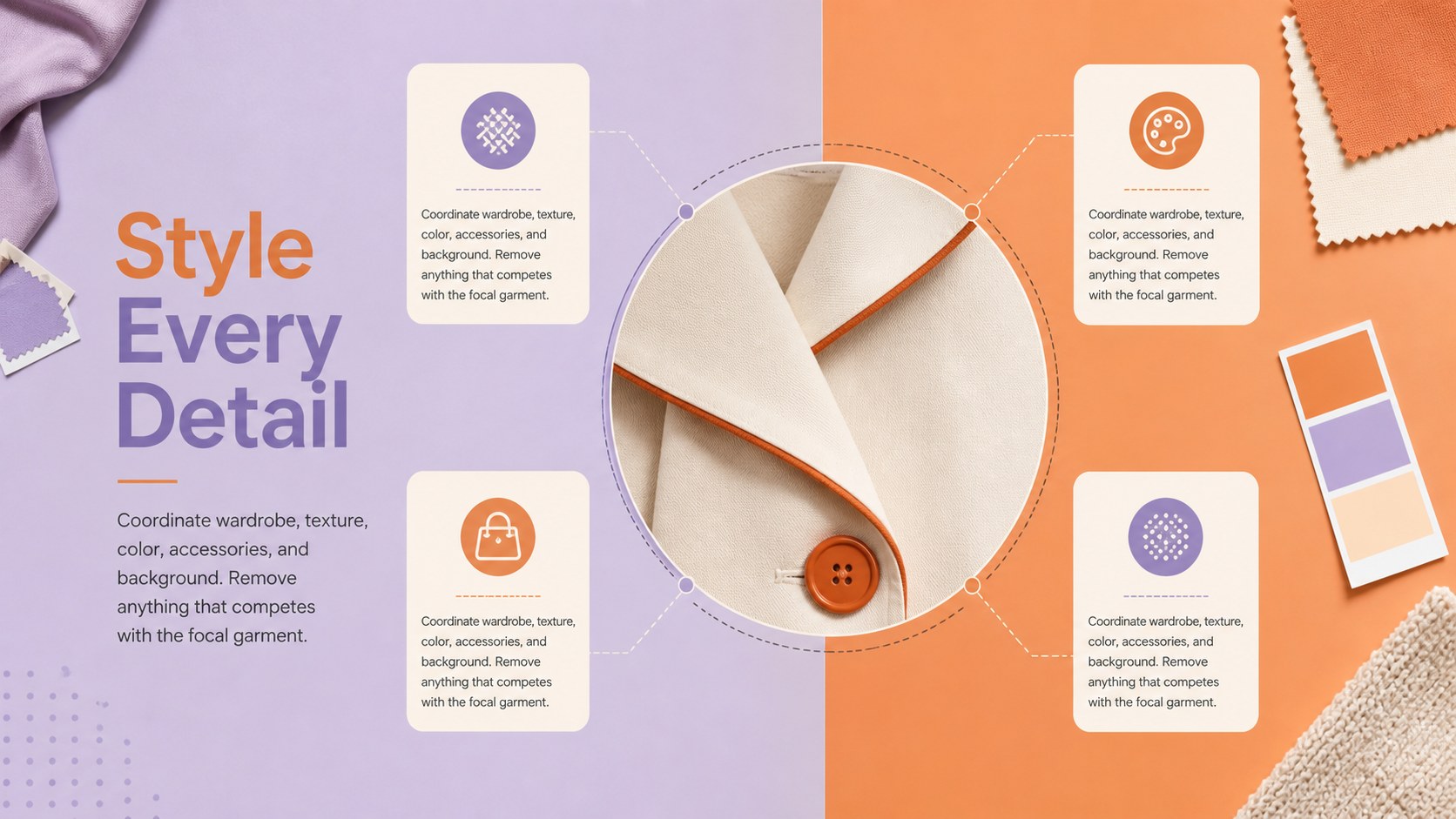
Turn creative expertise into a clear learning experience with this Fashion Photography Masterclass Deck. Its bold purple and orange palette, pastel accents, clean typography, and contemporary grid system provide an editorial setting for photographs without distracting from the lesson. Use it to introduce your approach, explain production decisions, and guide learners from the first concept to the final image review.
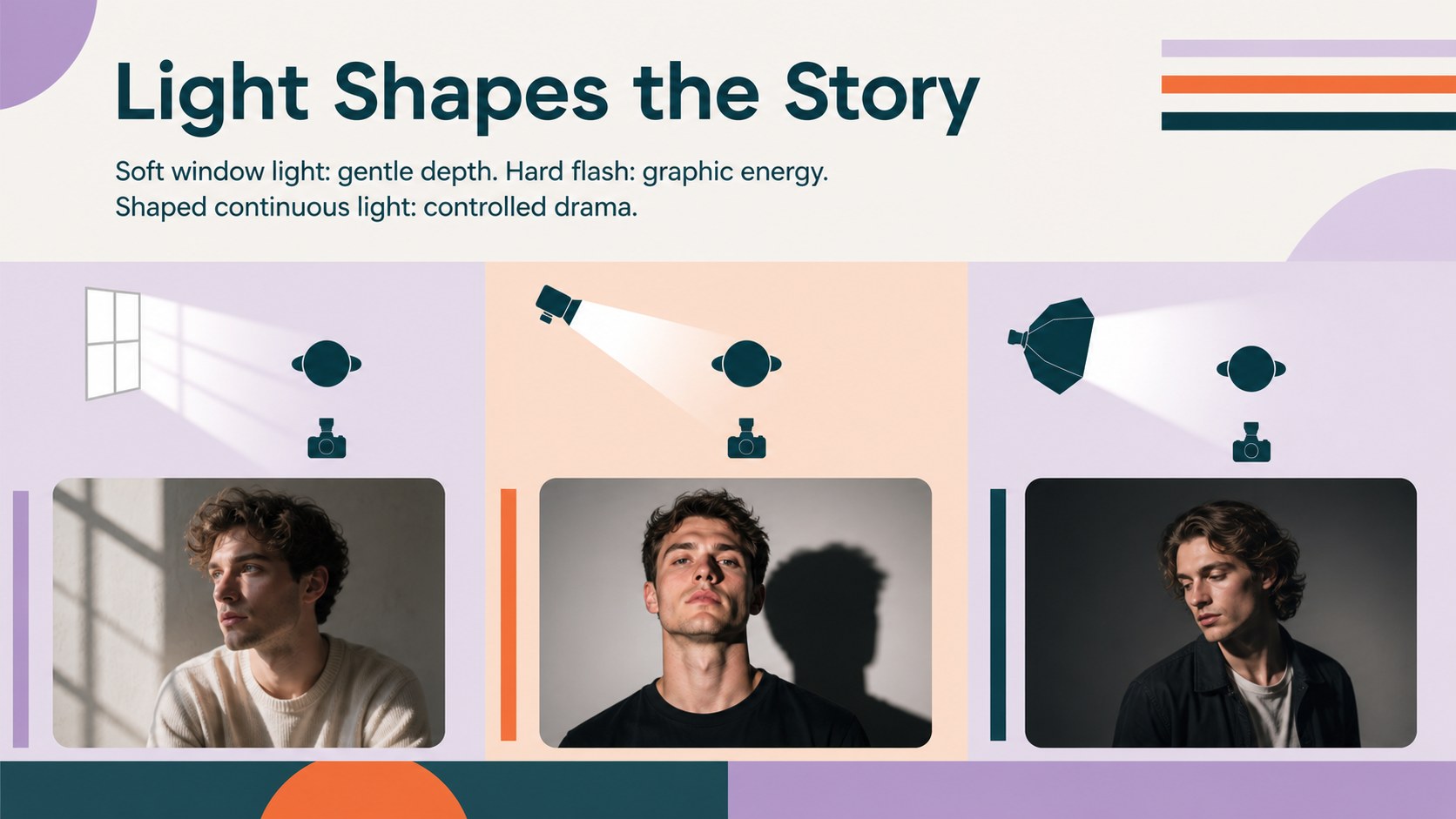
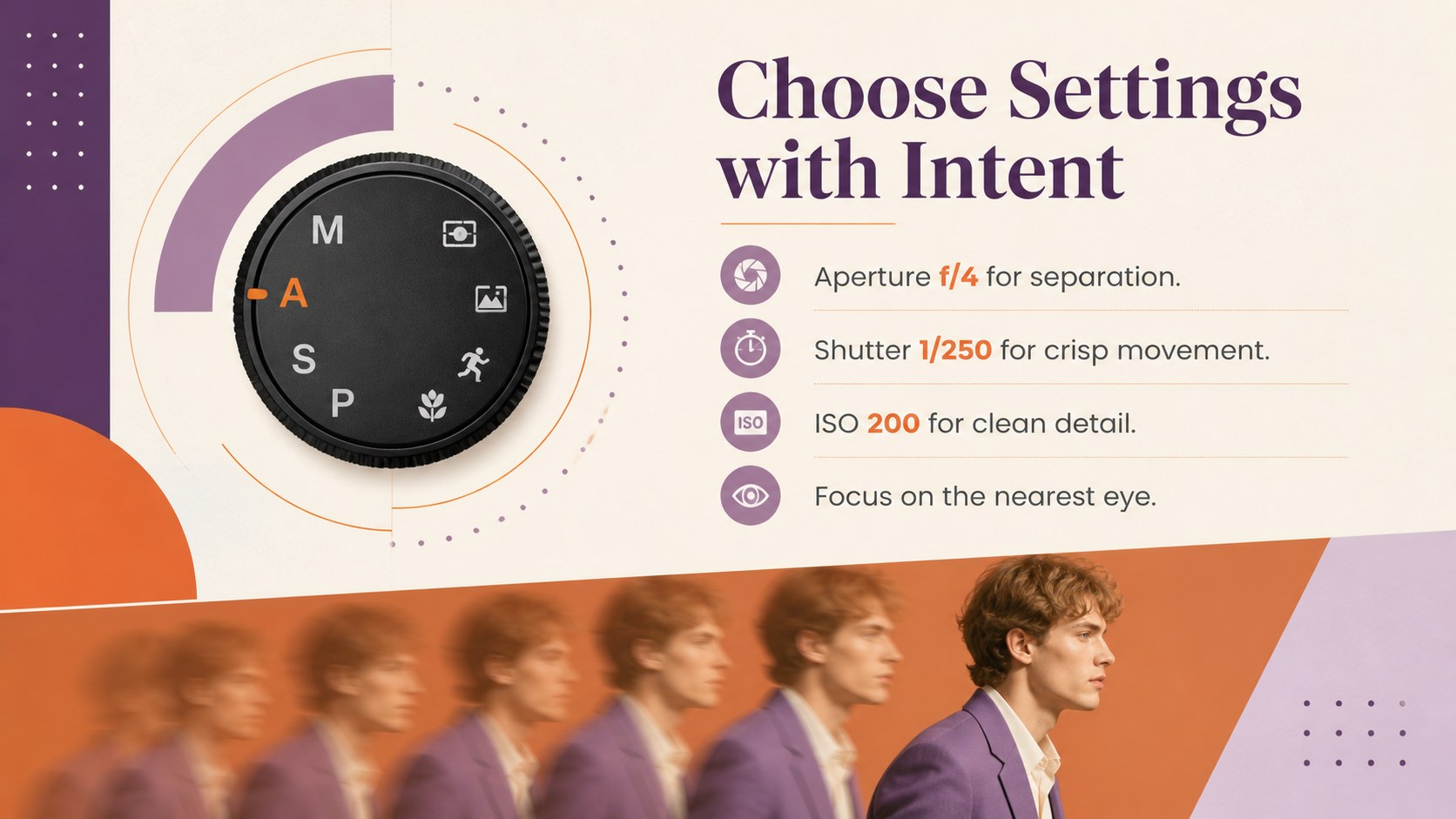
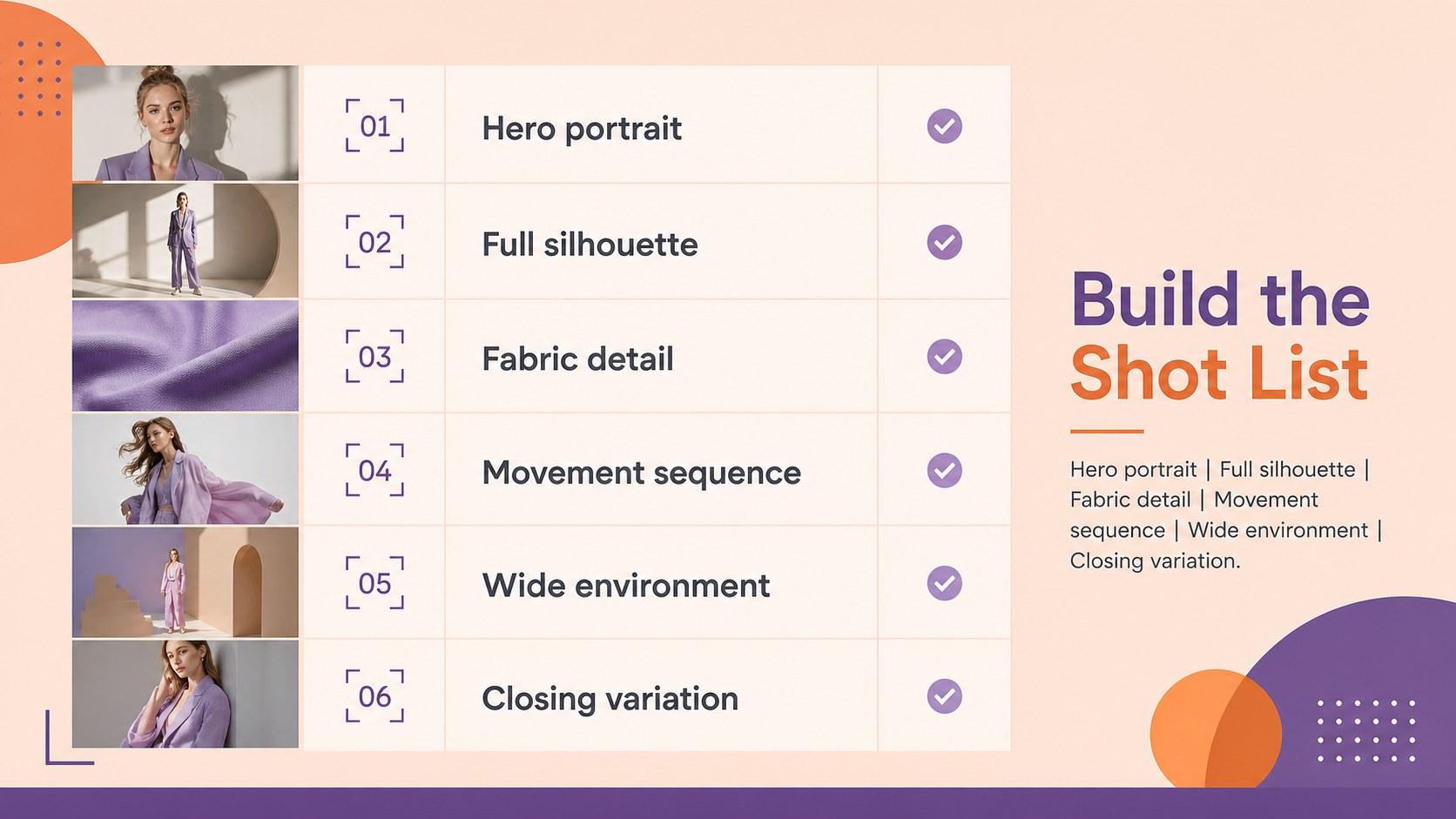
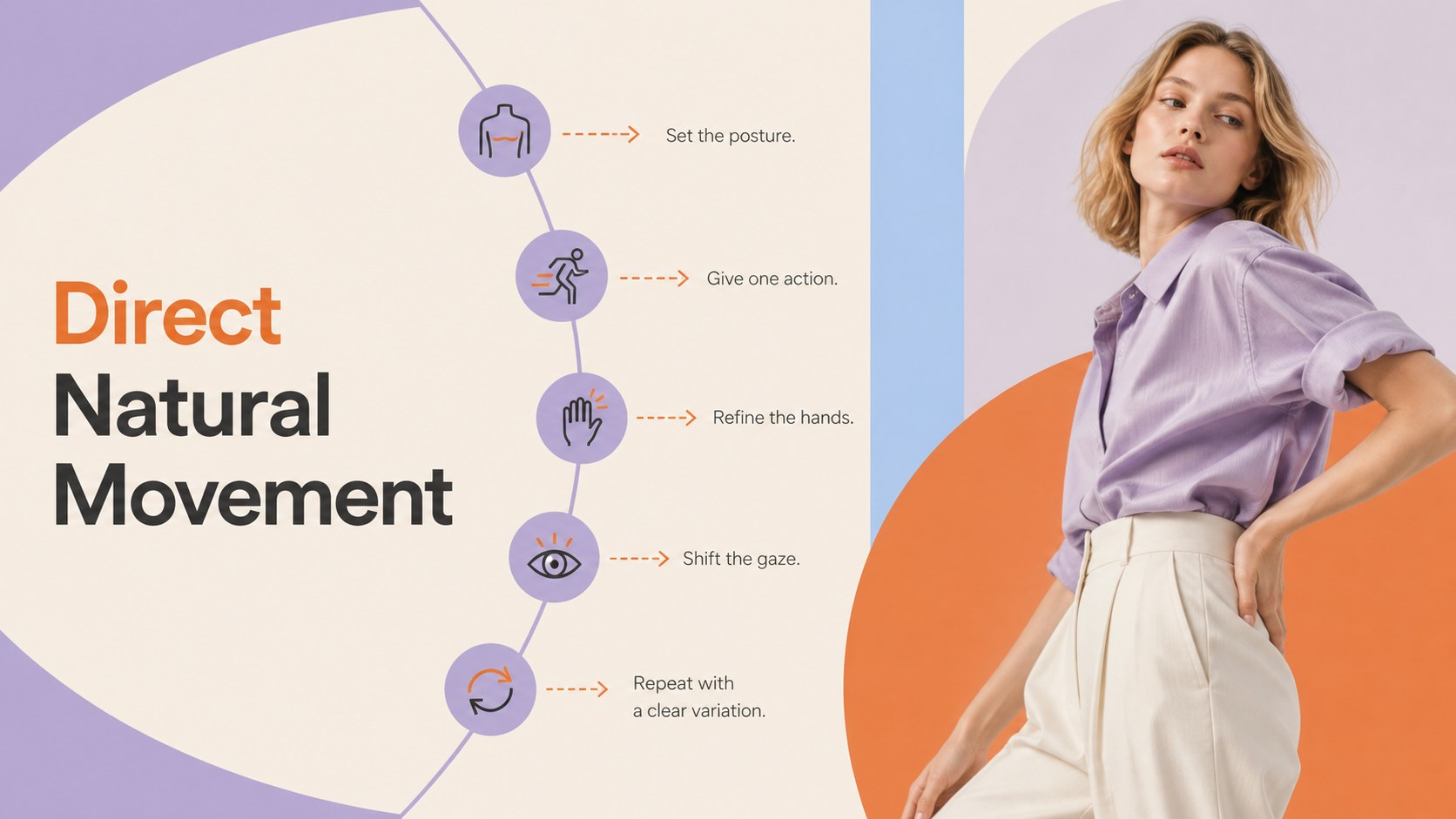
The deck includes layouts for a course overview, learning goals, visual references, camera settings, lighting diagrams, styling notes, shot lists, posing direction, production schedules, editing workflows, portfolio critiques, and practical assignments. These editorial photography lesson slides are easy to reorganize for a single seminar or a multi-session program. A fashion shoot planning presentation can also be created by replacing the teaching notes with client requirements, location details, and team responsibilities.
Designed for photographers, studio educators, creative directors, fashion students, and content teams, this photography workshop deck for instructors works in both PowerPoint and Google Slides. Add original photography, adjust the colors to complement a collection, and edit the text, charts, and image placeholders for your audience. Whether you are leading an in-person class, presenting a remote lesson, or preparing an internal studio training session, the flexible layouts help you communicate technical concepts and creative choices with confidence.
Perfect for: fashion photography masterclass; studio lighting seminar; editorial shoot planning; photography student critique; creative team training; portfolio development course.
Frequently asked questions
Can I edit this deck in PowerPoint and Google Slides? Yes. All slide text, colors, shapes, and image placeholders can be edited in PowerPoint or Google Slides. Some font substitutions may occur if a typeface is not installed on your device.
Practical details
Yes. All slide text, colors, shapes, and image placeholders can be edited in PowerPoint or Google Slides. Some font substitutions may occur if a typeface is not installed on your device.
Replace the sample images through the existing photo placeholders, then crop each image to emphasize the garment, pose, or lighting detail being discussed. You can also adjust the purple, orange, and pastel accents to complement your visual series.
Yes. Educators can use the lesson, exercise, and critique layouts, while photographers can adapt the same slides for mood boards, shot lists, schedules, and production briefs. Reorder or remove sections to match the session.
Yes. The 16:9 layouts are suitable for screen sharing, recorded lessons, and live virtual instruction. Keep technical explanations concise and use enlarged image crops when demonstrating lighting, posing, or editing details.
Keep exploring
15Use this astrology audience insights deck to present zodiac-based segments, behaviors, and campaign findings in polished black-and-gold slides.
 14
14Plan a memorable Lunar New Year campaign with the 2036 Dragon Year Celebration Theme, featuring bold red-and-yellow slides for lessons and events.
 15
15Build eerie lessons, campaigns, and story pitches with an undead survival scenario theme featuring editable slides for PowerPoint and Google Slides.
 15
15Build a clear breast cancer awareness bulletin with bold pink-and-red slides for campaign news, screening reminders, impact data, and community updates.
 15
15Shape your publishing concept with an indie magazine startup pitch deck featuring pastel gradients, bold collage layouts, and editable planning slides.
 15
15Build a bold retro-futurist campaign pitch deck for client meetings, with editable strategy layouts and playful pastel Y2K-inspired visuals.
 16
16Build a consistent presence with a social channel identity playbook covering voice, visuals, content formats, publishing rules, and approvals.
 15
15Celebrate online learners with webinar completion certificate slides, featuring editable violet artwork for university events in PowerPoint and Google Slides.