
 15
15presentation
Astrology Audience Insights Deck
Use this astrology audience insights deck to present zodiac-based segments, behaviors, and campaign findings in polished black-and-gold slides.
Google SlidesPowerPoint
presentation · English
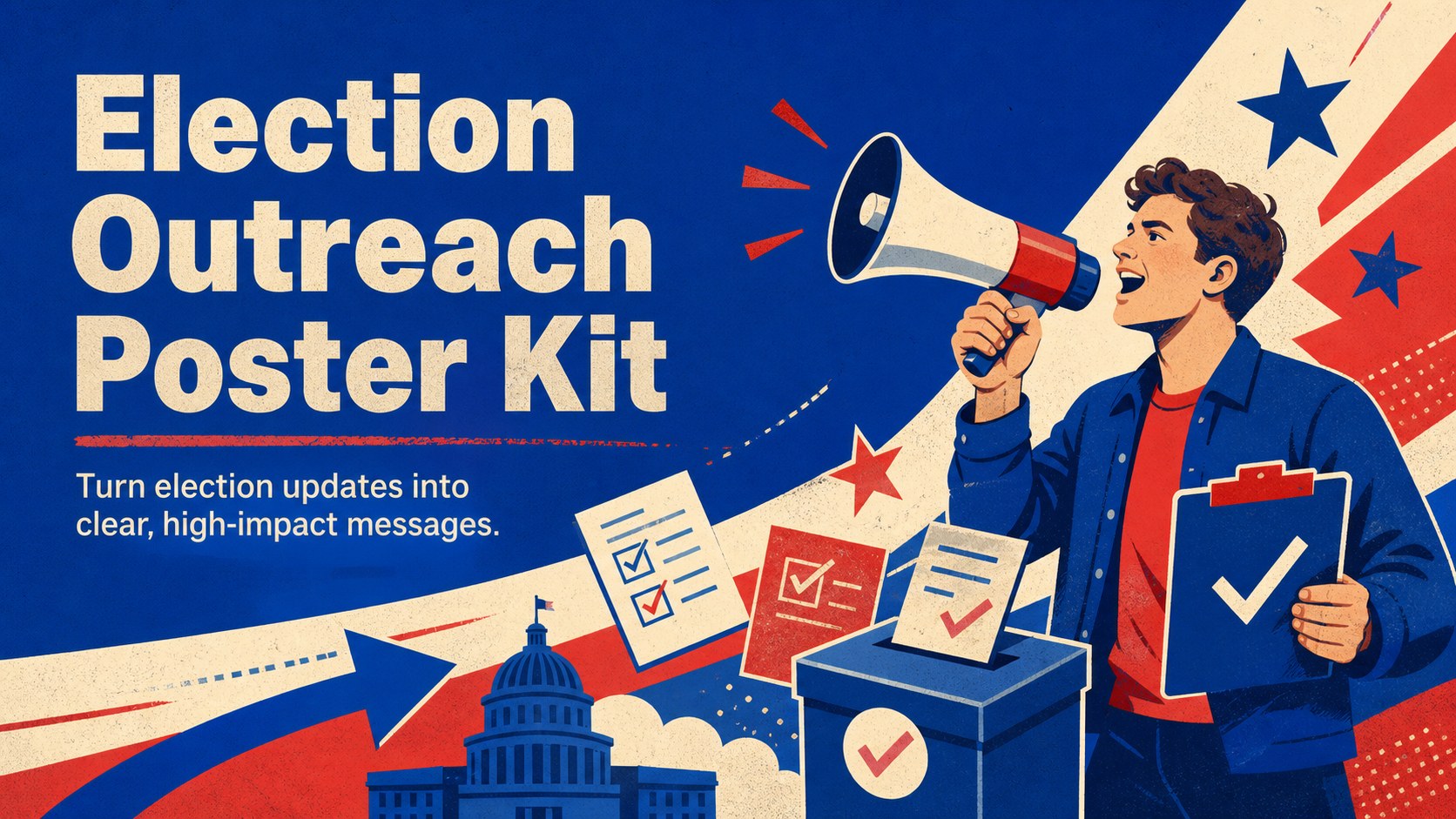
Build clear voter announcements with this election outreach poster kit, featuring bold blue and red illustrations ready to edit in PowerPoint and Google…

Design notes
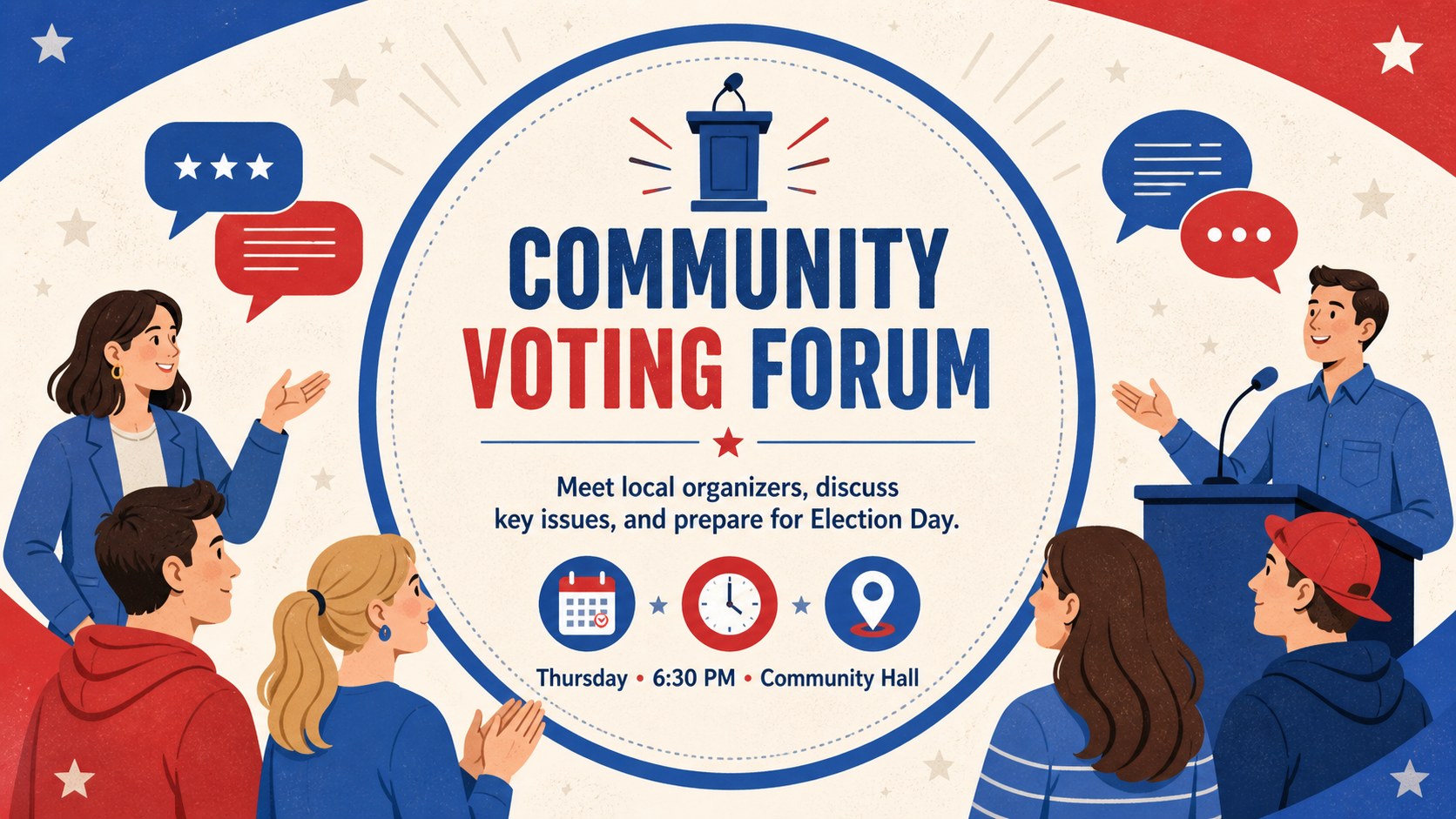
The Election Outreach Poster Kit gives campaign teams, advocacy groups, and civic organizations a bold way to share timely voting information. Strong red and blue contrasts, energetic illustrations, and highly visible typography help every announcement command attention. Edit the designs in PowerPoint or Google Slides to create a coordinated election campaign poster template for print, digital displays, presentations, or social channels.
Inside, you will find adaptable poster layouts for voter reminders, campaign gatherings, community forums, registration notices, and election-day announcements. Each design provides flexible areas for headlines, dates, locations, calls to action, and contact details. Rearrange the visual elements, update the wording, adjust the colors, or add your own photography and campaign graphics. Built-in presentation tools also make it easy to introduce transitions or reveal information during live events.
This voter turnout poster slide collection suits political organizers, communications teams, nonprofit staff, educators, and local government offices. Use it as a get out the vote poster design, promote a public discussion, or distribute practical polling information across multiple channels. The assertive illustrated style keeps serious civic messaging approachable while preserving the polished, professional tone expected from election communications.
Perfect for: voter registration announcement; election-day reminder campaign; community voting forum; campaign rally promotion; civic education event.
Frequently asked questions
Can I edit the poster text and event details? Yes. Headlines, dates, locations, calls to action, and supporting text can be replaced directly in PowerPoint or Google Slides. You can also move, resize, or remove individual design elements.
Practical details
Yes. Headlines, dates, locations, calls to action, and supporting text can be replaced directly in PowerPoint or Google Slides. You can also move, resize, or remove individual design elements.
The template is designed for PowerPoint and Google Slides. Both platforms support the core layouts, typography, illustrations, and color customization.
Yes. Use the theme or formatting controls to apply campaign, organization, or event colors. Check text contrast after making changes so important voter information remains easy to read.
Yes. Export individual designs as PDF or image files for printing, digital signage, email announcements, and social posts. Review the final dimensions and margins before sending a poster to print.
Keep exploring
15Use this astrology audience insights deck to present zodiac-based segments, behaviors, and campaign findings in polished black-and-gold slides.
 14
14Plan a memorable Lunar New Year campaign with the 2036 Dragon Year Celebration Theme, featuring bold red-and-yellow slides for lessons and events.
 15
15Build eerie lessons, campaigns, and story pitches with an undead survival scenario theme featuring editable slides for PowerPoint and Google Slides.
 15
15Build a clear breast cancer awareness bulletin with bold pink-and-red slides for campaign news, screening reminders, impact data, and community updates.
 15
15Shape your publishing concept with an indie magazine startup pitch deck featuring pastel gradients, bold collage layouts, and editable planning slides.
 15
15Build a bold retro-futurist campaign pitch deck for client meetings, with editable strategy layouts and playful pastel Y2K-inspired visuals.
 16
16Build a consistent presence with a social channel identity playbook covering voice, visuals, content formats, publishing rules, and approvals.
 15
15Celebrate online learners with webinar completion certificate slides, featuring editable violet artwork for university events in PowerPoint and Google Slides.