
 15
15presentation
Astrology Audience Insights Deck
Use this astrology audience insights deck to present zodiac-based segments, behaviors, and campaign findings in polished black-and-gold slides.
Google SlidesPowerPoint
presentation · English
Build an editorial collage newsletter deck for updates, announcements, and stories with bold pink-and-black layouts ready for, PowerPoint, or Slides.
Design notes
Make recurring communications more memorable with an editorial collage newsletter deck designed for teams, creators, clubs, and student groups. Its energetic pink-and-black palette, cut-paper details, hand-drawn accents, and magazine-inspired structure give everyday information a distinctive visual voice.
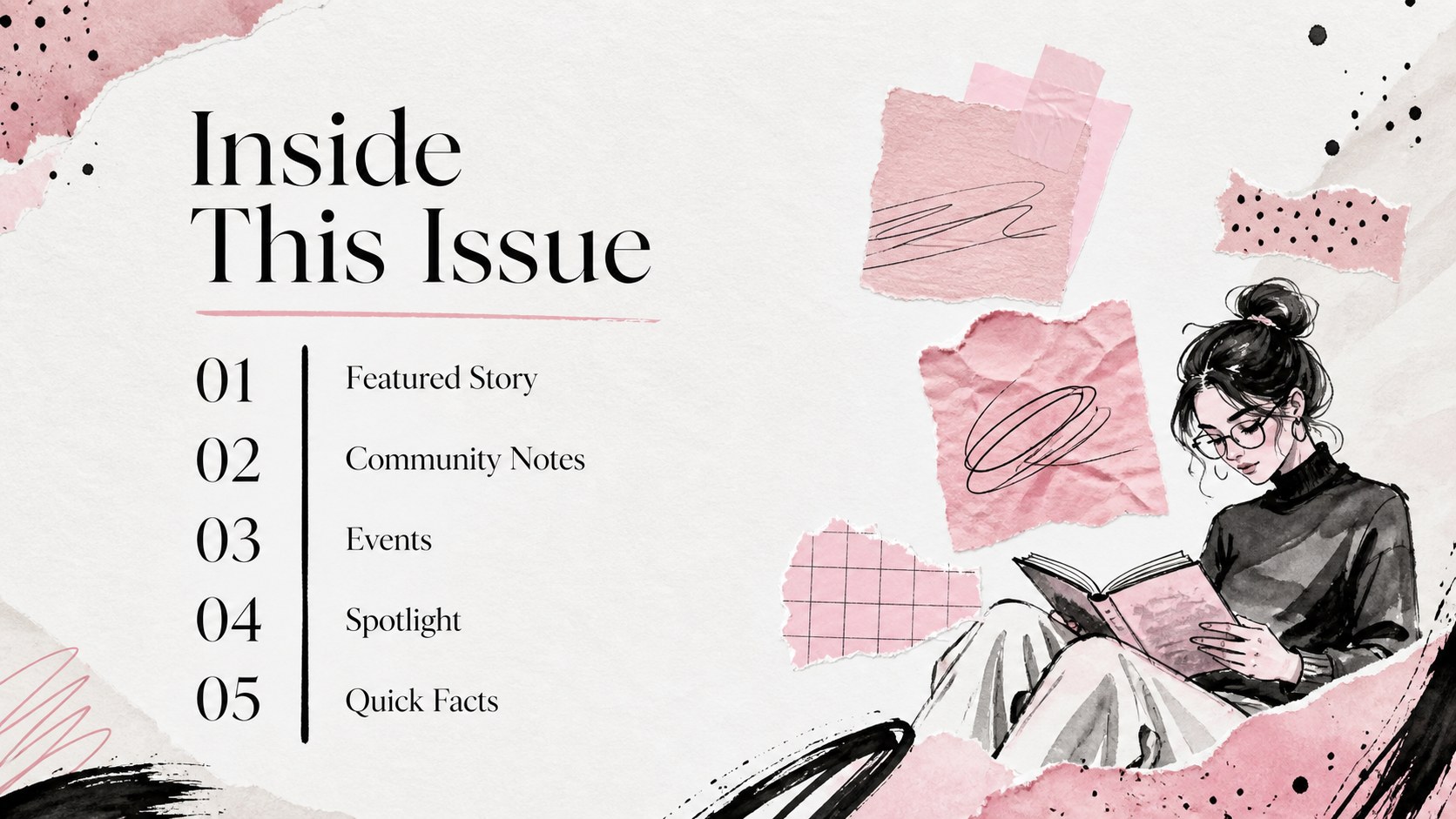
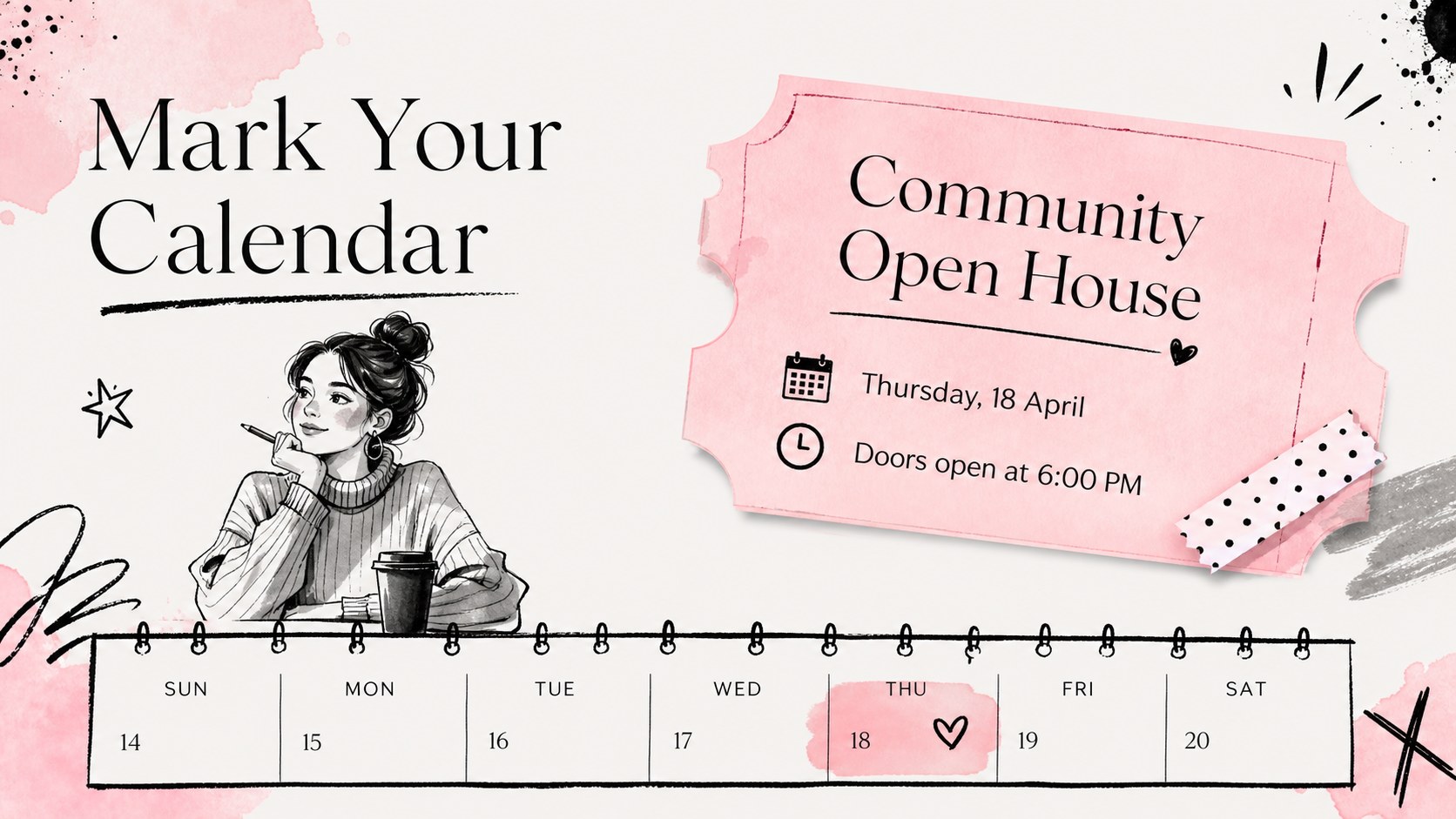
Inside, you’ll find flexible pages for an opening bulletin, table of contents, featured story, event announcement, team spotlight, image gallery, quick facts, quote, FAQ, and closing message. The layouts work well for internal communications, community news, campaign updates, school publications, and creative brand newsletters. Short blocks of copy, image frames, labels, and modular graphic elements make it easy to adapt the deck to different audiences.
Use the template, then export it for PowerPoint or Google Slides when needed. You can replace the sample copy, swap photos, adjust the pink and black color balance, and add your own icons or illustrations without rebuilding the design. It is especially useful for creating a visual newsletter presentation, a monthly team bulletin, or a social media content roundup with a consistent editorial look.
Perfect for: monthly team bulletin; school publication update; community event announcement; brand content roundup; club newsletter presentation.
Frequently asked questions
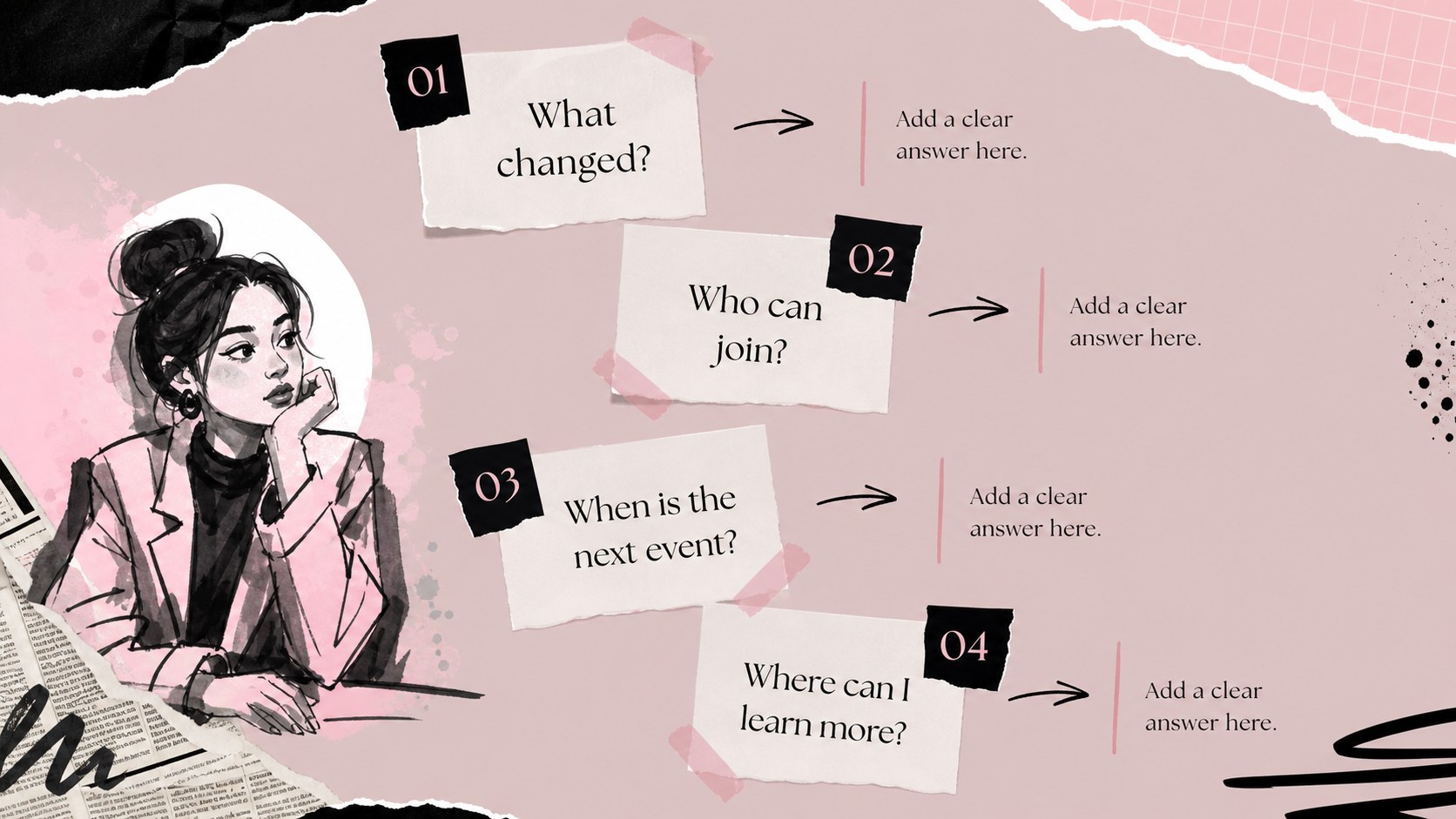
Can I edit this deck? Yes. is the primary editing environment, and the layouts can be customized with your own text, images, colors, icons, and illustrations. The editor also supports drag-and-drop placement for faster updates.
Practical details
Yes. is the primary editing environment, and the layouts can be customized with your own text, images, colors, icons, and illustrations. The editor also supports drag-and-drop placement for faster updates.
Yes. After opening the design, export a PowerPoint file or send an editable copy to Google Slides. Some -specific effects and fonts may require small adjustments after export.
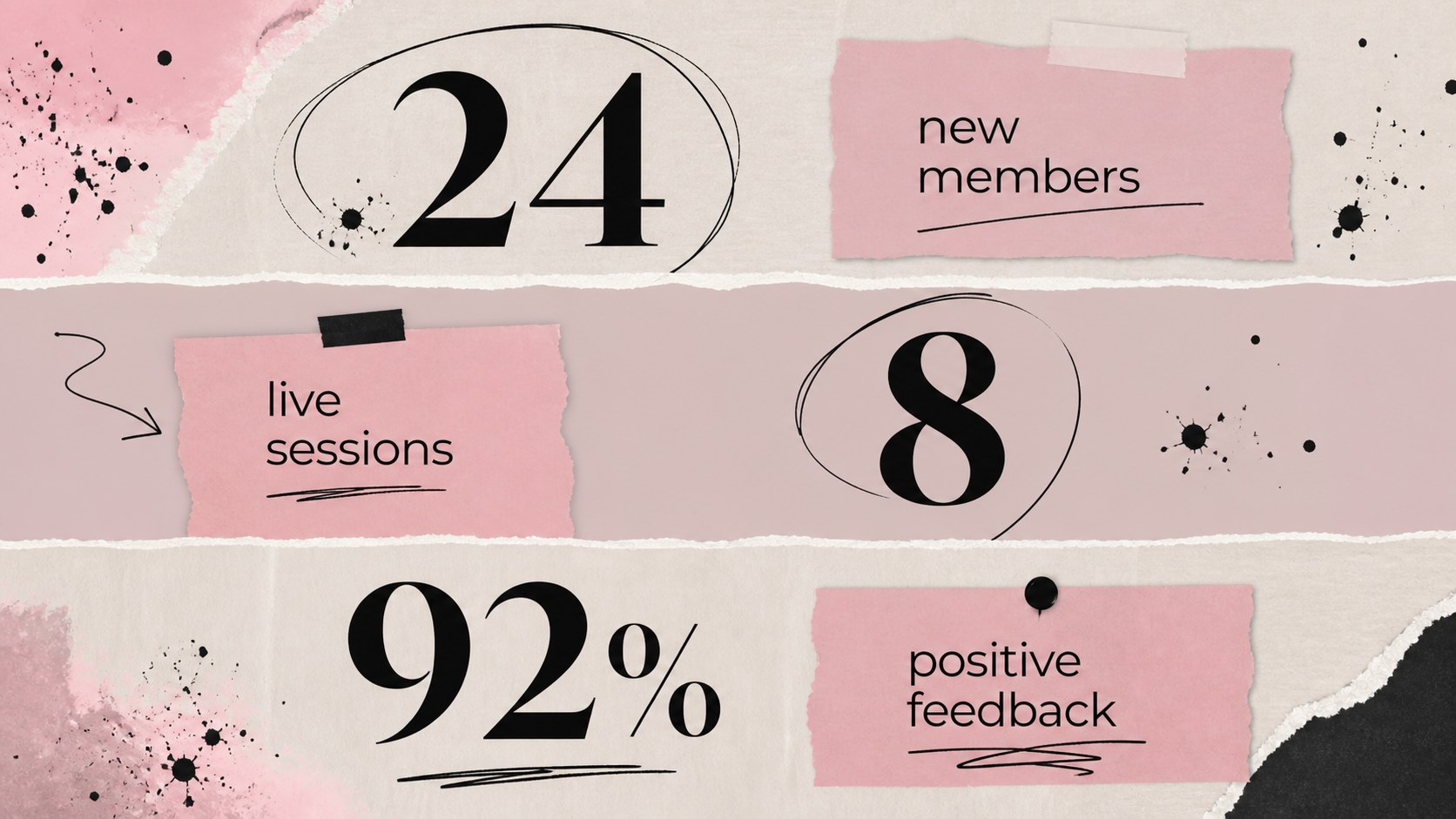
The slides support announcements, event details, featured stories, team spotlights, image galleries, quotes, FAQs, and short data points. Replace the sample content with internal news, community updates, school notices, or campaign highlights.
Yes. Update the document colors and replace graphic accents to match your organization or project. Keeping one accent color with black type preserves the editorial contrast while allowing brand customization.
Keep exploring
15Use this astrology audience insights deck to present zodiac-based segments, behaviors, and campaign findings in polished black-and-gold slides.
 14
14Plan a memorable Lunar New Year campaign with the 2036 Dragon Year Celebration Theme, featuring bold red-and-yellow slides for lessons and events.
 15
15Build eerie lessons, campaigns, and story pitches with an undead survival scenario theme featuring editable slides for PowerPoint and Google Slides.
 15
15Build a clear breast cancer awareness bulletin with bold pink-and-red slides for campaign news, screening reminders, impact data, and community updates.
 15
15Shape your publishing concept with an indie magazine startup pitch deck featuring pastel gradients, bold collage layouts, and editable planning slides.
 15
15Build a bold retro-futurist campaign pitch deck for client meetings, with editable strategy layouts and playful pastel Y2K-inspired visuals.
 16
16Build a consistent presence with a social channel identity playbook covering voice, visuals, content formats, publishing rules, and approvals.
 15
15Celebrate online learners with webinar completion certificate slides, featuring editable violet artwork for university events in PowerPoint and Google Slides.