
 15
15presentation
Astrology Audience Insights Deck
Use this astrology audience insights deck to present zodiac-based segments, behaviors, and campaign findings in polished black-and-gold slides.
Google SlidesPowerPoint
presentation · English
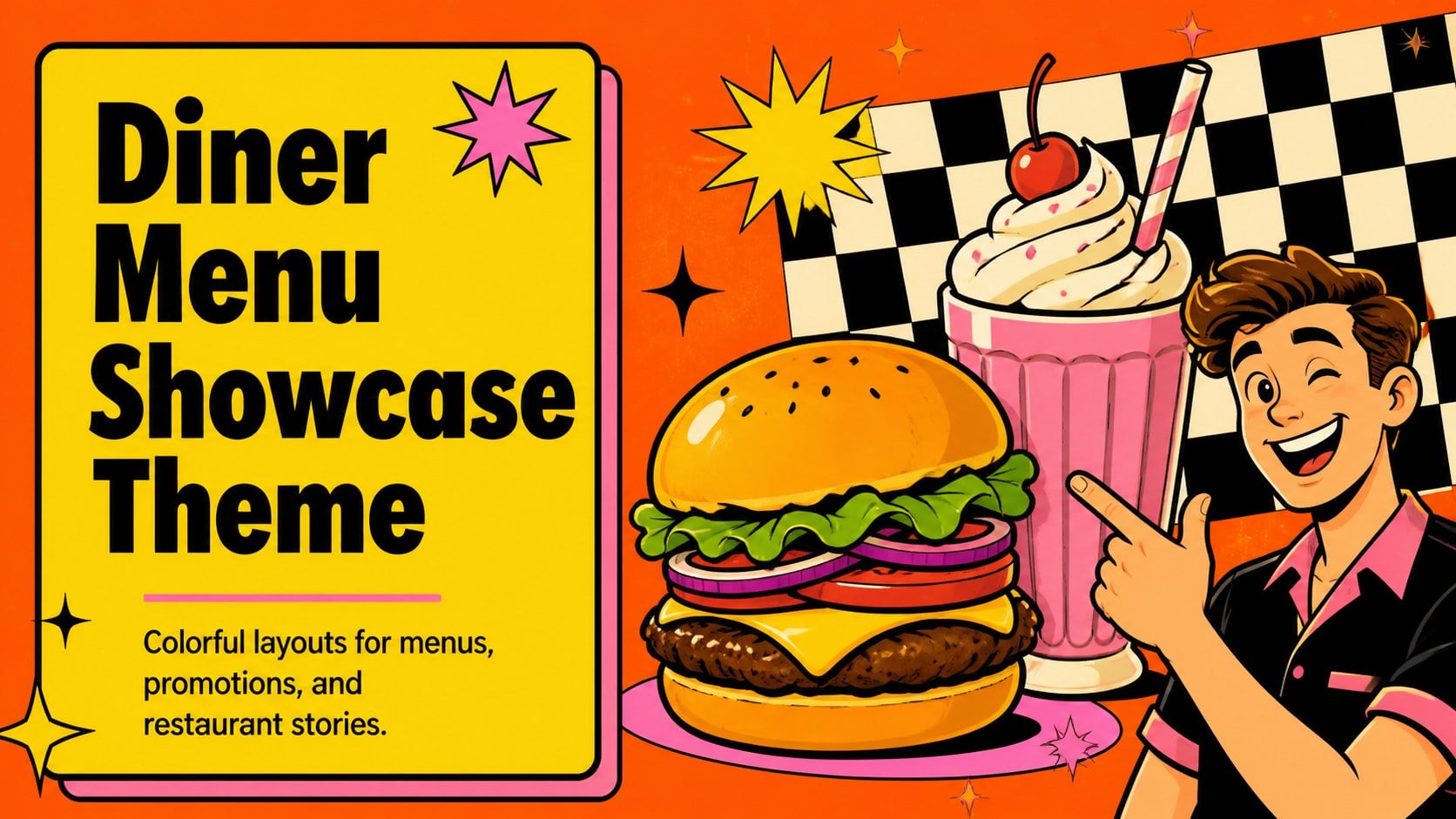
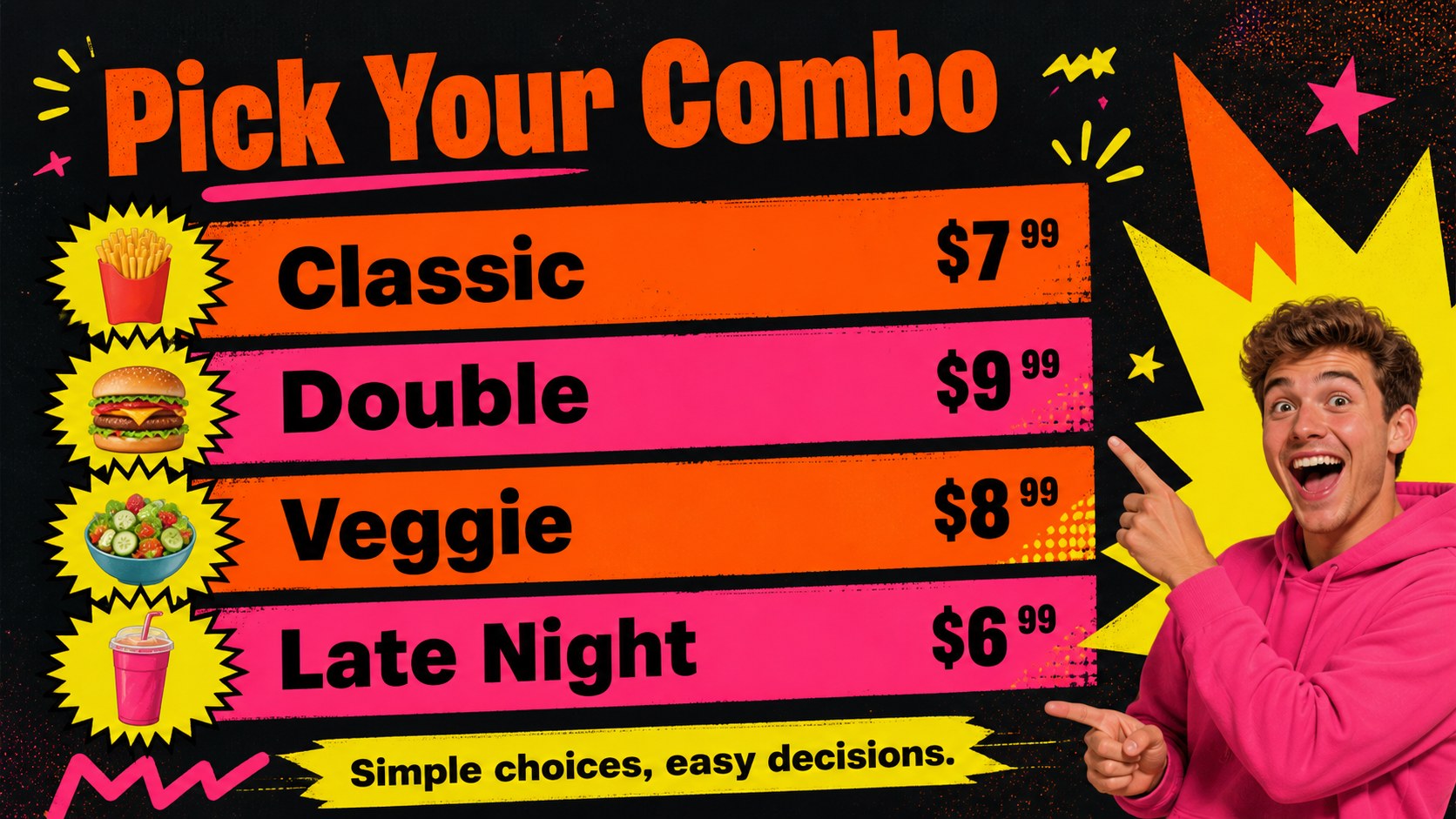
Build a colorful restaurant menu display with this diner menu showcase theme for PowerPoint and Google Slides, made for clear pricing and bold food visuals.
Design notes
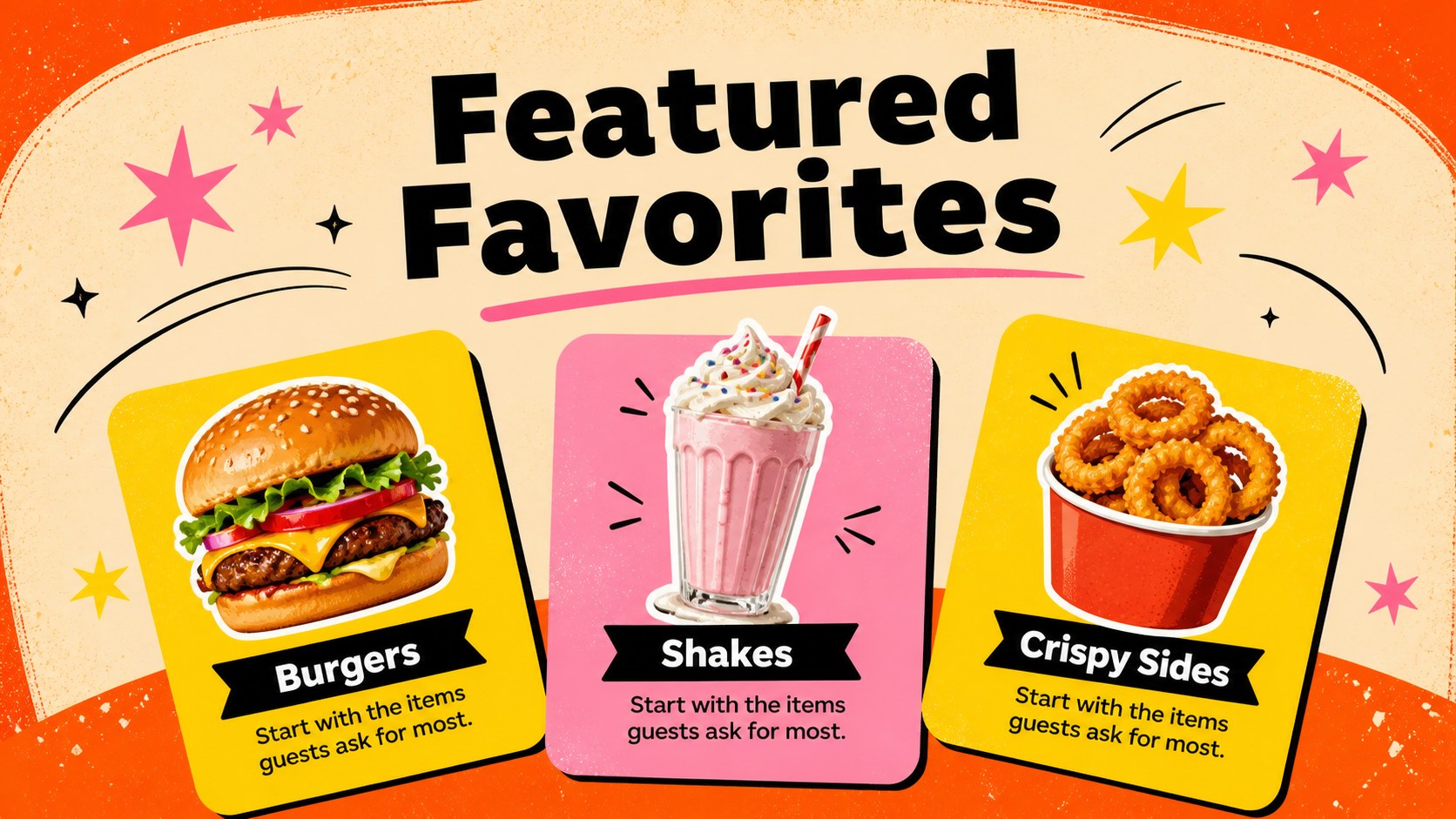
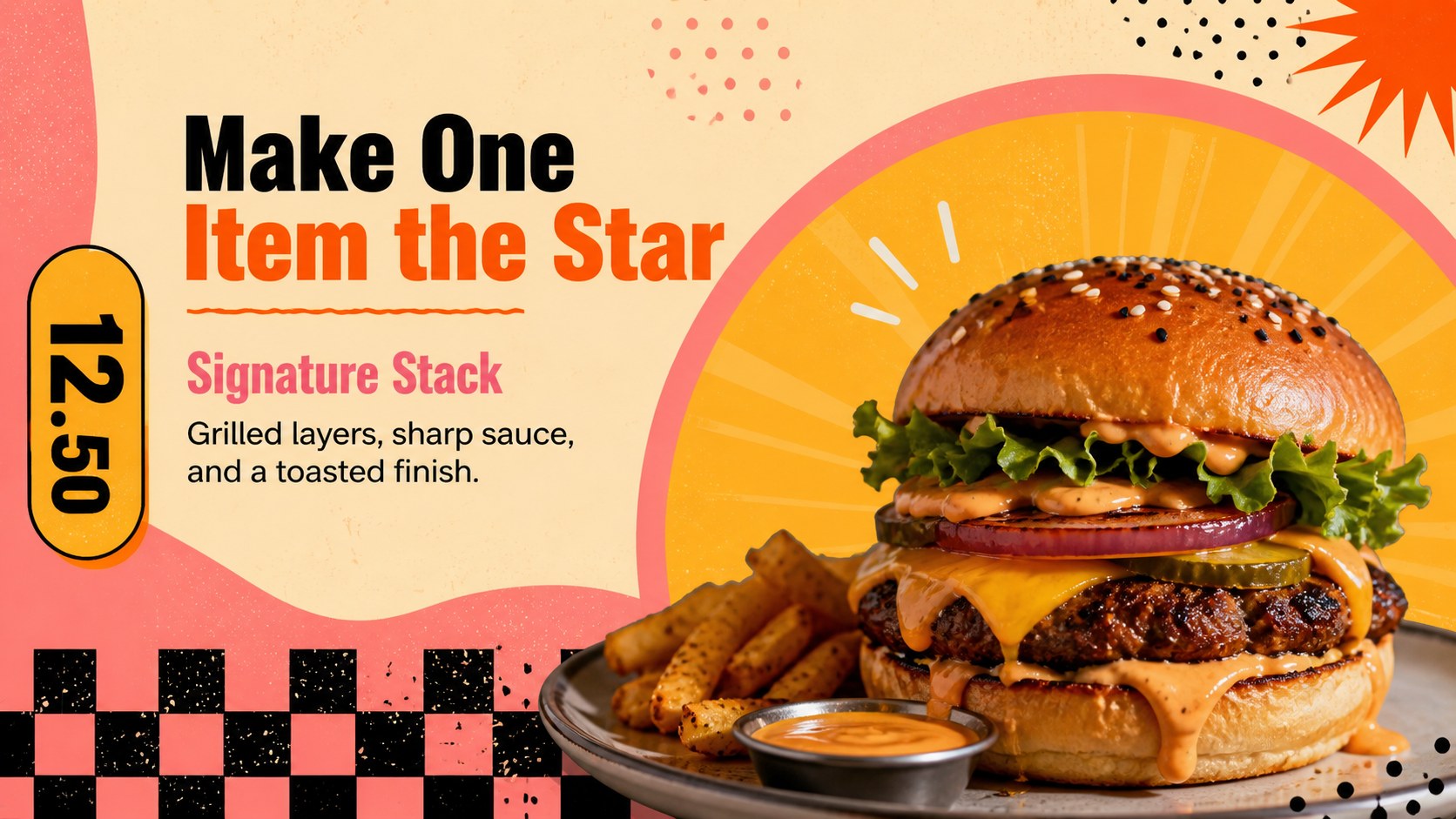
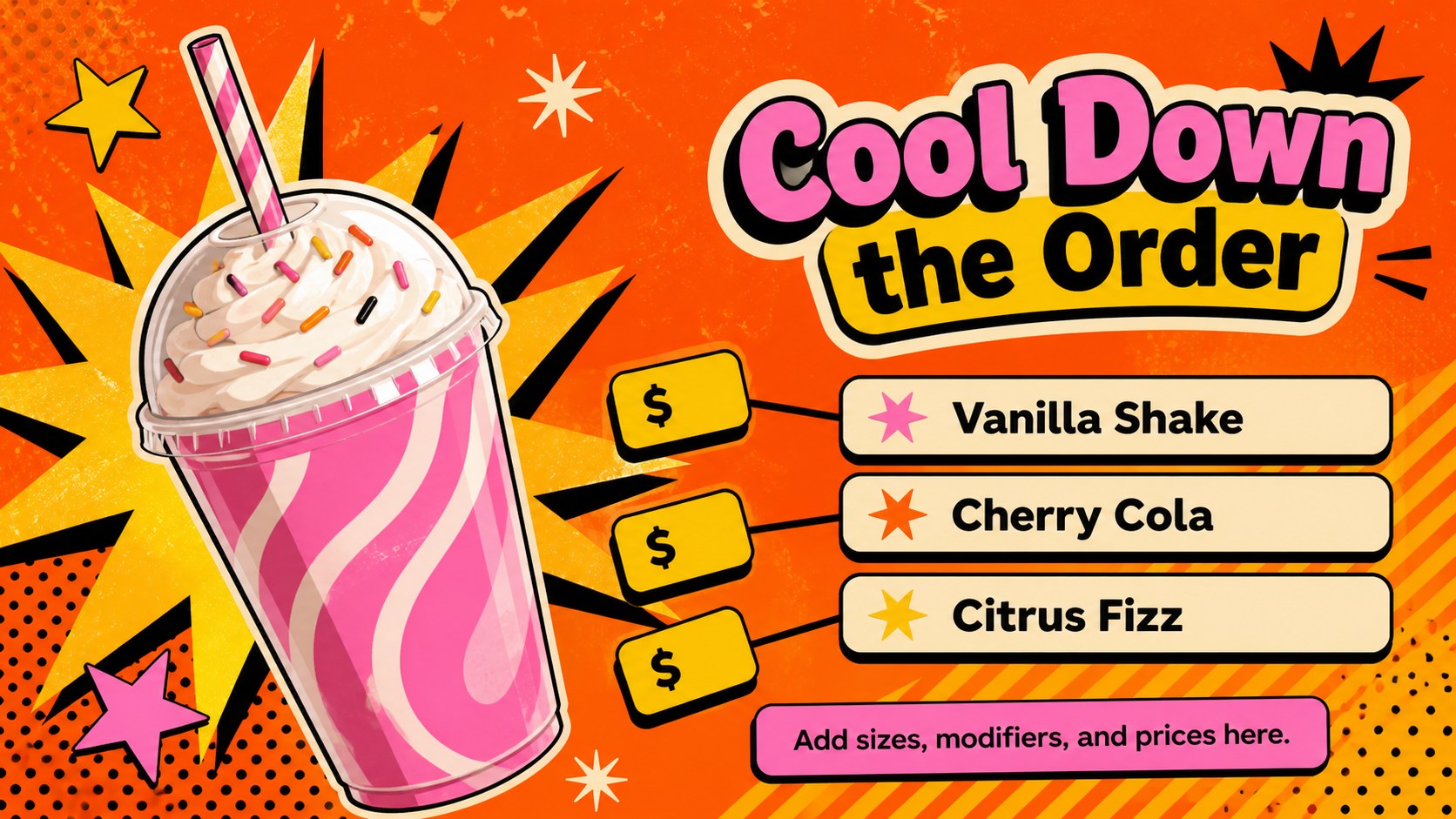
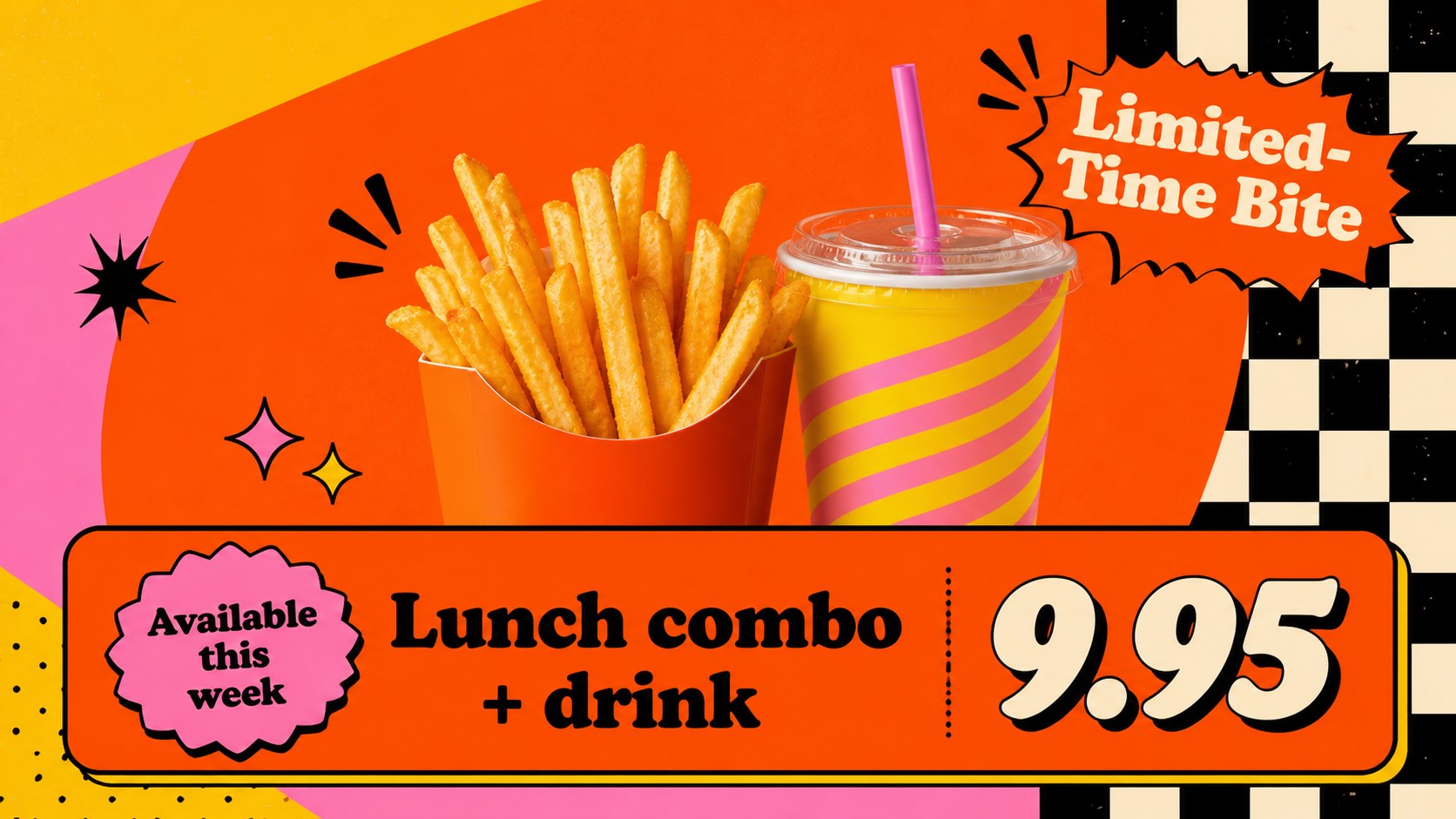
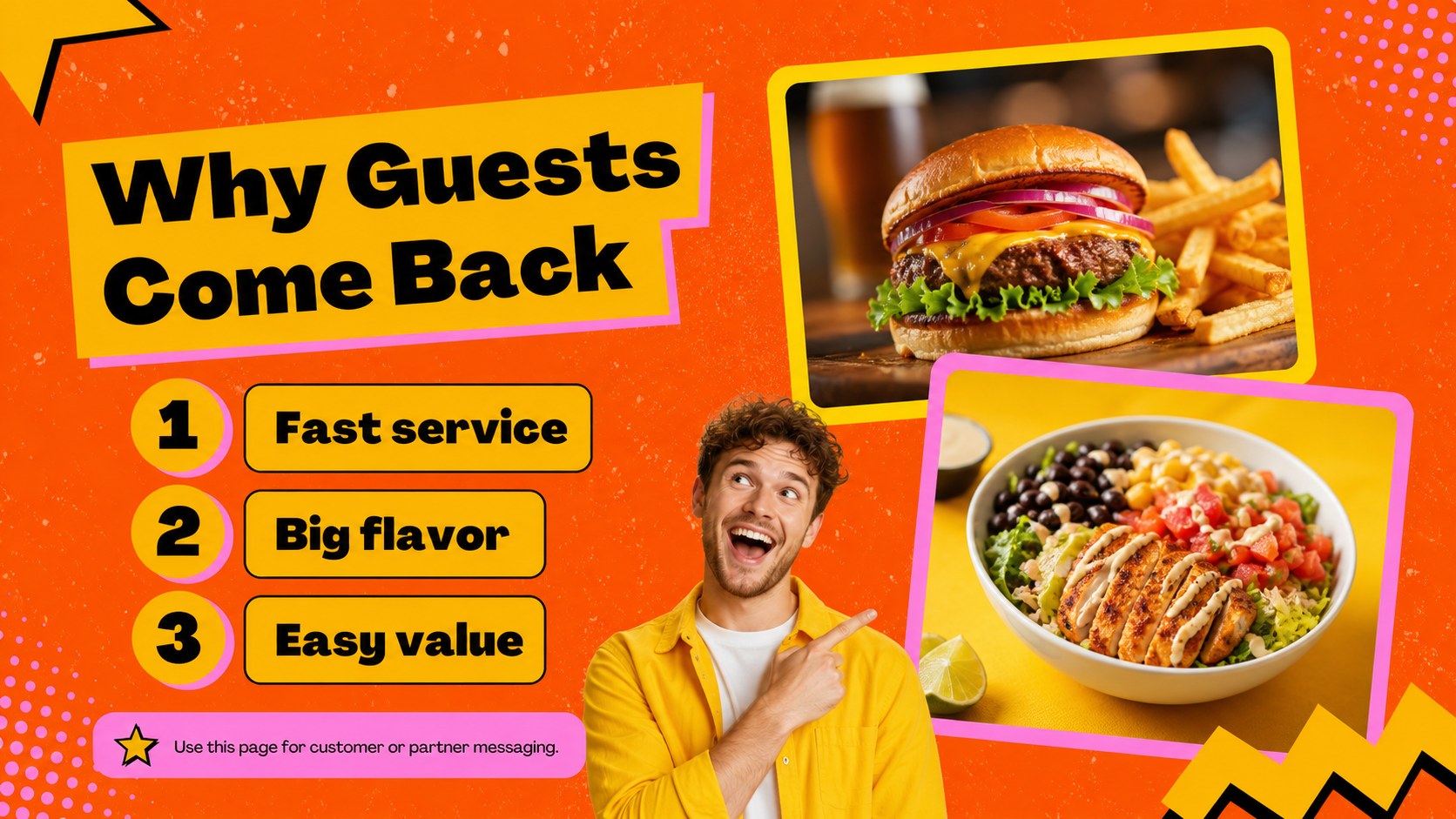
Make every burger, shake, side, and combo easy to notice with this diner menu showcase theme. Designed for restaurants, food trucks, cafés, and hospitality teams, the deck uses a lively orange, pink, yellow, black, and multicolor palette with bold retro-inspired graphics. The result feels energetic and memorable while leaving enough structure for prices, descriptions, promotions, and product details.
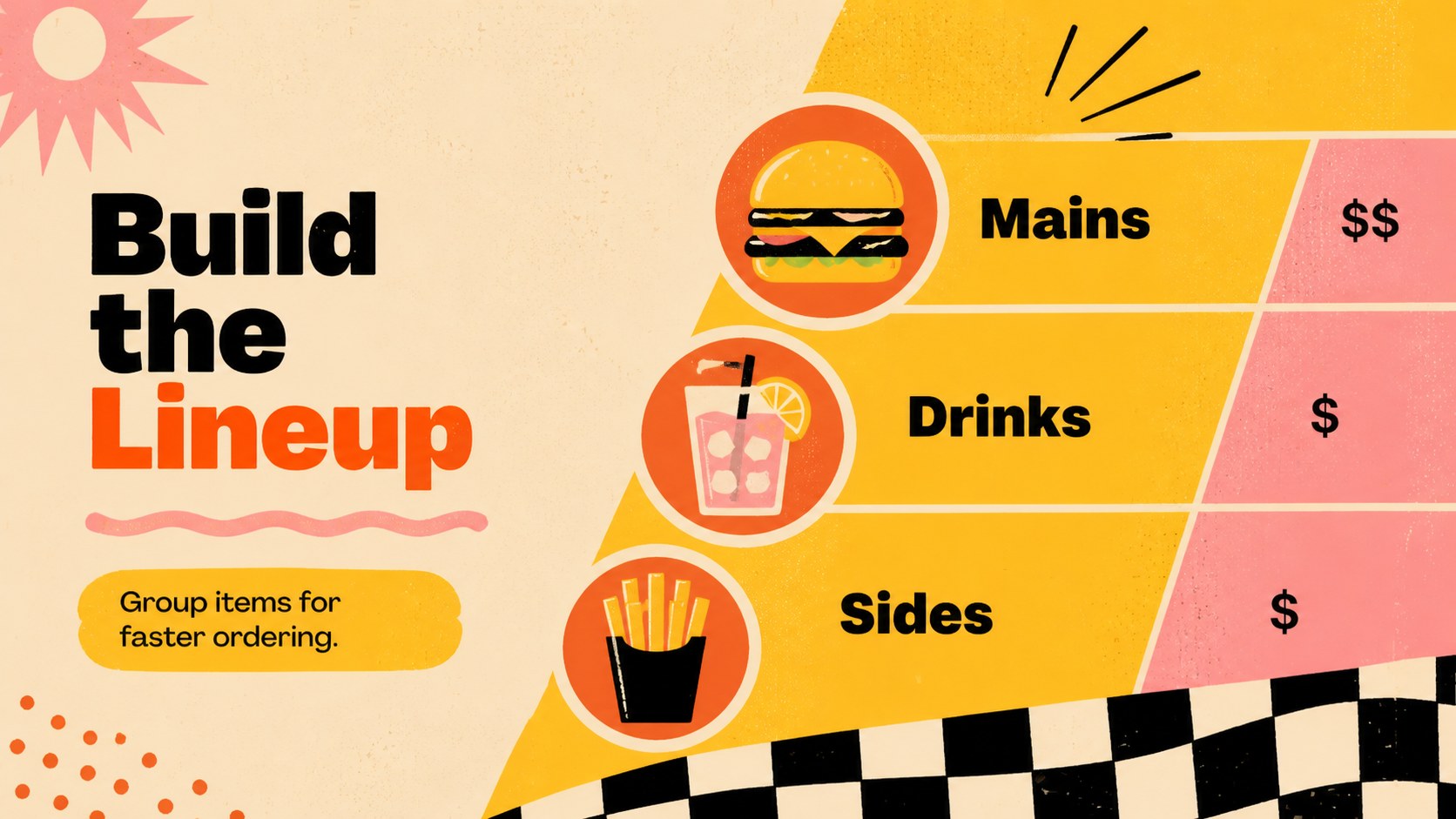
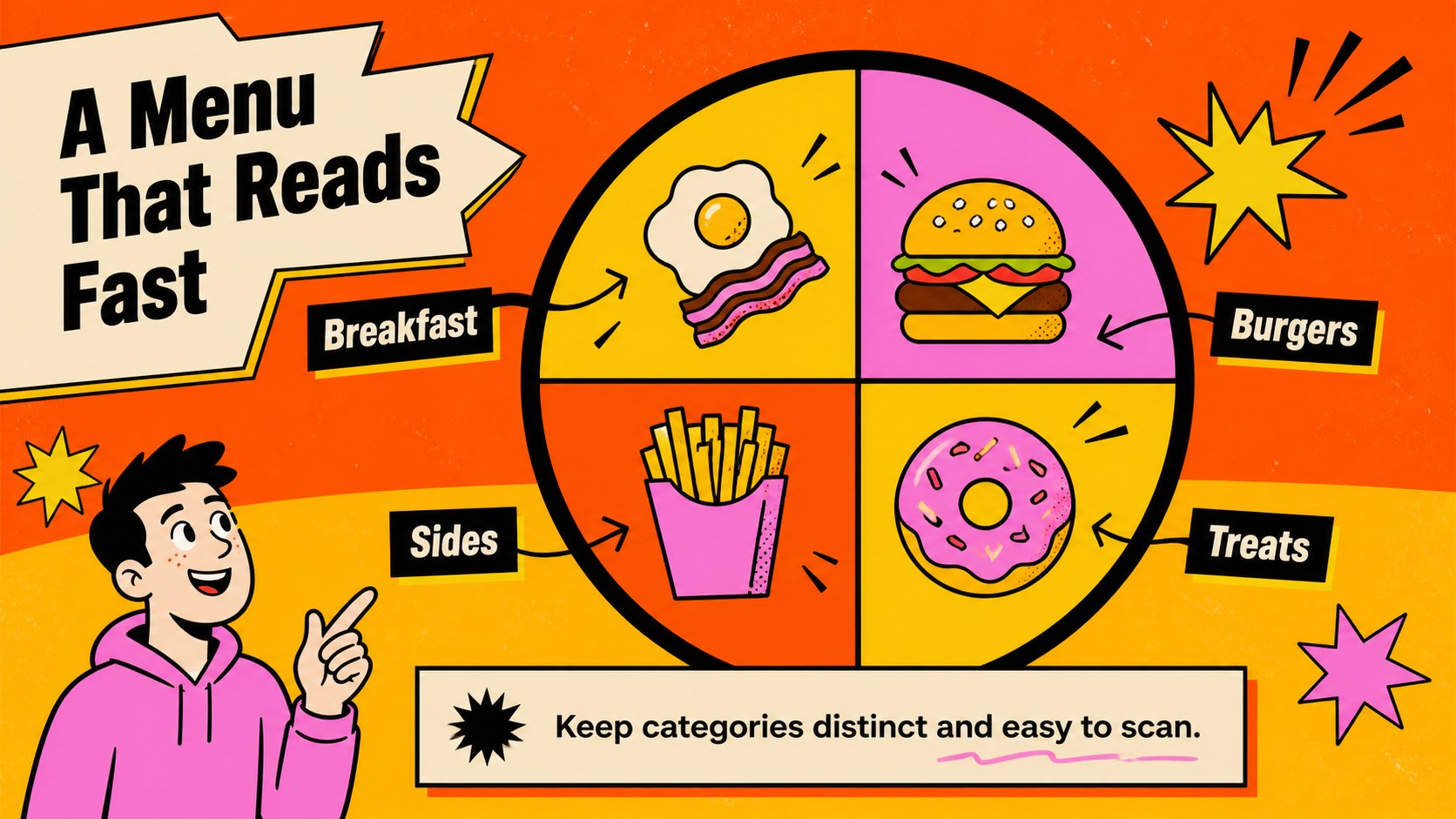
Inside, you’ll find layouts for featured items, menu categories, pricing tables, promotional offers, customer profiles, sales highlights, and visual comparisons. Use the slides to build a restaurant menu board presentation, introduce a seasonal lineup, or support a fast food promotional deck for partners and customers. Charts, icons, frames, shapes, and image placeholders make it simple to adapt the design to your own brand and food photography.
The template works in PowerPoint and Google Slides, so teams can edit text, replace imagery, adjust colors, and present from the platform that fits their workflow. It is useful for counter displays, investor conversations, franchise proposals, social campaign planning, and internal menu reviews. A quick-start slide helps you understand the layout system and customize the deck efficiently.
Perfect for: restaurant menu display; food truck launch; seasonal menu promotion; franchise partner presentation; restaurant investor pitch.
Frequently asked questions
Can I edit this theme in PowerPoint? Yes. Open the downloaded file in PowerPoint to replace text, images, prices, icons, and other editable elements. The layouts are designed for quick updates without rebuilding the deck.
Practical details
Yes. Open the downloaded file in PowerPoint to replace text, images, prices, icons, and other editable elements. The layouts are designed for quick updates without rebuilding the deck.
Yes, the presentation can be imported into Google Slides for browser-based editing and collaboration. Review fonts and image placement after importing to confirm that everything displays as expected.
You can adjust the orange, pink, yellow, black, and other accent colors to align with your restaurant identity. Replace the food imagery and illustrations as well to create a more recognizable menu system.
It works well for digital menu displays, food promotions, seasonal product launches, franchise proposals, and restaurant marketing plans. The layouts also support internal reviews of pricing and menu categories.
Keep exploring
15Use this astrology audience insights deck to present zodiac-based segments, behaviors, and campaign findings in polished black-and-gold slides.
 14
14Plan a memorable Lunar New Year campaign with the 2036 Dragon Year Celebration Theme, featuring bold red-and-yellow slides for lessons and events.
 15
15Build eerie lessons, campaigns, and story pitches with an undead survival scenario theme featuring editable slides for PowerPoint and Google Slides.
 15
15Build a clear breast cancer awareness bulletin with bold pink-and-red slides for campaign news, screening reminders, impact data, and community updates.
 15
15Shape your publishing concept with an indie magazine startup pitch deck featuring pastel gradients, bold collage layouts, and editable planning slides.
 15
15Build a bold retro-futurist campaign pitch deck for client meetings, with editable strategy layouts and playful pastel Y2K-inspired visuals.
 16
16Build a consistent presence with a social channel identity playbook covering voice, visuals, content formats, publishing rules, and approvals.
 15
15Celebrate online learners with webinar completion certificate slides, featuring editable violet artwork for university events in PowerPoint and Google Slides.