
 15
15presentation
UFO Day Alien Encounter Deck
Build a bold cosmic story with this UFO Day alien encounter deck, featuring surreal green-and-black layouts for PowerPoint and Google Slides events.
Google SlidesPowerPoint
presentation · English
Build a polished digital systems presentation theme for cloud, AI, security, and engineering topics with editable PowerPoint and Google Slides layouts.









Design notes
Digital Systems Presentation Theme is designed for explaining the connected infrastructure behind modern products and services. Its network-inspired visual language uses linked nodes, fine lines, and a crisp technical atmosphere to support topics such as cloud platforms, artificial intelligence, machine learning, cybersecurity, blockchain, and software architecture.
Inside the deck, you will find 16:9 layouts for opening statements, agendas, feature comparisons, process diagrams, data visualizations, timelines, maps, tables, and closing summaries. The modular structure makes it easy to shape a focused cloud infrastructure presentation, a technical roadmap, or a cybersecurity briefing slides sequence without rebuilding the design from scratch. Text, colors, images, charts, icons, and background treatments can all be adjusted to match your project.
This template suits technology companies, engineering teams, consultants, educators, researchers, and product leaders who need to make complicated systems easier to follow. Use it for internal architecture reviews, client workshops, conference talks, investor updates, or classroom explanations. Download the files for PowerPoint or open them in Google Slides, then export the finished presentation to PDF or image formats when needed.
Perfect for: cloud infrastructure overview; cybersecurity team briefing; software architecture review; AI product roadmap; engineering conference talk.
Frequently asked questions
Can I edit this template in PowerPoint? Yes. Download the PowerPoint version and replace the sample text, graphics, colors, images, charts, and icons with your own content. The layouts are organized for straightforward editing on a desktop.
Practical details
Yes. Download the PowerPoint version and replace the sample text, graphics, colors, images, charts, and icons with your own content. The layouts are organized for straightforward editing on a desktop.
Yes, a Google Slides version is available. Upload or open the presentation in Google Slides, check the font substitutions, and customize the slides directly in your browser.
Yes. The connected-line graphics, backgrounds, accent colors, and decorative elements are editable. You can adapt them to a brand palette or simplify the treatment for a more technical report.
The layouts work well for cloud infrastructure, software architecture, artificial intelligence, machine learning, blockchain, cybersecurity, and technical roadmaps. They also support charts, process diagrams, comparisons, and research summaries.
Keep exploring
15Build a bold cosmic story with this UFO Day alien encounter deck, featuring surreal green-and-black layouts for PowerPoint and Google Slides events.
 16
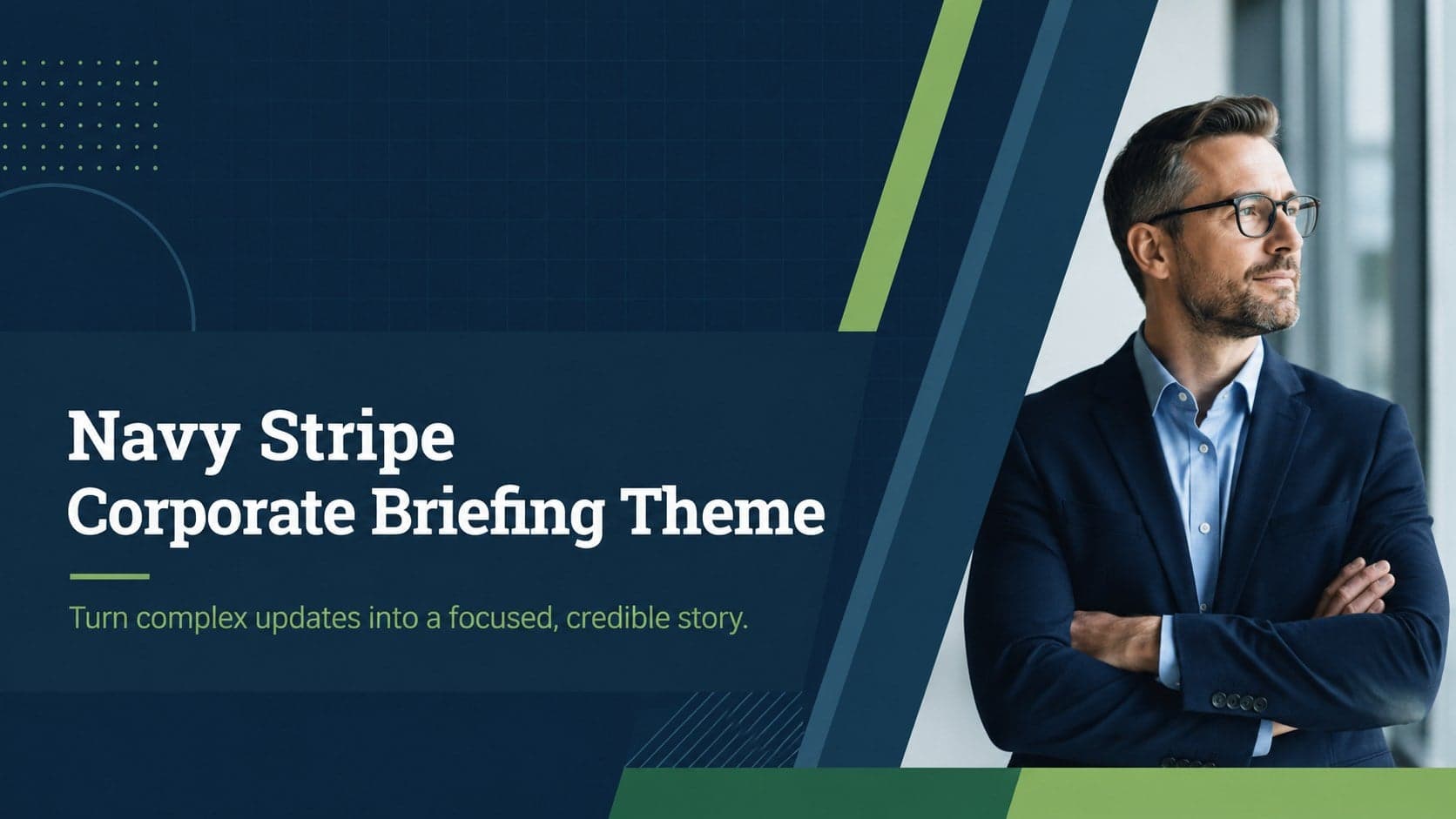
16Use the Navy Stripe Corporate Briefing Theme to present plans, results, and proposals with credible blue-green layouts for PowerPoint and Google Slides.
 5
5Turn customer research into clear decisions with product experience mapping slides in a dark navy and green style for PowerPoint and Google Slides.
 16
16Win stakeholder approval with website launch proposal slides that organize strategy, UX, rollout, and results in editable PowerPoint and Google Slides formats.
 15
15Build clearer campaign plans with an AI marketing strategy deck featuring neon blue-green visuals, editable workflows, data slides, and practical examples.
 15
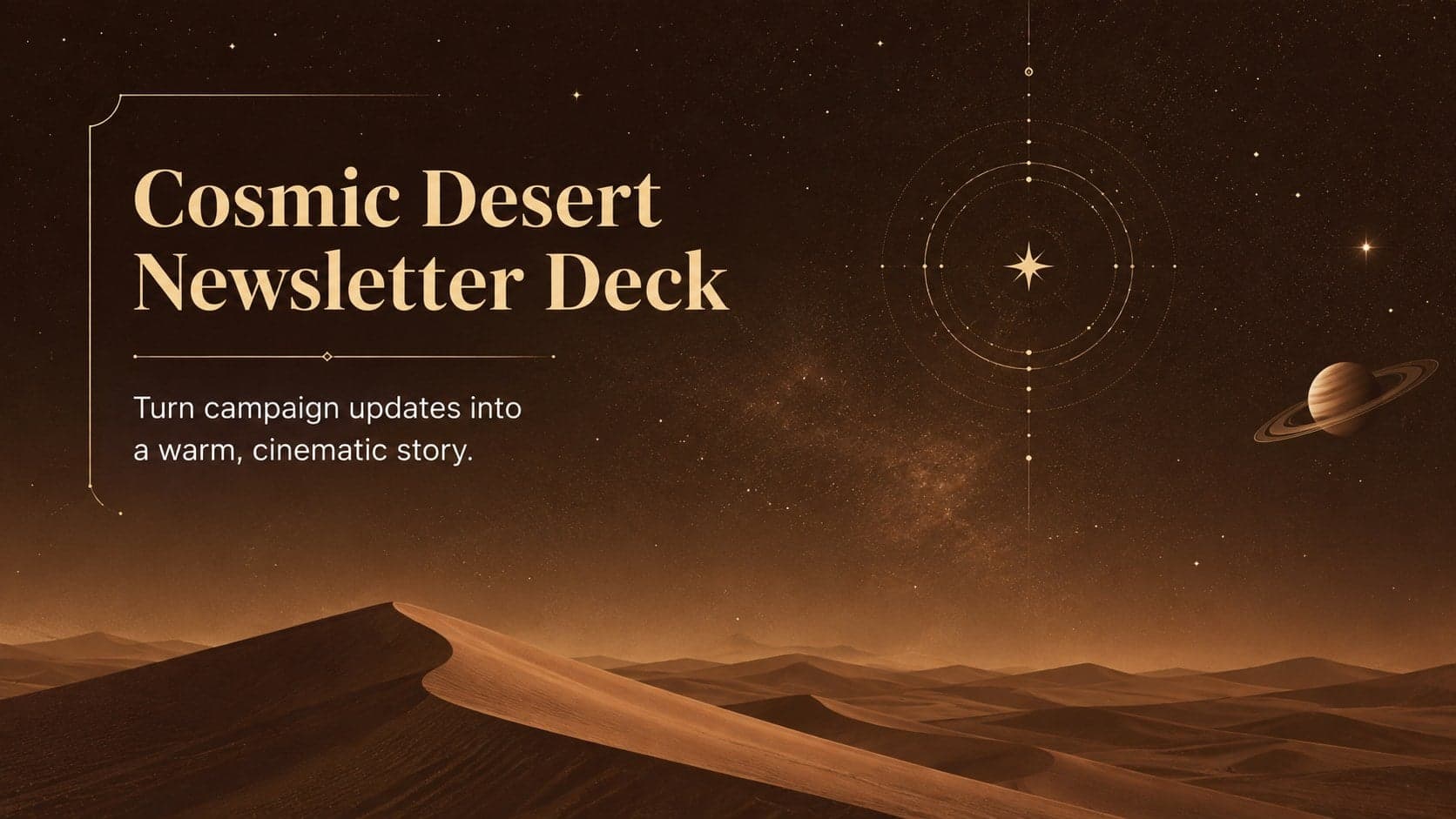
15Build memorable campaign updates with a Cosmic Desert Newsletter Deck, featuring warm beige-brown slides for PowerPoint and Google Slides teams.
 15
15Lead productive urban-tech meetings with a smart city business briefing deck in vivid violet and pink, ready to edit in PowerPoint or Google Slides.
 16
16Build a lively sales story with the Interactive Tech Product Showcase, using colorful illustrated layouts made for PowerPoint and Google Slides.