
 15
15presentation
Astrology Audience Insights Deck
Use this astrology audience insights deck to present zodiac-based segments, behaviors, and campaign findings in polished black-and-gold slides.
Google SlidesPowerPoint
presentation · English
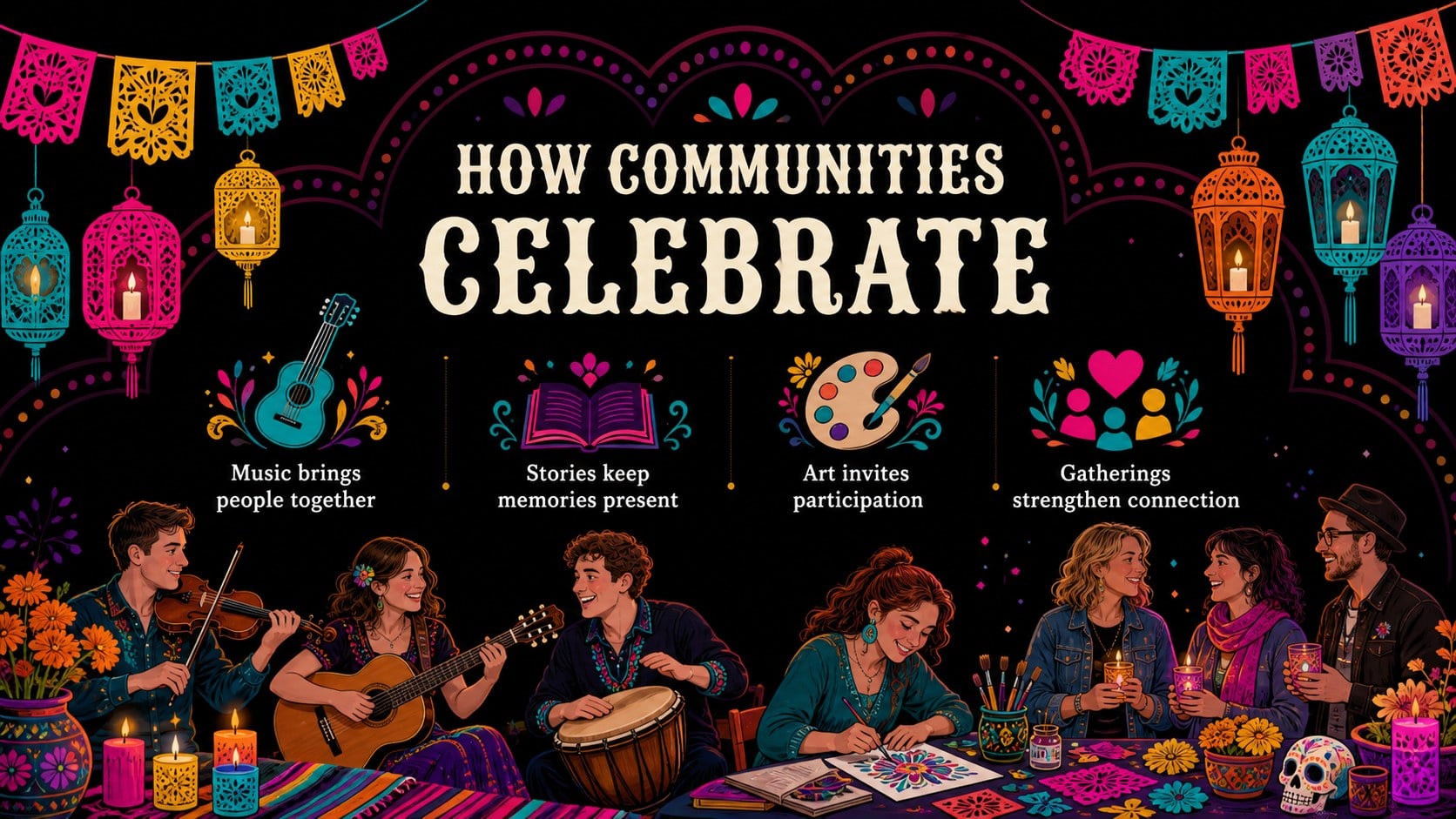
Create a vivid cultural lesson or campaign with this Día de los Muertos celebration theme for customizable PowerPoint and Google Slides presentations.
Design notes
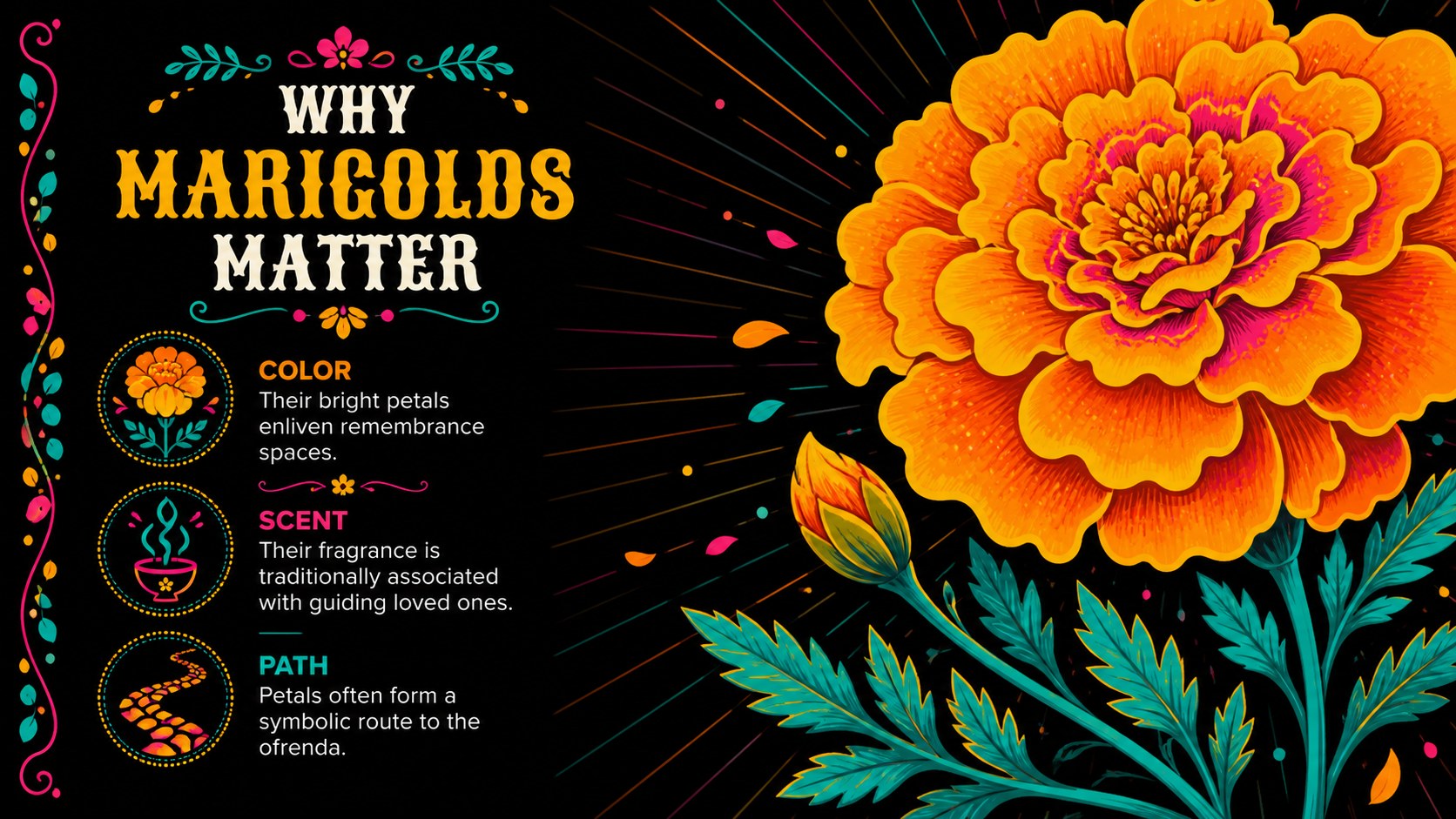
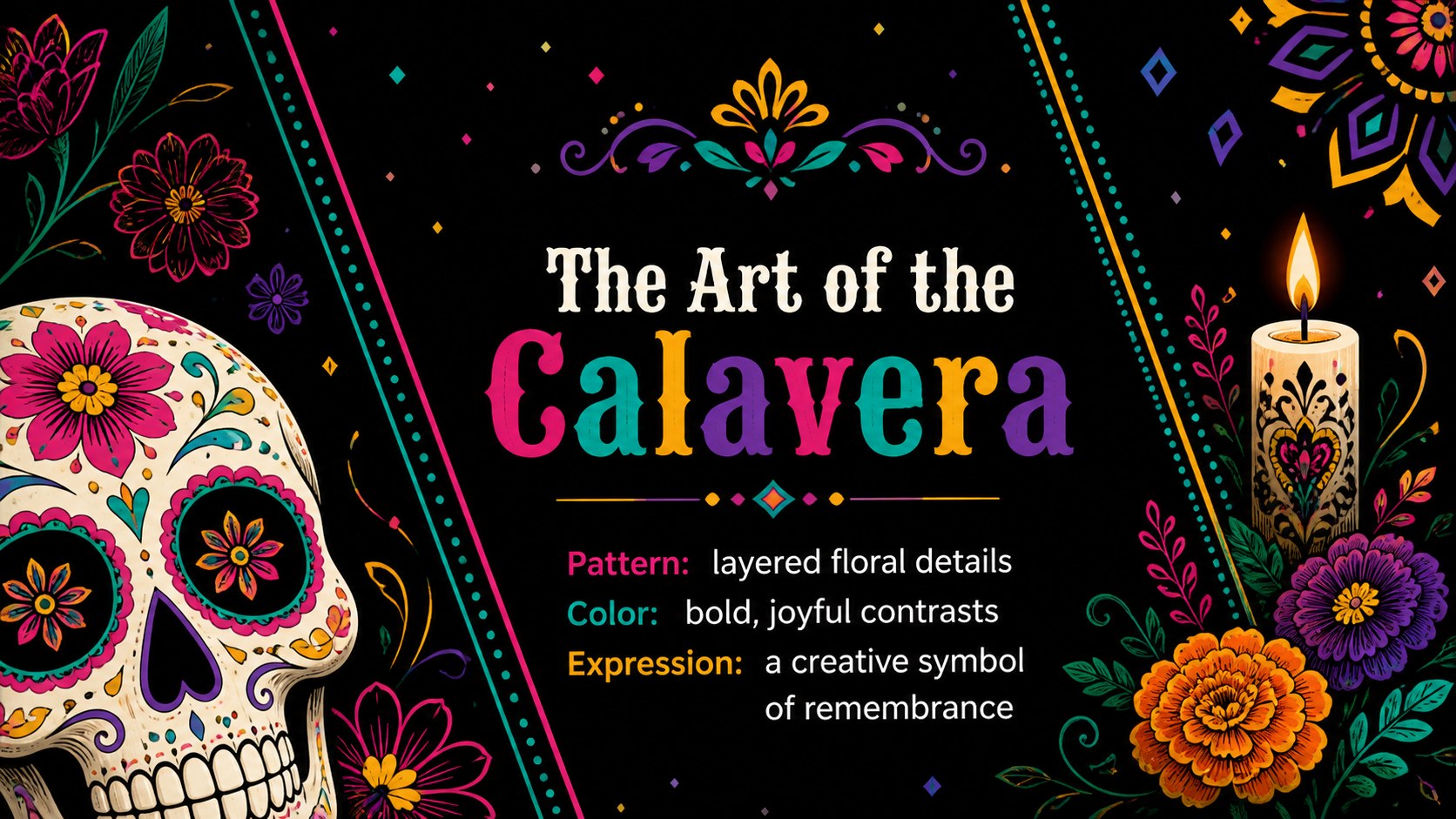
Share the meaning, artistry, and traditions of Mexico's remembrance festival with the Día de los Muertos celebration theme. Its lively black-based palette, vivid floral accents, decorative lettering, and playful illustrations create a memorable setting without losing sight of your message. Use the deck to introduce cultural customs, promote a community event, or develop a respectful seasonal campaign.
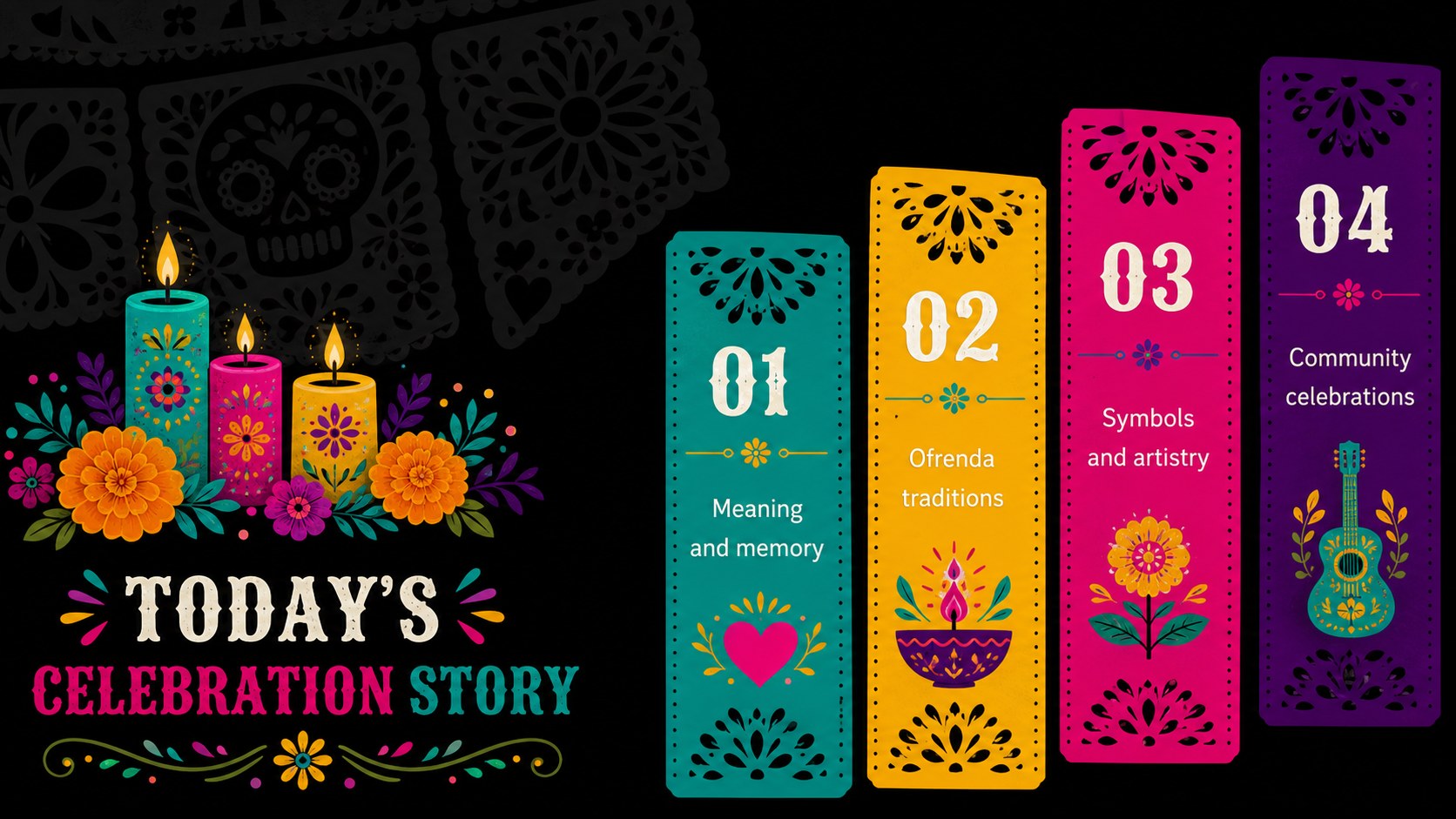
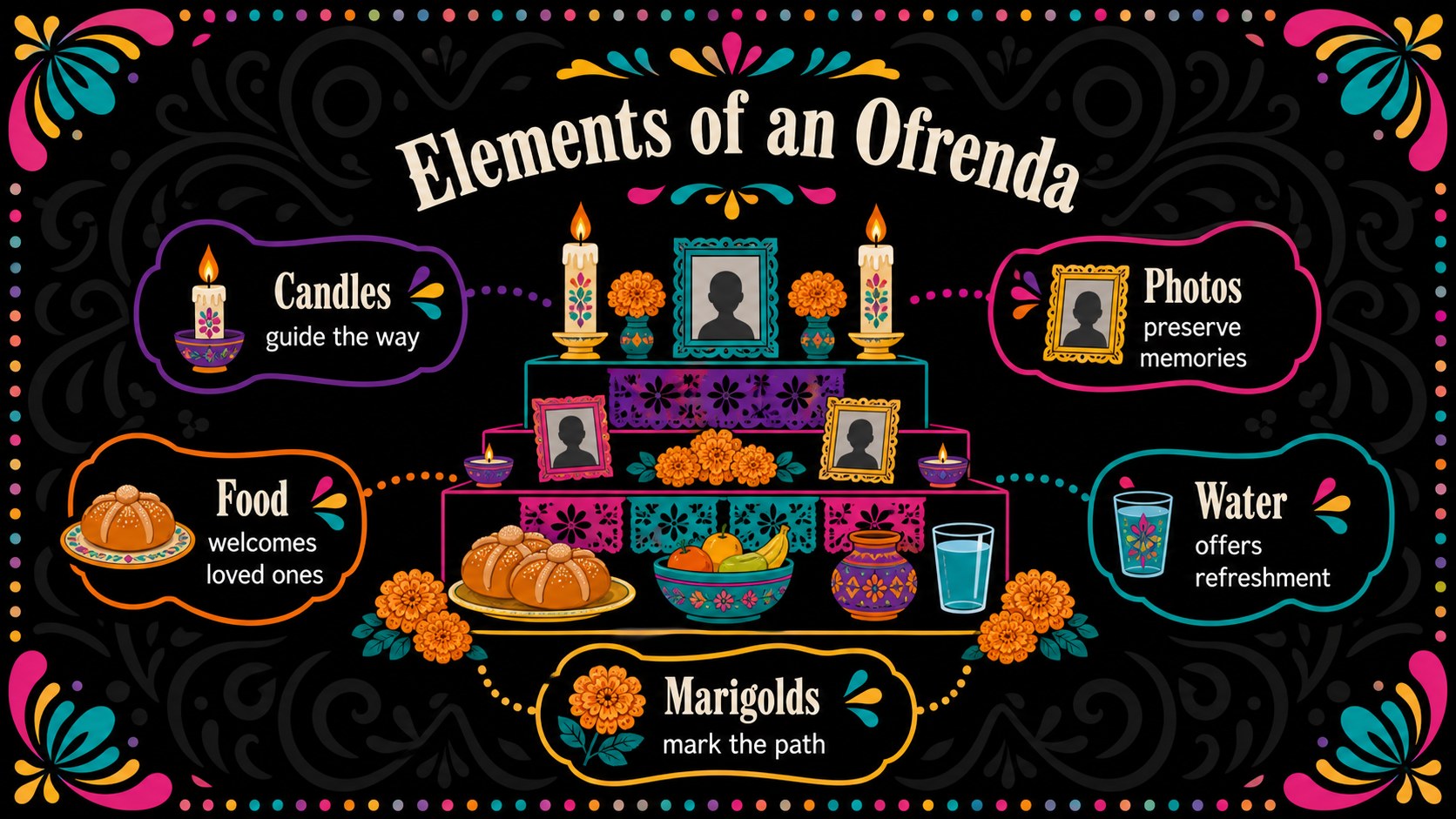
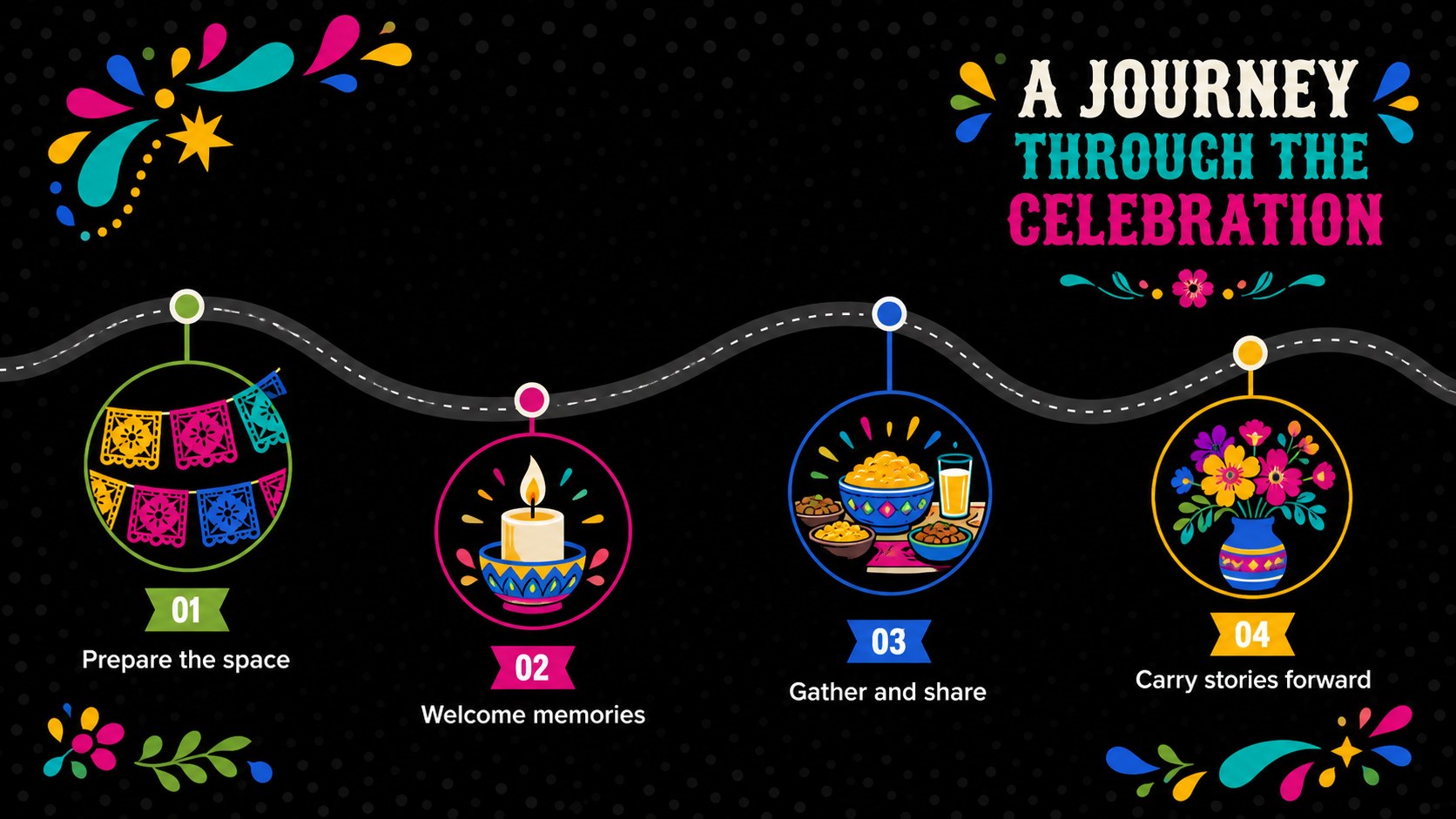
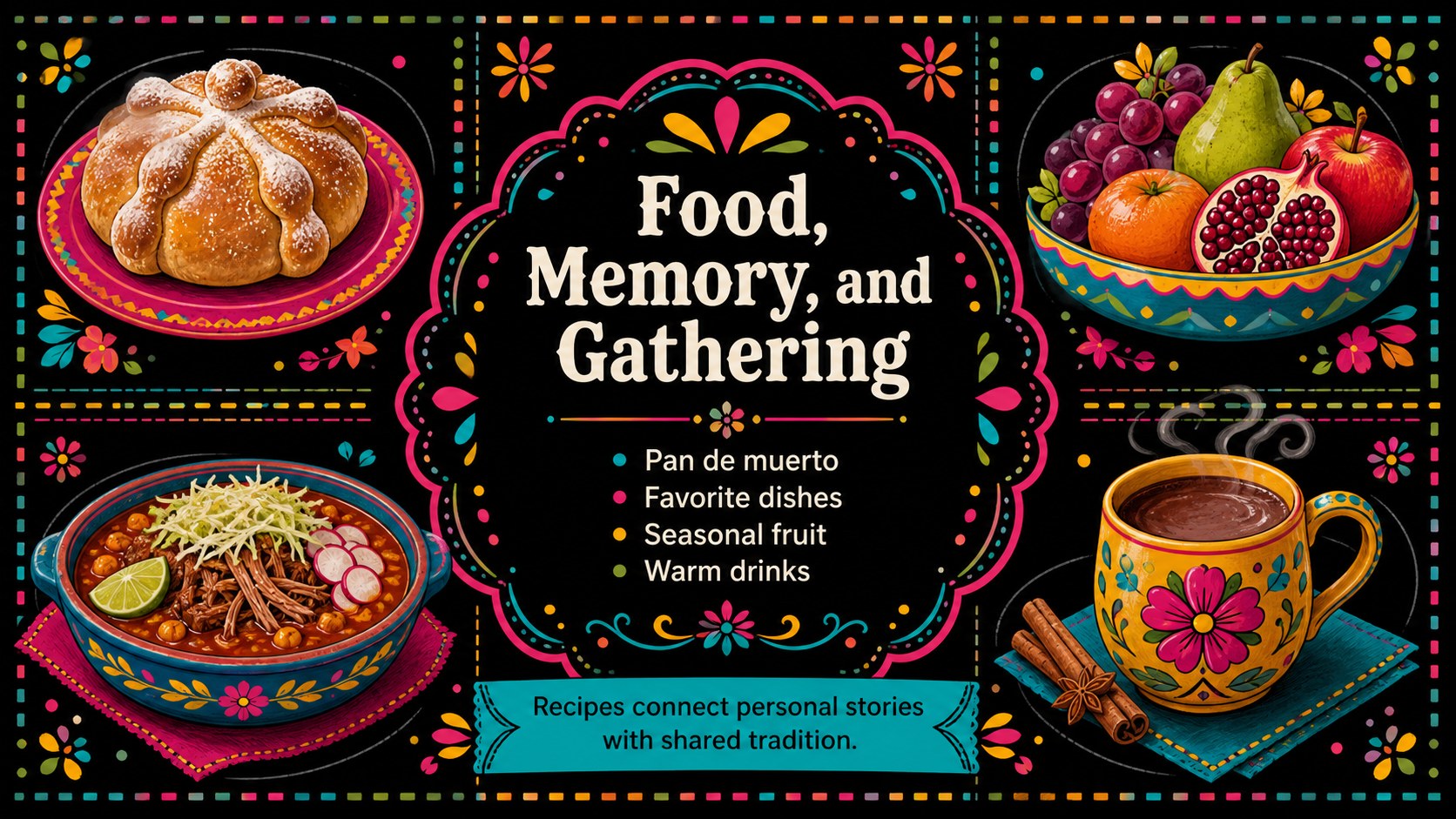
The presentation includes 15 coordinated layouts for an opening statement, agenda, cultural overview, tradition highlights, ofrenda elements, symbolic flowers, food, music, event planning, campaign ideas, audience insights, a schedule, and closing remarks. Flexible text areas and visual placeholders make this a practical sugar skull Google Slides theme as well as a polished Mexican remembrance festival PowerPoint. Charts, timelines, image arrangements, and callout sections can be adjusted to suit either concise storytelling or detailed instruction.
Educators can turn it into a Día de Muertos classroom presentation, while museums, cultural organizations, community groups, and marketing teams can use it for exhibits, festival programming, social campaigns, or event briefings. Edit colors, wording, photographs, and graphics in PowerPoint or Google Slides. The reusable 16:9 layouts support both live presentations and exported handouts while maintaining a colorful, illustrative, and celebratory visual identity.
Perfect for: Mexican culture classroom lesson; Community remembrance festival briefing; Museum exhibit presentation; Seasonal social media campaign; Ofrenda traditions workshop; Cultural event promotion.
Frequently asked questions
Can I edit this theme in PowerPoint and Google Slides? Yes. The layouts, text, colors, and image placeholders can be customized in both PowerPoint and Google Slides. Some fonts or visual effects may vary slightly between the two platforms.
Practical details
Yes. The layouts, text, colors, and image placeholders can be customized in both PowerPoint and Google Slides. Some fonts or visual effects may vary slightly between the two platforms.
Use the theme color controls to adjust the palette across the presentation, then replace individual graphics or photographs as needed. Keep strong contrast between the black backgrounds and vivid accent colors for readability.
Yes. The layouts support lessons about remembrance, ofrendas, marigolds, food, music, and community traditions. Presenters should verify cultural details and use respectful, context-rich language for their specific audience.
Yes. Editable timeline, chart, agenda, and promotional layouts are included for schedules, audience insights, and campaign plans. Replace the sample wording and values with your own information before presenting.
Keep exploring
15Use this astrology audience insights deck to present zodiac-based segments, behaviors, and campaign findings in polished black-and-gold slides.
 14
14Plan a memorable Lunar New Year campaign with the 2036 Dragon Year Celebration Theme, featuring bold red-and-yellow slides for lessons and events.
 15
15Build eerie lessons, campaigns, and story pitches with an undead survival scenario theme featuring editable slides for PowerPoint and Google Slides.
 15
15Build a clear breast cancer awareness bulletin with bold pink-and-red slides for campaign news, screening reminders, impact data, and community updates.
 15
15Shape your publishing concept with an indie magazine startup pitch deck featuring pastel gradients, bold collage layouts, and editable planning slides.
 15
15Build a bold retro-futurist campaign pitch deck for client meetings, with editable strategy layouts and playful pastel Y2K-inspired visuals.
 16
16Build a consistent presence with a social channel identity playbook covering voice, visuals, content formats, publishing rules, and approvals.
 15
15Celebrate online learners with webinar completion certificate slides, featuring editable violet artwork for university events in PowerPoint and Google Slides.