
 15
15presentation
Astrology Audience Insights Deck
Use this astrology audience insights deck to present zodiac-based segments, behaviors, and campaign findings in polished black-and-gold slides.
Google SlidesPowerPoint
presentation · English
Build a polished dental professional resume presentation with calm blue-green layouts for experience, clinical skills, education, and career highlights.






Design notes
A strong dental career deserves more than a crowded document. This dental professional resume presentation gives dentists, hygienists, oral surgeons, and recent graduates a structured way to introduce their background, clinical strengths, education, and career goals. Its restrained blue, green, and white palette creates a composed healthcare aesthetic while keeping important details easy to scan.
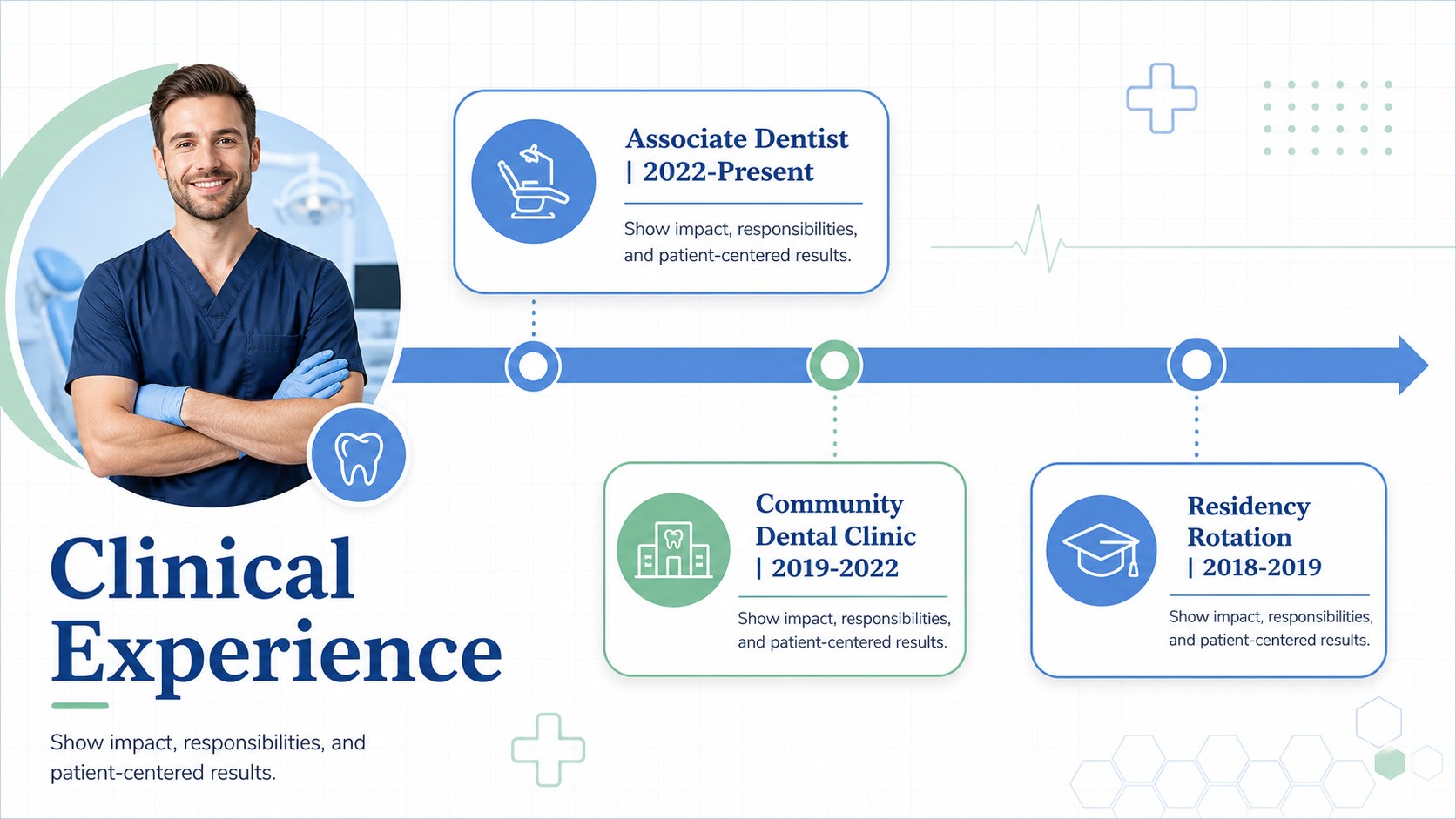
Inside, you will find eight editable A4 pages for a profile cover, professional summary, education history, clinical competencies, work experience, certifications, selected achievements, and contact details. The layouts use geometric accents, fine lines, clear section labels, and generous white space so you can adapt the deck without losing visual consistency. It works well as a dental portfolio presentation for interviews, referrals, networking events, residency applications, and professional websites.
Use the included PowerPoint or Google Slides version to replace sample text, adjust typography, add a headshot, and organize your qualifications around the role you want. The design is especially useful for creating a dentist job application deck that feels more personal and memorable than a standard resume while remaining professional enough for clinics, hospitals, and specialist practices.
Perfect for: dentist job interview; residency application; clinic networking event; professional portfolio website; specialist practice introduction.
Frequently asked questions
Can I edit this dental resume presentation in PowerPoint? Yes. The PowerPoint version lets you update text, colors, typography, shapes, and images directly in the desktop or web app. You can also rearrange or remove sections to match your experience.
Practical details
Yes. The PowerPoint version lets you update text, colors, typography, shapes, and images directly in the desktop or web app. You can also rearrange or remove sections to match your experience.
Yes, an editable Google Slides version is supported. Upload or open the presentation in Google Drive, then replace the sample content with your qualifications and career details.
Yes. The blue, green, and white palette can be adjusted to match a clinic, personal brand, or specialist field. Keep strong contrast between text and backgrounds so clinical experience remains easy to read.
Focus on your professional summary, education, licenses, clinical skills, work history, certifications, and measurable achievements. Add contact details and tailor the strongest sections to the role or program you are pursuing.
Keep exploring
15Use this astrology audience insights deck to present zodiac-based segments, behaviors, and campaign findings in polished black-and-gold slides.
 14
14Plan a memorable Lunar New Year campaign with the 2036 Dragon Year Celebration Theme, featuring bold red-and-yellow slides for lessons and events.
 15
15Build eerie lessons, campaigns, and story pitches with an undead survival scenario theme featuring editable slides for PowerPoint and Google Slides.
 15
15Build a clear breast cancer awareness bulletin with bold pink-and-red slides for campaign news, screening reminders, impact data, and community updates.
 15
15Shape your publishing concept with an indie magazine startup pitch deck featuring pastel gradients, bold collage layouts, and editable planning slides.
 15
15Build a bold retro-futurist campaign pitch deck for client meetings, with editable strategy layouts and playful pastel Y2K-inspired visuals.
 16
16Build a consistent presence with a social channel identity playbook covering voice, visuals, content formats, publishing rules, and approvals.
 15
15Celebrate online learners with webinar completion certificate slides, featuring editable violet artwork for university events in PowerPoint and Google Slides.