
 15
15presentation
Astrology Audience Insights Deck
Use this astrology audience insights deck to present zodiac-based segments, behaviors, and campaign findings in polished black-and-gold slides.
Google SlidesPowerPoint
presentation · English
Turn swipe statistics into a bold story with this dating recap social media deck, featuring editable orange-and-black layouts for PowerPoint and Google…
Design notes
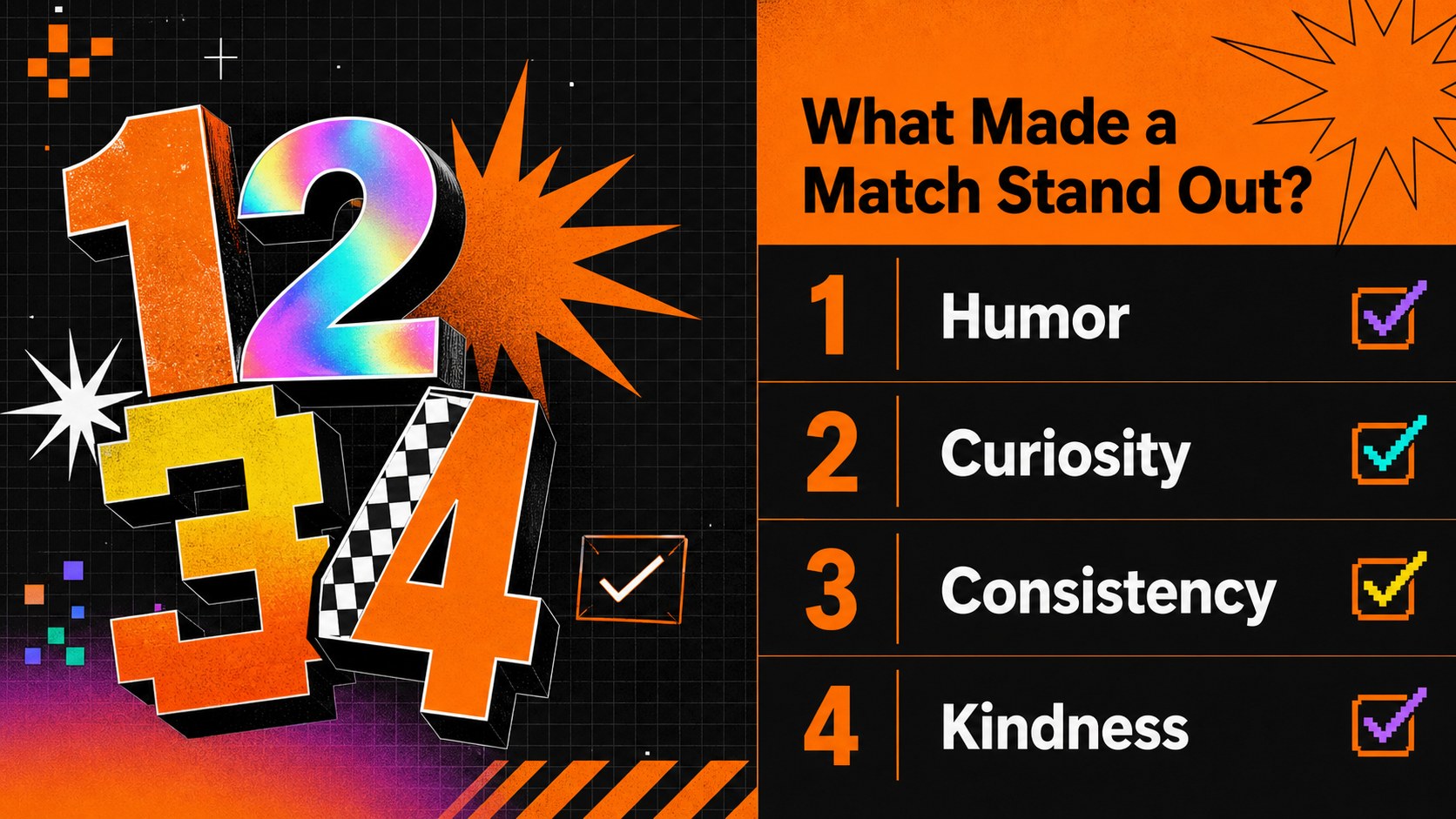
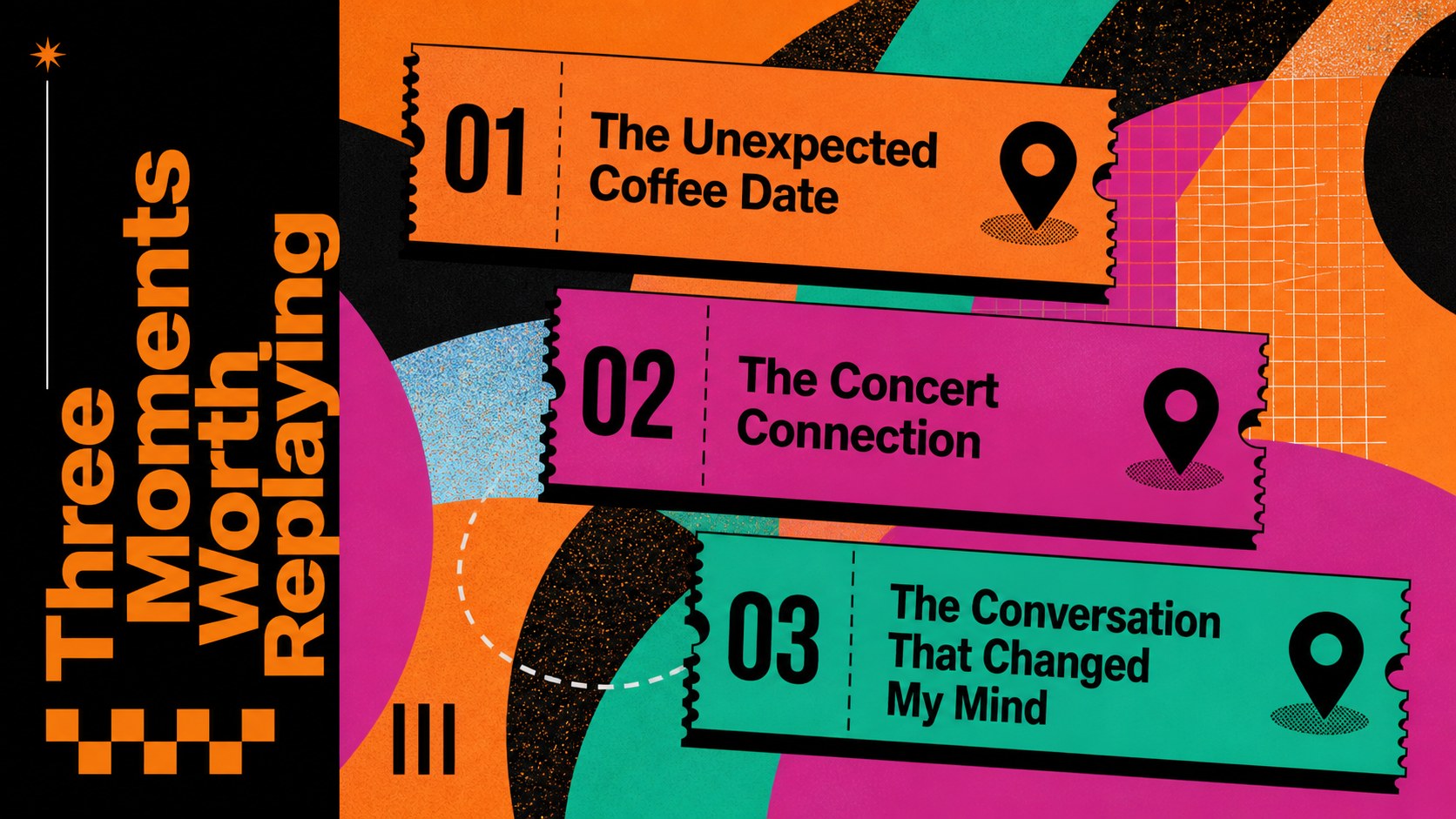
Build a playful account of matches, messages, dates, and unexpected lessons with this dating recap social media deck. Its digital brutalist direction combines vivid orange, deep black, oversized typography, hard-edged shapes, and energetic data displays. The result feels current and expressive while keeping personal stories and statistics easy to follow.
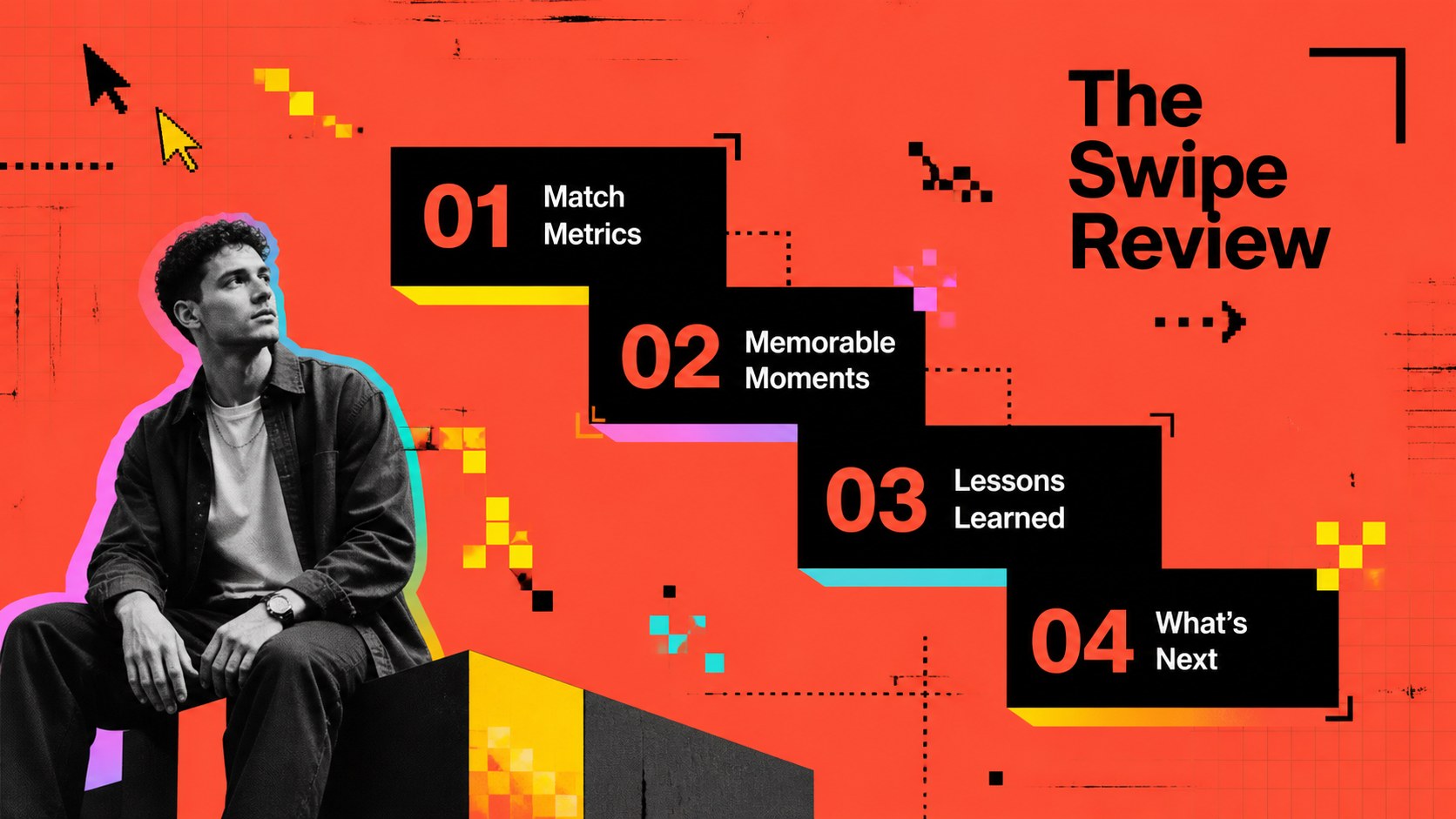
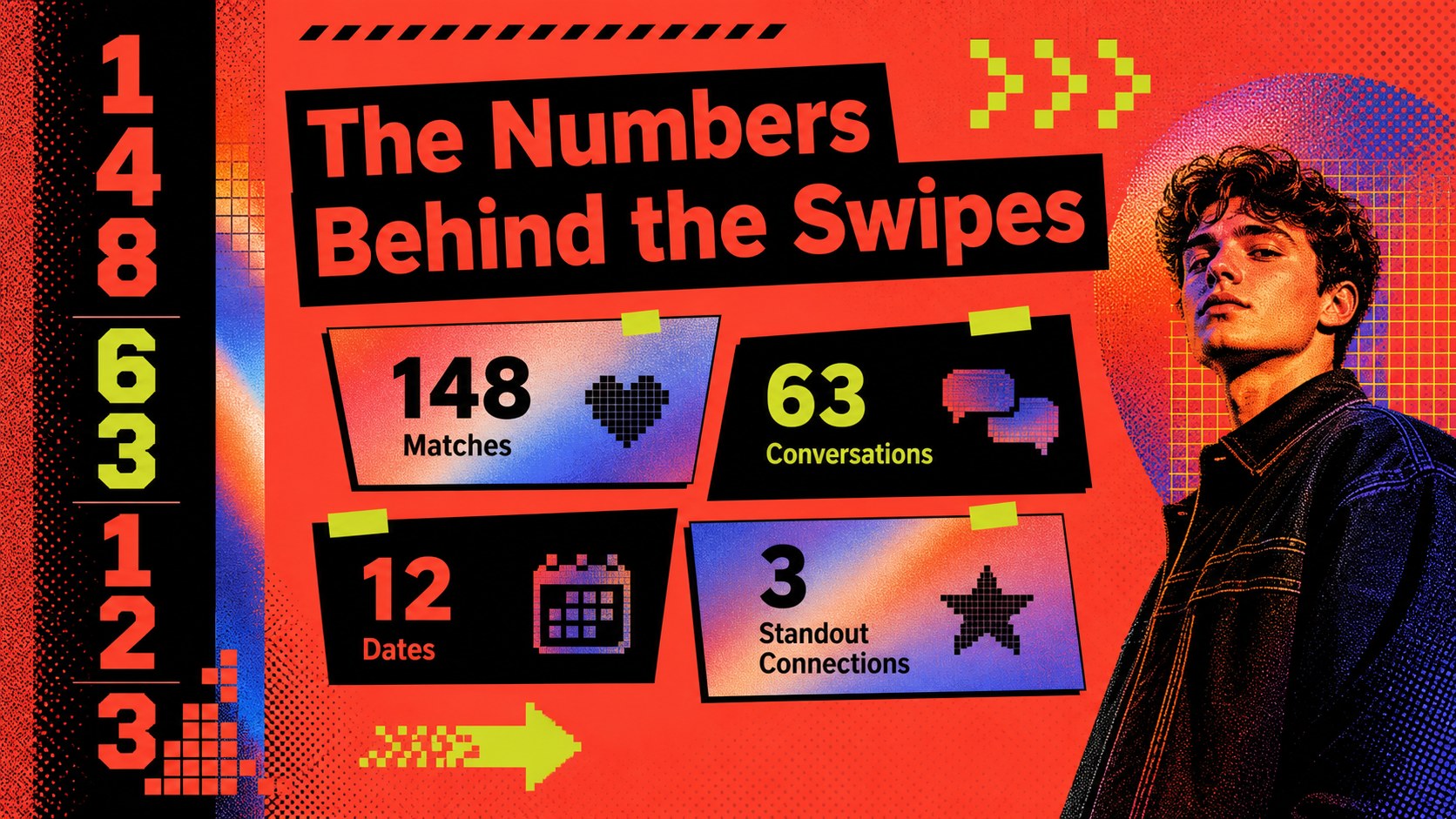
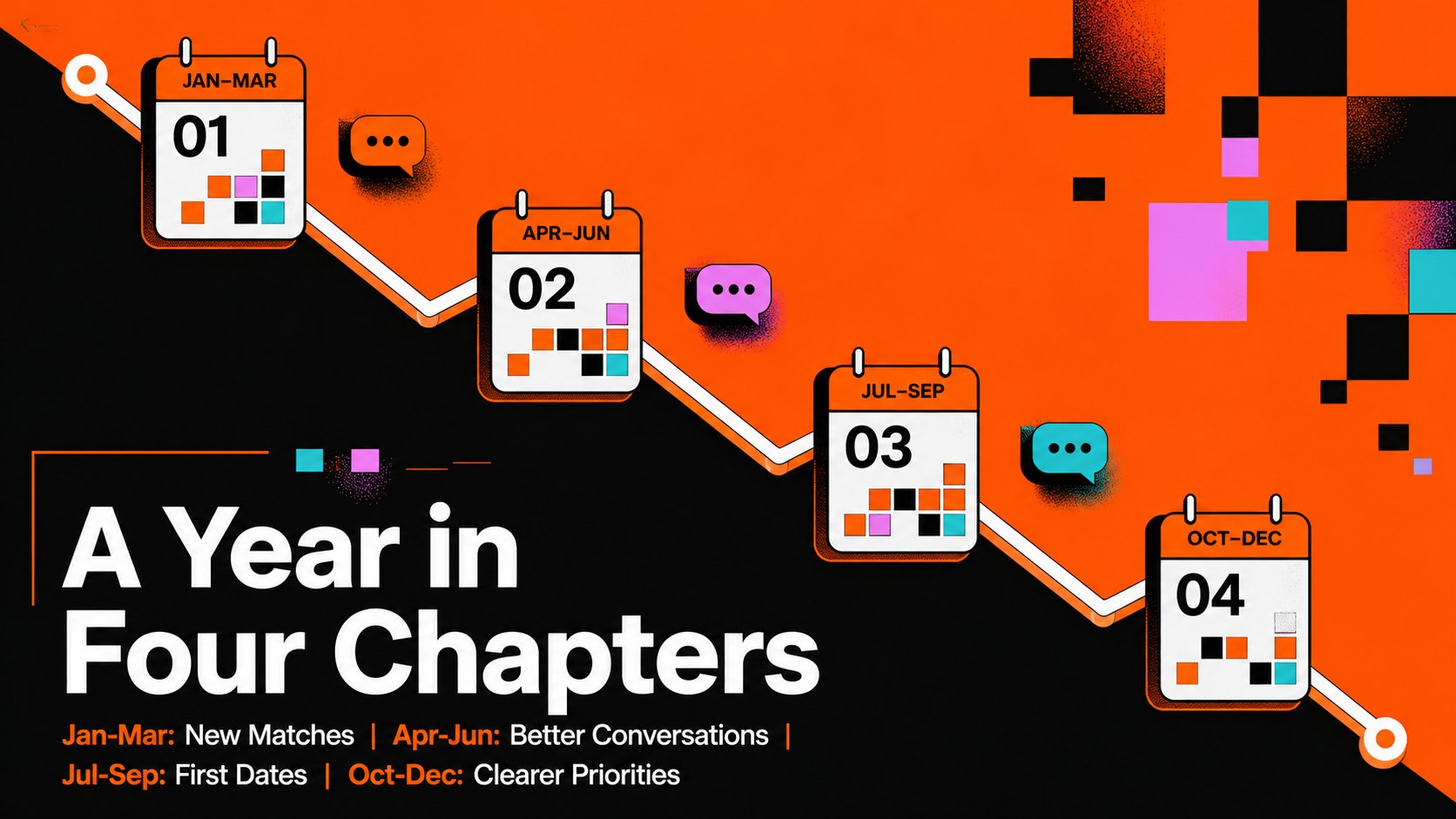
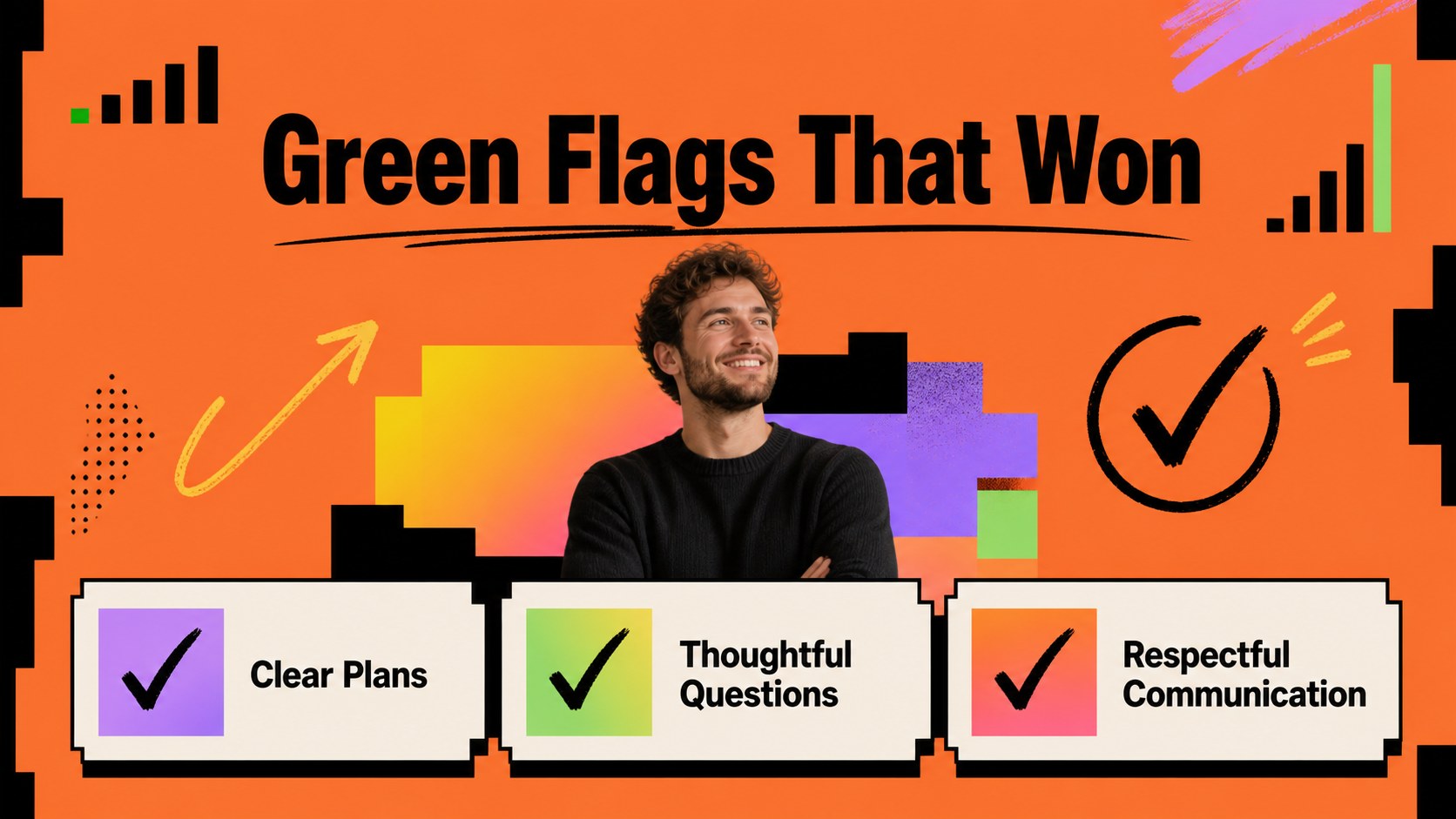
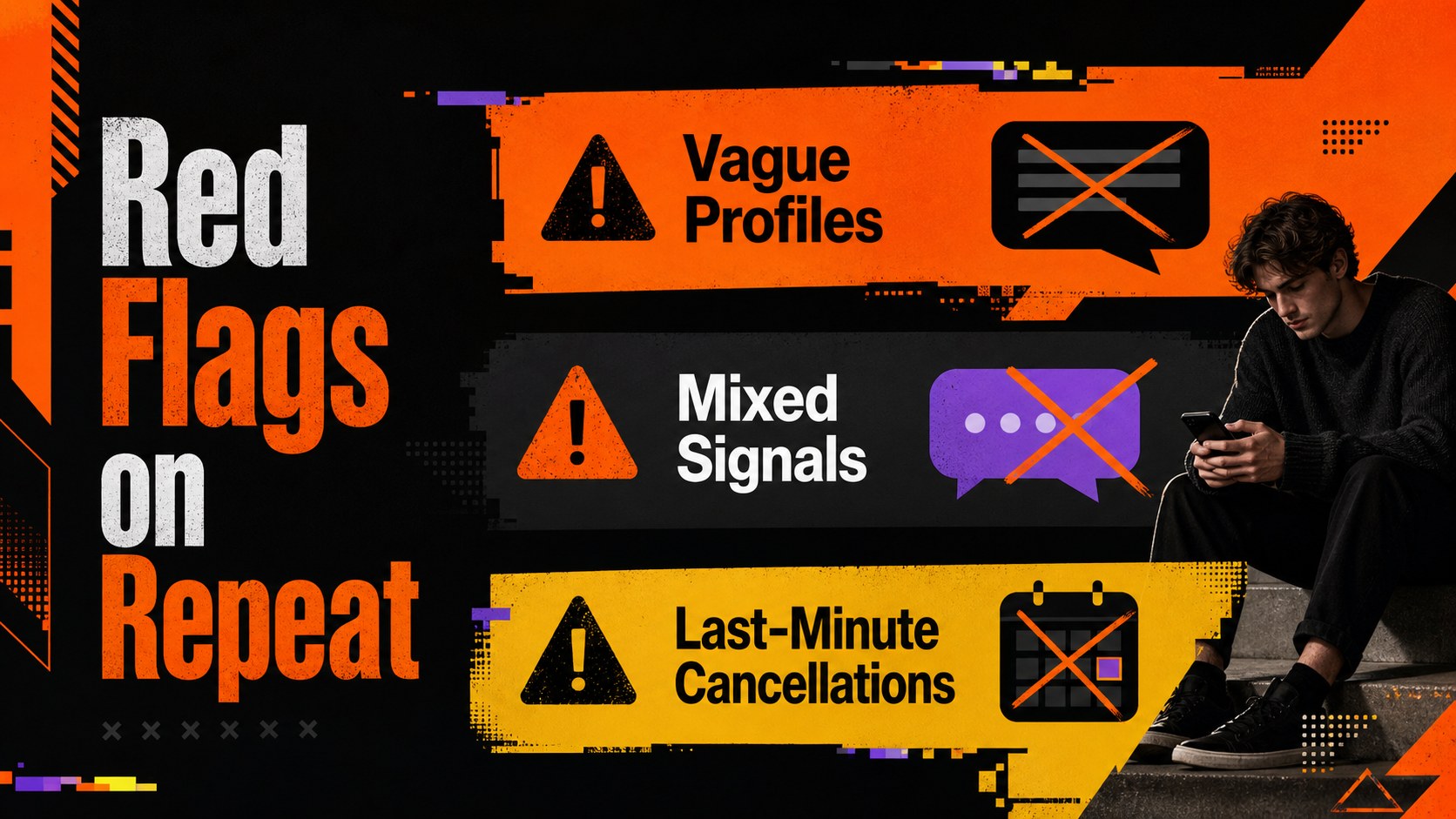
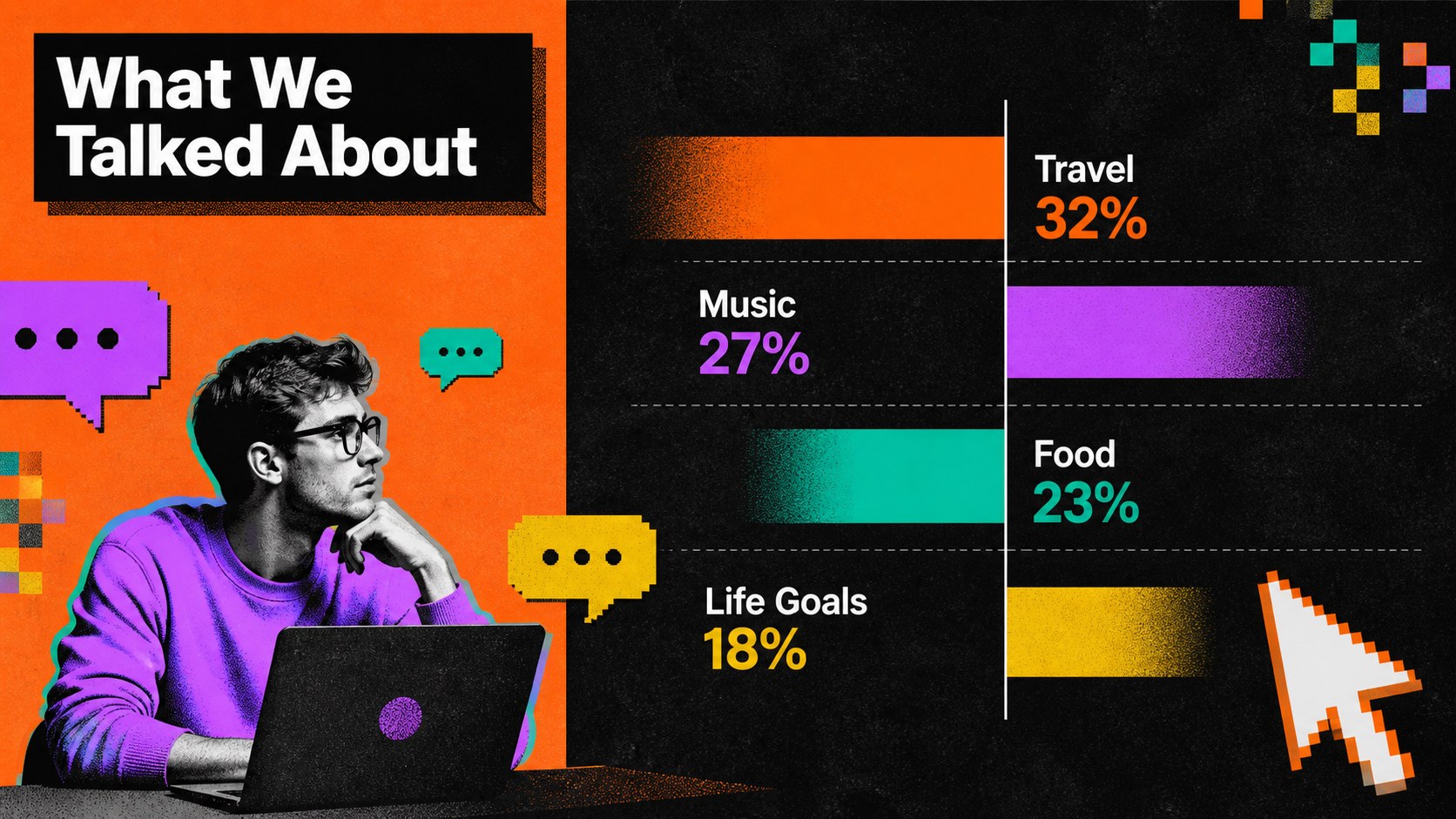
Inside, you will find layouts for headline numbers, match patterns, conversation highlights, date timelines, green flags, red flags, memorable moments, personal takeaways, and a closing outlook. Use the editable charts, counters, text blocks, and image spaces to create a dating app year in review presentation without forcing every story into the same format. The social media dating recap template also includes concise layouts that can be adapted into carousel posts or presented as a complete narrative.
These brutalist relationship statistics slides are designed for content creators, lifestyle marketers, dating coaches, trend analysts, and anyone sharing a lighthearted personal recap. Replace the sample copy, add privacy-safe figures, adjust colors or type, and reorganize sections directly in PowerPoint or Google Slides. The 16:9 format works for live presentations, virtual events, creator reports, and downloadable social content.
Perfect for: personal dating year recap; creator social media carousel; dating coach trend review; lifestyle campaign presentation; swipe culture analysis; Valentine event slideshow.
Frequently asked questions
Can I edit every part of the dating recap deck? Yes. Headlines, statistics, charts, colors, images, and decorative shapes can be customized to fit your story and preferred level of privacy.
Practical details
Yes. Headlines, statistics, charts, colors, images, and decorative shapes can be customized to fit your story and preferred level of privacy.
Yes. The presentation is designed for editing in both PowerPoint and Google Slides, although minor font or animation differences may occur between platforms.
Yes. Replace names and screenshots with anonymous labels, grouped statistics, icons, or fictional examples. The layouts work equally well for personal recaps and broader dating trend reports.
Shorten each slide to one statistic or takeaway, then export the selected pages as images. Keep text within the editable content area so it remains readable when resized for a social platform.
Keep exploring
15Use this astrology audience insights deck to present zodiac-based segments, behaviors, and campaign findings in polished black-and-gold slides.
 14
14Plan a memorable Lunar New Year campaign with the 2036 Dragon Year Celebration Theme, featuring bold red-and-yellow slides for lessons and events.
 15
15Build eerie lessons, campaigns, and story pitches with an undead survival scenario theme featuring editable slides for PowerPoint and Google Slides.
 15
15Build a clear breast cancer awareness bulletin with bold pink-and-red slides for campaign news, screening reminders, impact data, and community updates.
 15
15Shape your publishing concept with an indie magazine startup pitch deck featuring pastel gradients, bold collage layouts, and editable planning slides.
 15
15Build a bold retro-futurist campaign pitch deck for client meetings, with editable strategy layouts and playful pastel Y2K-inspired visuals.
 16
16Build a consistent presence with a social channel identity playbook covering voice, visuals, content formats, publishing rules, and approvals.
 15
15Celebrate online learners with webinar completion certificate slides, featuring editable violet artwork for university events in PowerPoint and Google Slides.