
 15
15presentation
Astrology Audience Insights Deck
Use this astrology audience insights deck to present zodiac-based segments, behaviors, and campaign findings in polished black-and-gold slides.
Google SlidesPowerPoint
presentation · English
Build a dating recap presentation with bold comic graphics, milestone timelines, playful charts, and editable layouts for PowerPoint and Google Slides.

Design notes
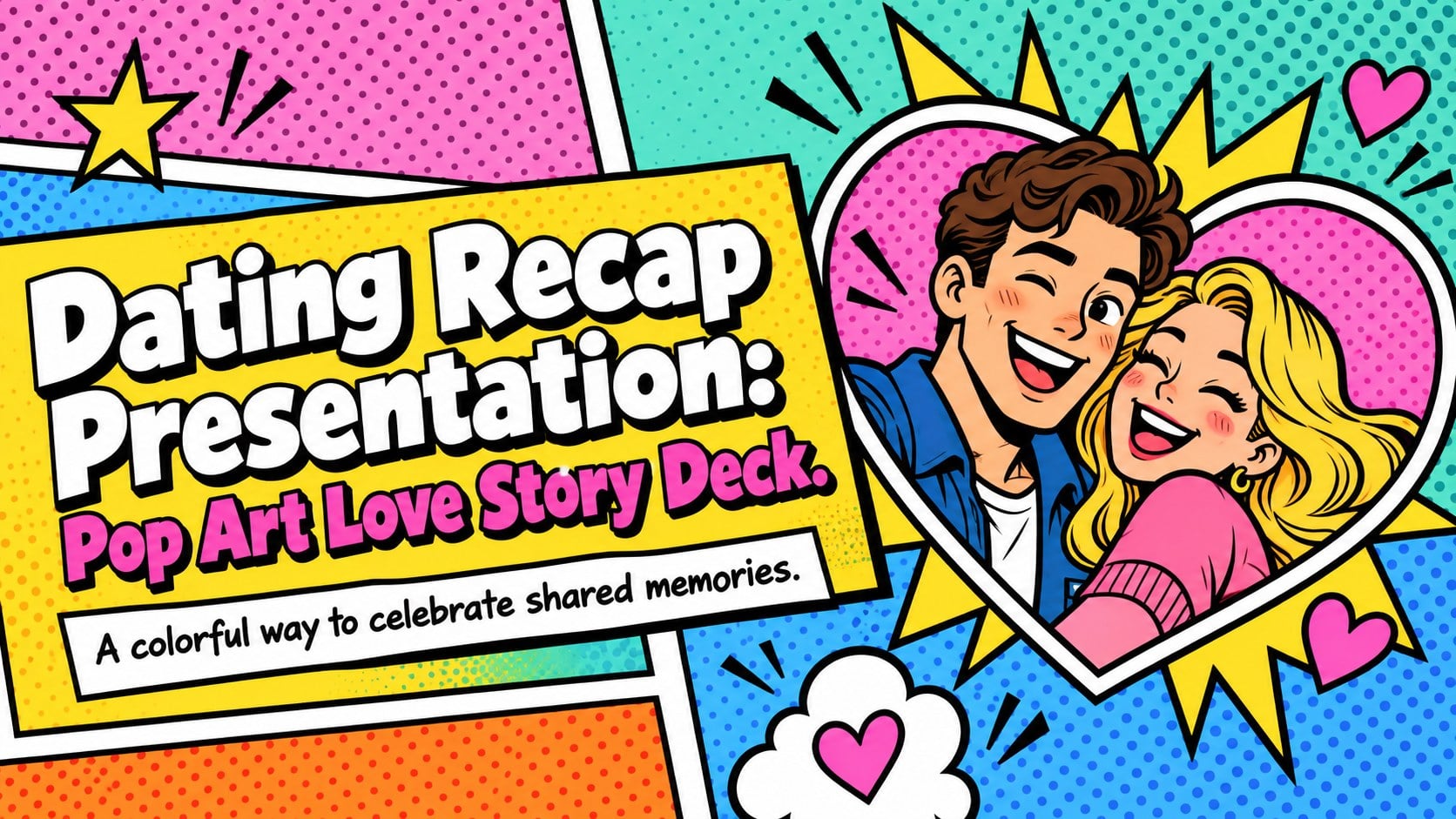
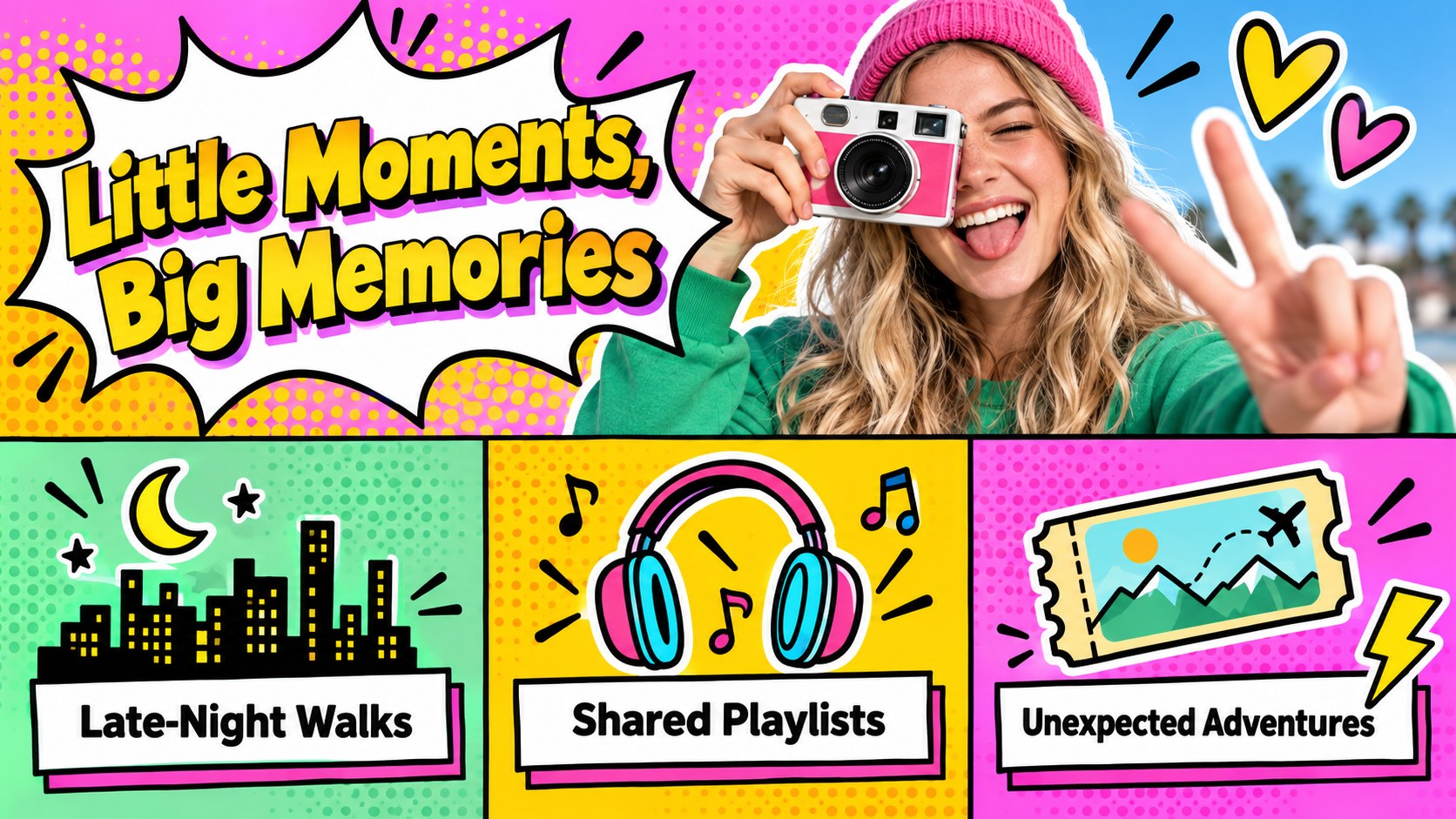
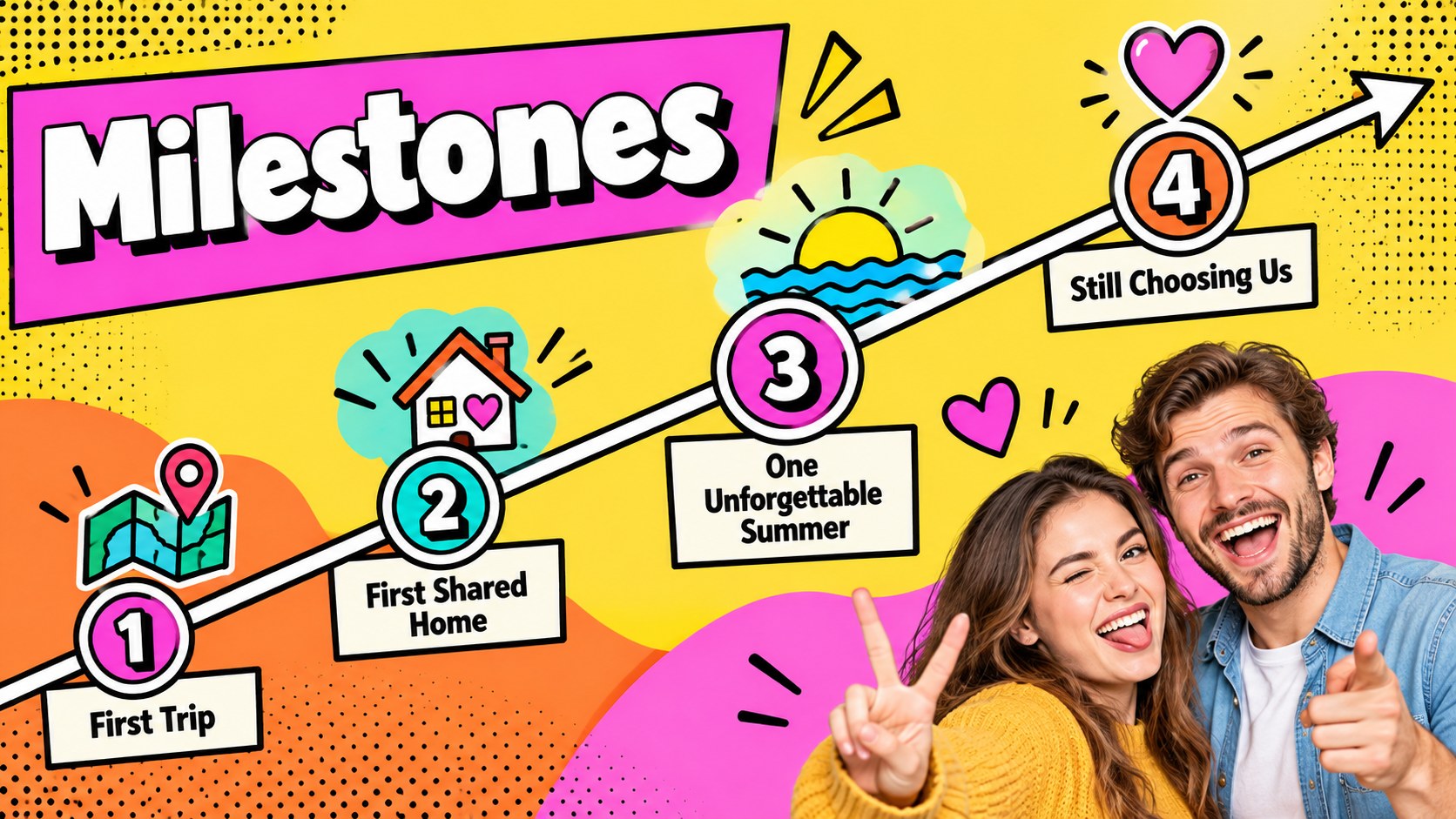
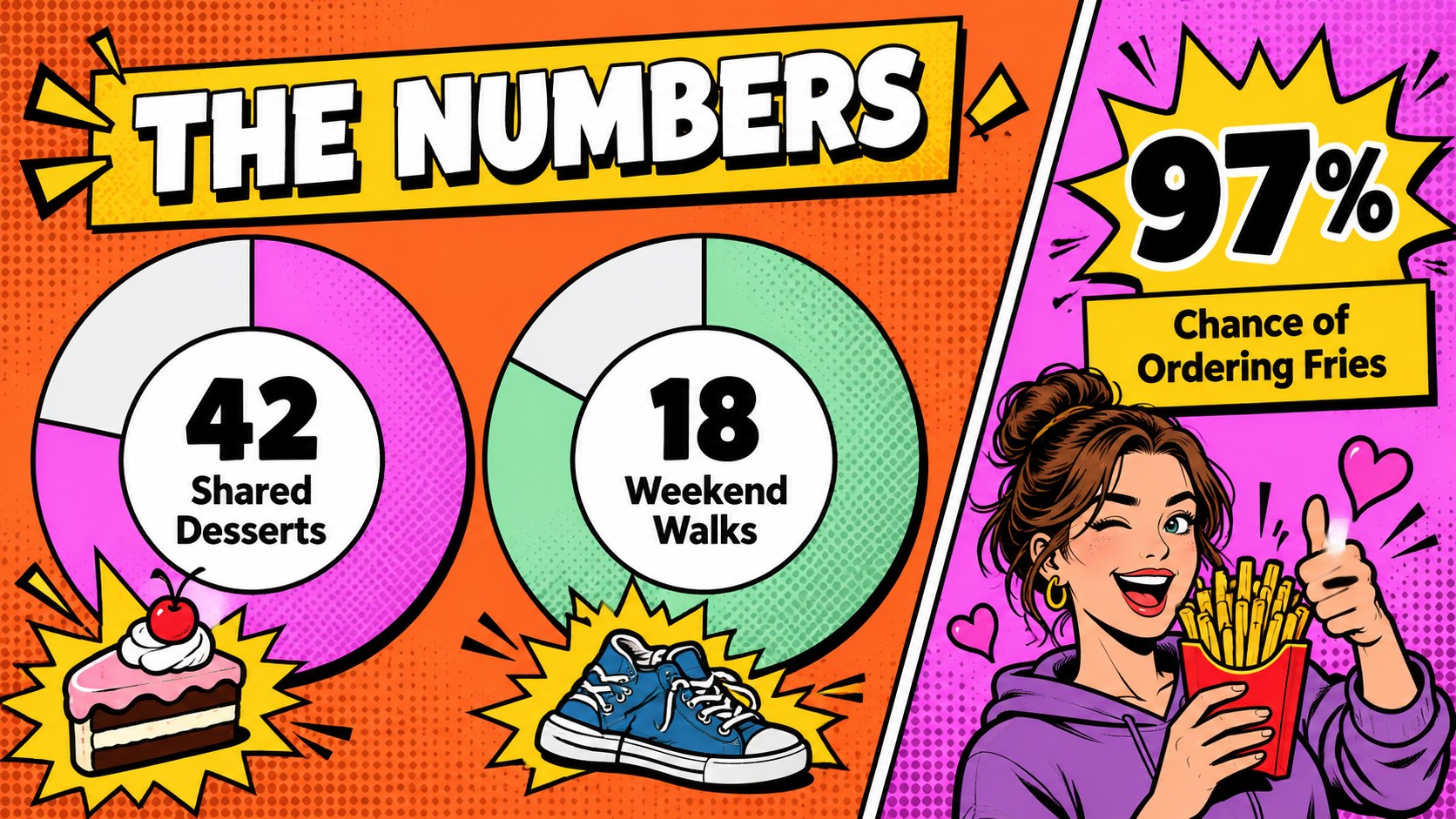
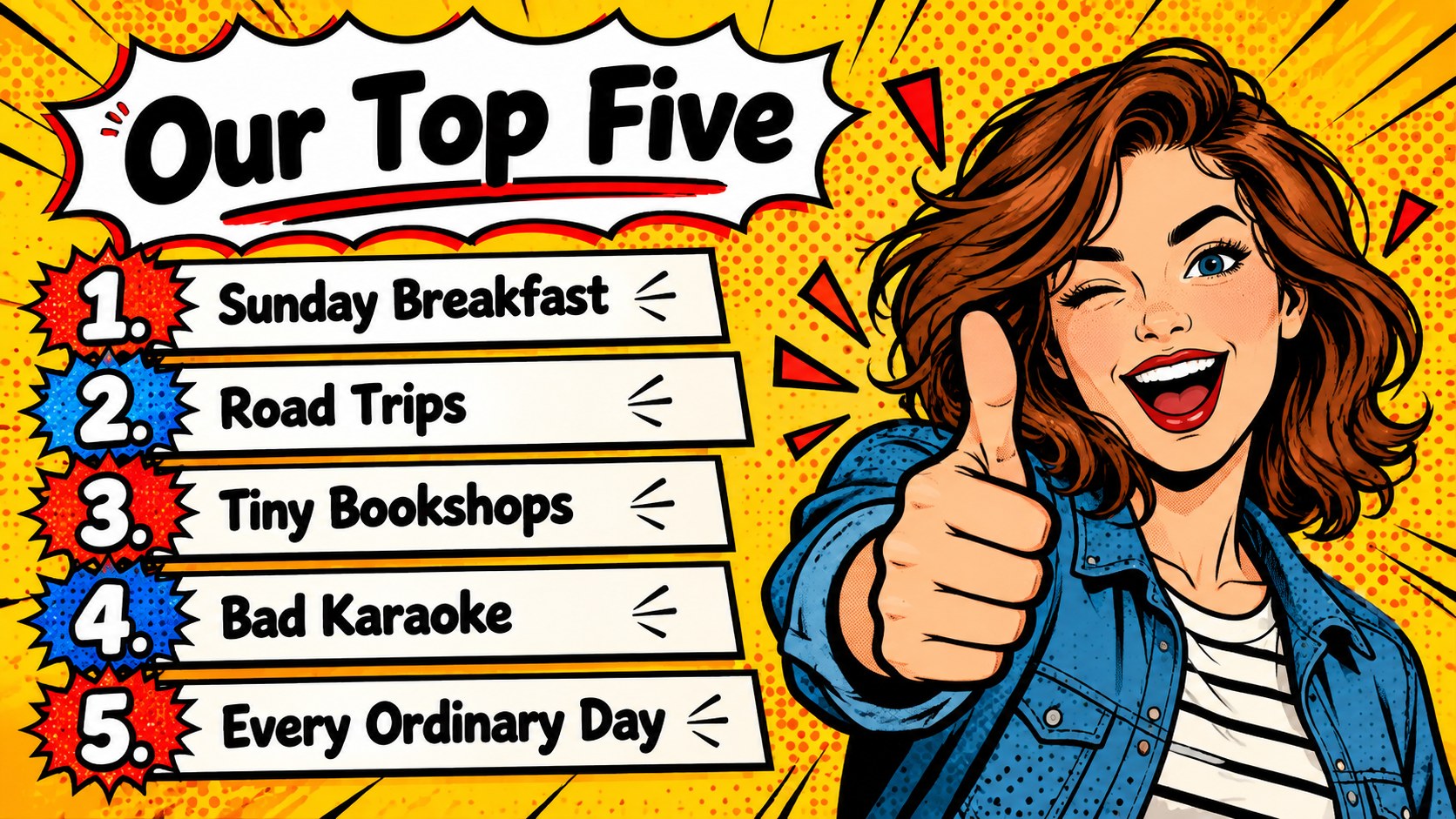
Dating Recap Presentation: Pop Art Love Story Deck turns a year of messages, milestones, inside jokes, and memorable outings into an energetic visual story. Its comic-inspired art direction uses vivid colors, expressive shapes, bold type, and playful layouts to make personal content feel polished without losing its sense of humor.
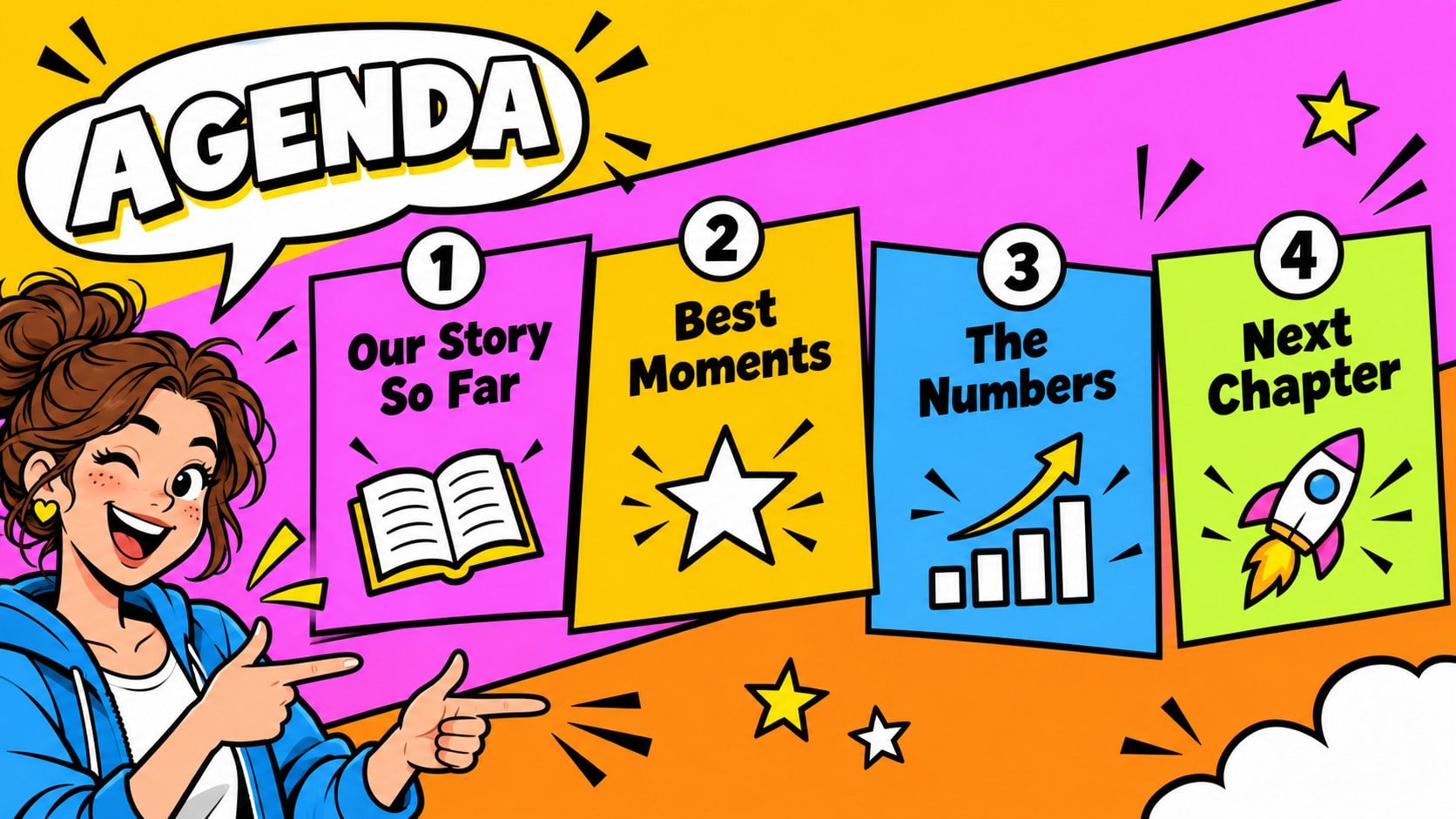
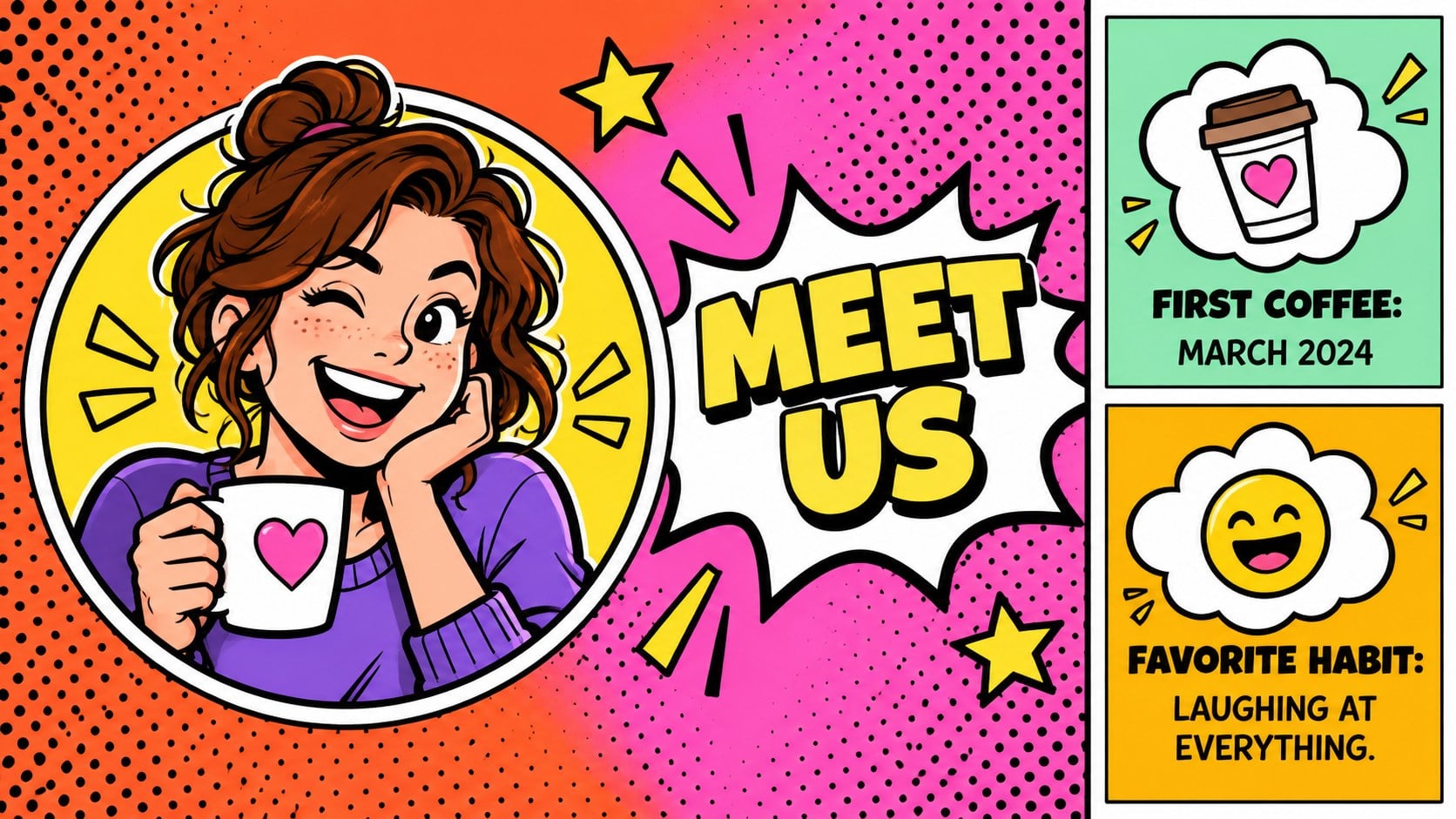
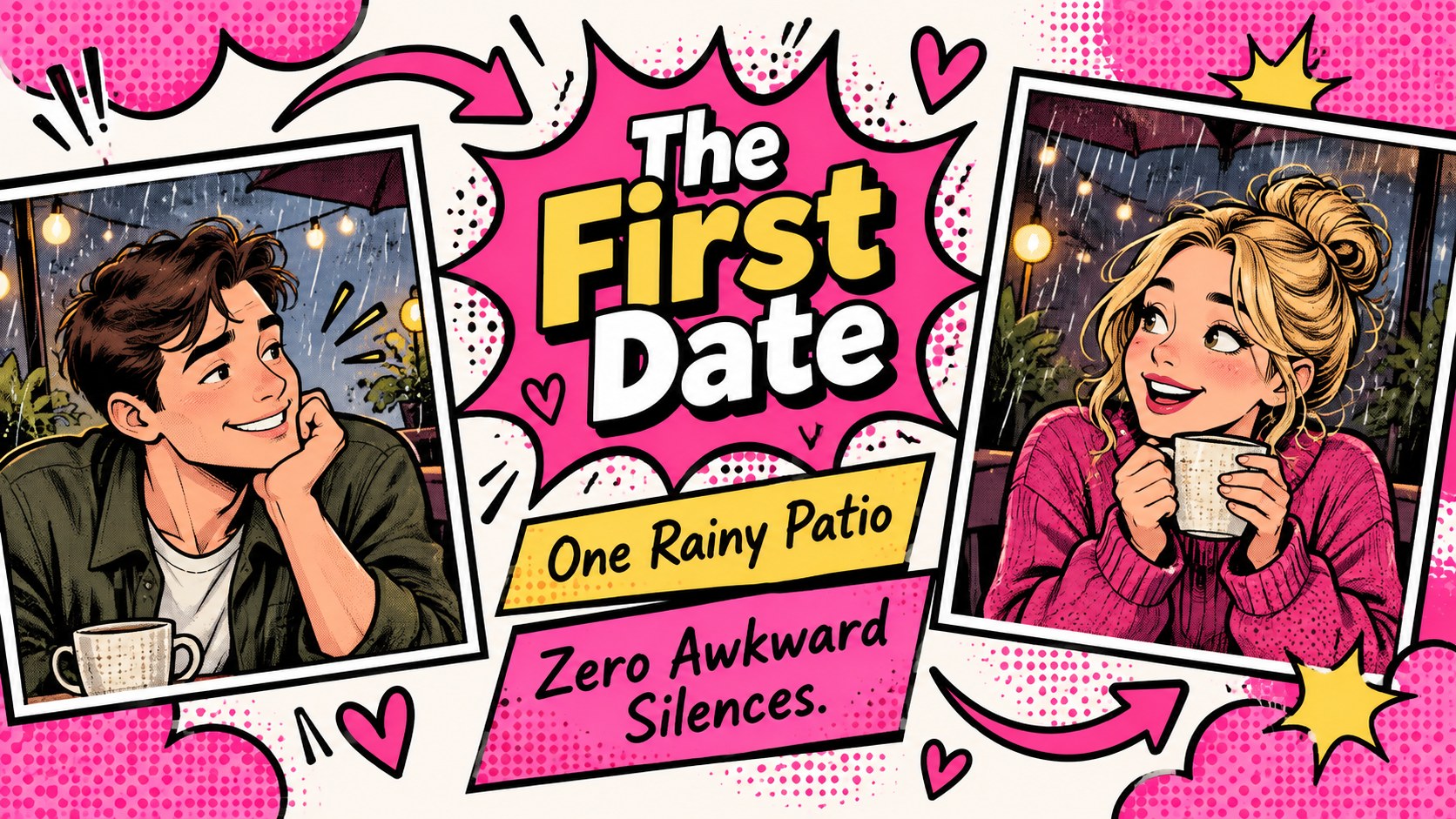
Inside, you’ll find more than 25 editable slides for introductions, relationship highlights, favorite moments, funny statistics, photo pages, milestone timelines, and a closing reflection. The layouts are built for PowerPoint and Google Slides, with customizable text, image frames, charts, lines, and graphic accents. Use the deck to create a relationship year in review slides presentation, a surprise date-night slideshow, or a playful social media recap.
It is designed for couples, friends documenting a shared chapter, content creators, and anyone planning a lighthearted presentation about modern dating. Add screenshots, photos, quotes, locations, playlists, or personal scores to shape a memorable pop art love story slideshow. The colorful system also works well for a funny dating statistics deck, whether you are reviewing first dates, favorite restaurants, travel memories, or the moments that brought two people closer.
Perfect for: couples year-in-review night; surprise date-night slideshow; relationship milestone celebration; dating podcast segment; social media relationship recap.
Frequently asked questions
Can I edit this deck in PowerPoint? Yes. The layouts can be customized in PowerPoint, including text, colors, images, charts, and decorative shapes. Replace the sample content with your own memories and milestones.
Practical details
Yes. The layouts can be customized in PowerPoint, including text, colors, images, charts, and decorative shapes. Replace the sample content with your own memories and milestones.
Yes, the presentation is compatible with Google Slides as well as PowerPoint. Import the file, then adjust the editable text boxes, image placeholders, and graphic elements directly in your browser.
Use photos, chat excerpts, quotes, locations, dates, playlists, ratings, and personal statistics. The layouts support both sentimental storytelling and humorous relationship highlights.
Yes. Update the vivid palette to match your photos, event theme, or personal style while keeping the bold pop art direction. Fonts, shapes, backgrounds, and accent graphics can also be adjusted.
Keep exploring
15Use this astrology audience insights deck to present zodiac-based segments, behaviors, and campaign findings in polished black-and-gold slides.
 14
14Plan a memorable Lunar New Year campaign with the 2036 Dragon Year Celebration Theme, featuring bold red-and-yellow slides for lessons and events.
 15
15Build eerie lessons, campaigns, and story pitches with an undead survival scenario theme featuring editable slides for PowerPoint and Google Slides.
 15
15Build a clear breast cancer awareness bulletin with bold pink-and-red slides for campaign news, screening reminders, impact data, and community updates.
 15
15Shape your publishing concept with an indie magazine startup pitch deck featuring pastel gradients, bold collage layouts, and editable planning slides.
 15
15Build a bold retro-futurist campaign pitch deck for client meetings, with editable strategy layouts and playful pastel Y2K-inspired visuals.
 16
16Build a consistent presence with a social channel identity playbook covering voice, visuals, content formats, publishing rules, and approvals.
 15
15Celebrate online learners with webinar completion certificate slides, featuring editable violet artwork for university events in PowerPoint and Google Slides.