
 15
15presentation
UFO Day Alien Encounter Deck
Build a bold cosmic story with this UFO Day alien encounter deck, featuring surreal green-and-black layouts for PowerPoint and Google Slides events.
Google SlidesPowerPoint
presentation · English
Clarify systems, dependencies, and handoffs with a data relationship infographic deck in a sleek black gradient style for PowerPoint and Google Slides.

Design notes
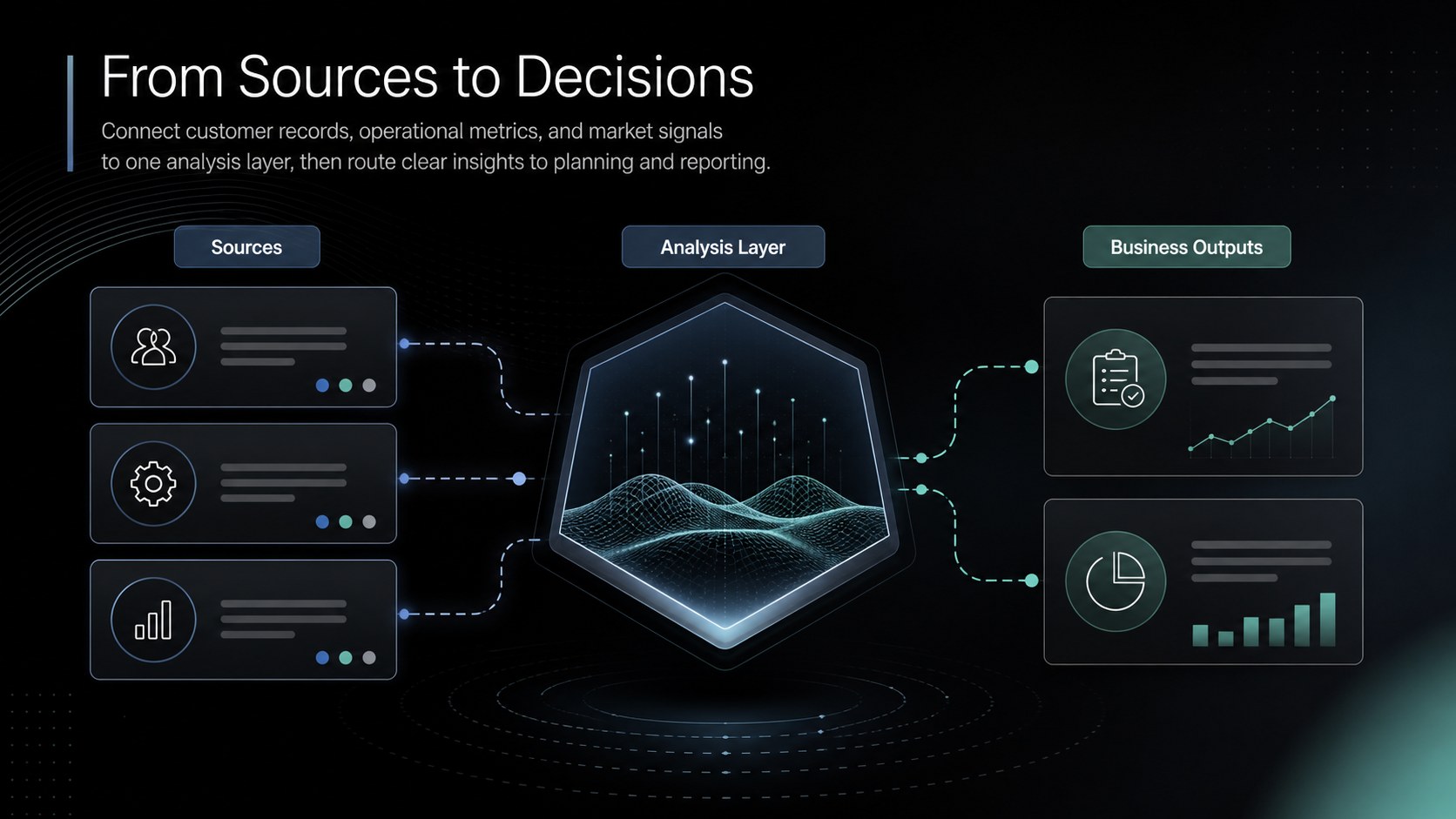
Make interconnected information easier to understand with this data relationship infographic deck for PowerPoint and Google Slides. Its sleek black backgrounds, subtle gradients, and crisp geometric elements create a focused setting for explaining how systems, teams, processes, or datasets connect. The layouts balance technical detail with strong visual hierarchy, helping audiences recognize important relationships without navigating dense diagrams.
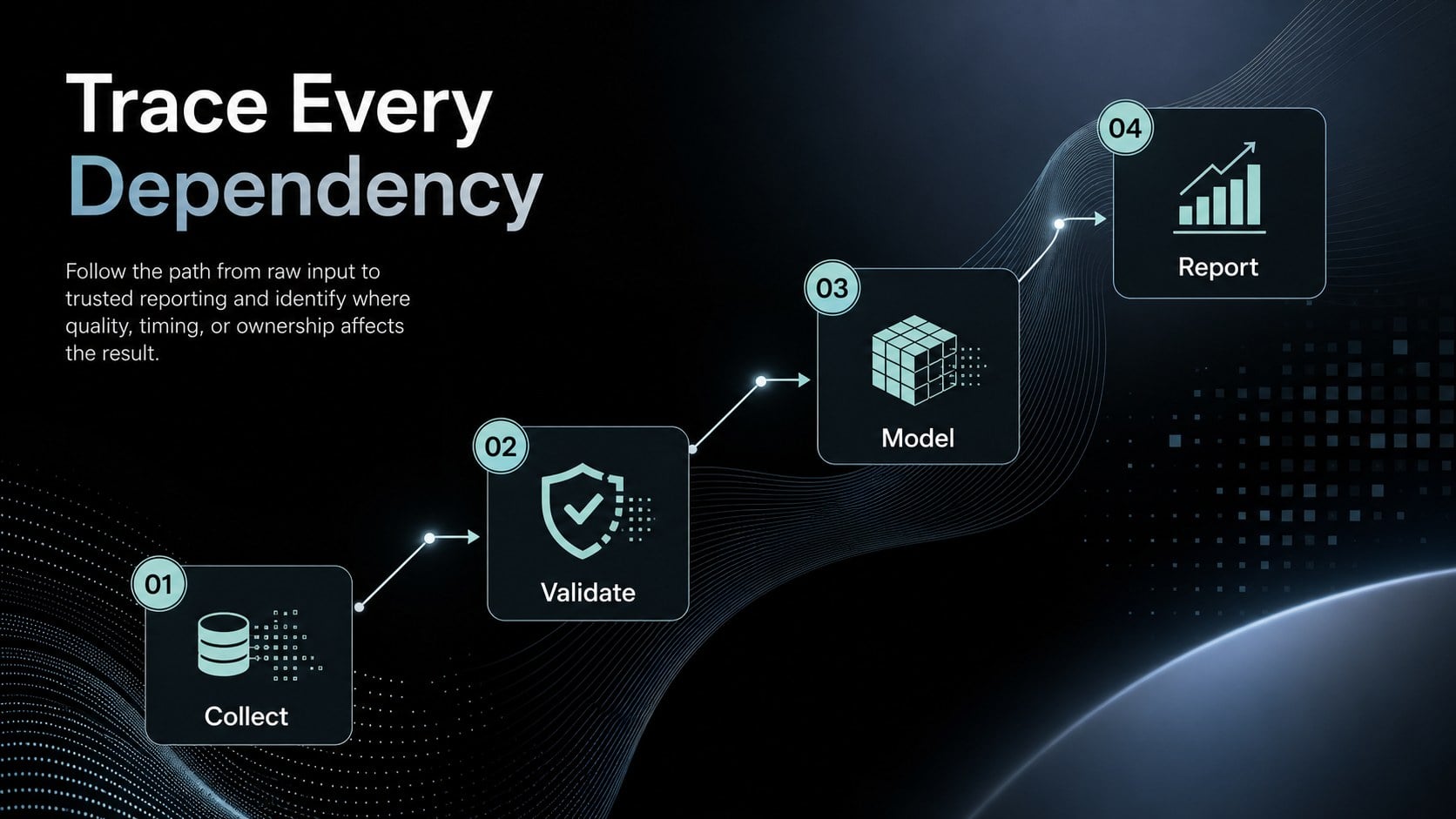
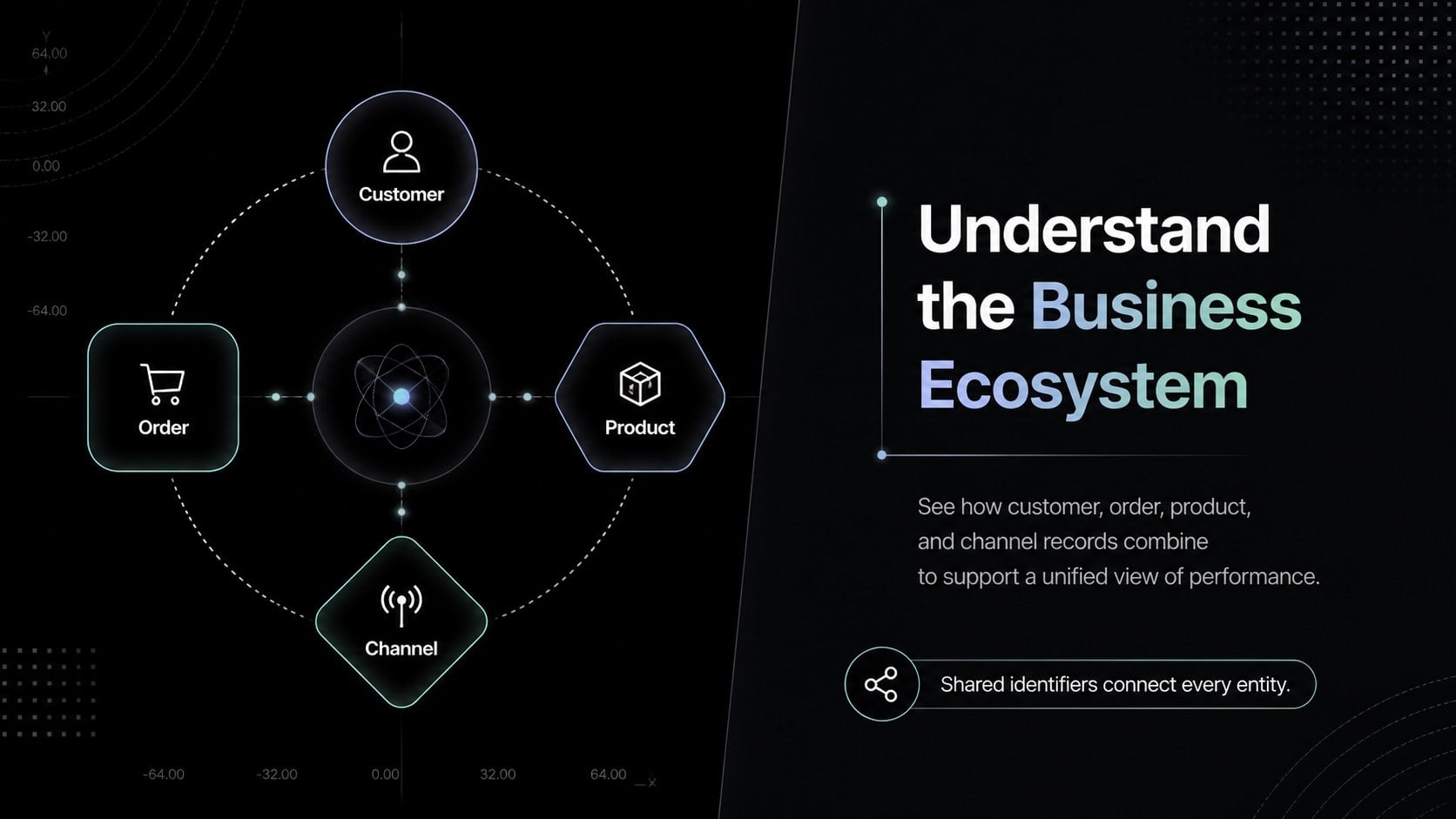
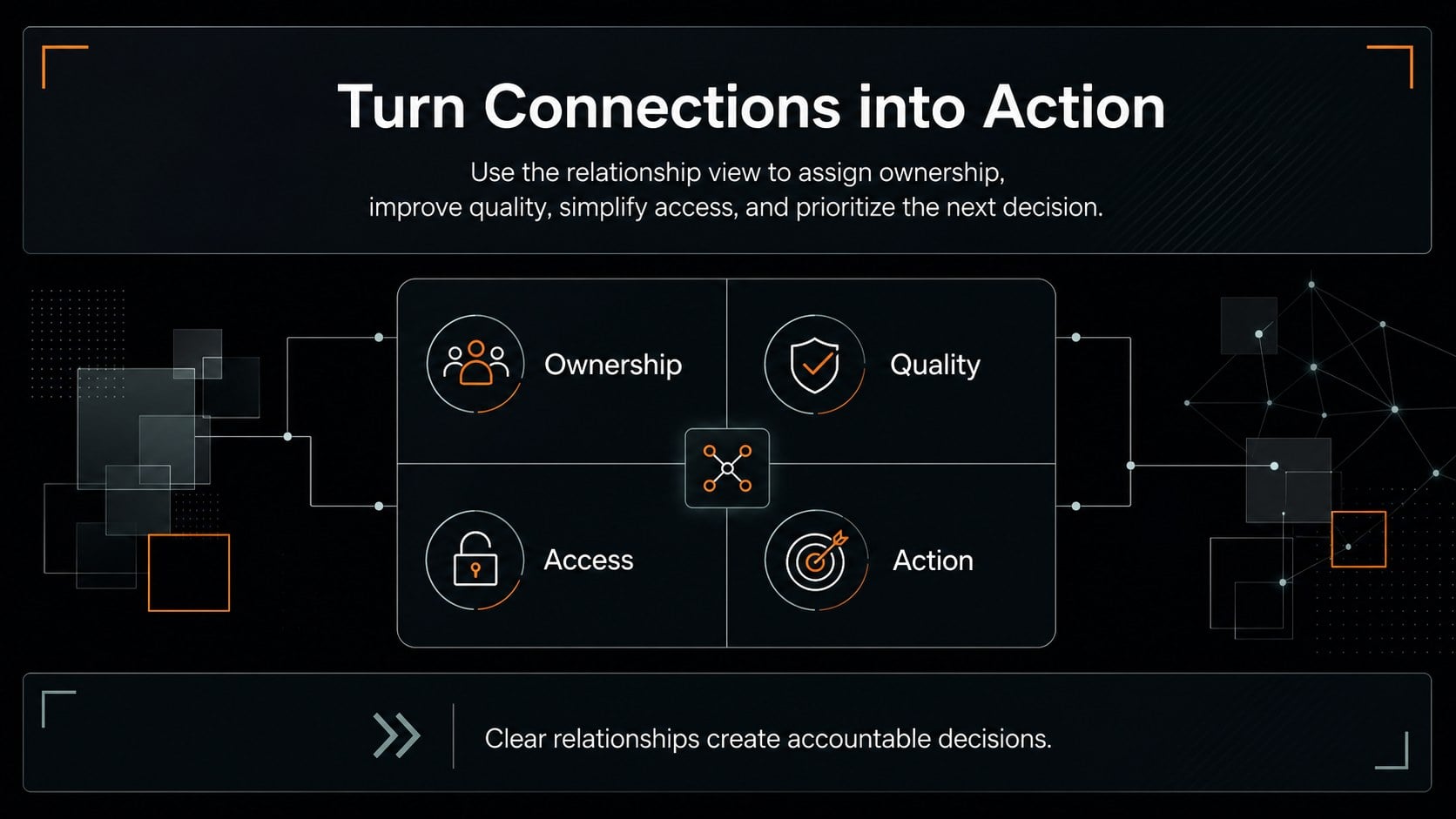
The deck includes five editable 16:9 layouts for relationship overviews, source-to-destination flows, entity connections, dependency paths, and key findings. Use the modular nodes, directional lines, labels, callouts, and comparison areas to build a system relationship diagram or present a data dependency visualization. Colors, typography, shapes, and connector styles can be adjusted to match your organization or project while preserving the polished dark aesthetic.
Designed for analysts, consultants, product teams, operations leaders, architects, and project managers, these slides work well in strategy reviews, technical briefings, transformation programs, and client presentations. They are also useful as an information flow presentation template when stakeholders need a concise view of inputs, outputs, ownership, and handoffs. Whether you are documenting a data model, evaluating process dependencies, or explaining a connected business ecosystem, the layouts provide a practical structure for turning complexity into an understandable visual narrative.
Perfect for: data architecture briefing; system dependency review; client process analysis; information governance workshop; product integration planning.
Frequently asked questions
Can I edit every part of the diagrams? Yes. The text, nodes, connectors, colors, icons, and background elements are editable, so you can adapt each relationship diagram to your own systems and terminology.
Practical details
Yes. The text, nodes, connectors, colors, icons, and background elements are editable, so you can adapt each relationship diagram to your own systems and terminology.
The deck is designed for Microsoft PowerPoint and Google Slides. Minor differences in fonts, transitions, or line positioning may occur when moving between platforms.
Replace the sample labels with your entities, processes, or departments, then apply your brand fonts and accent colors. Keep the high-contrast black foundation if you want to retain the original modern gradient style.
The layouts can show data relationships, application dependencies, process handoffs, entity connections, ownership structures, and source-to-destination flows. They can also be simplified for executive summaries or expanded for technical reviews.
Keep exploring
15Build a bold cosmic story with this UFO Day alien encounter deck, featuring surreal green-and-black layouts for PowerPoint and Google Slides events.
 16
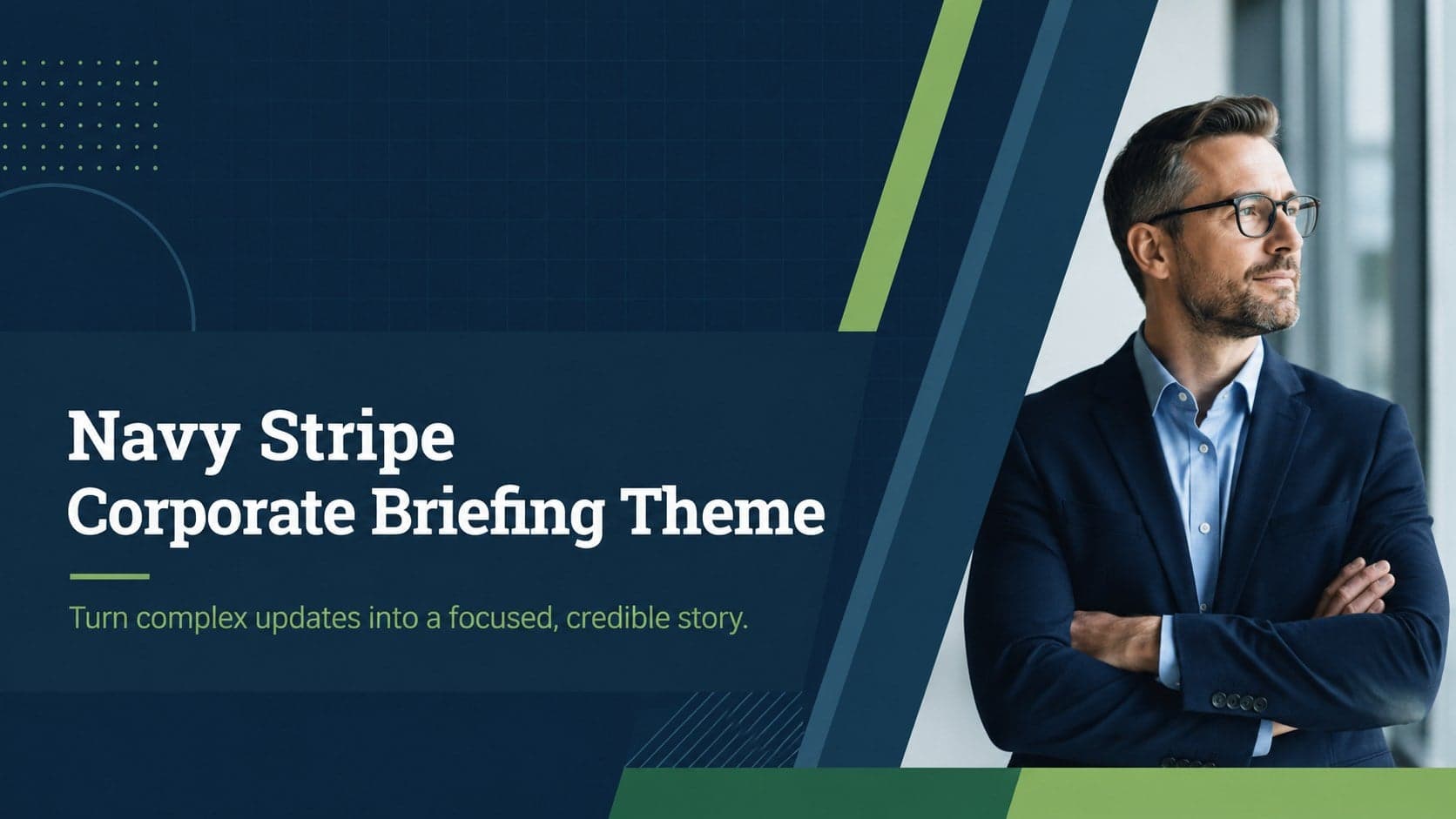
16Use the Navy Stripe Corporate Briefing Theme to present plans, results, and proposals with credible blue-green layouts for PowerPoint and Google Slides.
 5
5Turn customer research into clear decisions with product experience mapping slides in a dark navy and green style for PowerPoint and Google Slides.
 16
16Win stakeholder approval with website launch proposal slides that organize strategy, UX, rollout, and results in editable PowerPoint and Google Slides formats.
 15
15Build clearer campaign plans with an AI marketing strategy deck featuring neon blue-green visuals, editable workflows, data slides, and practical examples.
 15
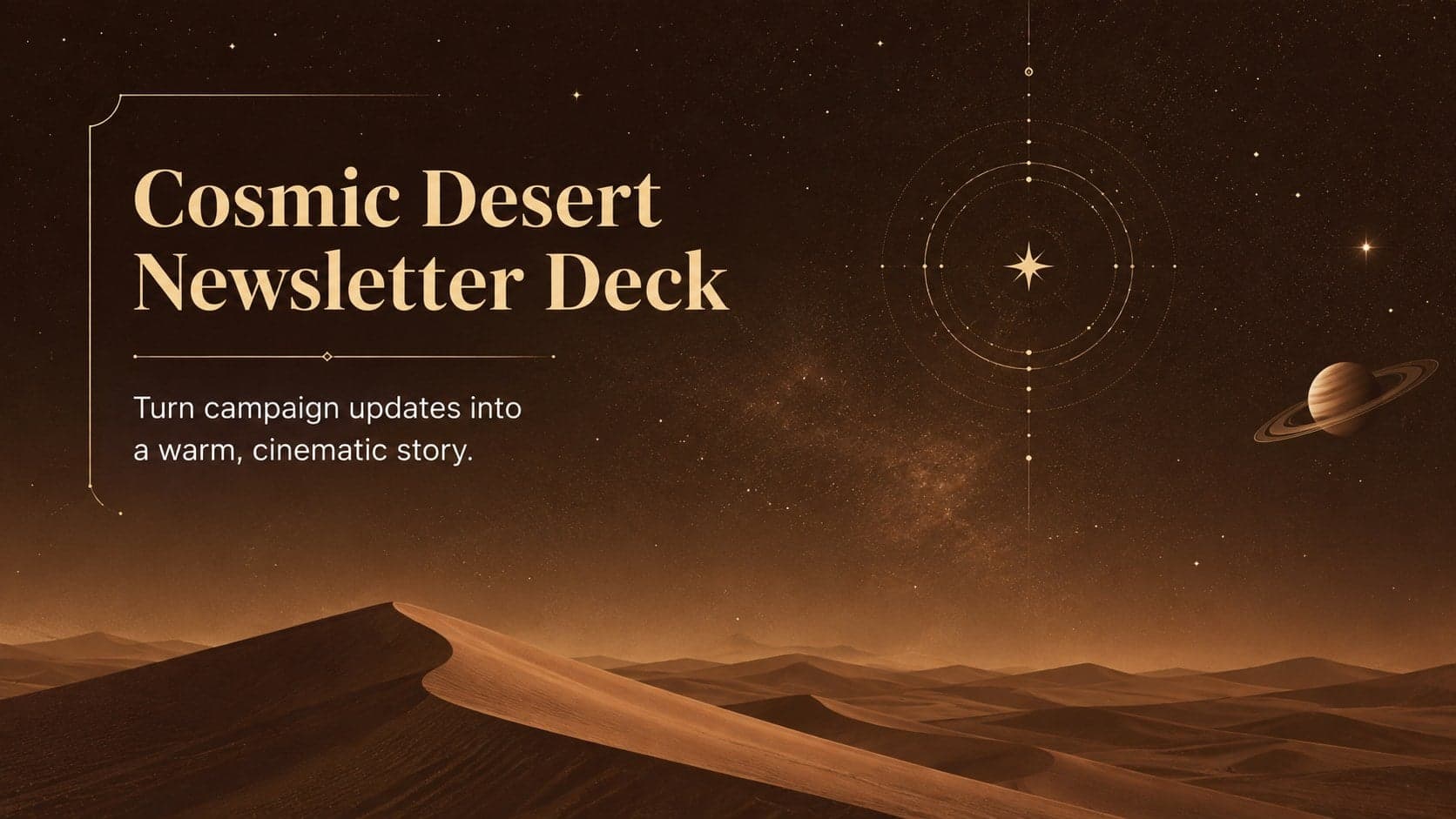
15Build memorable campaign updates with a Cosmic Desert Newsletter Deck, featuring warm beige-brown slides for PowerPoint and Google Slides teams.
 15
15Lead productive urban-tech meetings with a smart city business briefing deck in vivid violet and pink, ready to edit in PowerPoint or Google Slides.
 16
16Build a lively sales story with the Interactive Tech Product Showcase, using colorful illustrated layouts made for PowerPoint and Google Slides.