
 15
15presentation
UFO Day Alien Encounter Deck
Build a bold cosmic story with this UFO Day alien encounter deck, featuring surreal green-and-black layouts for PowerPoint and Google Slides events.
Google SlidesPowerPoint
presentation · English
Build a Cyber Monday promotion strategy with neon retail slides for launch timing, channel plans, offers, and results in PowerPoint or Google Slides.

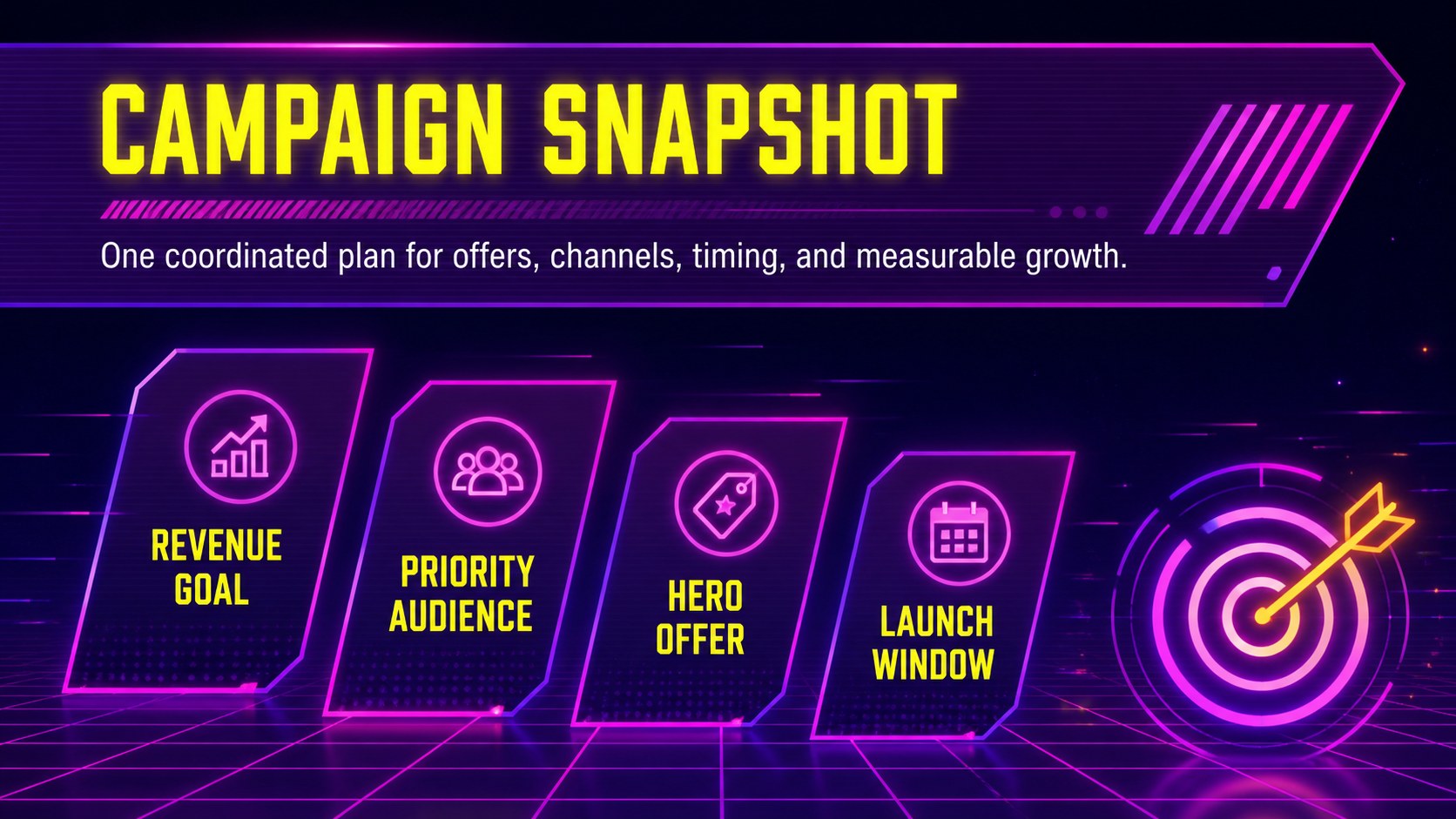
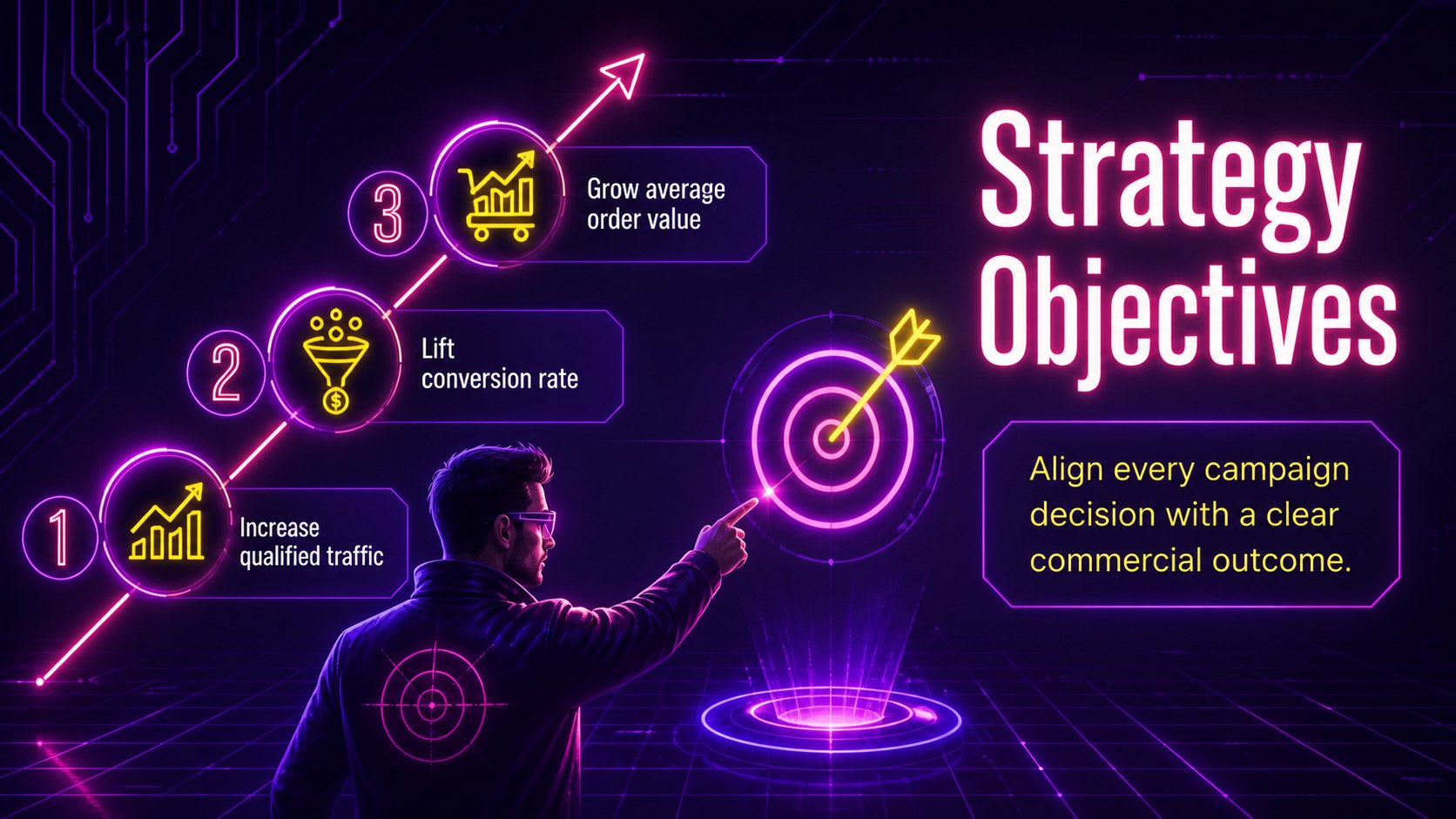
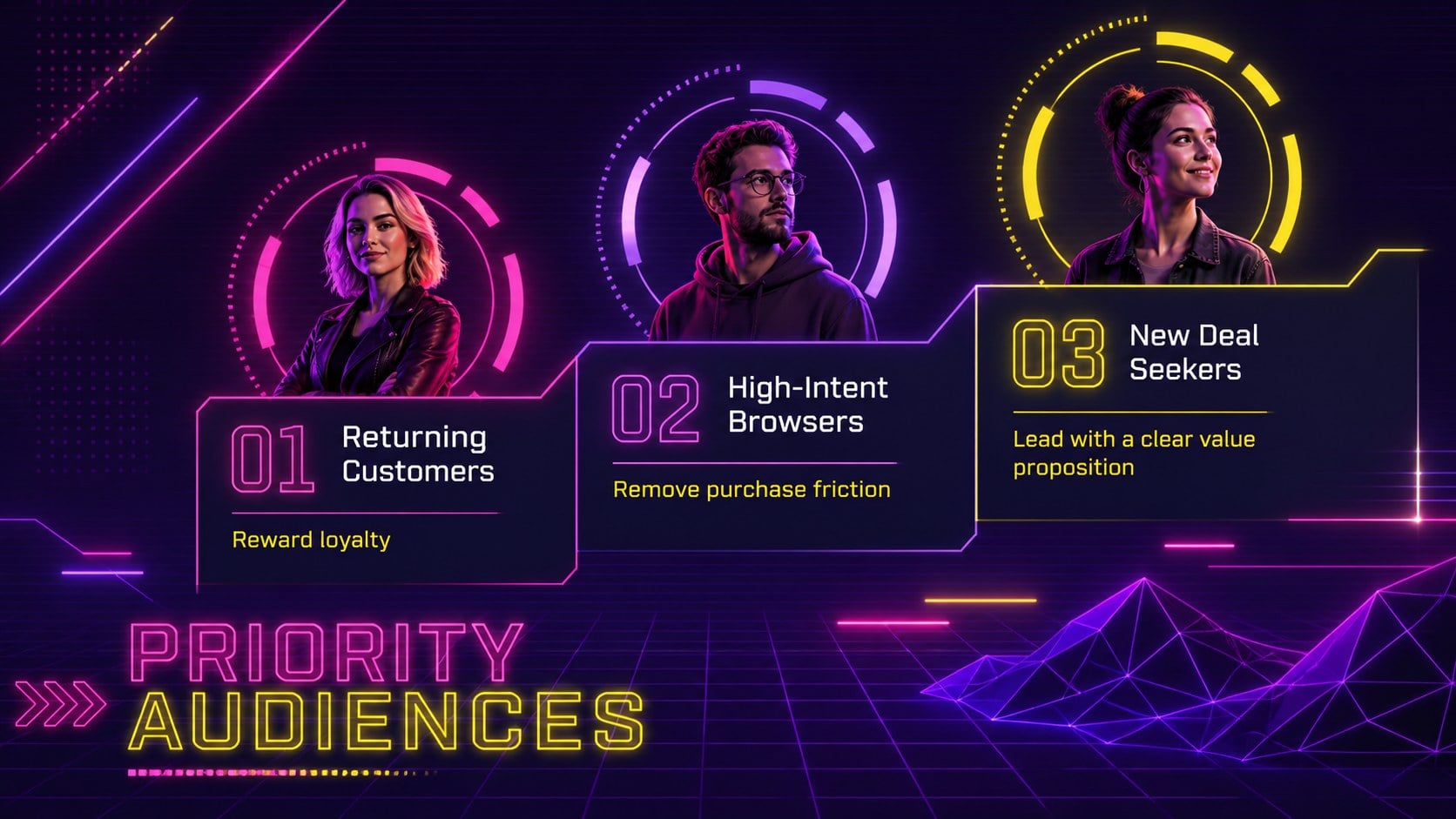

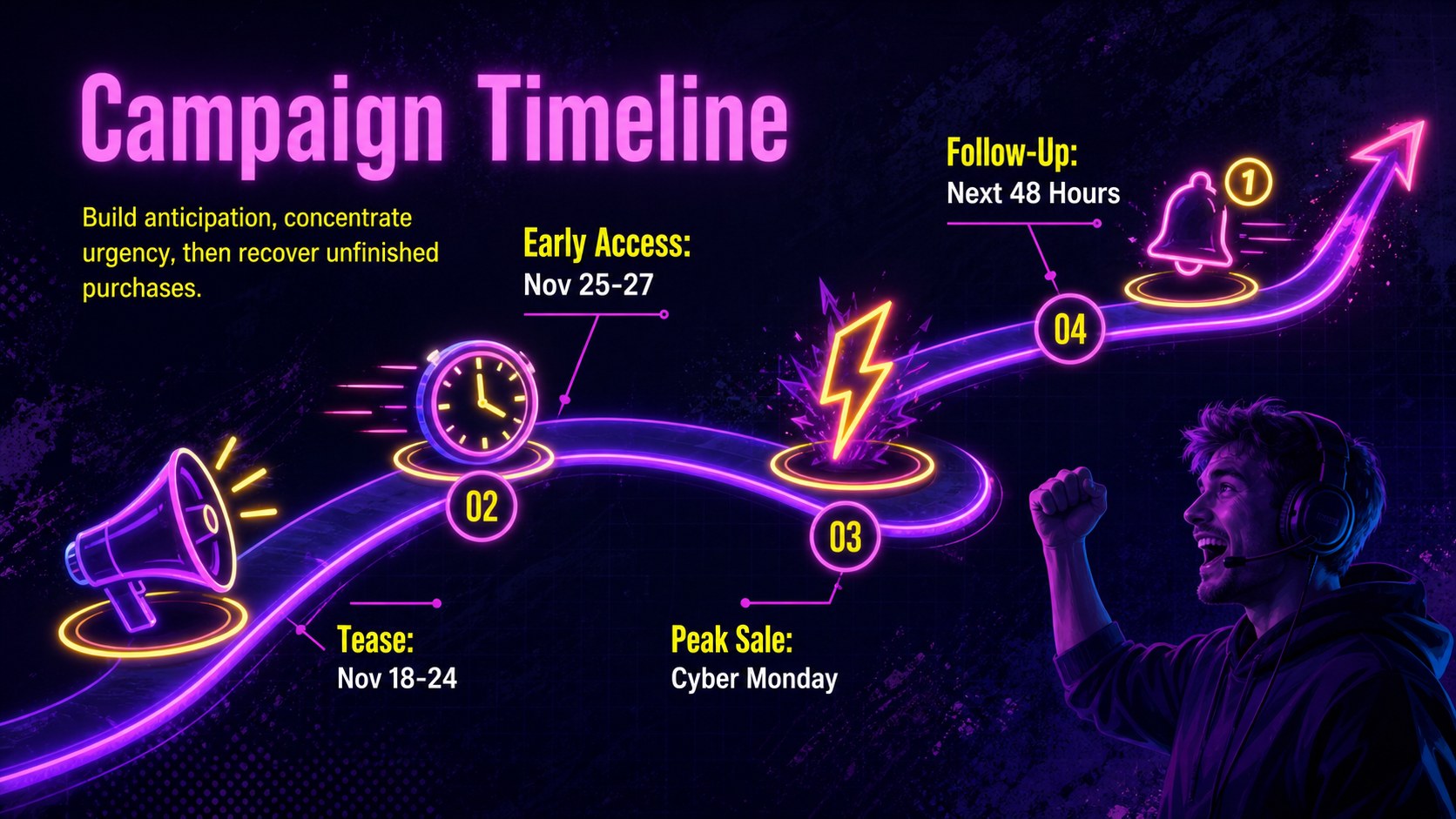

Design notes
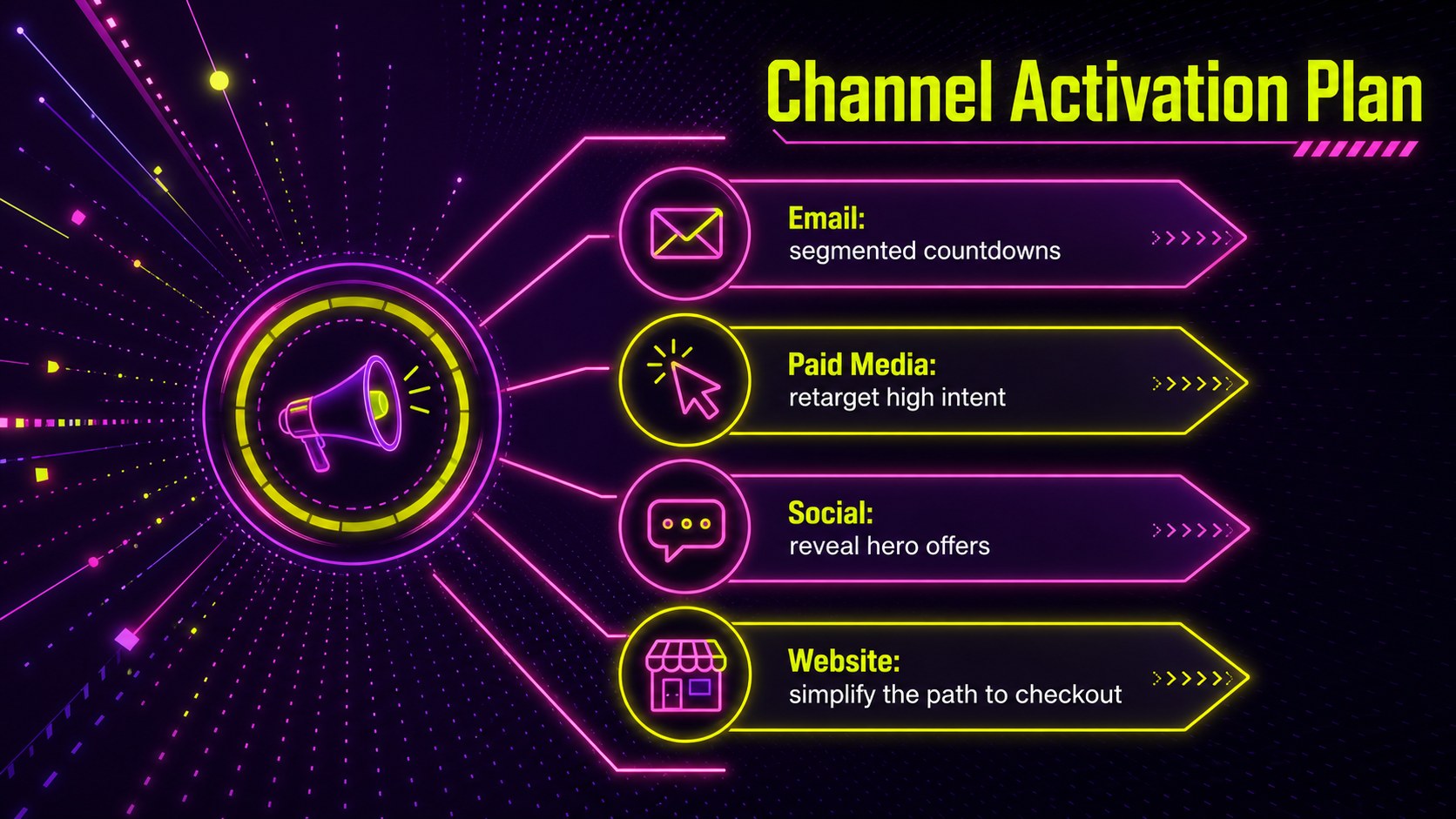
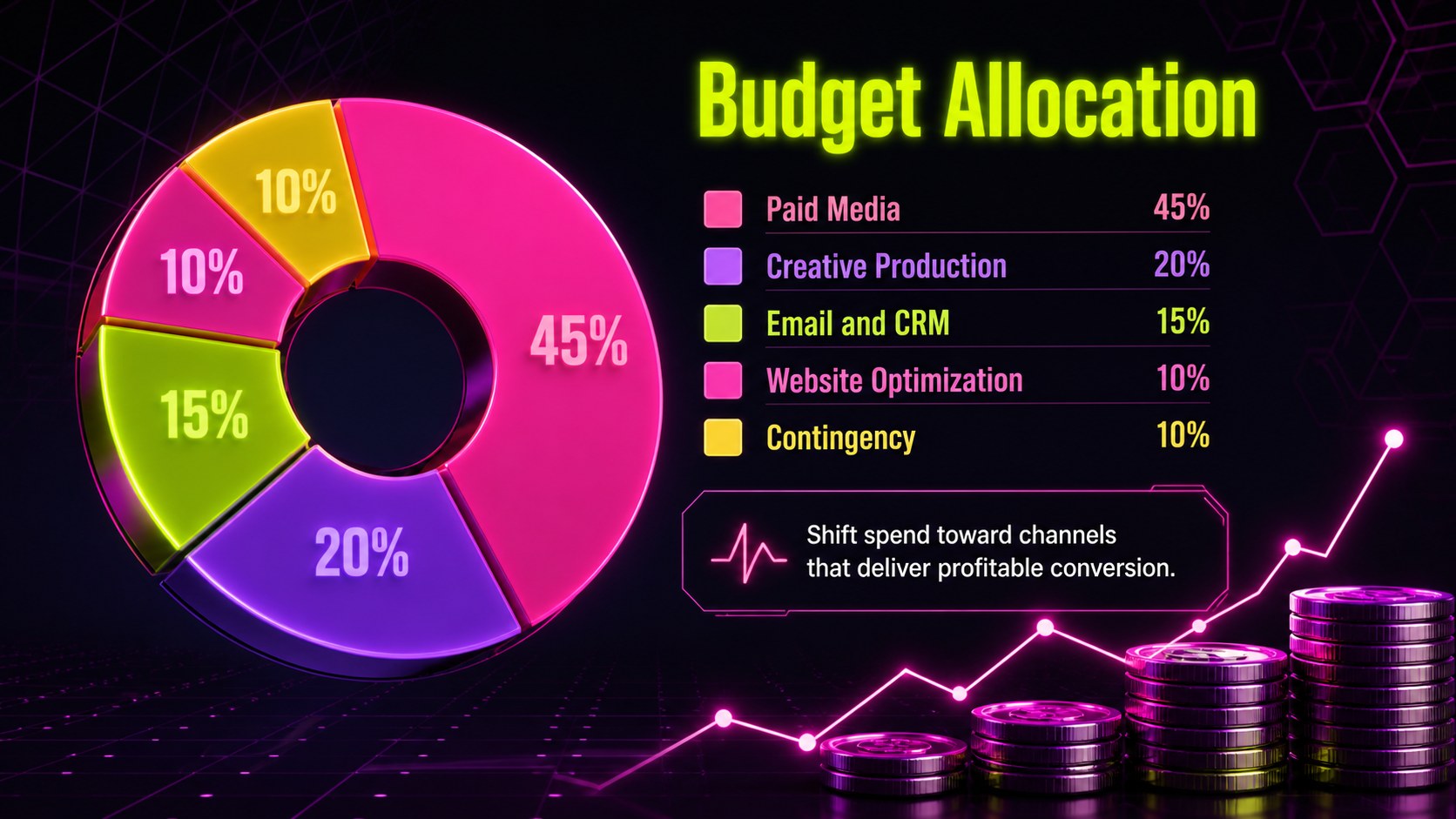
Build a focused Cyber Monday promotion strategy with an energetic presentation designed for retail teams, ecommerce brands, agencies, and growth marketers. The electric violet, hot pink, and bright yellow palette brings a futuristic edge to campaign planning while maintaining a clean, minimal structure that keeps decisions easy to scan.
The deck provides practical layouts for a Cyber Monday campaign timeline, online retail promotion plan, audience segments, offer architecture, channel priorities, creative concepts, budget allocation, and launch responsibilities. Use the editable charts and comparison slides to explain discount tiers, forecast revenue, track conversion targets, and present a holiday ecommerce marketing strategy to stakeholders. Dedicated sections for email, paid media, social content, and website merchandising help teams coordinate activity before, during, and after the sale.
Created for marketing managers, ecommerce leads, sales teams, small business owners, and agency strategists, this Cyber Monday promotion strategy works for internal planning sessions, client proposals, campaign kickoffs, and post-event reporting. Every slide can be customized in PowerPoint or Google Slides, including colors, typography, diagrams, tables, and data visuals. Replace the sample copy with your products, deadlines, budgets, and performance goals to create a polished plan that feels specific to your campaign while preserving the bold neon retail theme.
Perfect for: ecommerce campaign kickoff; retail promotion planning; agency client proposal; holiday sales forecast; channel strategy review; post-campaign performance report.
Frequently asked questions
Can I edit this presentation in PowerPoint and Google Slides? Yes. All text, colors, shapes, tables, and charts can be adjusted in PowerPoint or Google Slides. Some fonts may need to be substituted if they are not installed on your device.
Practical details
Yes. All text, colors, shapes, tables, and charts can be adjusted in PowerPoint or Google Slides. Some fonts may need to be substituted if they are not installed on your device.
Replace the sample offers, audience details, dates, and performance targets with your campaign information. You can also add product photography and recolor the neon accents to align with your retail identity.
Yes. The deck covers objectives, audience segments, offer tiers, channel planning, launch timing, budget allocation, responsibilities, and performance reporting. These layouts can be reordered or duplicated for different markets and product categories.
Yes. Edit the chart data to show revenue, conversion rate, average order value, return on ad spend, or other relevant metrics. The reporting layouts work for both forecasts and final campaign outcomes.
Keep exploring
15Build a bold cosmic story with this UFO Day alien encounter deck, featuring surreal green-and-black layouts for PowerPoint and Google Slides events.
 16
16Use the Navy Stripe Corporate Briefing Theme to present plans, results, and proposals with credible blue-green layouts for PowerPoint and Google Slides.
 5
5Turn customer research into clear decisions with product experience mapping slides in a dark navy and green style for PowerPoint and Google Slides.
 16
16Win stakeholder approval with website launch proposal slides that organize strategy, UX, rollout, and results in editable PowerPoint and Google Slides formats.
 15
15Build clearer campaign plans with an AI marketing strategy deck featuring neon blue-green visuals, editable workflows, data slides, and practical examples.
 15
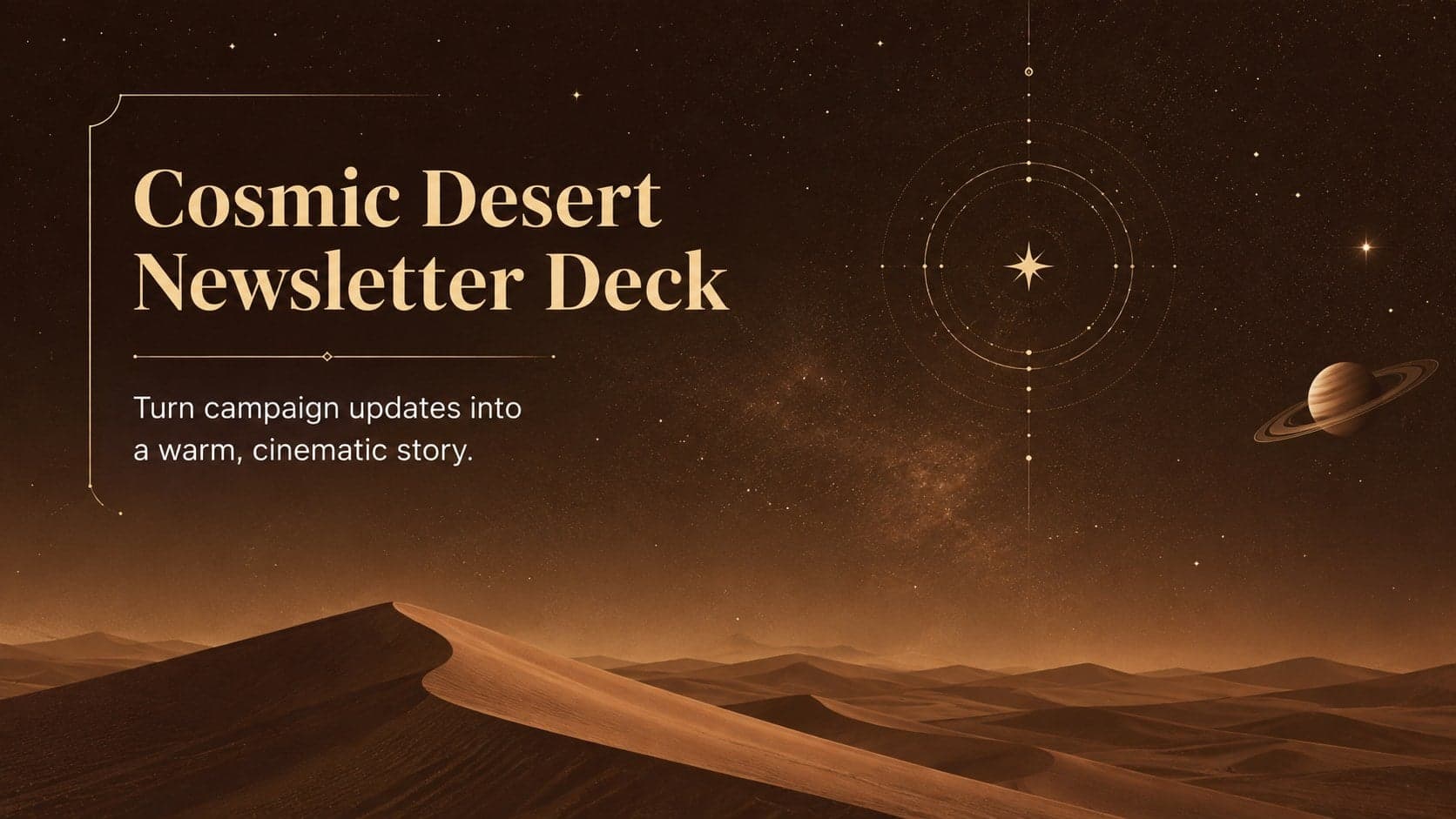
15Build memorable campaign updates with a Cosmic Desert Newsletter Deck, featuring warm beige-brown slides for PowerPoint and Google Slides teams.
 15
15Lead productive urban-tech meetings with a smart city business briefing deck in vivid violet and pink, ready to edit in PowerPoint or Google Slides.
 16
16Build a lively sales story with the Interactive Tech Product Showcase, using colorful illustrated layouts made for PowerPoint and Google Slides.