
 15
15presentation
Astrology Audience Insights Deck
Use this astrology audience insights deck to present zodiac-based segments, behaviors, and campaign findings in polished black-and-gold slides.
Google SlidesPowerPoint
presentation · English
Build buy-in with a Creator Partnership Pitch Deck featuring bright yellow illustrations for briefs, content plans, budgets, and campaign reporting.
Design notes
Bring structure and personality to your next brand collaboration with the Creator Partnership Pitch Deck. Its cheerful yellow palette, minimal layouts, and playful illustrations help marketing ideas feel approachable while keeping the focus on decisions, deliverables, and measurable outcomes. Use it as a brand creator collaboration deck for internal planning, client approval, or partner onboarding.
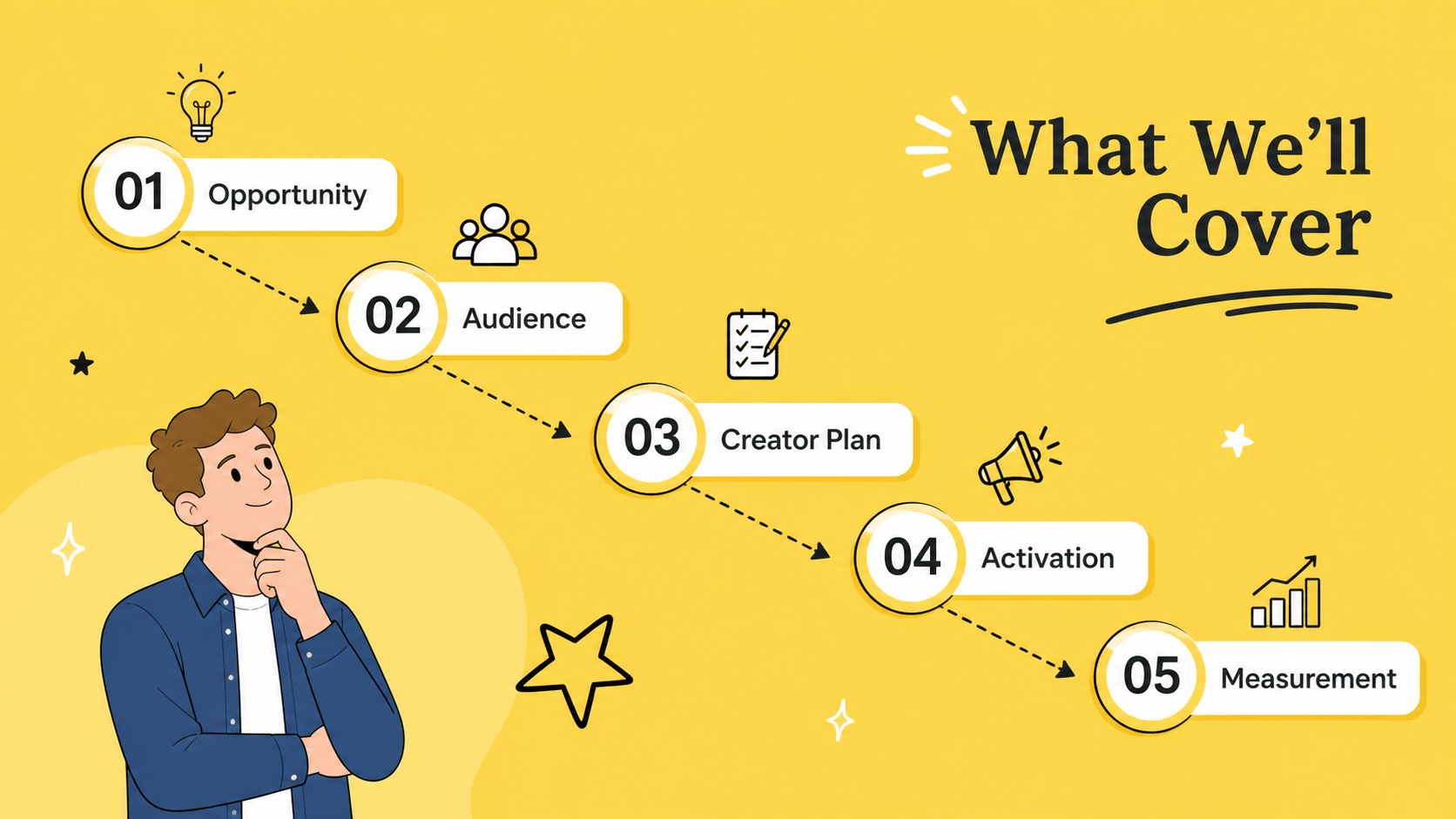
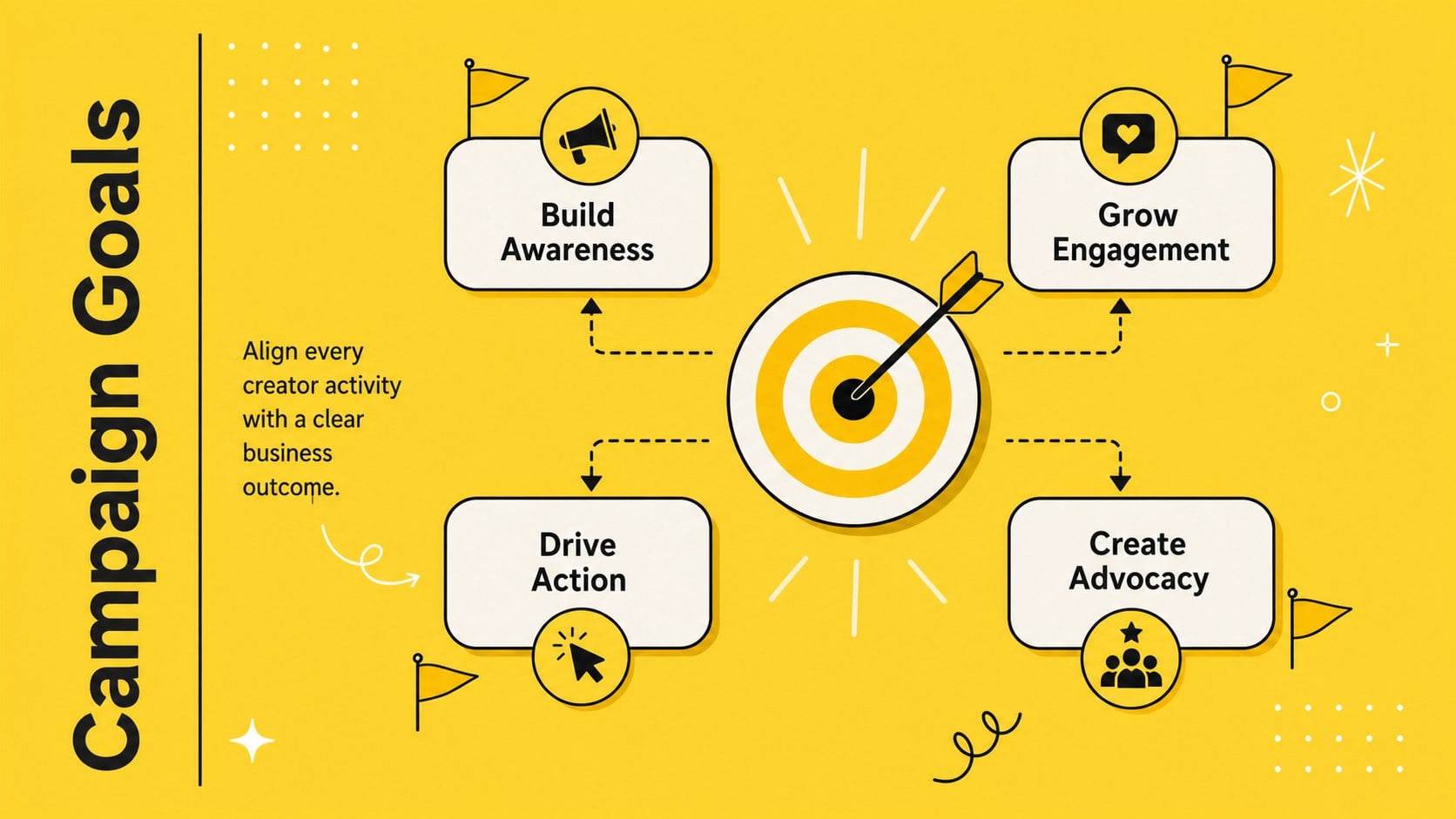
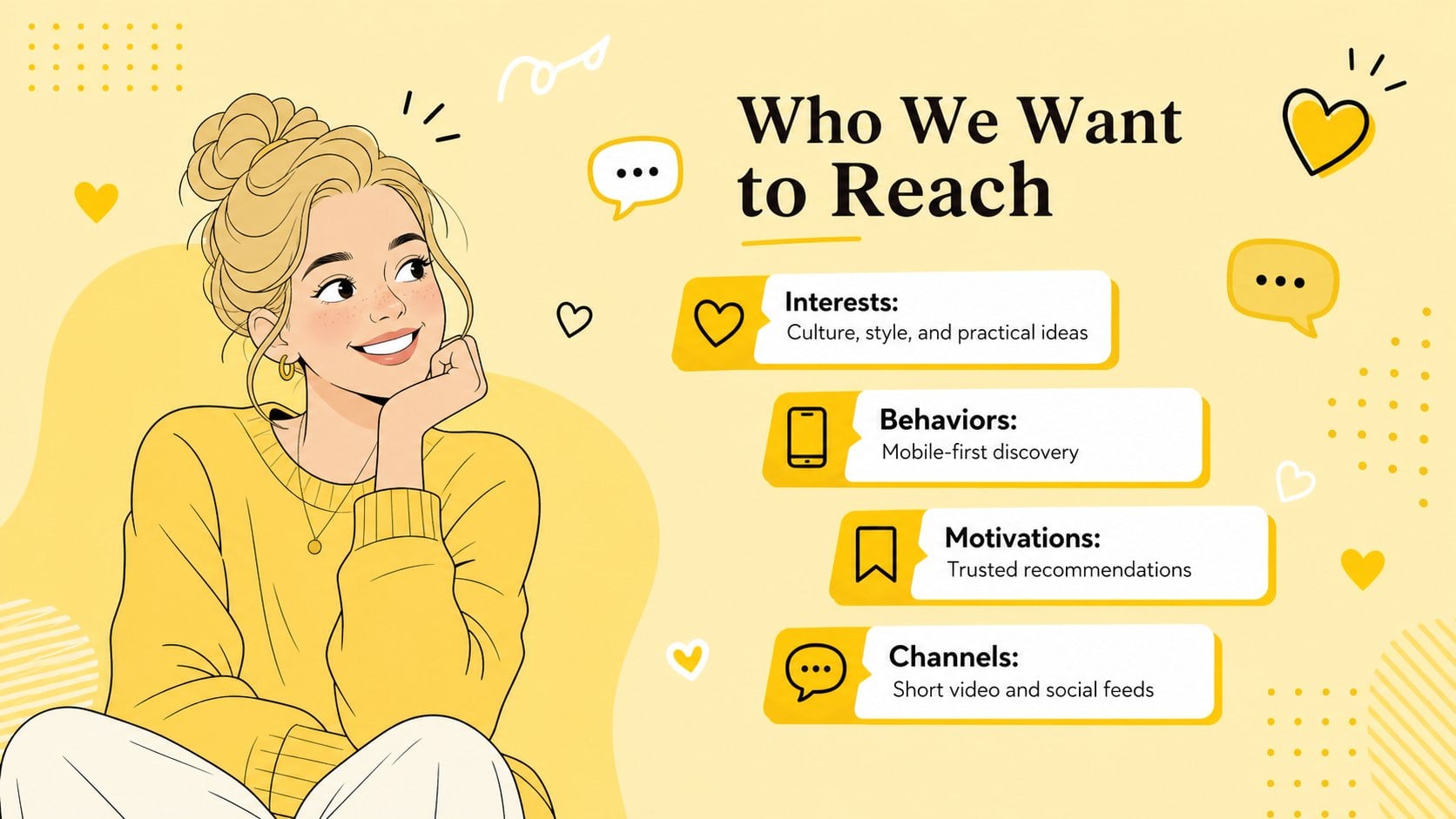
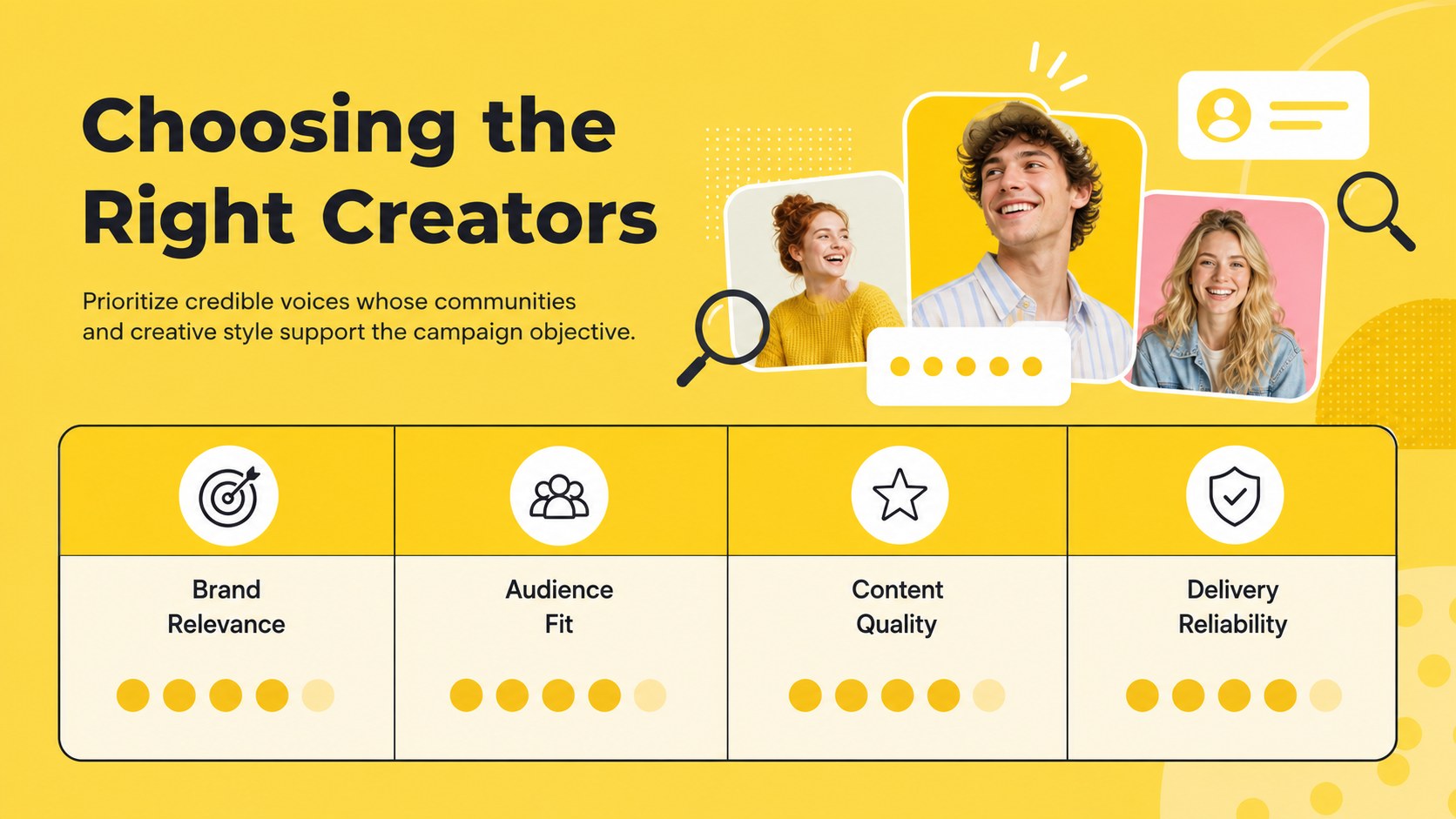
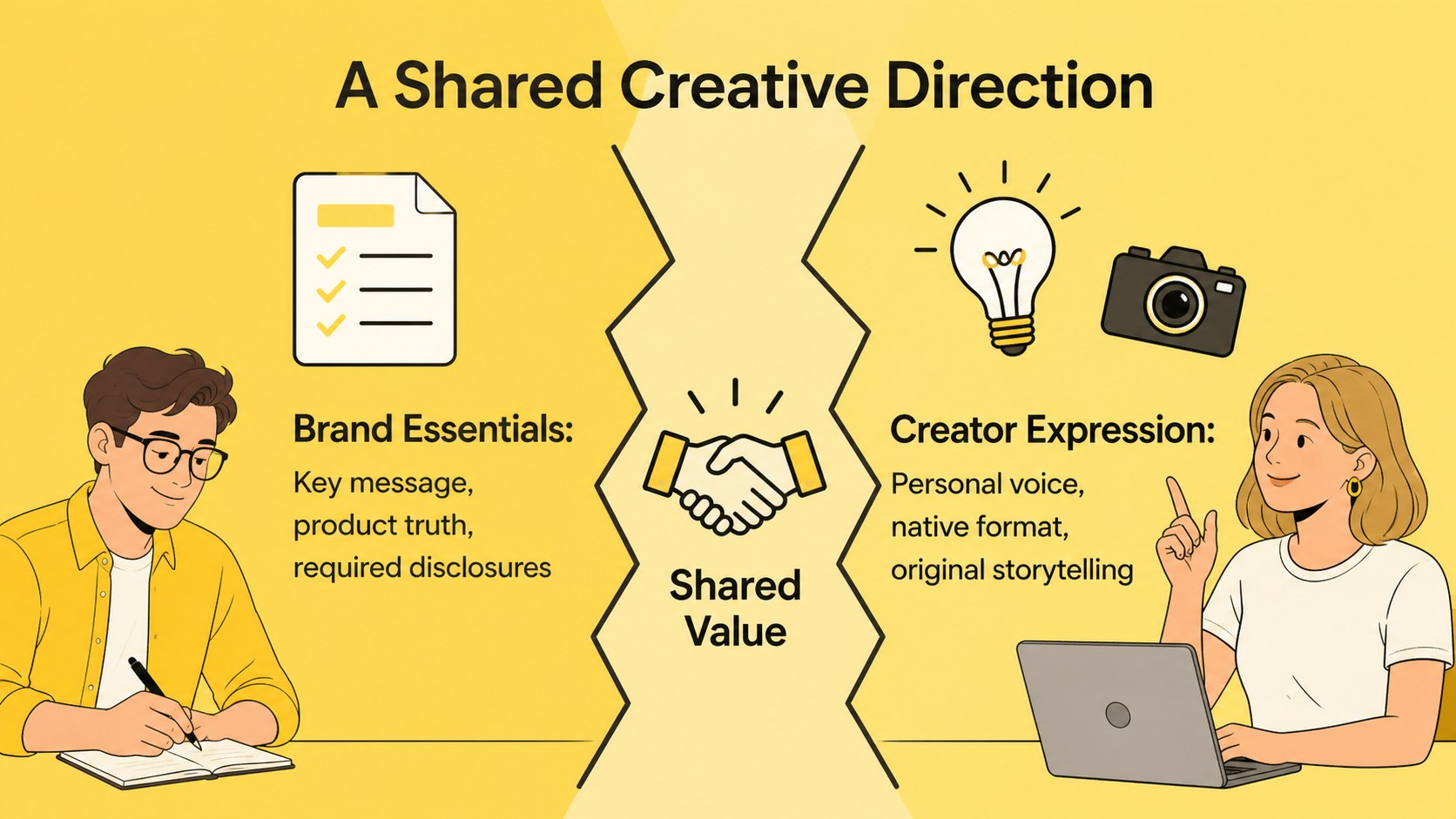
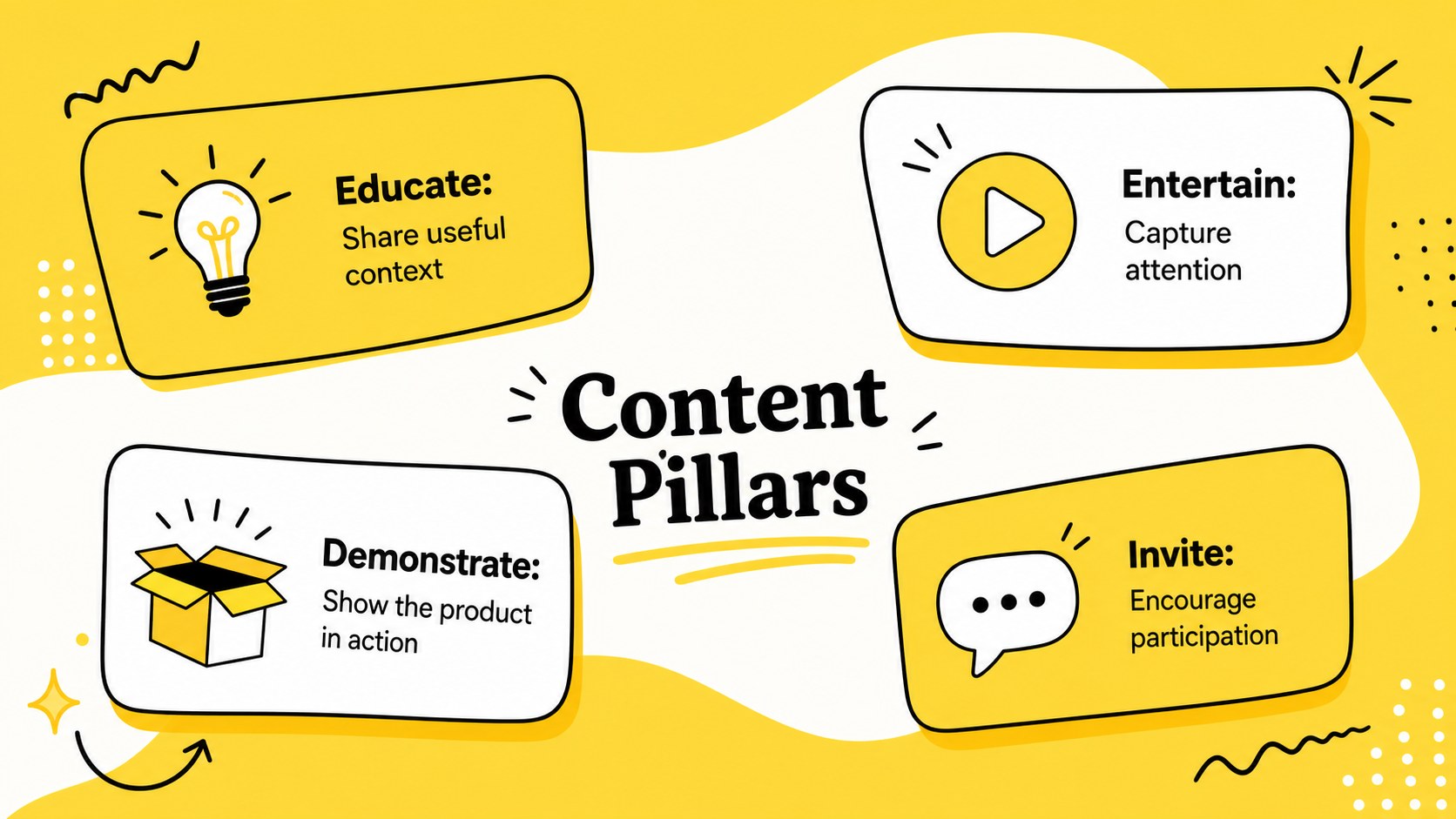
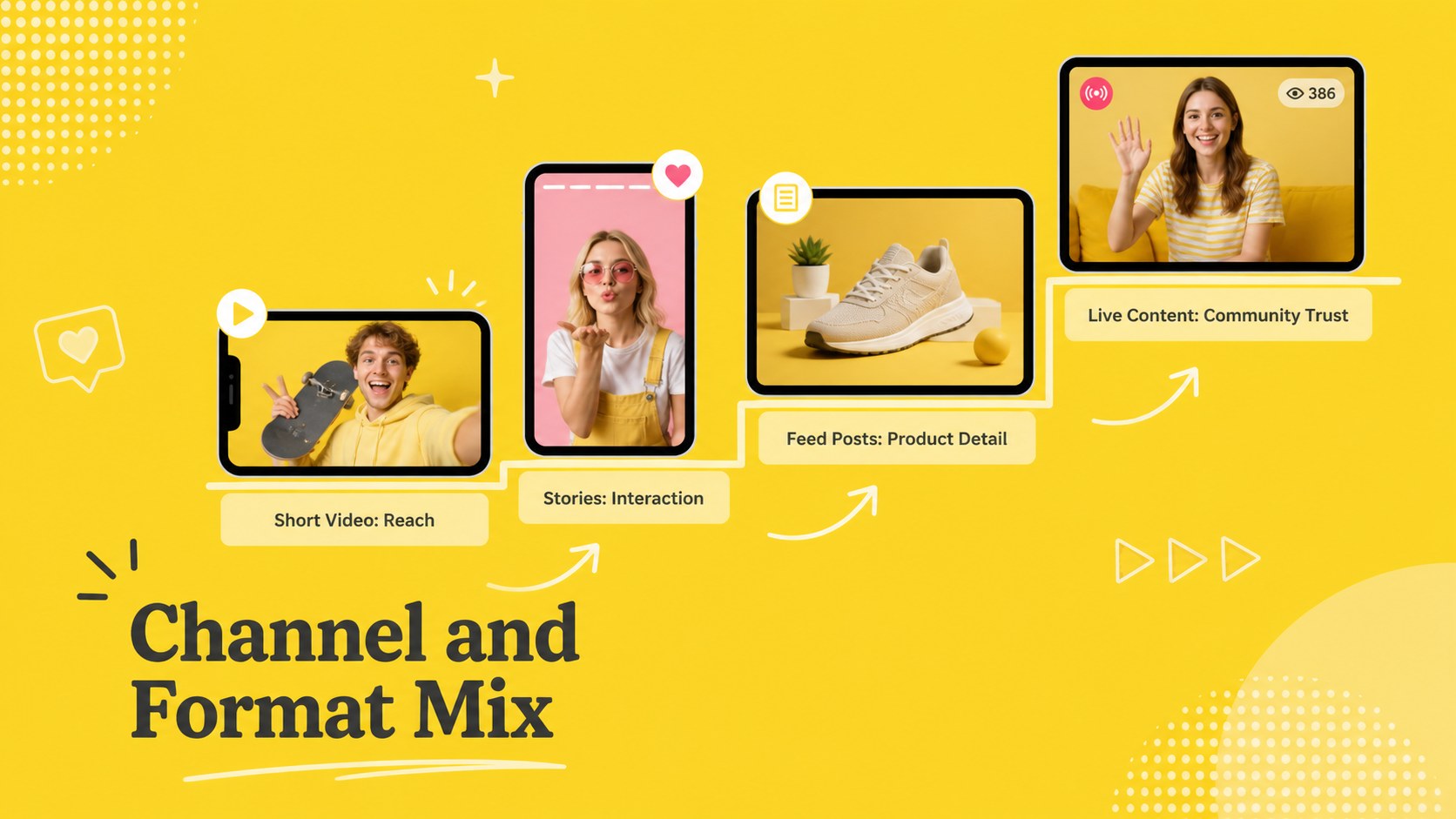
The 15-slide presentation covers campaign context, objectives, audience profiles, creator selection, partnership concepts, channel strategy, deliverables, a creator content calendar, budget allocation, key performance indicators, and reporting. Adapt the layouts into social media creator proposal slides by replacing the sample wording, adjusting the charts, and adding campaign imagery. A dedicated timeline and responsibilities view also makes handoffs easier to understand.
Designed for marketing teams, agencies, social media managers, brand strategists, and independent creators, this influencer campaign reporting presentation works in PowerPoint and Google Slides. Every slide uses a consistent 16:9 format and editable visual hierarchy, making it suitable for pitches, kickoff meetings, status updates, and post-campaign reviews. Customize the yellow color accents, typography, illustrations, data, and imagery to match the identity and scope of each partnership.
Perfect for: creator partnership proposal; influencer campaign kickoff; agency client presentation; creator onboarding meeting; campaign performance review.
Frequently asked questions
Can I edit this deck in PowerPoint and Google Slides? Yes. The layouts, text, colors, charts, and graphic elements can be edited in PowerPoint or Google Slides. Some font substitutions may occur if a typeface is not installed on your device.
Practical details
Yes. The layouts, text, colors, charts, and graphic elements can be edited in PowerPoint or Google Slides. Some font substitutions may occur if a typeface is not installed on your device.
Replace the sample copy and imagery, then update the yellow accents with approved brand colors. Apply the same fonts, logo placement, and image treatment throughout the slides to maintain a consistent identity.
Yes. The deck includes layouts for objectives, performance indicators, budget allocation, results, and next steps. Enter your campaign data and revise the chart labels to match the metrics used by your team.
Yes. Replace the sample image areas with licensed creator portraits, post previews, product photography, or campaign screenshots. Confirm usage rights and creator approvals before sharing the finished presentation.
Keep exploring
15Use this astrology audience insights deck to present zodiac-based segments, behaviors, and campaign findings in polished black-and-gold slides.
 14
14Plan a memorable Lunar New Year campaign with the 2036 Dragon Year Celebration Theme, featuring bold red-and-yellow slides for lessons and events.
 15
15Build eerie lessons, campaigns, and story pitches with an undead survival scenario theme featuring editable slides for PowerPoint and Google Slides.
 15
15Build a clear breast cancer awareness bulletin with bold pink-and-red slides for campaign news, screening reminders, impact data, and community updates.
 15
15Shape your publishing concept with an indie magazine startup pitch deck featuring pastel gradients, bold collage layouts, and editable planning slides.
 15
15Build a bold retro-futurist campaign pitch deck for client meetings, with editable strategy layouts and playful pastel Y2K-inspired visuals.
 16
16Build a consistent presence with a social channel identity playbook covering voice, visuals, content formats, publishing rules, and approvals.
 15
15Celebrate online learners with webinar completion certificate slides, featuring editable violet artwork for university events in PowerPoint and Google Slides.