
 15
15presentation
Astrology Audience Insights Deck
Use this astrology audience insights deck to present zodiac-based segments, behaviors, and campaign findings in polished black-and-gold slides.
Google SlidesPowerPoint
presentation · English
Build sharper team discussions with an editorial planning presentation featuring playful 3D visuals, flexible layouts, and editable PowerPoint and Google…

Design notes
Creative Editorial Planning Deck is designed for teams that need to shape ideas, assign priorities, and keep editorial conversations moving. Its playful 3D visual language brings energy to planning sessions while the restrained grey and orange palette keeps information easy to scan. Use it for a content calendar review, campaign kickoff, publishing workflow, or collaborative marketing meeting.
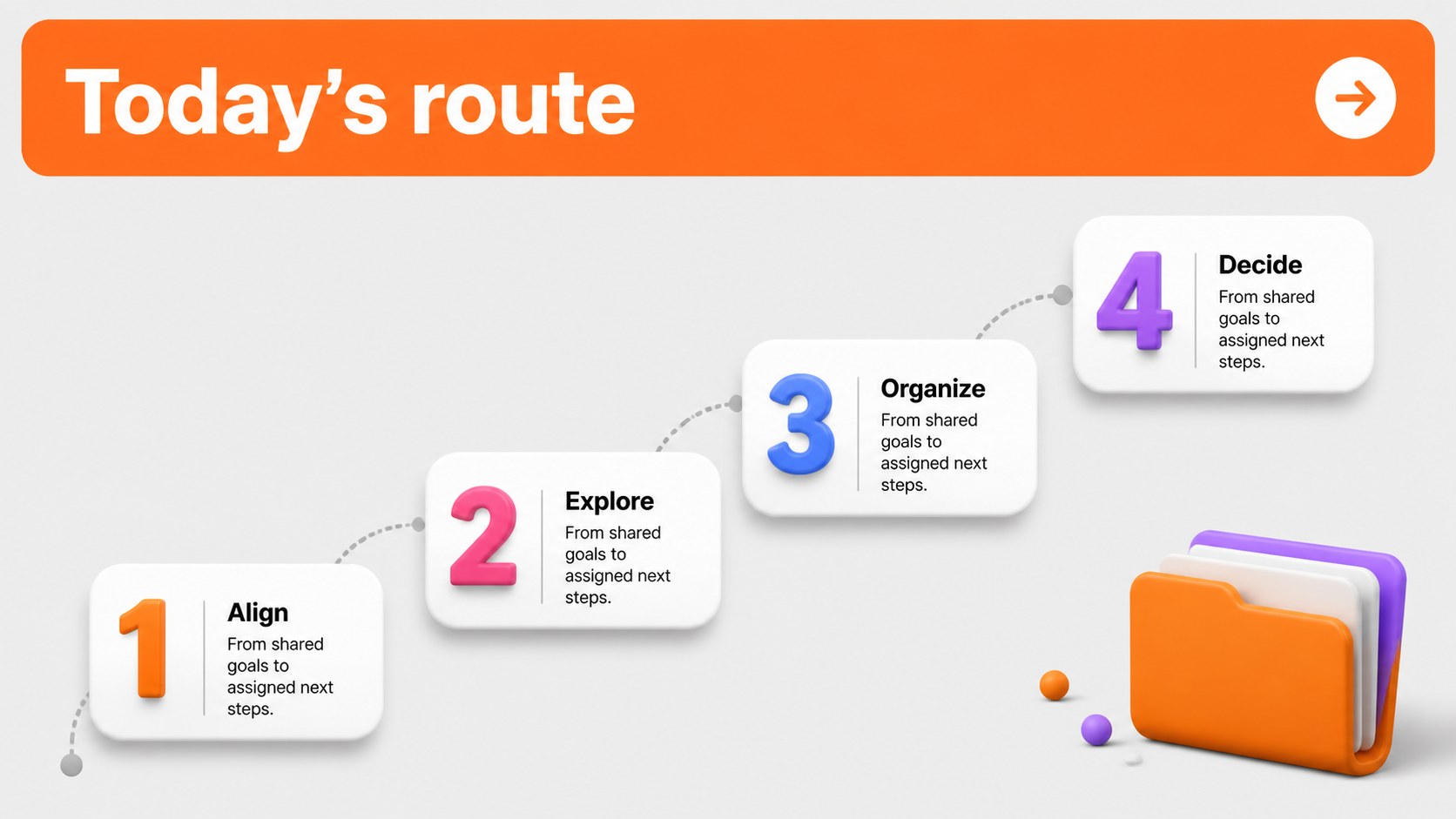
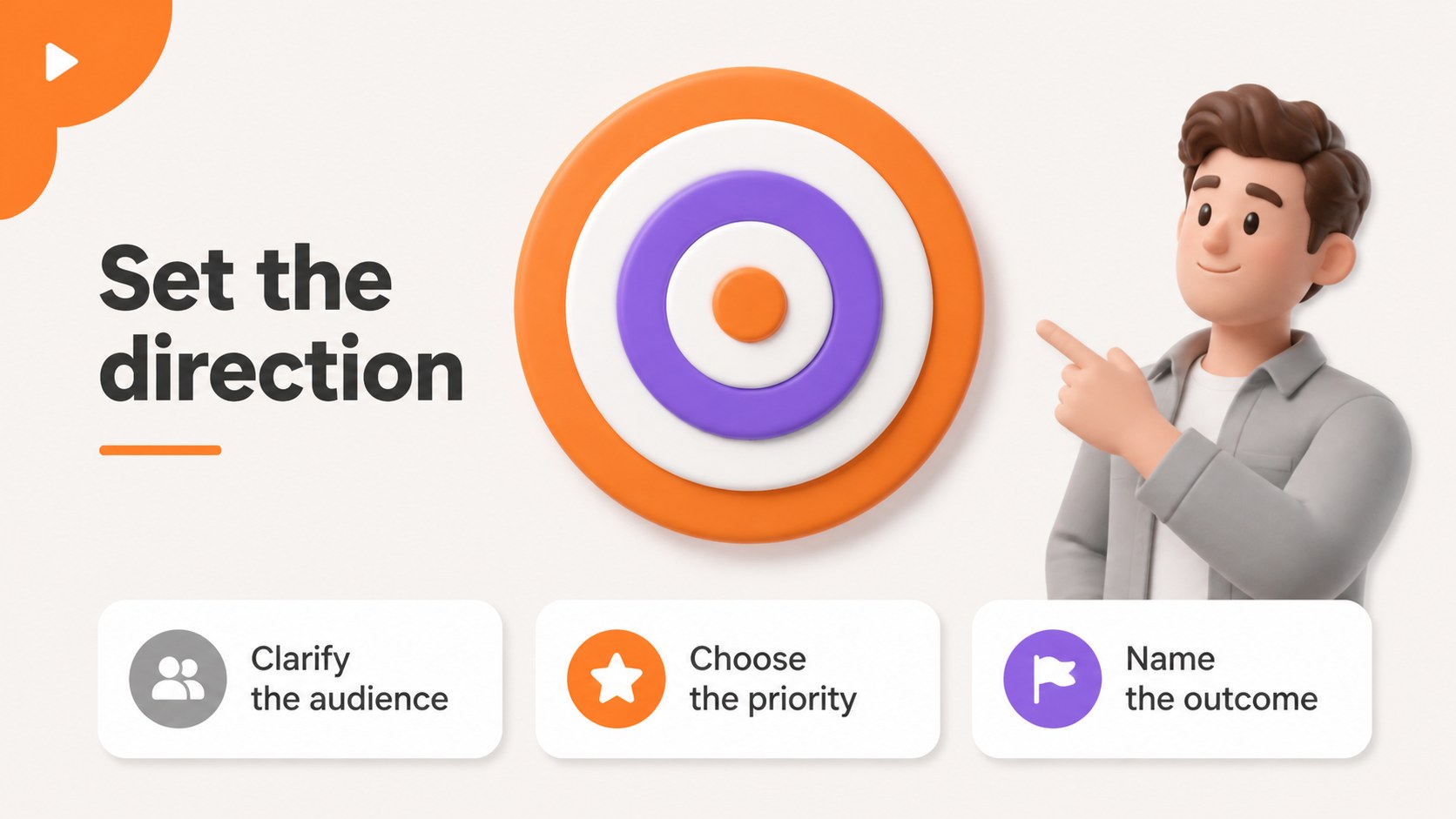
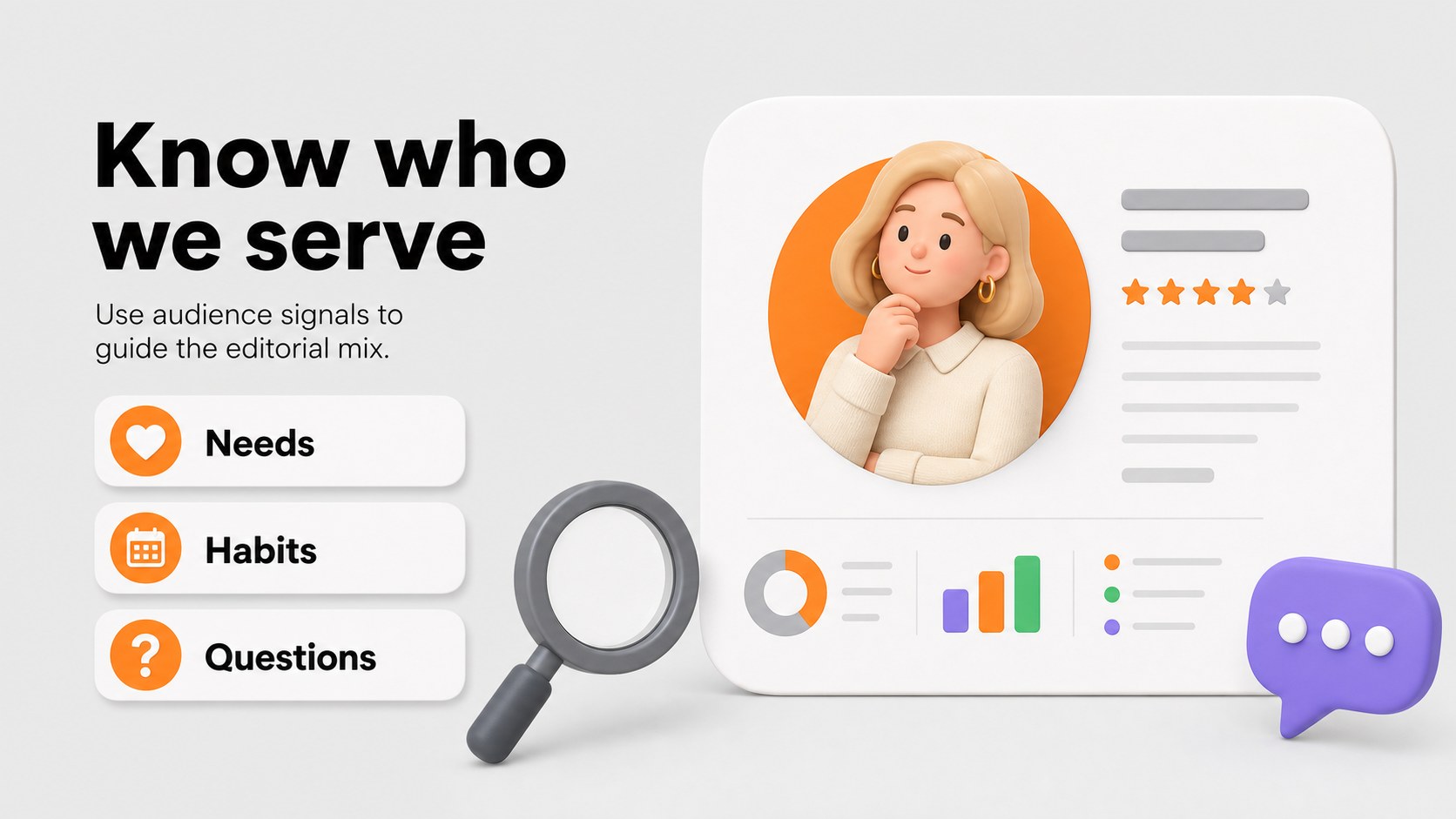
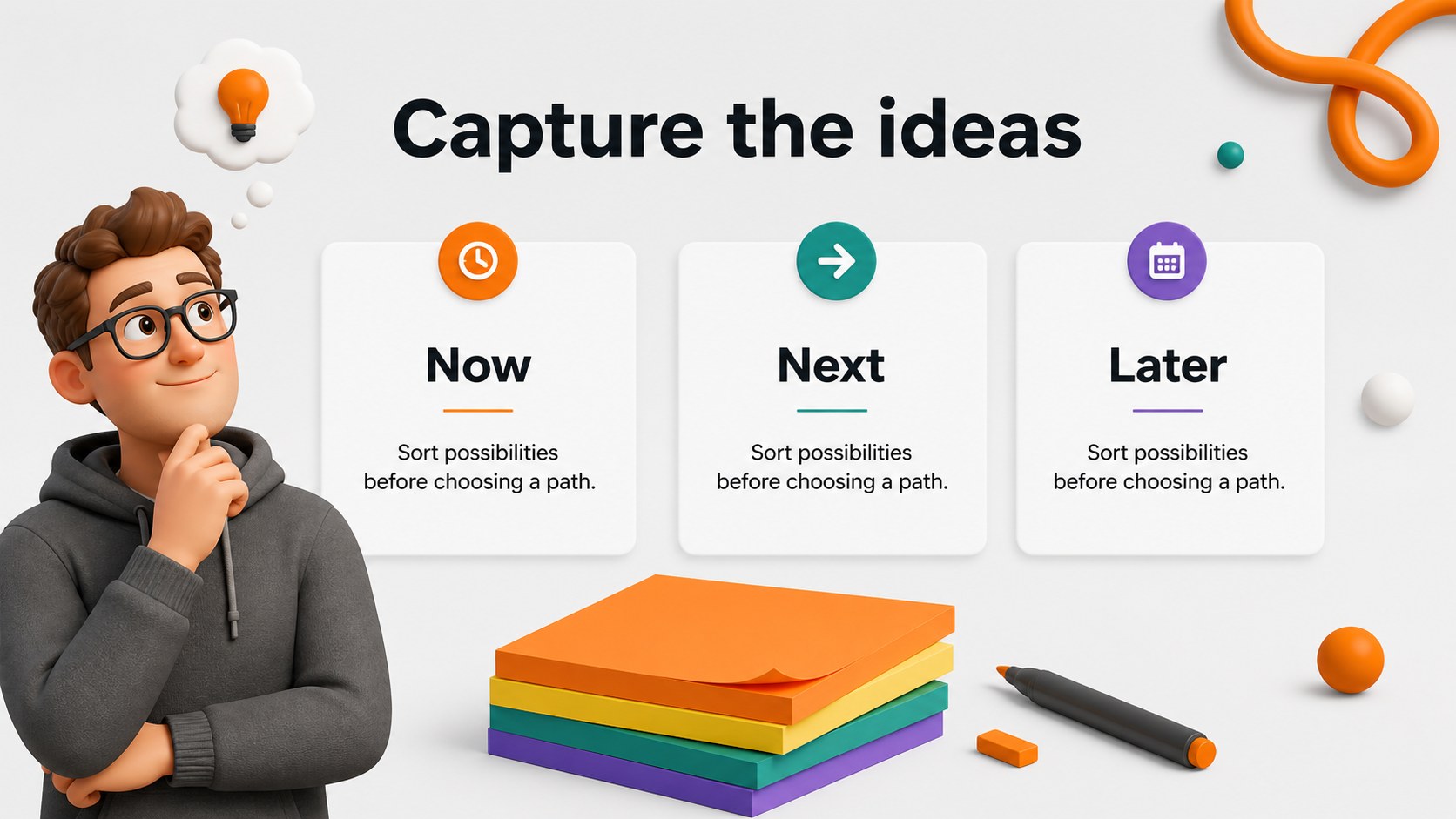
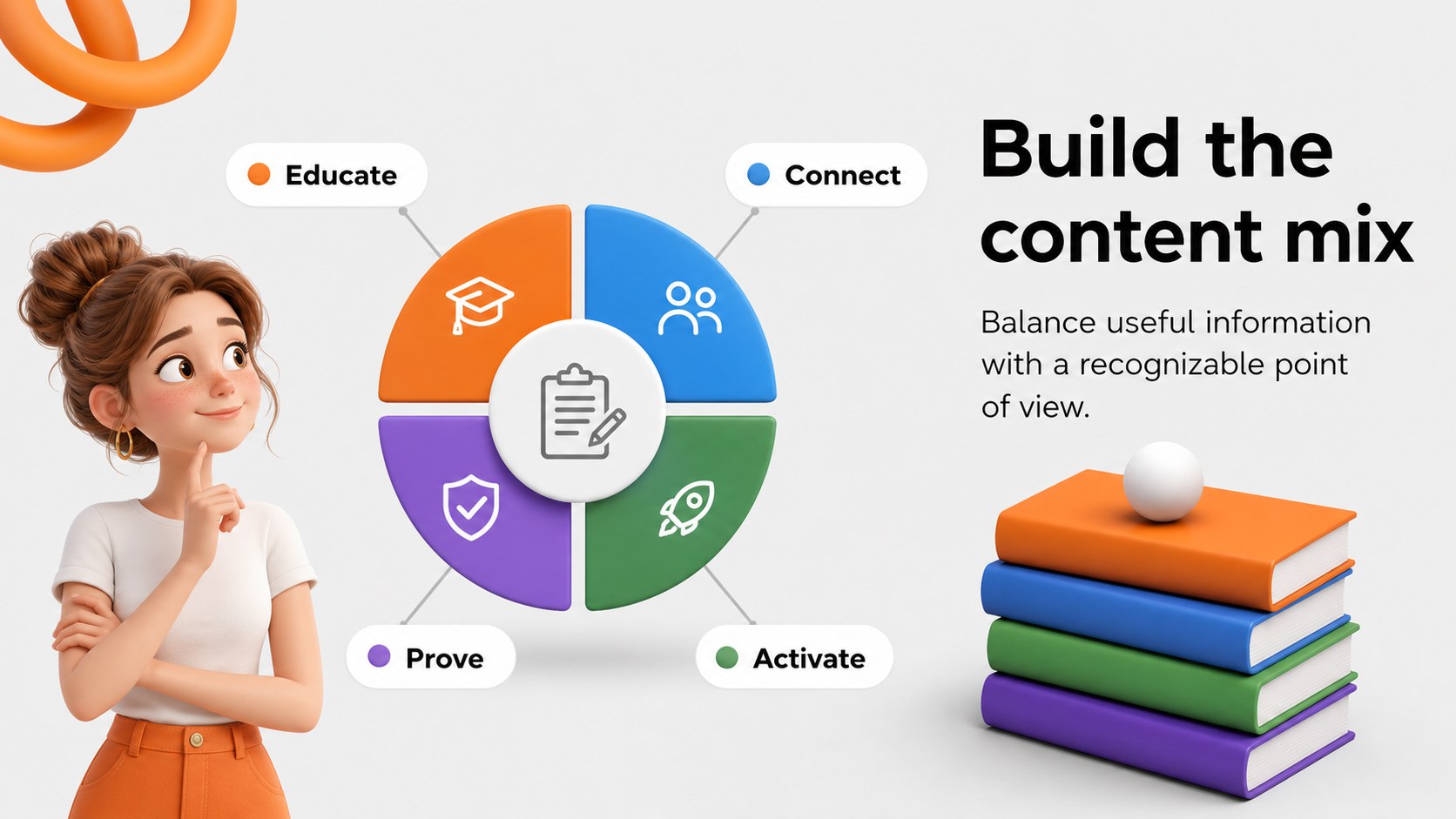
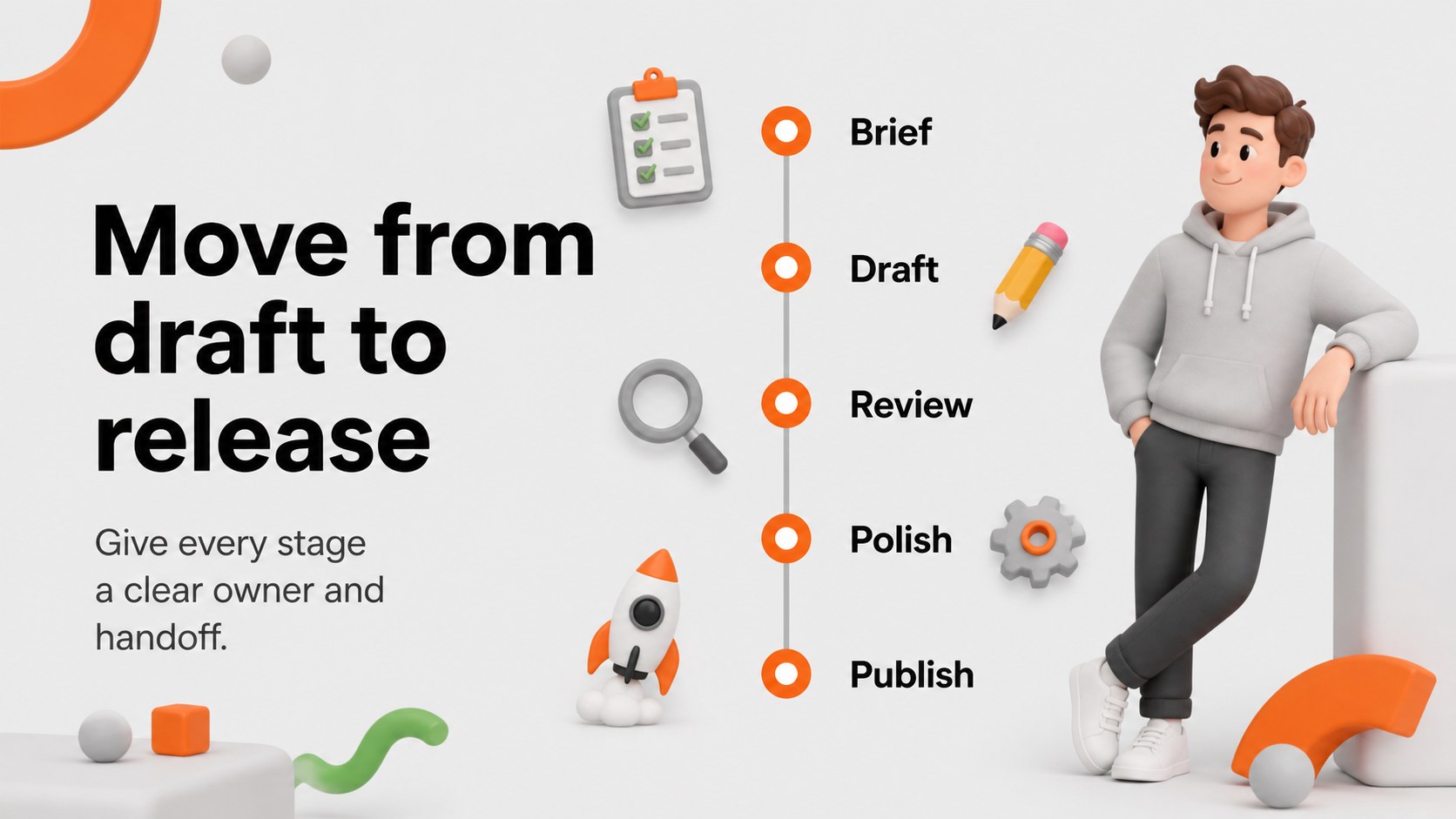
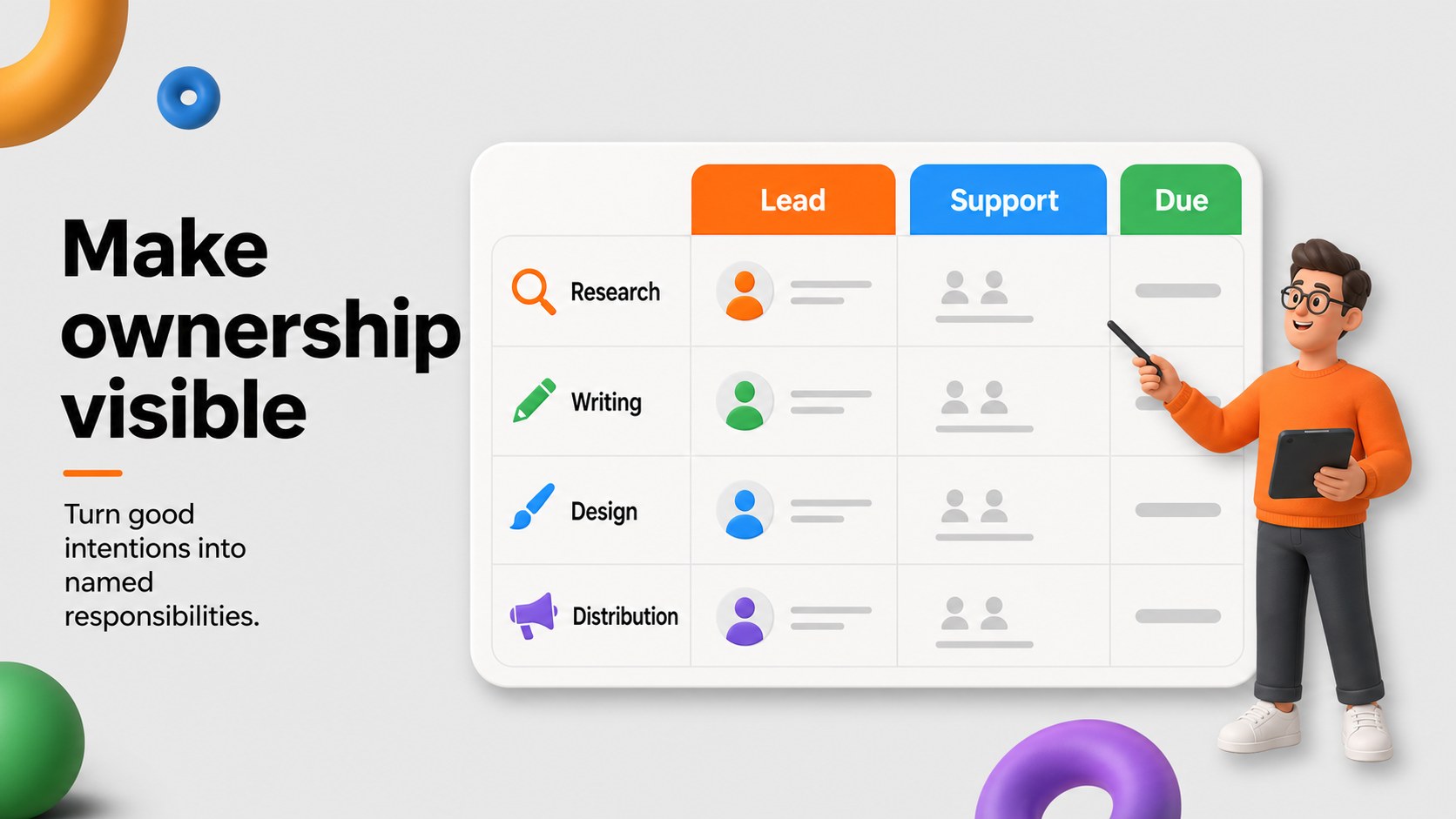
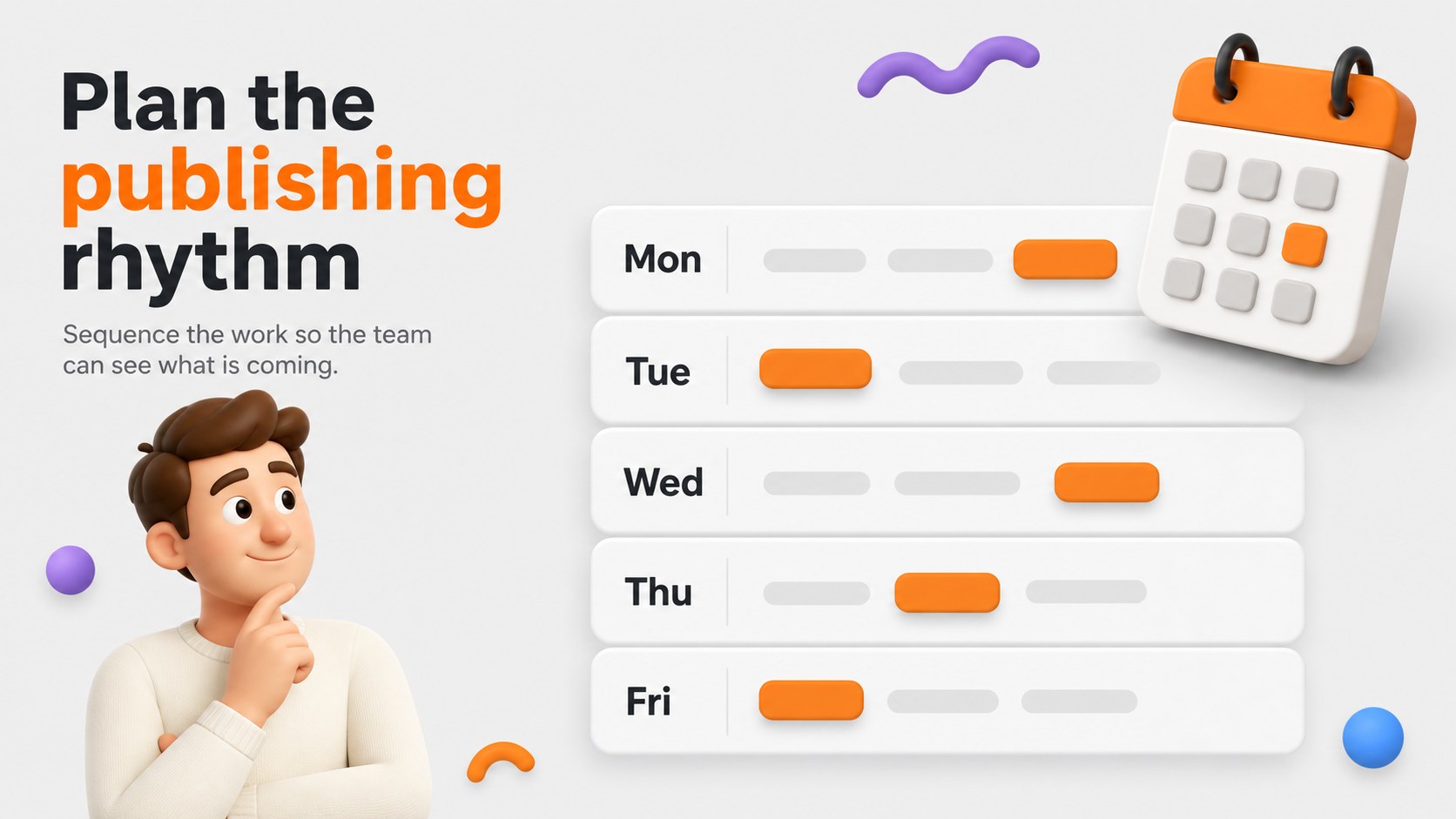
Inside, you will find 15 editable 16:9 slides for agendas, project goals, audience profiles, idea collection, content pillars, timelines, responsibility mapping, status updates, performance snapshots, and closing decisions. The layouts combine generous white space, bold orange accents, modular shapes, and colorful 3D characters for a modern newsroom-inspired feel. Charts, tables, callouts, and image areas make it simple to adapt the deck to different teams and industries.
This editorial planning presentation works well for marketing professionals, communications teams, student media groups, agency strategists, and creative leads. Edit the slides in PowerPoint or Google Slides, adjust the typography and colors, and replace the sample copy with your own campaign details. Searchers looking for a content strategy meeting deck or marketing editorial calendar slides can use this template to turn scattered ideas into a focused working session.
Perfect for: content calendar review; campaign kickoff meeting; publishing workflow workshop; agency strategy session; student media planning.
Frequently asked questions
Can I edit this deck in PowerPoint? Yes. The presentation is designed for PowerPoint editing, including text, shapes, colors, and layouts. Replace the sample content with your team’s editorial plans and project information.
Practical details
Yes. The presentation is designed for PowerPoint editing, including text, shapes, colors, and layouts. Replace the sample content with your team’s editorial plans and project information.
Yes, you can open and customize the slides in Google Slides. Check fonts and spacing after import, then update the presentation directly in your browser.
Yes. Adjust the theme colors to match your publication, agency, or campaign identity while preserving the original visual structure. The 3D graphics and layout elements can also be repositioned or removed.
It is suited to editorial planning, content strategy reviews, campaign kickoffs, and publishing workflow discussions. The agenda, timeline, ownership, and status layouts support both short meetings and detailed workshops.
Keep exploring
15Use this astrology audience insights deck to present zodiac-based segments, behaviors, and campaign findings in polished black-and-gold slides.
 14
14Plan a memorable Lunar New Year campaign with the 2036 Dragon Year Celebration Theme, featuring bold red-and-yellow slides for lessons and events.
 15
15Build eerie lessons, campaigns, and story pitches with an undead survival scenario theme featuring editable slides for PowerPoint and Google Slides.
 15
15Build a clear breast cancer awareness bulletin with bold pink-and-red slides for campaign news, screening reminders, impact data, and community updates.
 15
15Shape your publishing concept with an indie magazine startup pitch deck featuring pastel gradients, bold collage layouts, and editable planning slides.
 15
15Build a bold retro-futurist campaign pitch deck for client meetings, with editable strategy layouts and playful pastel Y2K-inspired visuals.
 16
16Build a consistent presence with a social channel identity playbook covering voice, visuals, content formats, publishing rules, and approvals.
 15
15Celebrate online learners with webinar completion certificate slides, featuring editable violet artwork for university events in PowerPoint and Google Slides.