
 15
15presentation
Astrology Audience Insights Deck
Use this astrology audience insights deck to present zodiac-based segments, behaviors, and campaign findings in polished black-and-gold slides.
Google SlidesPowerPoint
presentation · English
Build a vivid 2026 creative annual planning deck with colorful lettering, flexible calendar layouts, and editable slides for PowerPoint and Google Slides.
Design notes
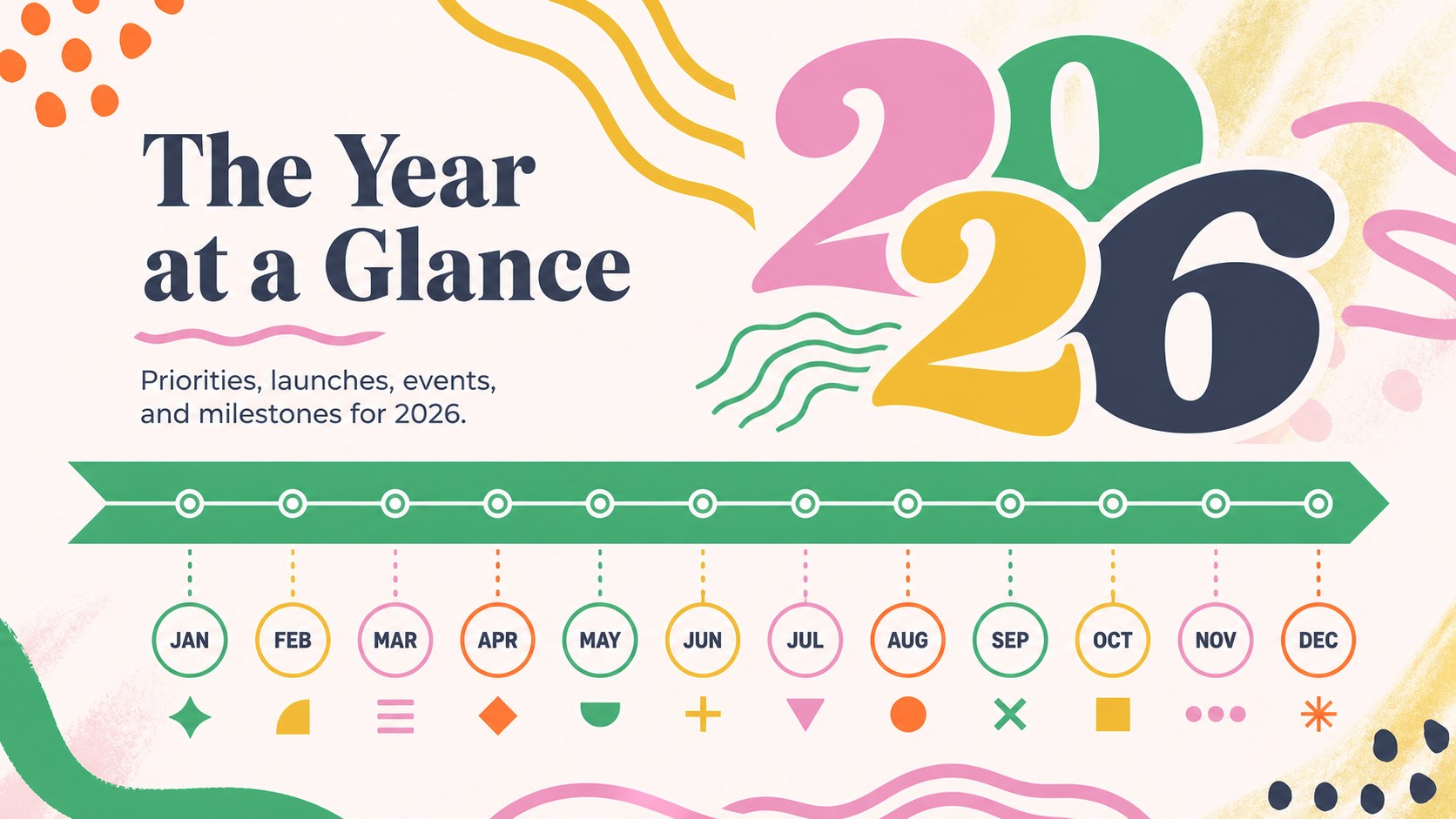
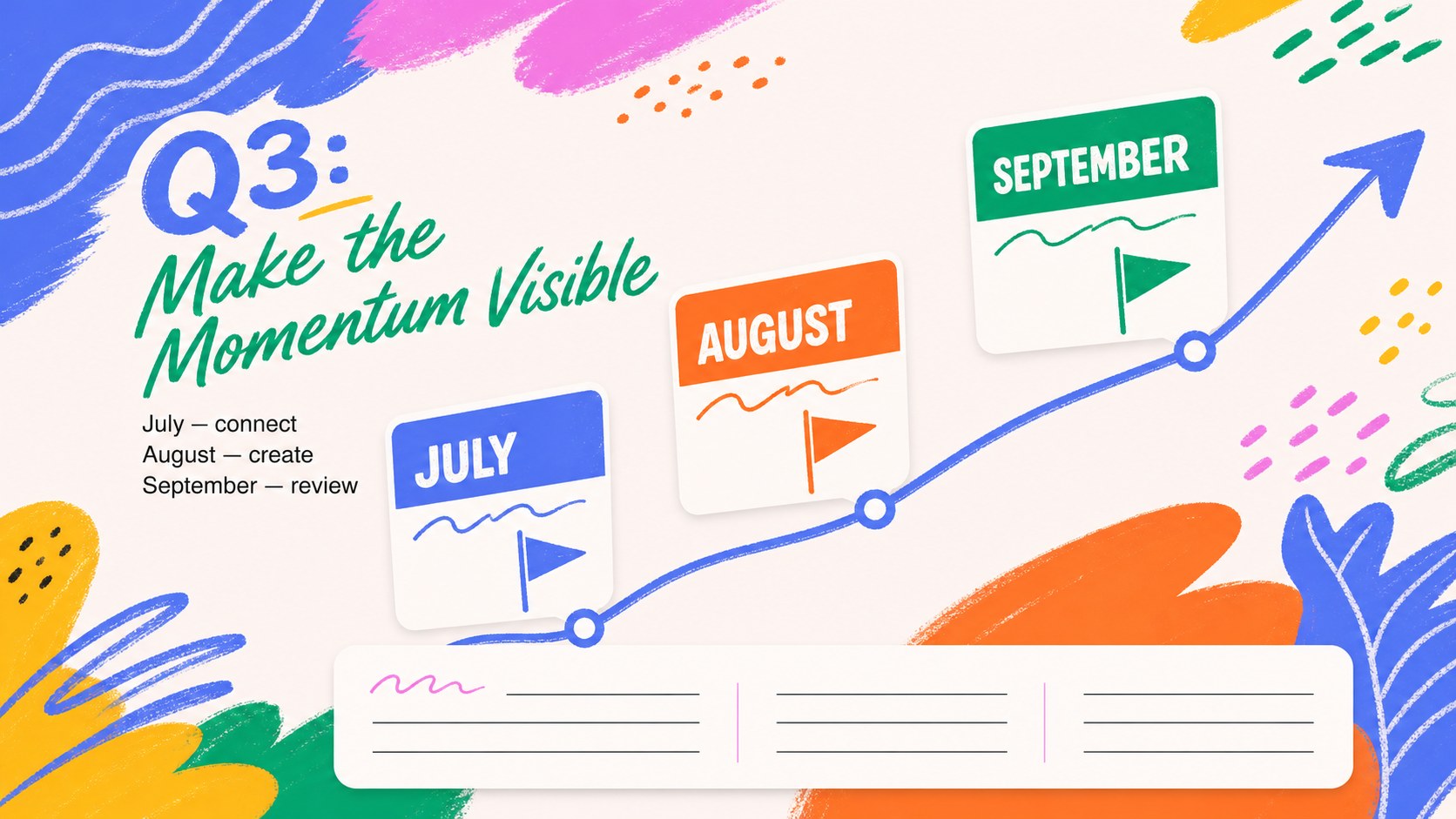
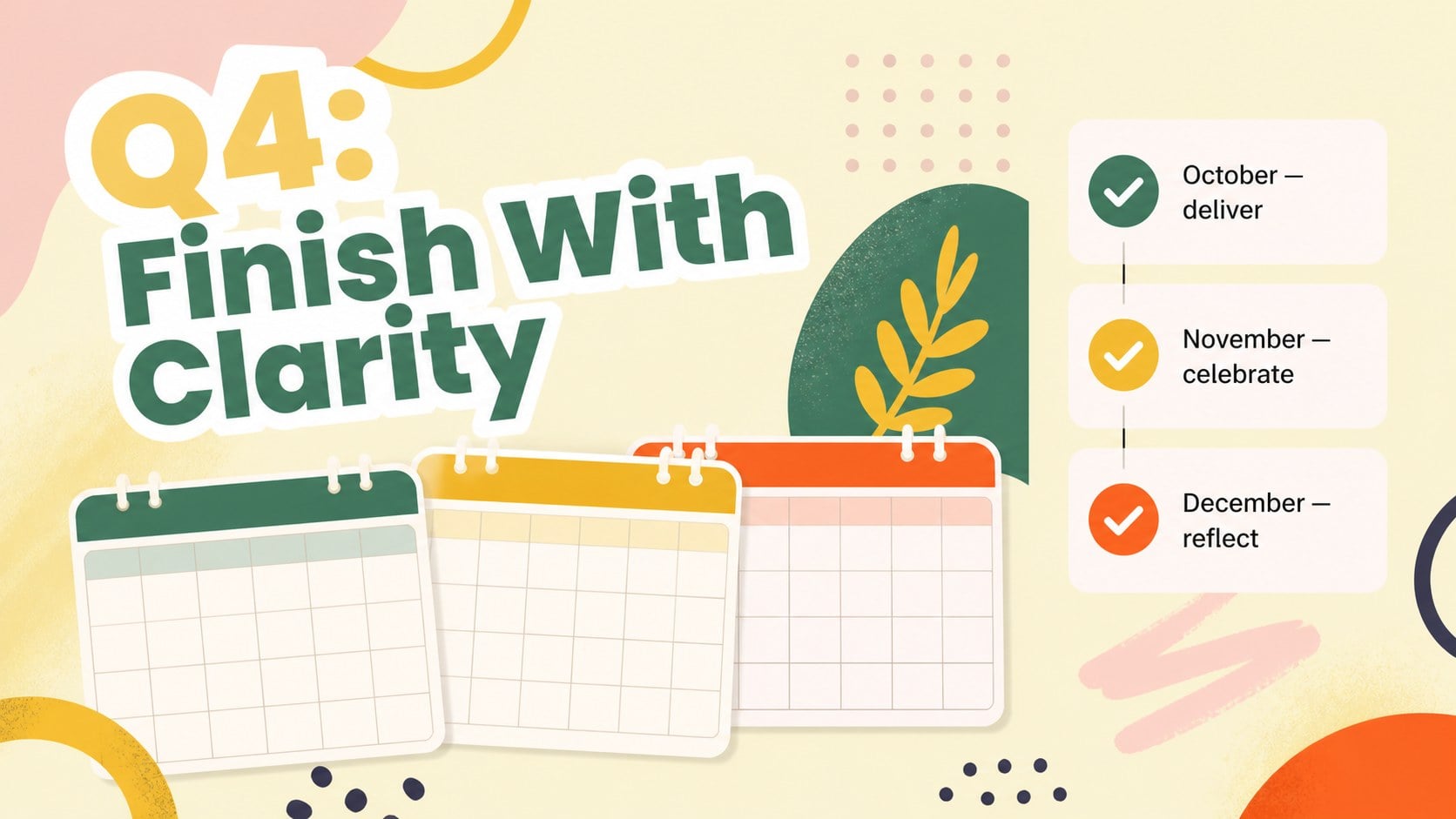
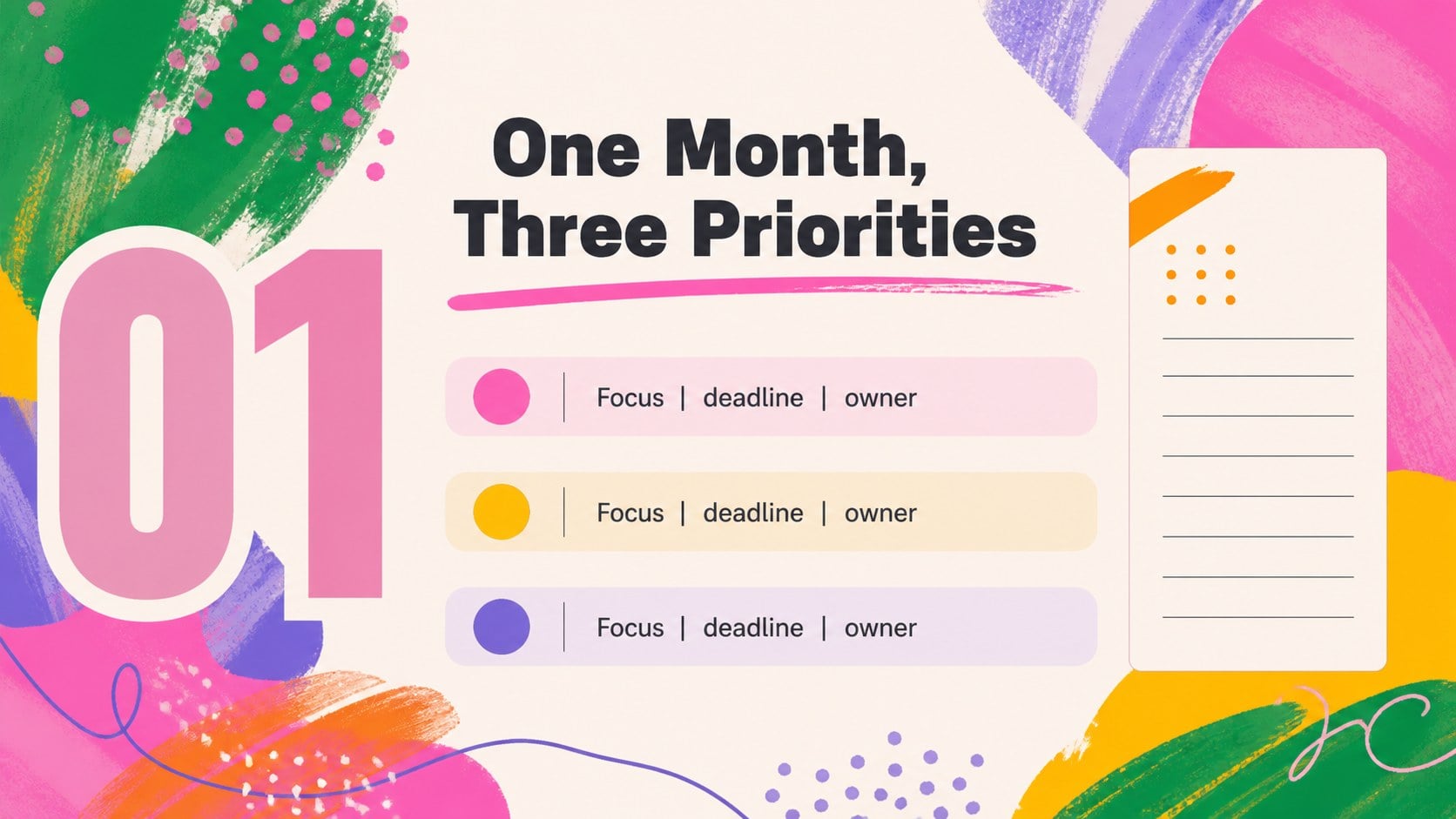
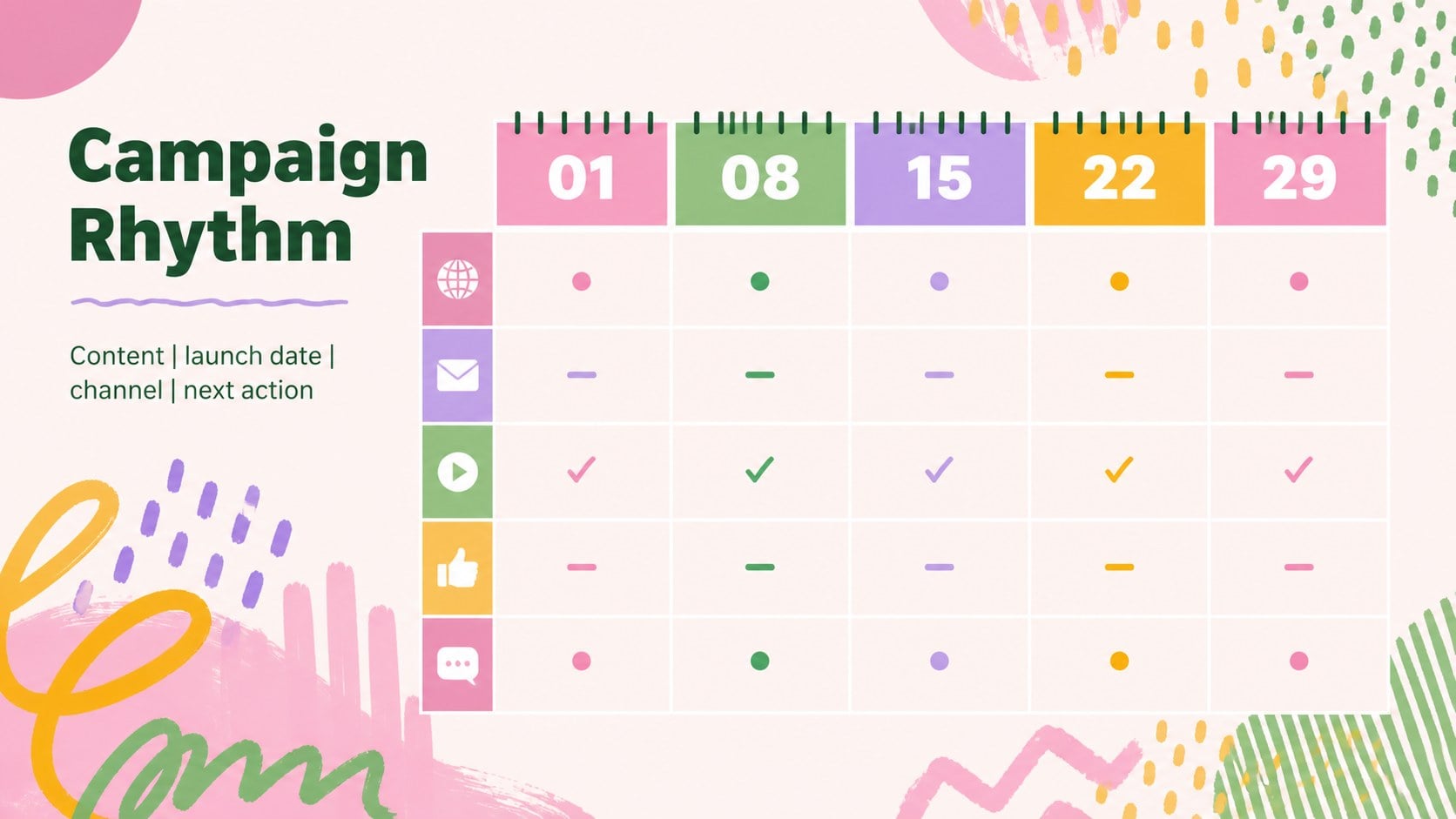
2026 creative annual planning slides give teams a lively way to map priorities, deadlines, launches, and important dates across the year. The colorful abstract lettering style adds personality without making the information difficult to scan, making this deck useful for marketing teams, creative studios, educators, and project leads.
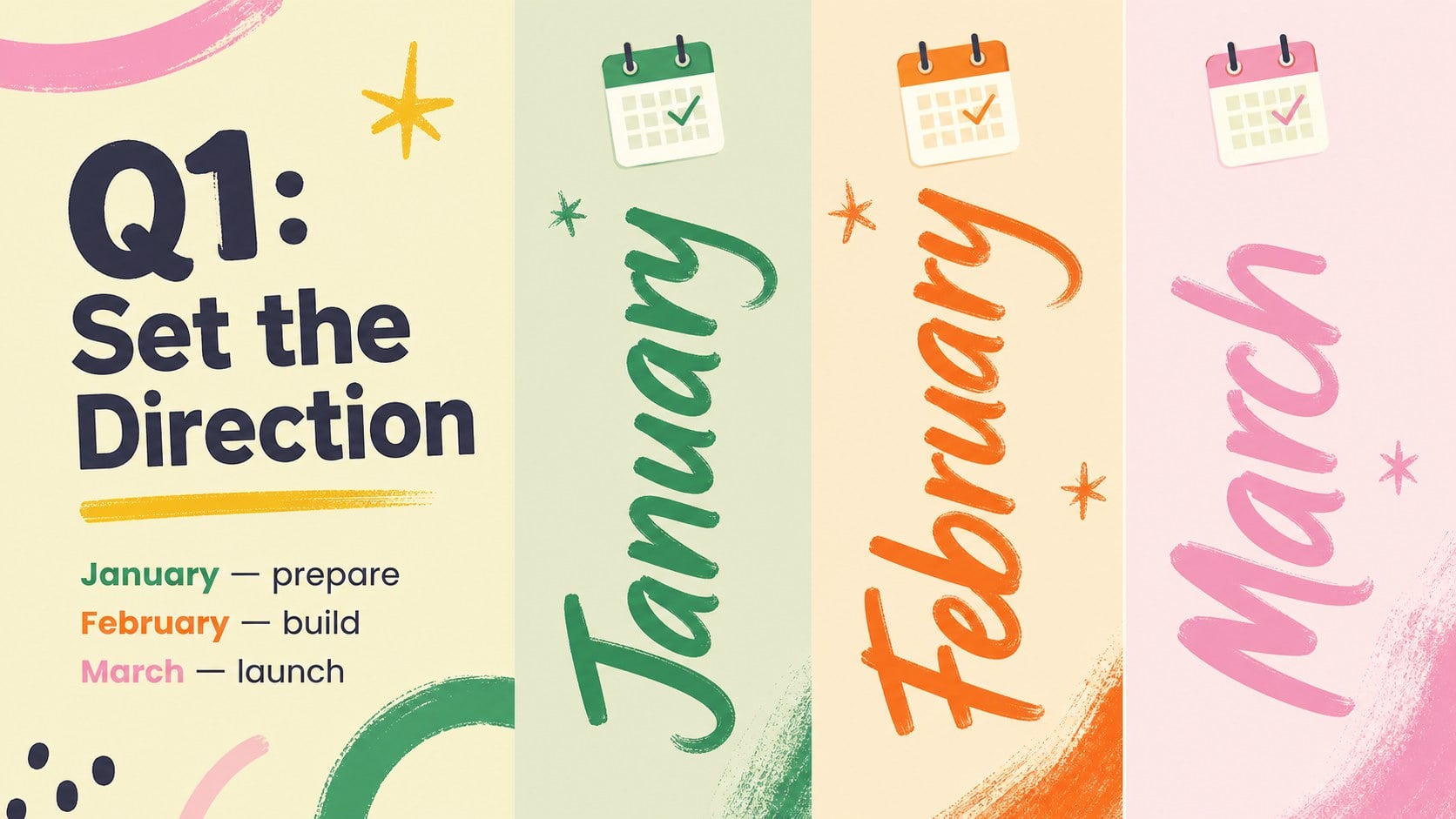
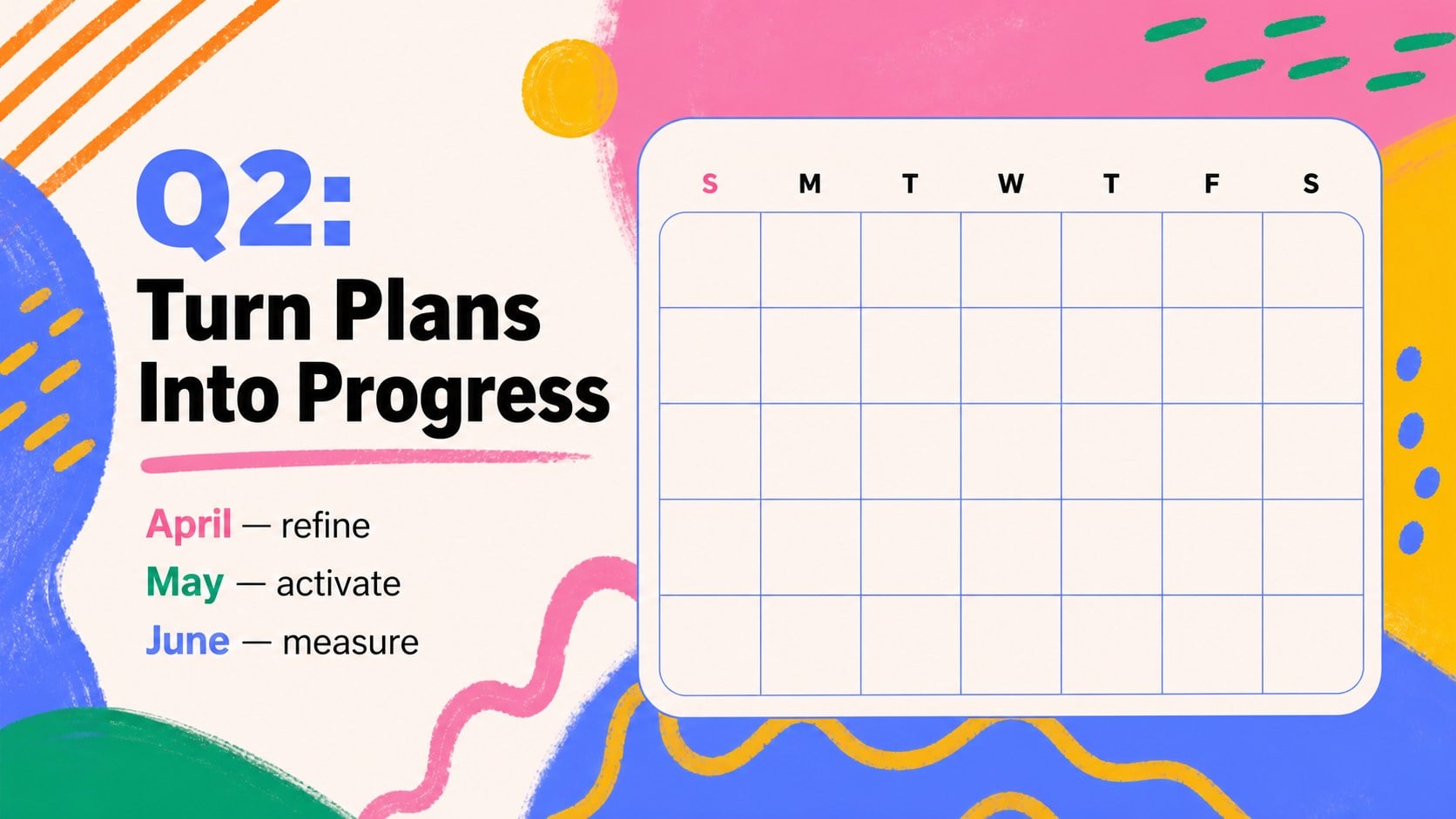
Inside, you’ll find 25 editable 16:9 layouts for annual overviews, monthly breakdowns, campaign planning, milestone tracking, notes, and closing summaries. Use the colorful calendar slides to present a full-year roadmap, then adapt the layouts for a marketing campaign calendar, editorial schedule, event plan, or internal planning meeting. Bold type, bright accent colors, hand-drawn details, and flexible graphic elements help every section feel connected.
Edit the template in PowerPoint or Google Slides, replace the sample copy, and adjust colors, typography, charts, shapes, and dates to match your project. It works well for a quarterly review, annual kickoff, classroom planning session, or client-facing strategy presentation. The deck is designed for quick customization while leaving enough visual structure to keep complex schedules clear.
Perfect for: annual marketing kickoff; creative studio roadmap; school year planning meeting; event and launch calendar; quarterly team review.
Frequently asked questions
Can I edit this template in PowerPoint? Yes. The layouts can be opened and customized in PowerPoint. Replace text, update dates, recolor shapes, and modify the included visual elements for your project.
Practical details
Yes. The layouts can be opened and customized in PowerPoint. Replace text, update dates, recolor shapes, and modify the included visual elements for your project.
Yes, the presentation can be uploaded to Google Slides for browser-based editing. After importing it, check fonts and spacing before presenting or sharing the finished file.
Yes. The monthly, milestone, and overview layouts are suitable for a marketing campaign calendar. Add campaign names, owners, channels, launch dates, and performance checkpoints.
Yes. The palette, typography, illustrations, and decorative lettering can be adapted to match your brand or classroom identity. Keep a strong contrast between background colors and calendar text for readability.
Keep exploring
15Use this astrology audience insights deck to present zodiac-based segments, behaviors, and campaign findings in polished black-and-gold slides.
 14
14Plan a memorable Lunar New Year campaign with the 2036 Dragon Year Celebration Theme, featuring bold red-and-yellow slides for lessons and events.
 15
15Build eerie lessons, campaigns, and story pitches with an undead survival scenario theme featuring editable slides for PowerPoint and Google Slides.
 15
15Build a clear breast cancer awareness bulletin with bold pink-and-red slides for campaign news, screening reminders, impact data, and community updates.
 15
15Shape your publishing concept with an indie magazine startup pitch deck featuring pastel gradients, bold collage layouts, and editable planning slides.
 15
15Build a bold retro-futurist campaign pitch deck for client meetings, with editable strategy layouts and playful pastel Y2K-inspired visuals.
 16
16Build a consistent presence with a social channel identity playbook covering voice, visuals, content formats, publishing rules, and approvals.
 15
15Celebrate online learners with webinar completion certificate slides, featuring editable violet artwork for university events in PowerPoint and Google Slides.