
 15
15presentation
Astrology Audience Insights Deck
Use this astrology audience insights deck to present zodiac-based segments, behaviors, and campaign findings in polished black-and-gold slides.
Google SlidesPowerPoint
presentation · English
Turn pipeline data into a persuasive story with a Conversion Pipeline Strategy Deck, featuring editable beige and pink slides for PowerPoint and Google…

Design notes
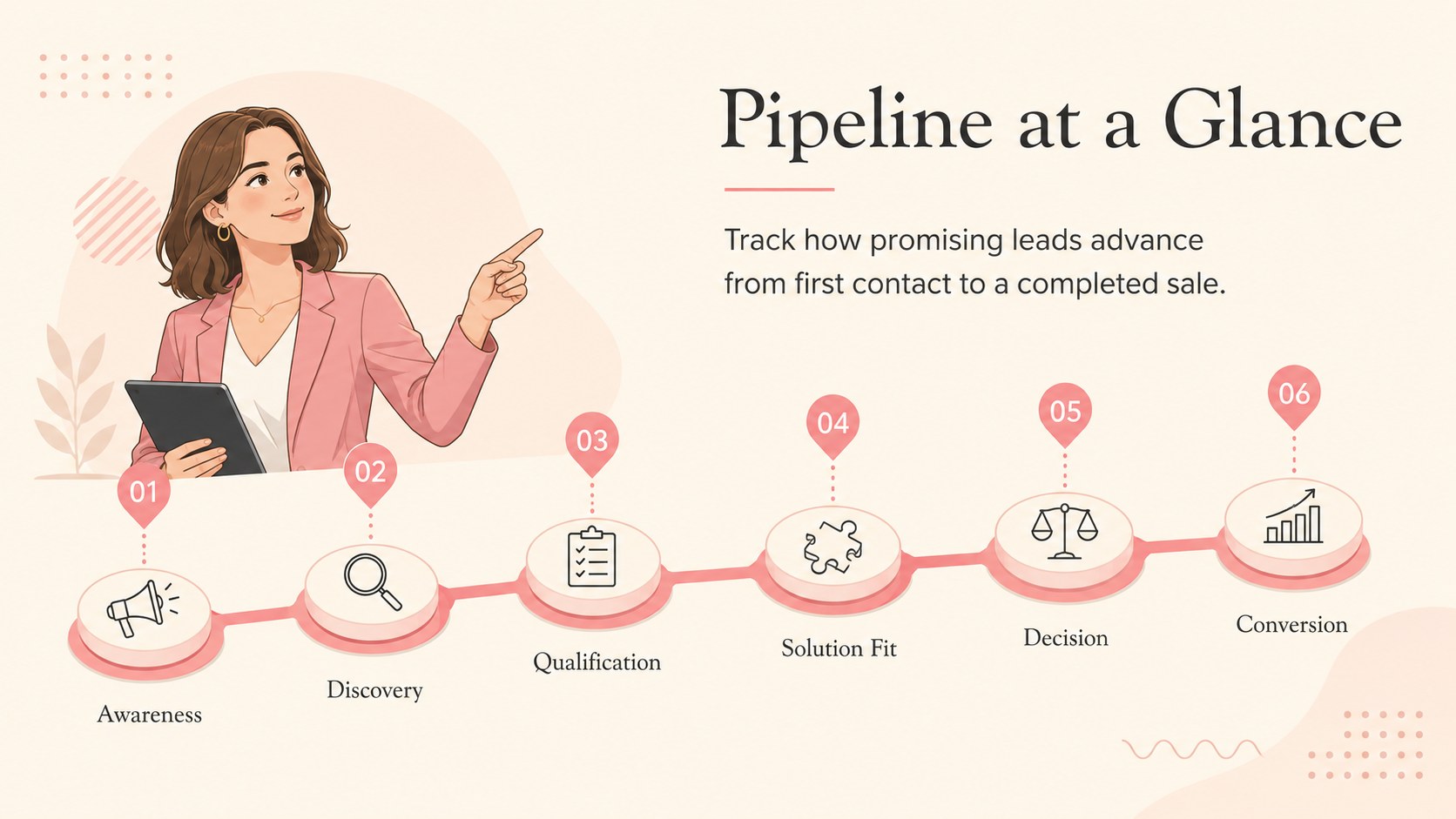
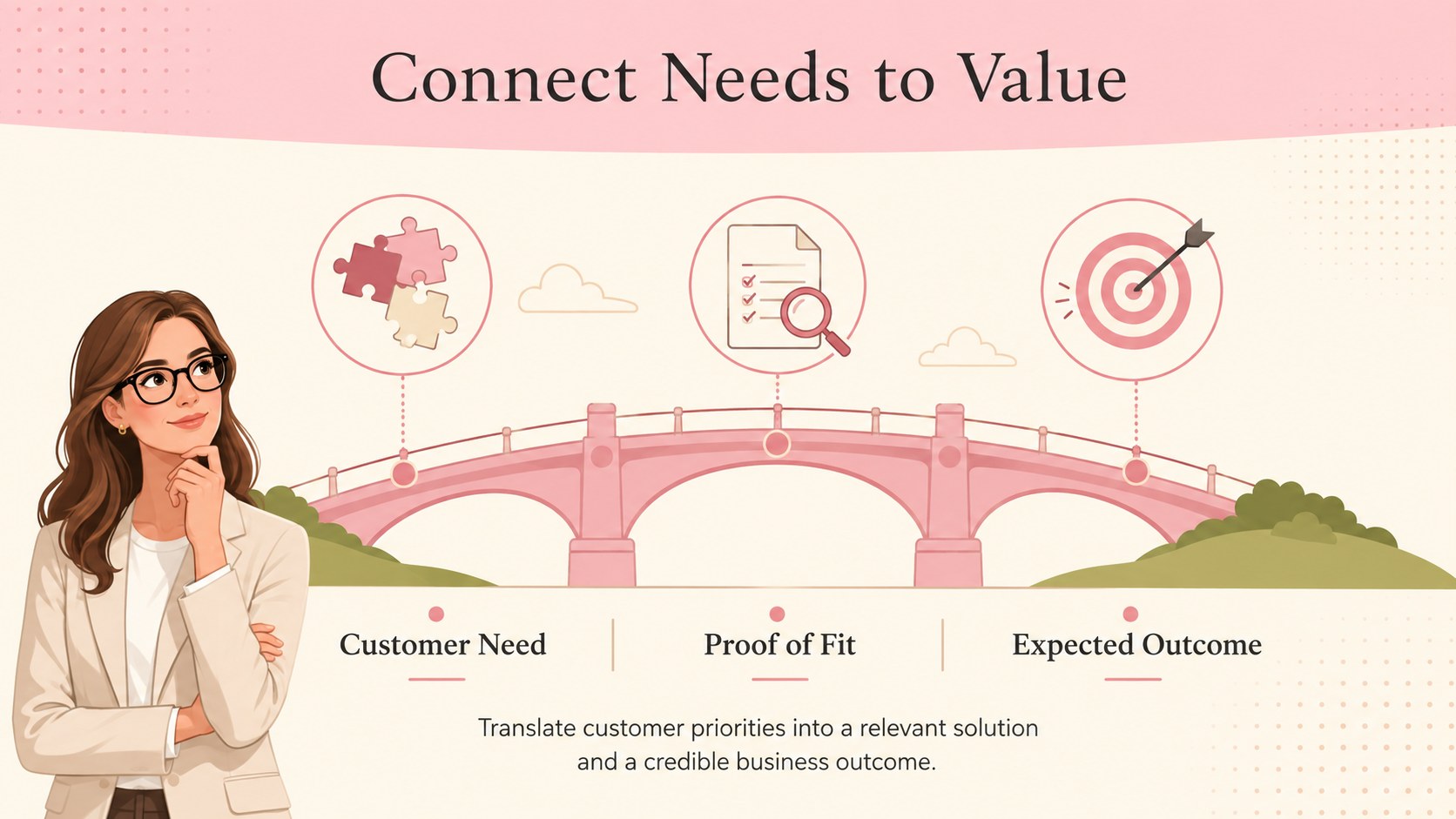
The conversion pipeline strategy deck turns scattered lead data into a focused visual story for planning, reporting, and decision-making. Its warm beige backgrounds, pink accents, and original illustrations create a polished setting for explaining how prospects move from initial awareness to a completed sale.
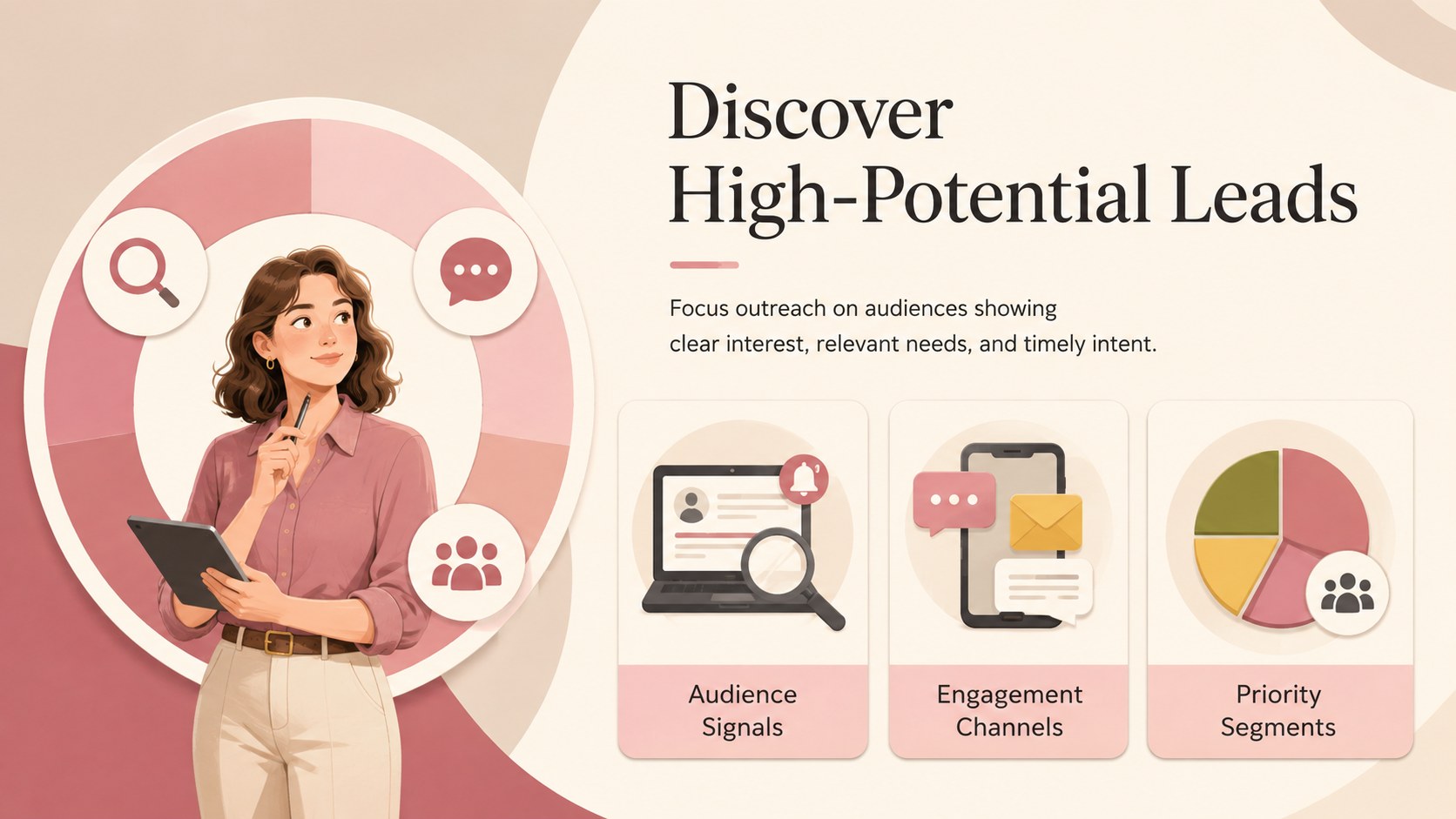
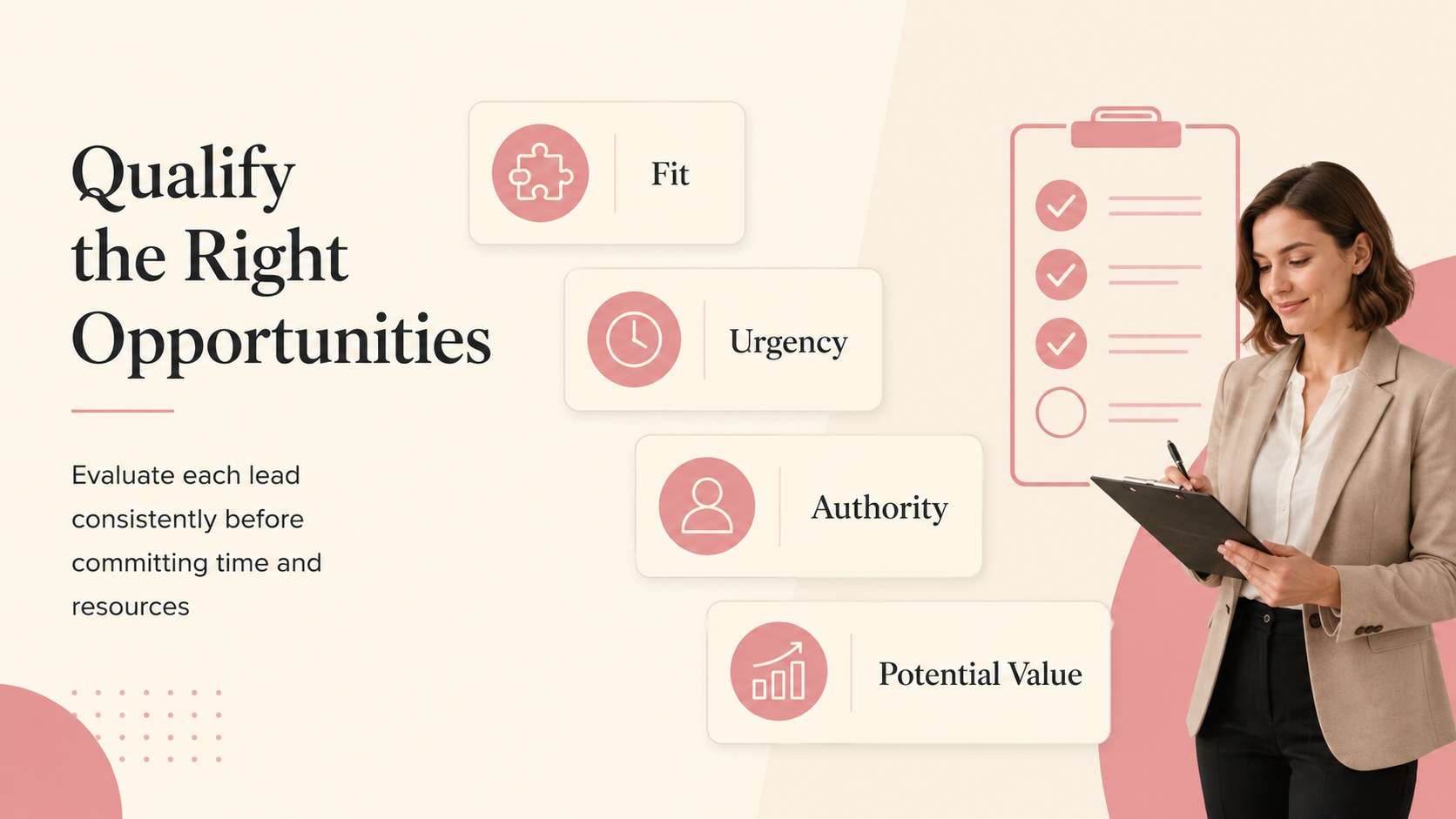
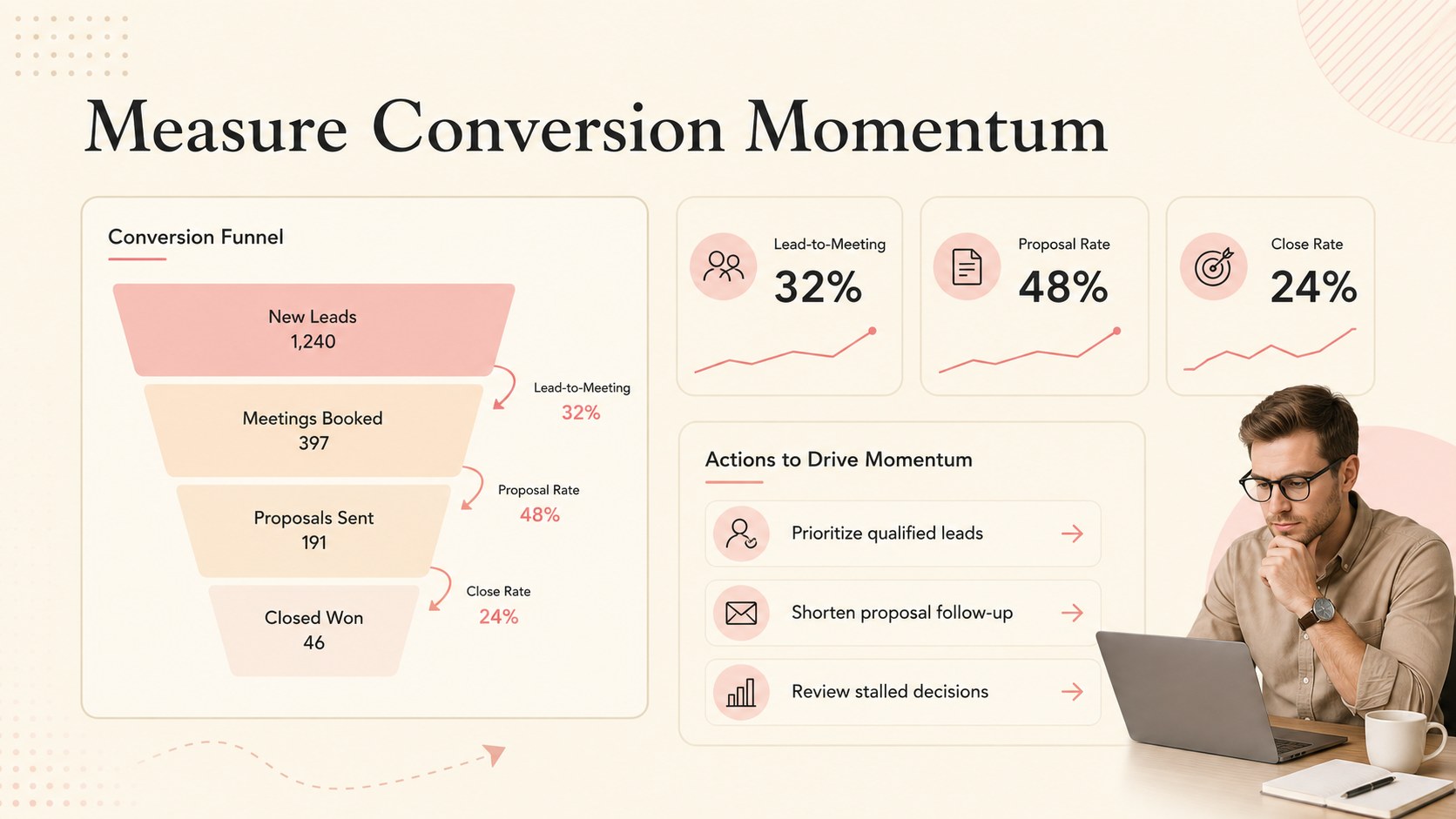
Inside, you will find layouts for a pipeline overview, audience discovery, lead qualification, solution alignment, decision stages, conversion metrics, and recommended actions. Use the editable sales pipeline presentation to compare stage performance, identify bottlenecks, and connect each activity to a measurable outcome. The deck also works as a lead conversion funnel template for workshops, quarterly reviews, sales meetings, and campaign planning. Charts, text blocks, shapes, and stage labels can be adjusted to reflect your own process and terminology.
These beige and pink business slides are designed for sales managers, account executives, marketing teams, consultants, founders, and revenue operations professionals. Every 16:9 layout can be customized in PowerPoint or Google Slides, making it easy to replace sample figures, revise colors, add company imagery, and reorganize sections. Present the complete customer journey or select individual slides for a concise pipeline update, stakeholder briefing, or team training session.
Perfect for: quarterly pipeline review; lead conversion workshop; sales team training; revenue strategy meeting; client acquisition briefing.
Frequently asked questions
Can I edit each pipeline stage? Yes. Stage names, descriptions, figures, colors, and supporting graphics can be changed to match your sales process. You can also duplicate or remove stages for shorter or more complex pipelines.
Practical details
Yes. Stage names, descriptions, figures, colors, and supporting graphics can be changed to match your sales process. You can also duplicate or remove stages for shorter or more complex pipelines.
The deck is designed for PowerPoint and Google Slides. Its 16:9 layouts are suitable for screen sharing, conference displays, and exported PDF handouts.
Yes. Update the placeholder percentages, lead totals, conversion rates, and chart values with your own results. Review all labels after editing to ensure the stages and calculations remain consistent.
Change the beige backgrounds, pink accents, text colors, and shape fills using the theme or formatting controls in your presentation software. Maintain strong contrast between text and background colors for readability.
Keep exploring
15Use this astrology audience insights deck to present zodiac-based segments, behaviors, and campaign findings in polished black-and-gold slides.
 14
14Plan a memorable Lunar New Year campaign with the 2036 Dragon Year Celebration Theme, featuring bold red-and-yellow slides for lessons and events.
 15
15Build eerie lessons, campaigns, and story pitches with an undead survival scenario theme featuring editable slides for PowerPoint and Google Slides.
 15
15Build a clear breast cancer awareness bulletin with bold pink-and-red slides for campaign news, screening reminders, impact data, and community updates.
 15
15Shape your publishing concept with an indie magazine startup pitch deck featuring pastel gradients, bold collage layouts, and editable planning slides.
 15
15Build a bold retro-futurist campaign pitch deck for client meetings, with editable strategy layouts and playful pastel Y2K-inspired visuals.
 16
16Build a consistent presence with a social channel identity playbook covering voice, visuals, content formats, publishing rules, and approvals.
 15
15Celebrate online learners with webinar completion certificate slides, featuring editable violet artwork for university events in PowerPoint and Google Slides.