
 15
15presentation
UFO Day Alien Encounter Deck
Build a bold cosmic story with this UFO Day alien encounter deck, featuring surreal green-and-black layouts for PowerPoint and Google Slides events.
Google SlidesPowerPoint
presentation · English
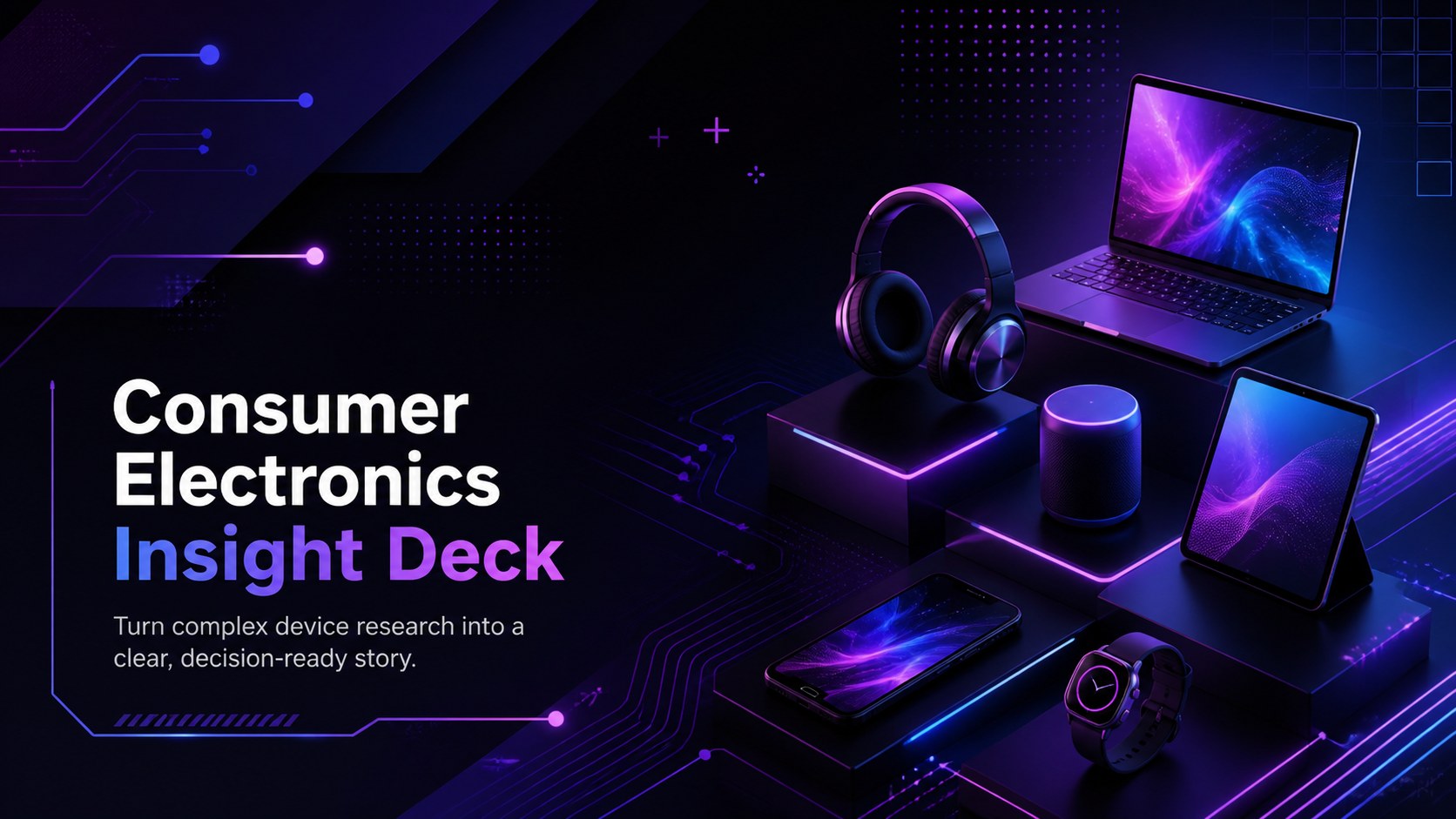
Build persuasive category stories with a Consumer Electronics Insight Deck for PowerPoint and Google Slides in futuristic purple, blue, and black.

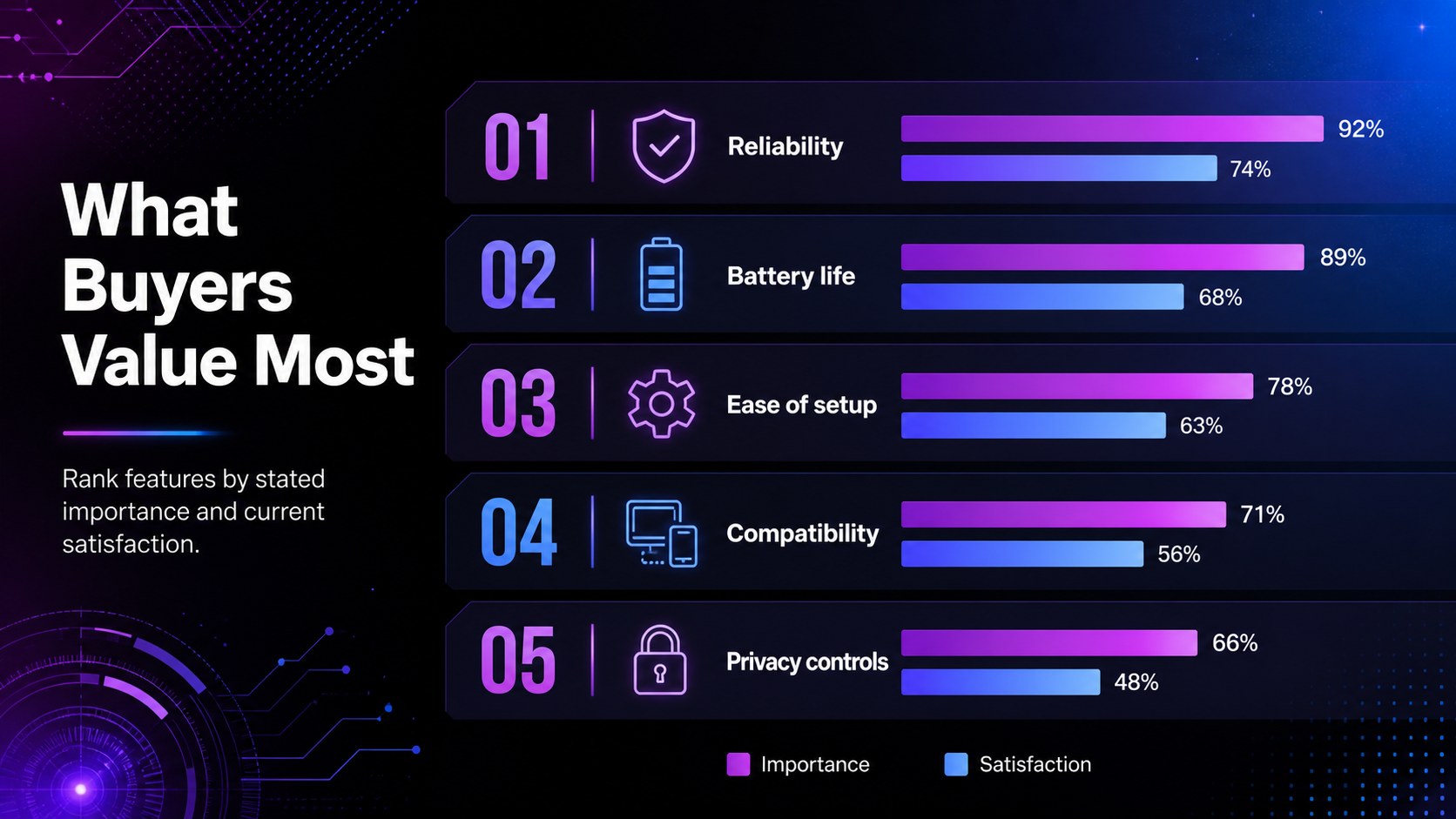
Design notes
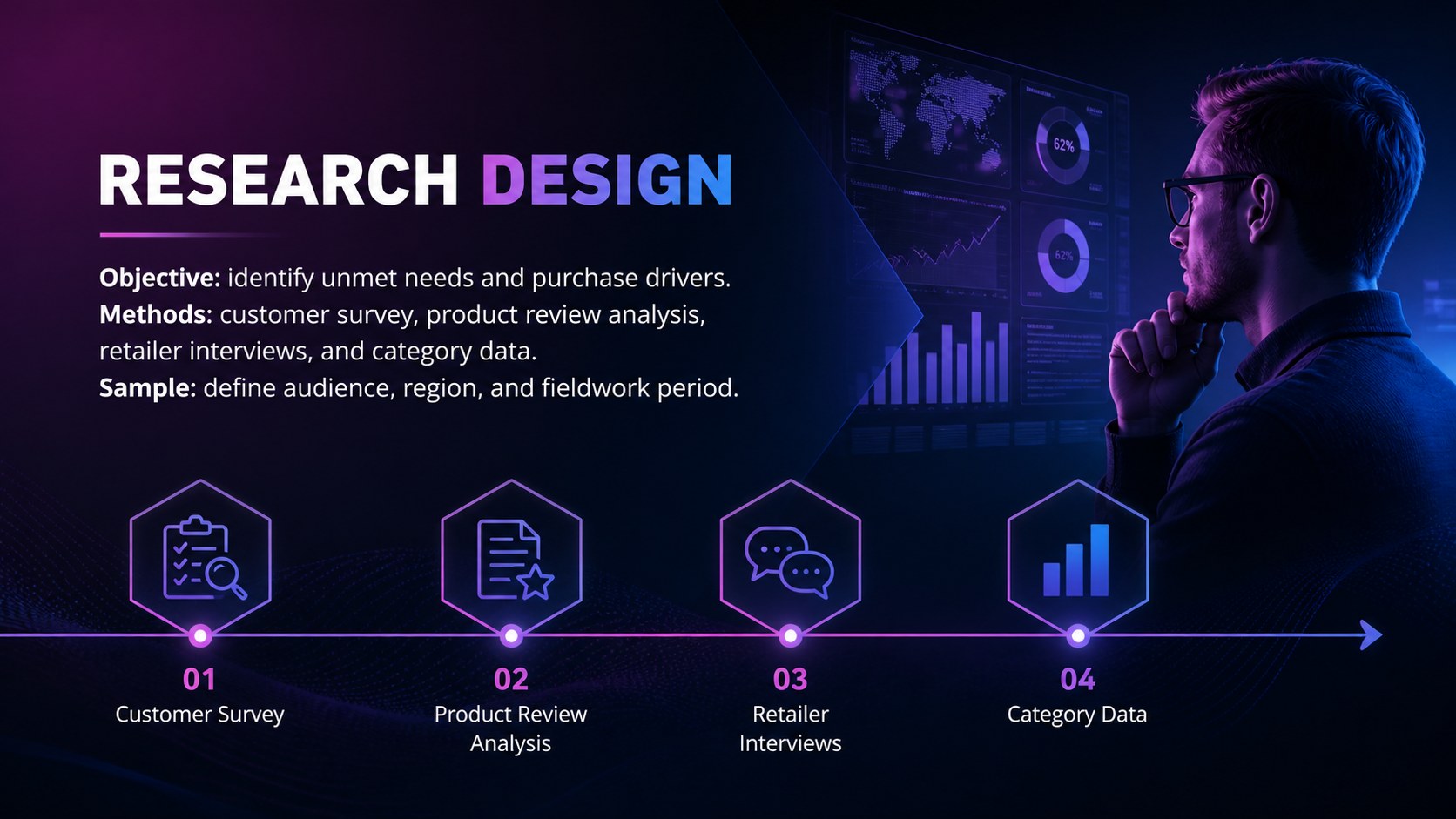
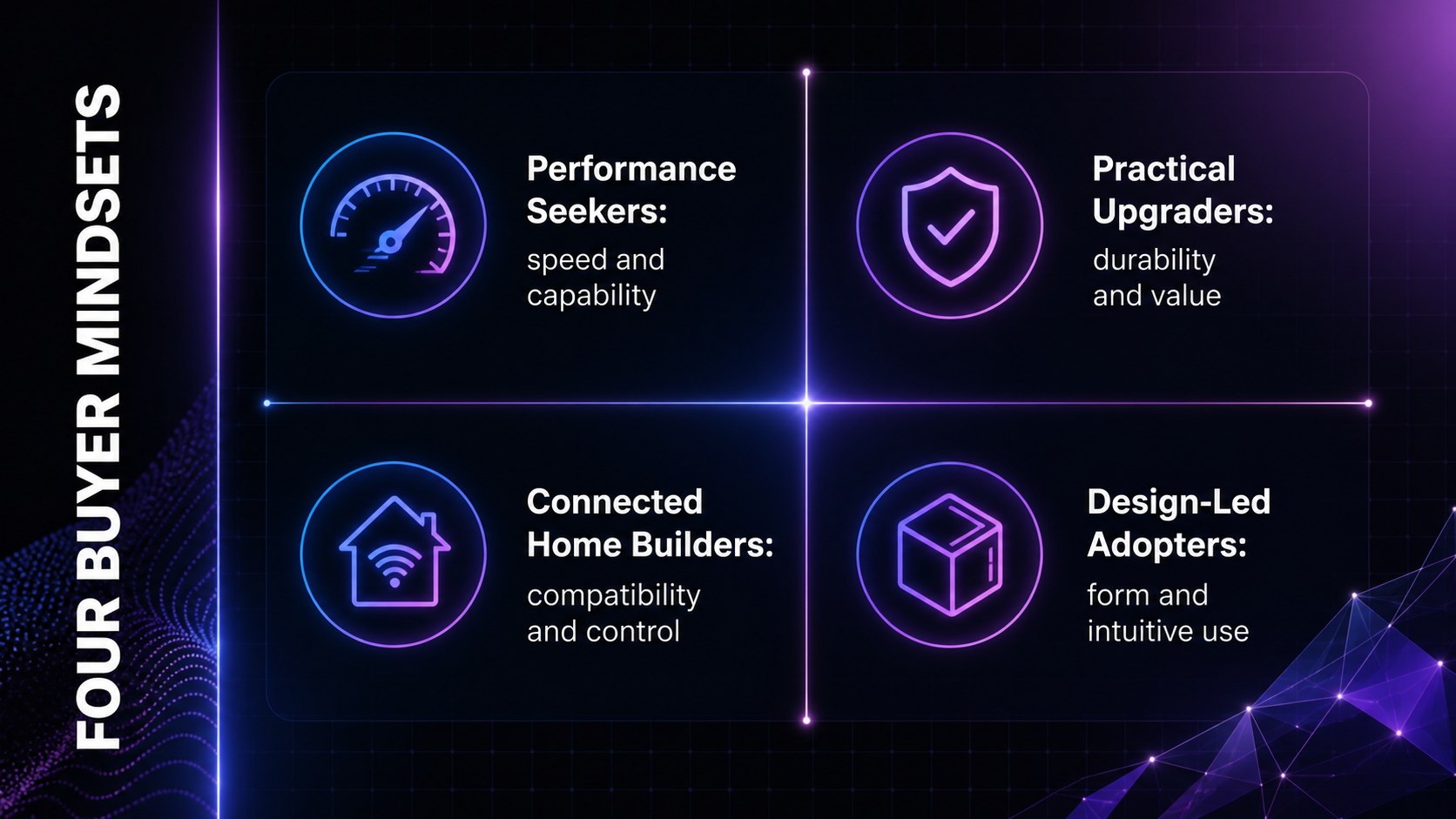
The Consumer Electronics Insight Deck helps product teams turn scattered research into a focused story about buyers, devices, competitors, and category opportunities. Its futuristic purple, blue, and black design creates a polished setting for evidence without distracting from the decisions your audience needs to make.
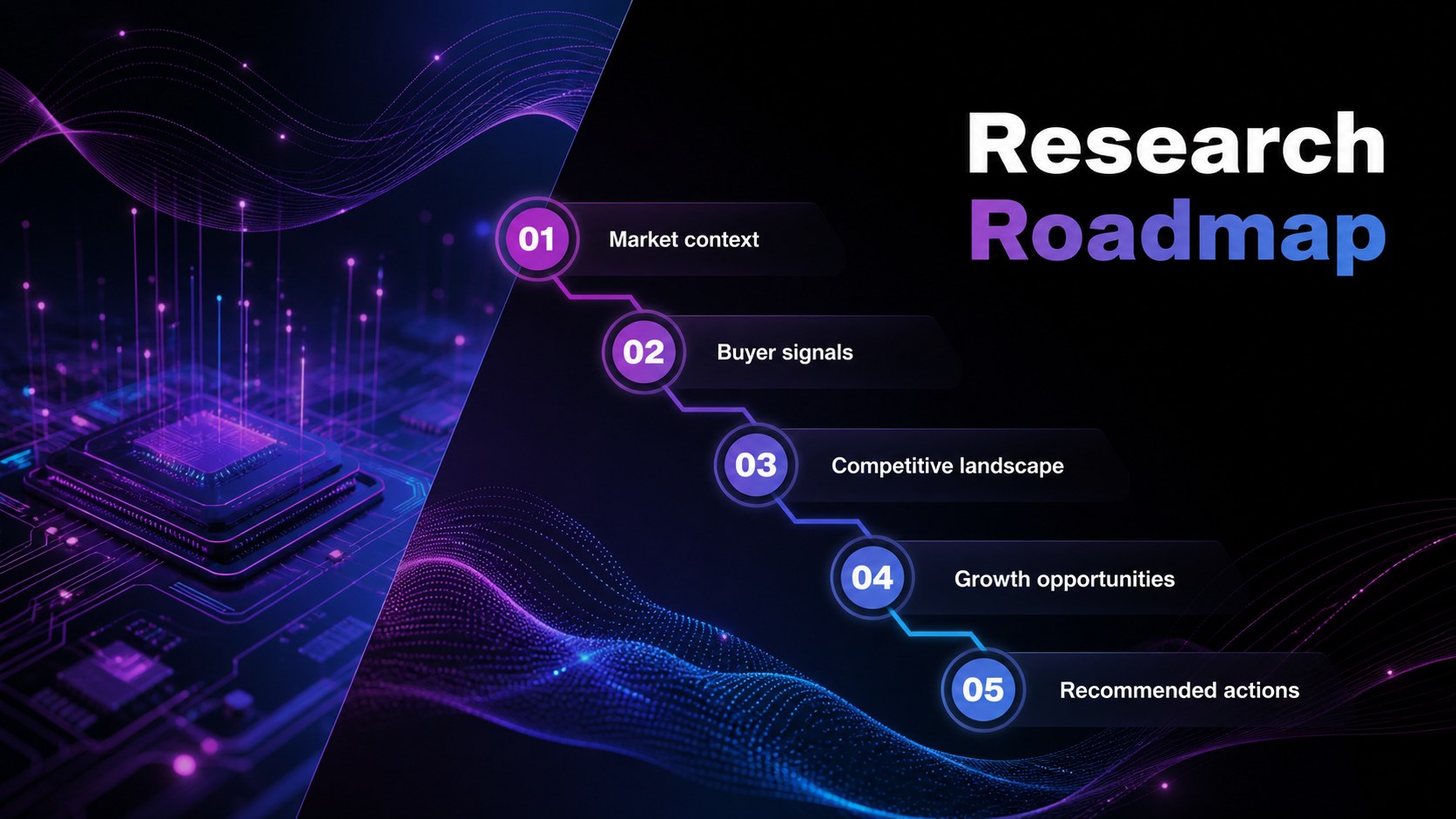
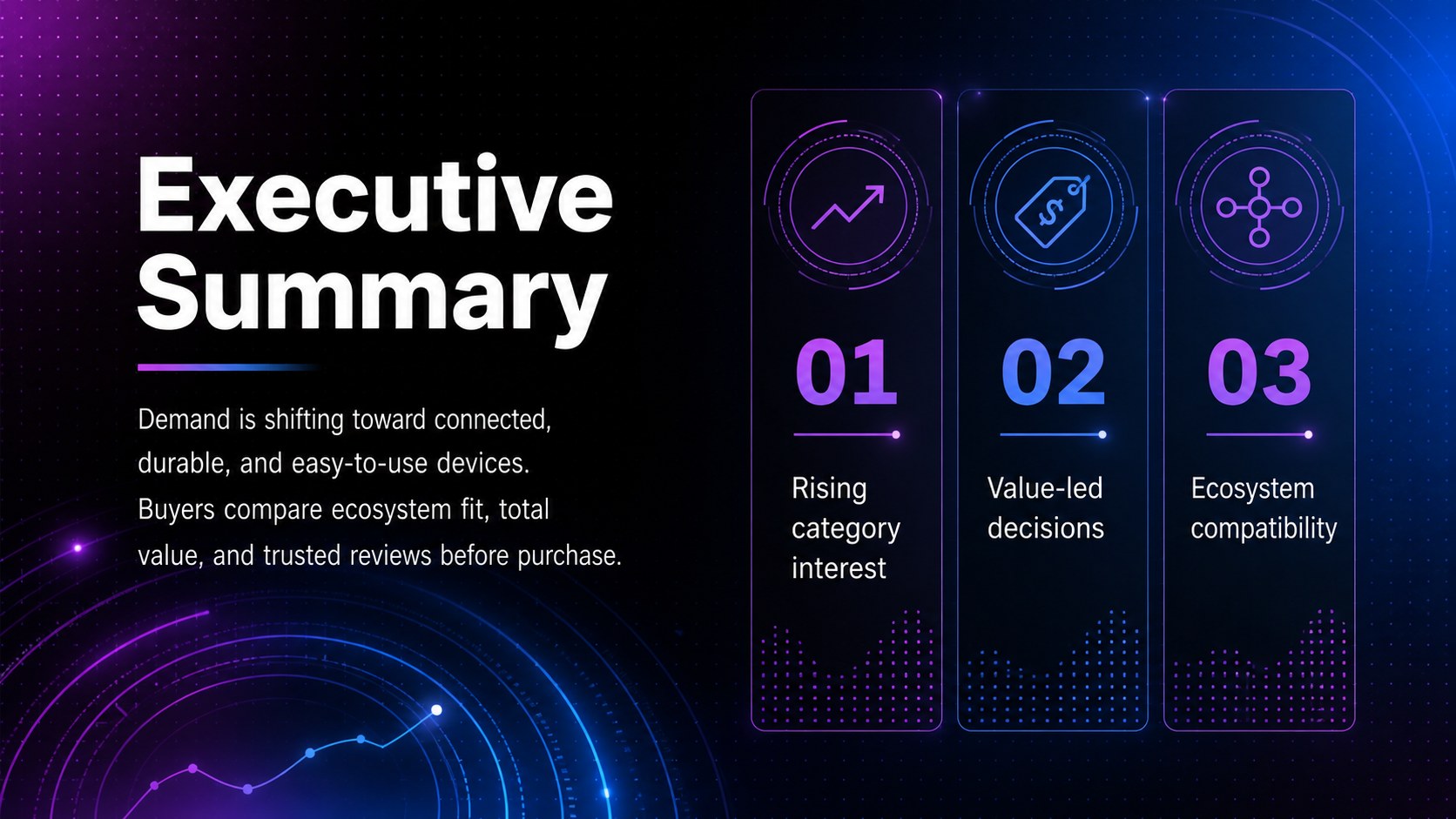
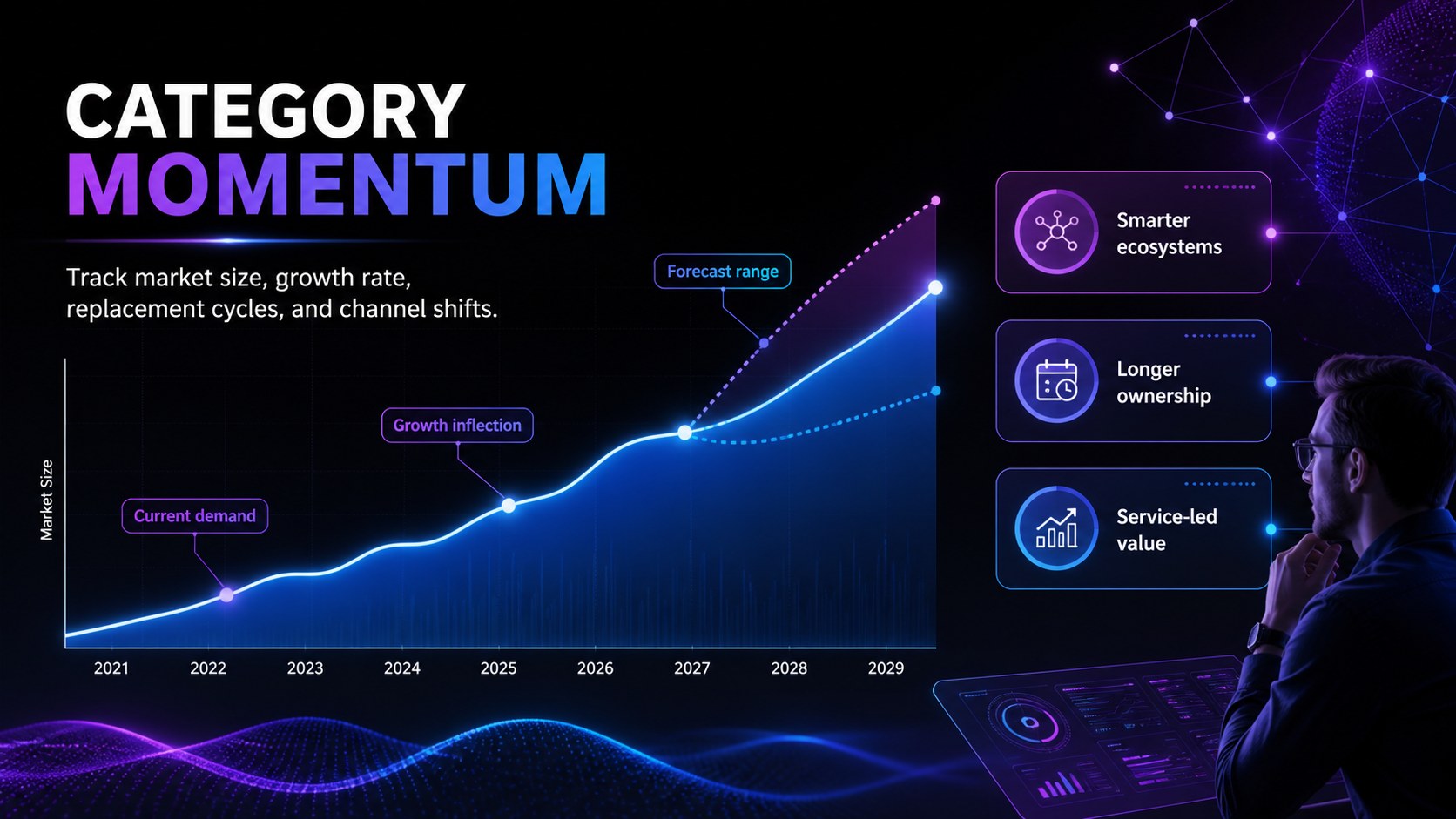
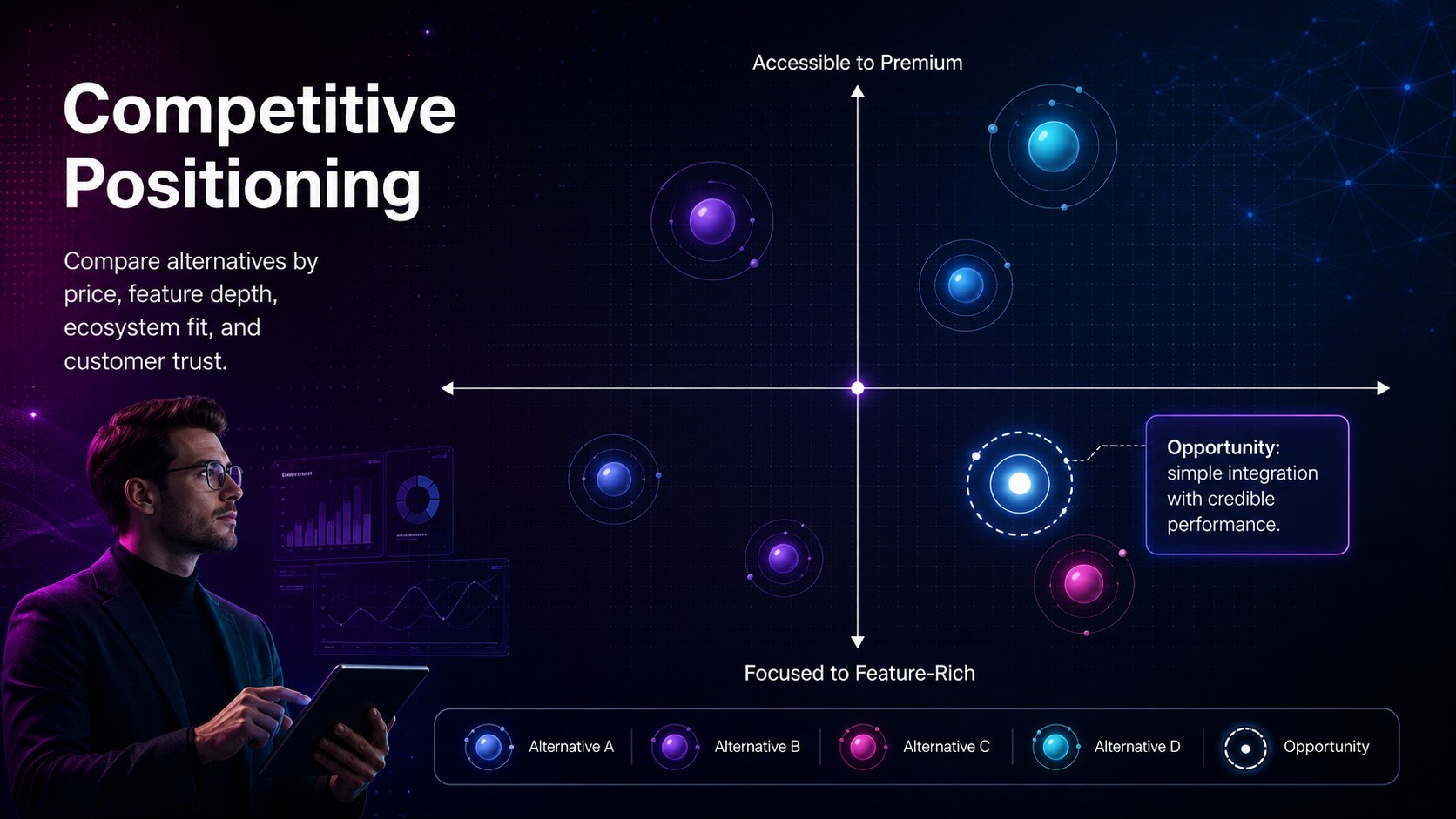
Use this consumer electronics market analysis template to organize research objectives, audience segments, purchasing behaviors, feature priorities, pricing comparisons, and market trends. The slide sequence includes an executive summary, research methodology, customer profile, competitor matrix, category growth chart, survey findings, product feature ranking, purchase journey, strategic opportunities, and recommended next steps. Flexible charts, tables, timelines, and data callouts make it suitable for both quantitative results and interview-based insights.
Built for PowerPoint and Google Slides, the deck can be adapted with your own figures, product images, typography, and messaging. It works especially well as an electronics customer insights presentation for product managers, market researchers, startup founders, retail strategists, and innovation teams. Agencies can also use the layouts for tech product competitor analysis slides when presenting positioning gaps or launch recommendations to clients. Whether you are validating a new device concept, preparing a category review, or briefing stakeholders before a launch, the structure keeps findings concise, visual, and connected to practical action.
Perfect for: new device concept validation; consumer technology category review; competitor positioning analysis; electronics buyer research briefing; product launch strategy meeting.
Frequently asked questions
Can I edit this deck in PowerPoint and Google Slides? Yes. Every slide is designed for editing in PowerPoint and Google Slides, including text, colors, charts, shapes, and image areas. Minor font substitutions may occur if a typeface is not installed on your device.
Practical details
Yes. Every slide is designed for editing in PowerPoint and Google Slides, including text, colors, charts, shapes, and image areas. Minor font substitutions may occur if a typeface is not installed on your device.
Replace the sample findings with your own research, then update the product imagery, audience labels, and comparison criteria. The layouts can support categories such as audio devices, wearables, smart home products, mobile accessories, or personal computing.
Yes. The visualizations are intended to be replaced with your survey results, sales figures, pricing data, or market estimates. Keep source notes near each chart when presenting externally or to senior stakeholders.
No. You can reorder, duplicate, or remove slides to match your research narrative. For a shorter briefing, retain the executive summary, customer insights, competitive landscape, opportunities, and recommendations.
Keep exploring
15Build a bold cosmic story with this UFO Day alien encounter deck, featuring surreal green-and-black layouts for PowerPoint and Google Slides events.
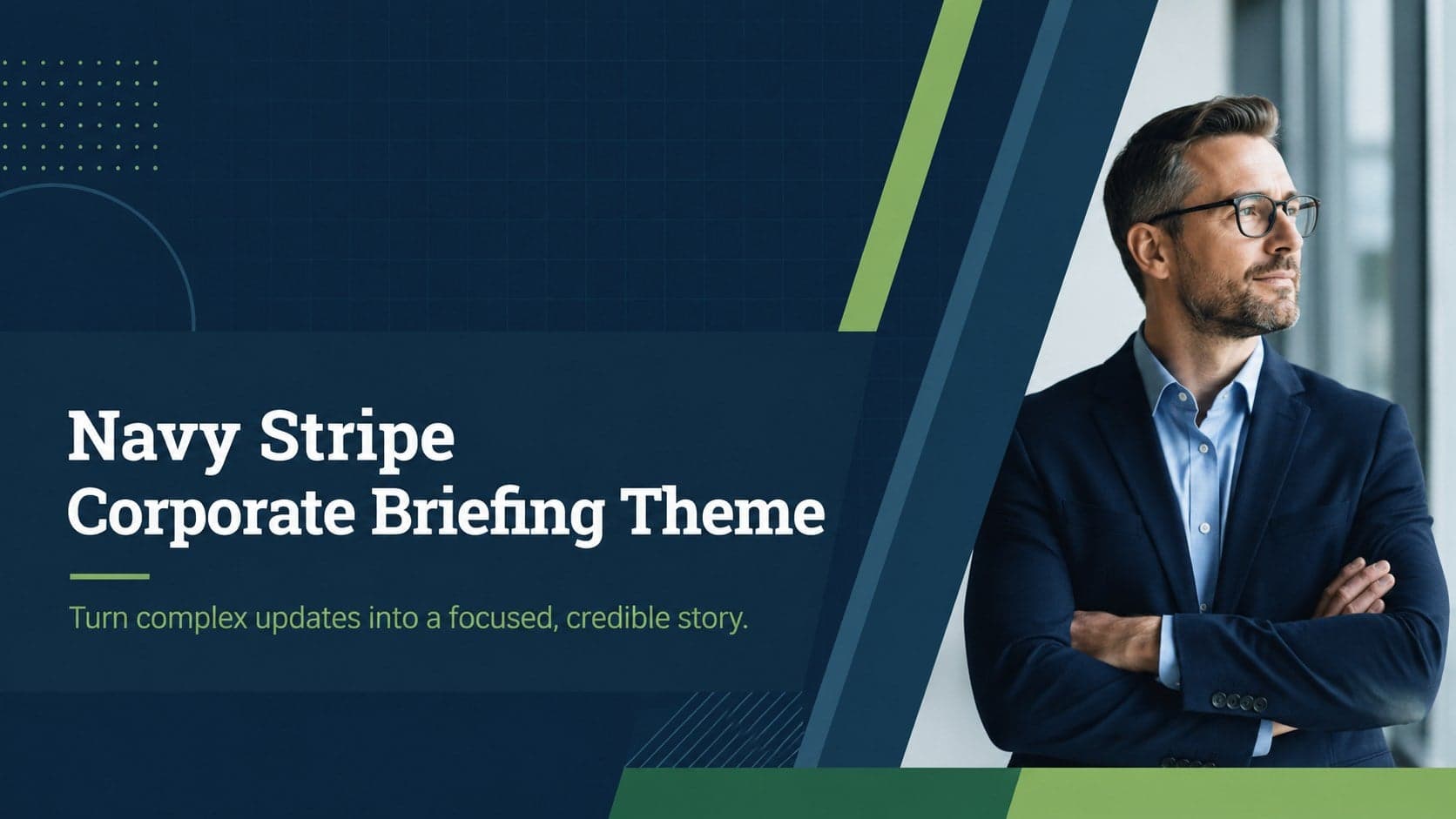 16
16Use the Navy Stripe Corporate Briefing Theme to present plans, results, and proposals with credible blue-green layouts for PowerPoint and Google Slides.
 5
5Turn customer research into clear decisions with product experience mapping slides in a dark navy and green style for PowerPoint and Google Slides.
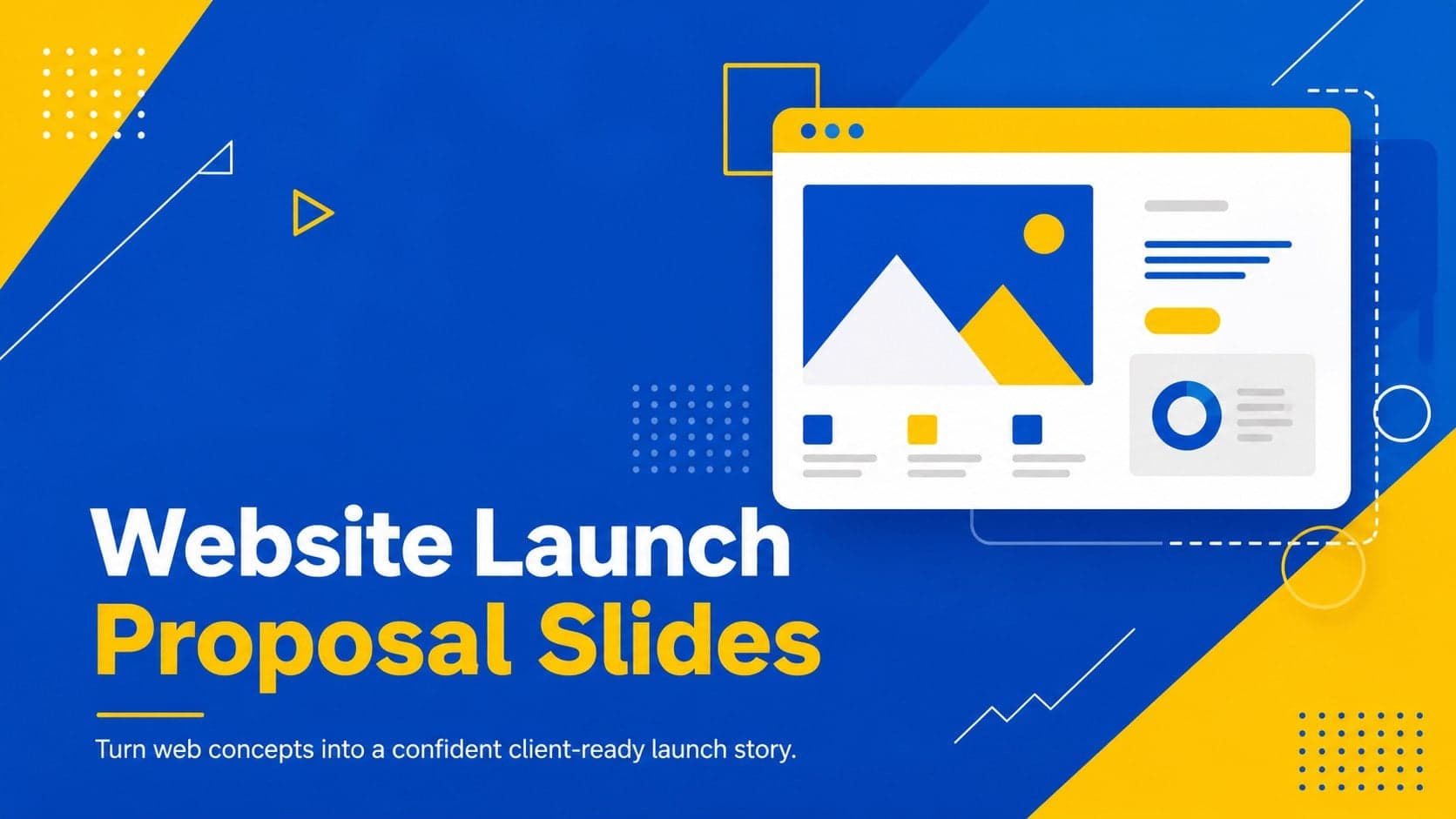 16
16Win stakeholder approval with website launch proposal slides that organize strategy, UX, rollout, and results in editable PowerPoint and Google Slides formats.
 15
15Build clearer campaign plans with an AI marketing strategy deck featuring neon blue-green visuals, editable workflows, data slides, and practical examples.
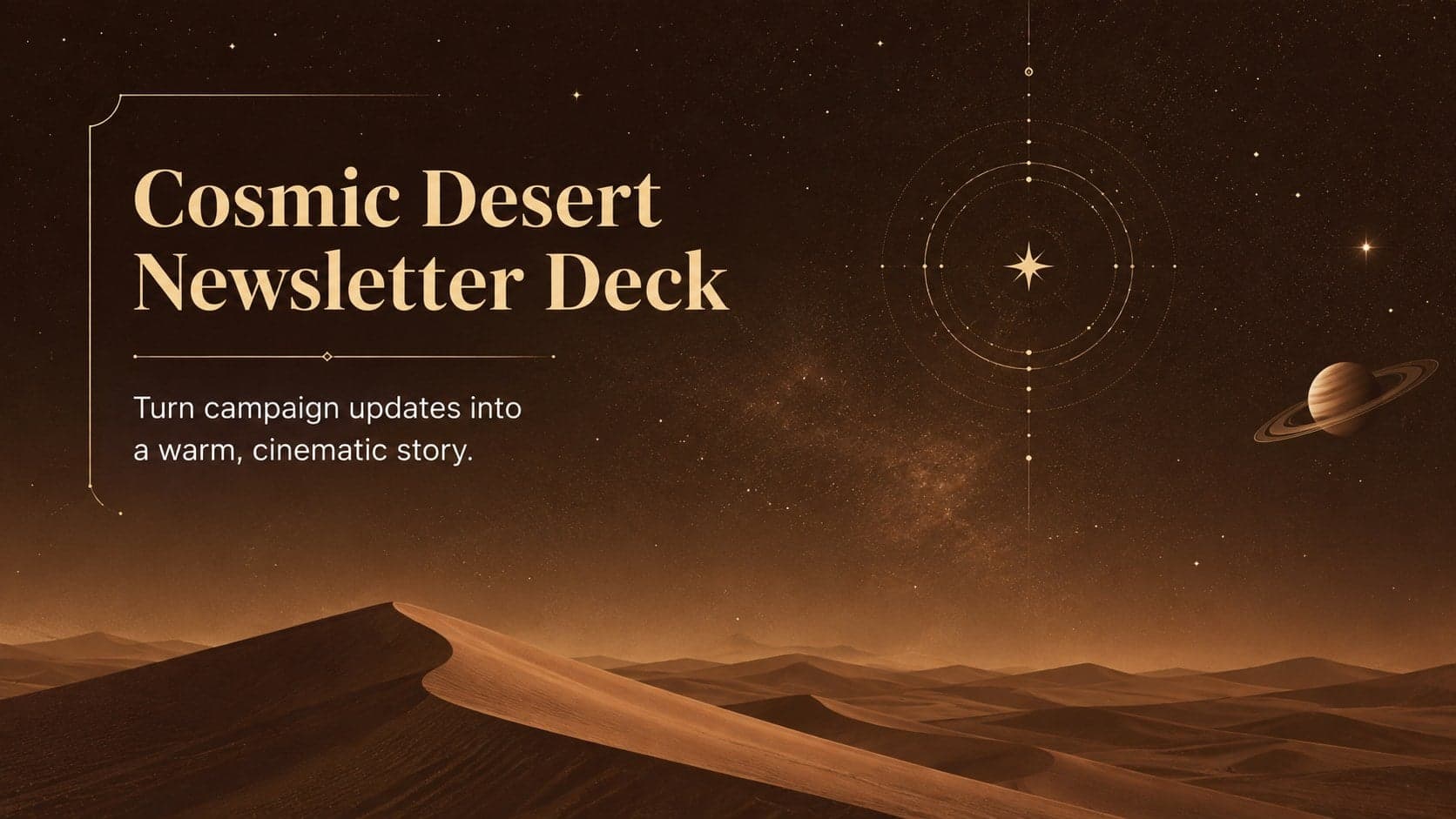 15
15Build memorable campaign updates with a Cosmic Desert Newsletter Deck, featuring warm beige-brown slides for PowerPoint and Google Slides teams.
 15
15Lead productive urban-tech meetings with a smart city business briefing deck in vivid violet and pink, ready to edit in PowerPoint or Google Slides.
 16
16Build a lively sales story with the Interactive Tech Product Showcase, using colorful illustrated layouts made for PowerPoint and Google Slides.