
 15
15presentation
Astrology Audience Insights Deck
Use this astrology audience insights deck to present zodiac-based segments, behaviors, and campaign findings in polished black-and-gold slides.
Google SlidesPowerPoint
presentation · English
Build a community news update slide deck for daily announcements, local highlights, and team briefings, with editable blue-and-yellow layouts for PowerPoint…




Design notes
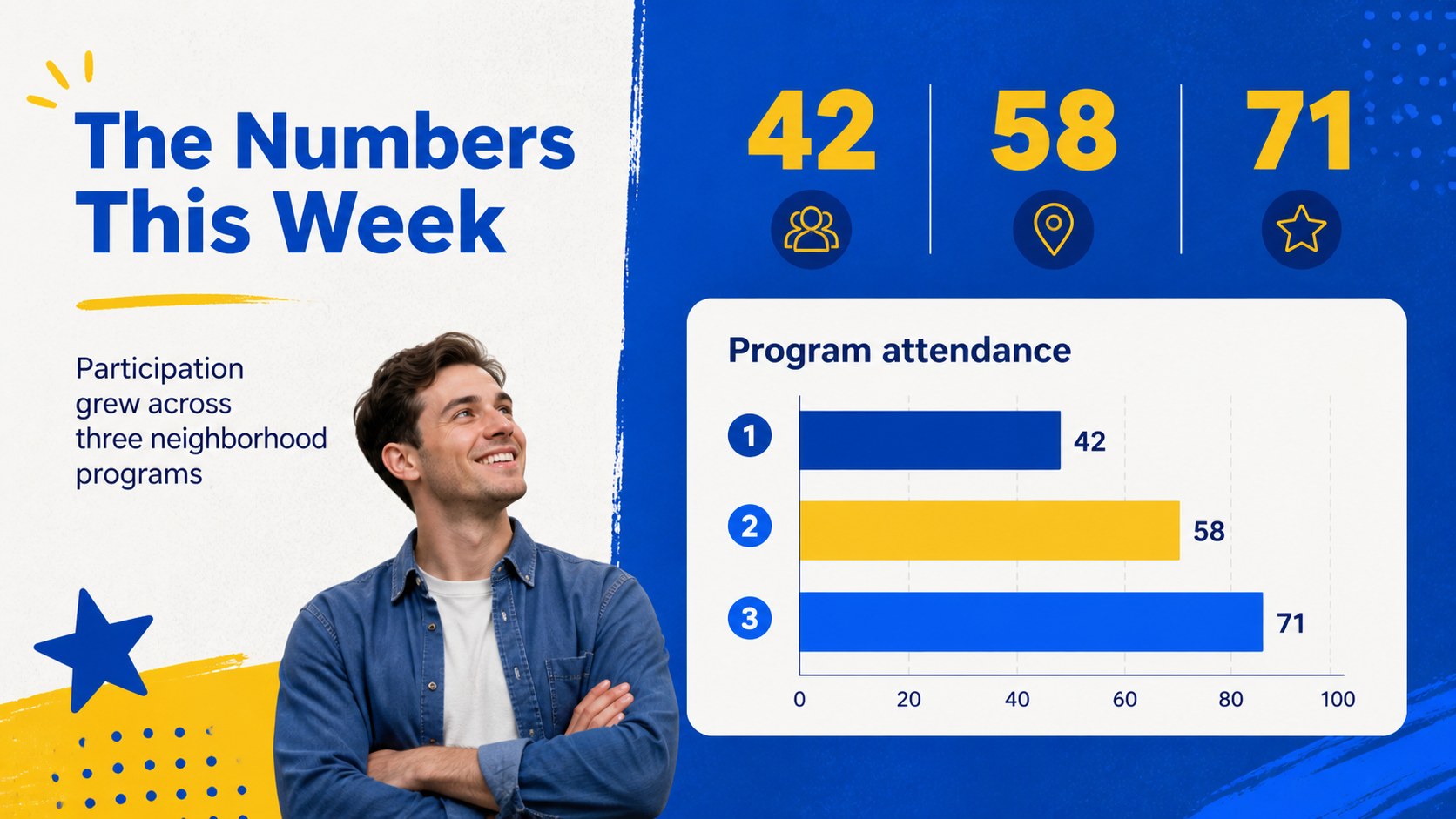
Make recurring updates easier to scan with this community news update slide deck, designed for editors, communications teams, educators, nonprofits, and community organizers. The bright blue-and-yellow visual system gives daily information a recognizable identity while leaving plenty of room for headlines, images, short summaries, and useful data. Present announcements in PowerPoint or Google Slides and adapt the deck to your own publication rhythm.
Inside, you’ll find flexible layouts for a front-page briefing, story highlights, event announcements, quote cards, statistics, timelines, image-led features, and a final call to action. The structure works well for a local news roundup presentation, an internal company bulletin, or a weekly community newsletter format. Replace the sample copy, adjust the colors, add your own photography, and reorder sections to match the story. The deck includes more than 25 editable slides, chart and icon elements, image frames, timeline layouts, and closing pages for contact details or next steps. Noto Sans and Paytone One create a friendly, modern editorial feel that stays readable on screen.
Perfect for: local organization news roundup; internal team briefing; school community bulletin; nonprofit impact update; weekly neighborhood newsletter.
Frequently asked questions
Can I edit this deck in PowerPoint? Yes. The layouts are designed for PowerPoint editing, including text, images, colors, shapes, and charts. Replace the sample content with your own announcements and brand assets.
Does the template work with Google Slides? Yes, you can use the presentation in Google Slides and update the text, images, and slide order there. Check the typefaces after importing and replace them with close alternatives if your account does not have them installed.
Practical details
Yes. The layouts are designed for PowerPoint editing, including text, images, colors, shapes, and charts. Replace the sample content with your own announcements and brand assets.
Yes, you can use the presentation in Google Slides and update the text, images, and slide order there. Check the typefaces after importing and replace them with close alternatives if your account does not have them installed.
Use the layouts for headlines, short news items, event details, statistics, quotes, timelines, and photo features. The deck can support a daily update, a weekly bulletin, or a larger community report.
Yes. The colors, fonts, icons, and image frames are editable so you can align the presentation with your organization. Keeping blue and yellow as accent colors will preserve the original editorial character.
Keep exploring
15Use this astrology audience insights deck to present zodiac-based segments, behaviors, and campaign findings in polished black-and-gold slides.
 14
14Plan a memorable Lunar New Year campaign with the 2036 Dragon Year Celebration Theme, featuring bold red-and-yellow slides for lessons and events.
 15
15Build eerie lessons, campaigns, and story pitches with an undead survival scenario theme featuring editable slides for PowerPoint and Google Slides.
 15
15Build a clear breast cancer awareness bulletin with bold pink-and-red slides for campaign news, screening reminders, impact data, and community updates.
 15
15Shape your publishing concept with an indie magazine startup pitch deck featuring pastel gradients, bold collage layouts, and editable planning slides.
 15
15Build a bold retro-futurist campaign pitch deck for client meetings, with editable strategy layouts and playful pastel Y2K-inspired visuals.
 16
16Build a consistent presence with a social channel identity playbook covering voice, visuals, content formats, publishing rules, and approvals.
 15
15Celebrate online learners with webinar completion certificate slides, featuring editable violet artwork for university events in PowerPoint and Google Slides.