
 15
15presentation
Astrology Audience Insights Deck
Use this astrology audience insights deck to present zodiac-based segments, behaviors, and campaign findings in polished black-and-gold slides.
Google SlidesPowerPoint
presentation · English
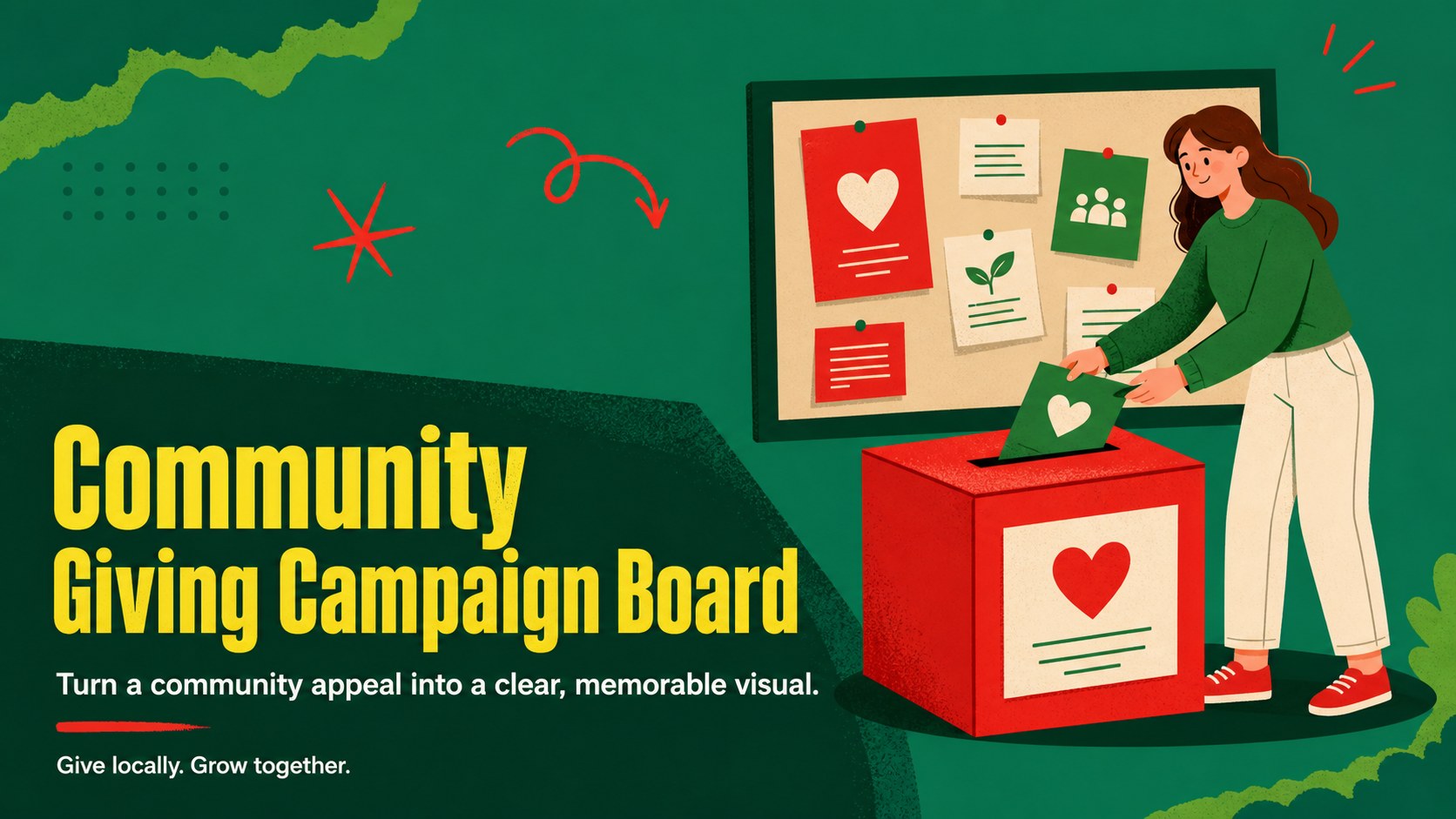
Build a community giving campaign board in green and red, with editable A4 layouts for charity events, volunteer drives, and nonprofit outreach.
Design notes
The community giving campaign board is designed for teams that need to turn a donation request into a focused, easy-to-scan visual. Its illustrated green-and-red style brings warmth and energy to charity events, volunteer recruitment, neighborhood initiatives, and nonprofit outreach while keeping the central message prominent.
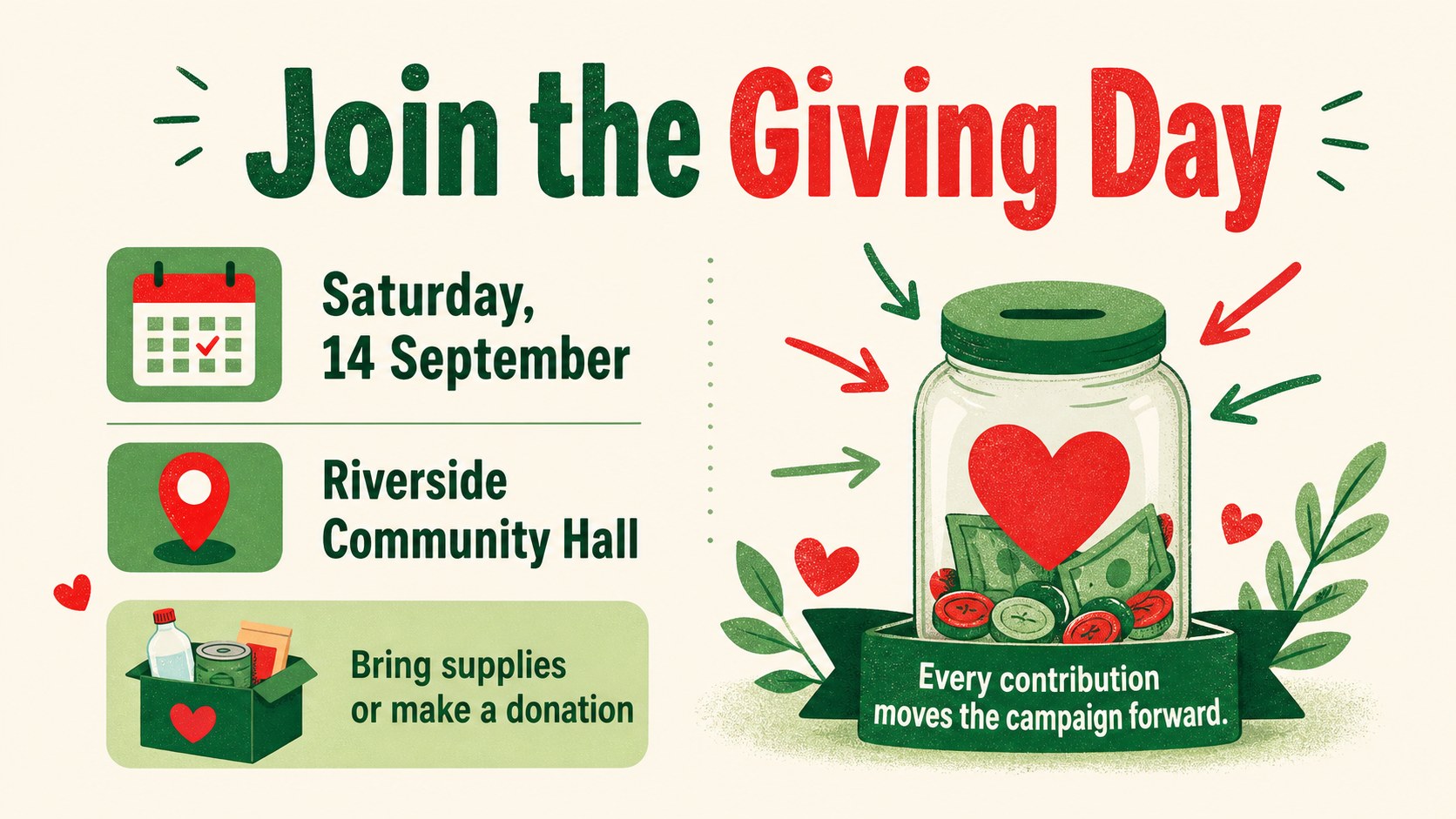
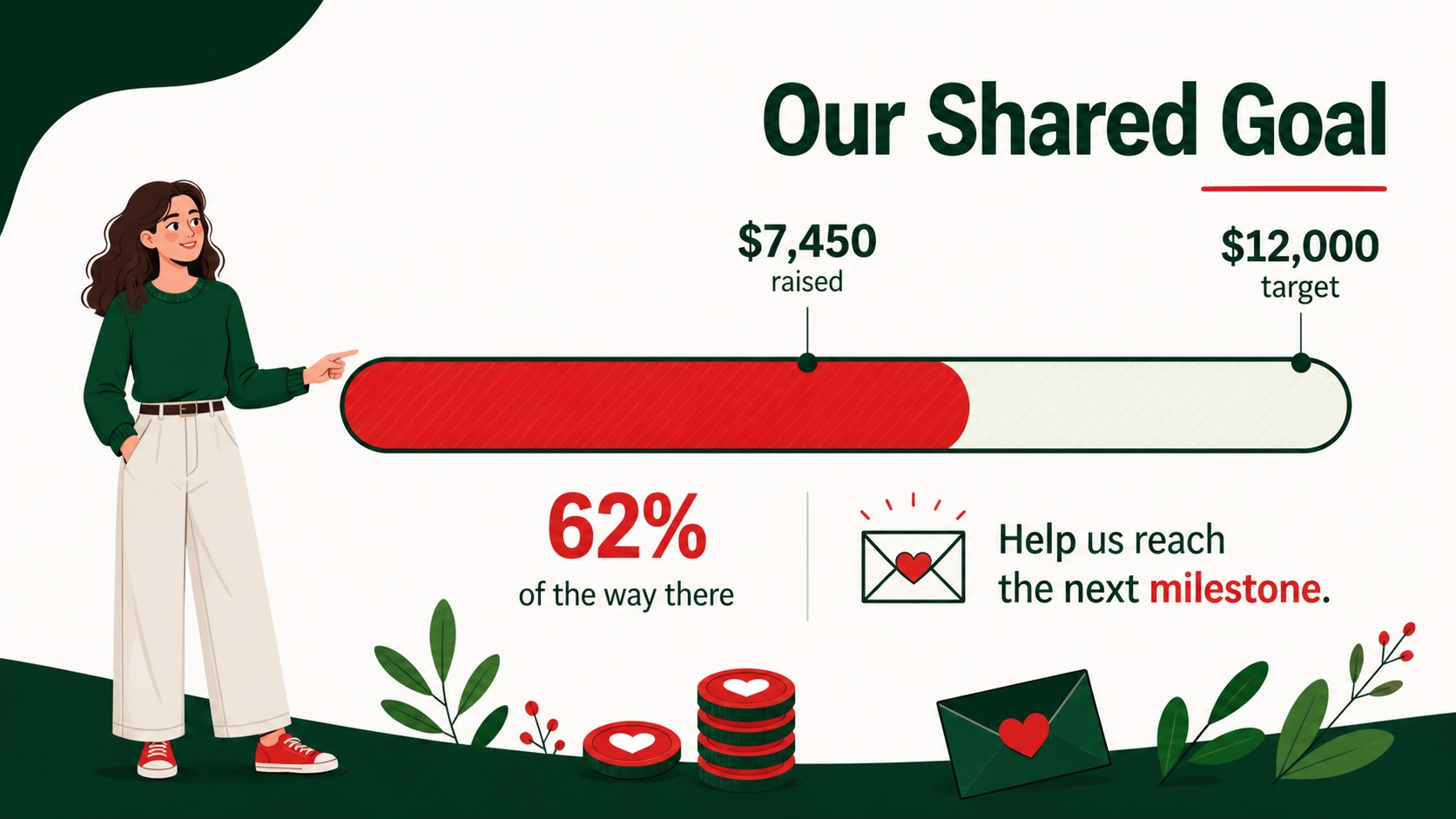
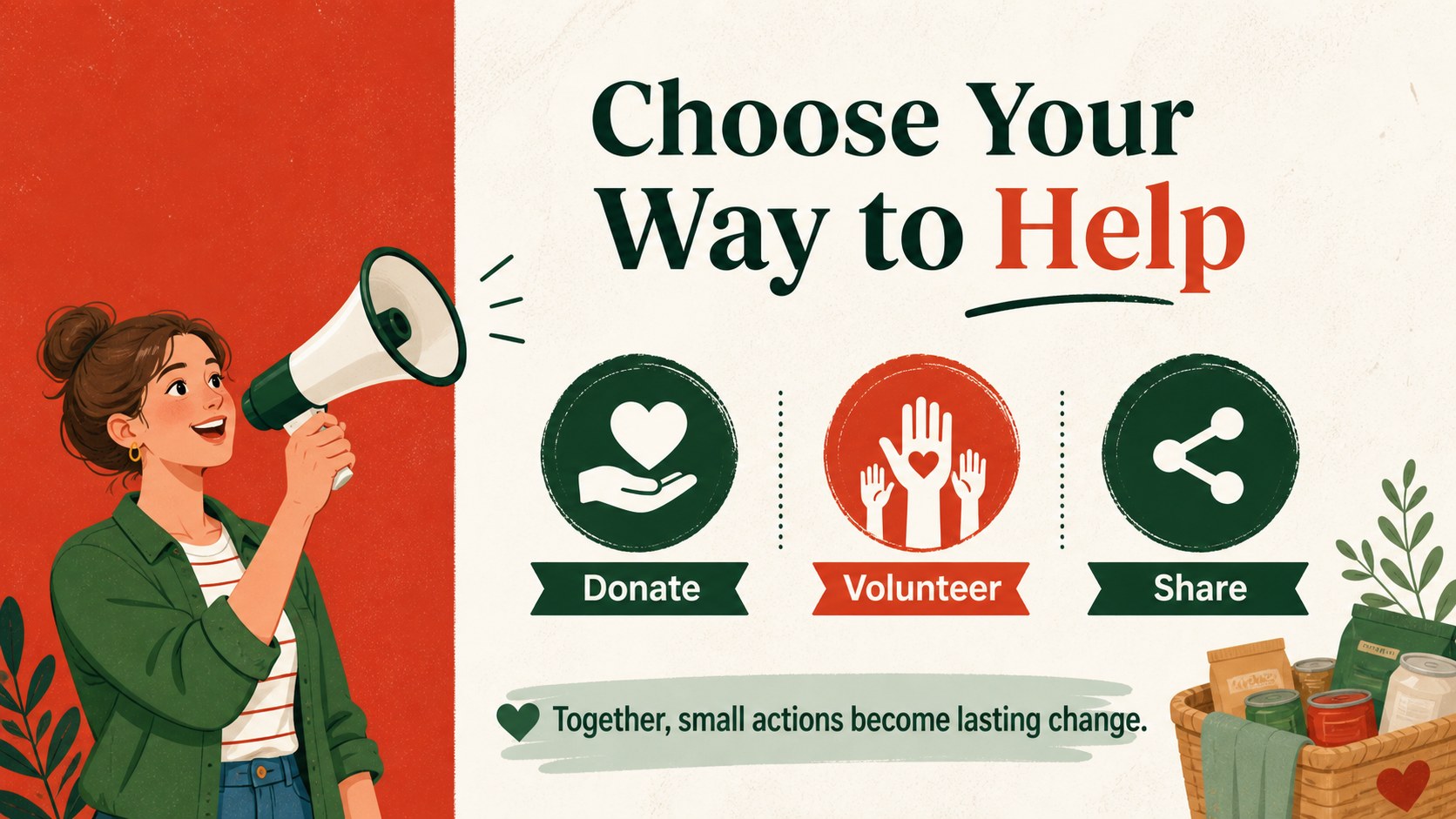
Inside, you will find four editable A4 poster layouts adapted for a 16:9 presentation format. Use the cover for the campaign name and main appeal, then organize event details, giving targets, volunteer needs, and a closing call to action across the remaining slides. Charts, frames, lines, shapes, transitions, and animation options make it simple to tailor the deck to different audiences and delivery settings.
This community donation poster template works well for nonprofit coordinators, school groups, local organizers, environmental campaigns, and business teams supporting a social cause. Edit the layouts in PowerPoint or Google Slides, replace the sample copy, and update the green and red accents to match your campaign materials. The clear structure also makes it useful as a charity event poster deck, a volunteer drive presentation, or a concise briefing for community partners.
Perfect for: local charity event promotion; school donation drive; volunteer recruitment campaign; environmental fundraising appeal; nonprofit partner briefing.
Frequently asked questions
Can I edit the community giving campaign board in PowerPoint? Yes. The layouts are editable in PowerPoint, including text, shapes, illustrations, colors, and page elements. Replace the sample campaign details with your own information and donation targets.
Practical details
Yes. The layouts are editable in PowerPoint, including text, shapes, illustrations, colors, and page elements. Replace the sample campaign details with your own information and donation targets.
Yes, you can open and customize the presentation in Google Slides. Check the imported fonts and spacing after upload, then adjust any elements that need platform-specific refinements.
Yes. The A4-inspired layouts can present event dates, locations, giving instructions, volunteer roles, and campaign goals. You can also export the finished design for digital sharing or print.
Yes. Update the accent colors to align with your organization or campaign identity while keeping the illustrated visual system intact. You can also replace the sample graphics and rewrite every text block.
Keep exploring
15Use this astrology audience insights deck to present zodiac-based segments, behaviors, and campaign findings in polished black-and-gold slides.
 14
14Plan a memorable Lunar New Year campaign with the 2036 Dragon Year Celebration Theme, featuring bold red-and-yellow slides for lessons and events.
 15
15Build eerie lessons, campaigns, and story pitches with an undead survival scenario theme featuring editable slides for PowerPoint and Google Slides.
 15
15Build a clear breast cancer awareness bulletin with bold pink-and-red slides for campaign news, screening reminders, impact data, and community updates.
 15
15Shape your publishing concept with an indie magazine startup pitch deck featuring pastel gradients, bold collage layouts, and editable planning slides.
 15
15Build a bold retro-futurist campaign pitch deck for client meetings, with editable strategy layouts and playful pastel Y2K-inspired visuals.
 16
16Build a consistent presence with a social channel identity playbook covering voice, visuals, content formats, publishing rules, and approvals.
 15
15Celebrate online learners with webinar completion certificate slides, featuring editable violet artwork for university events in PowerPoint and Google Slides.