
 15
15presentation
Astrology Audience Insights Deck
Use this astrology audience insights deck to present zodiac-based segments, behaviors, and campaign findings in polished black-and-gold slides.
Google SlidesPowerPoint
presentation · English
Build a sharper campaign with this colorful social media campaign planner for PowerPoint and Google Slides, with calendars, profiles, charts, and timelines.



Design notes
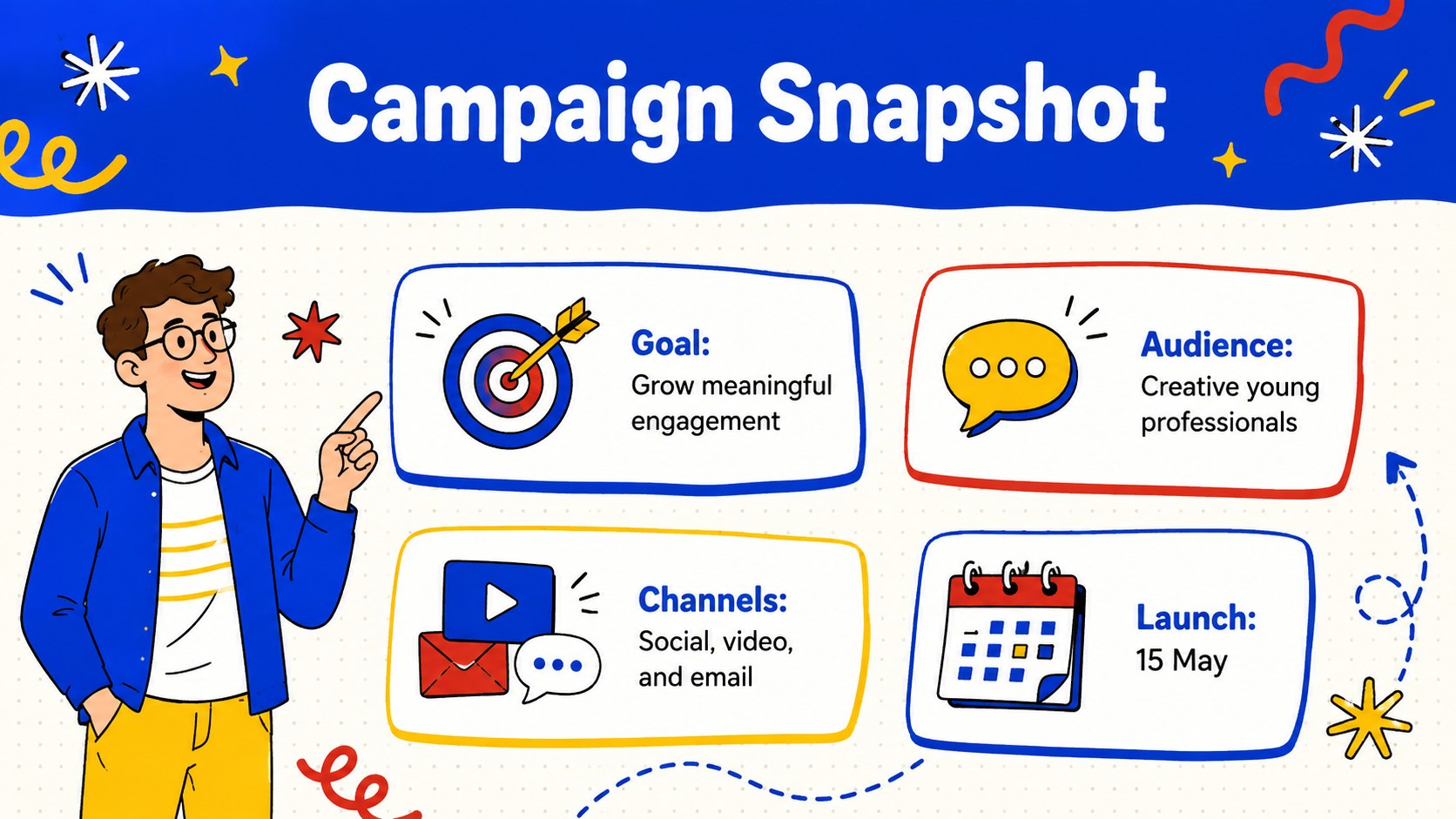
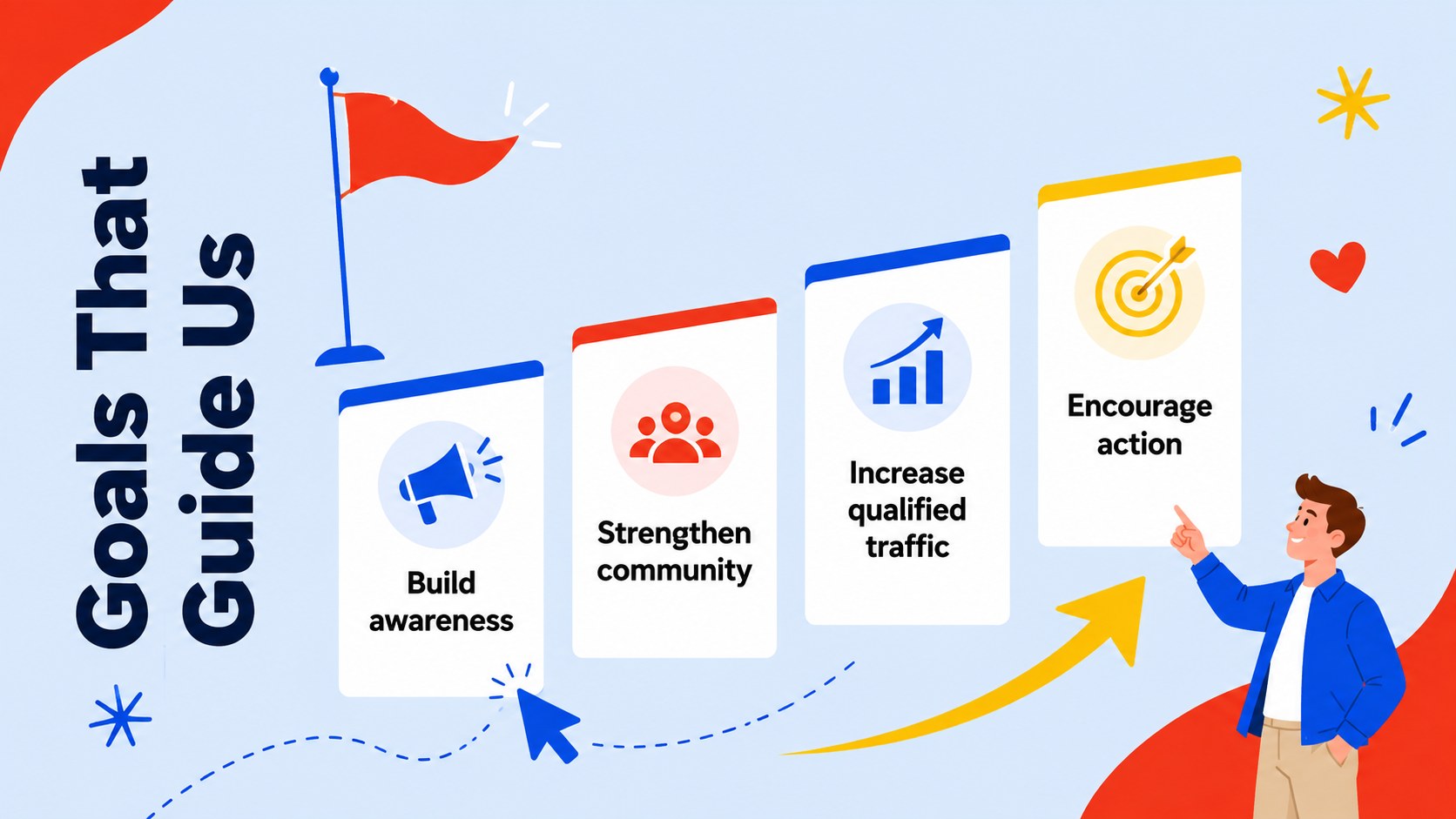
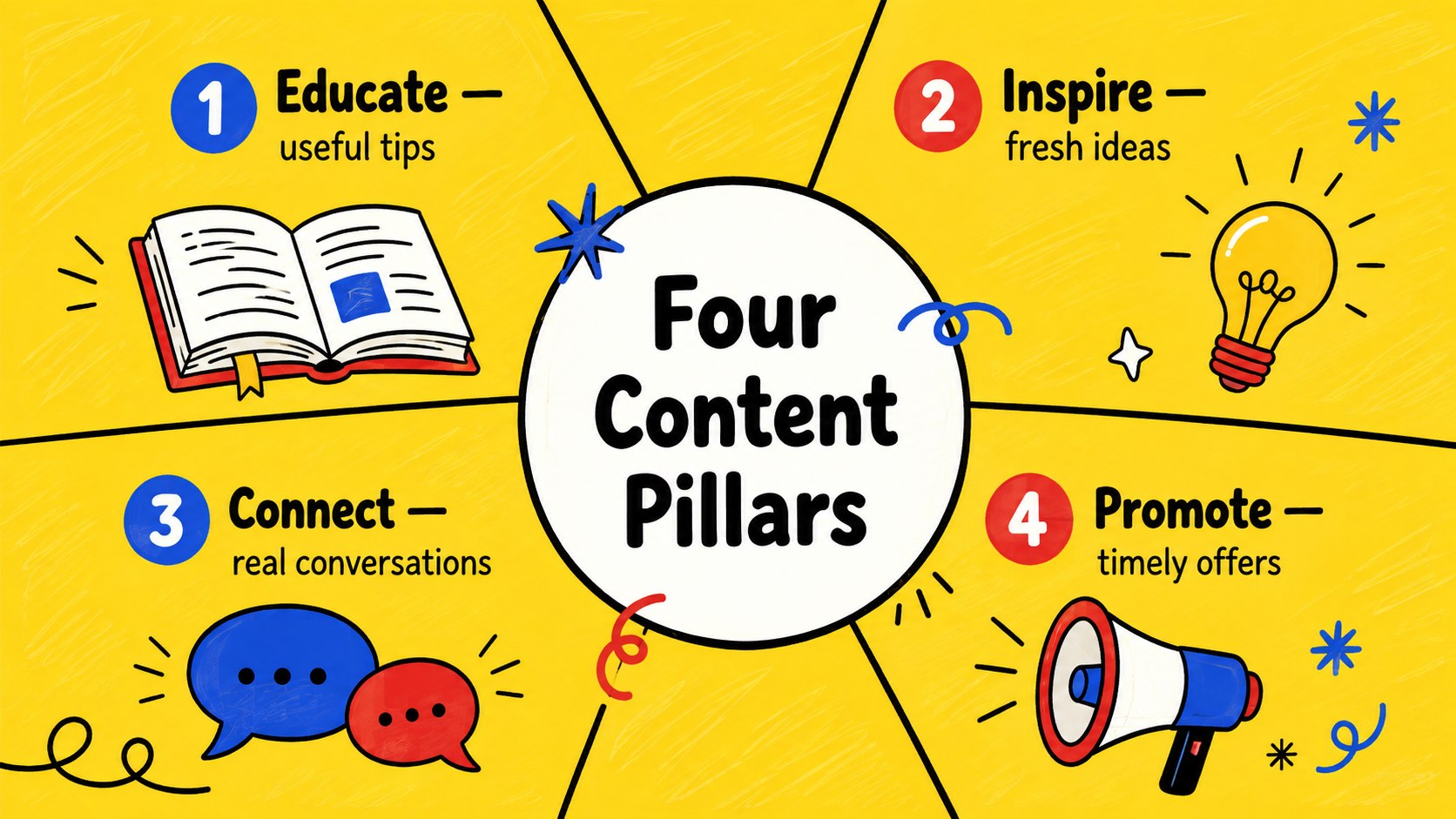
Bring structure and personality to your next campaign with the Colorful Social Media Campaign Planner. Its energetic blue, red, and yellow palette combines playful illustrated details with clean, practical layouts, helping teams turn creative ideas into an organized strategy. Use this playful social media strategy presentation to communicate goals, audiences, channels, themes, and publishing priorities without building every slide from scratch.
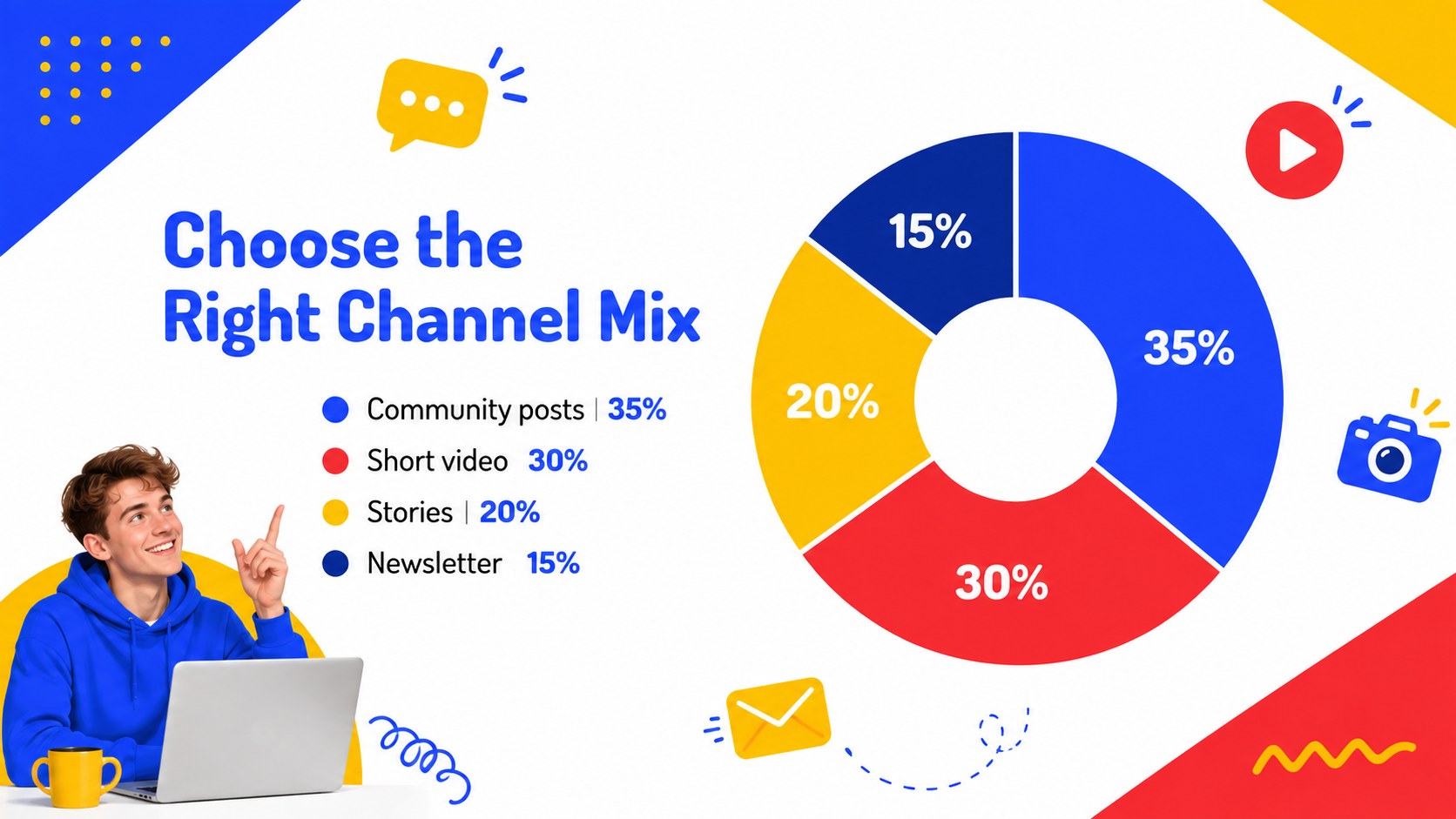
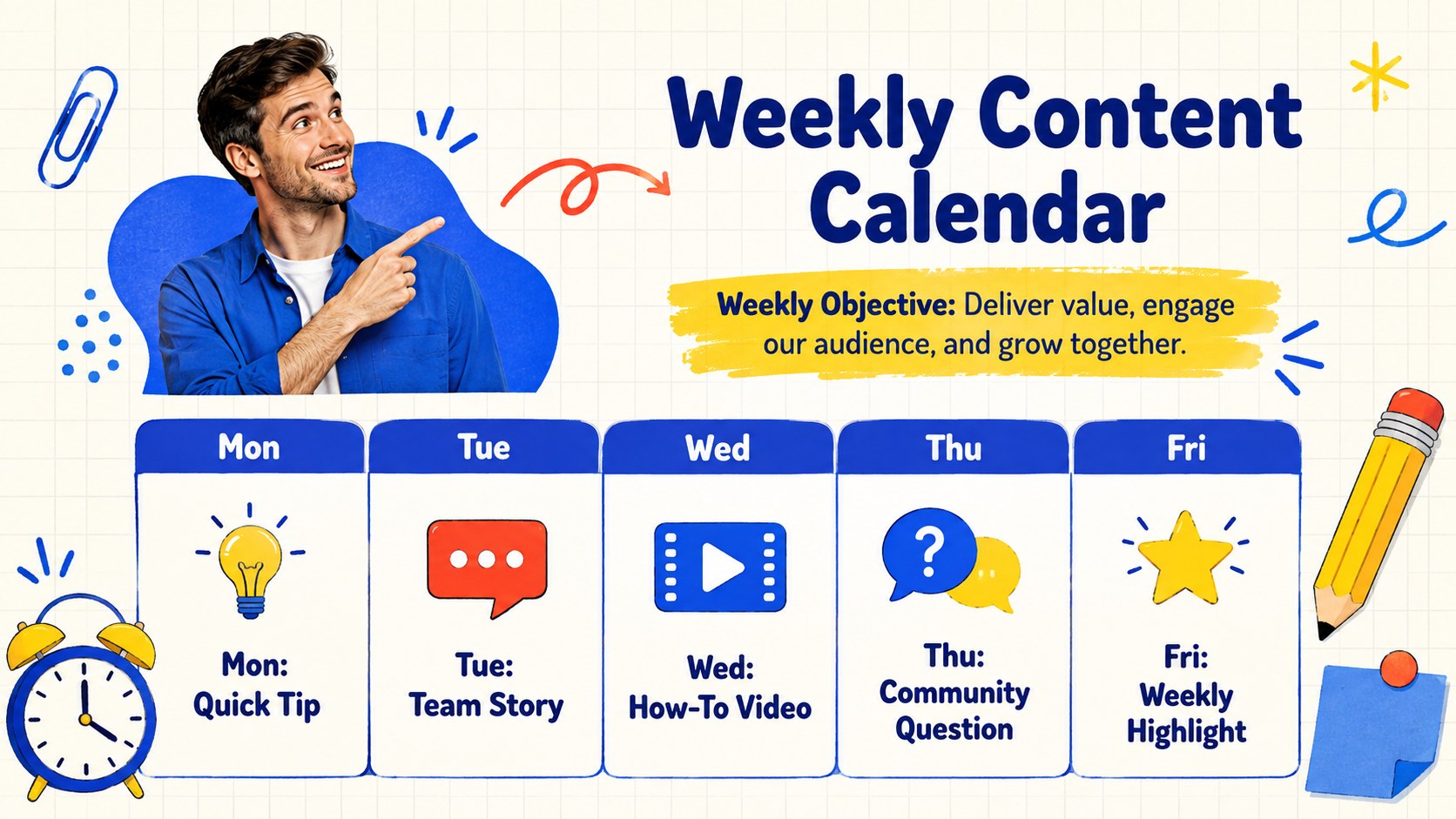
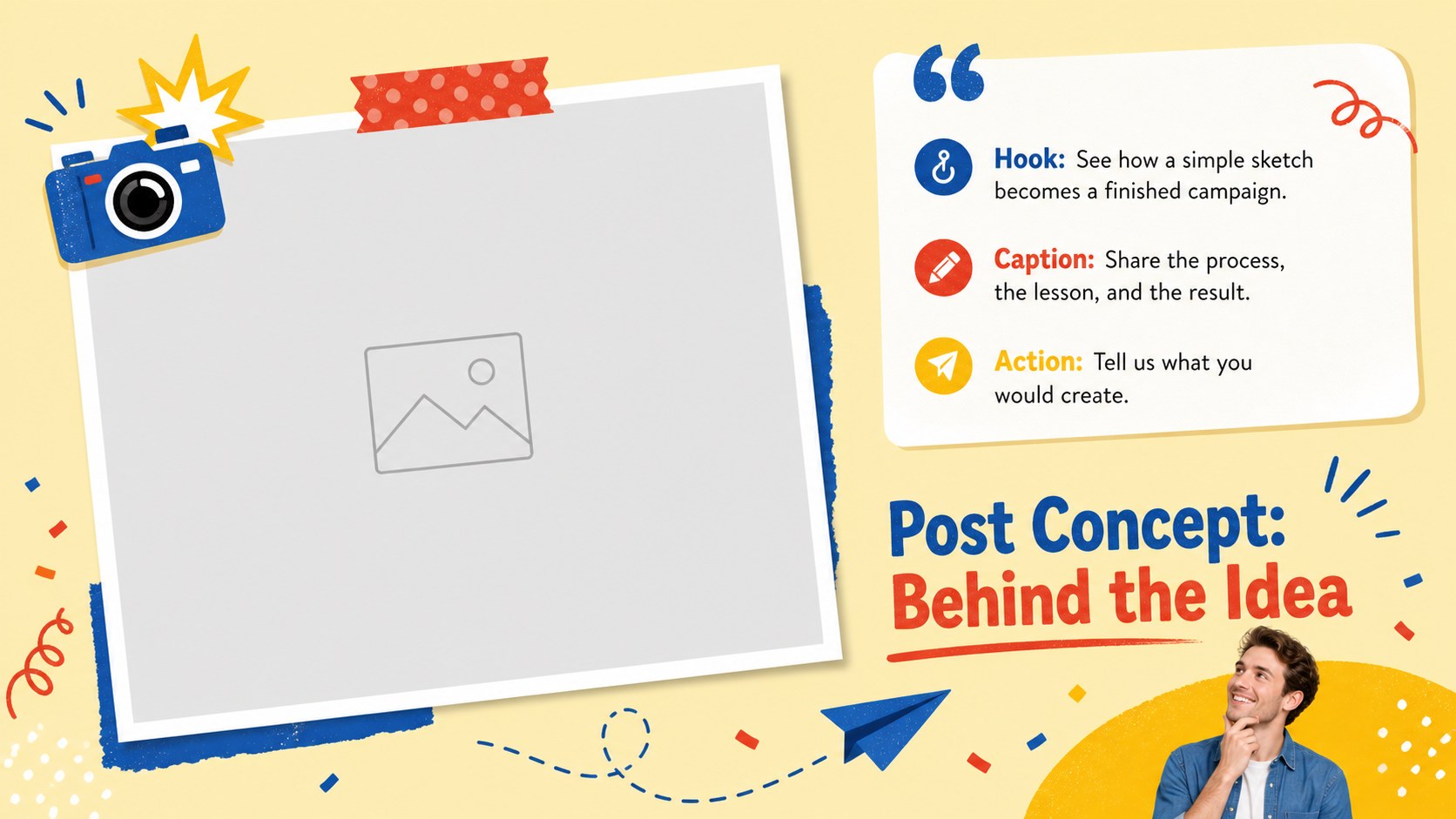
Inside, you will find adaptable layouts for campaign overviews, audience profiles, content pillars, weekly schedules, launch milestones, post concepts, team responsibilities, and performance results. A colorful content calendar slide template makes upcoming posts easy to scan, while charts, tables, and dashboard pages support concise reporting. Coordinated typography, icons, photo spaces, and graphic accents help the entire presentation feel consistent. Every element can be edited, moved, recolored, or replaced in PowerPoint and Google Slides.
This illustrated campaign planning presentation is suited to marketing teams, independent creators, agencies, small businesses, student projects, and community organizations. Use it for a brand launch, monthly editorial meeting, client proposal, campaign review, or social media analytics report. Keep the cheerful preset palette for an upbeat look, or adjust the colors and type to match your own visual identity.
Perfect for: monthly content planning; creative brand launch; client campaign proposal; social media performance review; agency strategy workshop.
Frequently asked questions
Can I edit every part of this campaign planner? Yes. You can change the text, colors, typefaces, charts, icons, image placeholders, and layout elements to fit your campaign or visual identity.
Practical details
Yes. You can change the text, colors, typefaces, charts, icons, image placeholders, and layout elements to fit your campaign or visual identity.
The template is designed for PowerPoint and Google Slides. Layouts remain editable in both platforms, although minor font substitutions may occur if a typeface is not installed.
Yes. Rename the channel labels, replace the sample metrics, and duplicate any planning layout you need. The calendar, audience, and reporting slides can support one channel or a coordinated multichannel campaign.
Replace the preset blue, red, and yellow colors through the theme or individual shape settings. For a consistent result, apply your primary, secondary, and accent colors across backgrounds, charts, icons, and headings.
Keep exploring
15Use this astrology audience insights deck to present zodiac-based segments, behaviors, and campaign findings in polished black-and-gold slides.
 14
14Plan a memorable Lunar New Year campaign with the 2036 Dragon Year Celebration Theme, featuring bold red-and-yellow slides for lessons and events.
 15
15Build eerie lessons, campaigns, and story pitches with an undead survival scenario theme featuring editable slides for PowerPoint and Google Slides.
 15
15Build a clear breast cancer awareness bulletin with bold pink-and-red slides for campaign news, screening reminders, impact data, and community updates.
 15
15Shape your publishing concept with an indie magazine startup pitch deck featuring pastel gradients, bold collage layouts, and editable planning slides.
 15
15Build a bold retro-futurist campaign pitch deck for client meetings, with editable strategy layouts and playful pastel Y2K-inspired visuals.
 16
16Build a consistent presence with a social channel identity playbook covering voice, visuals, content formats, publishing rules, and approvals.
 15
15Celebrate online learners with webinar completion certificate slides, featuring editable violet artwork for university events in PowerPoint and Google Slides.