
 15
15presentation
UFO Day Alien Encounter Deck
Build a bold cosmic story with this UFO Day alien encounter deck, featuring surreal green-and-black layouts for PowerPoint and Google Slides events.
Google SlidesPowerPoint
presentation · English
Build clear first coding lessons with this Coding Fundamentals Training Deck, featuring editable 3D black slides for PowerPoint and Google Slides.




Design notes
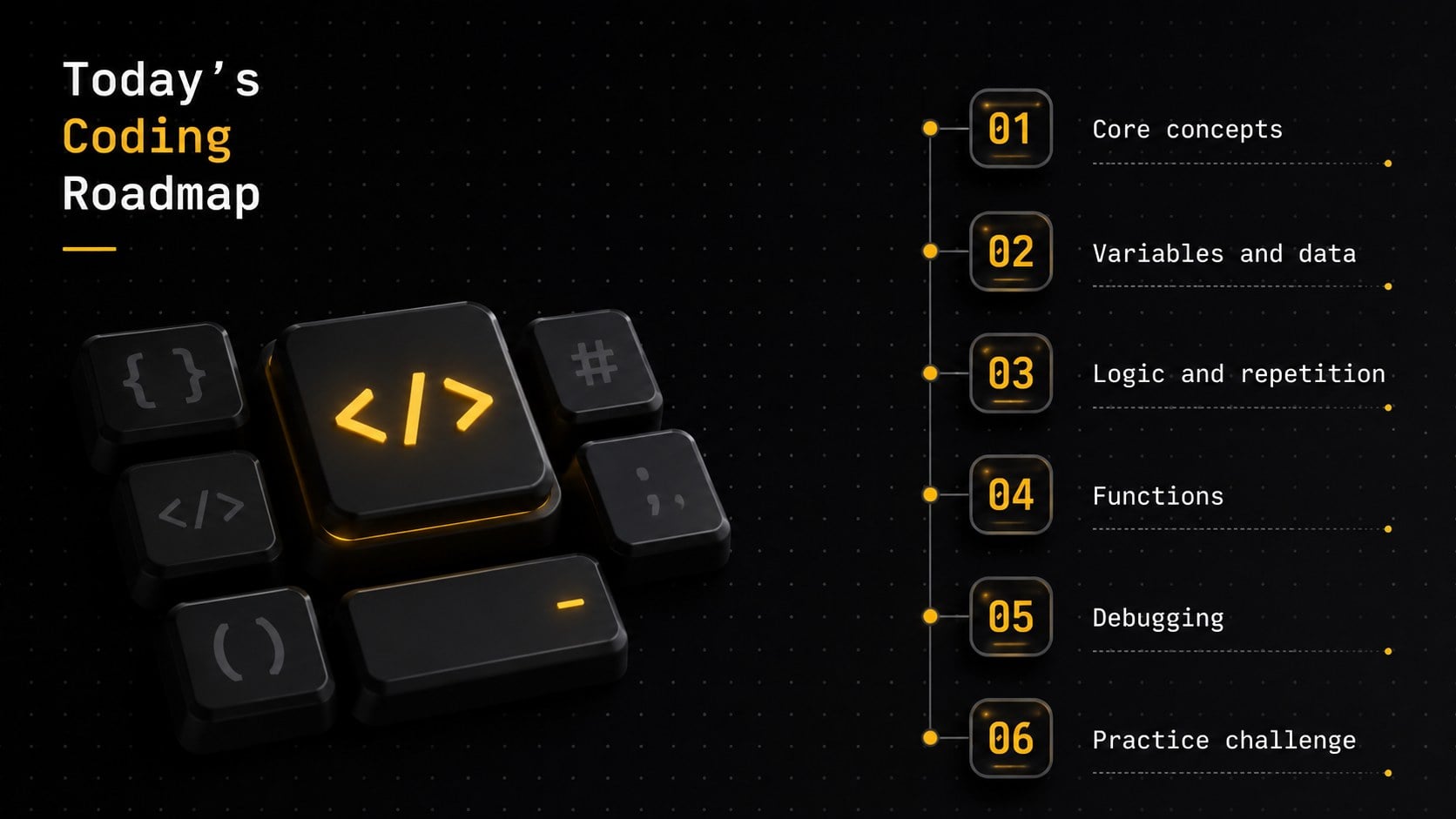
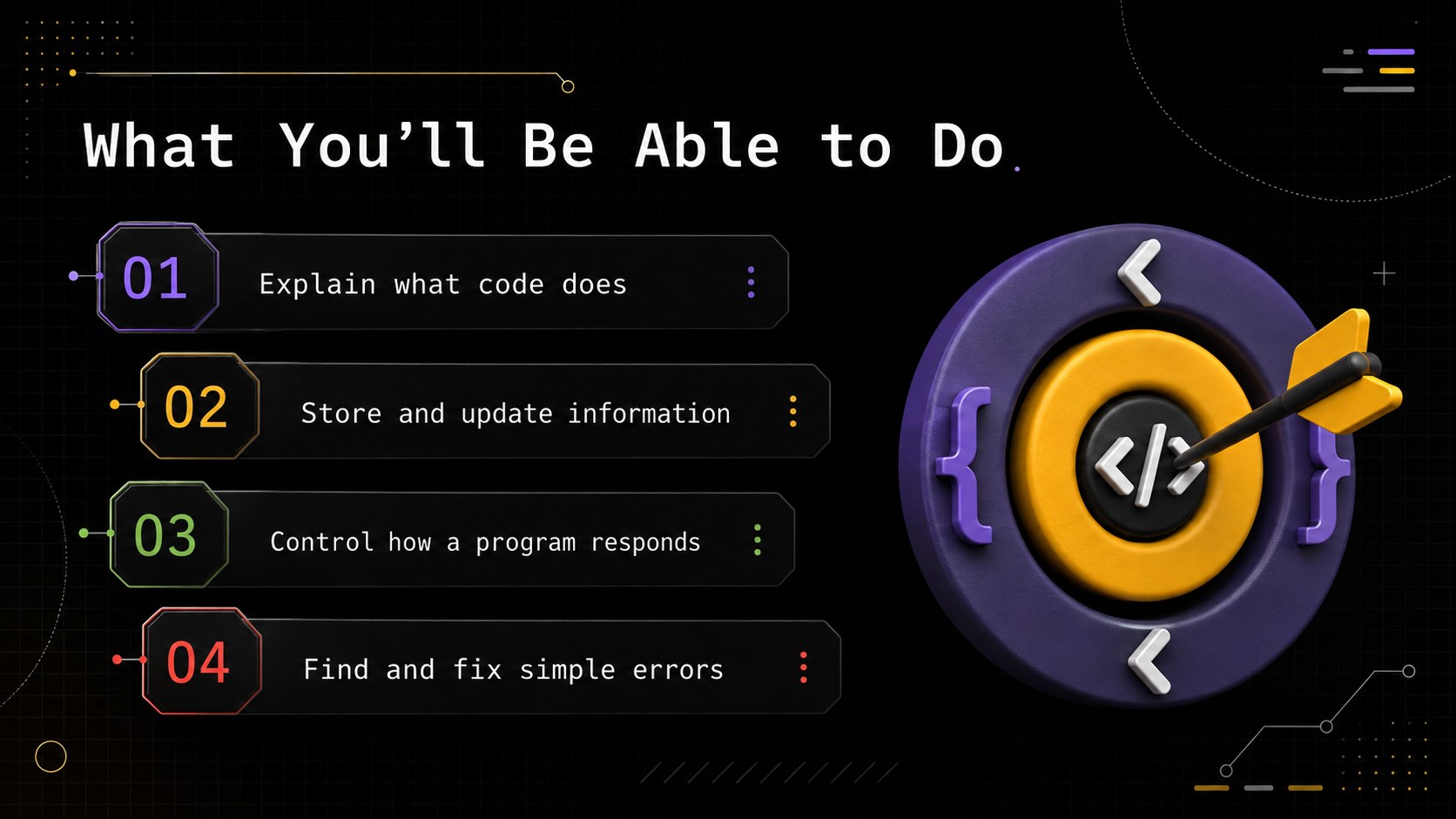
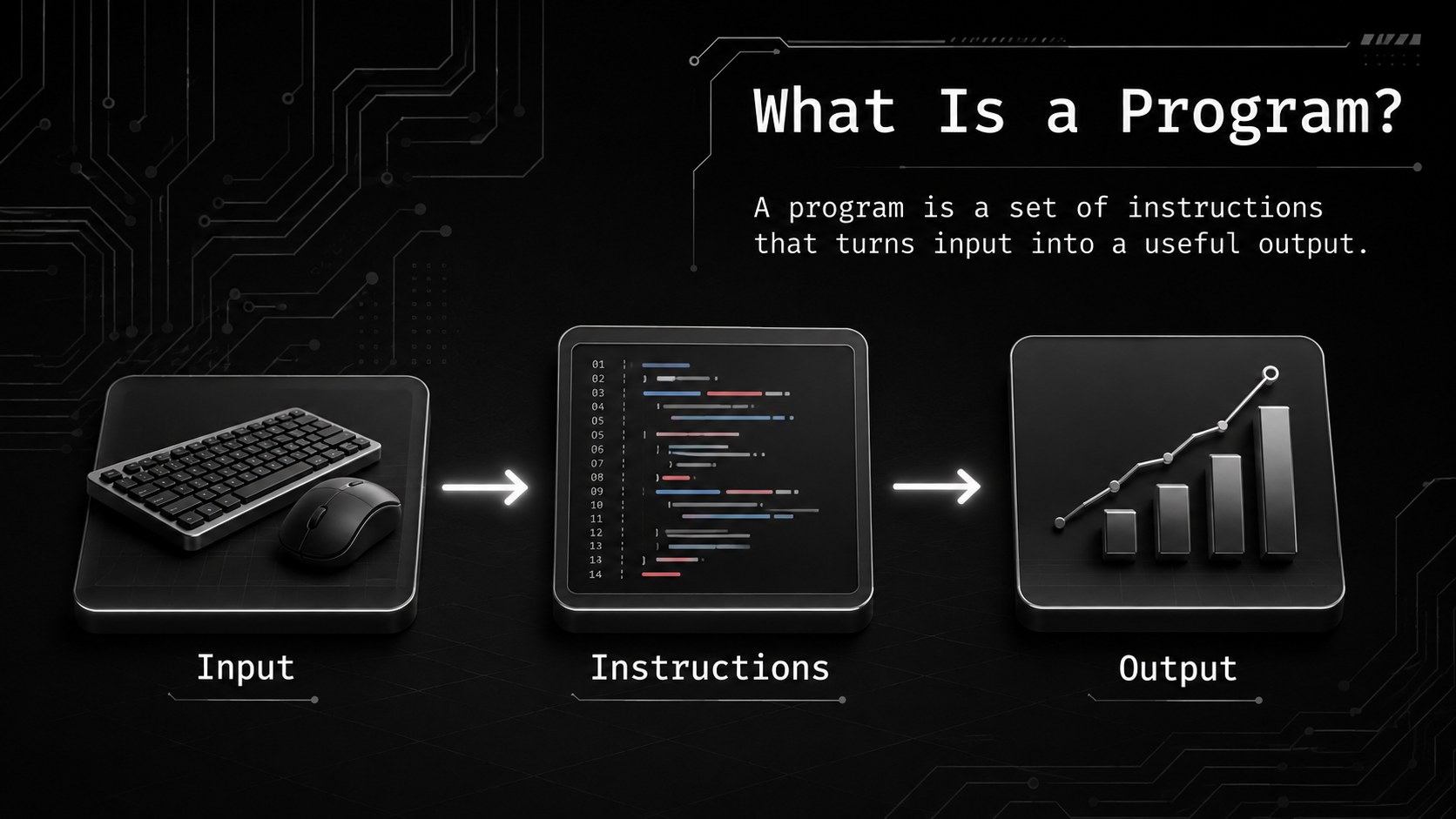
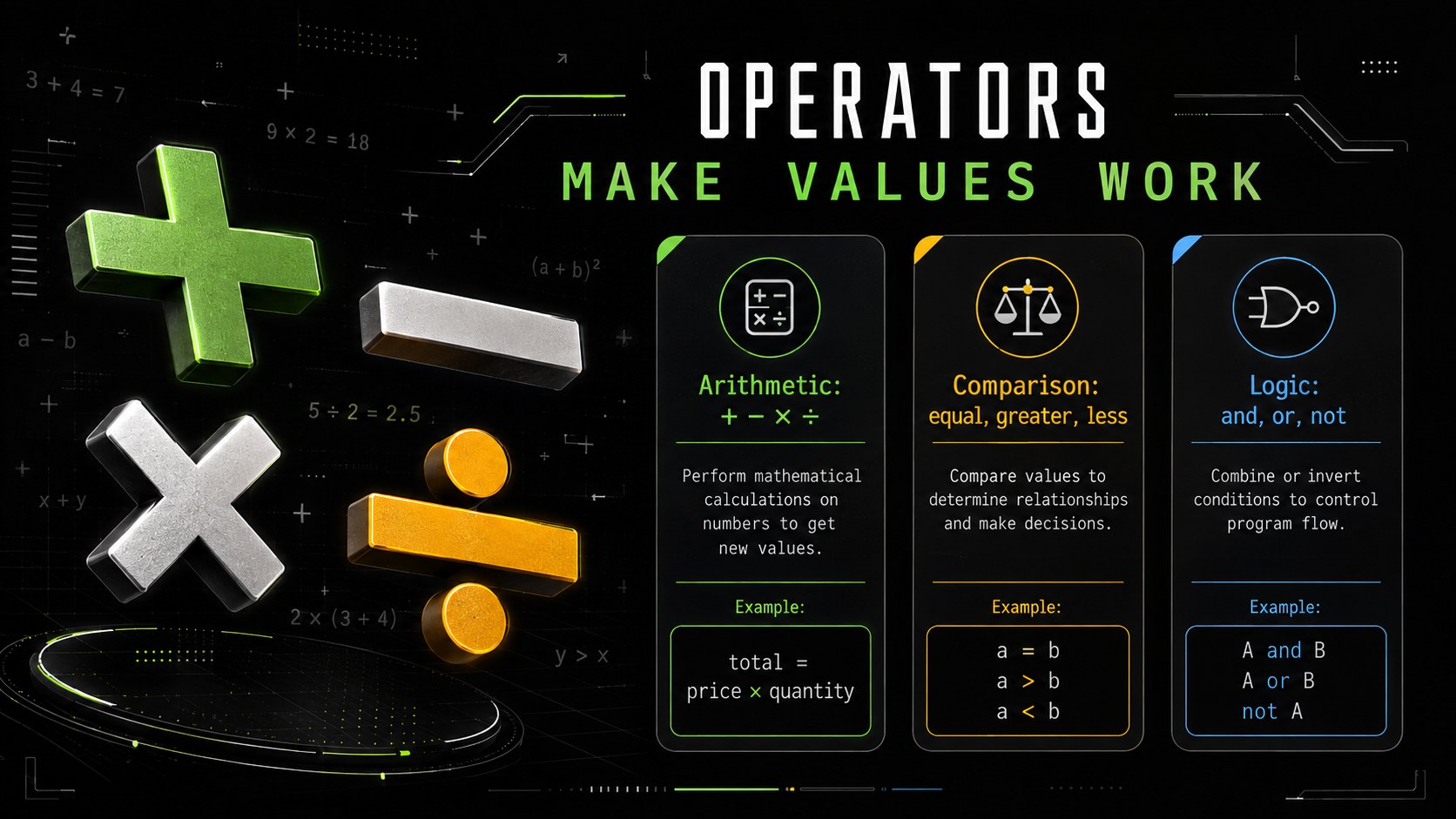
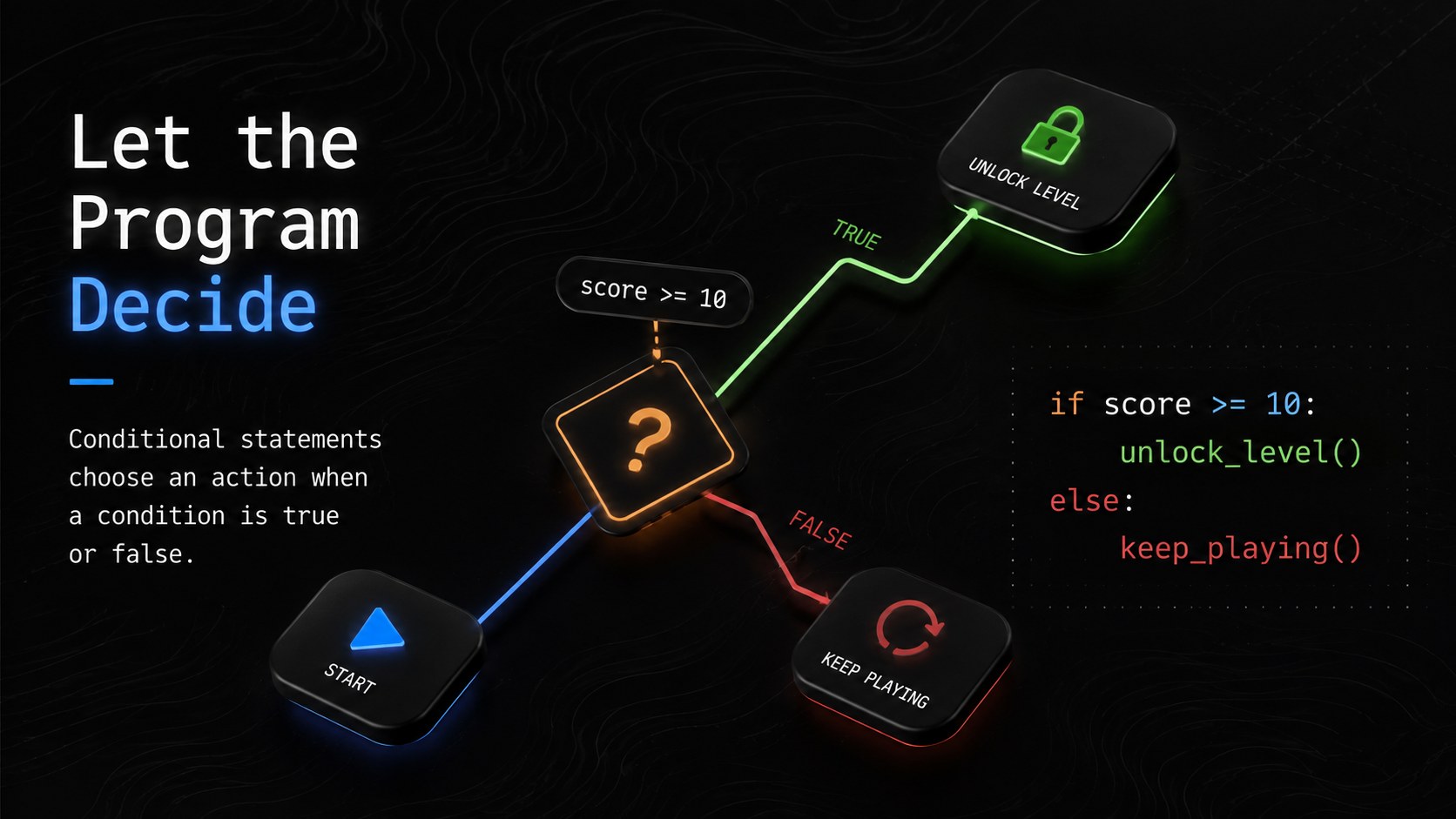
The Coding Fundamentals Training Deck helps instructors turn an introductory programming session into a clear, practical learning experience. Its modern black palette, dimensional shapes, technical textures, and Fira Code typography create a focused setting for explaining unfamiliar ideas without making the material feel intimidating.
Across 16 editable slides, the deck covers learning goals, programming basics, variables, data types, operators, conditional logic, loops, functions, debugging, and a guided coding exercise. It also includes an agenda, knowledge check, practice challenge, recap, and closing slide. The structured sequence works especially well as an introduction to coding presentation or a beginner programming lesson deck, while flexible content areas leave room for language-specific examples and live demonstrations.
Use this modern 3D coding class template for employee upskilling, bootcamp orientation, classroom instruction, community workshops, or team learning sessions. Every slide can be adapted in PowerPoint or Google Slides, including the text, colors, diagrams, examples, and activity prompts. Trainers can shorten the material for a quick seminar or expand it into a multi-session technical course while preserving a coherent visual system.
Perfect for: employee coding workshop; bootcamp orientation lesson; introductory computer science class; developer onboarding session; community coding seminar.
Frequently asked questions
Can I edit this deck in PowerPoint and Google Slides? Yes. The text, shapes, colors, diagrams, and activity prompts can be edited in PowerPoint or Google Slides. Minor font or spacing adjustments may be needed if Fira Code is not installed or available.
Practical details
Yes. The text, shapes, colors, diagrams, and activity prompts can be edited in PowerPoint or Google Slides. Minor font or spacing adjustments may be needed if Fira Code is not installed or available.
Yes. Replace the sample code and terminology with examples from Python, JavaScript, Java, C#, or another language. The lesson structure is intentionally language-neutral so the sequence remains useful across different courses.
Adjust the accent colors, 3D objects, technical textures, and typography while retaining the high-contrast black foundation. Use one consistent accent color for code highlights, diagrams, and key learning points.
Yes. The progression begins with foundational concepts and moves toward a guided practice challenge. Instructors can simplify the examples, add speaker notes, or split the material across multiple sessions.
Keep exploring
15Build a bold cosmic story with this UFO Day alien encounter deck, featuring surreal green-and-black layouts for PowerPoint and Google Slides events.
 16
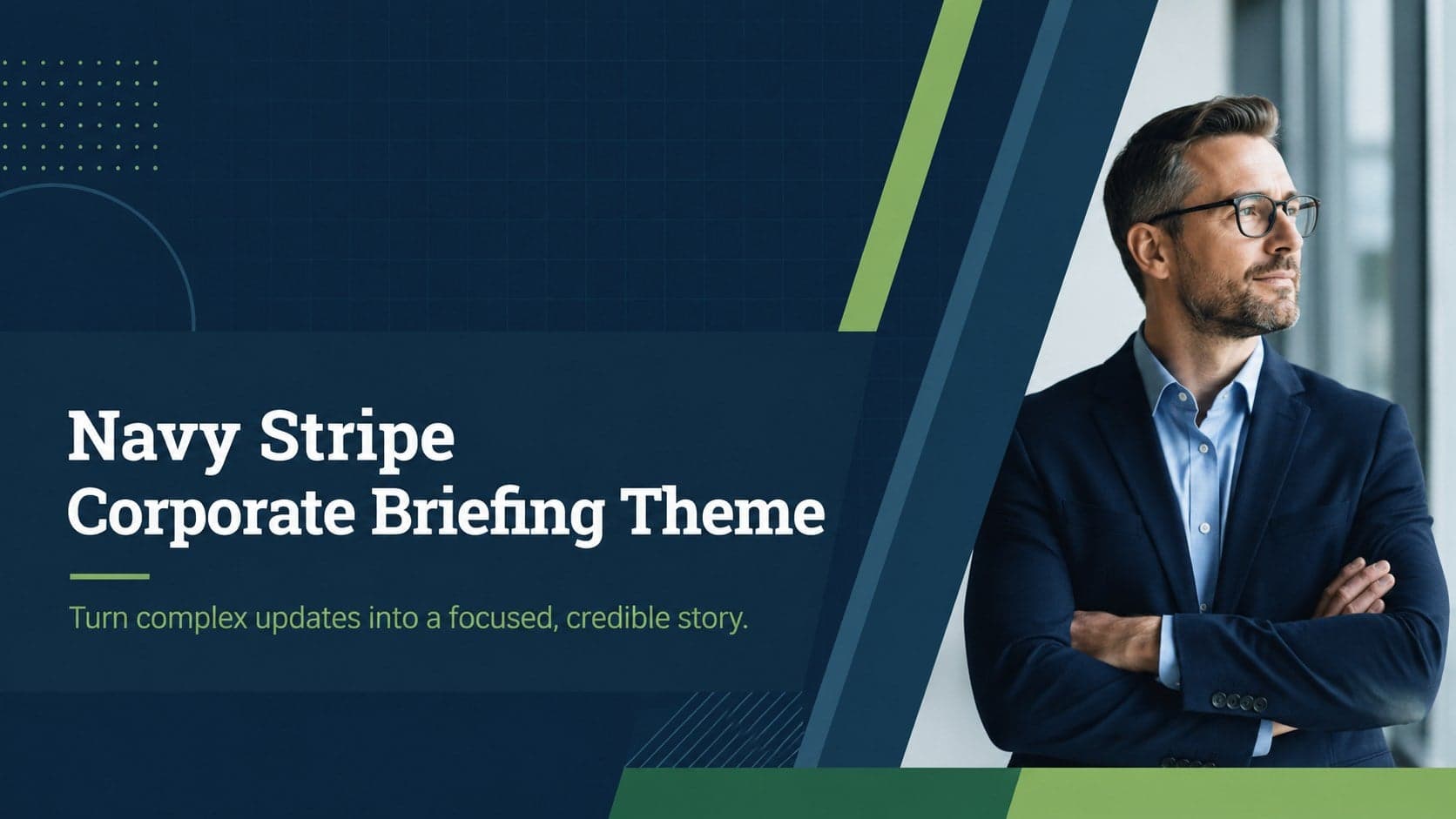
16Use the Navy Stripe Corporate Briefing Theme to present plans, results, and proposals with credible blue-green layouts for PowerPoint and Google Slides.
 5
5Turn customer research into clear decisions with product experience mapping slides in a dark navy and green style for PowerPoint and Google Slides.
 16
16Win stakeholder approval with website launch proposal slides that organize strategy, UX, rollout, and results in editable PowerPoint and Google Slides formats.
 15
15Build clearer campaign plans with an AI marketing strategy deck featuring neon blue-green visuals, editable workflows, data slides, and practical examples.
 15
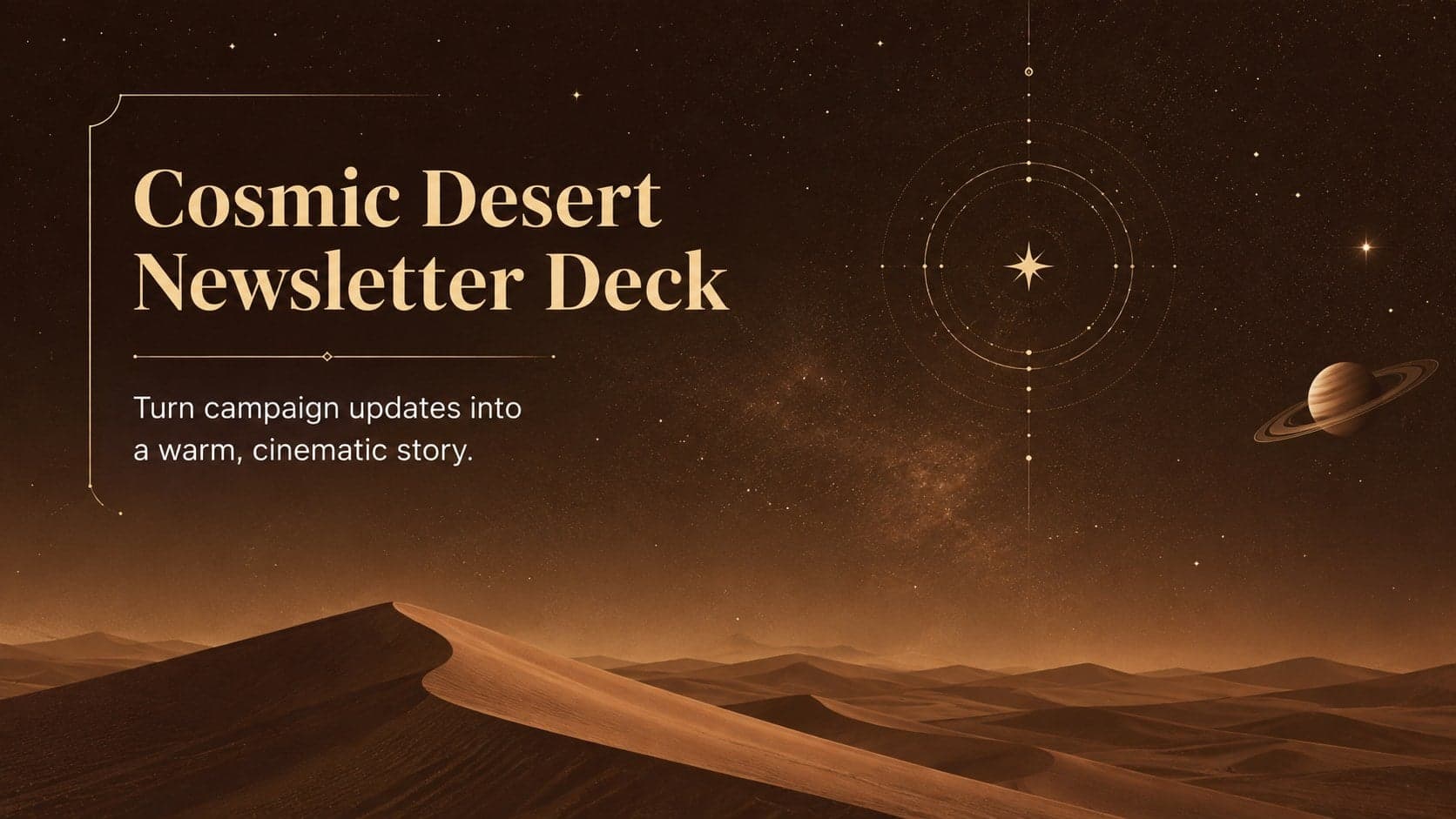
15Build memorable campaign updates with a Cosmic Desert Newsletter Deck, featuring warm beige-brown slides for PowerPoint and Google Slides teams.
 15
15Lead productive urban-tech meetings with a smart city business briefing deck in vivid violet and pink, ready to edit in PowerPoint or Google Slides.
 16
16Build a lively sales story with the Interactive Tech Product Showcase, using colorful illustrated layouts made for PowerPoint and Google Slides.