
 15
15presentation
Astrology Audience Insights Deck
Use this astrology audience insights deck to present zodiac-based segments, behaviors, and campaign findings in polished black-and-gold slides.
Google SlidesPowerPoint
presentation · English
Share legislation, programs, and community outcomes with a civic policy update newsletter designed for clear PowerPoint and Google Slides briefings.
Design notes
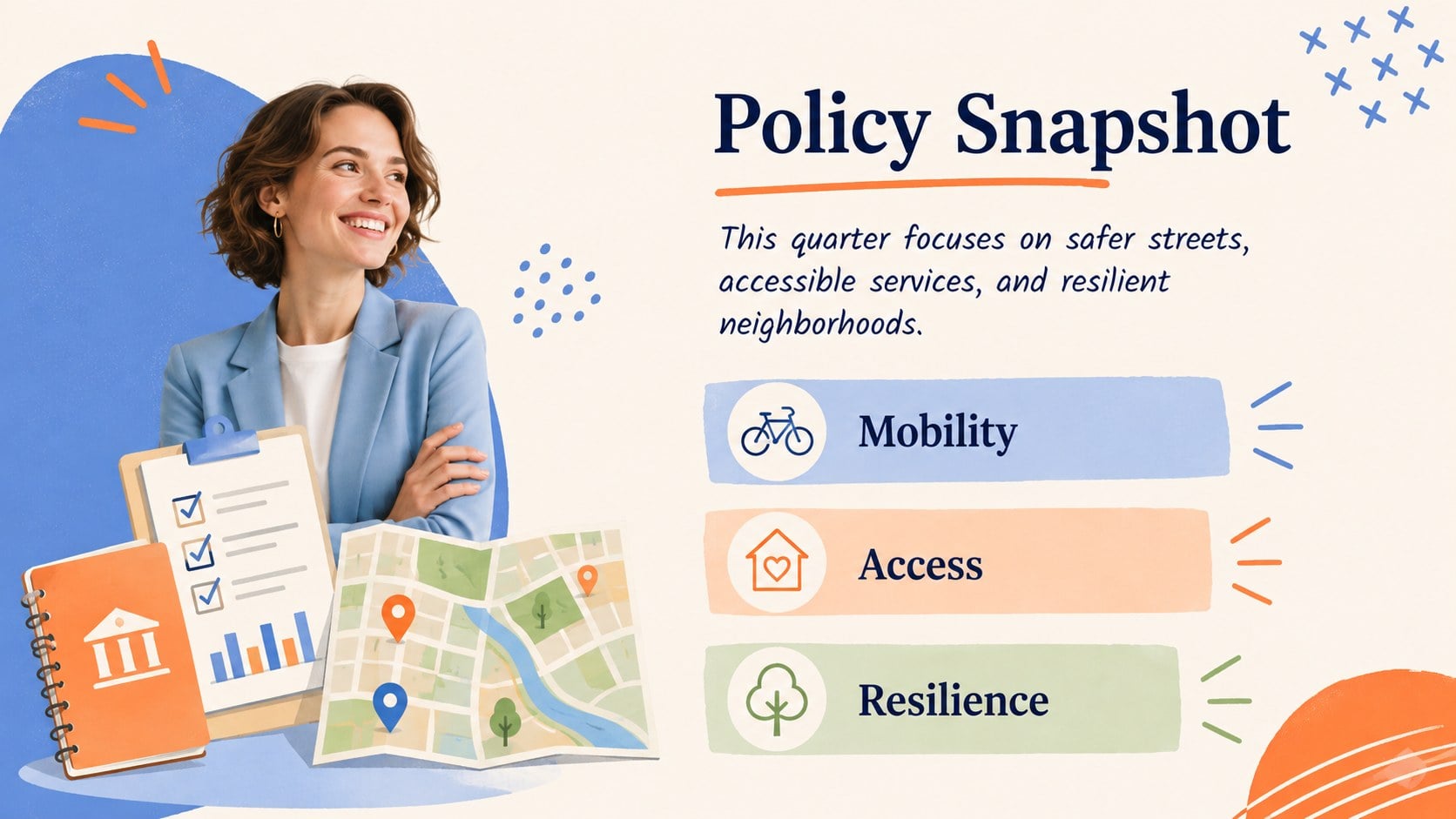
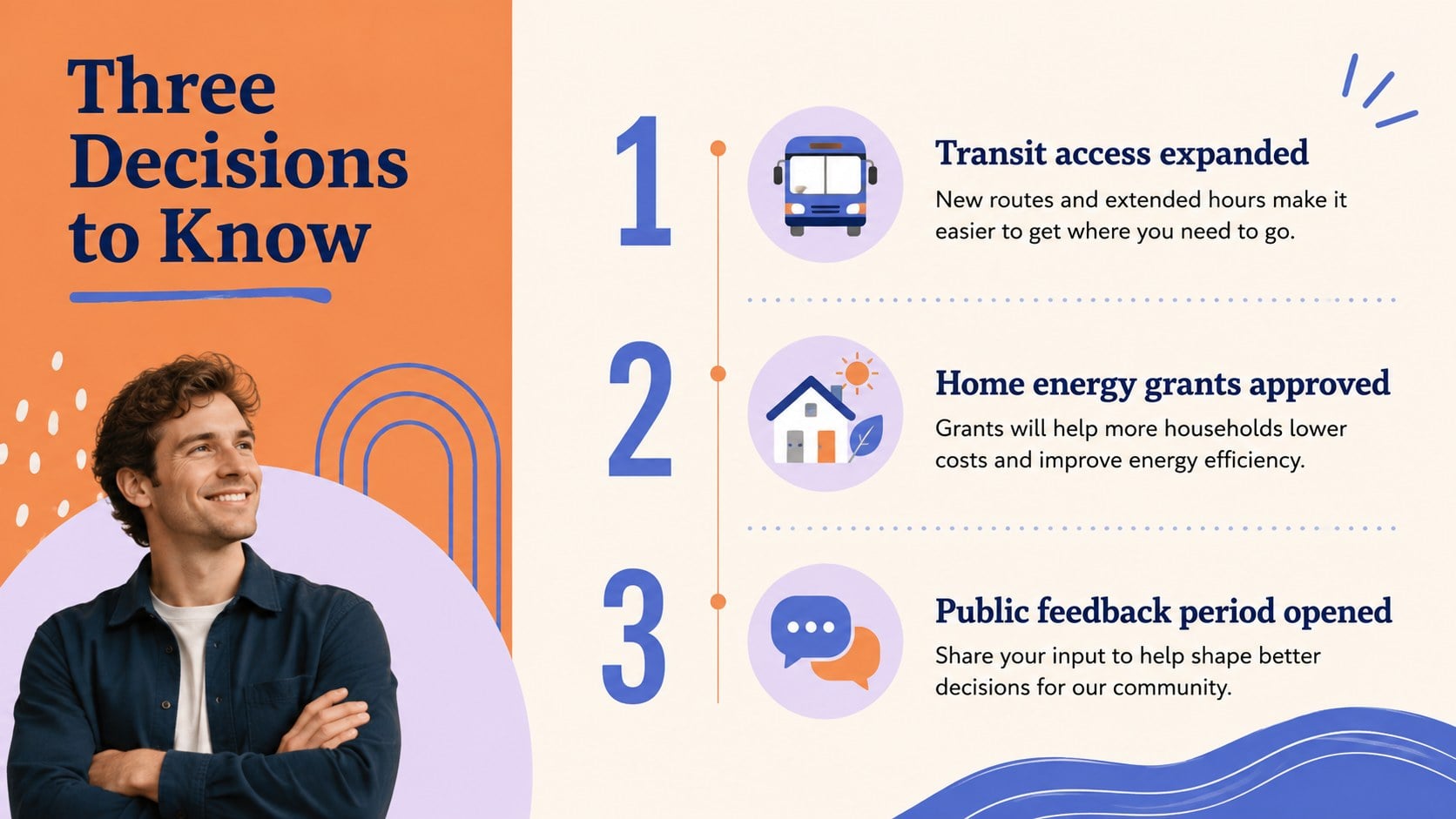
Make legislative news, program announcements, and community results easier to understand with this civic policy update newsletter. Its playful minimalist design combines warm orange, clear blue, pastel accents, hand-drawn details, and spacious layouts to keep serious information approachable without losing professional credibility. Every slide can be edited in PowerPoint or Google Slides.
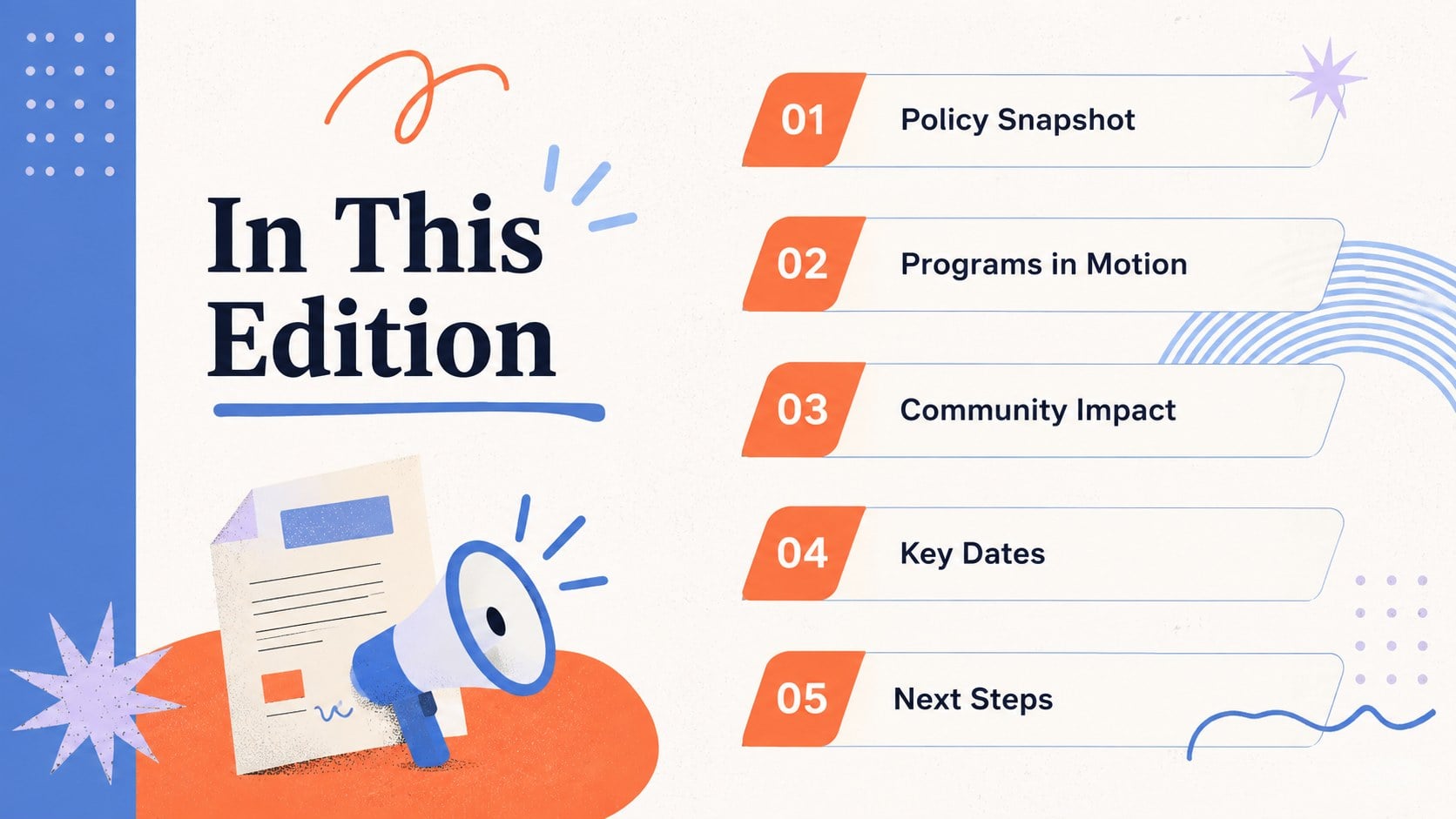
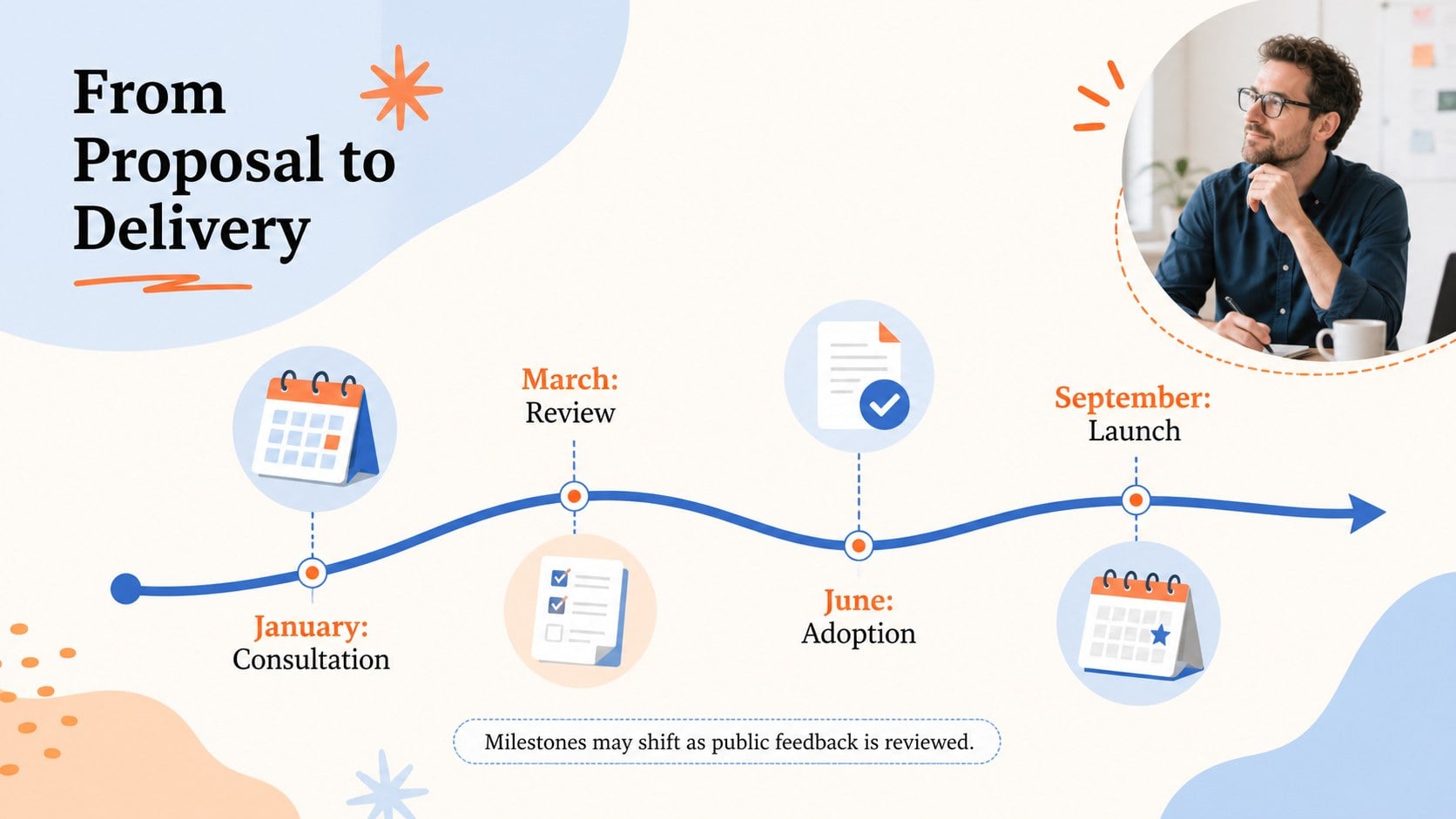
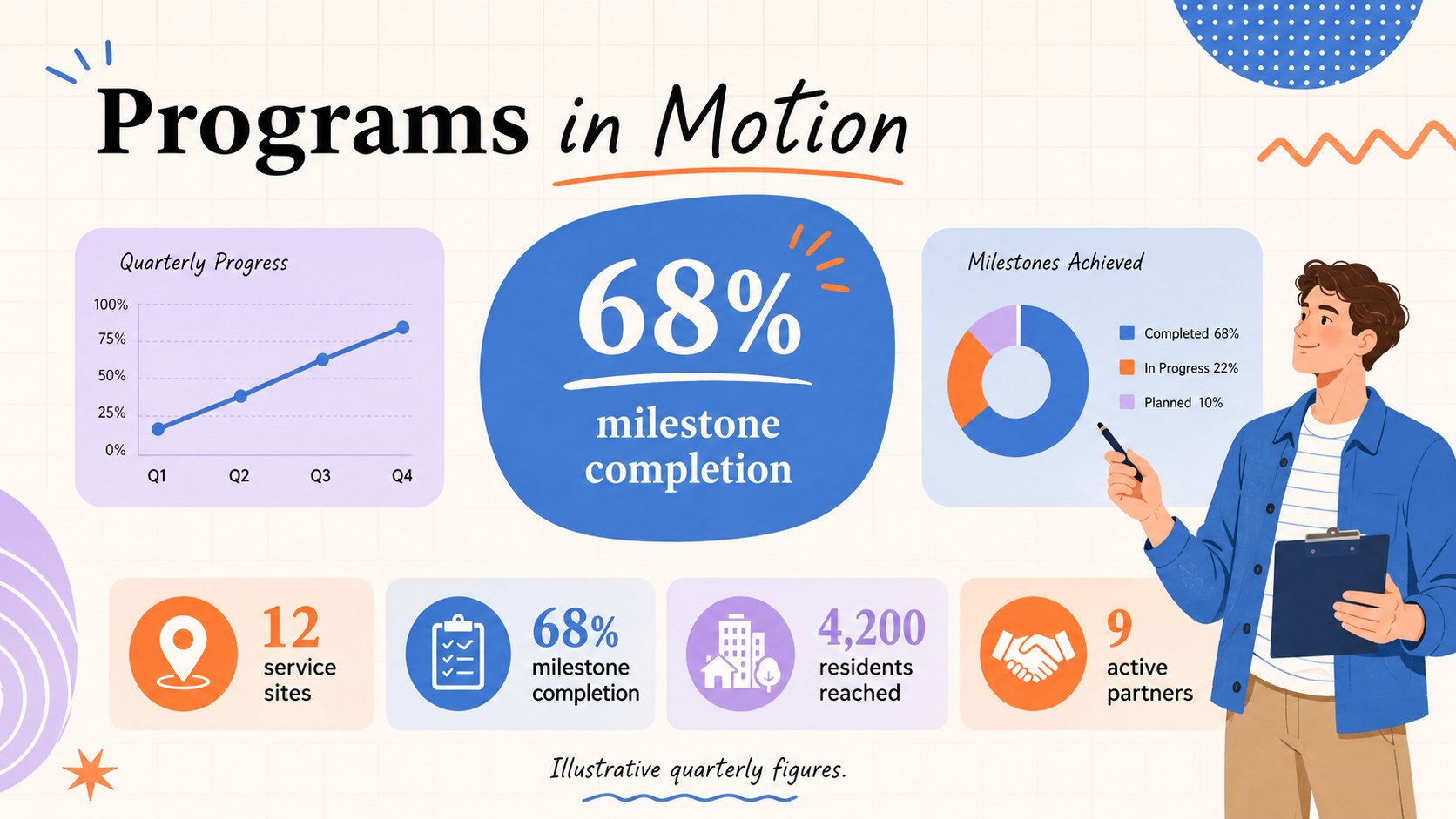
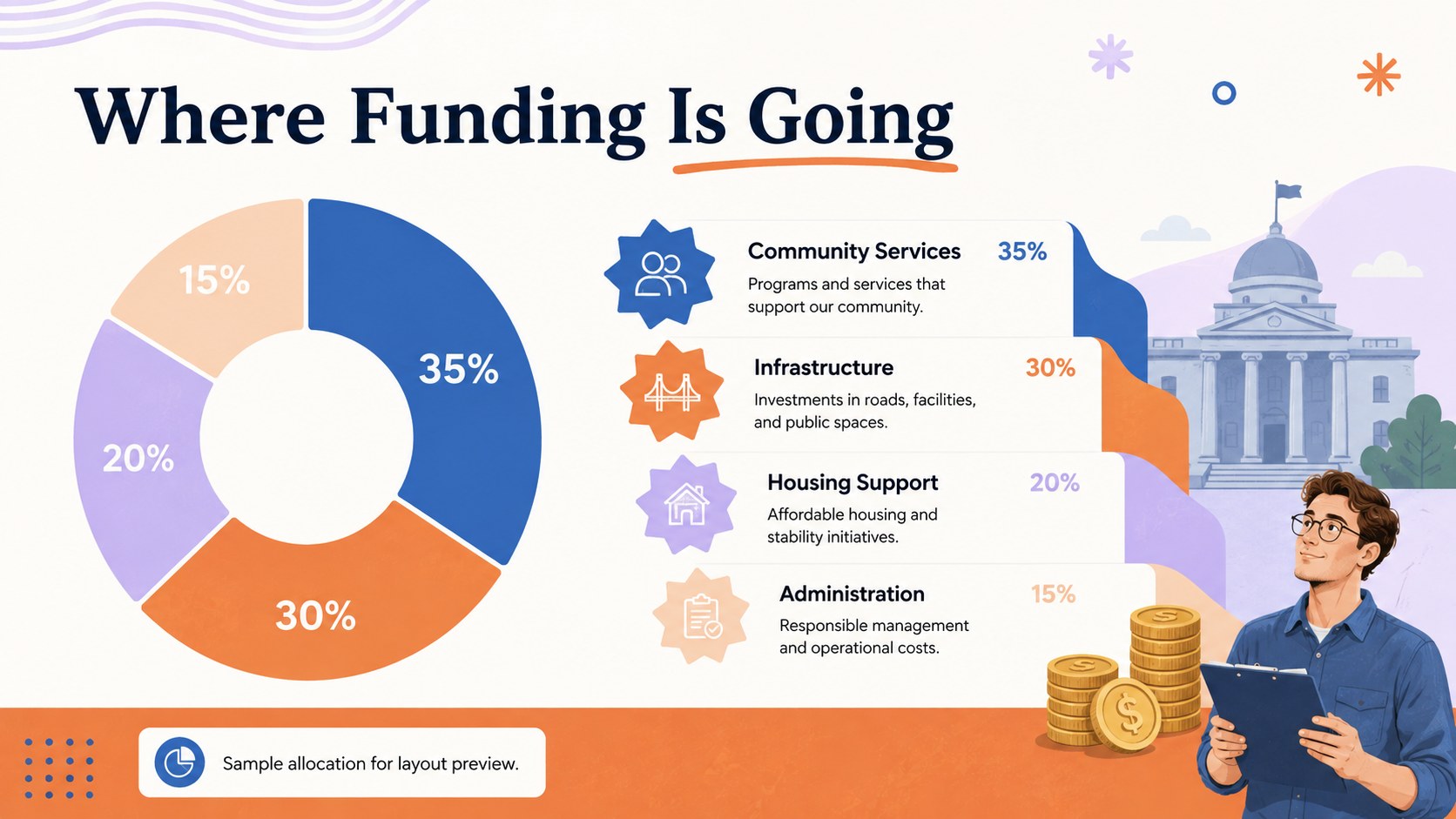
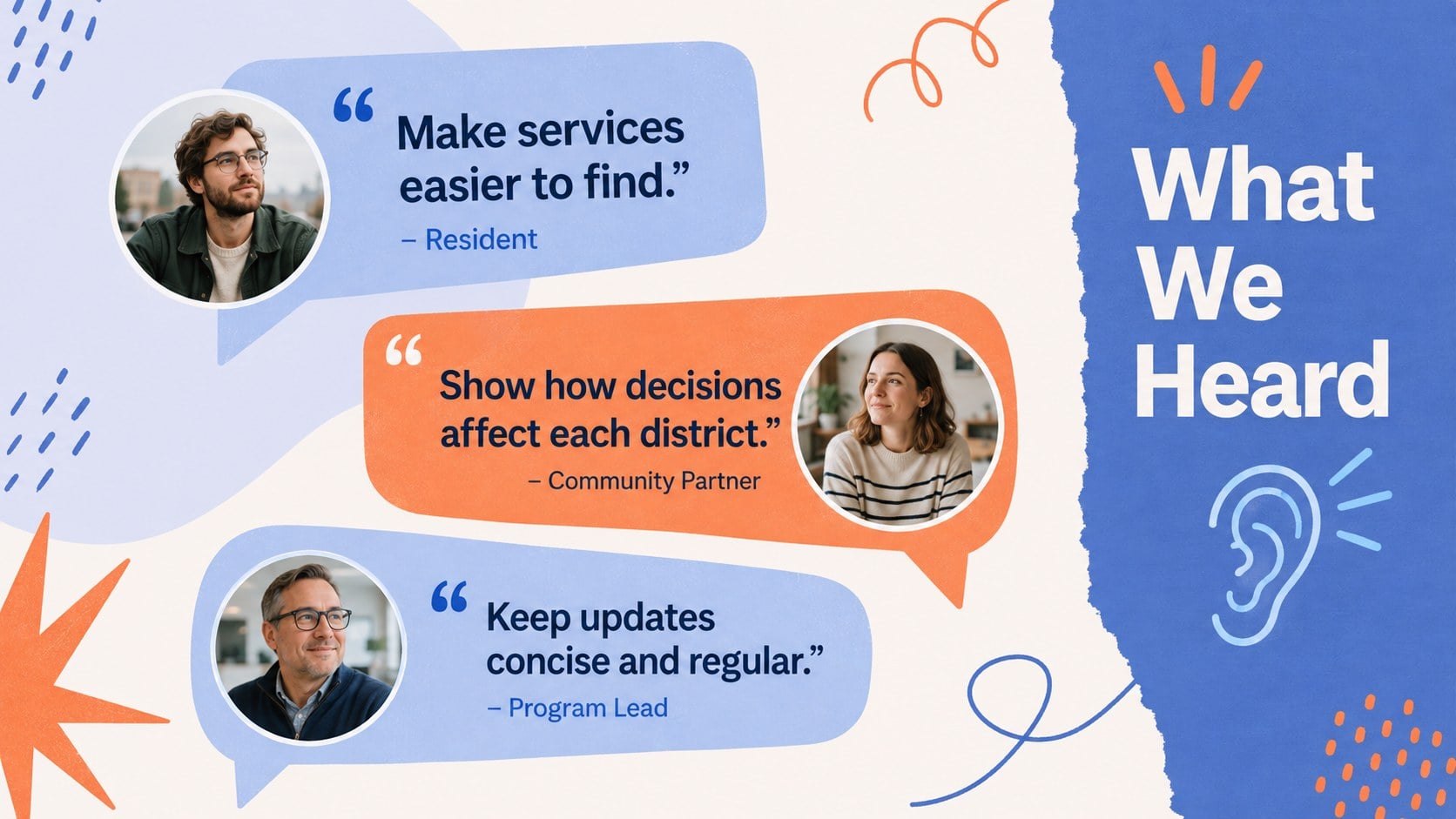
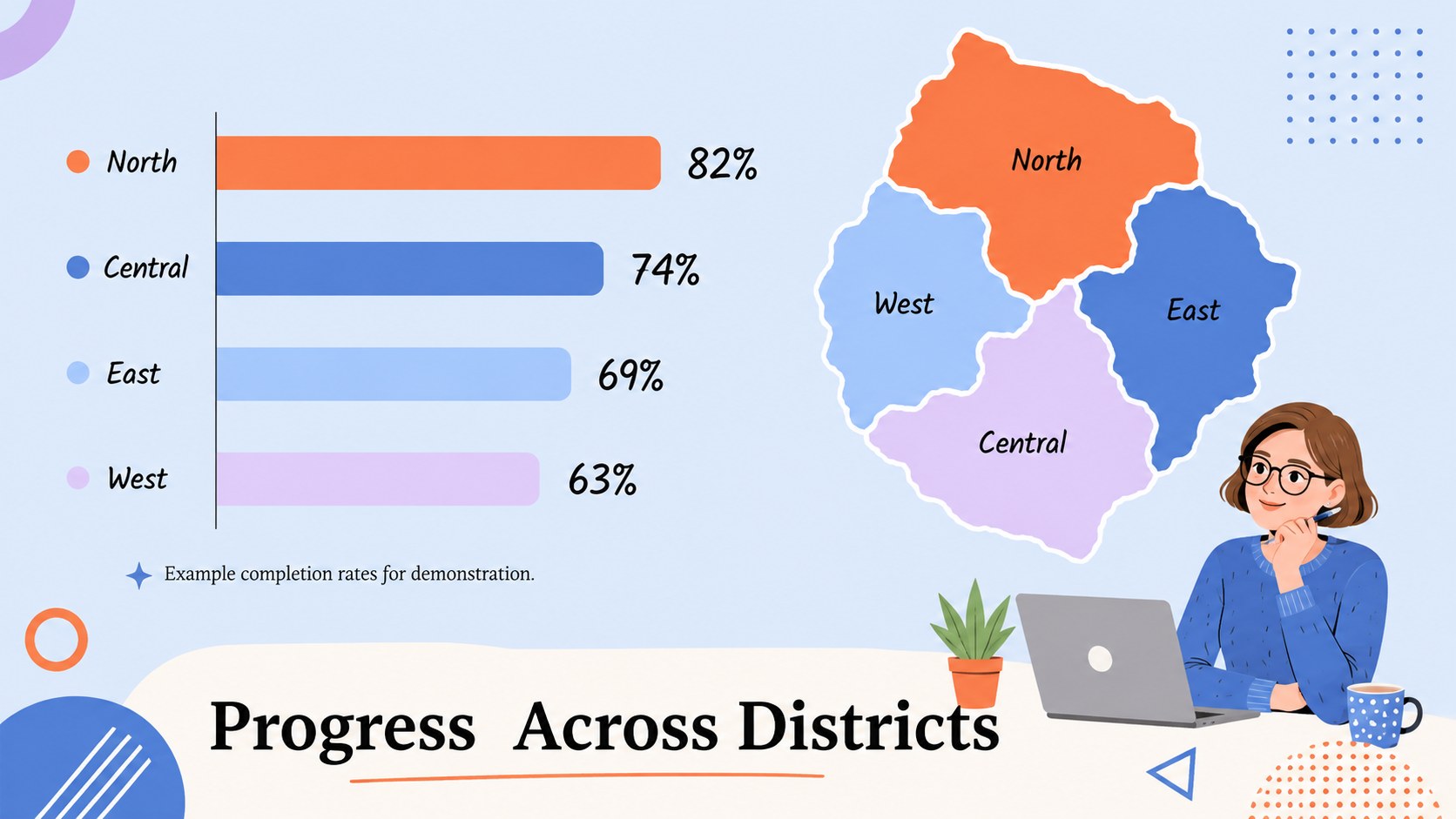
The deck includes a cover, contents page, executive summary, policy highlights, legislative timeline, program dashboard, budget overview, stakeholder perspectives, regional comparison, community impact story, implementation roadmap, upcoming events, contact page, and closing message. Flexible charts, statistics, callouts, image areas, and short editorial sections support both a government newsletter presentation and a public policy briefing template. The varied layouts help communicators balance quick updates with the evidence and context their audience needs.
Use this civic policy update newsletter for council briefings, agency reports, nonprofit advocacy updates, civic engagement meetings, or internal policy communications. Replace the sample wording, adjust the charts, apply departmental data, and reorder sections to suit a monthly or quarterly edition. It is especially useful for policy advisers, public information officers, local government teams, researchers, educators, and community organizations that need an orange and blue government slides deck with a clear, friendly editorial voice.
Perfect for: municipal policy briefing; quarterly agency newsletter; community engagement meeting; legislative update presentation; nonprofit advocacy report.
Frequently asked questions
Which presentation platforms support this deck? The deck is designed for PowerPoint and Google Slides. Layouts, text, colors, charts, and image placeholders can be edited in either platform.
Practical details
The deck is designed for PowerPoint and Google Slides. Layouts, text, colors, charts, and image placeholders can be edited in either platform.
Yes. Replace the sample content, update the orange and blue palette, add approved fonts, and insert your department's data and imagery. Brand marks can be added after downloading, according to your organization's guidelines.
Yes. Duplicate or remove sections to create monthly, quarterly, or issue-specific editions. The mix of summaries, timelines, charts, and editorial layouts supports both brief updates and detailed reports.
Yes. Edit labels, values, colors, and supporting notes directly in PowerPoint or Google Slides. Use verified sources and include citations where your reporting standards require them.
Keep exploring
15Use this astrology audience insights deck to present zodiac-based segments, behaviors, and campaign findings in polished black-and-gold slides.
 14
14Plan a memorable Lunar New Year campaign with the 2036 Dragon Year Celebration Theme, featuring bold red-and-yellow slides for lessons and events.
 15
15Build eerie lessons, campaigns, and story pitches with an undead survival scenario theme featuring editable slides for PowerPoint and Google Slides.
 15
15Build a clear breast cancer awareness bulletin with bold pink-and-red slides for campaign news, screening reminders, impact data, and community updates.
 15
15Shape your publishing concept with an indie magazine startup pitch deck featuring pastel gradients, bold collage layouts, and editable planning slides.
 15
15Build a bold retro-futurist campaign pitch deck for client meetings, with editable strategy layouts and playful pastel Y2K-inspired visuals.
 16
16Build a consistent presence with a social channel identity playbook covering voice, visuals, content formats, publishing rules, and approvals.
 15
15Celebrate online learners with webinar completion certificate slides, featuring editable violet artwork for university events in PowerPoint and Google Slides.