
 15
15presentation
Astrology Audience Insights Deck
Use this astrology audience insights deck to present zodiac-based segments, behaviors, and campaign findings in polished black-and-gold slides.
Google SlidesPowerPoint
presentation · English
Create warm seasonal messages with Cheerful Christmas Card-Making Slides, an editable red-and-green deck for classrooms, campaigns, parties, and greetings.




Design notes
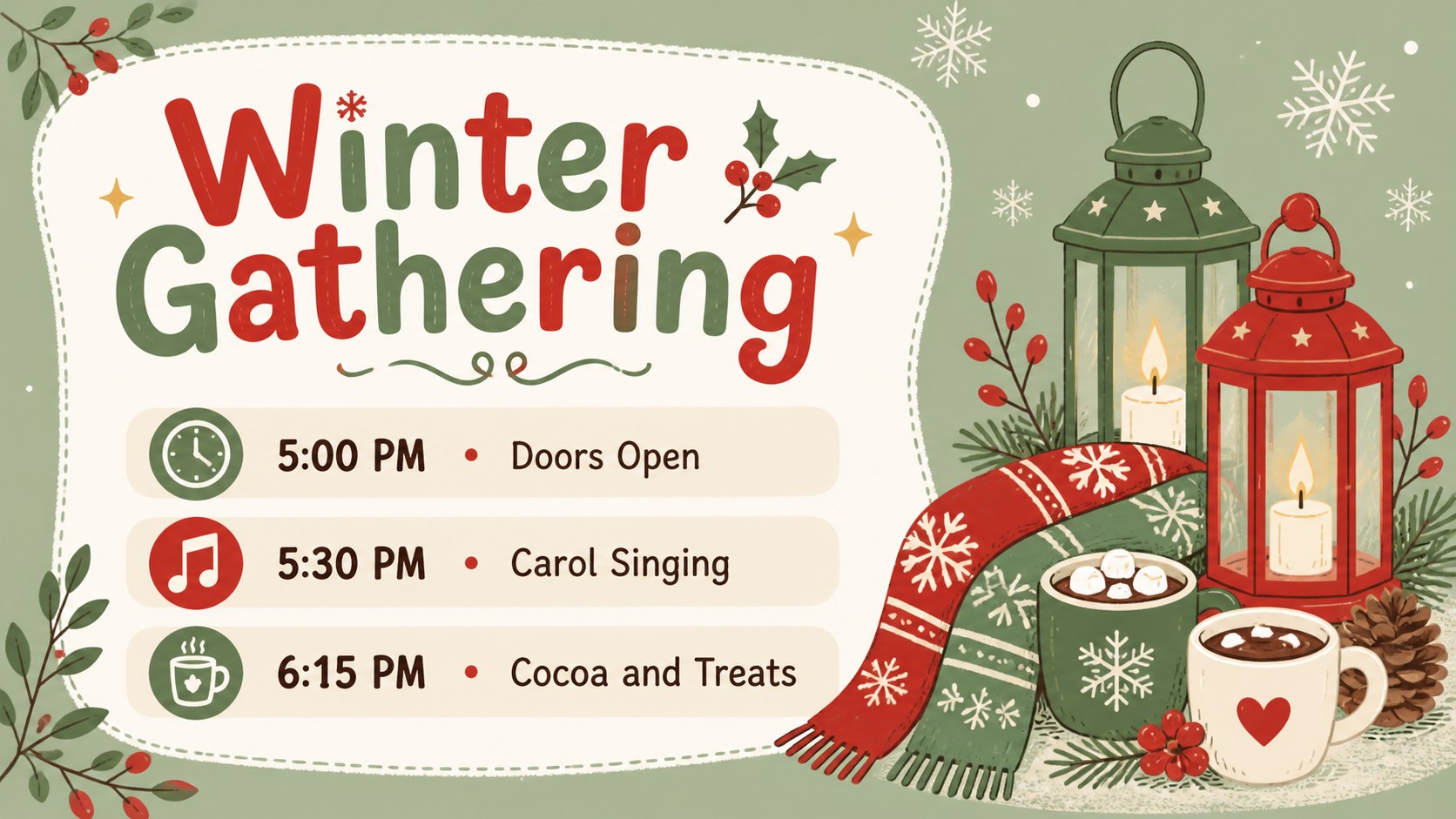
Cheerful Christmas Card-Making Slides help you turn simple seasonal messages into colorful greetings with a playful, hand-drawn finish. Designed in a lively red, green, and multicolor palette, this christmas card presentation template works equally well for heartfelt notes, cheerful announcements, and family-friendly holiday activities.
Inside, you will find more than 25 editable layouts for greeting covers, personal messages, photo cards, classroom wishes, event invitations, social posts, and closing notes. Rearrange text, update colors, add images, and adapt the decorative lettering to suit your celebration. These editable holiday greeting slides also include flexible spaces for short stories, lists, schedules, and campaign details, giving you more options than a traditional printed card.
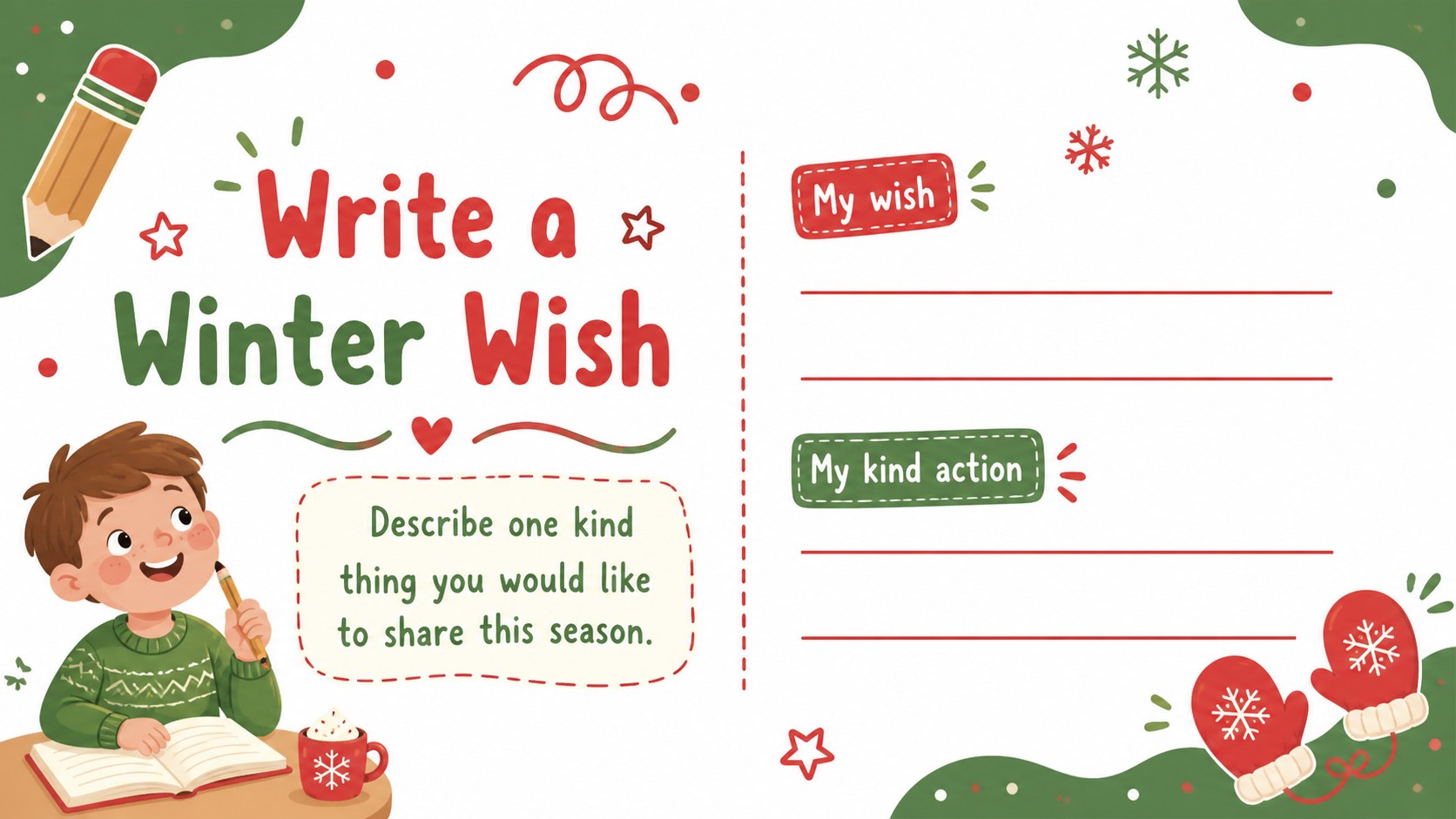
The deck is made for teachers planning seasonal activities, families sharing digital greetings, small businesses preparing festive promotions, and community groups announcing winter events. It can also serve as a set of kids christmas classroom slides for writing exercises, party invitations, or end-of-term thank-you messages. Every layout is ready to edit in PowerPoint or Google Slides, with familiar tools for adjusting fonts, shapes, illustrations, animations, and transitions. Use the complete deck for a holiday presentation or select individual designs to share as standalone greetings.
Perfect for: family holiday greeting; classroom Christmas writing activity; seasonal social media campaign; winter party invitation; customer appreciation message; community event announcement.
Frequently asked questions
Can I edit these slides in PowerPoint and Google Slides? Yes. The layouts are designed for PowerPoint and Google Slides, where you can revise text, colors, images, shapes, and slide order using the standard editing tools.
Practical details
Yes. The layouts are designed for PowerPoint and Google Slides, where you can revise text, colors, images, shapes, and slide order using the standard editing tools.
Yes. Choose a greeting layout, personalize its message, and export that individual slide as an image or PDF. This works well for email greetings and social media posts.
Replace the sample wording with your own message, add family or team photos, and adjust the decorative colors to match your event or organization. Keep text brief so the hand-drawn illustrations remain prominent.
Yes. The bright palette, friendly lettering, and simple message areas suit classroom greetings and seasonal writing activities. Teachers can simplify the text or duplicate layouts for individual student cards.
Keep exploring
15Use this astrology audience insights deck to present zodiac-based segments, behaviors, and campaign findings in polished black-and-gold slides.
 14
14Plan a memorable Lunar New Year campaign with the 2036 Dragon Year Celebration Theme, featuring bold red-and-yellow slides for lessons and events.
 15
15Build eerie lessons, campaigns, and story pitches with an undead survival scenario theme featuring editable slides for PowerPoint and Google Slides.
 15
15Build a clear breast cancer awareness bulletin with bold pink-and-red slides for campaign news, screening reminders, impact data, and community updates.
 15
15Shape your publishing concept with an indie magazine startup pitch deck featuring pastel gradients, bold collage layouts, and editable planning slides.
 15
15Build a bold retro-futurist campaign pitch deck for client meetings, with editable strategy layouts and playful pastel Y2K-inspired visuals.
 16
16Build a consistent presence with a social channel identity playbook covering voice, visuals, content formats, publishing rules, and approvals.
 15
15Celebrate online learners with webinar completion certificate slides, featuring editable violet artwork for university events in PowerPoint and Google Slides.